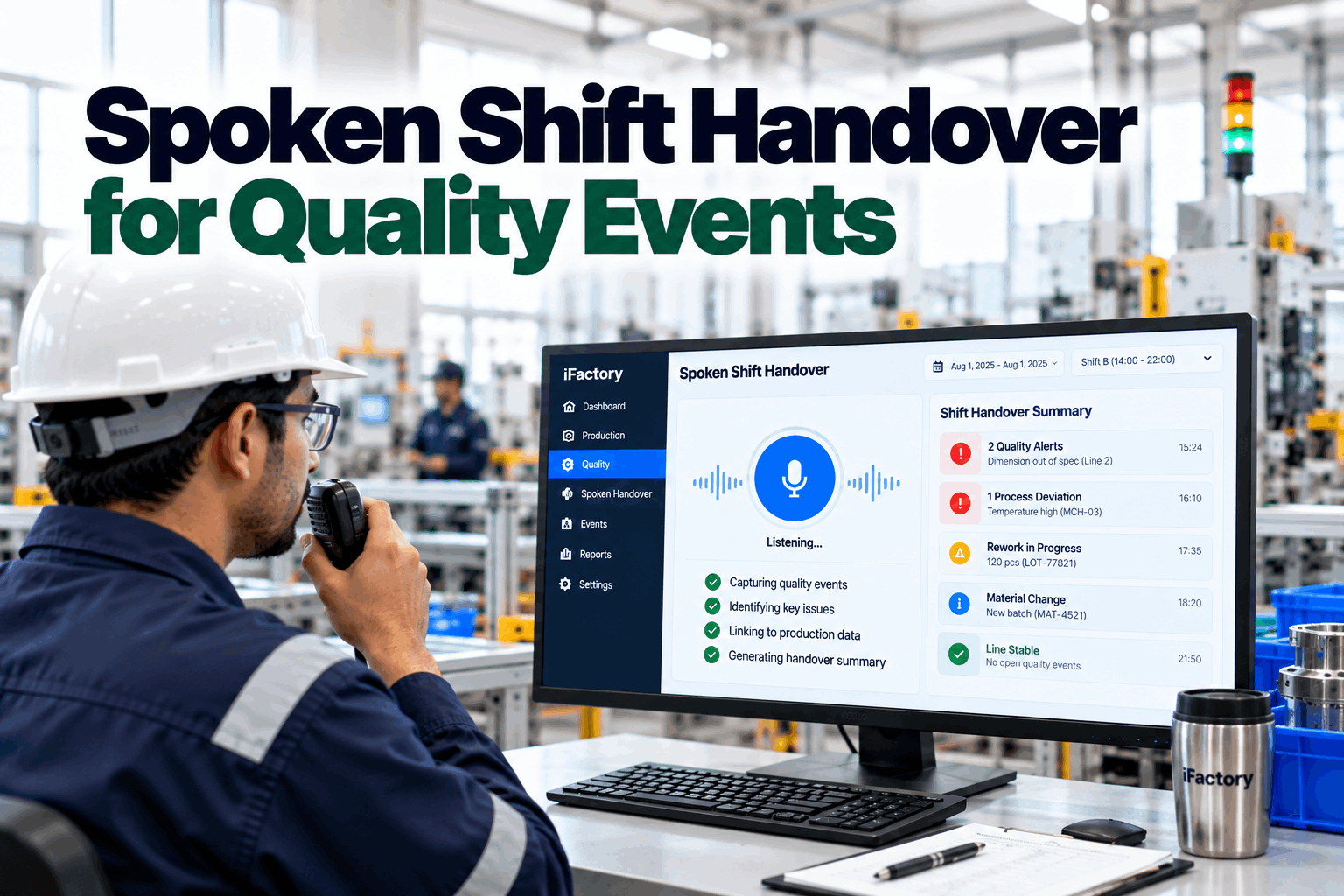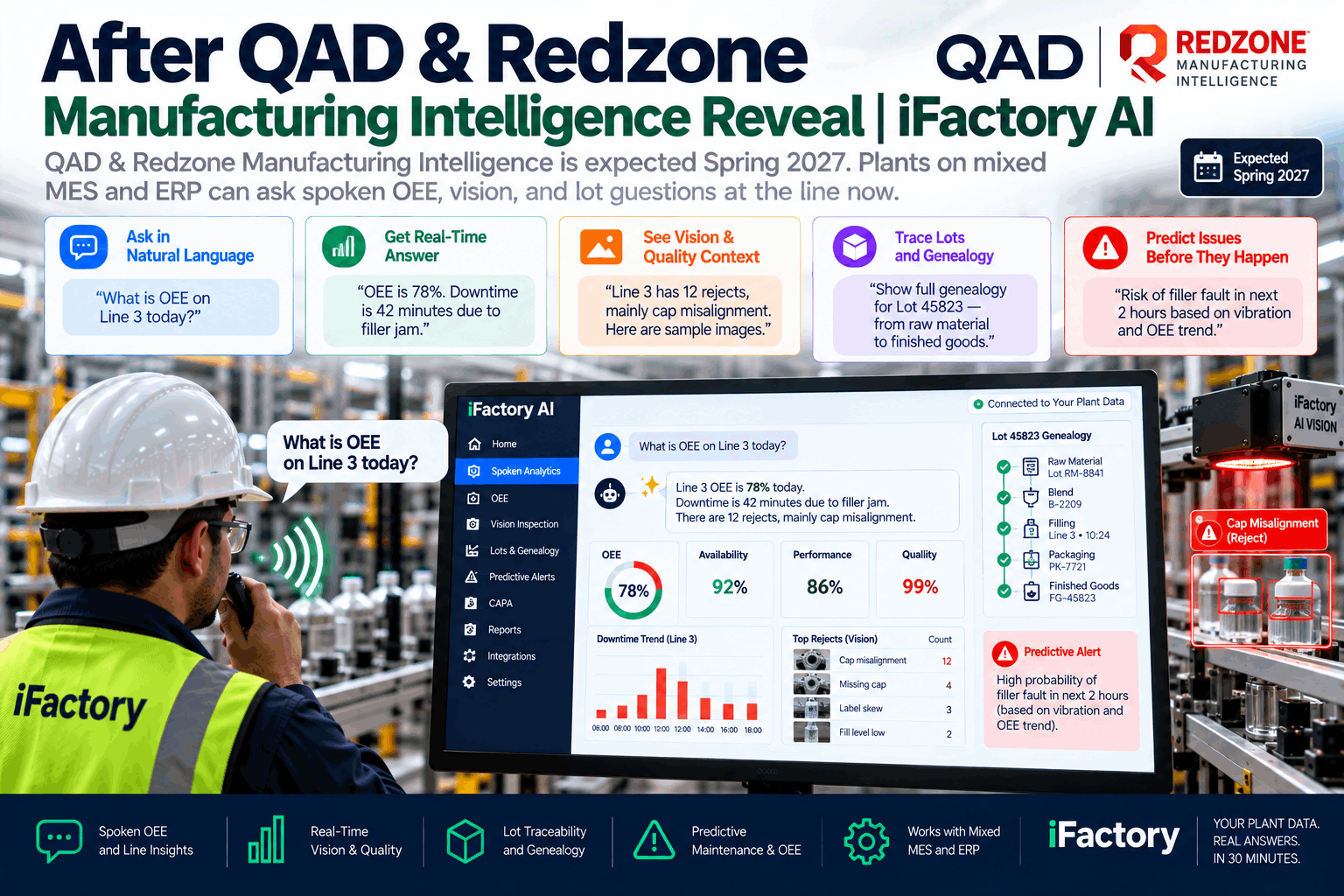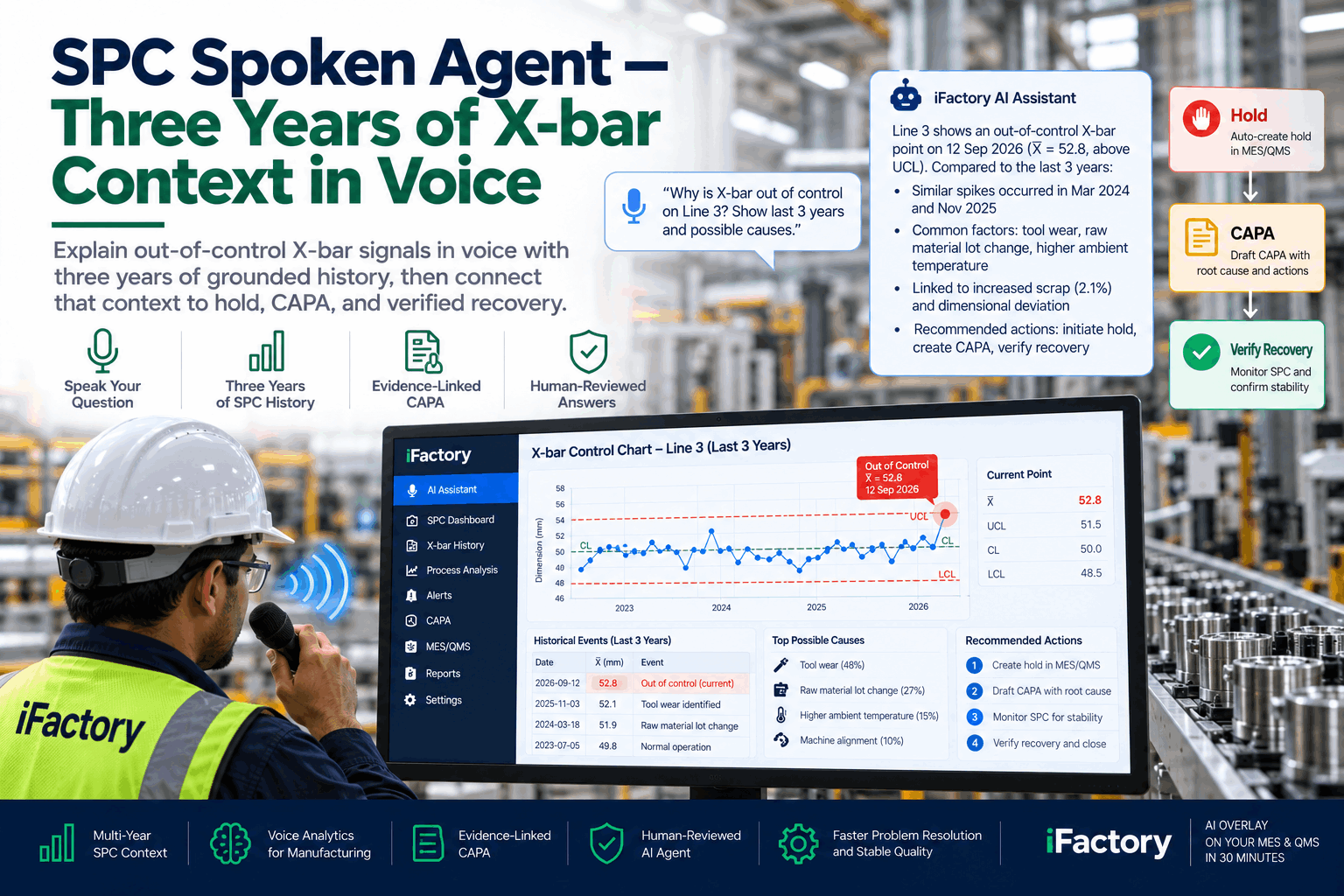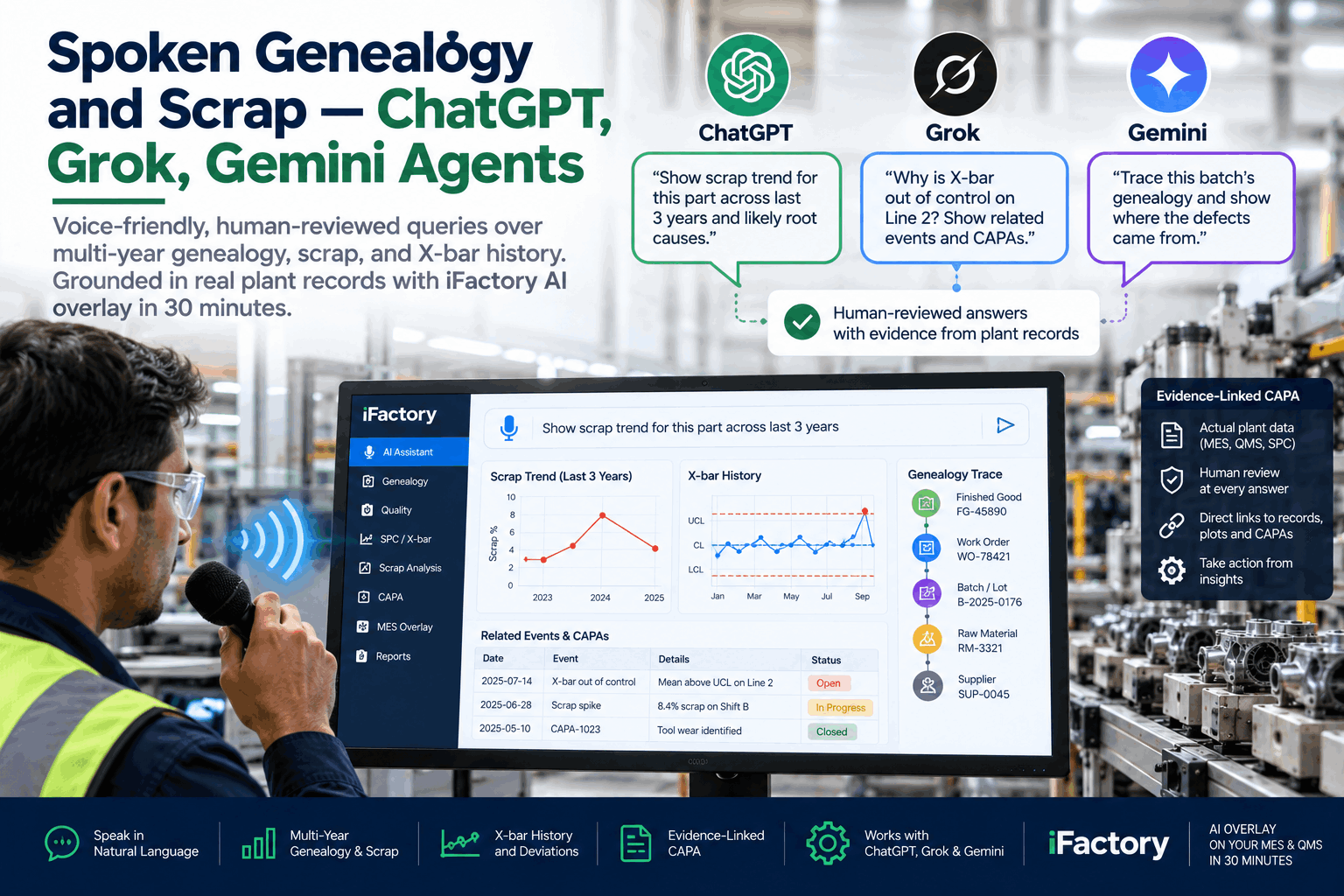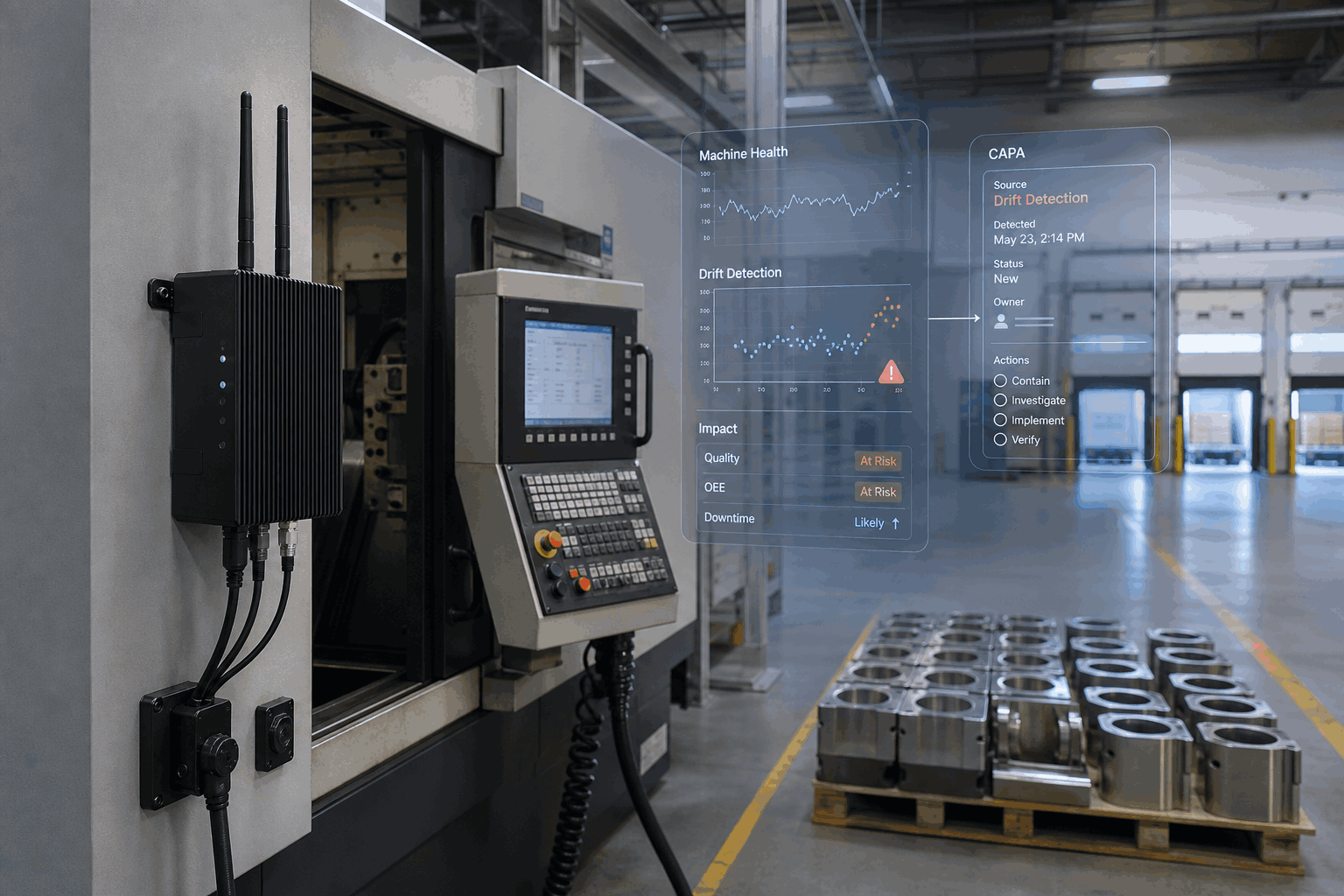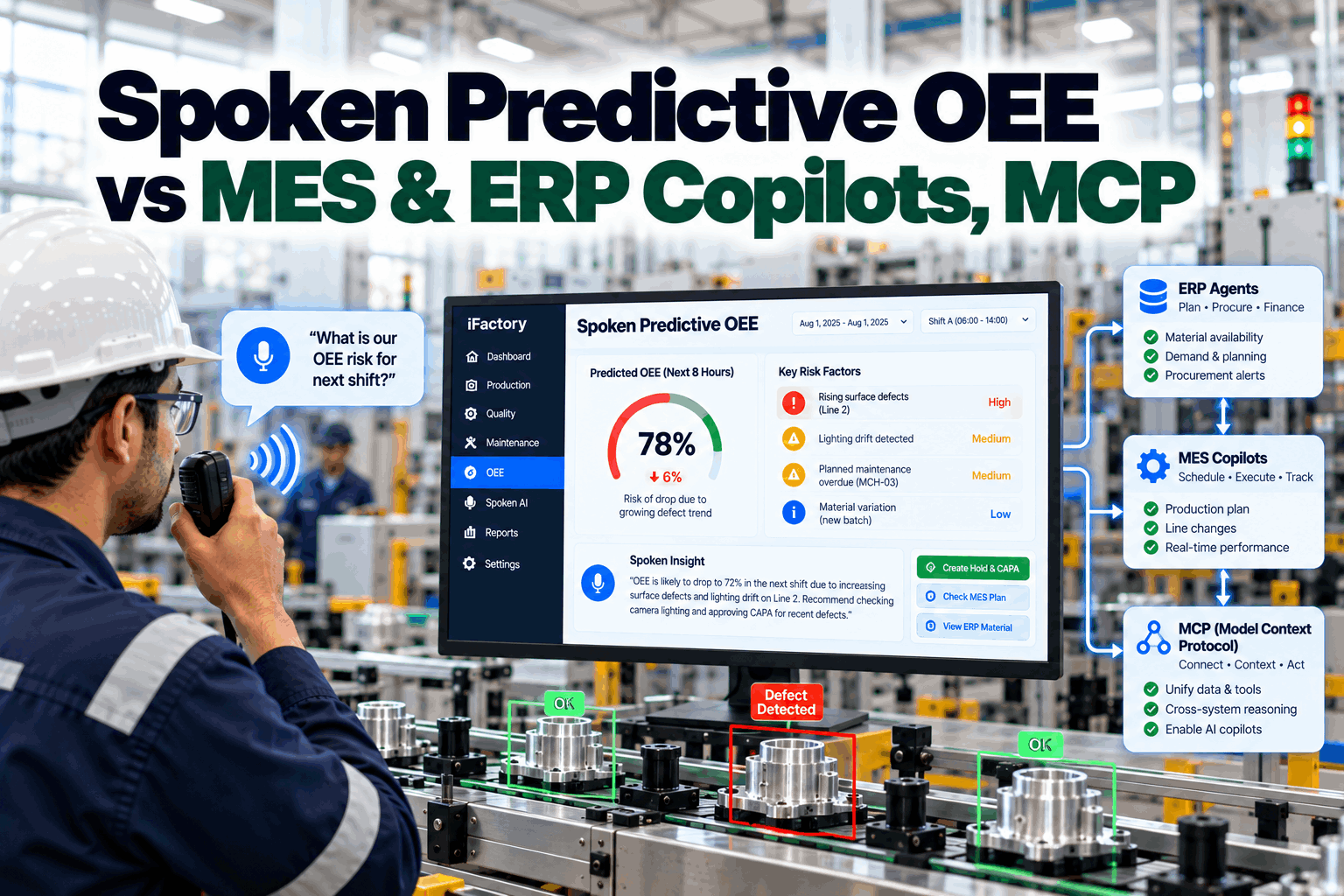
When a line goes unstable at 2 a.m., the questions come fast: what stopped, is the reject pattern real, which lots are exposed, and who signs the hold. The 2026 wave of MES copilots, ERP agents and MCP connectors is real progress, but most of it is built for the people who configure, plan and coordinate the stack, not for the operator standing at the machine. This page compares the two layers plainly: what the vendors actually announced, what MCP does and does not solve, and where spoken predictive OEE with a human approval gate fits beside the systems you already run. Book a 30-minute walkthrough of one line-side exception, from spoken report to approved write-back.
Copilots and MCP agents help the enterprise configure, plan and query. Shop-floor OEE starts at the machine, needs evidence on arrival, and needs a named person to approve before anything is held or rescheduled.
At a Glance
What the Vendors Actually Announced in 2026
The category is moving, and it is worth being precise about how. Read closely, each announcement below targets a specific layer of the stack. None of them is a weak product; they are simply aimed at different work than a line lead handling an unplanned stop.
Delivered as an MCP server that gives GitHub Copilot Opcenter X-specific knowledge, so configurators can generate code aligned with Modular MOM metadata standards inside their existing development workflow.
Includes a Maintenance Work Order Cost Estimation Advisor that estimates work order cost from planned materials, labor and resources through a conversational interface. Oracle states the agents come within Fusion Applications at no additional cost; that is Oracle’s claim for its own suite.
Agents across demand, supplier risk, production constraints and equipment uptime. Copilot connected through the Dynamics 365 MCP Server gives supervisors near-real-time visibility and exception support, with Microsoft stressing that humans stay in control.
Showing AI copilots that let users explore manufacturing information through natural-language queries, plus machine learning for defect prediction, on its MES-powered Industrial Operations Platform for electronics makers.
iFactory is not affiliated with Siemens, Oracle, Microsoft or Critical Manufacturing. Their product names appear here only as news context, summarized from each company’s own public announcements as of late September 2026. Check current availability with each vendor directly.
What MCP Solves, and What It Leaves to the Plant
MCP, the Model Context Protocol, is an open standard introduced by Anthropic in late 2024 for connecting AI assistants to tools and data through defined servers. It solves a real plumbing problem. Instead of building a custom integration for every assistant and every system, a vendor exposes its data and actions once, through an MCP server, and any compatible assistant can use them. That is why it now shows up in MES and ERP roadmaps.
MCP is a connector, not a workflow. A server that exposes MES data tells an assistant what it can read and which tools it can call. It does not decide how an operator at a noisy line reports an exception, what evidence must be attached before a hold, who may approve it, or what gets recorded when they do. Those are plant decisions, and they are the ones that make shop-floor OEE defensible.
Put simply, an MCP connection can carry an approved record into your MES. It cannot supply the approval. That distinction frames the rest of this comparison.
Side by Side: Where Each Tool Does Its Work
| Dimension | MES / ERP copilot or MCP agent | Spoken predictive OEE overlay |
|---|---|---|
| Primary user | Configurators, planners, analysts and supervisors inside the enterprise tools | Operators, line leads, shift supervisors and quality reviewers at the line |
| Where work starts | A screen, a query or a planning task | A stop, a reject pattern, or an operator noticing something off |
| Typical input | Typed prompts and records already in the host system | A spoken exception in plain language, plus live line state |
| Evidence attached | What the host suite holds | OEE state, SPC trend, genealogy, and vision results where installed, across your systems |
| Action authority | Recommends, drafts and estimates; actions follow the host system’s own permissions | Prepares the action; a named person approves before any hold or schedule write |
| Write-back | Native to its own suite | Approved record handed to your MES, ERP, CMMS or QMS; scope confirmed per system |
| Strongest at | Configuration, planning, cost estimation, natural-language queries | Capturing exceptions in the moment and routing them through a controlled gate |
| Watch for | Single-suite scope on mixed stacks; roadmap versus generally available | Needs data access and crew adoption; value depends on the approval discipline you keep |
The Line-Side Loop That Copilots Don’t Cover
The useful comparison is not a feature list. It is the operational loop each tool supports when something goes wrong on a running line.
A stop, a cycle-time drift, a reject cluster, or an operator noticing something off. This is an execution event, not a planning event.
What happened, where, and what it looked like, hands-free through a headset instead of hunting through menus with gloves on.
OEE state, SPC trend and genealogy references from your connected systems turn a note into a structured event tied to process history.
Where a camera covers the step, result-level evidence shows whether the issue is real, recurring or visually detectable.
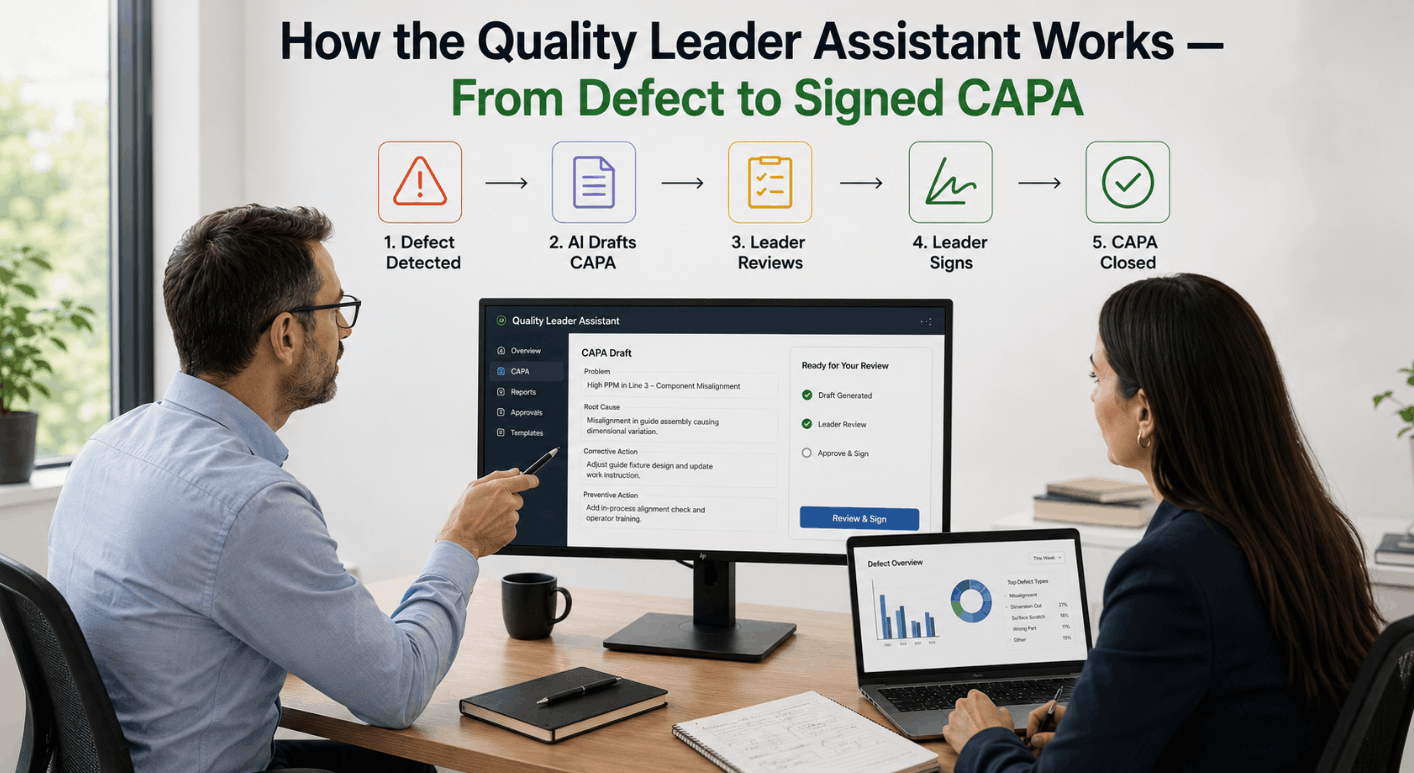
The reviewer sees the prepared action and its evidence, then approves, edits or rejects it. Nothing quality-sensitive moves before this step.
Only after approval, with the reviewer, time and rationale attached to the action.
The approved event is handed to your MES, ERP, CMMS or QMS as a soft overlay. Write-back scope is confirmed per system during scoping.
Why the Human Gate Is a Design Choice, Not a Limitation
It is tempting to see approval as friction that better AI will eventually remove. In quality-sensitive plants that gets it backwards. A hold, a release or a schedule change is not just an action; it is a record someone may have to defend months later in an audit, a customer complaint or a CAPA review. The gate is what makes that record defensible, and it keeps authority with the people your quality system already names.
This is not a point of disagreement with the enterprise vendors. Microsoft’s own framing keeps humans in control. The difference is where the gate sits and what arrives with it. An approval inside a planning tool reviews a recommendation. An approval at the line reviews a live exception, with the spoken report, the chart and the lot trace in the same view.
Keeping the gate also makes adoption easier. Crews and quality leads do not have to give up decision authority to get a faster interface, so the conversation shifts from trusting the AI to reviewing the evidence.
What iFactory Delivers, and What It Doesn’t Claim
Operators speak the event at the line and it becomes a structured record, not a free-text note.
OEE, SPC and genealogy references from your connected systems attach automatically, with vision results where installed.
Holds and schedule changes are drafted with evidence and wait for a named approver.
Who approved, when, on what evidence and why, stored with the event for later review.
Approved records go to your MES, ERP, CMMS or QMS, with write-back scope confirmed per system.
Spoken answers at the line; an emailed deep-dive report when a question needs more than a sentence.
- It is not a replacement MES or ERP.
- It is not an autonomous quality authority. No hold or schedule write happens without approval.
- It does not promise a fixed OEE gain or a universal ROI formula.
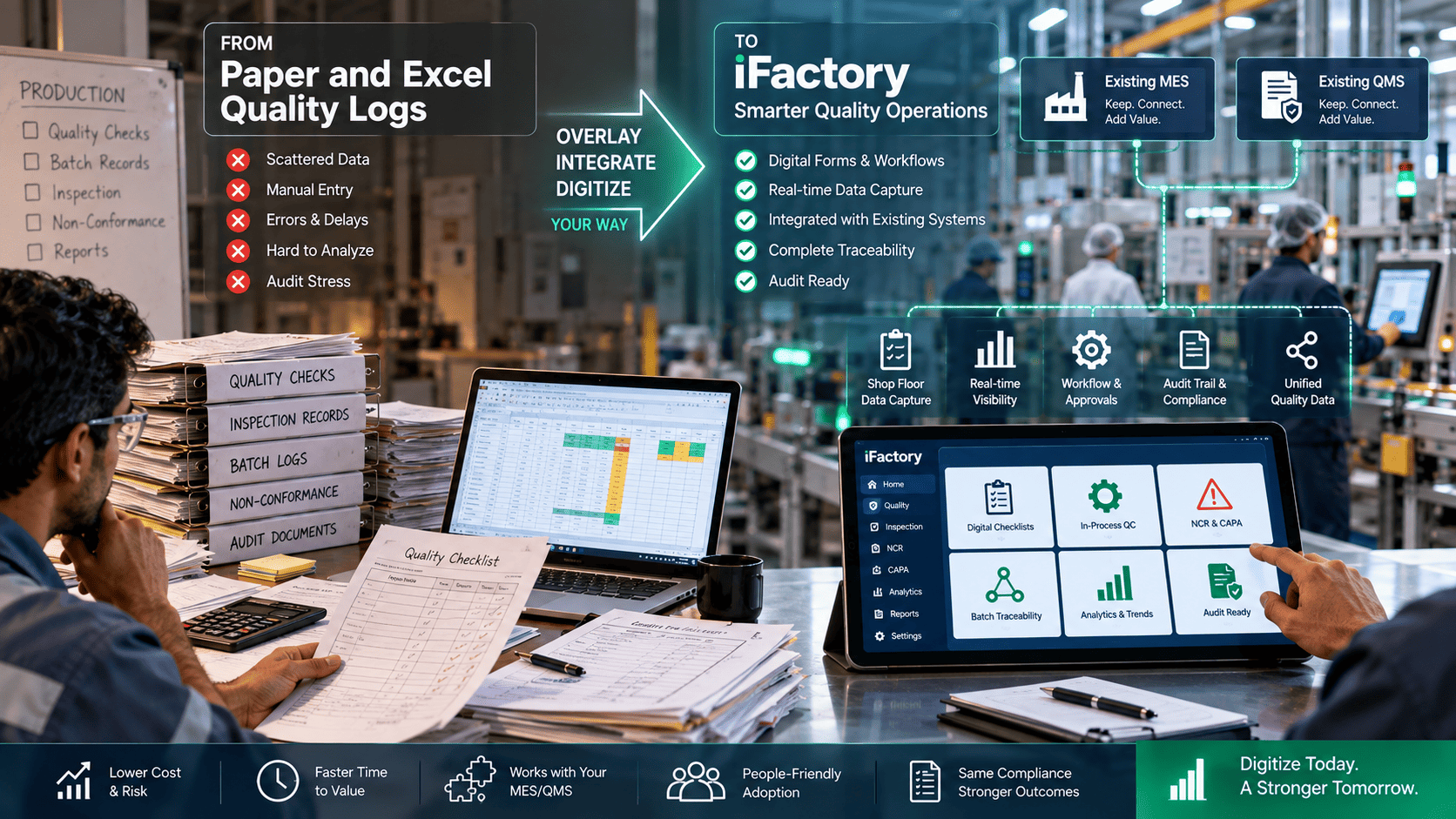
- It does not compete with your vendor’s copilot. The two can run side by side.
Bring one line and one recent exception. We walk through voice capture, the evidence that attaches, the approval gate, and how the approved record reaches your MES or ERP, beside whatever copilots you already use.
When to Use Which, and When to Use Both
- Speed up MES configuration and modeling code
- Guide planning, sourcing and setup tasks
- Estimate maintenance work order cost
- Answer natural-language questions about data already in the suite
- Coordinate decisions across the value chain
- Capture line-side exceptions as they happen
- Let operators describe the event in their own words
- Attach OEE, SPC, genealogy and vision evidence
- Route holds and schedule writes through approval
- Work across mixed MES and ERP estates
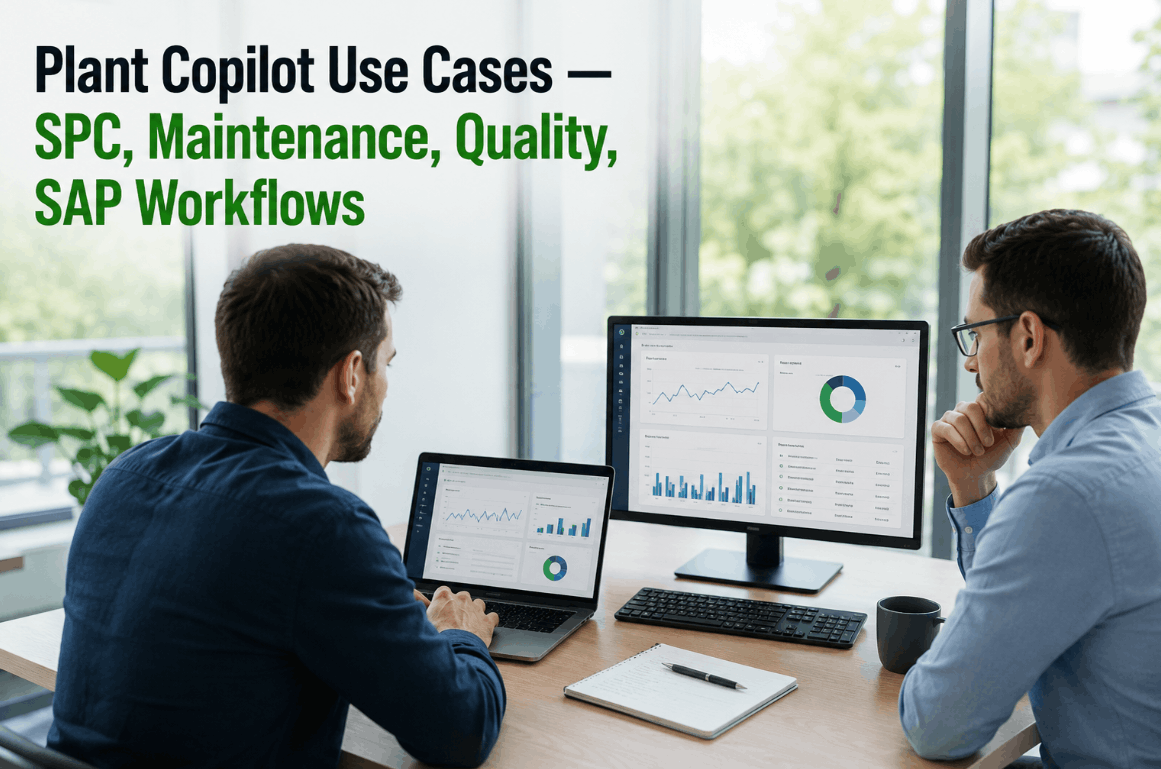
Every approved, evidence-backed exception that lands in your MES becomes better material for the copilots above it: cleaner reason codes, attributed holds, traceable schedule changes. A copilot summarizing last week’s losses is only as good as the records it reads. Line-side capture with a gate is how those records get good.
Five Questions to Ask Any Vendor, Including Us
Get dates in writing. Previews and plans are not the same as software your crews can use this quarter.
Native connector, API or MCP server, and for your specific MES, historian, QMS and vision stations, not just categories.
And where is that approval recorded, with what evidence attached?
Type, tap or speak. Ask whether it works at line noise, with gloves on, mid-task.
Ask for the architecture, including what leaves the building, rather than a promise.
A low-risk first step looks the same whichever vendor you evaluate: one line, read-only, one shift pattern, run beside the current routine. Compare the answers, then decide whether to expand.
Frequently Asked Questions
MES copilots mostly help with configuration, guidance, summaries and queries inside the software layer. Spoken predictive OEE is a line-side workflow: it captures the operator’s spoken exception, attaches OEE, SPC, genealogy and vision context, and routes any quality-sensitive action through human approval.
Not on its own. ERP agents are strong at planning, cost estimation and coordination, and an MCP server is a way to connect an assistant to data and tools. Neither defines how exceptions are captured at the machine, what evidence is required, or who approves a hold.
The Model Context Protocol is an open standard for connecting AI assistants to tools and data through defined servers. Vendors adopt it so one integration can serve many assistants. It is useful plumbing, but it is a connector rather than a governed workflow.
Because those actions affect traceability, accountability and customer commitments. A system can prepare the action and its evidence; a named reviewer should make the call, and the record should show who did, when and why.
No. iFactory runs as an overlay beside your MES, ERP, CMMS and quality systems. Approved records are handed back to those systems, and your vendor’s copilot can keep doing configuration and planning work alongside it.
Trend-aware. When asked, the agent points out losses that are building, such as a stop reason that keeps growing or a defect rate creeping up, so the team can act before the shift is lost. It does not act on its own.
Agentic MES and ERP tools are real category signals, and most plants will use them. Shop-floor OEE is still a line-side workflow problem. iFactory adds spoken capture, evidence on arrival and human approval beside the stack you already run.