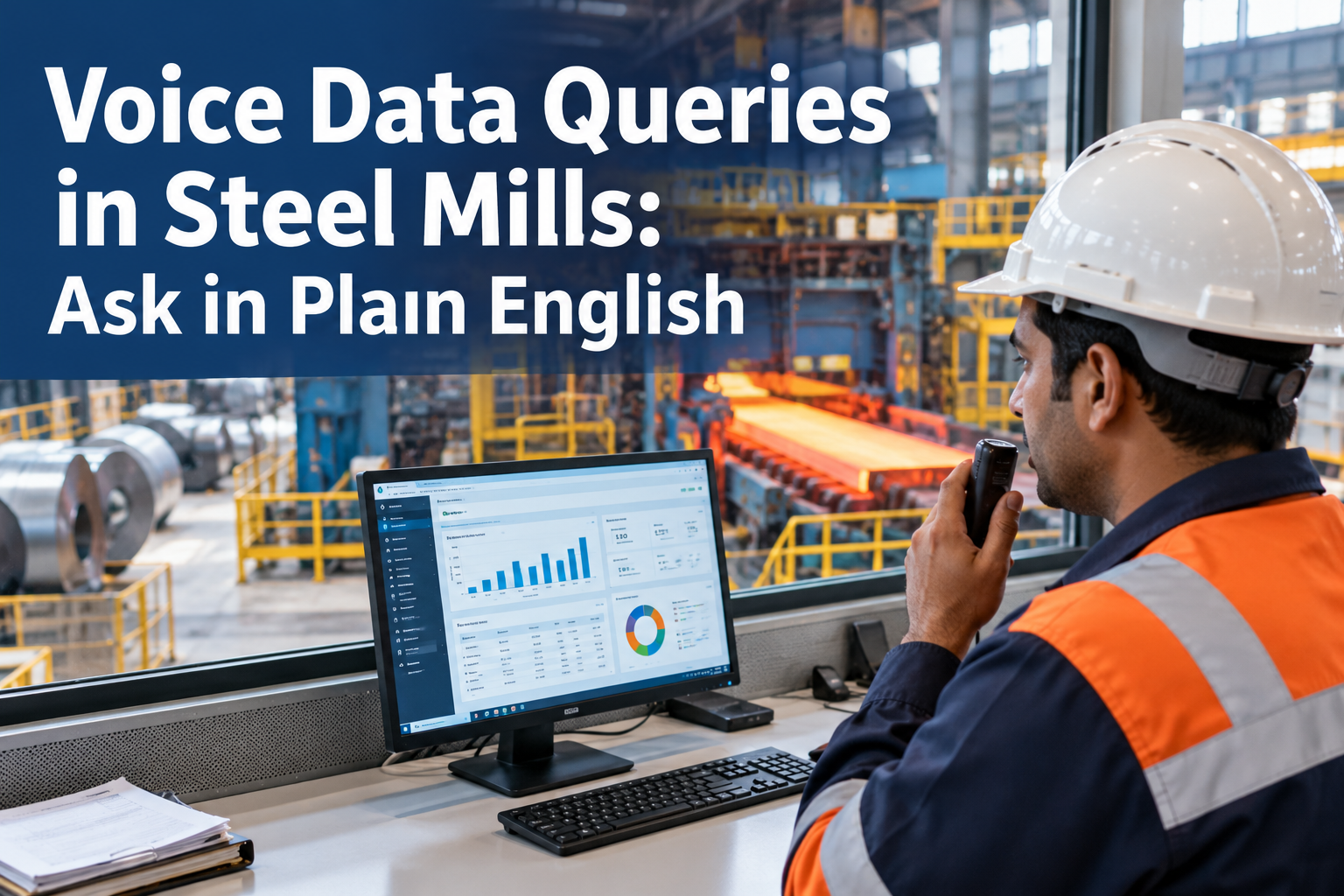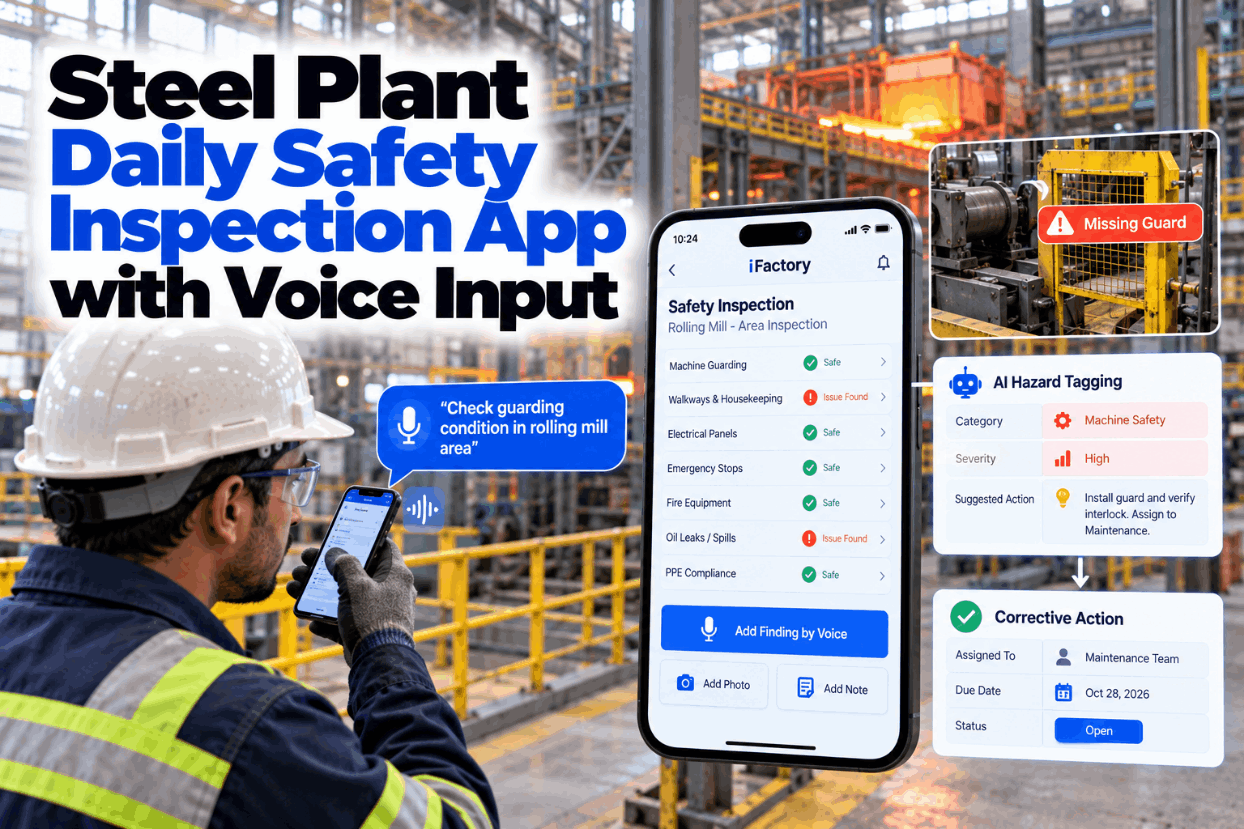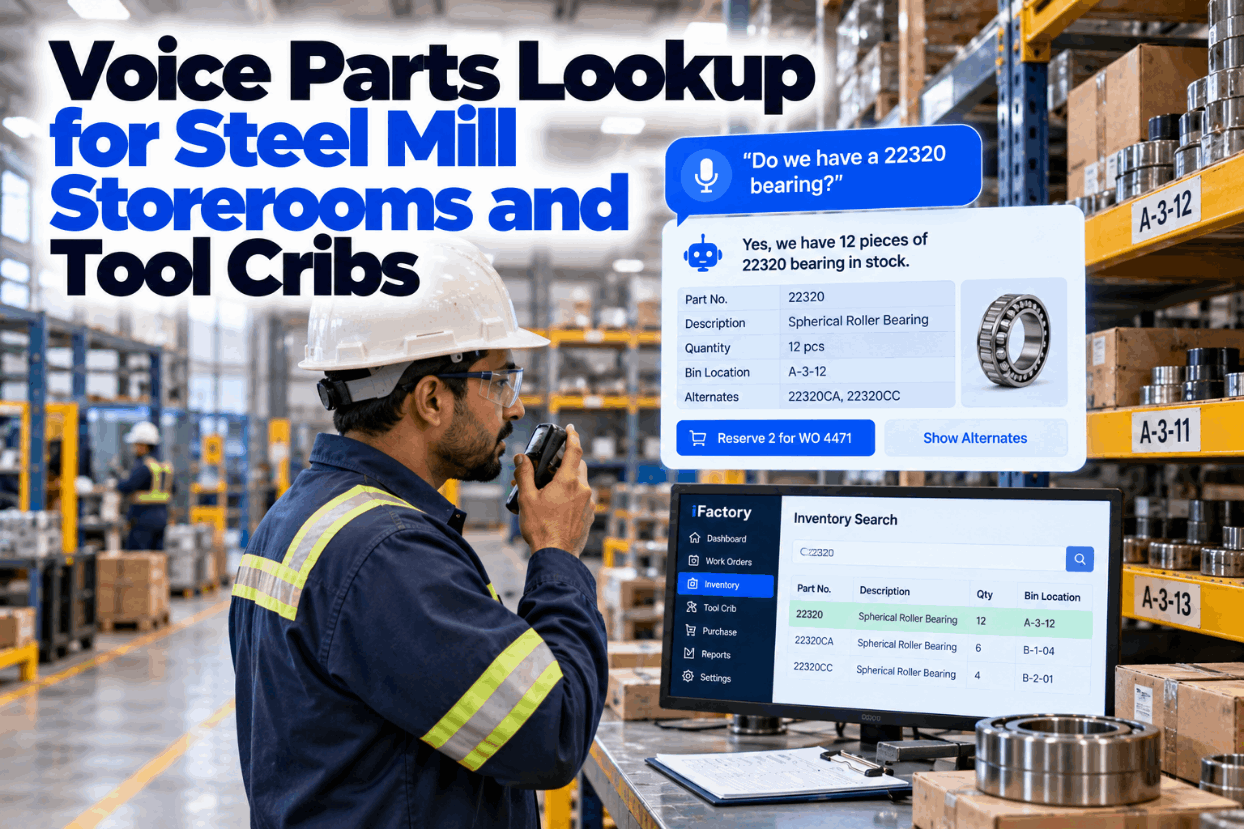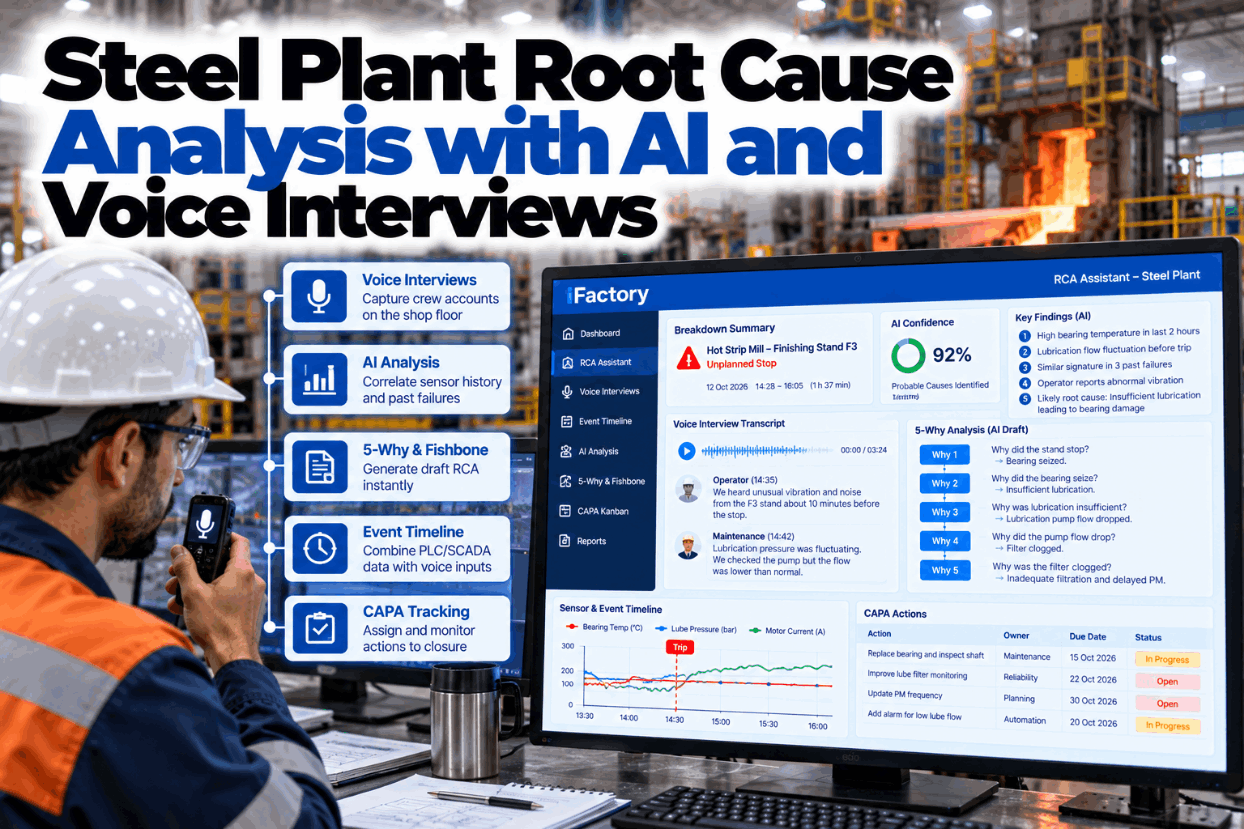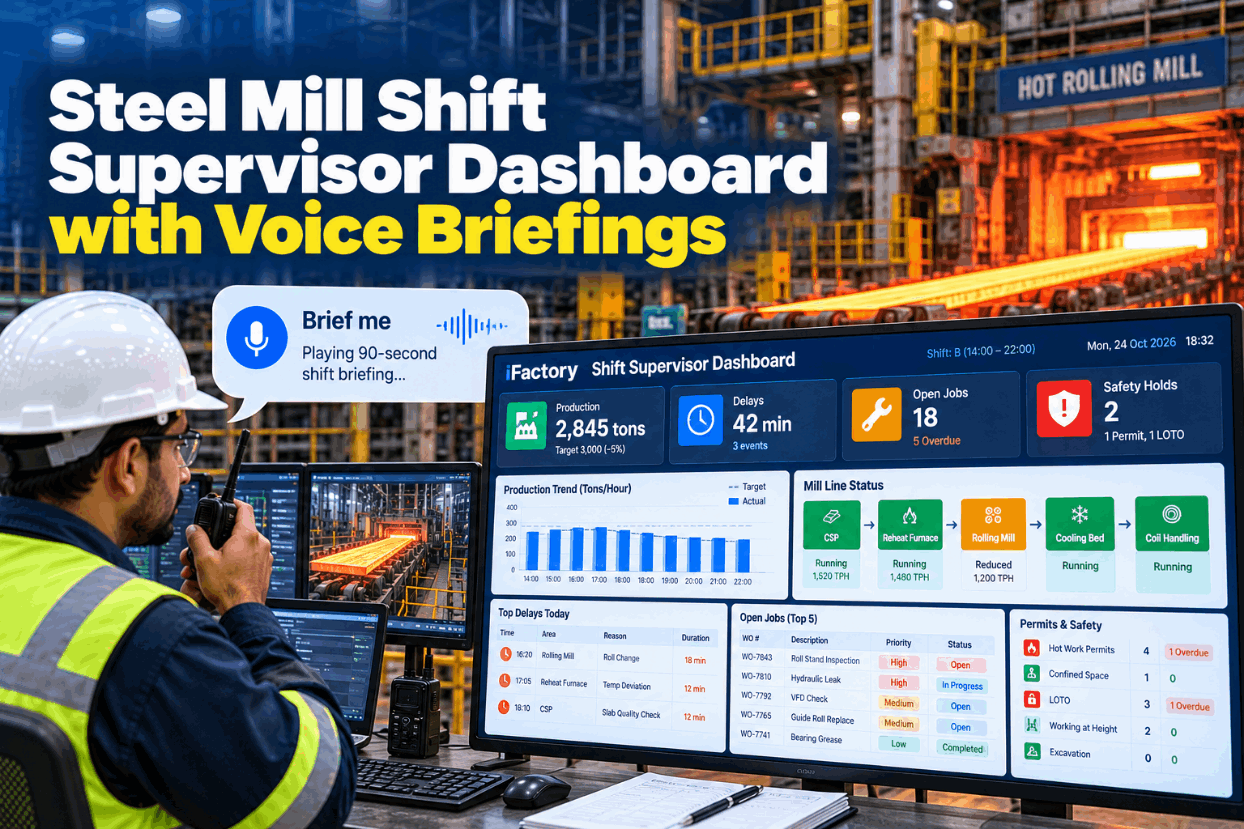
A steel mill shift supervisor spends most of the shift on the floor, not at a desk. The questions stay the same all day: are we on plan, what stopped us, which jobs are open, who is working under a permit and what is isolated. Today those answers sit in five systems and a busy radio channel. A shift supervisor dashboard puts them on a few live tiles and reads them out as a short briefing through the headset. Hear a sample on mill data in a 90-second briefing demo.
Run the Shift From Five Live Tiles and a 90-Second Briefing
iFactory Supervisor Console shows live tiles for tons, delays, kanban job status and permits. Say "brief me" and a 90-second spoken summary plays through your radio headset, so you get the whole picture without walking back to the pulpit.
Six Questions the Console Answers Before You Ask
A mill supervisor's information needs are narrow but urgent. Each tile answers one question and reads from the system that already owns the answer, so nobody re-keys data for the dashboard and the numbers match what other teams see. Quality holds sit inside the holds tile, which keeps the console to five data tiles. Map the sources at your mill with our integration team.
Fewer Tiles, and Colour Only When Something Is Wrong
Stephen Few defines a dashboard as a visual display of the most important information needed to achieve one or more objectives, arranged on a single screen so it can be monitored at a glance. ANSI/ISA-101.01-2015, the standard for process automation HMIs, is widely applied with a rule control rooms learned the hard way: keep normal states neutral and reserve colour for abnormal conditions, so problems stand out. The console applies both ideas to the supervisor's view. Review your current screens against them in a design review.
- Twenty or more widgets, most showing normal values
- Every tile coloured, so nothing stands out
- Trend charts that need study at a desk
- Refreshed from end-of-shift reports
- Five data tiles and one briefing tile
- Neutral when normal, coloured only when a tile needs attention
- One number and one line of context per tile
- Live from source systems, with a tap down to detail, like an ISA-101 overview display
Three Tile States, Set by Rules You Agree
Each tile has three states, and the thresholds are written down with the area manager before go-live. A tile changes state only on a rule, never on someone's judgement on the day, so every crew sees the same picture. The thresholds below are examples, not recommendations. Set your own with our support engineers.
Tons are 44 behind a 1,520 plan, about 2.9%, so the tile stays normal. One delay has been open over 10 minutes, so the delays tile shows watch.
What Each Hold Shows, and Who Can Clear It
Supervisors check the holds tile most carefully, because a console must never suggest something is safe when it isn't. It reads isolation, permit and quality records and shows their status, but it cannot clear or close any of them. Clearing stays with the authorised person under your lockout and permit procedures. The rows are illustrative. Walk through your own hold types in a console walkthrough.
Say "Brief Me" and Keep Walking
The supervisor asks by voice or by tapping the tile. iFactory confirms what it heard, plays the briefing through the radio headset and takes follow-up questions on any tile, all without a screen in hand.
What Fits in 90 Seconds
A spoken briefing has to follow the same order every time, so supervisors know where to listen. Structured spoken reports are proven elsewhere: the Institute for Healthcare Improvement promotes SBAR (situation, background, assessment, recommendation) for handoffs between clinicians. The console uses a fixed six-part order, and moves anything in the act-now state to the headline. Ask our support team for a sample script.
Where the 47 Minutes Went
The delays tile reads the mill's delay log, where each stop is coded by cause as it is entered. The console groups minutes by cause so the supervisor can see whether the shift's losses are one problem or several. The example is illustrative. See delay grouping on your own codes in a live session.
Twelve Open Jobs, Shown as Kanban Lanes
The open jobs tile counts work orders on the area's kanban board and splits them by lane, so the supervisor sees where work is stuck rather than scrolling one long list. High-priority jobs are counted separately and always read out first. Lane names follow your CMMS statuses. Check the mapping with our support team.
A Setup Sheet for Each Tile
Agree every tile on paper before it goes on screen. The sheet fixes the source, the rule for each state and the words the briefing uses, so the tile and the spoken summary always match. Fill in your first sheets in a setup session.
Three Briefings Across One Shift
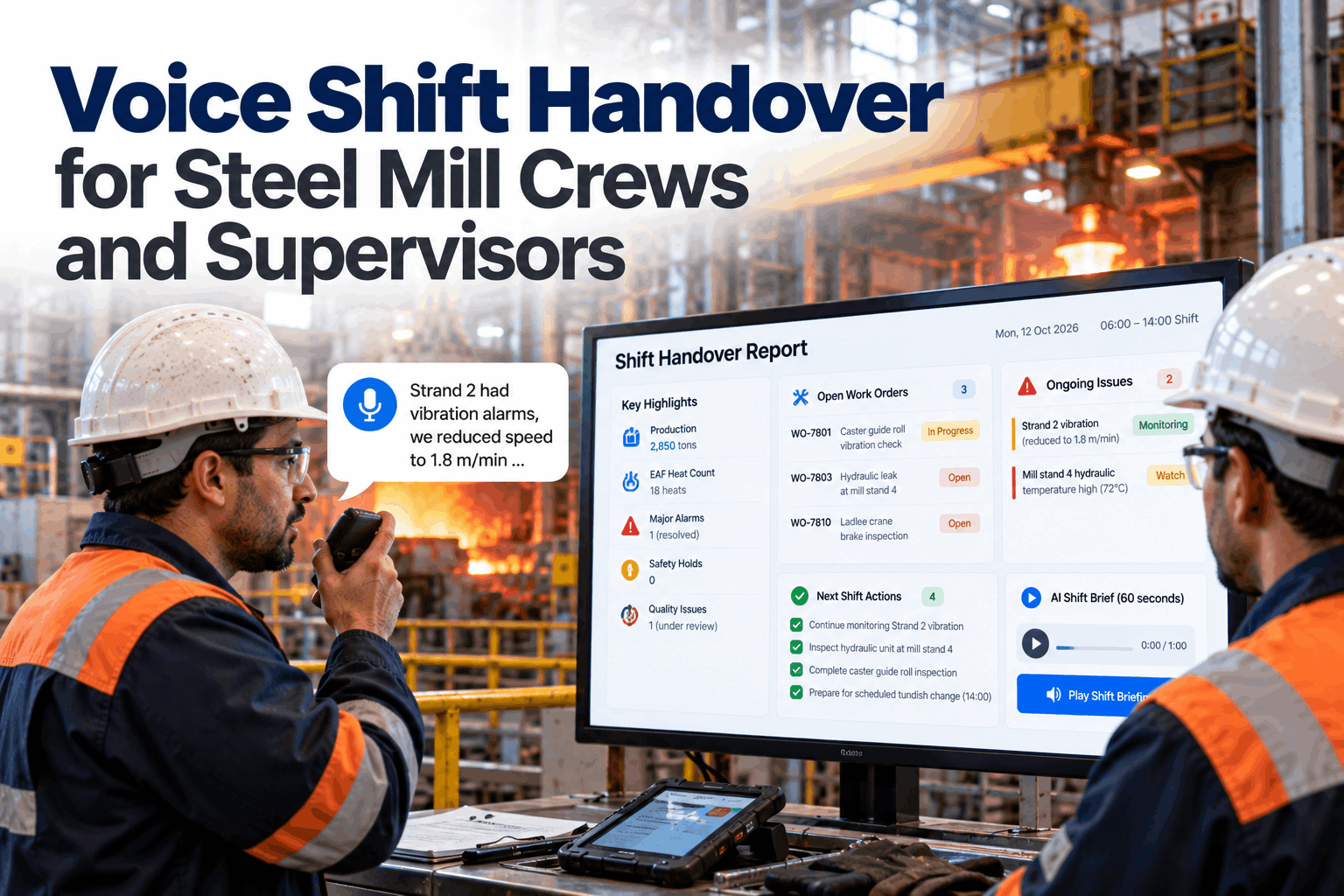
These illustrations show the same format serving three moments in a shift. They are not case studies. The last one supports the face-to-face, two-way handover that UK HSE guidance describes, rather than replacing it. Talk through your own shift pattern with our support team.
Four Steps From Pilot Crew to Every Crew
Start small, with one mill area and one crew, and add tiles only when supervisors ask for them. A console that grows on request stays short. Plan your pilot in a pilot planning call.
Console, Headset Link and AI Server, Shipped Ready to Run
iFactory delivers the Supervisor Console as a turnkey package. A pre-configured NVIDIA AI server ships racked and ready, with speech models running on site and connectors to your production, delay, CMMS and permit systems. You rack it, plug in power and Ethernet, and the AI is live. Get a scoped quote from our deployment team.
- Pre-configured NVIDIA AI server, racked and ready
- On-site speech recognition and voice models
- Radio and headset gateway for briefings
- Connectors for MES, delay log, CMMS and permits
- Console views for pulpit, office and handheld
- Tile rules and briefing script set with your team
- Remote monitoring and support
Server racked, five sources linked, tile setup sheets agreed with the area manager.
Tiles live for the pilot crew, briefings checked against the logbook.
Briefings on headsets, crews trained, the next mill area planned.
Shift Supervisor Dashboard Steel Mill Software for the Floor
iFactory keeps the screen small and the briefing short, because supervisors spend the shift on the floor. See it on a sample mill in a live demo.
What Plant Managers Ask About Shift Supervisor Dashboards
Give Every Supervisor the Shift in 90 Seconds
Five live tiles for tons, delays, jobs, permits and holds, plus a spoken briefing on the radio headset whenever it is asked for. Delivered turnkey and live in 6 to 12 weeks.