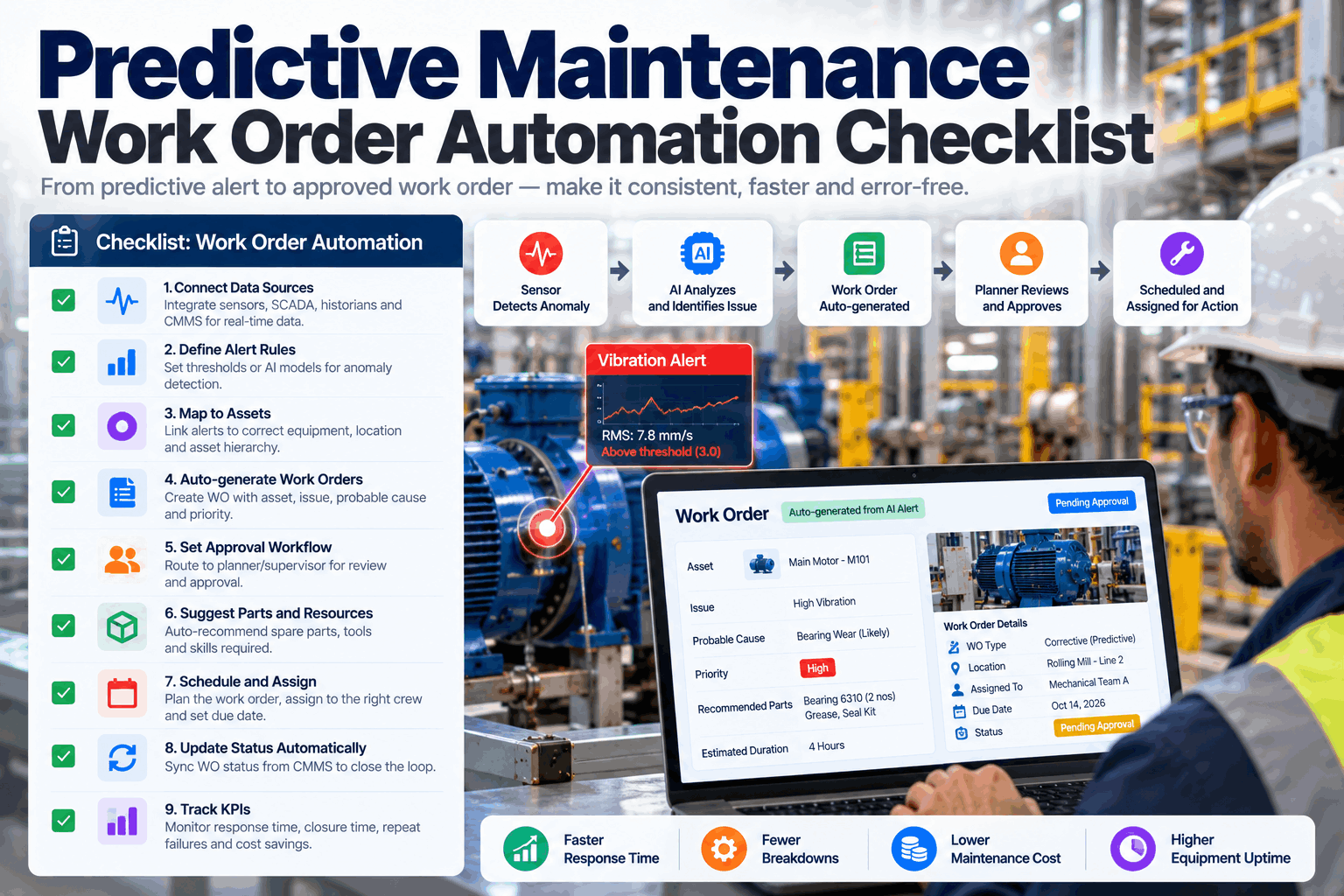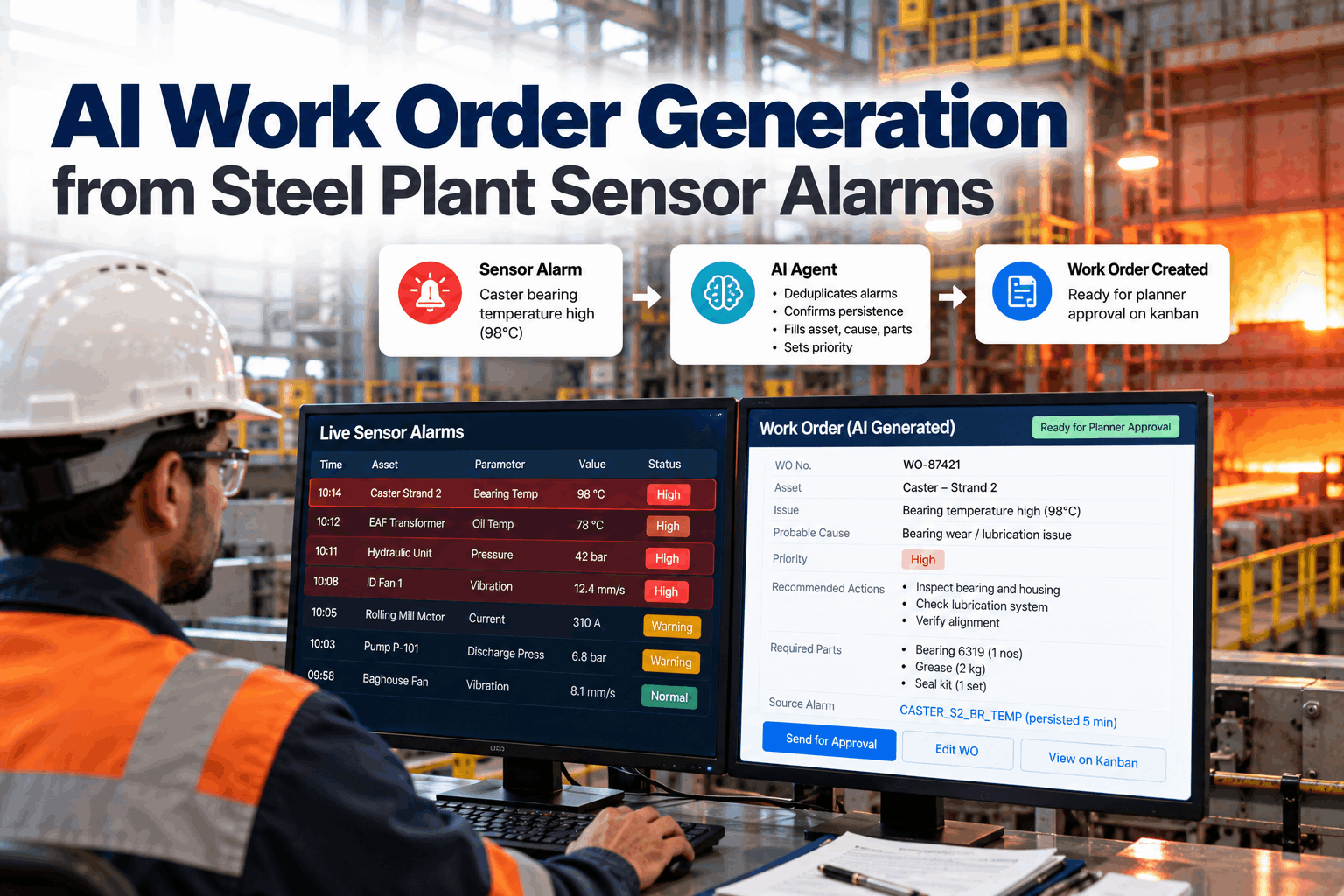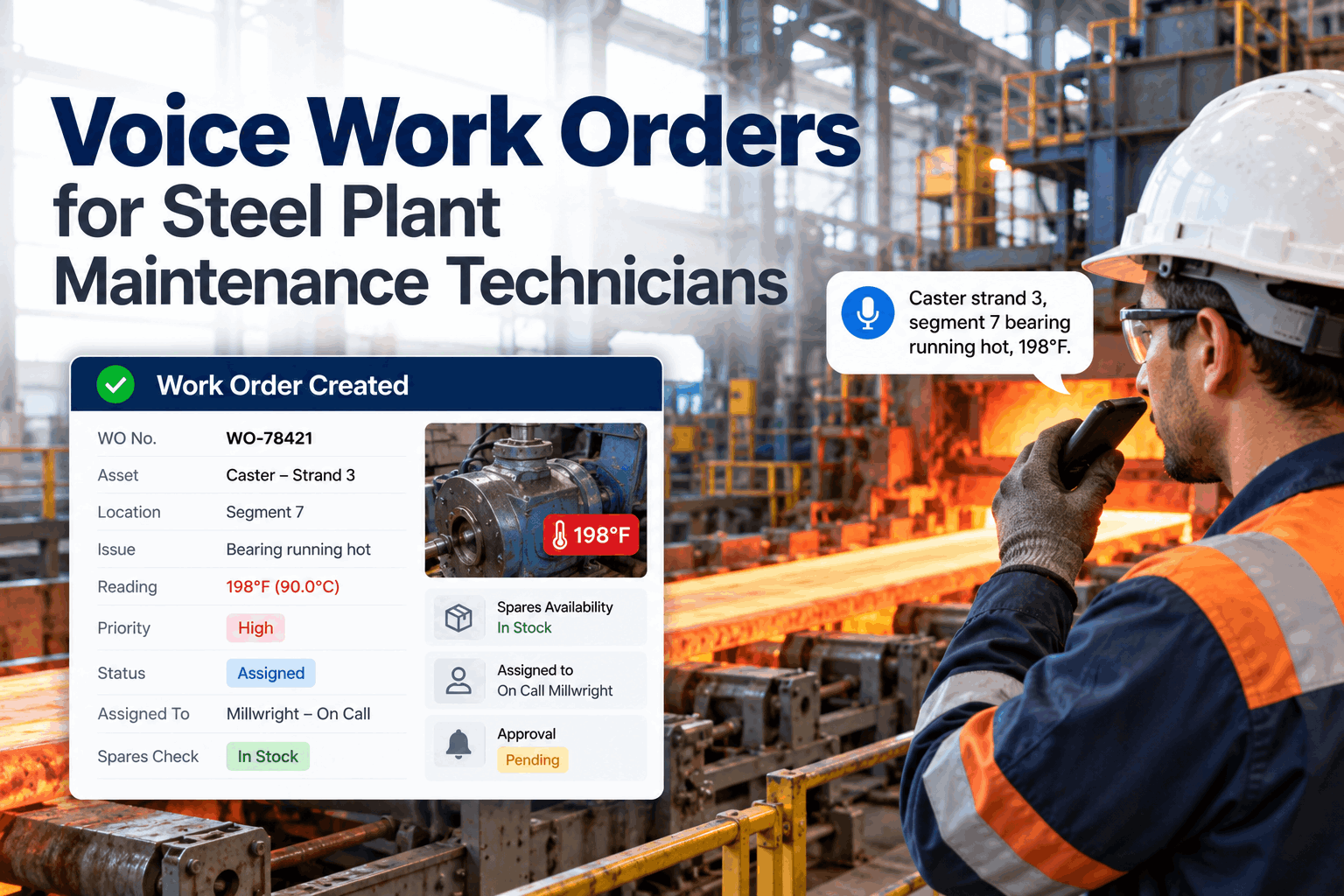
Ask a steel plant maintenance supervisor how many jobs are in progress and the honest answer is a guess. Work orders sit open for weeks, half-finished jobs wait on parts, and finished work never gets checked before it is closed. A maintenance kanban board fixes this by putting every job on a card in a clear column, with a limit on how much work can be open at once. This guide covers column setup, WIP limits, swimlanes and the daily board meeting, plus how AI keeps cards moving. Book a board setup session.
Steel Plant Maintenance Kanban Board: Setup and WIP Limits
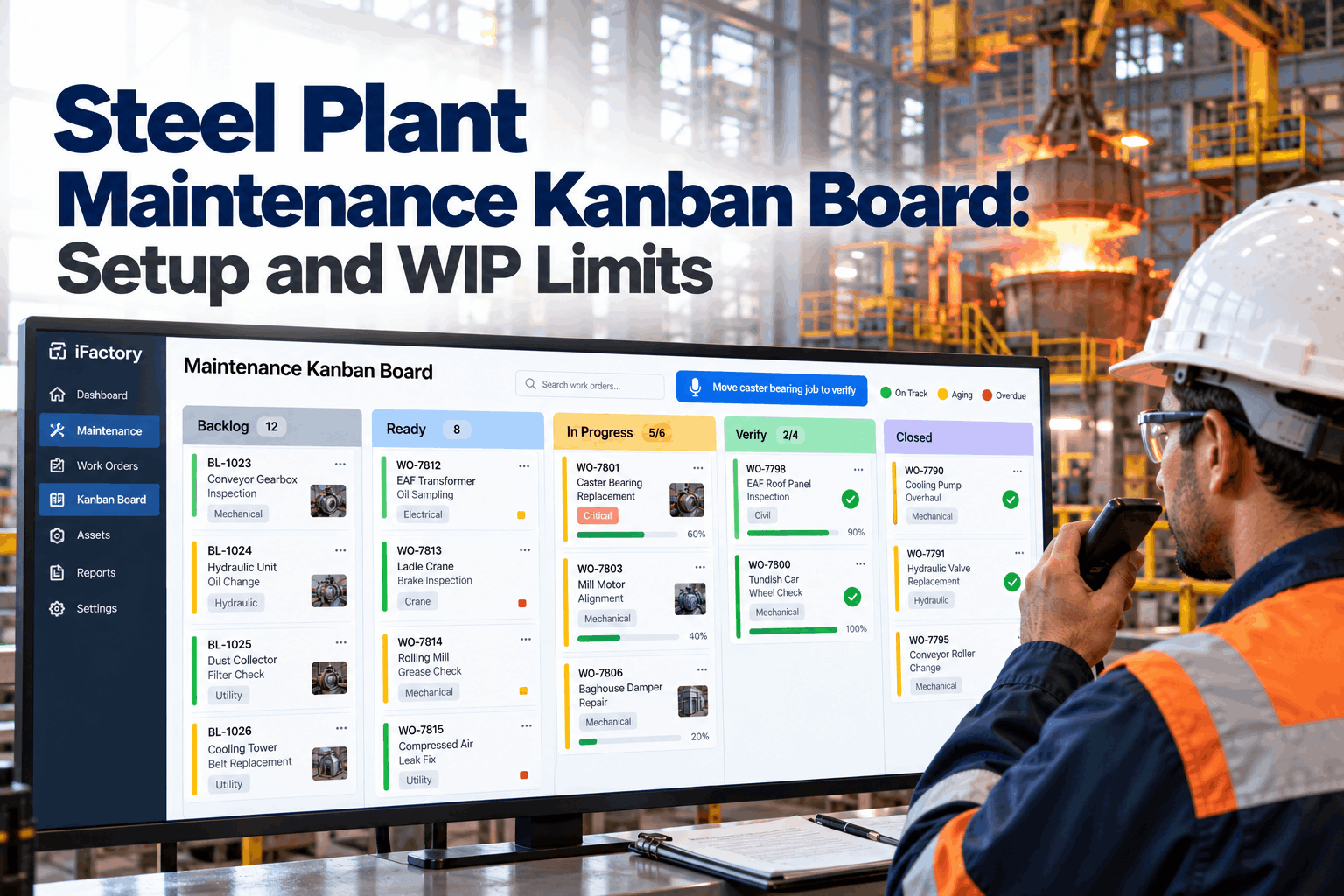
Backlog, ready, in progress, verify and done. Five columns, honest WIP limits and cards that move by themselves as work orders change. The whole crew sees what is stuck and why.
- Column rules and what a card needs to move
- WIP limits worked out with Little's Law
- Swimlanes, board meetings and voice commands
Ready 4/6
In progress 5/4
Verify 2/3
Why Steel Maintenance Needs a Kanban Board
Too much work started, too little finished.
Steel plants run around the clock with breakdowns, planned work and projects competing for the same millwrights and electricians. When there is no limit on open work, crews start new jobs before old ones are finished. Jobs waiting on parts or permits pile up, real lead times stretch and nobody can see the bottleneck. Kanban comes from lean practice and works on a simple idea: make the work visible and stop starting before you start finishing. Our lean maintenance team can help you map your current flow.
Hidden work
Open orders sit in the CMMS where nobody looks.
Too many starts
Crews split across jobs and finish none quickly.
Silent waiting
Jobs blocked on parts or permits age unseen.
No check step
Work is closed before anyone confirms it held.
Column Rules That Make the Board Work
Each column needs a clear rule for entry and exit.
A kanban column is only useful if everyone agrees what it means. Write a short entry rule for every column and put it at the top of the board. A card moves only when its rule is met, which stops jobs from jumping ahead without parts, permits or a proper check. The grid below shows a starting set of rules for a steel plant. Ask our setup team to adapt them to your areas.
A job waiting on parts is still in progress from the crew's point of view. Flag it as blocked on its card and keep it in its column, so it still counts against the WIP limit. That pressure is what gets the parts chased.
Setting WIP Limits with Little's Law
Less open work means faster finished work.
Little's Law links three numbers in any steady flow: average work in progress equals throughput multiplied by average lead time. Turned around, lead time equals WIP divided by throughput. If a crew finishes four jobs a day and has twenty open, the average job takes five days. Cutting open work to eight brings the average down to two days without anyone working faster. Work through your numbers in a WIP limit workshop.
Start a little loose
Set the first limit near today's real WIP, then lower it step by step.
Lower it when it is easy
If the column never hits its limit, the limit is doing nothing.
Treat a breach as a signal
Over the limit means help finish, not start something new. Crews swarm the oldest card first.
Swimlanes for Areas and Emergencies
One board, separate lanes, one shared view.
A steel plant board needs swimlanes so each area sees its own work without losing the plant view. Lanes usually follow areas such as melt shop, caster, rolling mill, cranes and utilities. Add one expedite lane at the top for breakdowns and safety work. It has a WIP limit of one or two per crew, so true emergencies jump the queue but cannot quietly take over the board. Get help with lane design from our support desk.
Breakdowns and safety
Top lane, very small limit, reviewed every shift.
EAF and ladle work
Furnace, transformer, baghouse and ladle cards.
Strands and segments
Bearings, sprays, moulds and drives.
Stands and cooling bed
Rolls, gearboxes, shears and hydraulics.
See Your Real Work in One Place
Connect your CMMS and see every open work order as a card, in the right column and lane, on day one of the pilot.
The Daily Board Meeting
Fifteen minutes, standing up, right to left.
The board only works if the team uses it every day. A short meeting at the start of day shift keeps cards honest. Walk the board from right to left, starting with verify, because finishing work matters more than starting it. Talk only about cards that are blocked, aging or over a limit. Night shift leaves a short note on anything that changed, so day shift starts from the same picture and nobody has to reconstruct what happened overnight from memory or a stack of paper job cards. Plan your routine in a coaching call.
Verify
What can be checked and closed today?
In progress
What is blocked and who will clear it?
Ready
What will each crew pull next?
Expedite
Any breakdowns or safety jobs overnight?
Limits
Any column over its limit, and why?
The board already shows status, so nobody needs to read out every card. Spend the time on what is stuck, who will clear it and by when. If a blocked card has no owner by the end of the meeting, the supervisor takes it. Over a few weeks the same blockers tend to repeat, such as a slow permit step or a shortage of one spare, and those patterns are where real improvement starts.
AI and Voice Keep the Board Current
A board nobody maintains is worse than no board.
Physical boards go stale because moving magnets is one more task at the end of a hard shift. A digital board linked to the CMMS moves cards by itself when work order status changes. Technicians can move cards by voice from the floor, and AI watches each card's age against the column limit and flags what is stuck. Questions on integration go to our integration team.
Moves by itself
- New approved work orders appear in backlog
- Parts staged moves cards to ready
- Labour booked moves cards to in progress
- CMMS close moves verified cards to done
Flagged by AI
- Columns over their WIP limit
- Cards aging past their column norm
- Blocked cards with no owner
- Repeat jobs on the same asset
Board Setup Checklist
Tick these off before the first board meeting.
Use this list to check that the basics are in place. Each item takes little time but skipping any of them is the usual reason a maintenance kanban board fades out after a month. If you want help with any item, our setup team can walk through it with you.
Kanban Mistakes to Avoid
Most boards fail from habits, not software.
Teams often copy a board layout and skip the rules behind it. The board then looks busy but changes nothing. These are the most common problems in plant maintenance. A short board health check can spot them early.
What works
- Limits that are actually enforced
- Walking the board right to left
- A real verify step before closing
- Small expedite lane for true emergencies
What fails
- Limits so high they never bite
- A board kept by one person for the team
- Everything marked urgent
- Cards moved only at month end
How iFactory Runs the Digital Kanban Board
Digital Kanban Board, linked to your CMMS, on your own network.
iFactory turns every work order into a card that moves automatically as CMMS status changes. Crews move cards by voice, and the AI flags cards aging past WIP limits. Everything runs on an on-prem AI server inside your plant. Fit questions go to our solutions team.
Auto-moving cards
Columns follow CMMS work order status.
Voice commands
"Move caster bearing job to verify" from the floor.
WIP and aging flags
AI flags limits breached and cards stuck too long.
Flow metrics
Lead time, throughput and WIP per area.
Parts status
Stores status shown on every card.
Verify step
Jobs close only after a named check.
Results depend on crew sizes, work mix and how consistently the board is used. We measure lead time, WIP and throughput on your own data during the pilot, rather than promising a general figure.
Turnkey AI: Delivered, Connected and Live in 6–12 Weeks
You do not build this. It arrives ready.
iFactory ships as a pre-configured NVIDIA AI server with the software pre-loaded, racked and ready. Rack it, plug in power and Ethernet, and the AI is live on your network. Our team handles cabling, network setup, PLC, SCADA, DCS and CMMS integration, CMMS and board links, operator training and 24×7 remote monitoring. Data stays on your network. For a scope matched to your plant, request a turnkey quote.
Ship, network and data
Server installed. CMMS connected. Columns, lanes and card fields set up.
Model training and pilot
WIP limits tuned. Voice commands and AI flags tested with one area crew.
Go-live and training
Board live for all areas. Supervisors coached on board meetings. 24×7 monitoring begins.
Frequently Asked Questions
What is a maintenance kanban board?
It is a visual board where each maintenance job is a card that moves through columns such as backlog, ready, in progress, verify and done. Limits on open work keep jobs flowing and make bottlenecks visible.
What columns should a steel plant board have?
Start with backlog, ready, in progress, verify and done. Add swimlanes by area and an expedite lane for breakdowns and safety work.
How do we set WIP limits?
Use Little's Law. Multiply a crew's average jobs finished per day by the lead time you want. Start near your current WIP and lower the limit step by step.
What if a breakdown happens when we are at our limit?
Breakdowns go in the expedite lane, which has its own small limit. That lets emergencies through without removing the limit on routine work.
Why have a verify column?
Because finished work is not the same as working equipment. A short check by the operator or supervisor catches jobs that need rework before they are closed.
How is kanban different from a PM schedule?
A PM schedule decides when planned work is due. A kanban board shows how all work, planned and reactive, flows through the crew once it is released. PM work orders become cards on the board when they are ready to be worked.
Does the digital board replace our CMMS?
No. Work orders stay in your CMMS. The board shows them as cards and moves them as status changes.
Can technicians move cards without a screen?
Yes. A voice command such as "move caster bearing job to verify" moves the card and records who moved it.
How do we start?
Start with one area, such as the caster. A 6-week pilot connects your CMMS, sets limits and coaches the first board meetings. To plan it, contact our team.
Put Every Maintenance Job on One Board
In thirty minutes we look at your open work orders, crew sizes and current flow, and sketch a starting board with WIP limits. You keep the sketch either way.
- 1Export of open work orders
- 2Crew sizes by area and shift
- 3Jobs finished per week, last quarter
- 4A photo of any board you use today
- 5One job that sat open far too long