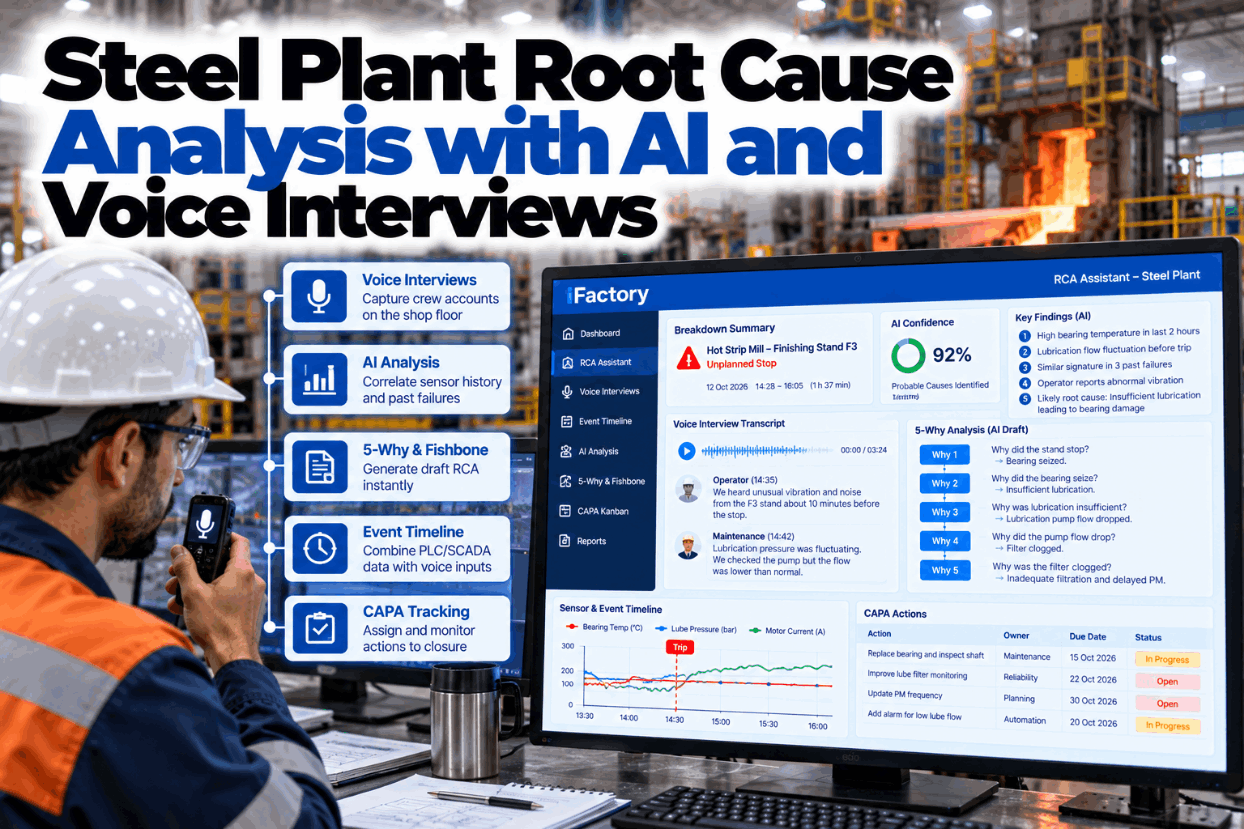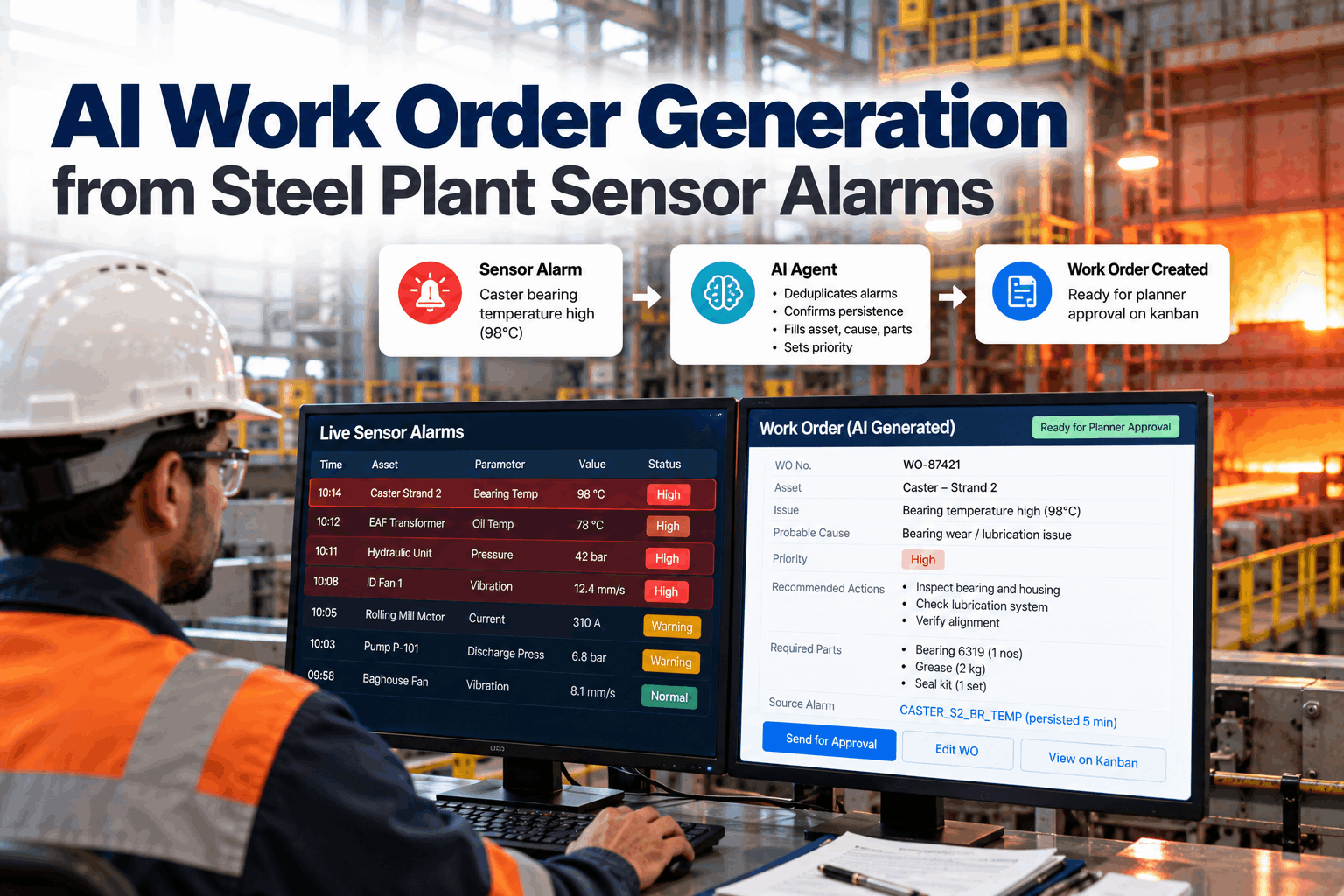
Most steel plant reliability engineers spend more time cleaning work order data than analysing it. Failure codes are patchy, run hours sit in another system and every Weibull plot starts with a spreadsheet. This toolkit sets out 10 AI use cases that take the data work off the engineer's desk, and shows clearly where the AI stops and engineering judgement takes over. See the tools on real mill data in a short reliability analytics demo.
Ten Reliability Tools, One Source of Failure Data
iFactory Reliability Analytics Suite ranks bad actors, fits Weibull and MTBF models and drafts FMEAs from your failure history. Engineers can ask for a number by voice on the floor, and every model traces back to the work orders behind it.
The 10 AI Use Cases at a Glance
Each use case below lists the data it needs, what the AI does and what stays with the engineer. The pattern is the same every time: the AI gathers, cleans and calculates, and the engineer decides what the numbers mean for the plant. Ask our support team which of the 10 your current data can support today.
Start With the Few Assets That Cost the Most
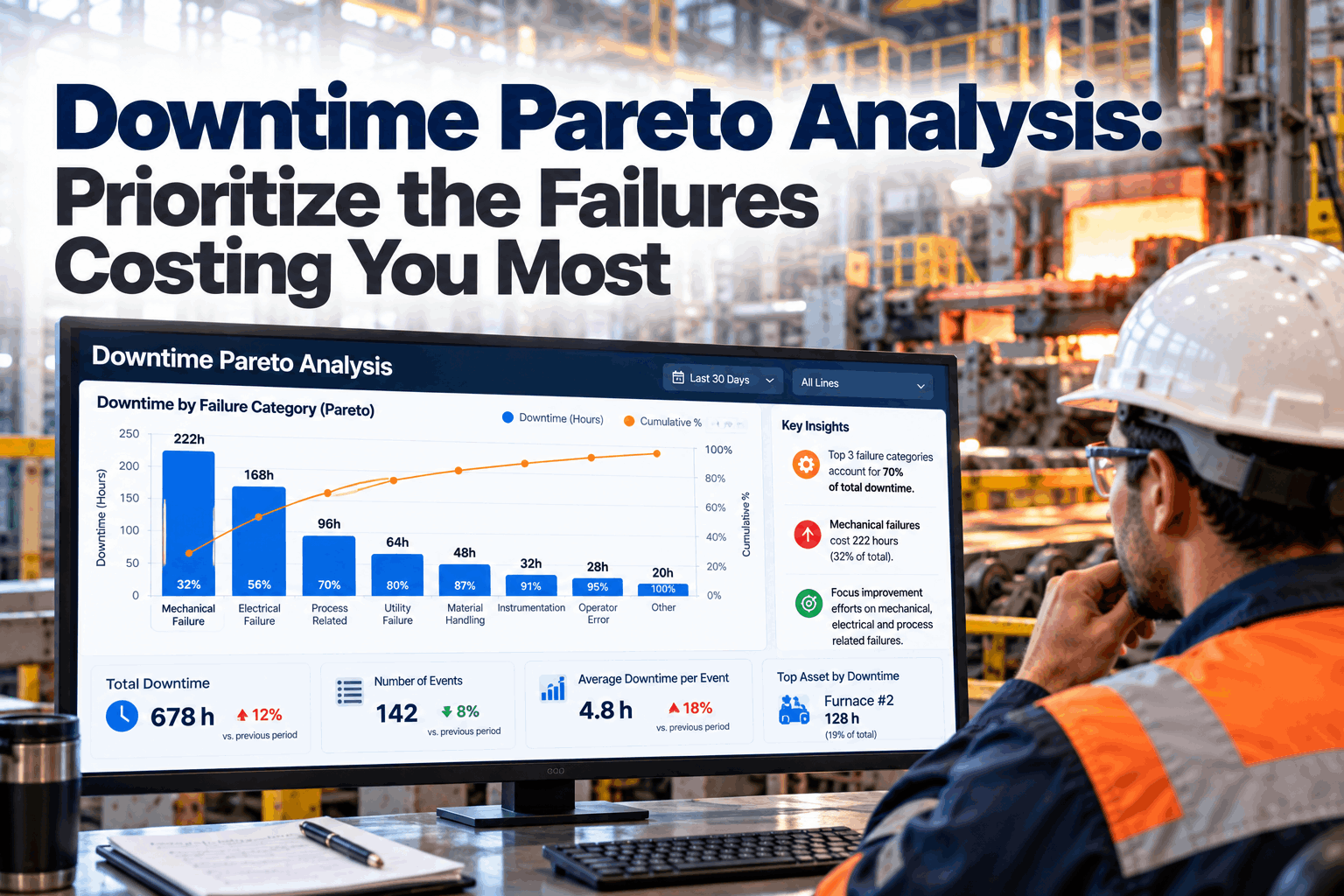
A bad actor list ranks assets by the downtime and cost their failures cause, then breaks the top ones down by failure mode. Rank by both measures, because a short stop on a caster can cost more than a long one on a support system. The list is only as good as the asset tags and failure codes on each work order, which is why the AI's first job is to clean them. The example below is illustrative. See a live ranking in a bad actor walkthrough.
One Worked Weibull Example, Step by Step
Weibull analysis fits two numbers to the life of one failure mode. The shape β says how failures behave over time, and the scale η is the characteristic life, the point by which about 63% of units are expected to have failed. Reliability at time t is R(t) = exp(−(t/η)^β). The example uses illustrative numbers for a pump seal. Units still running when the data is pulled count too, as suspensions, so leave them in. Check your own failure data with our reliability team.
Ask for the Number Where the Asset Is
Reliability questions come up at the pump, not at the desk. With iFactory voice queries, an engineer or planner asks for a B10, an MTBF or a bad actor rank and hears the answer in seconds, drawn from the same models used in reviews.
From Single Assets to the Whole Line
MTBF and MTTR are averages, and averages hide the shape. The AI therefore keeps the full spread of failure and repair times and only falls back on simple averages where β is close to 1. A reliability block diagram then combines assets: blocks in series must all work, and blocks in parallel need only one. The numbers below are illustrative and assume independent failures. Build a model of your own line in a modelling session.
What an AI-Drafted FMEA Line Looks Like
FMEA methods are set out in IEC 60812 and, for automotive work, SAE J1739. The AI writes a first draft from failure history, work order text and OEM manuals, so the team starts from evidence rather than a blank sheet. The draft is never final until the engineer and crew have reviewed every line and every rating. Use this layout as a template for your own FMEA lines, and ask our support team for a blank copy.
Linking Every PM to the Failure It Should Stop
PM tuning asks one question of every task: does it prevent or detect a real failure mode? The AI links PM records to the corrective work that followed and shows tasks that never find anything, failures that no PM covers and duplicates across routes. The engineer makes each call. The rows are illustrative. Walk through your own PM list in a PM review session.
Five Steps to a Working Toolkit
The order matters. Models built on poor failure codes give confident but wrong answers, so the data comes first. ISO 14224 is a widely used reference for structuring failure mode, cause and mechanism. Plan your first area with our reliability team.
A Simple Worksheet for Plant Managers
The clearest value is engineer time moved from data preparation to analysis, and PM hours freed from tasks that add nothing. Both can be sized with your own figures. Every input below is assumed and only the arithmetic is shown. Our team can help you build the case with your plant data.
Failures avoided are often worth more, but add them only when your own downtime cost and failure data support the figure.
Analytics, Models and AI Server in One Package
iFactory delivers the Reliability Analytics Suite as a turnkey bundle. A pre-configured NVIDIA AI server ships racked and ready with the bad actor, Weibull, MTBF and FMEA tools and the CMMS connector pre-loaded, so your failure data stays on site. You rack it, plug in power and Ethernet, and the AI is live. To scope it for your plant, request a turnkey quote.
- Pre-configured NVIDIA AI edge server, racked and ready
- CMMS and historian connectors for work orders and run hours
- Failure code cleaning and asset hierarchy mapping
- Bad actor, Weibull, MTBF and block diagram models
- AI-drafted FMEAs and PM review lists for engineer sign-off
- Voice queries for engineers and planners on the floor
- 24×7 remote monitoring of software and hardware
Server installed, CMMS and run hours linked, failure codes cleaned.
Bad actors ranked, top failure modes modelled and checked by engineers.
FMEA drafts, PM reviews and voice queries switched on, teams trained.
Built for the Reliability Engineer's Week
iFactory does the data work so engineers can spend their time on decisions. Our support team can walk you through a pilot plan.
What Plant Managers Ask About the Reliability Engineer Toolkit
Spend the Week on Decisions, Not Spreadsheets
Rank bad actors, fit Weibull and MTBF models, draft FMEAs and tune PMs from one source of failure data. The full system is delivered turnkey and goes live in 6 to 12 weeks.