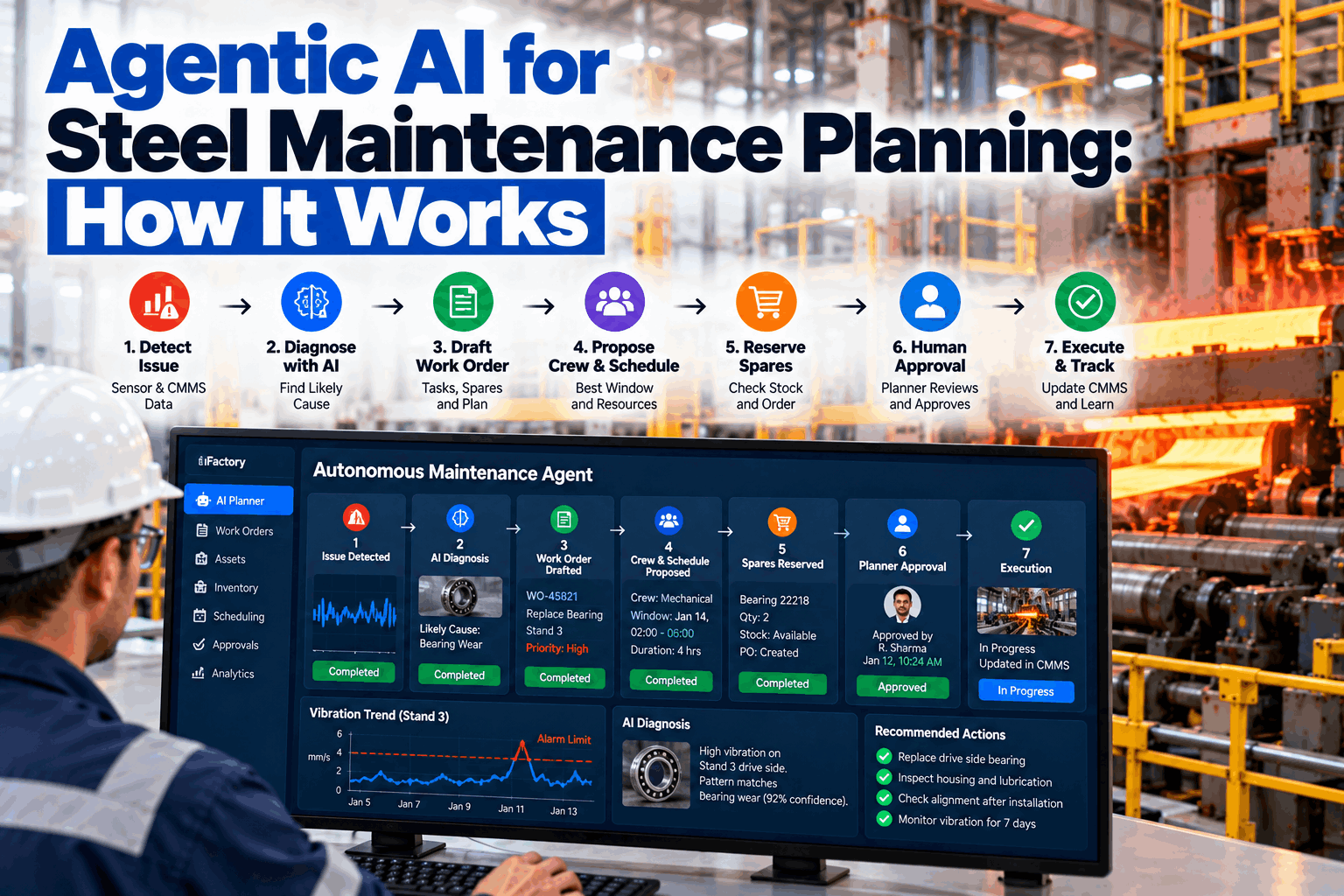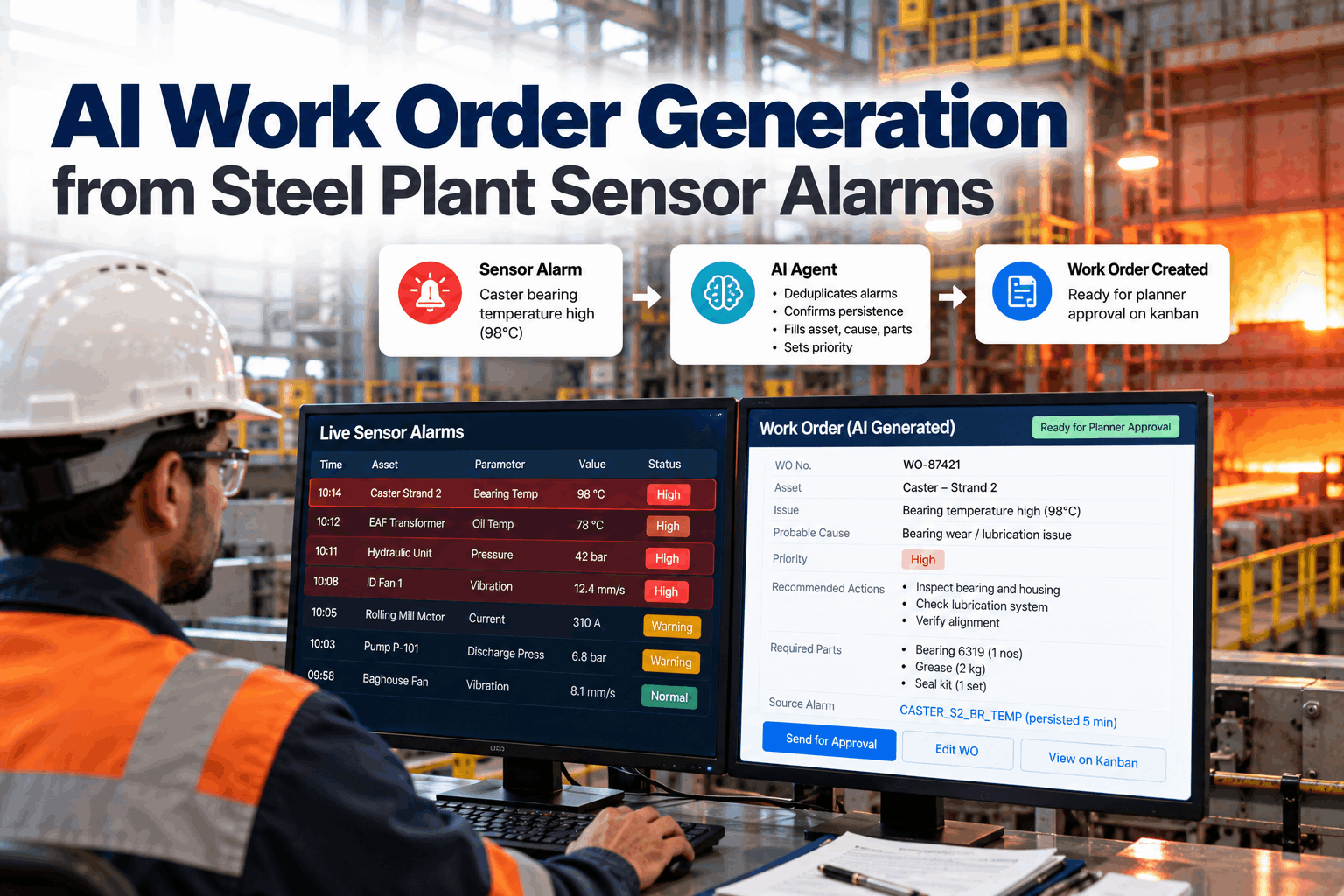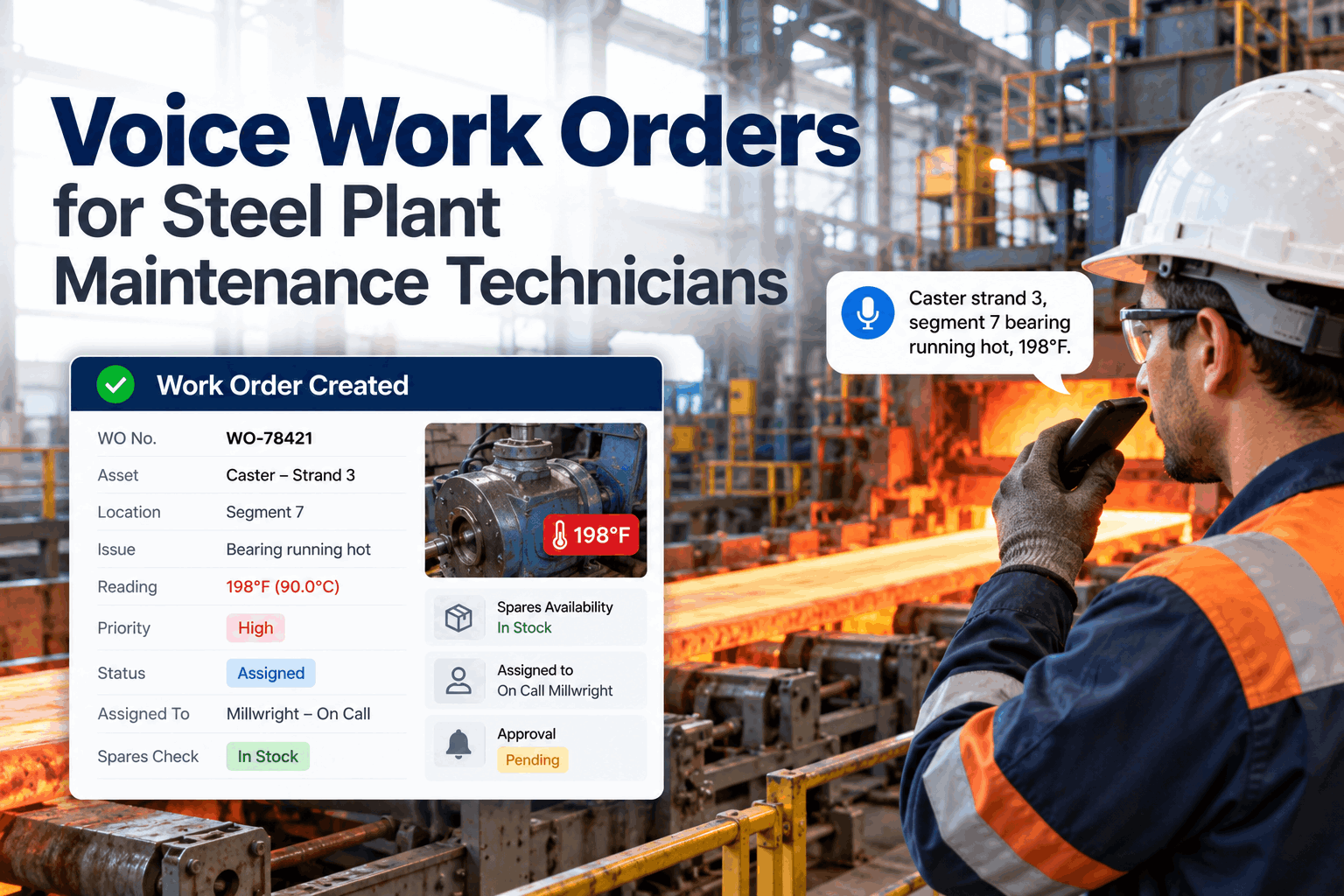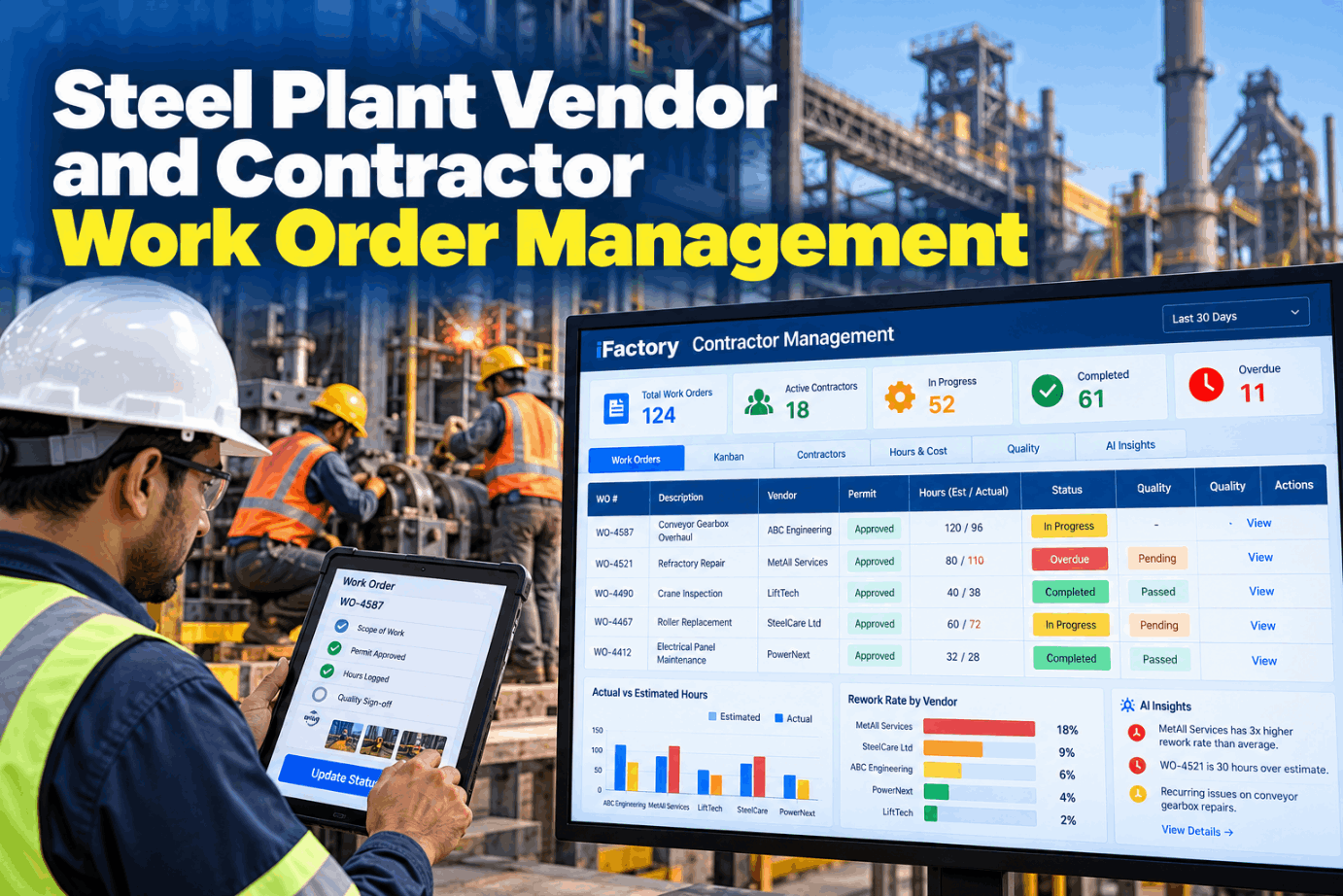
In a steel plant, much of the maintenance work during outages and campaigns is done by outside crews: refractory relines, crane repairs, drive rebuilds, scaffolding. Their jobs often run on phone calls, paper timesheets and an invoice that arrives weeks later, long after anyone could check what was done. Contractor work order management puts scope, permits, hours, photos and sign-off for every vendor job in one record, so overruns and rework show up while the crew is still on site. See a contractor job tracked from scope to invoice in a short contractor portal demo.
Every Contractor Job With Its Scope, Permit, Hours and Sign-Off in One Place
Contractors receive work orders in the iFactory portal, log hours and photos and report status by voice. The AI compares actual hours with the estimate, flags overruns early and tracks rework trends for each vendor on the Kanban.
Five Kinds of Contractor Work Where Tracking Slips
Contractors bring skills and headcount a steel plant doesn't keep on staff all year. The trouble is not the work itself but the record of it. Each job type below loses track in a different way, which is why one generic timesheet rarely works for all of them. Tell us which contractor jobs cause the most chasing at your site through our support team.
Write Scope, Estimate and Acceptance Before the Crew Arrives
Most disputes over contractor hours start with a vague scope. "Repair crane 12" can mean a day or a week. A contractor work order should say what is in, what is out, how long it should take and how the plant will decide it is done, all agreed before mobilisation. The fields below are a starting template. Walk through them for your own jobs in a work order setup session.
Four Employer Roles OSHA Looks For on a Shared Site
When contractors work in your plant, OSHA's multi-employer citation policy, CPL 02-00-124, can hold more than one employer responsible for the same hazard. It names four roles, and one company can hold several at once. The host is usually the controlling employer and must use reasonable care to prevent and detect violations, with checks more frequent where a contractor's history gives cause. A good work order records who held which role. Check your contractor setup with our support team.
In areas covered by process safety management, OSHA 1910.119(h) adds contractor duties, including periodic evaluation of contractor performance. That rule applies only to PSM-covered processes, not the whole plant. Separately, 1910.147(f)(2) requires the plant and outside employers to inform each other of their lockout procedures, which the work order can confirm before work starts.
Contractors Report Status by Voice, Planners See Overruns the Same Hour
Crews speak a short status report from the job, with photos from a handheld. iFactory logs it against the work order, compares hours with the estimate and tells the planner when a job is heading over.
Hours Against Estimate, Seen While the Job Is Still Open
An overrun found at invoice time can only be argued about. One found at hour 36 can still be managed: approve a change, add support or stop and replan. iFactory compares logged hours with the estimate on every open contractor job and flags any that pass a threshold you set. The example uses a 10% threshold, and the jobs are illustrations. See the live view in a planner demo.
Hidden damage is common in steel plant repairs. The fix is a change request with photos, approved before the extra hours are worked, so the invoice later has a clear basis.
Hold Points and Acceptance Before the Job Can Close
"Done" from the contractor and "accepted" by the plant are two different events, and the work order should keep both. Inspection and test plans use hold points, where work stops until a named person signs, and witness points, where the plant is given notice to attend. Each plan should say what happens if nobody comes. Agree your hold points with our support team.
Rework Counted Against the Vendor, Not Lost in a New Job
When contractor work fails, the repair is often raised as a fresh work order, and the link to the first job disappears. Then the vendor's record looks clean and the plant pays twice. iFactory keeps rework tied to the original order and its vendor, and the AI points out vendors whose rework is rising. See a rework trend in a vendor review demo.
A Vendor Scorecard Built From Work Order Data
Vendor reviews often rest on memory and the last bad job. A scorecard built from closed work orders is harder to argue with, because every figure links back to jobs both sides can open. At PSM-covered units, the same record also supports the periodic contractor evaluation that 1910.119(h) asks for. Choose your scorecard measures with our support team.
Invoice Lines Checked Against Logged and Approved Hours
For time and materials work, three numbers should agree: the hours approved, the hours logged on the job and the hours invoiced. iFactory lines them up for each order and shows the gap before accounts payable releases payment. The crane job below is an illustration, with the invoiced figure assumed. Run your own invoices through it in a reconciliation walkthrough.
Size the Checking Time Before Anything Else
The time spent matching timesheets to invoices by hand is the easiest part to measure. Any hours recovered from queried invoices depend on your contracts and data, so don't guess them up front. Measure them in the pilot. Every input below is an assumption, there only to show the sums. Our team can help you fill it with real figures.
Add the value of overruns caught while jobs are open, rework billed to the right vendor and better vendor decisions, using your own data once the pilot has run.
Three Contractor Jobs, Three Different Calls
These are illustrations of how the record changes the conversation, not case studies. Your own contracts and procedures decide each outcome. Walk through your own cases in a scenario session.
Contractor Portal, Kanban and AI Server in One Package
iFactory delivers the contractor portal as a turnkey system. A pre-configured NVIDIA AI server ships racked and ready with the voice and overrun models loaded, so status reports, photos and hours are processed on site. You rack it, plug in power and Ethernet, and the AI is live. Scope it for your contractor base with our implementation team.
- Pre-configured NVIDIA AI server, racked and ready
- Contractor portal with vendor logins and handheld app
- Voice status reporting with confirm-back
- Kanban for contractor jobs by area and vendor
- Hours-against-estimate and rework models
- Invoice reconciliation and vendor scorecards
- 24×7 remote monitoring of models and hardware
Server installed, CMMS linked, work order template agreed, first vendors given logins.
Contractor jobs in one area run through the portal, thresholds and hold points tuned.
More vendors added, invoice checks switched on, first scorecard review held.
Outside Crews Held to the Same Record as Your Own
iFactory gives plant managers one view of every contractor job, from scope through acceptance to invoice. See it with your own vendors in a plant manager demo.
What Plant Managers Ask About Contractor Work Orders
Know What Every Contractor Did Before You Pay for It
Give vendors one portal for work orders, hours, photos and voice status. iFactory flags overruns and rework per vendor and checks invoices against logged hours. The system arrives turnkey and goes live within 6 to 12 weeks.