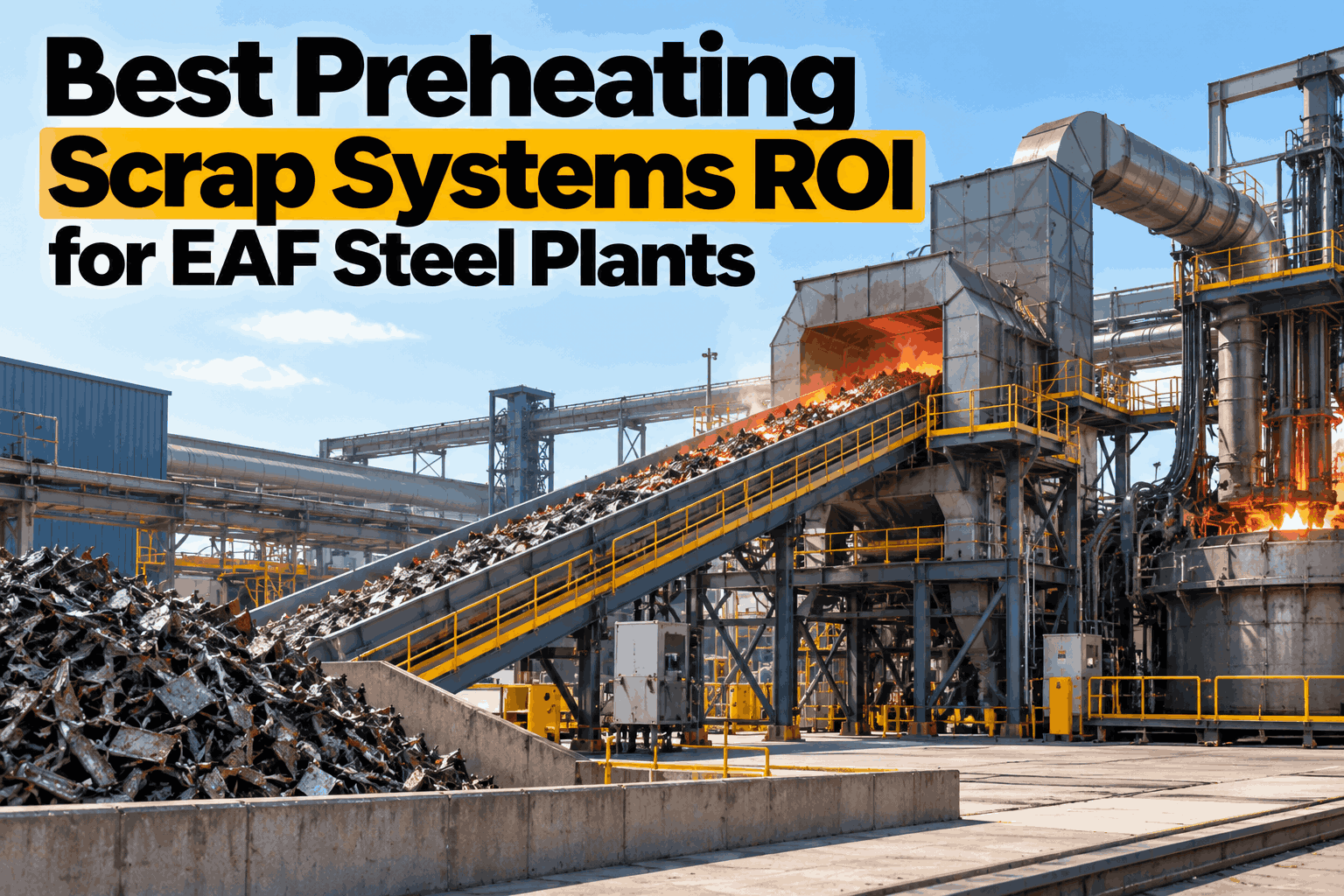
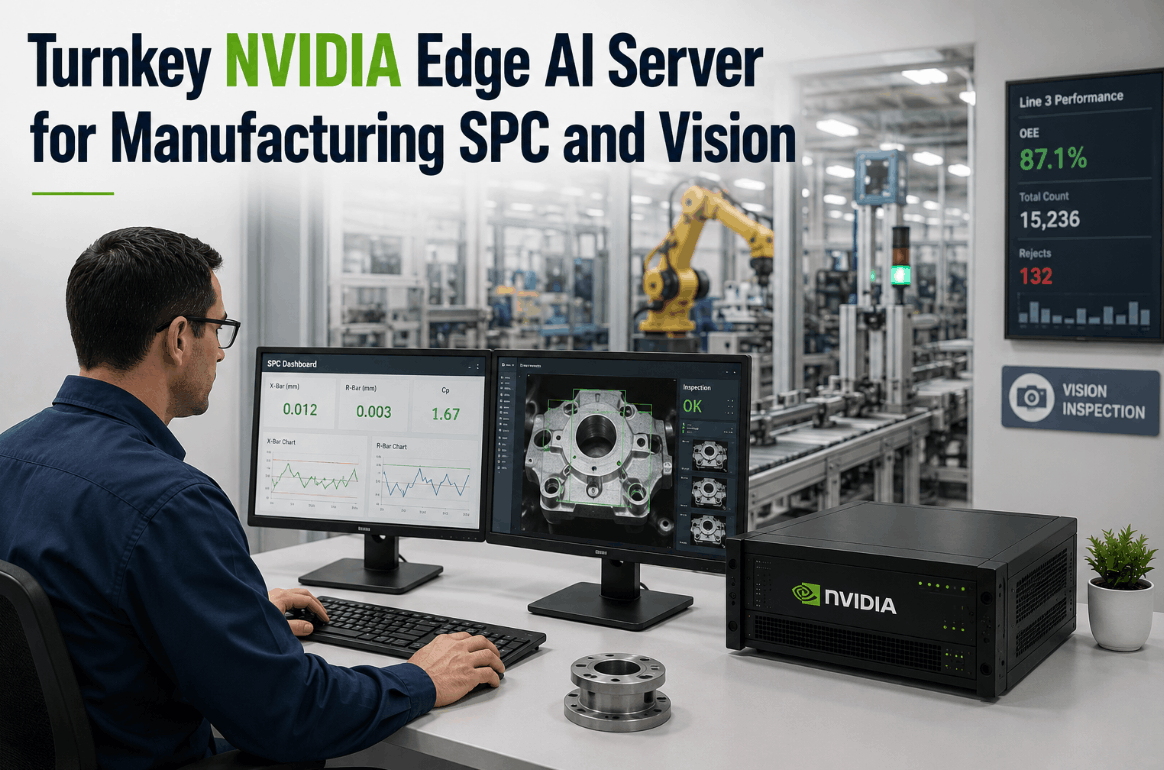
Turnkey AI Server for Steel Plants: Rack, Plug and Go Live
By Jackson T on October 21, 2026
Steel plants already record almost every move of the melt shop and mill. Level 2 computers, historians, drive systems and cameras hold the data. What most plants lack is a place to run AI on it, close to the process, that survives the heat, dust and electrical noise of a steel works. A turnkey AI server fills that gap: it arrives built, loaded and tested, and one team owns it from site survey to go-live. See how it would sit in your plant in a steel AI server briefing.
TURNKEY AI · STEEL PLANTS
A Steel-Ready NVIDIA AI Server: Rack It, Plug It In, Go Live
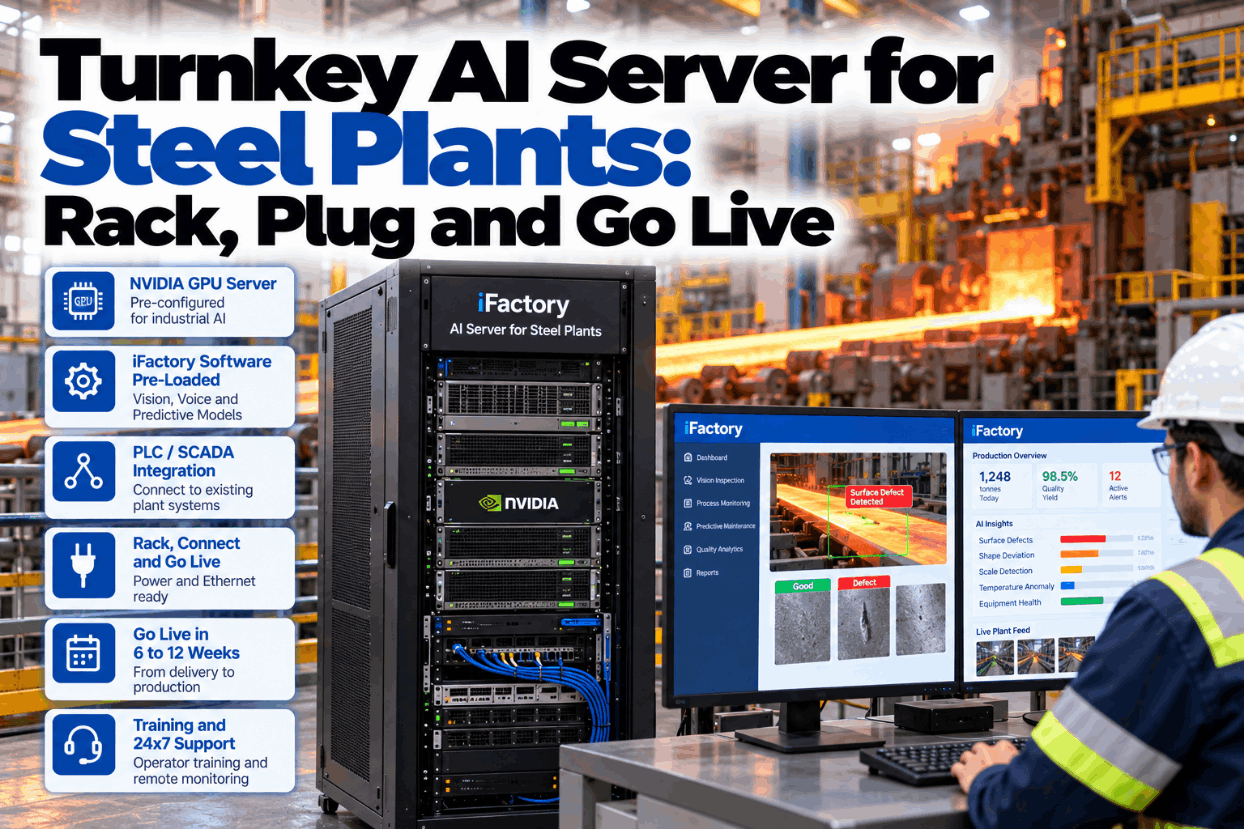
The iFactory Turnkey NVIDIA AI Server ships with hardware, software, PLC/SCADA integration, cabling, operator training and 24x7 remote monitoring in one bundle. It runs vision, voice and predictive models on site, so mill data never has to leave the plant.
Servers are designed for clean, cool and steady rooms. A steel works offers the opposite. ASHRAE guidance for data rooms asks for air as clean as ISO 14644-1 class 8 and says rooms must be free of conductive particles such as zinc whiskers, because they can short circuits. Mill scale, carbon and metal fines are exactly that kind of dust. Arc furnaces also cause voltage flicker and harmonics on the plant supply, and large drives add electrical noise. Each stressor needs a matching answer, agreed at the site survey. Check your planned location with our integration team.
01HeatHigh ambient near furnaces, ladles and hot strip
›
Room or E-house with its own cooling, inlet temperature watched 24x7
02Conductive dustScale, carbon and metal fines in the air
›
Sealed, filtered, positively pressurised room, with filter checks in the PM plan
03VibrationMill stands, shears, cranes and heavy traffic
›
Rack kept off mill foundations, fixings and location checked at survey
04Power qualityEAF flicker and harmonics, drive noise
›
Dedicated circuit, UPS for ride-through and clean shutdown, earthing checked
05Electrical interferenceFurnace transformers, busbars and high-current cables
›
Fibre for long runs near high current, cable routes kept clear of bus ducts
SERVER ROOM vs E-HOUSE
Where the Server Should Live
Most steel plants have three possible homes for an AI server: the central IT room, a pressurised E-house or control room near the process, or a cabinet on the floor. The central room is clean but may be far from the cameras. A floor cabinet is close but exposed. A pressurised E-house or control room is often the best balance, because it was built to protect drives and Level 1 controls from the same dust and heat. The grid below compares the three. Walk through your own layout in a placement review.
What matters
Central IT or server room
Pressurised E-house or control room
Cabinet on the mill floor
Clean, cool air
Strong
Strong if filters are kept up
Weak, needs a sealed cooled cabinet
Distance to cameras and PLCs
Often long runs
Short runs
Shortest
Power quality
Usually clean
Good with a UPS
Exposed to drive noise
Access control
Strong
Good, shared with electricians
Weak
Typical choice
Voice and predictive only
Most mill deployments
Avoid where possible
TURNKEY AI SERVER STEEL PLANTS SOFTWARE
Fitting Beside Level 2, Not Replacing It
Steel automation is layered. Level 1 PLCs and drives control the mill, and Level 2 process computers run physics-based models that send setpoints to Level 1. Historians store the results, and Level 3 MES plans orders. The AI server reads from these layers and adds what they lack: vision, voice and failure prediction. It does not take over setpoint control. Ask our controls specialists how it would connect to your Level 2 systems.
Reads from
Level 2 and historianPass schedules, temperatures, delays, coil and heat data
PLCs and drivesCurrents, speeds, torques, alarms via OPC UA or gateways
CamerasStrip, slab and crane views on their own segment
HeadsetsCrew speech from melt shop and mill pulpits
iFactory AI serverVision, voice and predictive models run here, on site
Sends to
Pulpit and HMI alertsAgreed alarm signals only, no setpoint writes
Maintenance work ordersEarly warnings raised as planned jobs
Quality recordsDefect images linked to coil or slab ID
Shift logsVoice entries confirmed and filed
EDGE AI DEPLOYMENT ALONG THE PROCESS ROUTE
Which Steel Workloads Run on One Server
One server can carry jobs from the melt shop to the coil yard. Vision suits places where a defect or hazard can be seen, voice suits crews whose hands are busy and whose gloves are thick, and predictive models suit rotating assets with good drive and vibration data. Most plants start with two or three of the jobs below. Choose your first workloads with an engineer in a use case session.
Melt shop
Voice
Furnace crews log delays, temperatures and handovers by voice
Ladle and caster
VisionPredictive
Surface checks at the cut-off, wear models on caster drives
Reheat furnace
Predictive
Combustion fans and walking beam hydraulics watched for drift
Hot strip mill
VisionPredictive
Strip surface vision, stand drive and gearbox models
Cranes and coil yard
PredictiveVoice
Hoist motor and brake trends, voice defect reports from cabs
One Bundle From Crate to Live Models
iFactory ships the NVIDIA AI server pre-configured, connects it to your PLCs, SCADA and Level 2 systems, runs the cabling, trains your crews and monitors it 24x7. Vision, voice and predictive models run inside the plant.
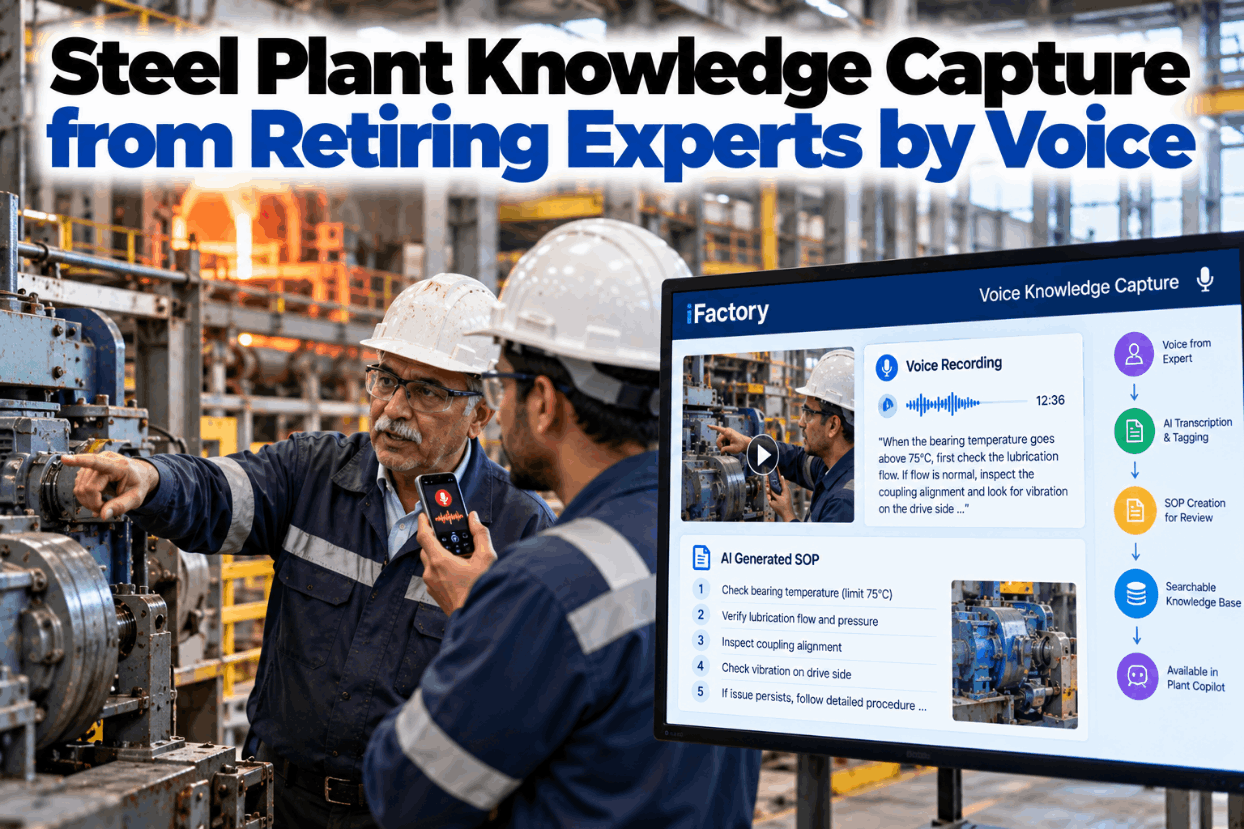
SupervisorWhat did the furnace crew log by voice on night shift?
iFactoryThree delays: an electrode addition, a roof spray leak check and a late scrap bucket. All three are in the shift log.
SupervisorDid the audio go anywhere outside the plant?
iFactoryNo. Speech was processed on the server in E-house 2 and only the confirmed text was filed.
IEC 62443 ZONES AND CONDUITS
How the Server Joins a Segmented Mill Network
An AI server that reads mill data becomes part of the control system, so it should follow the same rules. The Purdue model places controls at Levels 0 to 2, site operations at Level 3 and the business network above an industrial DMZ. IEC 62443-3-2 groups assets into zones and allows traffic only through defined conduits. The list below shows a typical set of conduits for the AI server. Review it against your own zone drawings with our security team.
Conduit
From
To
Direction
Rule
C1 · Process data
Level 2 and historian
AI server, Level 3
Read-only
Agreed tags and records only
C2 · Drive and PLC data
OPC UA server or gateway
AI server
Read-only
No direct path to PLCs
C3 · Video
Camera segment
AI server
One way
Cameras isolated from control traffic
C4 · Alerts
AI server
Pulpit HMIs and alarm system
Agreed signals
Signed off by controls engineering
C5 · Monitoring
AI server
Industrial DMZ
Outbound
Health data only, logged sessions
ON-PREMISES AI STEEL
What Stays in the Plant and What May Leave
Pass schedules, grade recipes, defect images and crew audio are sensitive. With the AI running on site, none of it has to cross the plant boundary. Only health data for the server needs to leave, so the 24x7 team can spot a failing fan or a full disk before it matters. Anything more, such as summaries for a group report, is your choice. Agree your own data rules in a data residency call.
STAYS ON SITE
Raw video from mill and caster cameras
Level 2, historian and drive data
Crew audio and voice transcripts
Grade recipes and pass schedules
Models and the data used to tune them
MAY LEAVE, BY YOUR CHOICE
Server health: temperatures, disks, GPU load
Model health: alert counts and accuracy checks
Summaries for head office reports
Support session logs for audit
TURNKEY AI SERVER STEEL PLANTS IMPLEMENTATION GUIDE
Four Gates From Crate to Live
A 12-week plan is easier to trust when each stage ends with a clear test. These four gates keep the project honest. The server only ships when the room is ready, and alerts only switch on when shadow results satisfy the people who will act on them. Ask our project team for a gate checklist for your site.
Gate 1
Site readyRoom, power, UPS, cooling and switch ports confirmed. Firewall rules approved by IT and OT.Pass: survey signed
Gate 2
Rack and plugServer racked, power and Ethernet connected, health checks green in the remote console.Pass: server live on site
Gate 3
Data and shadowRead-only links running. Models work silently while crews and QA compare results.Pass: owners accept results
Gate 4
Go-liveAlerts and voice switched on, crews trained on every shift, handover to 24x7 support.Pass: handover signed
TURNKEY AI SERVER STEEL PLANTS BEST PRACTICES
Six Habits of Smooth Mill Rollouts
Steel AI projects rarely stall on the models. They stall on outage windows, cable routes and trust. These habits come from the practical side of putting hardware into a working mill. Talk them through with an engineer in a rollout planning call.
Book cable work into planned stopsPull cable and mount cameras during scheduled mill or caster downtime.
Start read-onlyProve value on data before any signal is written back to the pulpit.
Name an owner per workloadA melt shop lead for voice, a mill engineer for vision, a reliability lead for models.
Treat the room as an assetFilters, cooling and UPS batteries go into the PM plan with due dates.
Use crew wordsTune voice phrases to the terms your melt shop really uses.
Judge on agreed measuresSet baselines in week one and review against them, not against a demo.
TURNKEY AI SERVER STEEL PLANTS EXAMPLES
Three Illustrative First Phases
These are illustrations of typical starting points, not case studies. The best first workload is where a clear problem meets data you already collect. Discuss your own starting point with our support team.
Illustration · EAF mini-mill
Voice in the melt shop, models on cranesServer in the melt shop electrical room. Furnace crews log delays by voice, hoist motor data feeds wear models.
Illustration · Integrated hot strip mill
Strip vision and stand drive modelsServer in the mill E-house. Cameras at the finishing exit, Level 2 and drive data feed gearbox and motor models.
Illustration · Bar and rod mill
Predictive on shears and cooling bed drivesServer in the central control building, reading the historian. Vision added in phase two.
TURNKEY AI SERVER STEEL PLANTS COST AND ROI
Size One Benefit With Your Own Numbers
A quote depends on scope, so compare it with the full do-it-yourself cost, including integration, cabling, training and on-call support. Then size one benefit from your own delay records. The worksheet uses assumed inputs to show the arithmetic only. Get a scoped quote in a turnkey quote call.
Unplanned delay hours from drives and cranes per year120Assumed, from your delay log
×
Share where the data showed signs beforehand25%Assumed, test in shadow mode
=
Delay hours that could move into planned stops30 h120 × 0.25 = 30
Finish the sum with your own figure
Multiply the 30 hours by your own margin per mill hour. Keep it out of the case until shadow mode shows how many failures the models really flag.
TURNKEY AI DEPLOYMENT
Plug and Play AI for the Melt Shop and Mill
A pre-configured NVIDIA AI server ships racked and ready, with iFactory and steel models pre-loaded and tested before it leaves. You rack it, plug in power and Ethernet, and the AI is live. Confirm what your site needs with our integration team.
What's Included
Pre-configured NVIDIA AI server, racked and ready
iFactory software and steel models pre-loaded
PLC/SCADA and Level 2 integration
Network design, cabling and fibre runs
Cameras and headsets for chosen workloads
Operator and technician training on every shift
24x7 remote monitoring of server and models
Live in 6–12 weeks
Wk 1–4
Survey, Rack and Connect
Room and zones agreed, server racked, read-only data flowing.
Wk 5–8
Tune and Shadow
Models tuned to your mill and run silently against crew checks.
Wk 9–12
Go-Live and Training
Alerts on, crews trained, handover to 24x7 monitoring.
HOW iFACTORY FITS
AI Server Integration Done for the Plant
The iFactory Turnkey NVIDIA AI Server lets a steel plant use AI without becoming an AI integrator. See the full bundle in a server walkthrough.
1
Hardware plus software. One NVIDIA AI server, pre-configured, with iFactory loaded and tested.
2
PLC/SCADA integration and cabling. Links to PLCs, SCADA and Level 2 built, tested and documented.
3
Vision, voice and prediction on site. All three model types run on-premises, inside your zones.
4
Training and 24x7 monitoring. Crews trained on every shift, with the server and models watched around the clock.
1000+
Industrial clients running iFactory
99.9%
Platform uptime for continuous mills
6-12 wks
From survey to live AI in the plant
FREQUENTLY ASKED QUESTIONS
Turnkey AI Server Questions From Steel Plant Managers
Can an AI server survive in a steel plant?
Yes, if it sits in the right room. The server goes into a clean, cooled and access-controlled space, usually a pressurised E-house, control room or central server room, with a UPS and a dedicated circuit. Cameras and headsets go out to the process. The server itself stays away from heat, conductive dust and vibration.
Does it replace our Level 2 system or historian?
No. Level 2 keeps running its process models and sending setpoints to Level 1. The AI server reads from Level 2, the historian and PLC gateways, and adds vision, voice and failure prediction. It sends only agreed alerts back, never setpoints.
How does it handle arc furnace power quality?
Arc furnaces can cause flicker and harmonics on the plant supply. The server runs on a dedicated circuit behind a UPS, so short sags are ridden through and a long outage ends in a clean shutdown. Earthing and supply are checked at the site survey.
Is our mill data sent to a cloud?
No. Video, audio, process data and models stay on the server inside your plant. Only server and model health data leaves, outbound through the industrial DMZ, so the 24x7 team can watch for faults. Any other sharing is your decision.
Which workload should a steel plant start with?
Start where a clear problem meets good data. Many plants begin with predictive models on drives or crane hoists, because the data already exists. Others start with voice in the melt shop or vision on strip surface. One or two workloads keep the first phase near six weeks.
What does the plant team need to provide?
Rack space, power, a named project lead, a controls engineer for tag and signal sign-off, and crew time for shadow checks and training. Everything else, from cabling to monitoring, is in the bundle. Our support team can map the split for your site.
On-Site AI for Your Melt Shop and Mill in One Quarter
Get a pre-configured NVIDIA AI server, steel integration, crew training and 24x7 monitoring in one package. Rack it, plug in power and Ethernet, and start with vision, voice or predictive models.