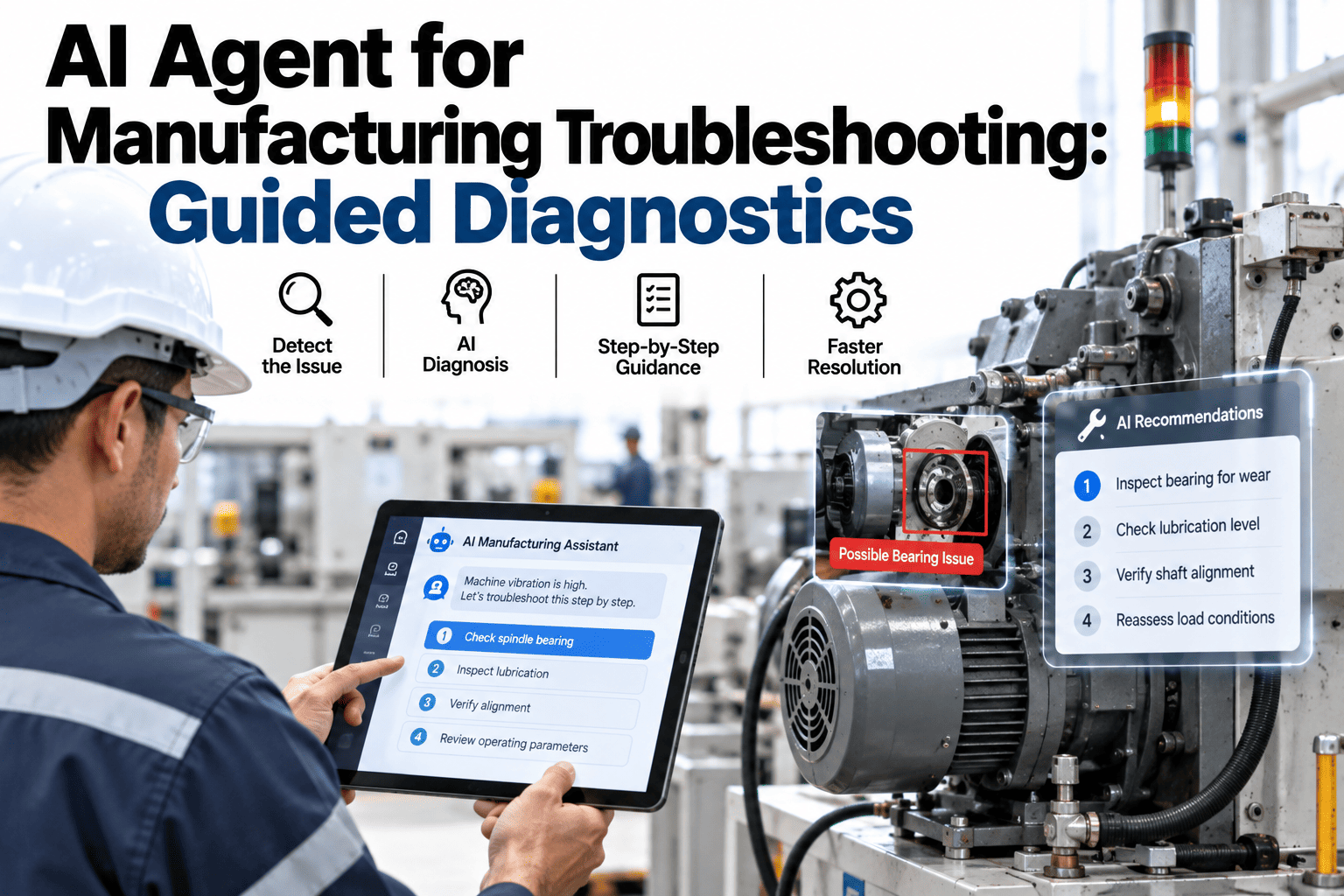
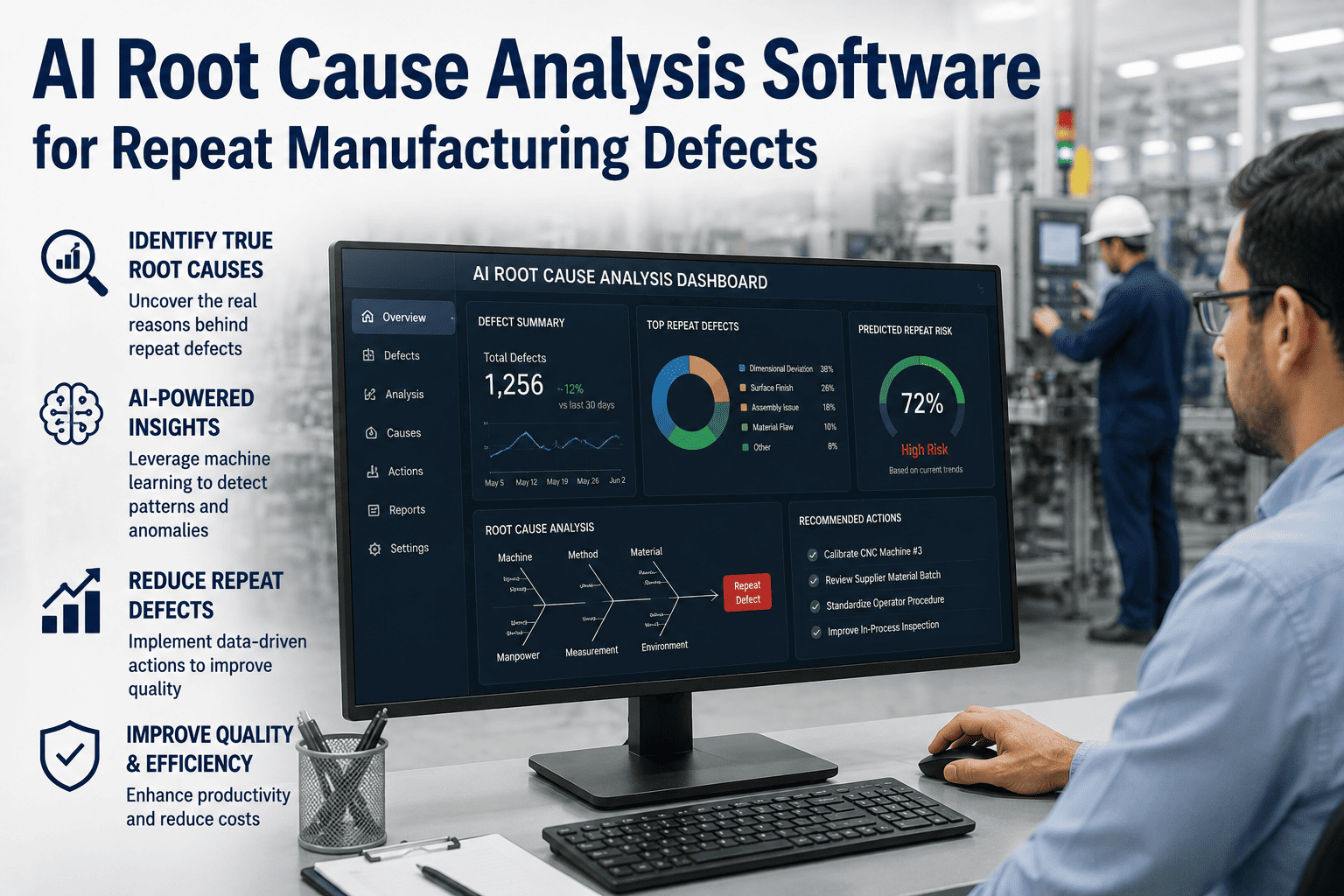
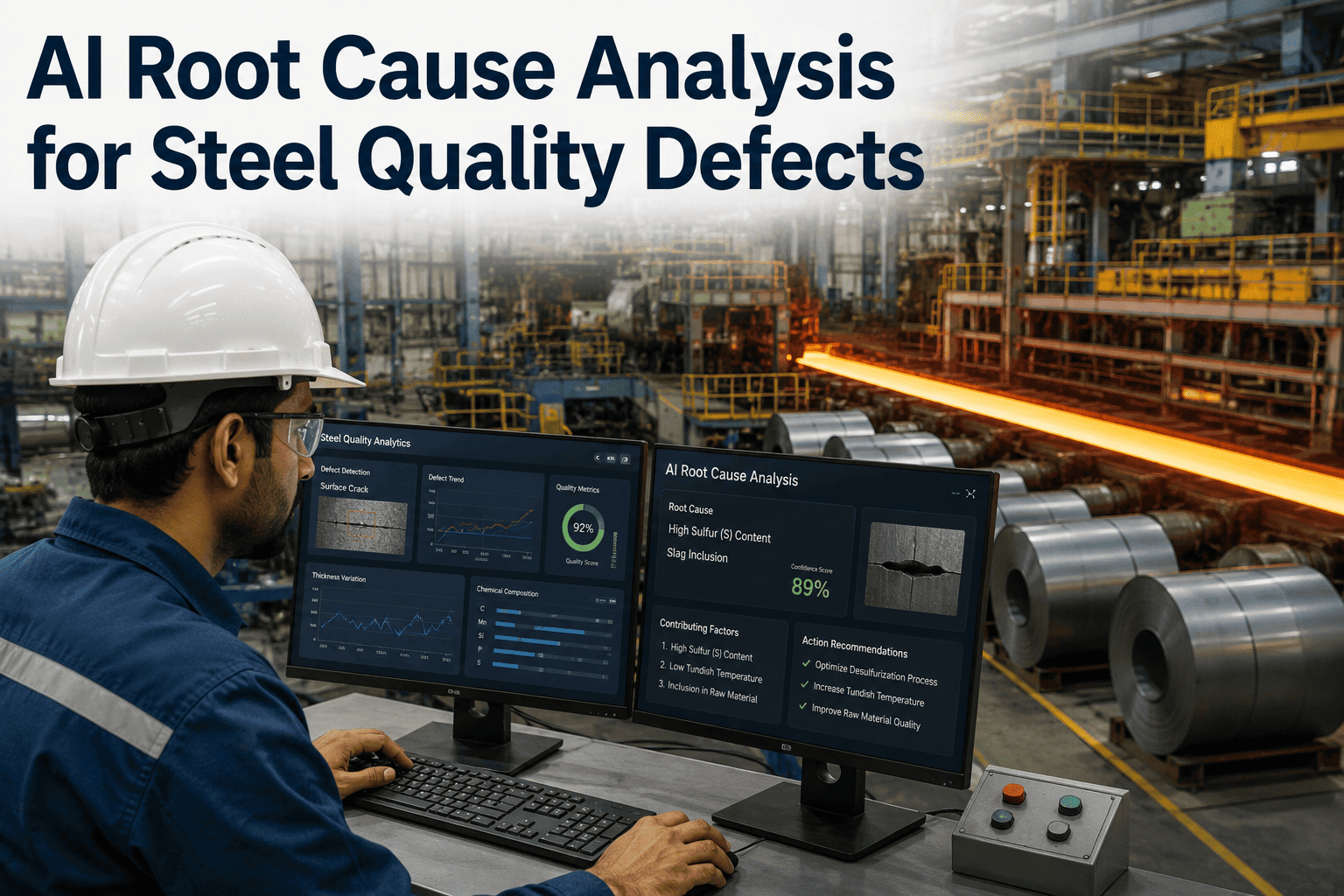
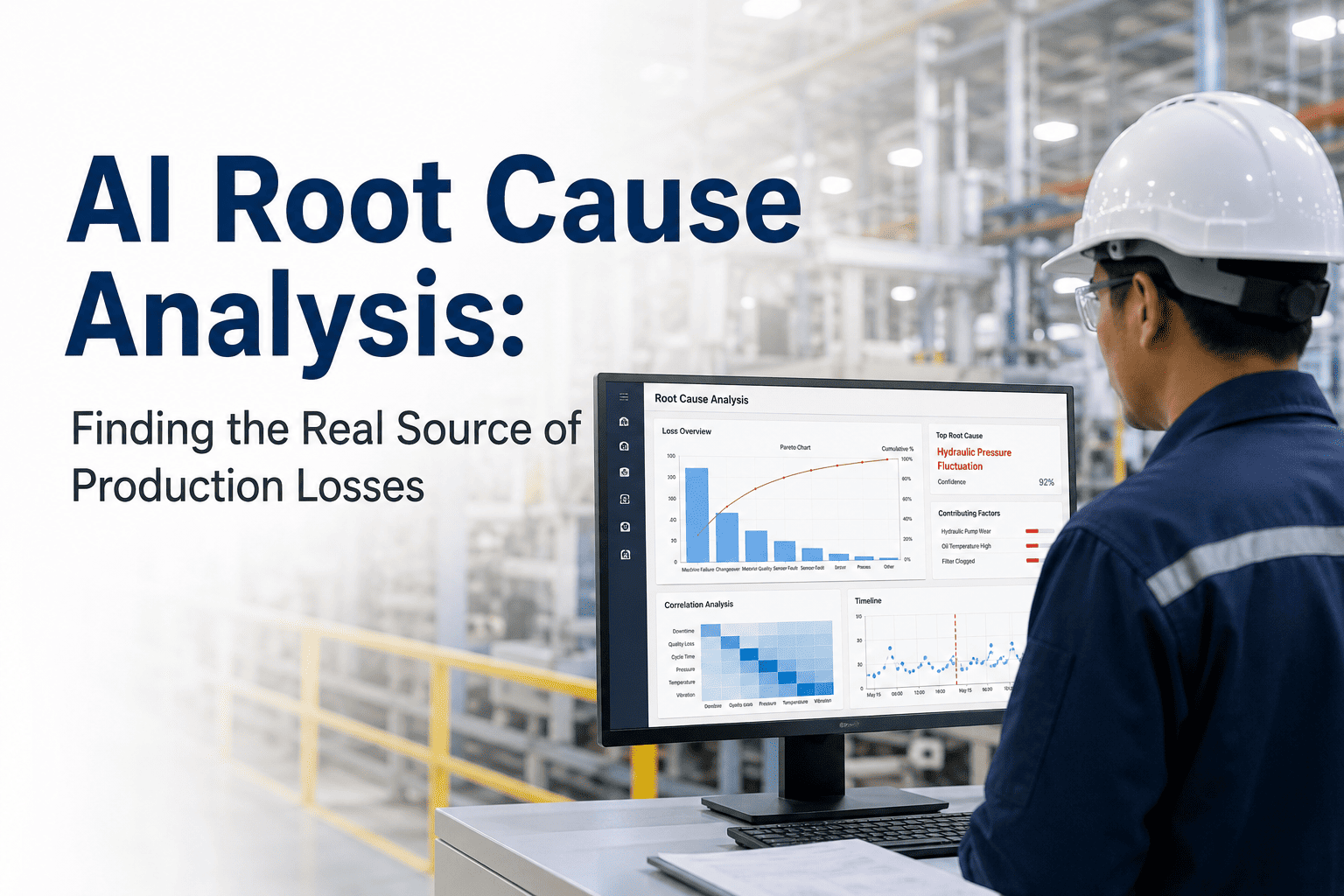
A laminated troubleshooting flowchart taped to the side of a machine looks helpful right up until the actual fault doesn't match any of the six boxes printed on it. Real equipment failures branch in ways a static document never anticipated, and the technician standing there is left choosing between a flowchart that doesn't fit and a phone call to someone who might not answer. A guided diagnostic agent solves this differently: instead of a fixed set of printed branches, it asks the next most useful question based on what you've already told it and what the equipment's actual data shows, narrowing toward a specific, ranked root cause rather than a generic category. If your team's troubleshooting still starts with "which laminated sheet do I need," book a demo to see a real diagnostic path run start to finish.
AI COPILOT · GUIDED TROUBLESHOOTING AGENT
The Next Question Is Always the Right One
iFactory's troubleshooting agent asks dynamic, context-aware questions and cross-references your equipment's actual data, narrowing from symptom to ranked root cause faster than any static flowchart ever could.
SYMPTOM
↓
DYNAMIC QUESTION
↓
DATA CROSS-CHECK
↓
RANKED DIAGNOSIS
HOW A GUIDED DIAGNOSIS ACTUALLY WORKS
Four Steps From Symptom to Confirmed Fix
01
Symptom Capture
A plain-language description of what's happening, a sound, an error code, a quality defect, starts the session rather than requiring a technician to already know the right category.
02
Dynamic Questioning
Each follow-up question is chosen based on the answer to the last one, narrowing the possibility space instead of walking through a fixed script regardless of relevance.
03
Live Data Cross-Reference
Answers get checked against actual current sensor readings and recent fault history on that specific asset, not just the technician's own recollection.
04
Ranked Root Cause & Repair Steps
The session ends with a specific, ranked list of likely causes and the repair procedure matched to whichever one is confirmed, not a generic category to investigate further.
GUIDED VS STATIC
Why a Flowchart Can't Do What This Does
STATIC FLOWCHART
Fixed branches, printed once, never updated as new failure modes emerge
No connection to live sensor data or actual fault history
A fault outside the printed branches leaves the technician stuck
GUIDED AI AGENT
Questions adapt in real time to what's actually been observed
Cross-references live sensor readings and this asset's own history
Handles genuinely novel combinations by reasoning, not just matching
Run a real diagnostic session on your own equipment
iFactory can run the troubleshooting agent against a fault your team is dealing with right now.
A REAL SESSION, START TO FINISH
Following One Path All the Way to a Fix
Reported: "Conveyor 4 is making a grinding noise near the drive end."
Agent asks: "Is the noise constant or does it occur at a specific point in the belt cycle?"
Response: "Only at one specific point, repeats every cycle."
Agent cross-checks: Current draw data shows a small periodic spike matching the reported cycle timing.
Ranked diagnosis: Most likely, a damaged section of the belt or a worn roller at a fixed position. Second, a bent pulley causing periodic contact.
Repair guidance: Inspect the belt and rollers at the position matching the cycle timing first, with the associated SOP and torque specs attached.
MANUAL TROUBLESHOOTING VS GUIDED AGENT
What Actually Changes on a Real Repair
| Factor |
Manual / Flowchart Troubleshooting |
Guided AI Agent |
| Starting point |
Technician must already know the right category |
Starts from a plain-language description of the symptom |
| Handling a novel fault |
Stuck if it doesn't match a printed branch |
Reasons through a genuinely new combination |
| Use of live data |
None, relies entirely on technician observation |
Cross-referenced automatically against sensor history |
| Consistency across technicians |
Varies by individual experience level |
The same rigorous path for every technician, every shift |
| Time to root cause |
Often trial and error across multiple attempts |
Narrowed systematically in a single guided session |
TURNKEY DEPLOYMENT
How iFactory Builds Your Diagnostic Agent
What Gets Delivered
A diagnostic agent trained on your equipment's actual fault and repair history
Live integration with sensor data for real-time cross-referencing
Ranked root cause output with confidence levels, not a single guess
Repair procedure and SOP linkage matched to the confirmed cause
Continuous refinement as new fault patterns are confirmed over time
Rollout Timeline
Weeks 1-2: Fault and repair history ingestion by asset class
Weeks 3-4: Sensor integration and diagnostic path testing
Week 5: Technician training and first live diagnostic sessions
FREQUENTLY ASKED QUESTIONS
What Teams Ask About Guided Troubleshooting
How is this different from a decision-tree app or a digital version of the same flowchart?
A digitized flowchart is still fundamentally a fixed set of pre-written branches, just delivered on a screen instead of laminated paper, and it shares the same core limitation, a fault that doesn't match one of the pre-written paths leaves the technician stuck regardless of the delivery format. A guided agent reasons dynamically from the specific symptom description and live equipment data rather than matching against a fixed script, which means it can handle a genuinely novel combination of symptoms that nobody anticipated when the original troubleshooting document was written.
Book a demo to see it handle a fault that wouldn't fit a standard flowchart.
What happens if the agent's ranked diagnosis turns out to be wrong?
The output is presented as a ranked list of likely causes with relative confidence, not a single definitive answer, precisely because diagnosis inherently involves uncertainty and a technician's own inspection is still the final confirmation step. When the top-ranked cause turns out not to be the actual issue, that outcome feeds back into the system, refining future ranking for similar symptom combinations on that asset class, so the agent's accuracy improves specifically from the cases where it was wrong rather than repeating the same mistaken ranking.
Contact our support team to review how ranking accuracy is tracked and improved over time.
Does this require extensive historical fault data before it's useful?
A meaningful starting point can be built from whatever fault and repair history already exists in your CMMS, even a modest amount, since the agent's reasoning combines that historical pattern matching with live sensor cross-referencing and general mechanical reasoning about the equipment type, rather than depending entirely on having seen every possible fault before. Accuracy does improve as more confirmed diagnoses accumulate over time, particularly for asset-specific quirks that only show up in your own equipment's actual failure history.
Book a demo to see what's achievable with your current fault history.
Can newer technicians actually use this without extensive training?
Yes, and this is one of the most immediate benefits reported, since the interface is built around answering plain-language questions about what's observed, not requiring familiarity with technical fault codes or diagnostic terminology upfront. A newer technician gets guided through the same rigorous, systematic diagnostic path an experienced technician might run mentally, which tends to shorten the learning curve for handling unfamiliar equipment considerably compared to learning purely through on-the-job trial and error.
Contact our support team to discuss onboarding for technicians at different experience levels.
Does the agent work offline or only when connected to the plant network?
Live sensor cross-referencing requires a network connection to pull current data, which is a core part of what makes the diagnosis more accurate than a static reference document, but the underlying diagnostic reasoning and SOP retrieval can be configured to work with cached recent data in areas with limited connectivity, so a brief network gap doesn't leave a technician completely without support mid-session.
Book a demo to review connectivity requirements for your specific plant environment.
FROM SYMPTOM TO CONFIRMED FIX, GUIDED EVERY STEP
Stop Troubleshooting Against a Flowchart That Doesn't Fit
iFactory's guided diagnostic agent asks the right next question, cross-references live equipment data, and narrows to a ranked root cause faster than any static reference document.