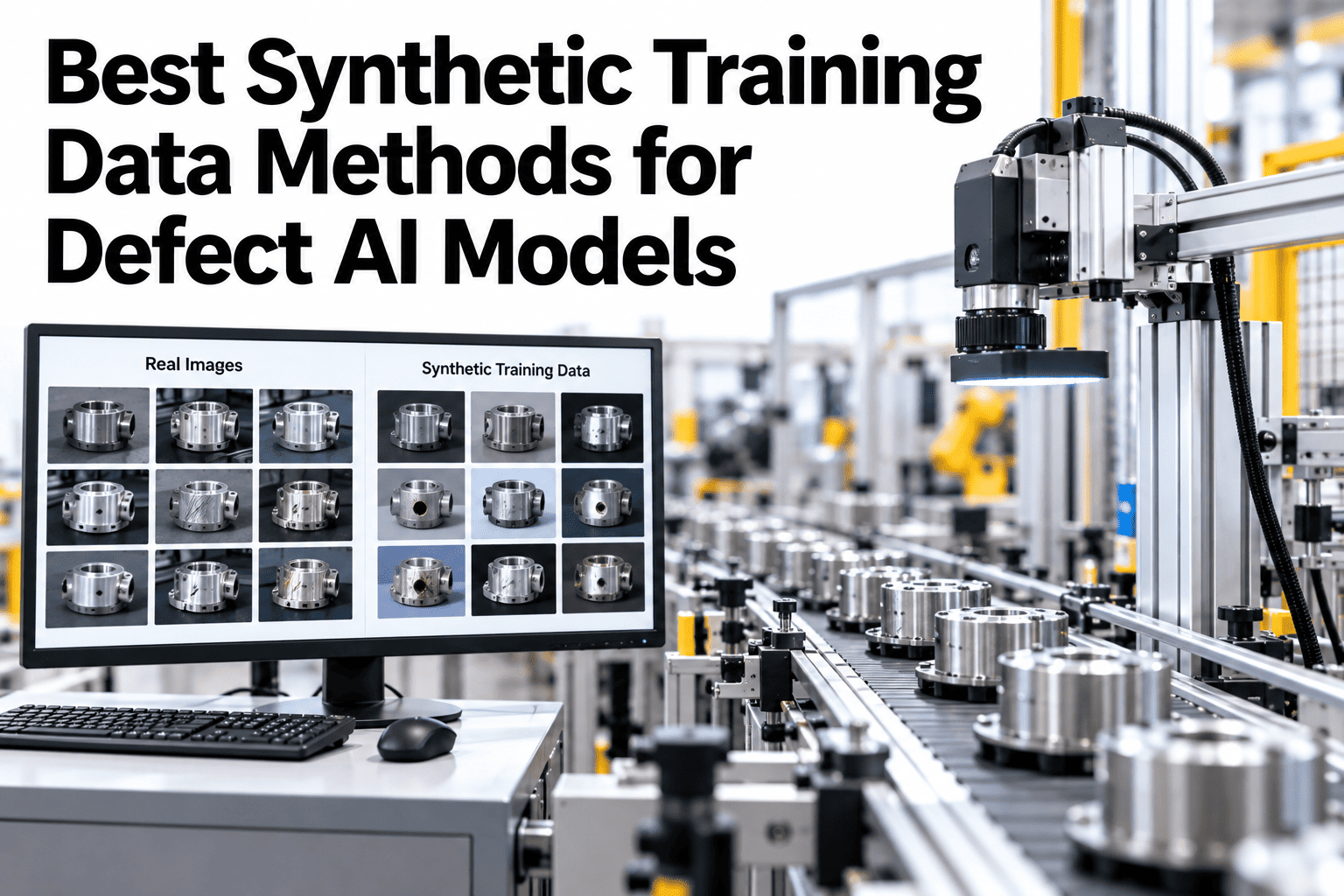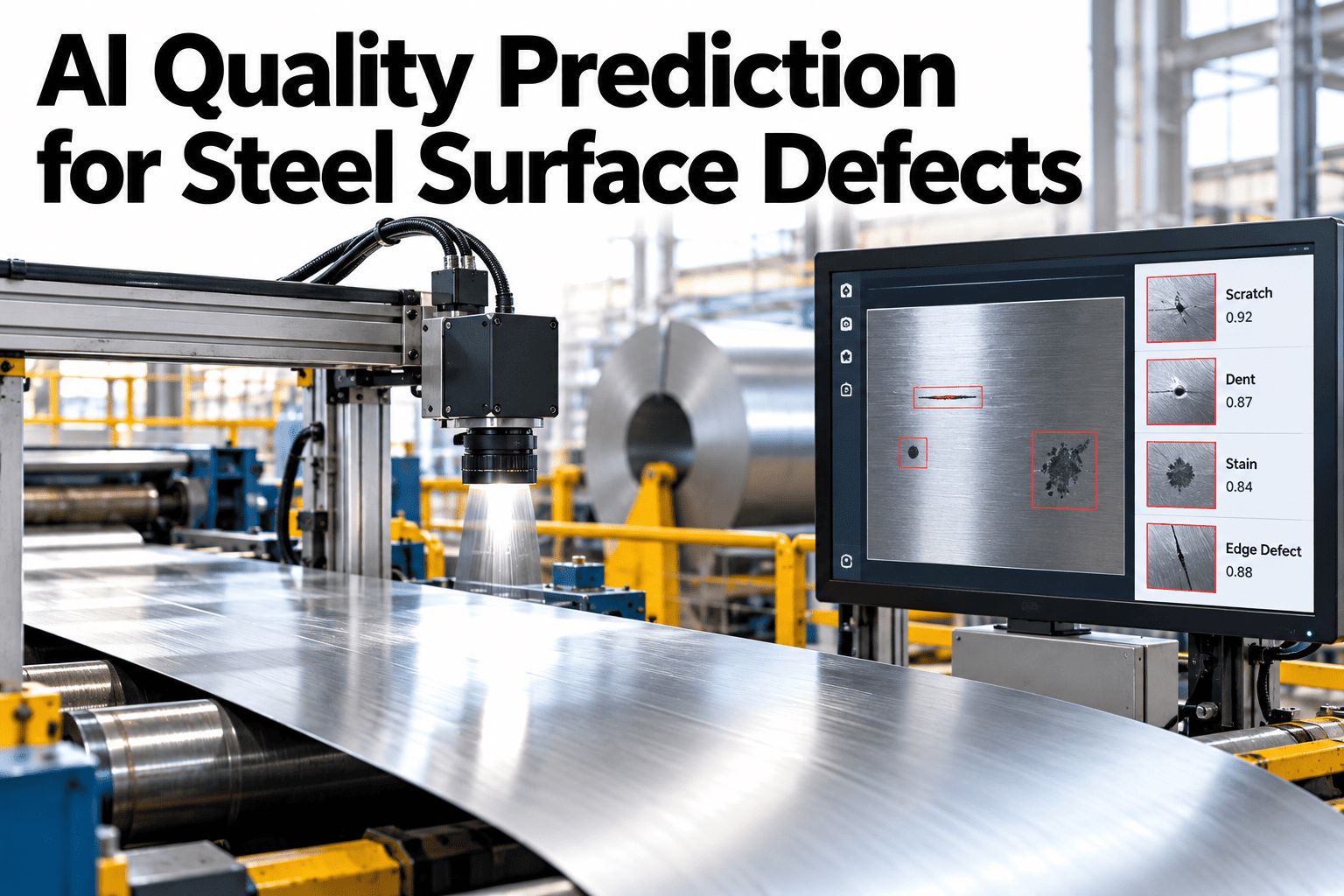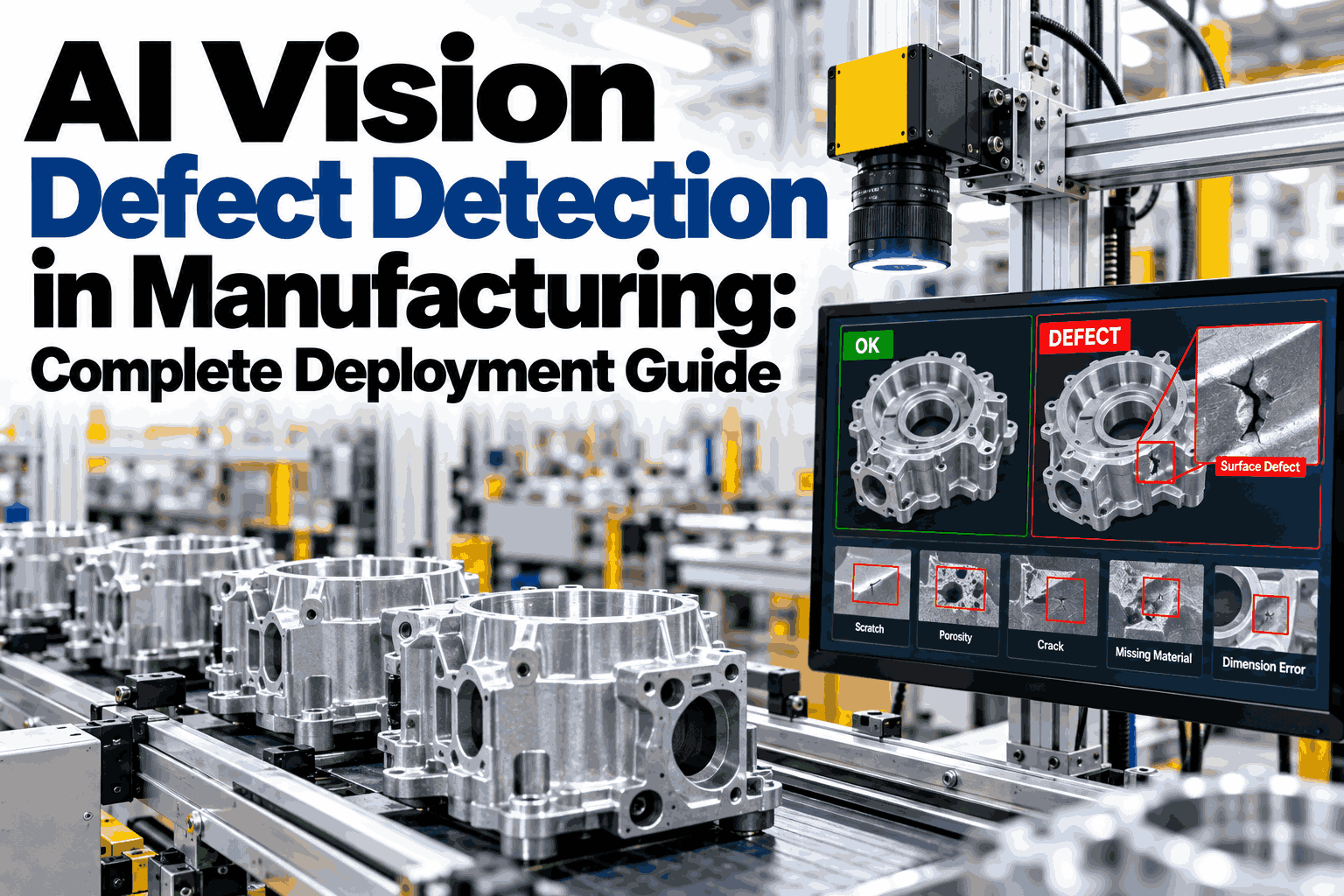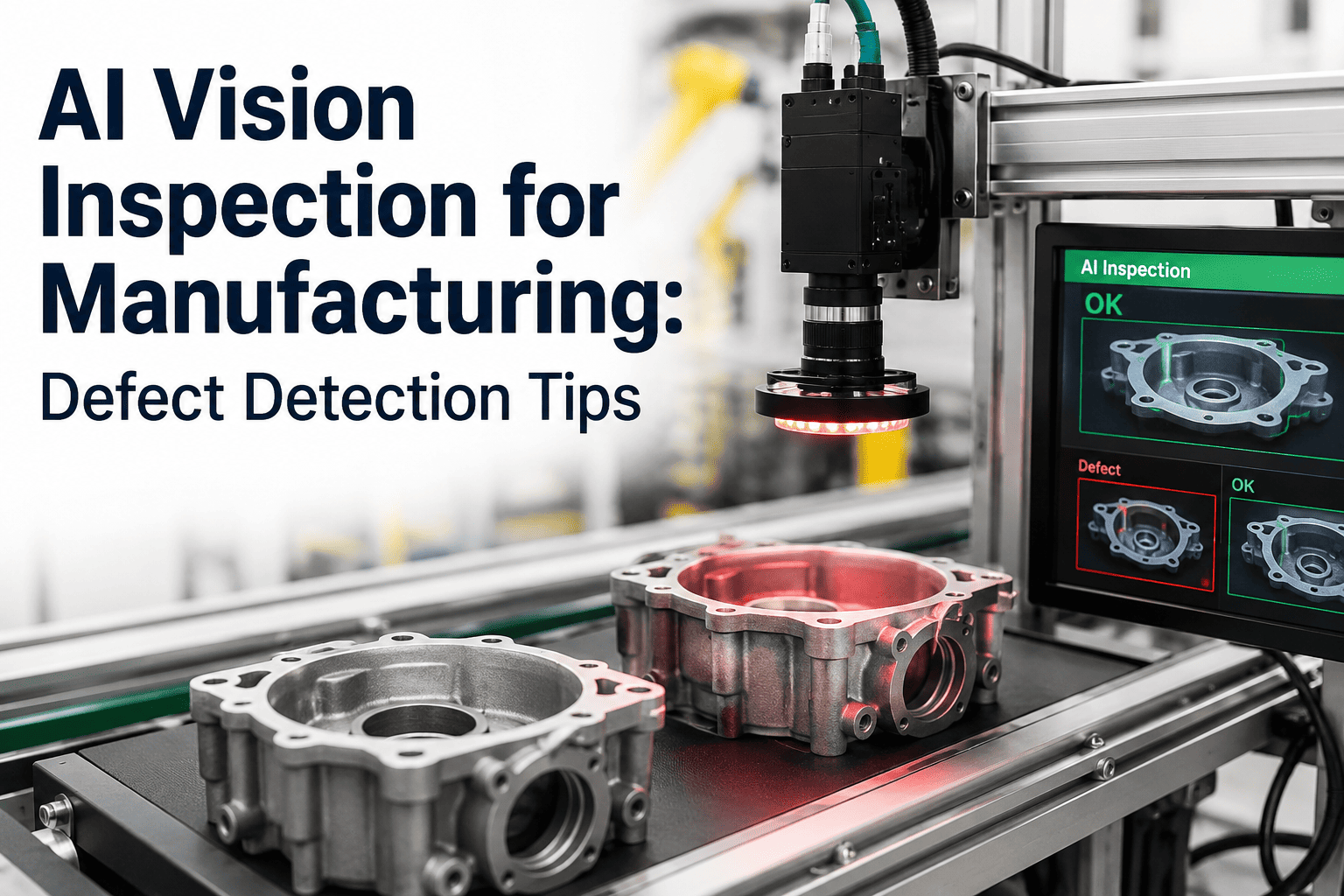
Training a machine learning model to classify manufacturing defects sounds like a data science problem, but in practice it is mostly a data quality problem wearing a data science costume. The plants that get this right spend the bulk of their effort on disciplined image labeling and thoughtful data augmentation, not on chasing the newest model architecture. A defect classifier trained on a small, poorly labeled dataset will underperform a simpler model trained on a large, carefully curated one every time. This guide walks through the practical steps of building a defect classification model that actually holds up on your production line. iFactory's AI vision platform handles this pipeline end to end, and you can book a demo to see a live classification model in action.
Train a Defect Classifier That Works on Your Line
Data labeling, augmentation, model selection, and deployment, the practical steps behind an AI defect classification system that actually holds up in production.
Why Most First Attempts at Defect AI Underperform
Teams that build their own classifier without prior computer vision experience tend to make the same handful of mistakes. They collect too few defect examples, label inconsistently across multiple annotators, and skip the augmentation work needed to make the model robust to the lighting and angle variation a real production camera sees every day.
The Model Training Pipeline, Step by Step
A production-grade defect classifier is built through a repeatable sequence rather than a single training run. Each stage below directly affects how well the final model generalizes to defects it hasn't seen before.
Data Collection Strategy
Capture images across the full range of production conditions, different lighting, part orientations, and material batches, so the model doesn't overfit to the narrow conditions of a single data collection session.
Consistent Labeling Protocol
Define clear, written criteria for each defect class before labeling begins, and have multiple annotators label a shared sample set to measure agreement before scaling up the full dataset.
Data Augmentation
Apply rotation, brightness variation, and synthetic occlusion to multiply your effective dataset size and expose the model to variation it will encounter on the actual production camera.
Model Selection and Training
Start with a proven convolutional architecture rather than building from scratch, using transfer learning from a pretrained base to reduce the amount of labeled data required for strong performance.
Validation Against Held-Out Production Data
Test the model against images it never saw during training, ideally collected weeks after the training set, to confirm performance holds up as production conditions naturally drift.
Deployment and Continuous Monitoring
Deploy to the production line with confidence thresholds tuned for your risk tolerance, and monitor real-world accuracy continuously so retraining triggers before performance quietly degrades.
Build In-House vs. Deploy iFactory's Trained Models
Building a custom classifier from scratch is possible for plants with data science resources, but most manufacturing teams find a pretrained, adaptable platform gets them to production accuracy far faster.
| Factor | Build In-House | iFactory AI Vision |
|---|---|---|
| Time to first working model | 3-6 months | 2-4 weeks |
| Labeled images typically needed | 5,000-10,000+ | 500-1,000 with transfer learning |
| Ongoing maintenance | Dedicated ML engineer | Managed retraining pipeline |
| Integration with line cameras | Custom development | Pre-built connectors |
Skip the Months of Trial and Error
A working defect classifier is only useful if it deploys quickly and stays accurate as production conditions change.
Signs Your Model Needs Retraining
Even a well-trained classifier degrades over time as materials, lighting, and product designs change. Watch for these signals that indicate a retraining cycle is due.
Rising False Positive Rate
Good parts increasingly flagged as defective usually means lighting or material appearance has drifted from what the model was trained on.
New Defect Types Appearing
A process or material change introducing a defect mode the model has never seen will produce inconsistent or low-confidence classifications on those specific parts.
Confidence Scores Trending Down
Even correct classifications made with declining confidence over time is an early warning sign worth investigating before accuracy visibly drops.
Frequently Asked Questions
How many defect images do we need to get started?
With transfer learning from a pretrained base model, meaningful accuracy is achievable with as few as five hundred to a thousand well-labeled images per defect class, far less than the tens of thousands often assumed necessary for computer vision projects. Rare defect types may need targeted collection effort to reach that threshold. Book a demo to assess your current image volume.
What happens if our labeling has inconsistencies between annotators?
Inconsistent labeling is one of the most common causes of poor model performance, since the model learns whatever pattern the labels actually encode, including the inconsistency itself. Measuring inter-annotator agreement on a sample set before full-scale labeling catches this early and lets you refine your labeling criteria before it contaminates the whole dataset.
Can the same model run on multiple production lines?
A model trained on one line's camera setup and lighting conditions often needs some fine-tuning before performing well on a different line, even for the same defect types, since camera angle and lighting materially affect image appearance. Plan for a shorter validation and fine-tuning pass when extending a model to a new line.
How does iFactory handle ongoing retraining?
The platform monitors classification confidence and false positive rates continuously in production, flagging when performance drift suggests a retraining cycle is needed rather than waiting for a scheduled review. Contact support to learn more about the monitoring and retraining workflow.
Is this only useful for visual surface defects?
While surface defects like scratches, discoloration, and dimensional deviations are the most common application, the same underlying approach applies to assembly verification, missing component detection, and other visually distinguishable quality issues on the production line.
Deploy a Defect Classifier That Actually Holds Up
Skip months of trial and error building your own computer vision pipeline from scratch.