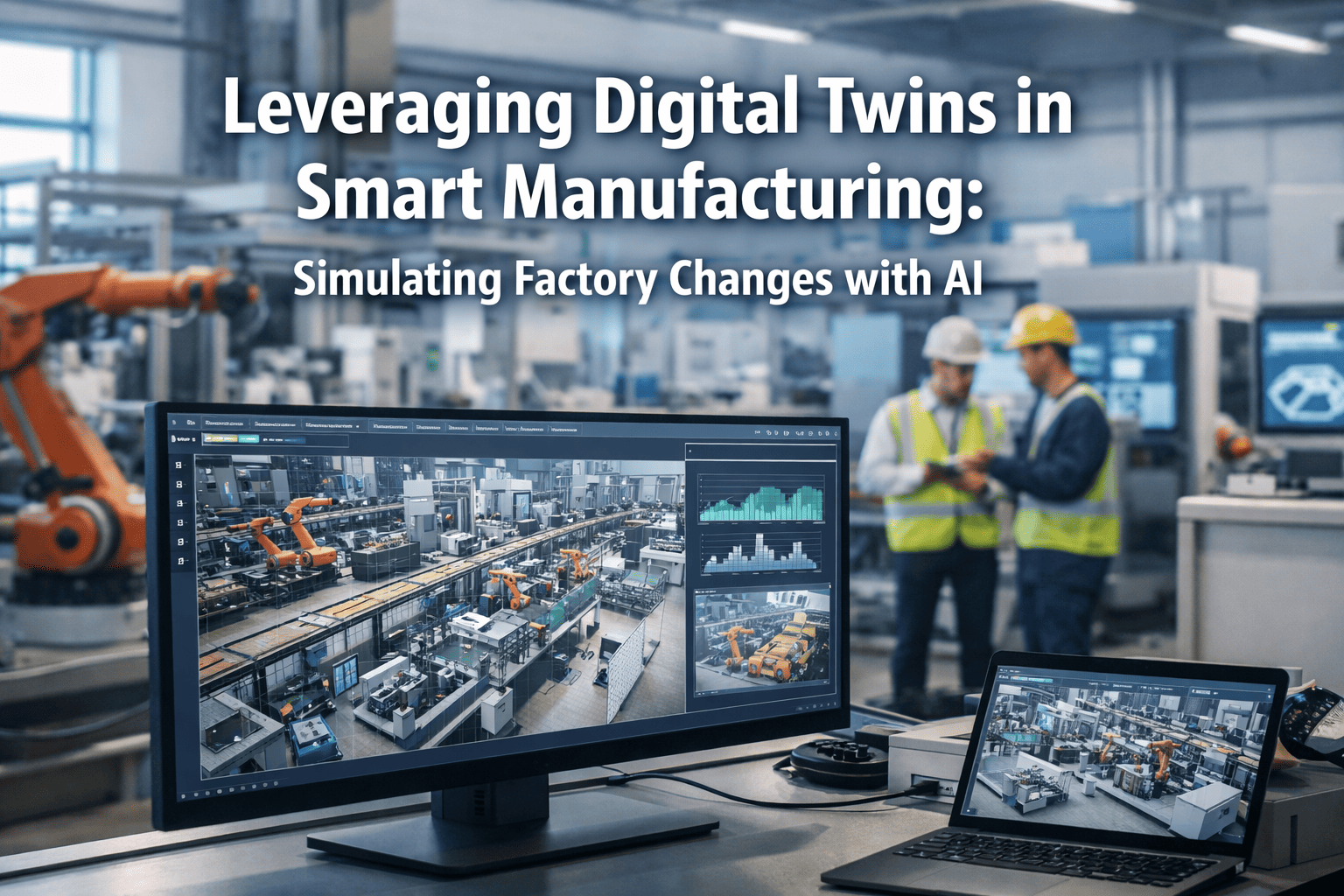
New plants rarely run late because of steel or concrete. They run late because a control sequence misbehaves on site, with the crew standing by and the schedule burning. A commissioning digital twin lets the team run that logic against a model of the plant first, so most sequence, interlock and alarm errors are found at a desk instead. See how iFactory AI supports commissioning teams before start-up day.
Find Control Logic Errors Before the Plant Exists
iFactory AI helps commissioning managers test sequences, interlocks and alarms against a plant model, then carries the same model into operations.
Why Logic Errors Show Up So Late
Control software is usually finished last and tested first on the real machine. By then every error costs crew time, and the schedule has no slack left to absorb it.
Late code
Programming waits for final design, so logic is written close to the start-up date.
No test bench
Without the machines present, the program has nothing to run against.
Errors on site
Wrong interlocks, missed states and bad timings appear while equipment is live.
Schedule loss
Every fix needs people, access and sometimes a stop, so days slip away.
What a Commissioning Twin Is, and Is Not
A commissioning twin is a working model of the plant that reacts to control signals. It does not need to look real. It needs to behave correctly enough that the control code can be proven against it.
| Level | What runs | What it proves | What it misses |
|---|---|---|---|
| Desktop model | Control logic and plant model together on a computer | Sequences, states, interlocks and basic timing | Real controller behavior and network timing |
| Controller in the loop | Plant model runs in real time and talks to the actual PLC over a fieldbus | Real scan behavior, I/O mapping and communication | Field wiring and device faults |
| Site checks | Real equipment, with the logic already proven | Wiring, calibration, mechanical limits | Little, if the earlier levels were done well |
What to Test Before You Reach Site
Spend model effort in the places that cost most when wrong. Six families of logic repay the work almost every time.
Start and stop sequences
Order, delays and permissives for each unit and for the whole line.
Interlocks
Every condition that must block a motion, with a case that tries to break it.
Alarms and trips
Limits, delays, priorities and what each alarm actually shuts down.
Mode changes
Manual, auto, maintenance and recovery after a power loss.
Batch and recipe steps
Quantities, hold points and what happens when a step fails midway.
Fault handling
Failed sensors, stuck valves and lost signals, injected on purpose.
Prove the Logic Before the Crew Arrives
Book a 30-minute session and iFactory AI will map a virtual test plan to your next start-up.
What the Time Saving Can Look Like
A simple model shows the logic. Suppose a start-up uncovers 60 control errors, and each one costs three crew hours when found live. Suppose a twin lets the team find 45 of them at half an hour each.
Decide What to Model and What to Skip
A twin that tries to copy everything never finishes. Model what the control logic reacts to, and leave out what it never sees.
| Plant element | Minimum behavior to model | Typical logic it exercises |
|---|---|---|
| Motor and drive | Run feedback, fault, speed response with a delay | Start permissives, overload trips, restart rules |
| Valve | Open and closed feedback with travel time, plus a stuck case | Sequence steps, interlocks, timeout alarms |
| Tank or hopper | Level that rises and falls with flow | Level control, high and low alarms, batch quantities |
| Conveyor | Item presence at sensors with transit time | Jam detection, accumulation, merge rules |
| Safety device | Trip and reset signals with realistic response | Safe states, restart conditions, bypass rules |
One Model, Four Uses Over the Plant Life
The twin pays back more than once. Build it with reuse in mind, and the same asset serves several stages.
Design checks
Controls and process engineers review sequences together before code is frozen.
Virtual factory test
The program runs against the model, with every defect logged and closed.
Operator training
Crews practice start-ups, trips and recoveries before the plant is live.
Change testing
Later program changes are proven on the model before they touch production.
Who Does What
| Role | Owns | Sign-off needed |
|---|---|---|
| Commissioning manager | Test plan, schedule gates and exit criteria | Go or no-go for site |
| Controls engineer | PLC and SCADA logic, defect fixes | Code version for each test run |
| Process engineer | Sequence intent and plant behavior in the model | Model realism for key units |
| Operations lead | Operator view, alarms and recovery steps | Usability of screens and procedures |
| Safety lead | Safe states and trip behavior | Safety logic evidence |
| IT and OT lead | Network, historian and ERP and MES links | Data flow tests |
Common Ways Virtual Commissioning Goes Wrong
Exit Criteria for Leaving the Virtual Stage
Agree in advance what proof allows the team to move to site. A clear rule stops both rushing and endless testing.
Coverage
Every planned case has been run on the current code version.
No open critical defects
Safety and sequence defects are closed and retested, with evidence saved.
Known gaps listed
Anything not covered is named, with a plan to check it on site.
Named approval
The commissioning manager and the controls lead sign the release.
Good evidence is boring and specific. Each test case records the code version, the model version, the inputs, the expected result and the actual result. When a problem appears on site, that record shows quickly whether the case was never tested or was tested under different conditions.
After Handover Comes Operations
Start-up does not end the story. The model, the test records and the defect log are all assets for the operations team, and they are easy to lose if nobody owns them.
Name an owner for the twin before handover. Decide how it stays in step with the real plant when equipment changes, and who approves each change to the model. A twin that falls out of step with the plant becomes misleading, and operators soon stop trusting it.
Keep the defect log as a learning record. After a year, group the errors by type. If most trace back to the same families of logic, such as restart rules or mode changes, improve the standard templates so the next project starts better. That feedback is how a commissioning practice improves with each plant.
Data You Need Before Building the Model
Most delays in model building come down to missing inputs. Ask for these early, because several of them sit with suppliers and design teams, not with the controls group.
| Input | Typical source | Why the model needs it |
|---|---|---|
| Signal list | Electrical design and I/O schedules | Defines every input and output the logic touches |
| Process definition | Process engineering and P&IDs | Sets sequence intent and equipment relationships |
| Equipment data | Supplier manuals and data sheets | Gives travel times, speeds, capacities and limits |
| Control philosophy | Functional design specification | States modes, permissives and expected responses |
| Alarm list | Operations and safety reviews | Defines setpoints, delays and priorities to prove |
| Current program | Controls engineer | The version under test, with a clear identifier |
Test the Links to SCADA, MES and ERP Too
Plant start-ups do not only depend on the controller. Operator screens, batch records, production orders and reporting all rely on data moving correctly between systems, and these links are often tested last.
SCADA screens
Tags, alarms and faceplates behave as the operator expects when the model drives them.
MES orders
Work orders start, pause and finish the plant steps with correct quantities.
ERP postings
Consumption and output reach inventory and cost records without manual fixes.
Historian
The right tags are stored at the right rate, so analytics have data on the first day.
Running these links against the model means integration problems appear while there is still time to change mapping, naming and logic. It also means analytics can be configured and checked before real production begins, which shortens the period when nobody trusts the dashboards.
Train Operators Before the Plant Runs
New plants often start with a crew that has never seen the process. A twin gives them a safe place to practice, with no risk to people or product.
Feedback gathered in this practice is valuable for the logic as well. If experienced operators repeatedly misread an alarm, that points to an alarm design problem, which is far easier to fix before go-live than after the first incident.
Count the Effort Honestly
A twin takes real hours to build, and a fair case counts them. Compare model effort with the site hours it is expected to save, and be careful about double counting.
Include the learning benefit in the discussion too. Each project adds standard blocks, test cases and defect patterns that make the next model cheaper to build. The first project often looks expensive, and the third often looks routine. Record effort each time, so that the trend is visible and the decision for the next plant rests on your own numbers.
A Worked Example: Packaging Line Start-Up
Picture a new packaging line with a filler, a capper, a labeler, a case packer and a palletizer. The line must start in sequence, stop safely on a jam, and restart without clearing every station by hand.
| Case | Fault injected | Expected response | Typical finding |
|---|---|---|---|
| Capper jam | Cap feed sensor blocked for 10 seconds | Filler pauses, then resumes when cleared | Filler keeps running and overfills the buffer |
| Label roll empty | Low roll signal during run | Warning first, then controlled stop at a safe point | Alarm priority is wrong, so the warning is hidden |
| Case packer stop | Emergency stop pressed and reset | Upstream machines hold, with no product lost | Restart order leaves a partial case in the lane |
| Power loss | All power removed mid-batch | Safe state, then guided recovery | Batch counter resets and quantities are wrong |
Pre-Site Readiness Checklist
How to Judge the Program
| Measure | How to count it | What good looks like |
|---|---|---|
| Defects found virtually | Logic defects found before site, divided by all logic defects found | High, and rising over projects |
| Site logic hours | Crew hours spent debugging logic on site | Falling against your last plant |
| Test coverage | Planned cases run, divided by cases planned | Close to complete before release |
| Time to rated output | Days between first product and rated output | Shorter than comparable plants |
| Model build effort | Hours spent to build and maintain the twin | Below the site hours it saves |
How iFactory AI Supports Commissioning
iFactory AI connects plant data, models and records, so the same information serves tests, training and operation.
Plant model
Signals, equipment behavior and limits kept in one governed place.
Test case library
Cases, inputs and expected results linked to each sequence.
Defect tracker
Every defect with owner, fix and retest evidence.
Readiness view
Coverage and open items for each gate decision.
Ramp-up tracking
Output and yield against the planned curve after start-up.
Handover record
Models, tests and logs passed to the operations team.
A 90-Day Starting Plan
Pick the first unit
Choose one line or area and agree the test plan format.
Build the minimum model
Model the signals and behaviors the cases need, and no more.
Run and fix
Run the cases, log defects and retest until the exit rules are met.
Release and learn
Release to site, then compare virtual and real results.
Frequently Asked Questions
Do we need a full 3D model to start?
No. Most logic errors can be found with a behavioral model that reacts to signals correctly. Add visuals only when training or review needs them. Book a demo to scope a minimum model for your line.
Can we use it on a plant that is already running?
Yes, for testing program changes and training new operators, even though the original start-up is behind you. Book a demo to see change testing on an existing line, or ask support about model setup.
How do we know the model is realistic enough?
Check key behaviors against vendor data and early site results, then correct the model. Realism only matters for behavior that logic reacts to. Book a demo to review model checks used by commissioning teams.
Who should own the twin after start-up?
Operations or a controls lead should own it, with a clear rule for approving model changes. Book a demo to see handover records and ownership views.
How soon can we begin?
The turnkey build runs 6–12 weeks, and a first unit can be tested once its signals are linked. Book a demo to plan a pilot against your start-up date.
Start Up With Fewer Surprises on Site
iFactory AI connects plant data, models and test records for new plant start-ups. Book a walkthrough on your next project.
.png)