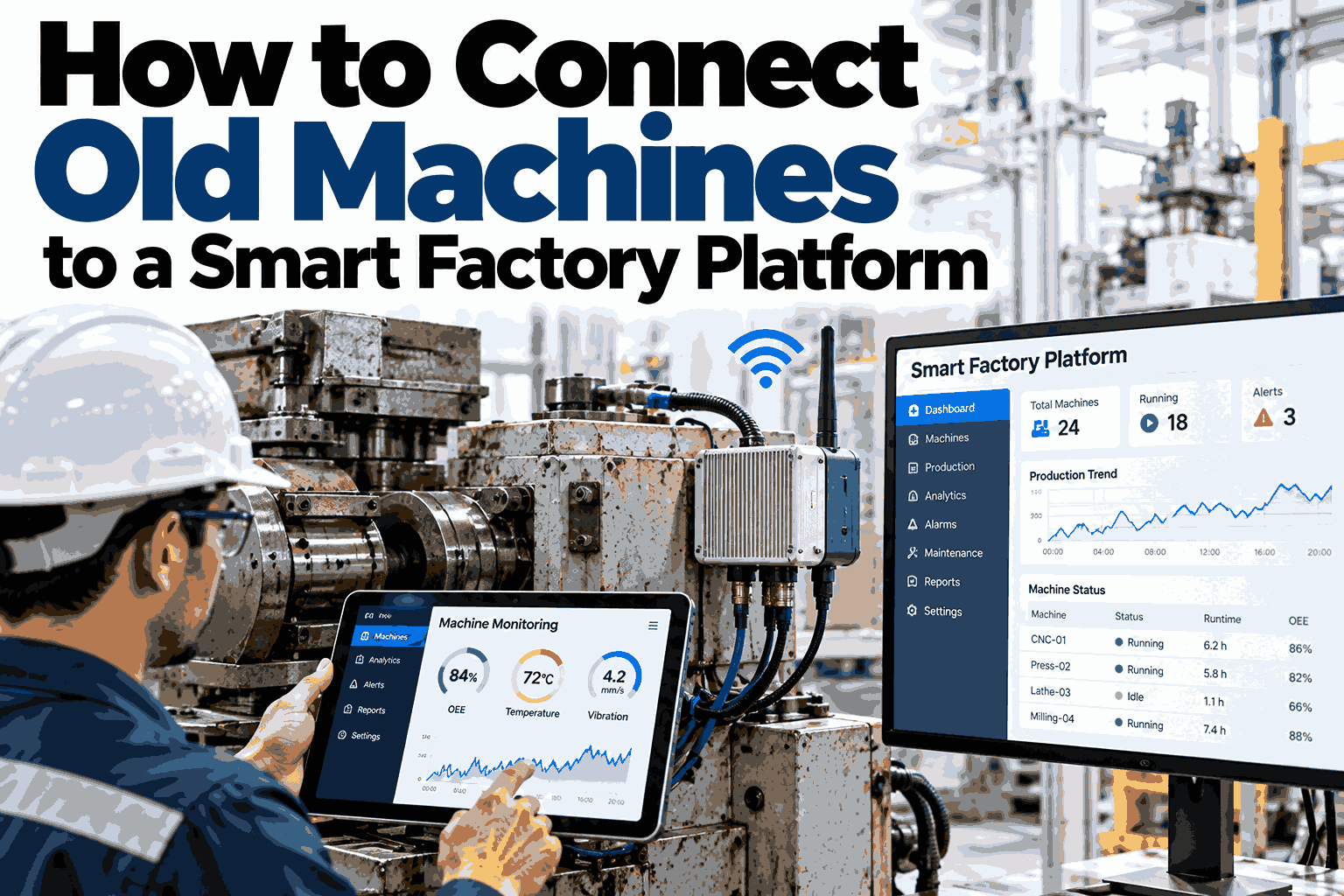
Most factories do not run on new machines. They run on presses, mixers, and lines that have worked reliably for twenty years and were never designed to share data. That does not mean they have to stay invisible. Nearly every old machine can be connected, and the right method depends on what the machine already has: a network port, a serial port, or nothing at all. This guide walks through each case in plain steps, from the simplest connection to a full retrofit. Teams that want help choosing a method for a specific machine can send the machine model and controller type to iFactory AI and get a suggested route.
Old Machines Can Talk. You Just Need the Right Connection.
iFactory AI brings data from legacy equipment into one platform, so planners and maintenance teams see the whole floor, not just the newest line.
Start With One Question: What Does the Machine Already Have?
Before buying anything, look at the control cabinet. The answer decides your route, your cost, and your timeline.
Many plants find that machines they assumed were closed turn out to have a usable port. A short walk-through with a controls engineer often saves weeks of guessing.
The Four Routes in Detail
Each route trades effort for depth of data. The later routes need more hardware but reach machines the earlier ones cannot.
Direct network read
Works with PLCs that already speak common industrial protocols. The platform reads tags such as cycle count, state, and alarms with no new hardware on the machine.
Protocol gateway
A small device translates older serial protocols into something modern systems understand. Good for machines from the 1990s and early 2000s.
I/O signal tap
Reads existing signals such as run, stop, fault, and part-count pulses. Simple and safe, though it shows what happened, not always why.
Retrofit sensors
Current clamps, vibration sensors, and light sensors on the stack light infer running state and health from outside the machine.
How Data Travels From Machine to Dashboard
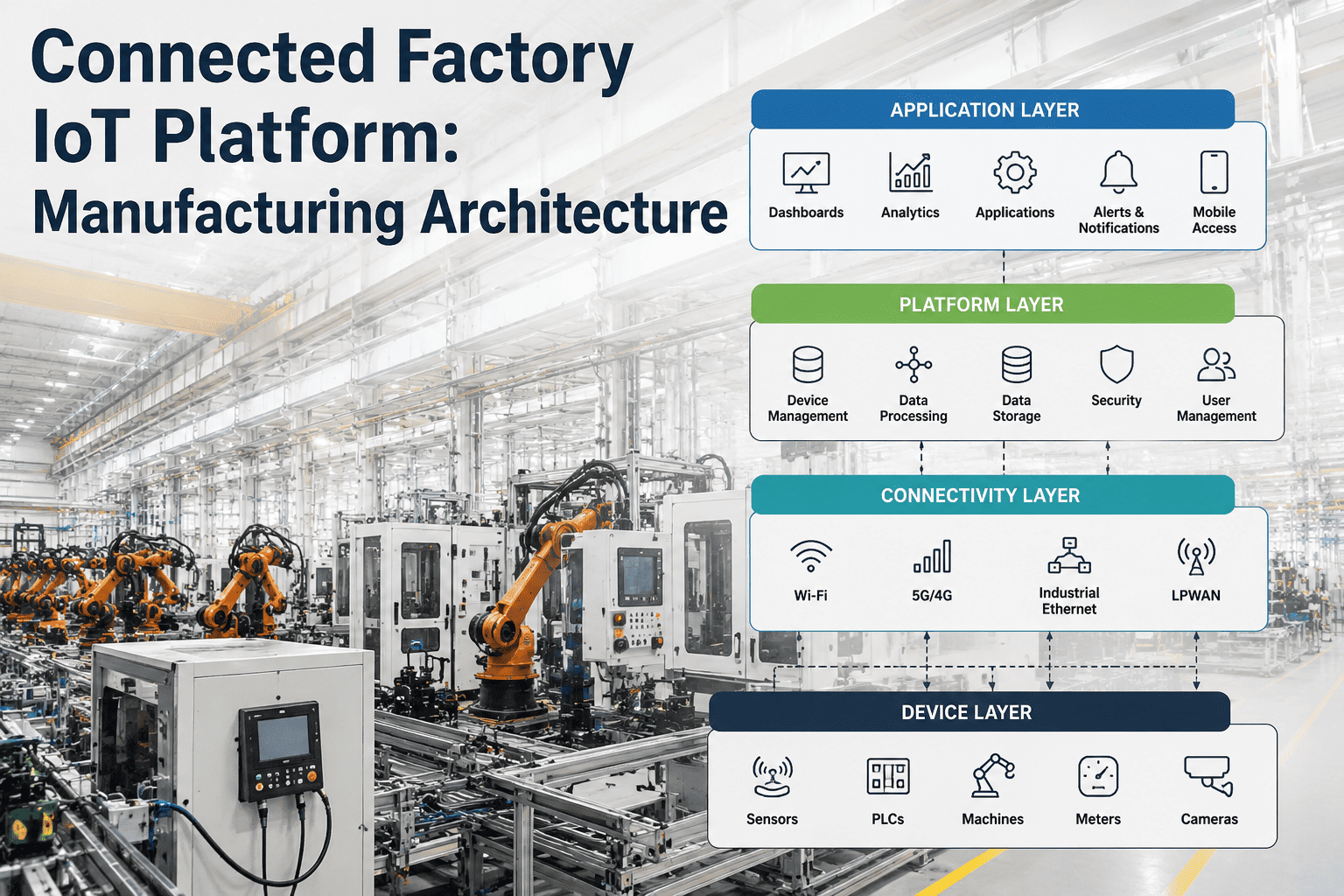
Whatever the route, the path after the machine looks the same. Four stops turn a raw signal into a decision.
Sensor, port, or gateway collects the signal.
Cleans, timestamps, and buffers data on site.
iFactory AI models states, cycles, and trends.
Alerts, dashboards, and work orders reach people.
Not Sure Which Route Fits Your Machines?
Book a 30-minute session. Bring a list of your oldest machines and iFactory AI will map each one to a connection route and the data you can expect.
What You Can Learn From Each Level of Data
Even basic signals unlock real insight. Richer data simply goes deeper into cause.
Uptime, downtime, and a first honest view of utilization.
Output rate, speed loss, and shift-by-shift comparison.
Stop reasons, repeat failures, and Pareto charts of downtime.
Vibration, temperature, and power trends that warn of wear early.
Comparing Effort, Cost, and Value
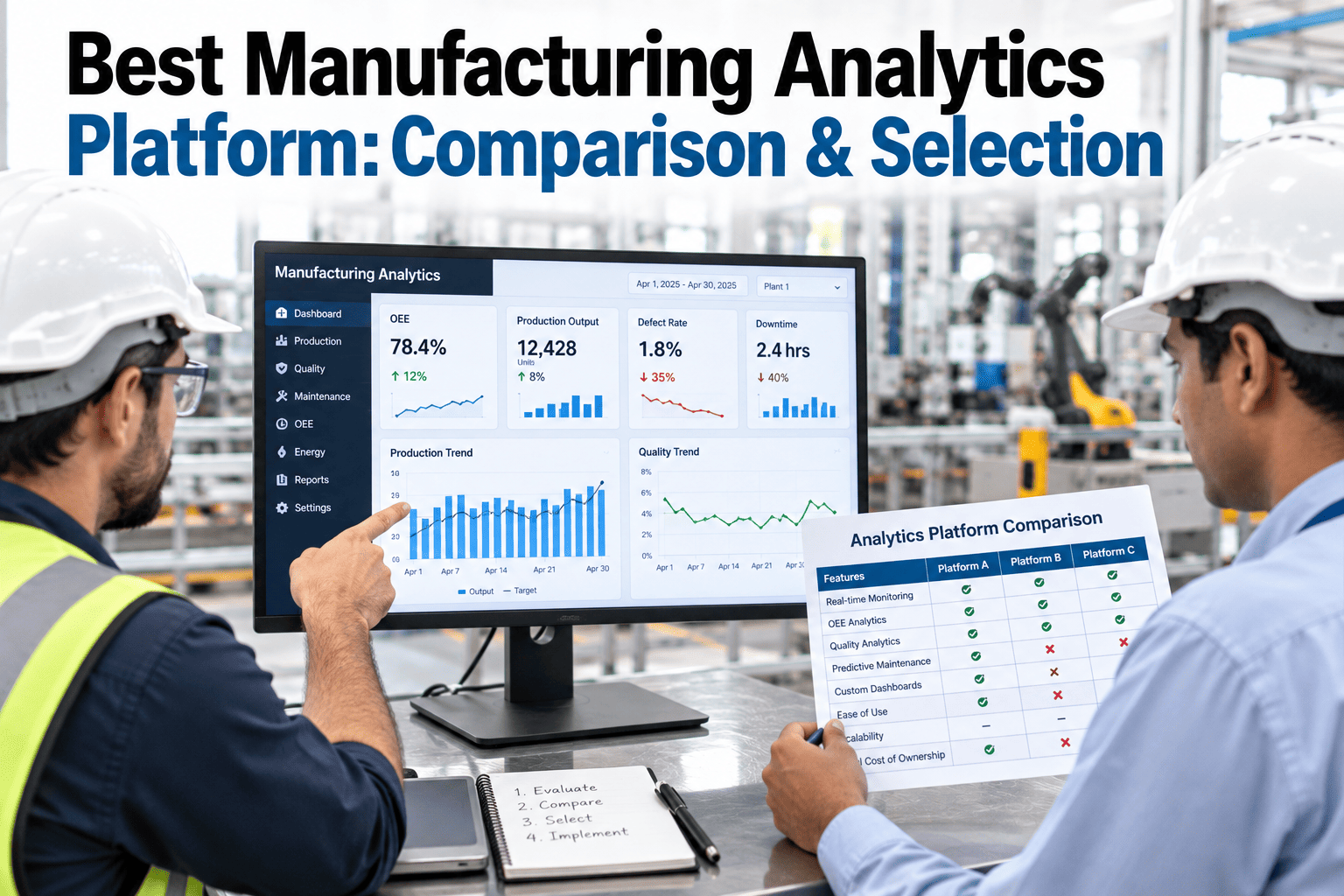
Use this table to match each route to machine age and the question you most want answered.
| Route | Best For | Install Effort | What You Gain |
|---|---|---|---|
| Direct network read | Newer PLCs with Ethernet | Low | Full tags, alarms, and recipes |
| Protocol gateway | Older PLCs with serial ports | Low to medium | Most PLC data without replacing the PLC |
| I/O signal tap | Machines with spare I/O | Medium | State, counts, and basic faults |
| Retrofit sensors | Manual or very old machines | Low, but needs mounting | Running state and health trends |
Start with the machines that cause the most downtime, not the easiest ones. A quick win on a problem line builds support for the rest of the rollout.
Four Mistakes That Slow Retrofit Projects
Most delays come from planning, not technology. These patterns appear again and again.
Connecting everything at once
A pilot on three to five machines proves the method before scaling.
Ignoring the network
Plan segmentation and access early so new devices do not create new risk.
Collecting data with no question
Name the decision each signal supports, or the dashboards go unused.
Skipping the operators
The people at the machine know its quirks and decide if the data gets trusted.
A Composite Scenario: The Oldest Press Becomes the Best Documented
A metal parts plant had one 25-year-old press with a serial port and no history of recorded downtime.
The press stayed in place. What changed was that the team finally had evidence about it.
How iFactory AI Handles Mixed Equipment
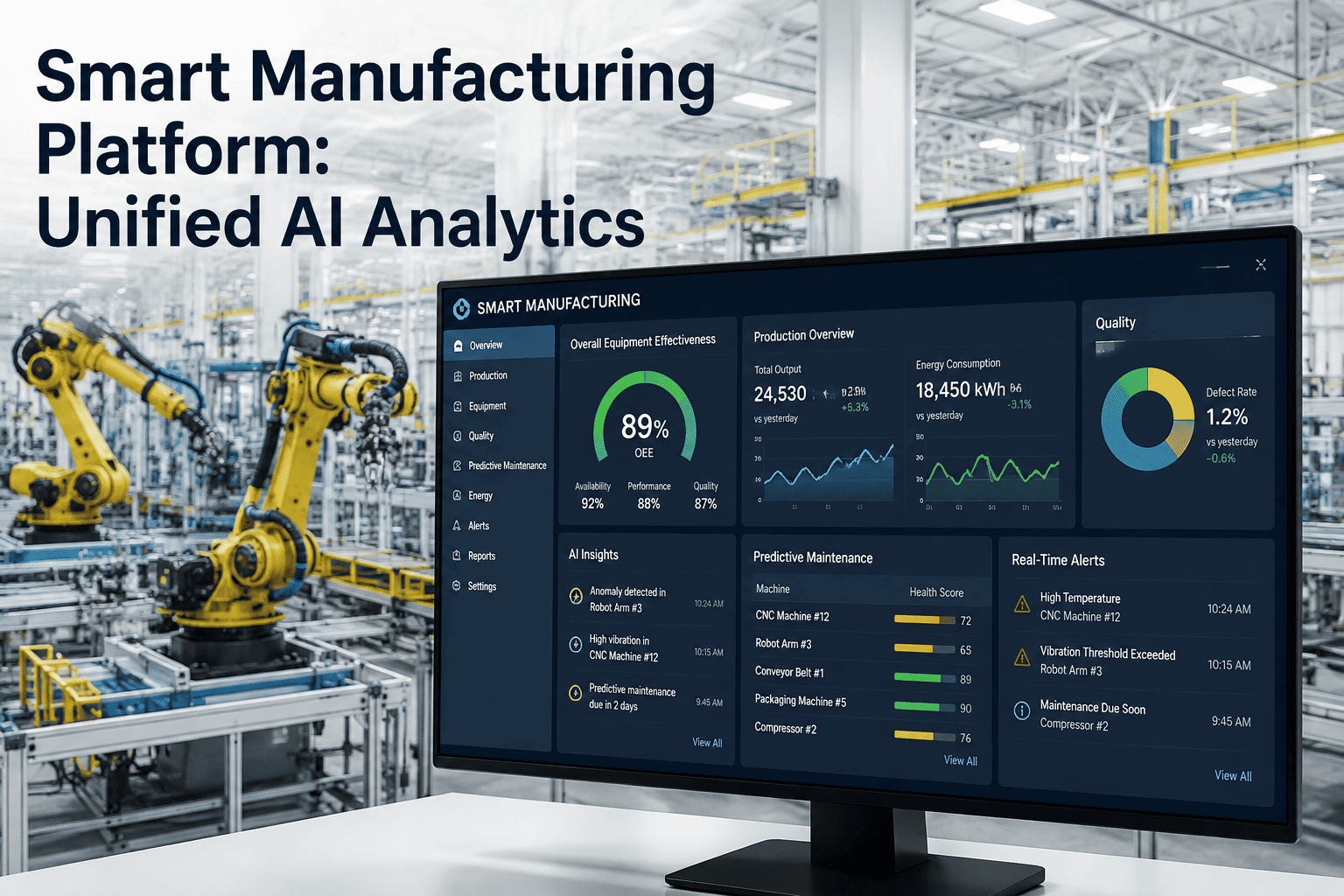
Real plants mix ages and brands. iFactory AI normalizes them so one dashboard works across the floor.
One view, many brands
Old and new machines report in the same format, so comparisons are fair.
Automatic state detection
Running, idle, and stopped states are inferred even from simple signals.
Early warning on wear
Trend changes in vibration or power point to problems before a breakdown.
Ready for ERP and MES
Machine data flows into planning and quality systems without manual entry.
iFactory AI arrives pre-configured on an NVIDIA server, racked and ready with software pre-loaded. Connect power and Ethernet to begin. Scope covers cabling, network, ERP and MES integration, team training, and 24×7 remote monitoring.
Frequently Asked Questions
Will connecting an old machine risk its stability?
Read-only connections are designed not to change how the machine behaves. Gateways and sensors listen to existing signals rather than sending commands, so production logic stays as it is. Even so, test on one machine first and agree a rollback plan. The iFactory AI support team can help plan a safe first connection.
What if the machine has no controller at all?
Fully manual or electromechanical machines can still be monitored from outside. A current clamp shows when the motor is running, a vibration sensor tracks mechanical health, and a pulse counter records output. You will not get fault codes, but running time, utilization, and wear trends are usually enough to find the biggest losses.
How many machines should the first pilot include?
Three to five machines is a practical range. Choose a mix that covers your most common connection routes and includes at least one problem machine. That gives you proof on real issues and exposes integration surprises early, while the cost of fixing them is still small. After that, scaling is mostly repetition.
Do we need to replace PLCs to join a smart factory platform?
Usually no. Replacement is a separate decision driven by spare parts, support, and lifecycle risk. Connectivity can run alongside the existing PLC through a gateway or tap. If you are weighing both, book a session to compare connect-first and replace-first paths for your equipment.
How fast can we see value after connecting?
Many plants see their first useful view within days, since even simple running-state data shows real downtime that was previously guesswork. Deeper results, such as pinpointing recurring stop causes or predicting wear, build over several weeks as the platform collects enough history to recognize what normal looks like on each machine.
Give Your Oldest Machines a Voice
iFactory AI connects legacy equipment to one smart factory platform, so every machine, new or old, shows up in the same picture. Book a walkthrough with your own machine list.