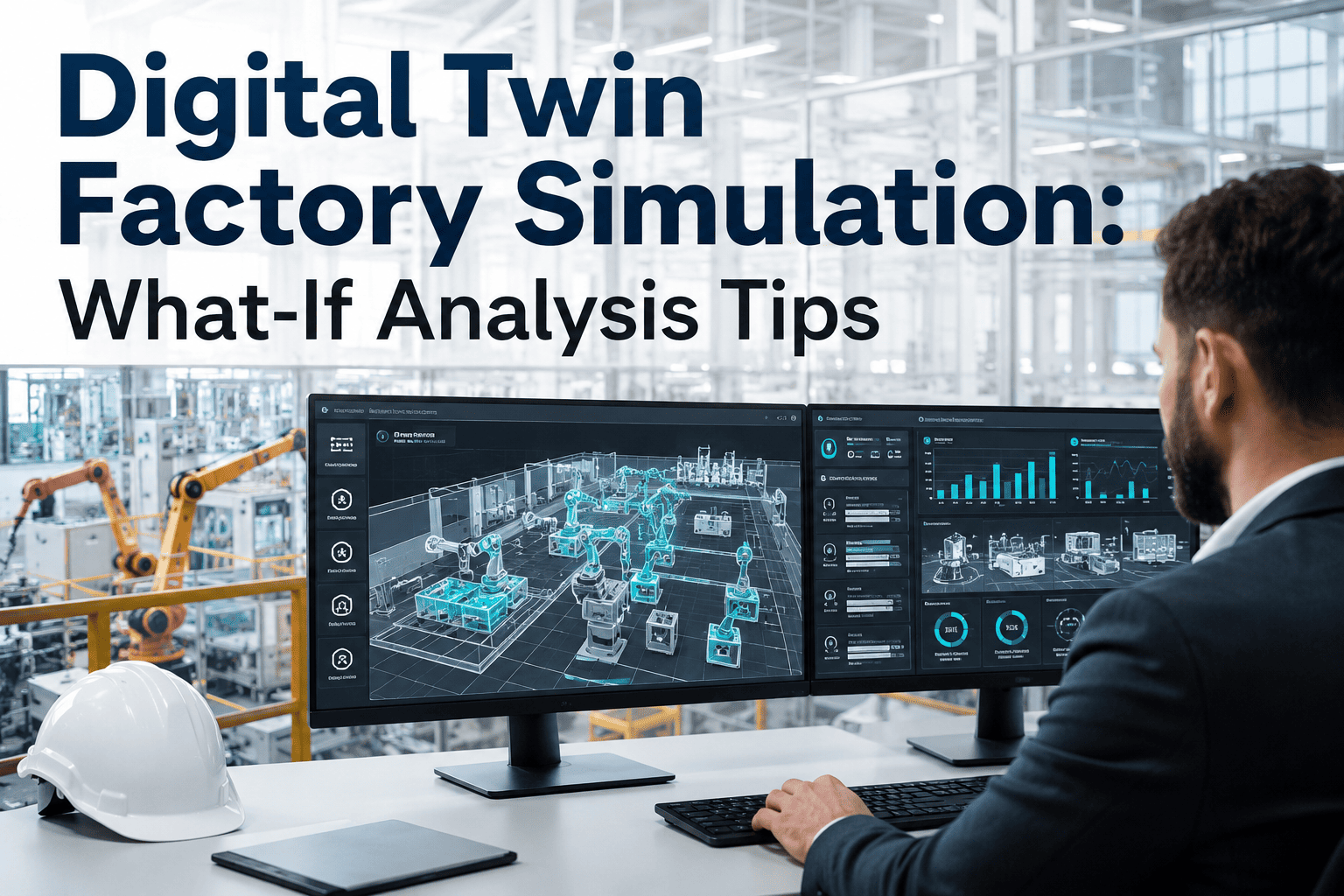
Digital Twin Factory Simulation: What-If Analysis Tips

By James Smith on August 31, 2026

digital-twin-factory-simulation-what-if-analysis

Changing a production line in the real world means committing budget, downtime, and floor space before anyone actually knows whether the change will work, which is exactly why so many layout redesigns, line rebalances, and capacity expansions end up costing more than planned or underdelivering against the throughput number that justified them in the first place. A digital twin flips that order: the change gets tested against a virtual model of the line first, using real production data, so the risk of a wrong bet gets caught on a screen instead of on the shop floor. Manufacturers who have run a factory digital twin project report meaningful monthly cost savings from compressed overtime and hidden bottlenecks the model surfaced before a single machine moved. See how what-if simulation would apply to your own line at ifactory support.

AI-Powered Digital Twin Simulation

Test the Change Before You Commit the Capital

A living digital twin of your production line that runs what-if scenarios on layout, sequencing, and capacity changes against real operating data, before a single machine gets moved on the floor.

Why Static Planning Data Keeps Getting Capacity Decisions Wrong

Most capacity and layout decisions still get made against a spreadsheet built from average cycle times, nominal changeover durations, and a rough estimate of downtime. Averages hide exactly the variability that determines whether a proposed change actually works. A line that looks like it has spare capacity on paper can be running at its practical ceiling once real changeover variation, minor stoppages, and shift-to-shift differences are accounted for, and a spreadsheet has no way to surface that.

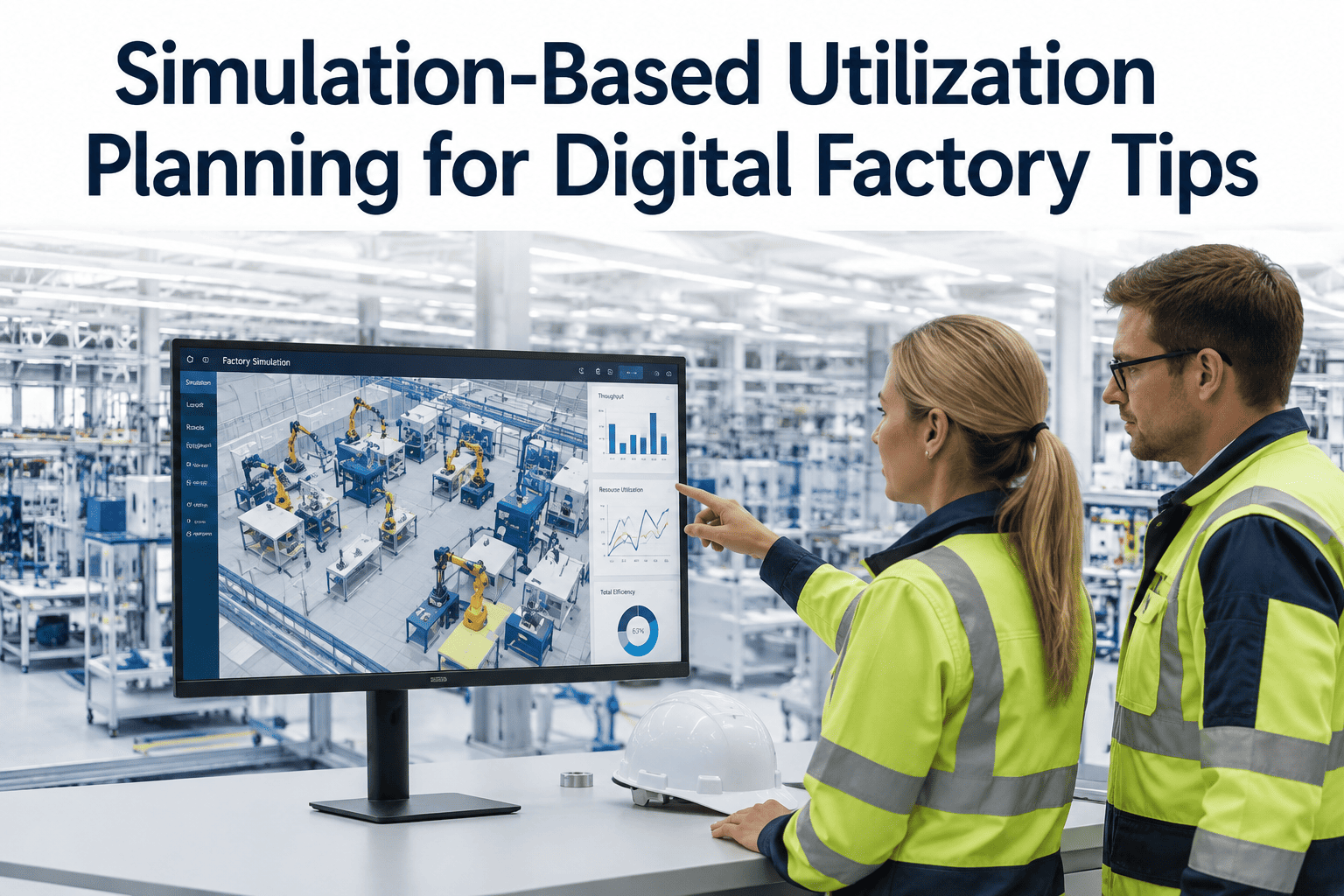
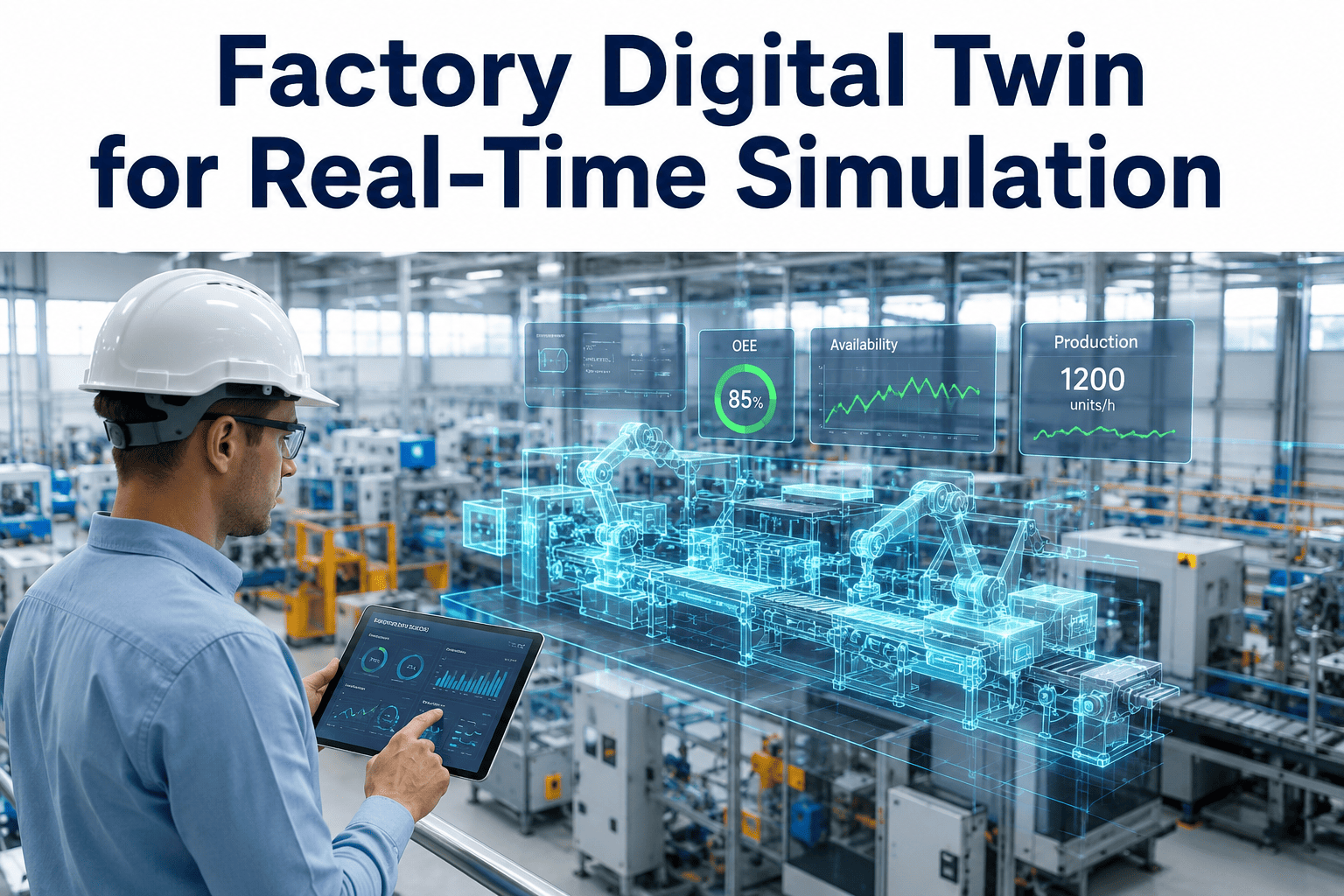
A digital twin closes that gap by modeling the line as it actually behaves, not as it is assumed to behave. It ingests real cycle times, actual downtime patterns, and current inventory and routing logic from connected MES, IoT, and historian data, then lets a proposed change run against that model thousands of times faster than real time. The output is not a single projected number, it is a distribution of likely outcomes, which is a far more honest basis for a capital decision than one static estimate.

Spreadsheet Planning
BasisAverage cycle times and nominal assumptions
VariabilityNot modeled
Bottleneck visibilityDiscovered after go-live
Cost of a wrong callRework, downtime, missed targets
Digital Twin Simulation
BasisReal production and downtime data
VariabilityModeled across thousands of runs
Bottleneck visibilitySurfaced before the change is made
Cost of a wrong callCaught on screen, not on the floor

The Three Questions a Factory Digital Twin Actually Answers

What If We Rebalanced the Line?
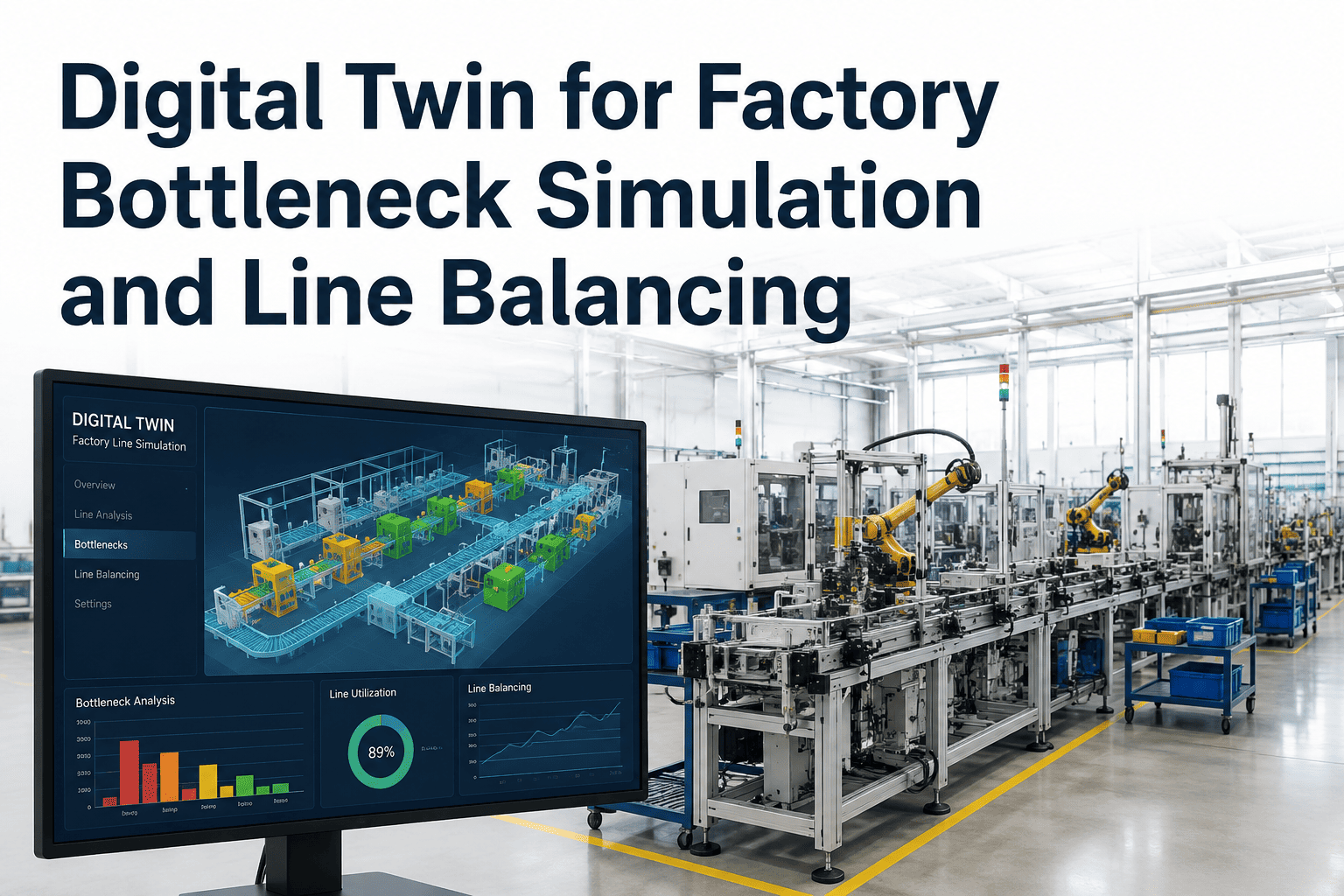
Testing alternate station sequencing and task allocation to find the configuration that raises throughput without adding headcount or equipment.
What If Demand Spiked 20%?
Running a demand surge against the current layout to see where the line breaks first and how much buffer capacity actually exists today.
What If We Changed the Layout?
Comparing proposed floor layouts for material flow distance, AGV path conflicts, and WIP accumulation before any physical rearrangement begins.

How a Factory Digital Twin Gets Built and Kept Current

A twin that is accurate on day one and stale by month three is not much more useful than the spreadsheet it replaced. The build and maintenance process matters as much as the initial model.

1
Connect Live Data Sources
MES, PLC, IoT sensor, and historian feeds are connected so the model reflects actual line behavior, not assumptions.
2
Calibrate Against Reality
The model's baseline output is checked against actual production results until the two align within an acceptable margin.
3
Run the Scenario
A proposed change is applied to the model and run across many simulated cycles to capture a realistic range of outcomes.
4
Compare and Decide
Results are compared against the current-state baseline on throughput, cost, and constraint impact before capital is committed.
5
Keep the Model Live
The twin keeps ingesting production data after go-live, so it stays accurate for the next scenario rather than aging into irrelevance.
Run Your Own What-If

Bring a Real Layout or Capacity Question to the Call

Whether it is a rebalance, a new SKU, or a capacity expansion, we will walk through how a digital twin would model the outcome before you commit to it.

Common Simulation Use Cases by Production Environment

What Gets Simulated Where
Environment Typical Question What the Twin Reveals
Discrete Assembly Where does a new station placement create a bottleneck? Station-level queue formation and cycle time impact
Process Manufacturing How does a batch size change affect changeover loss? Changeover frequency versus throughput trade-off curve
Material Handling How many AGVs are actually needed for a new line? Fleet size versus congestion and wait-time trade-off
Warehouse / Logistics Can the facility absorb a 20% volume increase? Storage, staging, and dock constraint points under load

What Digital Twin Simulation Is Not

It is worth being direct about the limits, because overselling simulation is what causes teams to distrust it after the first project. A digital twin is not a replacement for physical commissioning, and it will not perfectly predict every edge case, particularly for failure modes the model has never seen in the historical data it was calibrated against. It is also not a one-time deliverable; a model that stops receiving live data quickly drifts away from the real line it is supposed to represent. Treated as an ongoing decision-support tool rather than a static report, it earns its keep on every subsequent layout or capacity question, not just the first one.

Four Mistakes That Undermine a Digital Twin Project

Modeling Nominal, Not Actual, Performance
Building the baseline from design specs instead of real production data produces a model that looks clean and predicts wrong.
Treating It as a One-Time Report
A twin that is not reconnected to live data after the first project ages out of accuracy within a few months.
Simulating One Scenario Only
Running a single proposed configuration without comparing alternatives wastes the model's real value, which is comparison.
Skipping Calibration
A model that has not been checked against real output first will produce confident-looking numbers that are simply wrong.

Frequently Asked Questions

How accurate is a factory digital twin compared to what actually happens on the line?
Accuracy depends heavily on calibration quality and how much real production and downtime data feeds the model. A properly calibrated twin, checked against actual output before scenarios are run, typically tracks closely with real results for the process parameters it was built around. Talk to our team about what calibration would look like for your line.
Do we need new sensors installed before a digital twin can be built?
Not necessarily. Most plants already have enough data flowing through MES, PLCs, and historians to build an initial model, and gaps can often be filled incrementally rather than requiring a full sensor retrofit before starting. Book a scoping call to see what your current data sources can support.
How long does it take to see a usable result from a simulation project?
A focused model of a single line or cell built around one specific question can typically produce a usable comparison well before a full-plant twin would be ready, which is why most successful projects start narrow rather than attempting to model an entire facility at once.
Can a digital twin help decide between two different layout proposals?
Yes, this is one of the most common uses. Both layouts can be modeled against the same demand and variability assumptions, and the comparison surfaces which one actually performs better under realistic conditions rather than under the idealized assumptions each proposal was pitched with. Reach out to our team to compare your own layout options.
Does the model need to be rebuilt every time we want to test a new scenario?
No. Once the baseline model is built and calibrated, new what-if scenarios are configured as changes against that existing model rather than separate projects, which is what makes ongoing simulation far faster than the initial build.
Stop Betting Capital on a Spreadsheet Estimate.

See Your Line's Next Change Simulated First

Bring a real layout, rebalance, or capacity question to the call. We will show how a calibrated digital twin would model the outcome before anything physically changes.

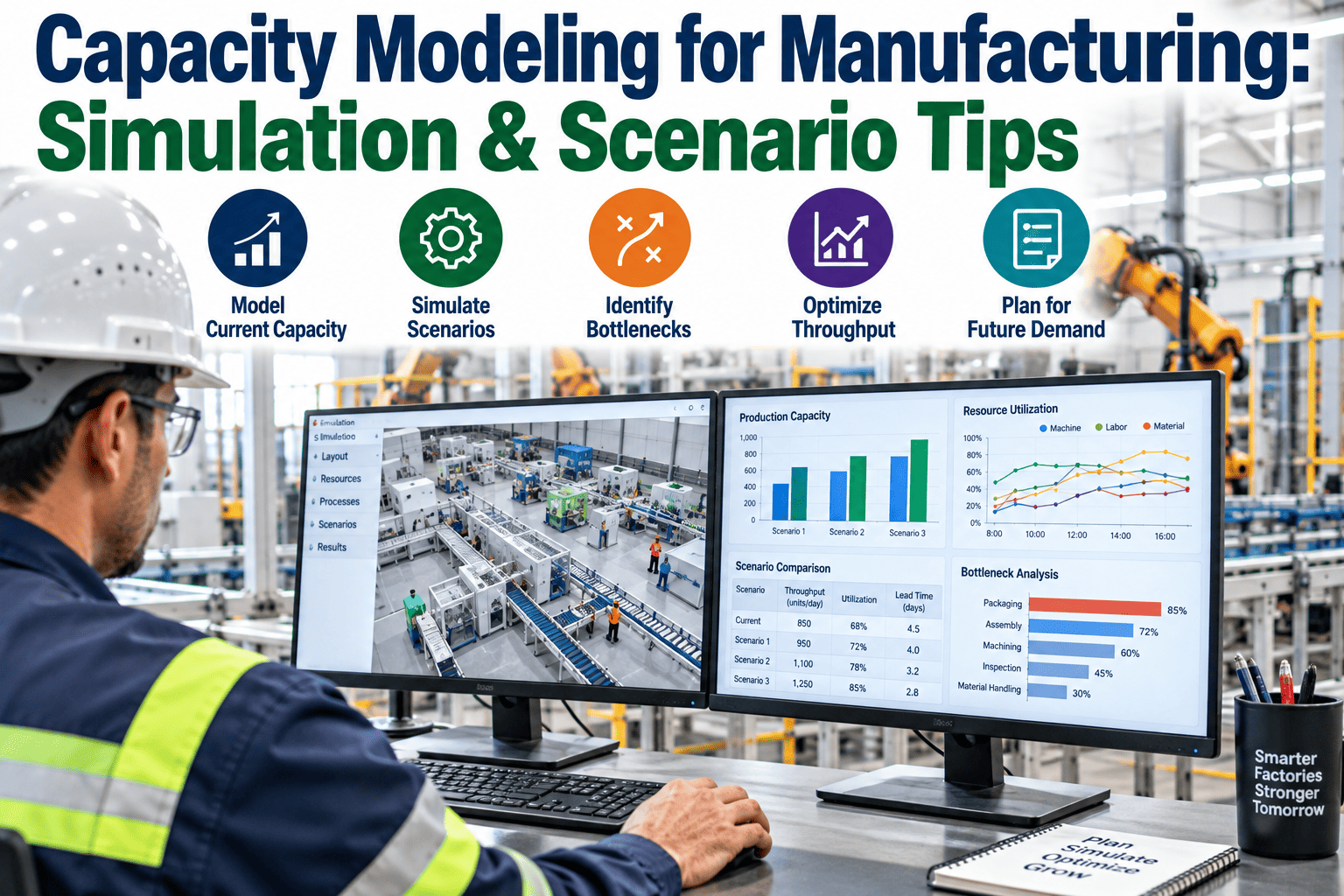
Real Data
Not nominal assumptions
Many Runs
Not one static estimate
Before
Capital is committed
Live
Model stays current

Share This Story, Choose Your Platform!