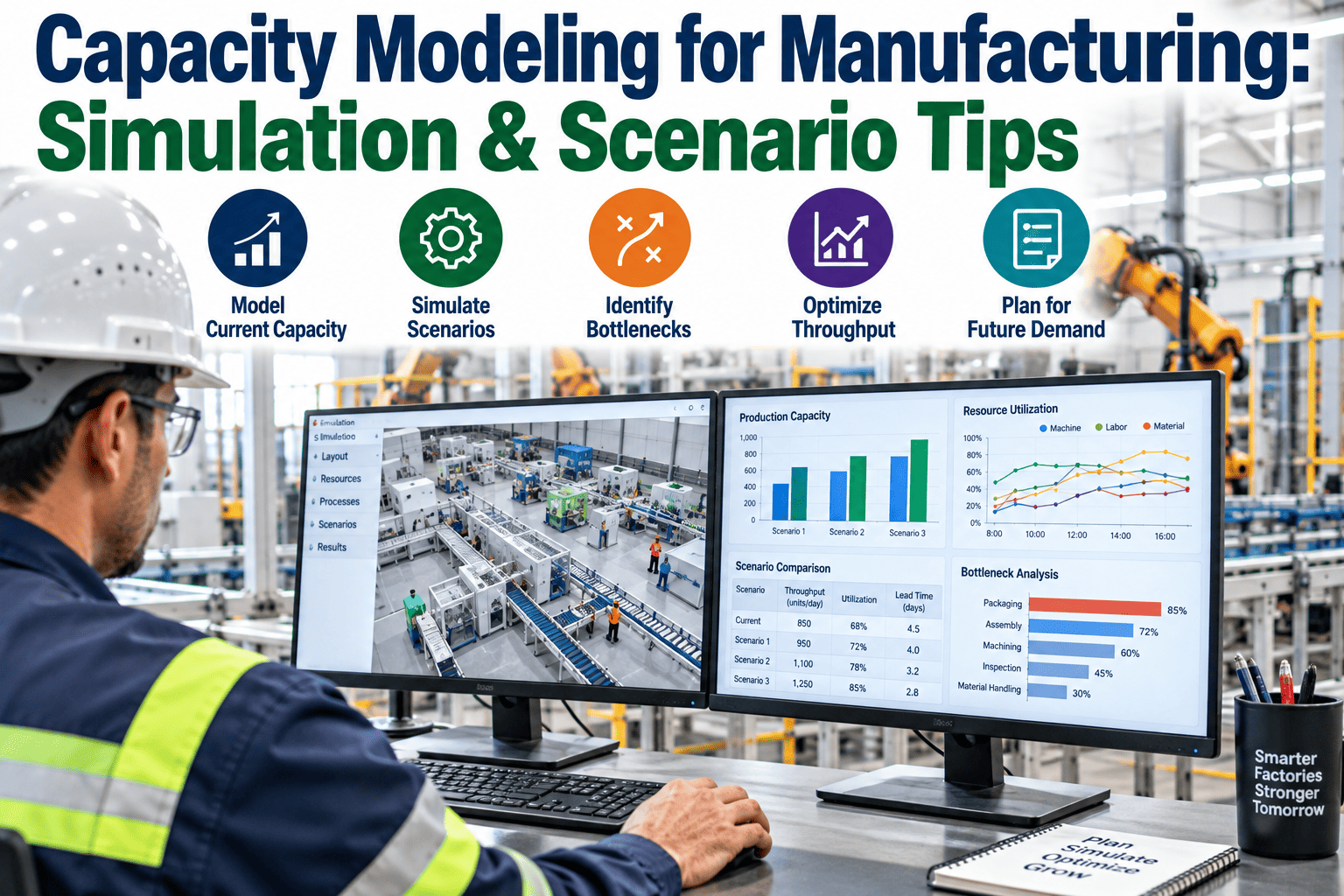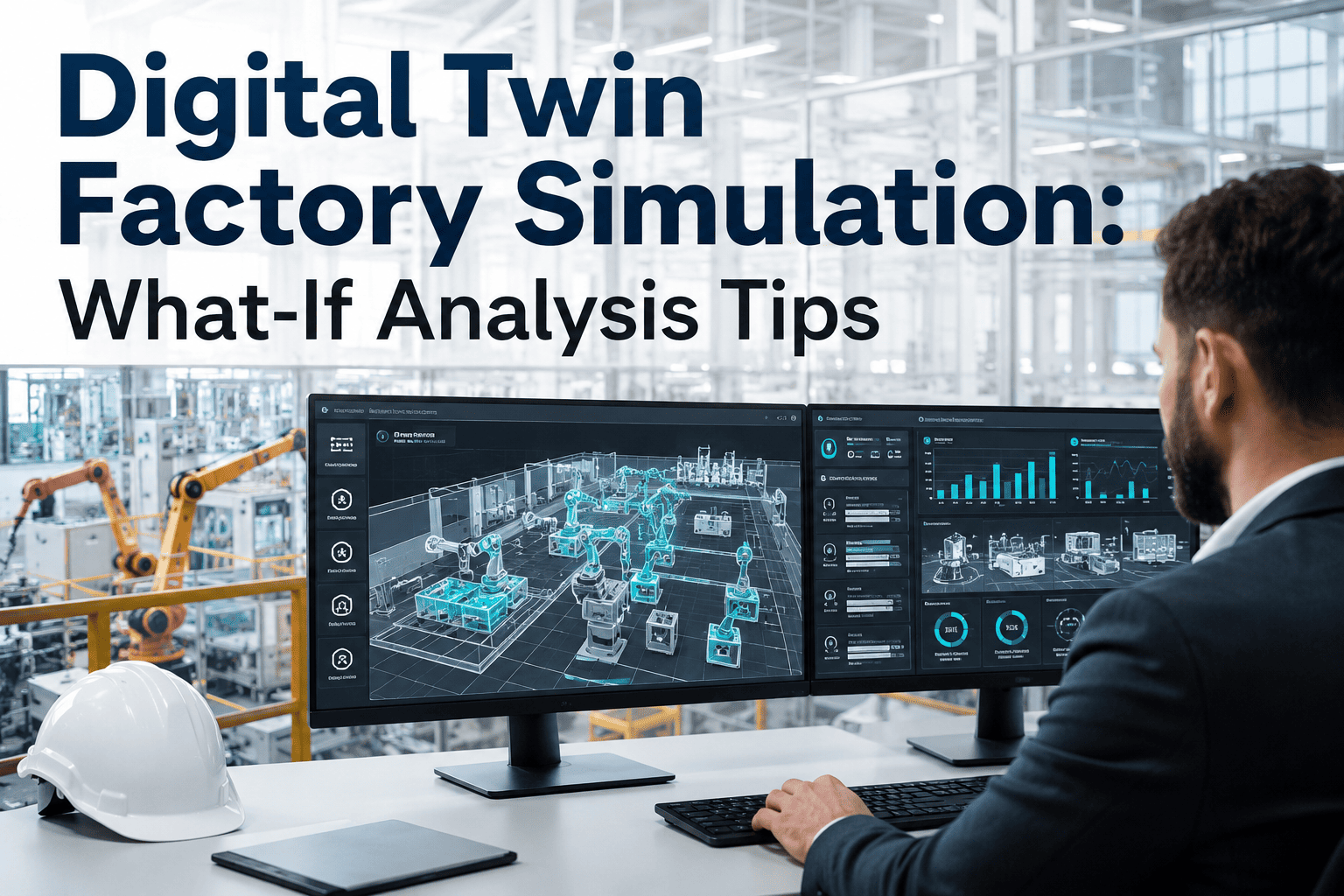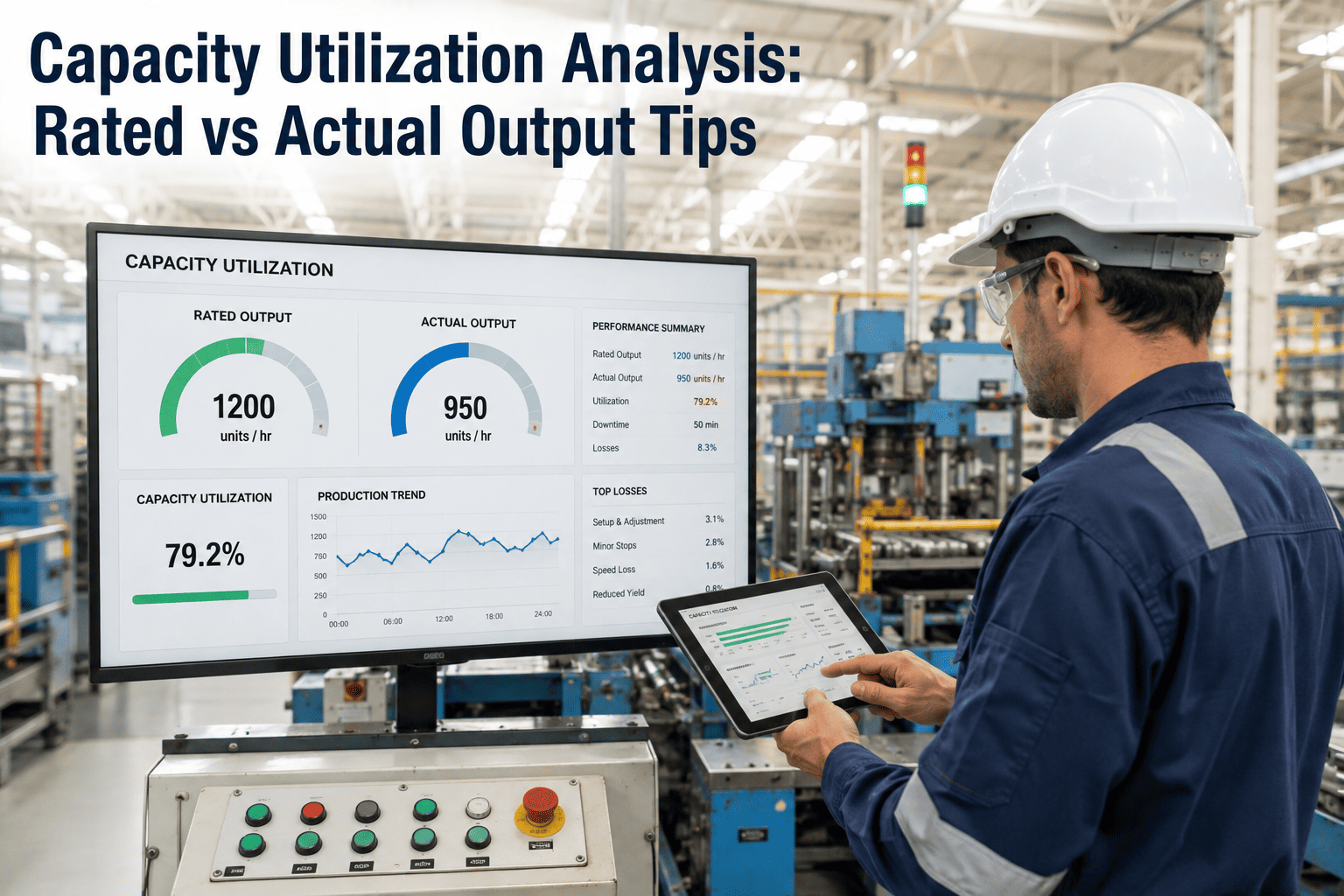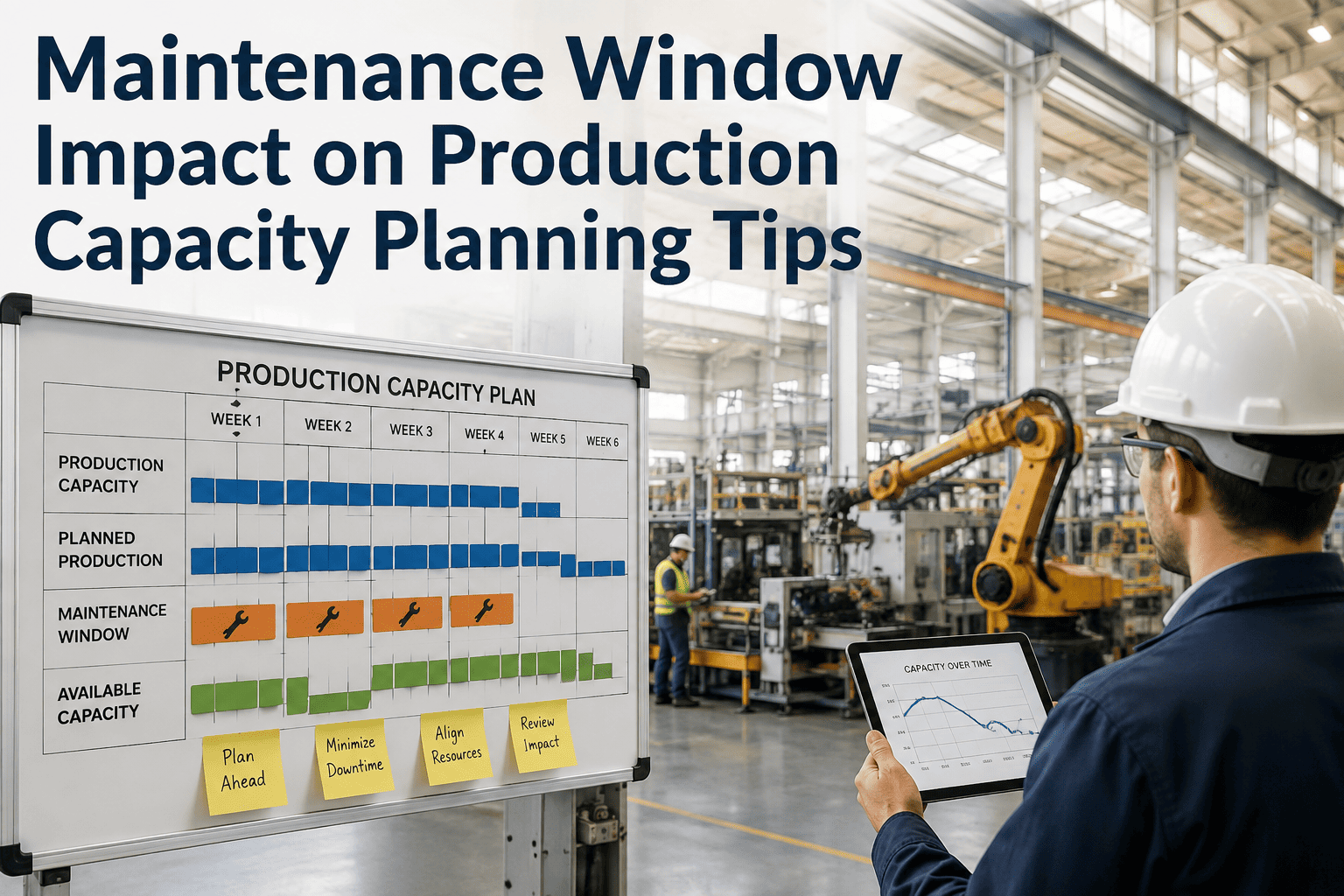
Adding a shift, buying a new machine, or rerouting a product family through a different cell always looks fine on a whiteboard, right up until it runs into a bottleneck nobody modeled in advance. Most capacity decisions in manufacturing still get made with a spreadsheet and a gut check, because building a real simulation used to require specialist software and weeks of a scarce industrial engineer's time. iFactory's AI-powered digital factory simulation compresses that into a model your planning team can run themselves, testing a scenario in minutes instead of weeks, and you can book a demo to run one of your own upcoming decisions through it live.
Test the Capacity Decision Before You Spend the Capital On It
iFactory builds a live digital model of your production floor so planners can simulate a new shift, a new machine, or a rerouted product family and see the downstream effect before a single dollar is committed.
Capacity Decisions Are Usually Made With Far Less Information Than the Stakes Deserve
A new production line, an added shift, or a reallocated product mix can carry a capital and labor commitment running into millions of dollars, yet the analysis behind the decision is frequently a static spreadsheet extrapolated from last quarter's throughput. The figures below describe how often that approach falls short once tested against what actually happens on the floor.
Five Decisions That Should Never Be Made Without Running the Simulation First
Some capacity decisions carry enough downside risk that skipping the simulation step is simply gambling with a bigger number. These are the scenarios where iFactory's planning teams see the simulation catch a problem before it reaches the floor.
Adding a Third Shift
A third shift looks like a straightforward multiplier on throughput until changeover frequency, maintenance windows, and material replenishment all get squeezed into the same constrained hours.
New Equipment Purchase
A faster machine at one station can simply shift the bottleneck downstream, meaning the capital investment delivers far less throughput gain than the spec sheet implied.
Product Mix Rerouting
Moving a product family to a different cell changes changeover patterns across every other product sharing that cell, often in ways that are not obvious until they hit the floor.
Layout Redesign
A cleaner-looking floor layout can quietly add material travel distance and handling time that erodes the efficiency gain the redesign was meant to deliver.
Demand Surge Planning
A sudden spike in order volume tests whether the floor can flex without a formal model of where the constraint will actually appear under higher load.
Run the Scenario in the Model Before You Run It on the Floor
iFactory's digital factory simulation lets your planning team test the decision risk-free, using your own floor data rather than industry averages. Book a demo and bring one upcoming capacity decision to test live.
From Floor Data to a Live Digital Twin of Your Production System
iFactory's simulation engine is built from the same data your MES and ERP already generate, rather than requiring a separate specialist-built model that goes stale the moment your floor changes.
Process and Routing Data
Station sequences, cycle times, and product routings are pulled from existing MES and ERP records to establish the structural backbone of the model.
Resource and Constraint Data
Machine capacity, labor availability, and material replenishment constraints are layered in so the model reflects real operating limits, not theoretical maximums.
Historical Variability
Downtime patterns, changeover variability, and demand fluctuation from historical data are built into the model so simulated outcomes reflect realistic variation rather than an idealized steady state.
Scenario Engine
Planners define a proposed change, and the AI runs it through thousands of simulated cycles to project throughput, bottleneck location, and cost impact with a confidence range.
Spreadsheet-Based Capacity Planning vs AI-Driven Digital Factory Simulation
A static spreadsheet extrapolation and a full discrete-event simulation can produce very different answers to the same question, and the table below shows where that difference tends to matter most for planning accuracy.
| Planning Factor | Spreadsheet Extrapolation | iFactory Digital Simulation |
|---|---|---|
| Bottleneck Detection | Assumes current bottleneck stays fixed | Recalculates bottleneck under each scenario |
| Variability Handling | Uses flat averages, ignores variation | Models real downtime and demand variability |
| Scenario Turnaround | Hours, but limited confidence in accuracy | Hours, with a modeled confidence range |
| Cross-Department Impact | Rarely captured beyond one department | Traces downstream effect across the full routing |
| Update Frequency | Manually rebuilt when someone remembers to | Continuously refreshed from live MES data |
What Planning Teams Report After Adopting Simulation-Based Planning
These figures reflect outcomes tracked at facilities that moved from spreadsheet-based capacity planning to iFactory's digital factory simulation over a minimum two-quarter evaluation period.
Building Your First Digital Factory Model
iFactory's onboarding model prioritizes getting one useful model live quickly over trying to represent the entire plant in perfect detail from day one.
Scope the First Model
A single line or product family with a known upcoming capacity decision is selected as the starting point for the model.
Connect Data Sources
MES, ERP, and historical downtime data are connected to build the process, resource, and variability layers of the model.
Validate Against Known History
The model is run against a recent historical period to confirm its output matches what actually happened, building confidence before it is used for a live decision.
Run the Live Scenario
The pending capacity decision is simulated, and the model expands to additional lines as planning teams adopt it into their regular process.
Common Questions From Planning and Industrial Engineering Teams
Do Not Bet a Capital Budget on a Spreadsheet Assumption
iFactory's digital factory simulation gives your planning team a validated model to test every major capacity decision before it reaches the floor. Book a demo and run your next decision through it.