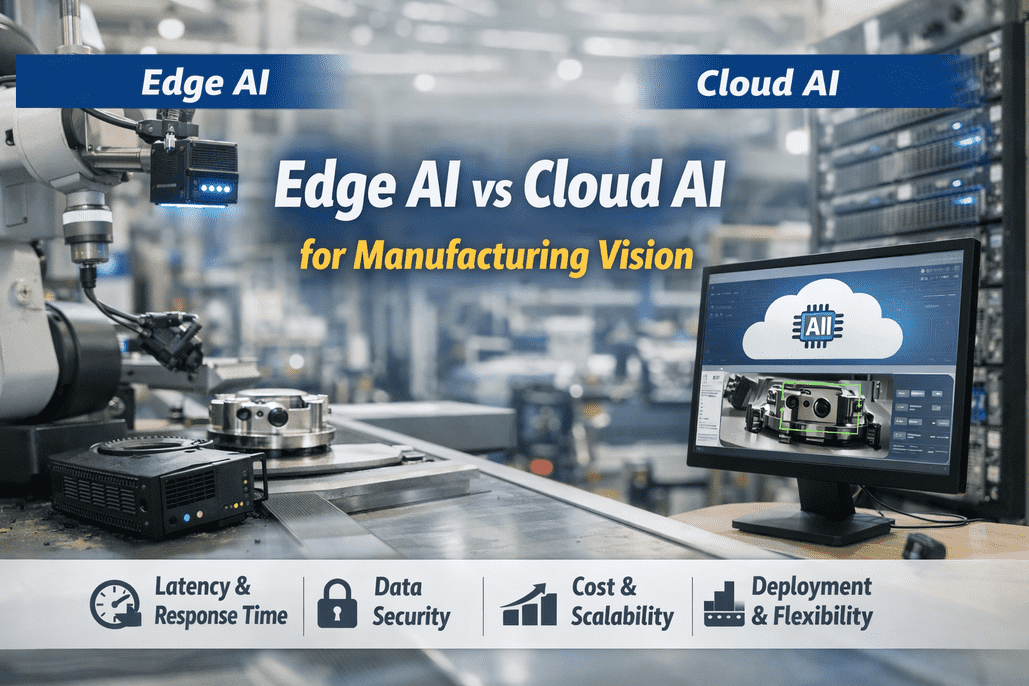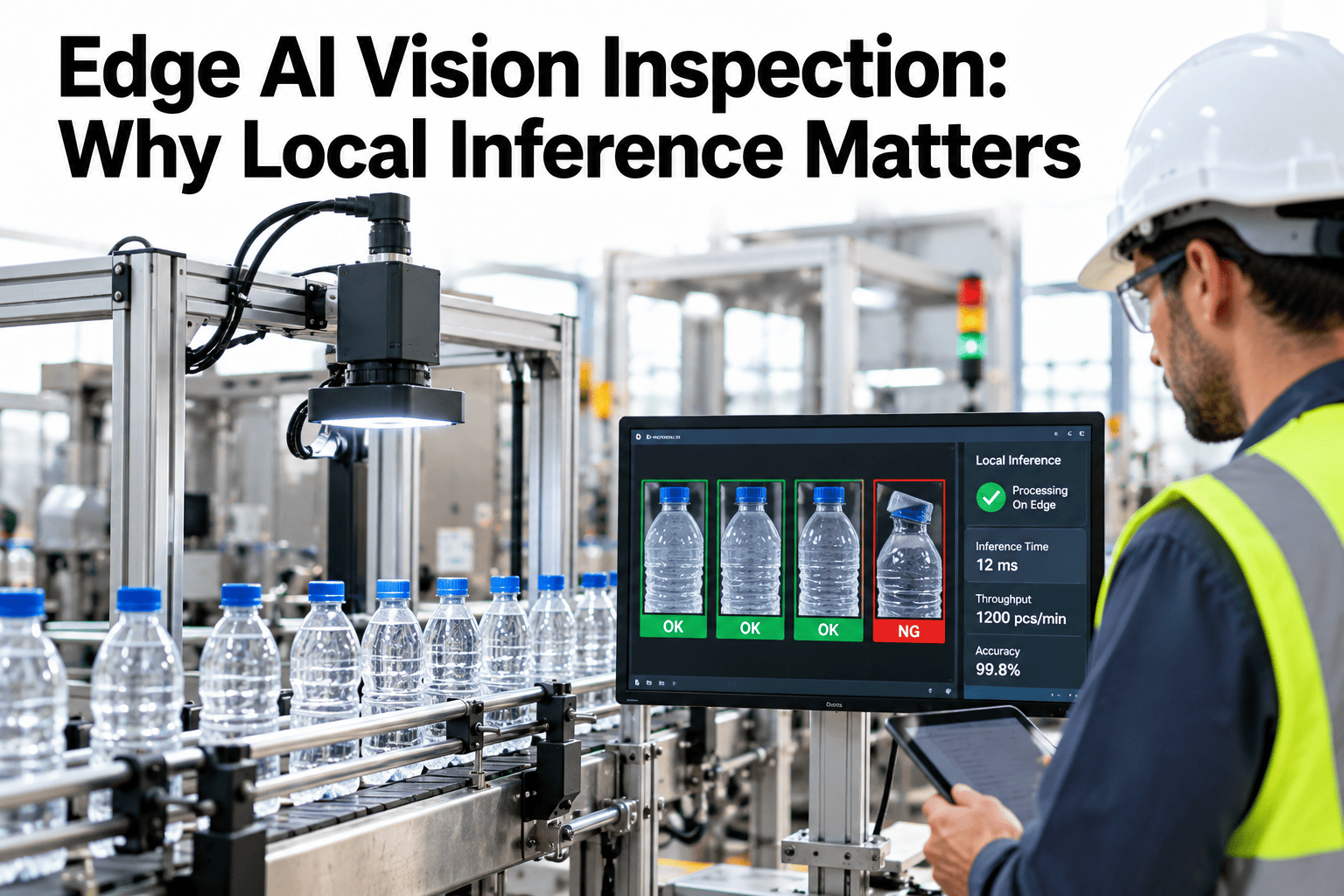
A camera can spot a defect in a fraction of a second, but the part keeps moving while the answer travels. If the image goes to a distant server and the verdict comes back, the reject gate may fire after the bad part has passed. Running the model next to the camera removes that trip. Teams weighing the choice can ask iFactory AI how inspection models are deployed on the line.
Edge AI Vision Inspection: Why Local Inference Matters
Learn how speed, bandwidth, uptime and data control change when the model runs beside the camera. iFactory AI keeps inference on the plant floor and sends only what matters onward.
Speed: The Frame Budget Is Tiny
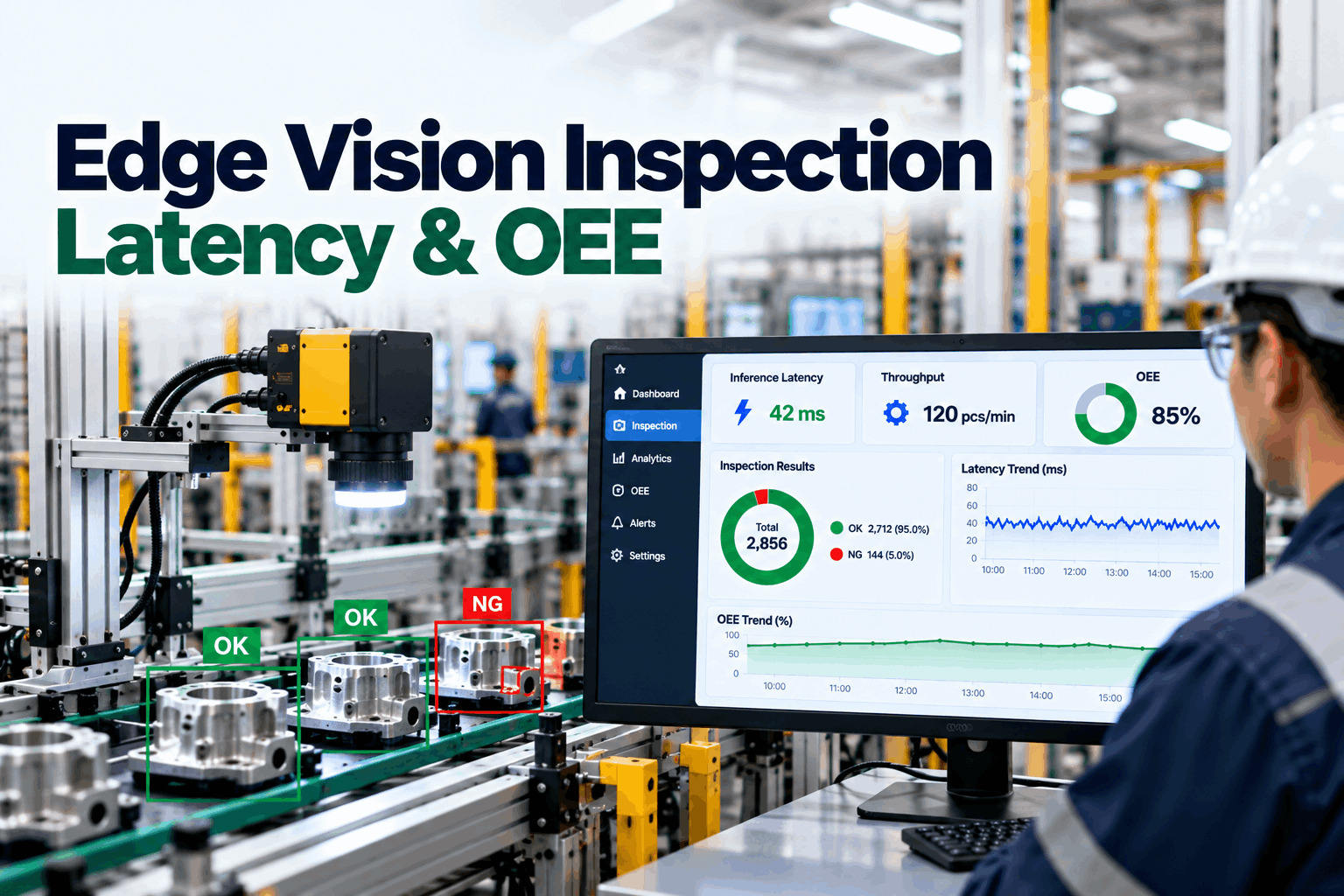
An inline camera has a strict time limit. At 30 frames a second, each frame leaves about 33 milliseconds for a keep or reject decision, according to a manufacturing edge article from the vendor Fabrico. A cloud round trip can use that whole budget before inference begins.
| Step | Local Inference | Cloud Inference | Note |
|---|---|---|---|
| Capture and read the frame | 4 ms | 4 ms | Same on both paths |
| Move the image | 2 ms | 40 ms | Cloud figure assumes about 40 ms each way |
| Run the model | 8 ms | 8 ms | Purpose-built hardware assumed |
| Send the verdict back | 3 ms | 38 ms | Small message, similar distance |
| Trigger the reject output | 5 ms | 5 ms | Depends on controller |
| Total | 22 ms | 95 ms | Illustrative figures |
The numbers are an illustration built on the source's latency range. Your own line will differ, so measure capture to reject on real hardware before choosing an architecture.
What Latency Does to a Moving Part
Delay is not only a timing figure. It is distance. While the verdict travels, the part keeps moving, and the reject gate must be placed further downstream to compensate.
| Line Speed | Part Travel at 22 ms | Part Travel at 95 ms | Effect on the Reject Gate |
|---|---|---|---|
| 0.5 metres a second | 11 mm | 47.5 mm | Small shift, easy to tune |
| 1 metre a second | 22 mm | 95 mm | Gate must sit nearly 10 cm further on |
| 2 metres a second | 44 mm | 190 mm | Tight spacing between parts fails |
Variable delay hurts more
A steady delay can be tuned out. Network jitter makes the delay change from part to part, and no gate setting fixes that.
Spacing sets the limit
If parts are closer than the travel during the delay, the wrong part may be rejected.
Slow lines have room
Batch or end-of-line checks may tolerate a slower path. Inline reject decisions rarely do.
Bandwidth: Images Are Heavy
Raw frames are large. The same source assumes about 6 MB per uncompressed frame, running 30 frames a second for 16 hours a day over 250 days. That is 432 million frames a year from one camera.
The per-terabyte rate is an assumption for illustration only. Plants with several cameras multiply the figure, and the real pressure often comes from uplink capacity, not price, since a factory connection may carry far less than a bank of cameras produces.
Check Your Line Against the Frame Budget
Book a 30-minute session and iFactory AI will walk through latency, bandwidth and uptime for your inspection stations on a realistic manufacturing example.
Uptime: Keep Inspecting When the Network Fails
Internet links and shared networks go down. If inspection depends on them, the line stops or runs unchecked. With local inference the vendor article argues a wide-area outage hurts reporting rather than production, since the camera and model keep working.
Outage stops the check
The line must either halt or run without inspection until the link returns. Both choices cost money or risk quality.
Outage delays the report
Decisions continue on site. Results and flagged images queue locally and upload once the link is back.
Data Control: Pictures of Your Product Stay Home
Images show formulas, packaging, tooling and sometimes people. Many plants prefer these never leave the site. Local inference keeps raw images on-premises by default and sends only the result and chosen samples.
Trade secrets
New products and unreleased packaging are visible on camera. Keeping images local reduces exposure.
Regional rules
Some regions limit where data may be stored. On-site processing makes compliance simpler to show.
Worker privacy
Cameras that see people need clear rules. Blur or crop at the edge before any image is stored.
Customer contracts may also require data to stay inside the plant. Check them before choosing a design, because changing architecture after launch is far harder than choosing correctly at the start.
Fitting a Model to Edge Hardware
Edge devices have less memory and power than data centre servers, so models are shrunk to fit. The same source notes that quantization and pruning trade some accuracy for speed, and it gives no accuracy figures. That makes validation on your own parts essential.
| Technique | What It Does | Benefit | Watch For |
|---|---|---|---|
| Quantization | Uses smaller number formats | Faster, smaller | Loss of fine detail |
| Pruning | Removes unused connections | Smaller, faster | Accuracy on rare defects |
| Lighter model design | Starts from a small network | Fits modest devices | Limits on defect variety |
| Region of interest | Analyses only the part of the frame that matters | Less compute | Part position drift |
The Hybrid Pattern: Edge Decides, Server Learns
Local inference does not mean no central system. The best designs split the work: the edge makes fast decisions, and a central server handles slow, heavy jobs such as training and fleet reporting.
| Job | Best Place | Why | Data Moved |
|---|---|---|---|
| Pass or fail decision | Edge | Needs milliseconds | Verdict only |
| Short-term image buffer | Edge | Review of recent rejects | None |
| Model training | Central server | Needs heavy compute | Labelled samples |
| Cross-line analytics | Central server | Needs data from many lines | Results and metadata |
| Model rollout | Central server to edge | Controlled releases | Model files |
Flag uncertain frames
Low-confidence images are saved for human review and later training, so the model improves from real production.
Version every model
Record which model made each decision. Traceability matters for audits and for investigating escapes.
Release in stages
Run a new model on one station first, compare with the old one, then extend.
Manufacturing Use Cases That Benefit Most
Local inference matters most where decisions are fast, volumes are high or images are sensitive.
Data and Model Needs for Edge Inspection
Edge deployment does not remove the need for good images. It makes data quality even more important, because the model has less room for error.
| Need | Starting Point | Why It Matters | Common Gap |
|---|---|---|---|
| Good examples | Dozens to hundreds per defect type, depending on variety | Defines what the model can find | Too few rare defects |
| Consistent lighting | Fixed, shielded light at each station | Stable images mean stable results | Daylight and shadows |
| Clear labels | Agreed defect names and limits | Models copy the labelling habits | Different people, different calls |
| Camera position | Fixed mounts and trigger timing | Keeps parts in frame | Vibration and drift |
| Held-out test set | Parts never used in training | Gives honest accuracy | Testing on training images |
When the Cloud Still Makes Sense
Edge is not always the answer. Some jobs are better served by a central or cloud system, and an honest comparison builds trust with plant teams.
Mistakes That Undermine Edge Vision
Most issues are practical, not theoretical.
Measuring the Return
Judge an edge vision project on results the plant already tracks. Compare a baseline period with the pilot period, using the same product and shifts.
Report precision and recall on a held-out sample, not only the headline accuracy. A model that catches ninety nine percent of rare defects but rejects many good parts may cost more than it saves.
A 90-Day Rollout Path
iFactory AI is built as a turnkey server that racks in, plugs in and goes live in roughly 6 to 12 weeks, so an on-site vision pilot fits inside a quarter.
What iFactory AI Adds
iFactory AI is smart manufacturing and industrial software. It runs vision inspection on a server beside your lines.
Choosing the First Station: A Simple Scorecard
The first station sets the tone for the whole programme. Score candidates on a few plain questions, and start where the case is strongest and the risk is lowest.
| Question | Strong Case for Edge | Weaker Case | Why It Matters |
|---|---|---|---|
| How fast does the line run? | High speed, tight part spacing | Slow or batch flow | Fast lines have little time for a round trip |
| What does a missed defect cost? | Recall, customer penalty or rework downstream | Cosmetic, easy to fix later | High cost justifies faster, firmer decisions |
| Is the part presentation stable? | Fixed position, steady light | Random orientation and glare | Stable images make early success likely |
| Are images sensitive? | Formulas, new designs or people in view | Generic, public-facing items | Sensitive images favour keeping data on site |
| How good is the network? | Shared or limited uplink | Dedicated, strong link | Weak links make raw streaming costly |
| Who owns the station? | Engaged supervisor and quality lead | Unclear ownership | Pilots need a named person to review results |
Give each candidate a score of one to three on every question and add them up. The highest total is a good first station. Keep the scoring sheet, since it also explains the choice to colleagues who ask later.
What the Verdict Message Carries
A good inspection result is small and well structured. The vendor article describes a verdict of a few hundred bytes, against frames of several megabytes. That small message is what lets the result reach the controller, the quality system and the dashboard without delay.
To the controller
A simple digital signal or message drives the reject gate, diverter or alarm within the frame budget.
To the quality system
The full record joins batch and lot data, so a recall can be limited to the parts affected.
To the dashboard
Rates by defect, line and shift show trends early, before they turn into scrap or complaints.
Plain-Language Glossary
Shared words help quality, IT and operations talk the same language.
Frequently Asked Questions
What is edge AI vision inspection?
It means the camera's images are analysed by an AI model on a computer next to the line, not sent elsewhere first. The pass or fail result is available within milliseconds.
Is local inference always better than cloud?
No. It wins on speed, uptime and data control for inline decisions. Training and fleet reporting still suit central systems.
Does a smaller model lose accuracy?
It can. Ask support how accuracy is checked after a model is fitted to edge hardware. Always test on held-out parts from your own line.
How many images do we need?
It depends on how varied your product and defects are. Start with a few dozen per defect type, then add more where the model is uncertain.
What if the network goes down?
Decisions continue on site. Results and flagged images are held locally and sent after the link returns.
Make Inspection Decisions Where Parts Move
iFactory AI keeps vision inference beside your cameras, sends only what you need onward and tracks every model version. Book a walkthrough on your own line.