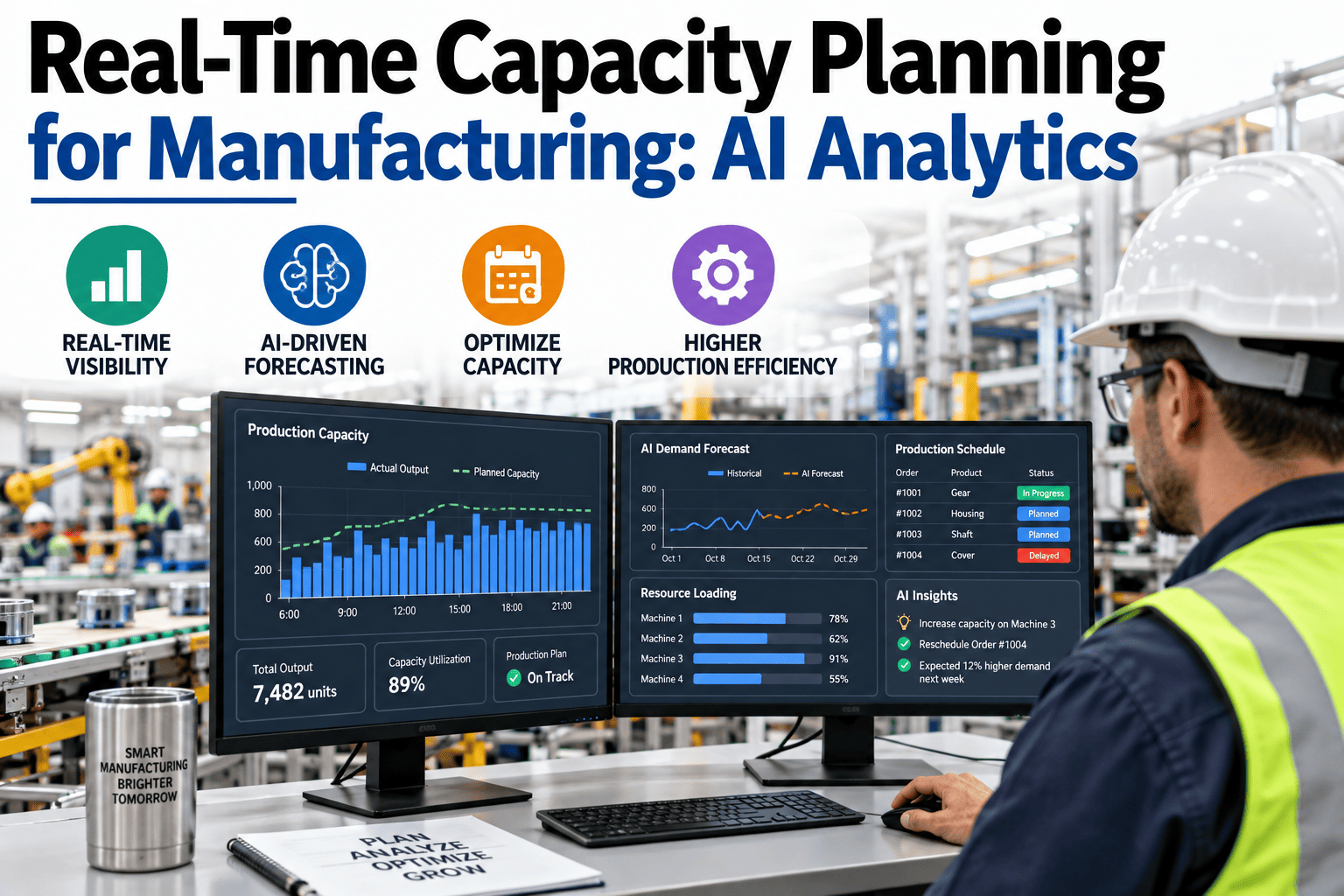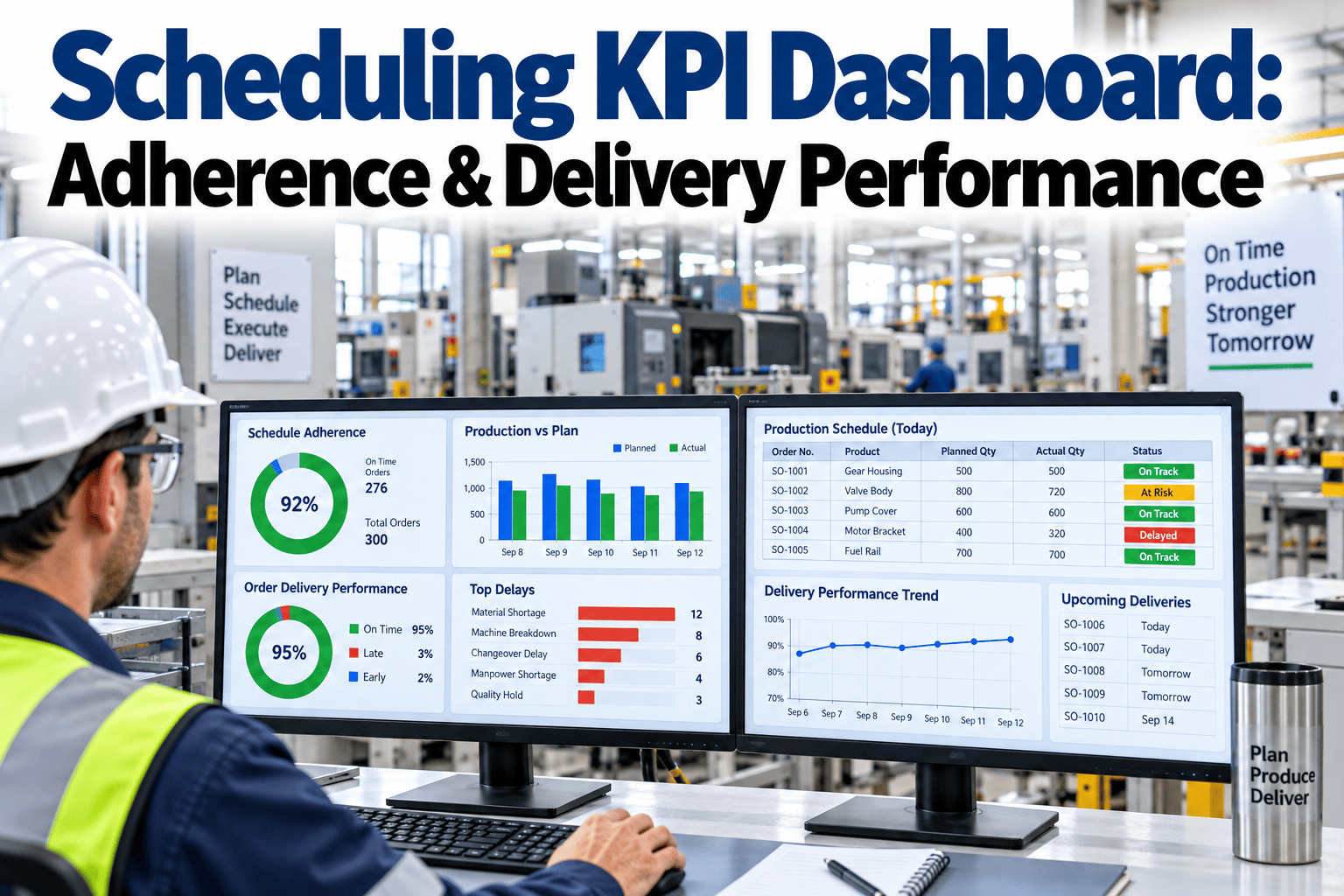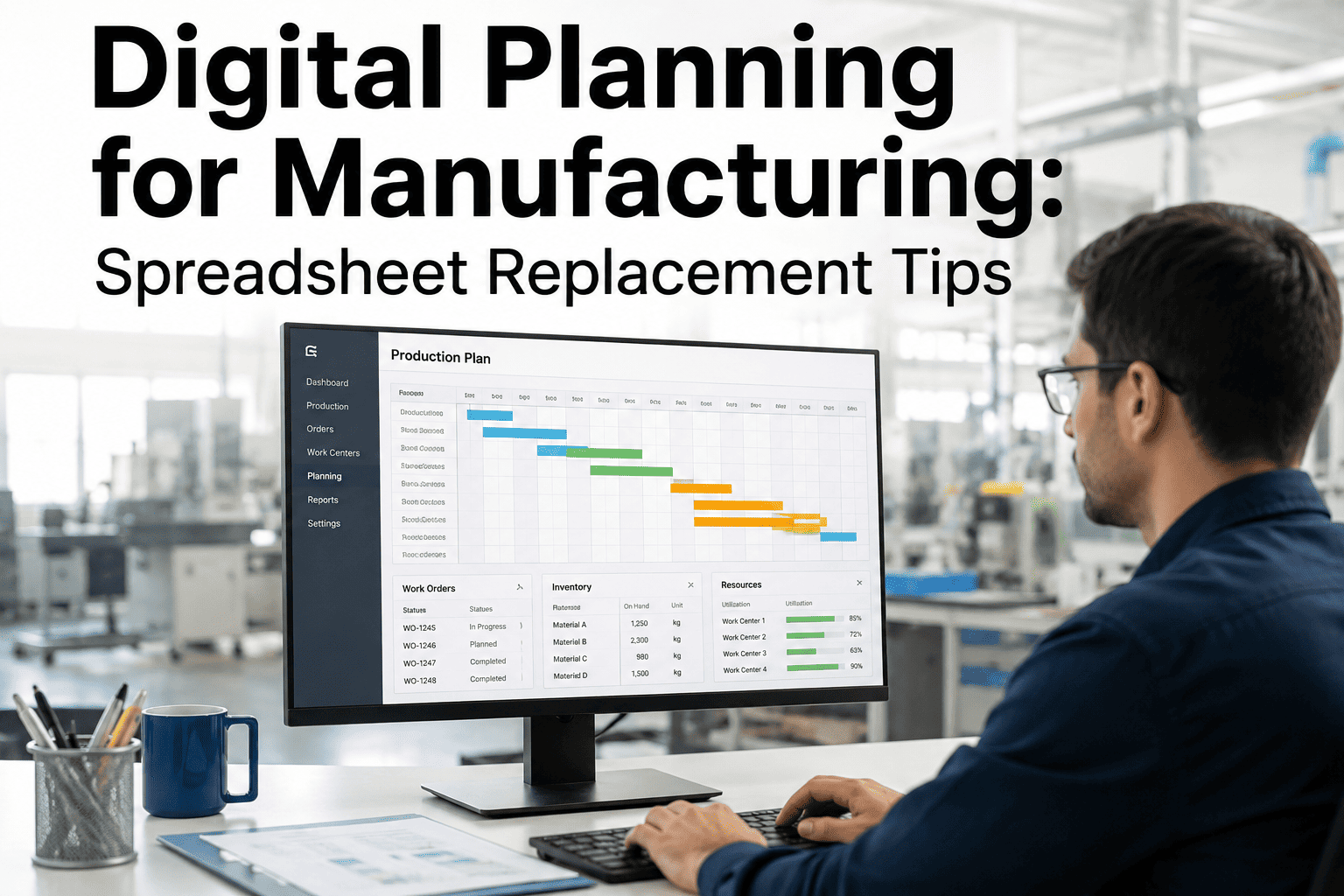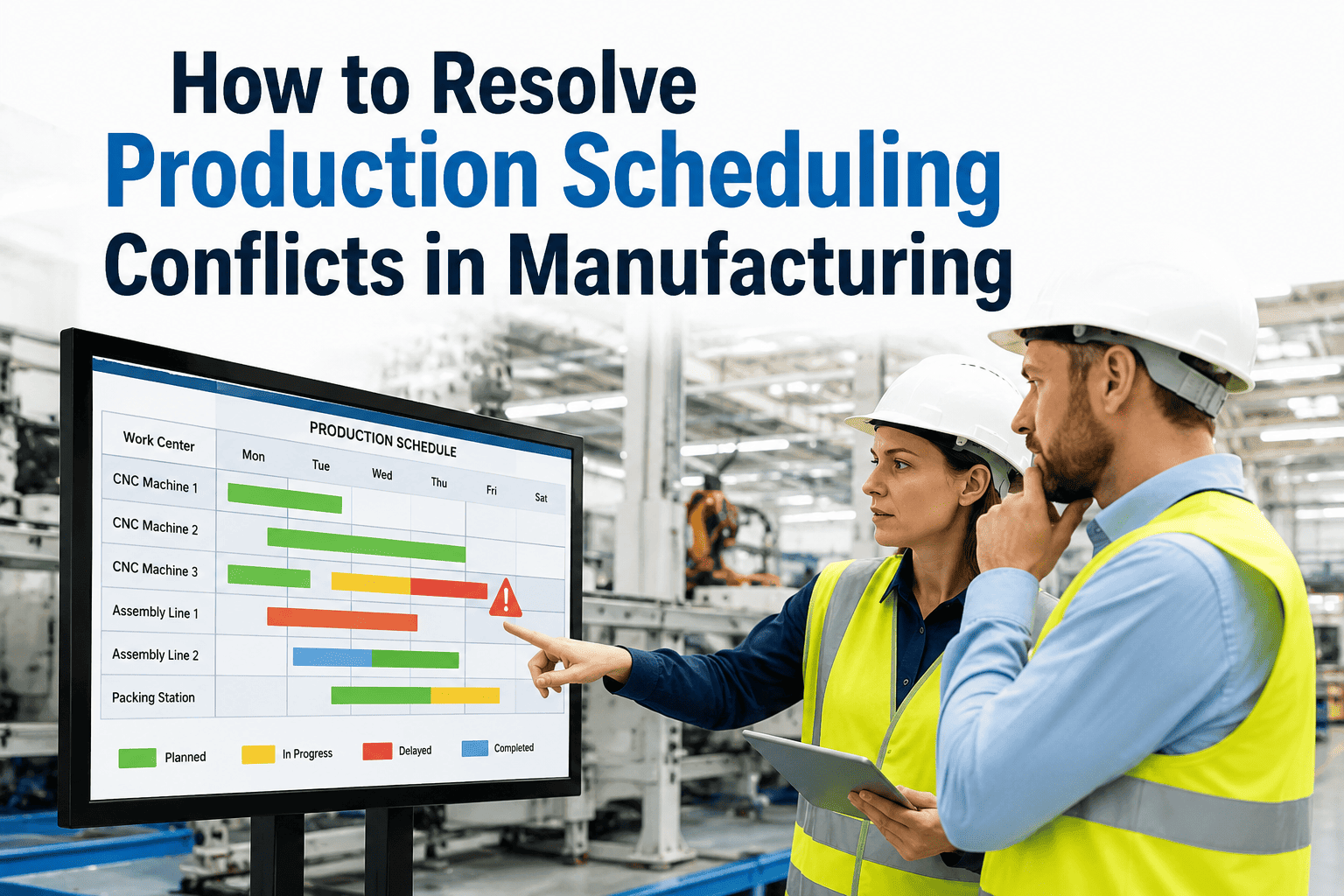
Ask two planners what capacity their scheduling system assumes and you will often get two different answers, because most legacy scheduling tools quietly default to infinite capacity unless someone specifically configures otherwise. That default feels harmless until the schedule promises forty hours of output from a line that only has thirty-two available, and the gap only becomes visible when the delivery date is already missed. Understanding the real difference between finite and infinite capacity scheduling is one of the more consequential technical decisions a planning team makes, and you can book a demo to see how iFactory's finite capacity engine models your actual constraints.
An Infinite Capacity Schedule Is a Promise Your Floor Was Never Asked to Keep
iFactory's scheduling engine models the real, finite limits of your machines, labor, and tooling, so the plan your team commits to is one the floor can physically execute.
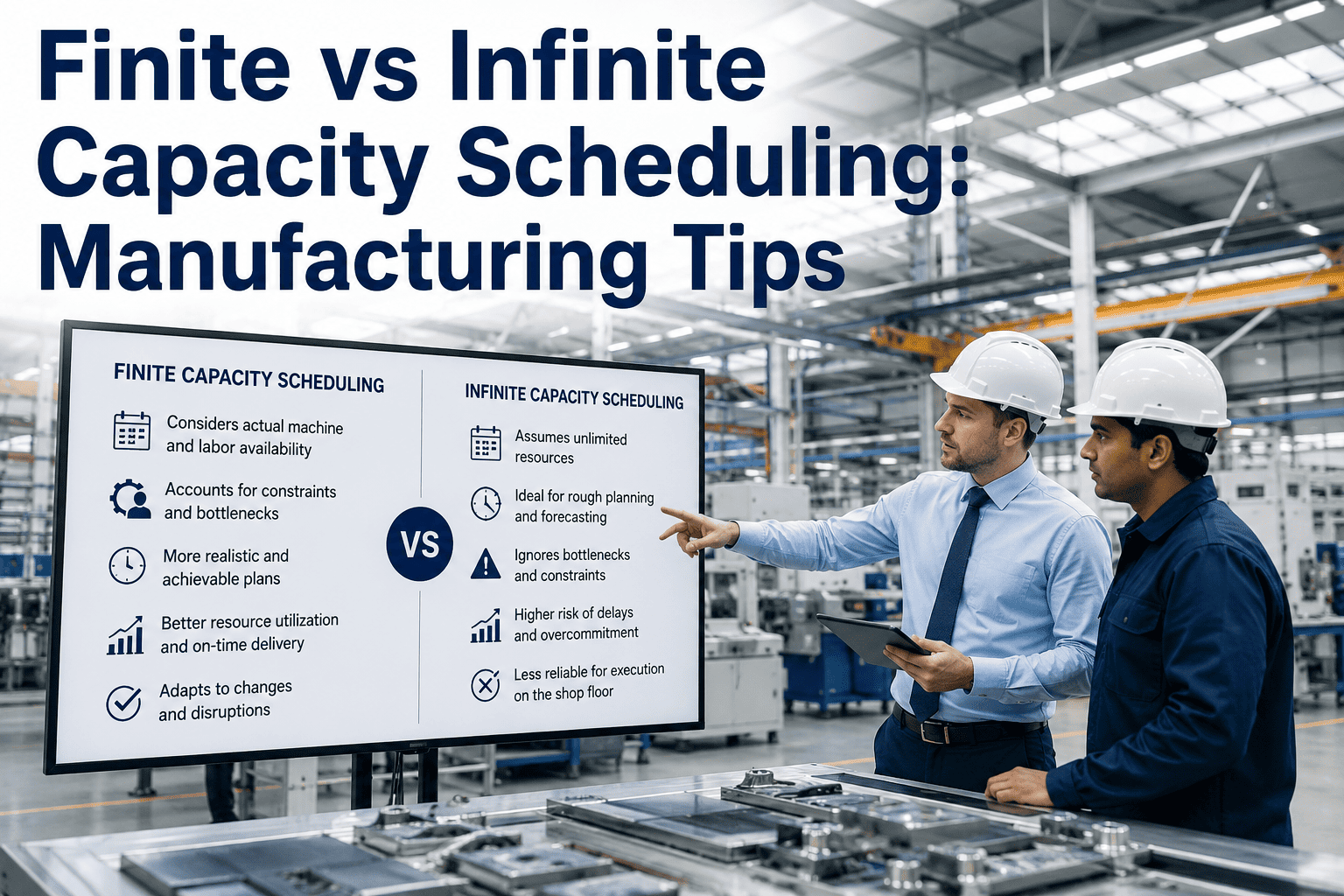
Infinite Capacity Scheduling
Assigns work based purely on due date and required lead time, without checking whether the resource is actually available during that window. Simple to configure, but frequently produces a plan that overloads specific stations without warning.
Finite Capacity Scheduling
Checks every job against the actual available hours on the specific machine, operator, and tooling it requires, and will not schedule more work into a period than the resource can physically deliver.
Most ERP Scheduling Modules Default to Infinite Capacity Without Telling You
This is not a minor technical footnote. The scheduling assumption baked into your planning system determines whether the delivery dates your sales team quotes are actually achievable on the floor. The figures below describe how often this gap goes unnoticed.
Finite vs Infinite Capacity Scheduling — A Direct Comparison
The table below compares the two scheduling models across the factors that most directly affect delivery accuracy and floor execution.
| Factor | Infinite Capacity | Finite Capacity |
|---|---|---|
| Resource Availability Check | Not checked at scheduling time | Checked against real available hours |
| Overload Risk | High, discovered only on the floor | Prevented at the scheduling stage |
| Lead Time Quoting Accuracy | Based on standard lead time assumptions | Based on actual available capacity |
| Computational Complexity | Low, fast to calculate | Higher, requires constraint modeling |
| Best Suited For | Rough long-range capacity planning | Day-to-day execution scheduling |
See the Difference Applied to Your Own Order Book
iFactory checks every job against your real finite capacity before it commits to a delivery date, so the promise your sales team makes is one the floor can keep. Book a demo and compare it against your current scheduling output.
Neither Model Is Universally Correct — Fit Depends on the Planning Horizon
Understanding when infinite capacity logic is actually appropriate, rather than treating finite capacity as always superior, leads to a more accurate overall planning process.
Long-Range Capacity Planning
Infinite capacity logic can be useful for rough-cut, multi-quarter capacity planning where the goal is directional trend analysis rather than a committed daily schedule.
Sales Order Promising
Finite capacity is essential the moment a specific delivery date is being promised to a customer, since an inaccurate promise damages trust more than a delayed quote.
Daily Floor Execution
Finite capacity is non-negotiable at the execution level, where a schedule that ignores real resource limits simply cannot be followed as written.
What-If Scenario Testing
Both models have a place in scenario testing, where infinite capacity can reveal theoretical demand against a resource before finite capacity confirms whether it is actually achievable.
How iFactory's Finite Capacity Engine Builds an Achievable Schedule
iFactory's engine treats finite capacity as the default for execution scheduling, continuously checking proposed assignments against real constraints rather than requiring a manual capacity check after the fact.
Real Resource Calendars
Machine, labor, and tooling availability are tracked as live calendars reflecting actual shift patterns, planned maintenance, and known absences.
Constraint-Checked Assignment
Every job is assigned only into a time window where the required resource genuinely has available capacity, preventing overload before it happens.
Automatic Overflow Handling
When capacity is genuinely insufficient, the system surfaces the constraint clearly rather than silently overbooking, giving planners an accurate picture to act on.
Order Promising Integration
Sales order entry checks against the same finite capacity model, so delivery dates quoted to customers reflect what the floor can actually deliver.
Outcomes From Plants That Switched to Finite Capacity Scheduling
These figures reflect measured results at facilities that moved from infinite or simplified capacity assumptions to iFactory's finite capacity scheduling engine.
Common Questions About Finite and Infinite Capacity Scheduling
Stop Promising Delivery Dates Your Floor Cannot Keep
iFactory's finite capacity engine checks every job against real resource limits before it ever reaches a customer commitment. Book a demo and see your actual capacity, not an optimistic assumption.