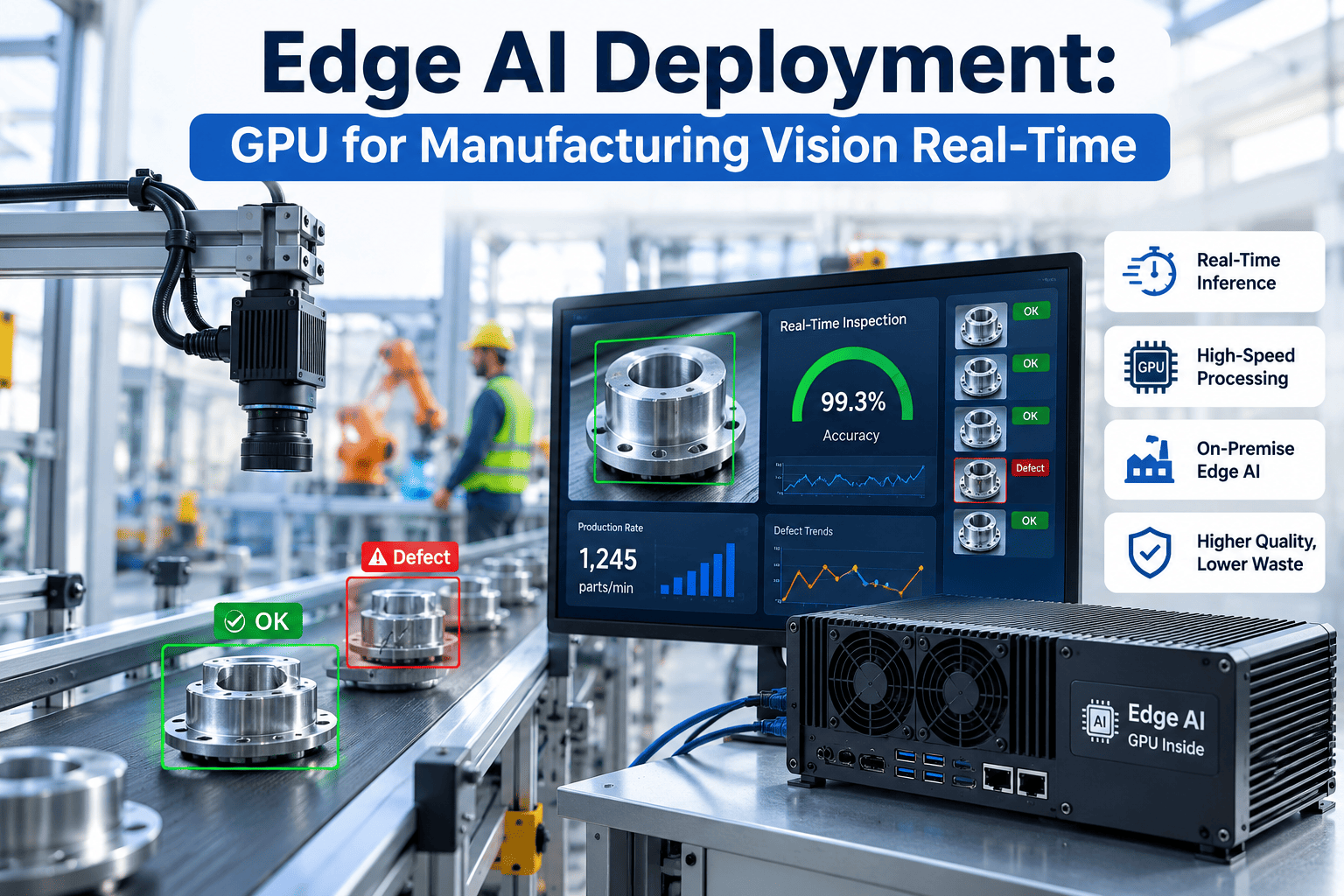
The single most common mistake in an AI vision inspection project is not the model, the cameras, or the lighting — it is the GPU. Plants routinely buy far more compute than a pilot line will ever use, or size for the pilot and then discover the hardware chokes the moment a second line gets added. Getting GPU sizing right means matching three variables against each other: how many camera feeds need simultaneous processing, how fast the line moves, and how complex the defect-detection model actually needs to be. Get that match wrong in either direction and you either overspend significantly or watch your inspection system fall behind the line. For a sizing conversation specific to your floor, visit iFactory's vision deployment page.
Match Your Camera Count To The Right GPU — Not The Biggest One
A practical framework for sizing GPU compute to AI vision inspection workloads, so you avoid the two most expensive mistakes: over-provisioning and under-provisioning.
The Three Variables That Actually Drive Sizing
Every GPU sizing conversation eventually comes back to the same three inputs, and the mistake most plants make is focusing on only one of them — usually camera count — while ignoring the other two. A five-camera line running at high frame rate with a complex multi-defect model can require more compute than a fifteen-camera line running simple presence detection at a slow frame rate. Sizing has to account for the full combination, not a single headline number.
Avoiding Over-Provisioning
Over-provisioning is the more common mistake, largely because it feels like the safe choice — buy the biggest GPU available and never worry about running out of headroom. In practice, this means paying for compute capacity that sits idle the vast majority of the time, since most vision inspection workloads do not come close to saturating a top-tier GPU unless they are running a large number of concurrent high-resolution streams with complex models. The capital sitting idle in an over-sized deployment could often fund a second production line's worth of cameras instead.
Avoiding Under-Provisioning
Under-provisioning is less common but more disruptive when it happens, because the symptom does not show up until the system is already live and struggling to keep pace with the line. A GPU that cannot process frames as fast as the line produces them either drops frames — meaning some parts never get inspected — or introduces latency that pushes the reject decision past the point where the mechanism can still act on it. Both failure modes undermine the entire reason for deploying vision inspection in the first place.
Not sure which side of the line your planned deployment falls on? Book a walkthrough and we'll run the numbers with you.
A Sizing Reference by Deployment Profile
The table below reflects general sizing patterns across common inspection scenarios. It is meant as a starting reference point for framing a conversation, not a substitute for an actual sizing assessment against your specific model, camera resolution, and line speed — those specifics can shift the right answer meaningfully in either direction.
| Deployment Profile | Cameras | Frame Rate | Model Complexity | Typical GPU Tier |
|---|---|---|---|---|
| Single-station pilot | 1-3 | 10-15 fps | Simple presence/count | Entry-tier GPU |
| Standard inspection line | 4-10 | 15-30 fps | Defect classification | Mid-tier GPU |
| High-speed line | 4-8 | 30-60 fps | Defect classification | High-tier GPU |
| Multi-line facility | 15-30 | Mixed | Mixed complexity | Multi-GPU rack |
| High-precision optical | 2-6 | 15-30 fps | High-resolution multi-class | High-tier GPU |
Precision Levels: Why FP16 Isn't Always the Right Choice
Beyond raw GPU tier, one of the more overlooked sizing levers is numerical precision — whether the model runs in FP16, FP8, or INT8 quantized form. Lower precision reduces compute and memory requirements significantly, often letting a smaller GPU handle a workload that would otherwise require a larger one, but it can come with a small accuracy tradeoff depending on how sensitive the specific defect class is to precision loss. For many inspection use cases, INT8 quantization delivers accuracy close enough to full precision that the compute savings are well worth it; for high-precision optical inspection catching subtle defects, the tradeoff deserves more careful validation before committing.
Frequently Asked Questions
Get A GPU Sizing Recommendation Before You Buy Hardware
Share your camera count, line speed, and defect classes. We'll come back with a sizing recommendation that fits your actual workload.