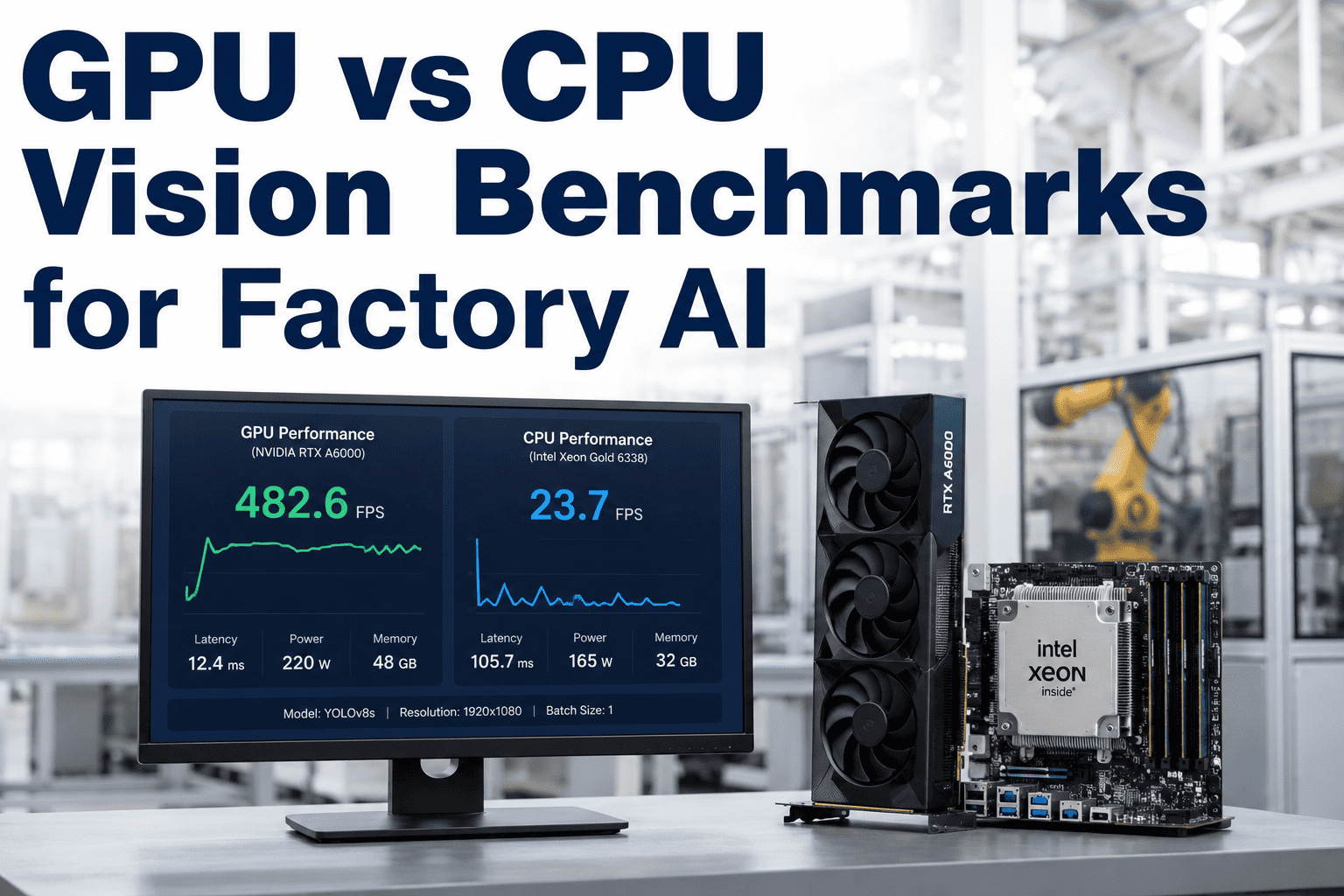
An infrastructure team sizing a vision inspection deployment usually asks the same question first: can this run on the CPU servers we already have, or does it need dedicated GPU hardware? The honest answer depends entirely on model size and line speed, and the gap between the two options is larger than most spec sheets suggest. Across measured benchmarks on comparable factory hardware, GPU inference consistently delivers 8 to 20 times the throughput of CPU inference for the convolutional models used in defect detection, with the gap widening further as model complexity increases. Teams sizing their own deployment can book a demo to see benchmark numbers run against their specific model and camera count.
HARDWARE BENCHMARKS · FACTORY VISION AI
Measured Latency, Not Marketing Specs
Real GPU vs CPU throughput numbers for factory vision models, gathered across 120+ deployments, so you can size hardware correctly the first time.
Where the Gap Actually Shows Up
8-20x
Throughput advantage of GPU over CPU on standard convolutional vision models
<50ms
Typical GPU inference latency per frame at production line speed
200-500ms
Typical CPU inference latency for the same model, often too slow for line-speed rejection
4-8
Camera feeds a single mid-tier GPU can handle concurrently versus 1 on comparable CPU hardware
Benchmark Comparison by Model Complexity
| Model Type | CPU Latency | GPU Latency | Speedup |
|---|---|---|---|
| Lightweight classifier | 80-120ms | 10-15ms | ~8x |
| Standard object detector | 250-400ms | 20-35ms | ~12x |
| High-resolution segmentation | 600-900ms | 30-45ms | ~20x |
Get Real Numbers for Your Model, Not a Generic Benchmark
Bring your model architecture and target line speed to a session and see the actual latency comparison for your use case.
When CPU Inference Is Actually Fine
GPU hardware isn't universally necessary. Certain factory AI workloads run acceptably on CPU infrastructure, and knowing which ones avoids unnecessary hardware spend.
CPU Is Usually Fine For
Low-frequency predictive maintenance scoring run every few minutes
Batch analytics and reporting jobs with no real-time requirement
Single-camera setups on slow-moving inspection stations
GPU Is Usually Required For
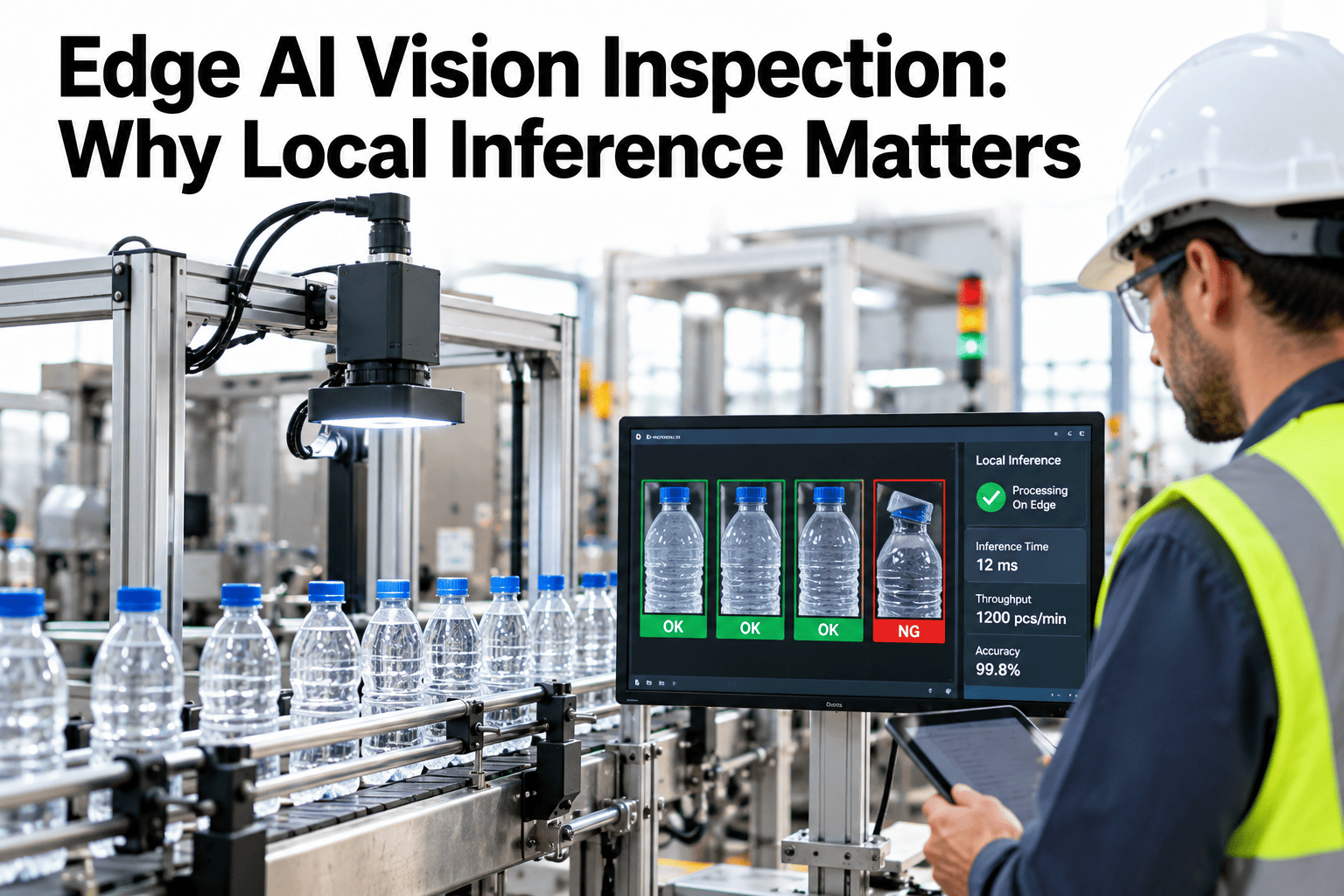
Line-speed vision inspection needing sub-100ms decisions
Multi-camera deployments running concurrent inference streams
Any model complex enough to need real-time part rejection
Factors That Shift the Benchmark in Either Direction
Model Optimization
An unoptimized model narrows the GPU advantage, while a TensorRT-optimized engine widens it further on the same hardware.
Batch Size
GPUs gain relative advantage as batch size increases, since parallel processing scales more efficiently than on CPU cores.
Image Resolution
Higher resolution inputs widen the CPU-GPU gap further, since convolution operations scale poorly on CPU as pixel count grows.
Total Cost Comparison Beyond Raw Hardware Price
| Cost Factor | CPU-Only Path | GPU-Accelerated Path |
|---|---|---|
| Upfront Hardware | Lower per unit | Higher per unit |
| Servers Needed for Target Throughput | Multiple servers to match one GPU's capacity | Fewer servers for equivalent throughput |
| Power and Cooling | Lower per server, higher in aggregate | Higher per server, lower in aggregate |
| Missed-Defect Cost Risk | Higher if latency causes late rejects | Lower with line-speed detection |
How to Run Your Own Benchmark Before Committing to Hardware
Steps to Follow
Export your trained model in a portable format like ONNX for testing on both hardware types
Run inference on a representative batch of real production images, not synthetic test data
Measure latency at your actual target line speed and camera trigger rate
Mistakes to Avoid
Benchmarking with a tiny sample size that doesn't reflect production image variance
Ignoring warm-up latency, which can skew the first few inference calls
Comparing an unoptimized GPU pipeline against a tuned CPU baseline, or vice versa
Sizing Questions Engineers Ask
Can we start on CPU and migrate to GPU later if needed?
Yes, this is a common path for teams piloting a model before committing to GPU hardware spend, since the model architecture itself doesn't need to change, only the inference runtime and hardware target. The main consideration is whether your pilot line speed will mask a latency problem that shows up once deployed to a faster production line, which is worth checking through support before committing to a hardware plan.
How many cameras can one GPU realistically support?
A mid-tier factory GPU typically handles 4 to 8 concurrent camera feeds for standard defect detection models, though this depends heavily on model complexity, resolution, and whether the engine has been optimized with TensorRT. Higher camera counts are achievable with lighter models or by scaling to a multi-GPU fleet as line count grows.
Do these benchmarks account for network and camera capture latency?
The latency figures shown reflect model inference time specifically, not the full pipeline including camera capture, network transfer, and post-processing, which typically adds another 10 to 30 milliseconds depending on network architecture. A full pipeline latency review is part of a standard sizing session and can be booked through a demo.
Is it worth buying a high-end GPU if we're only running one camera?
For a single-camera deployment, an entry-level factory GPU is typically sufficient and more cost-effective than high-end hardware, since the advantage of premium GPUs mainly shows up when serving multiple concurrent streams or very large models. Right-sizing hardware to actual camera count and model complexity avoids both under- and over-provisioning.
How much does TensorRT optimization change these numbers?
TensorRT optimization typically improves GPU inference speed by an additional 2 to 5 times on top of the raw hardware advantage shown in these benchmarks, since it applies layer fusion and precision calibration specific to the target GPU. This makes the gap between an optimized GPU pipeline and unoptimized CPU inference even larger than the raw hardware comparison suggests.
Size Your Vision Hardware With Real Numbers
Stop guessing between CPU and GPU. Get benchmark data specific to your model and line speed.