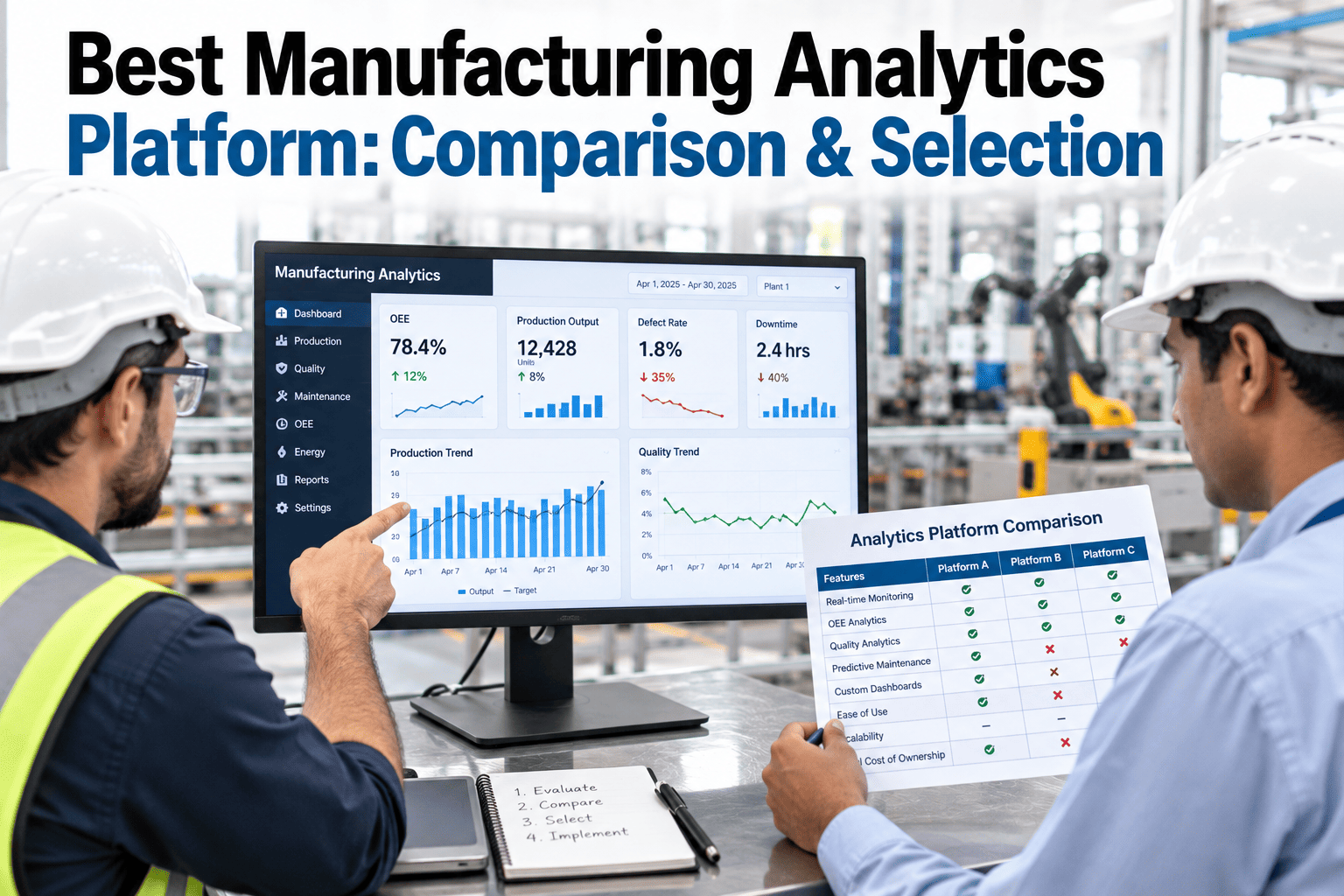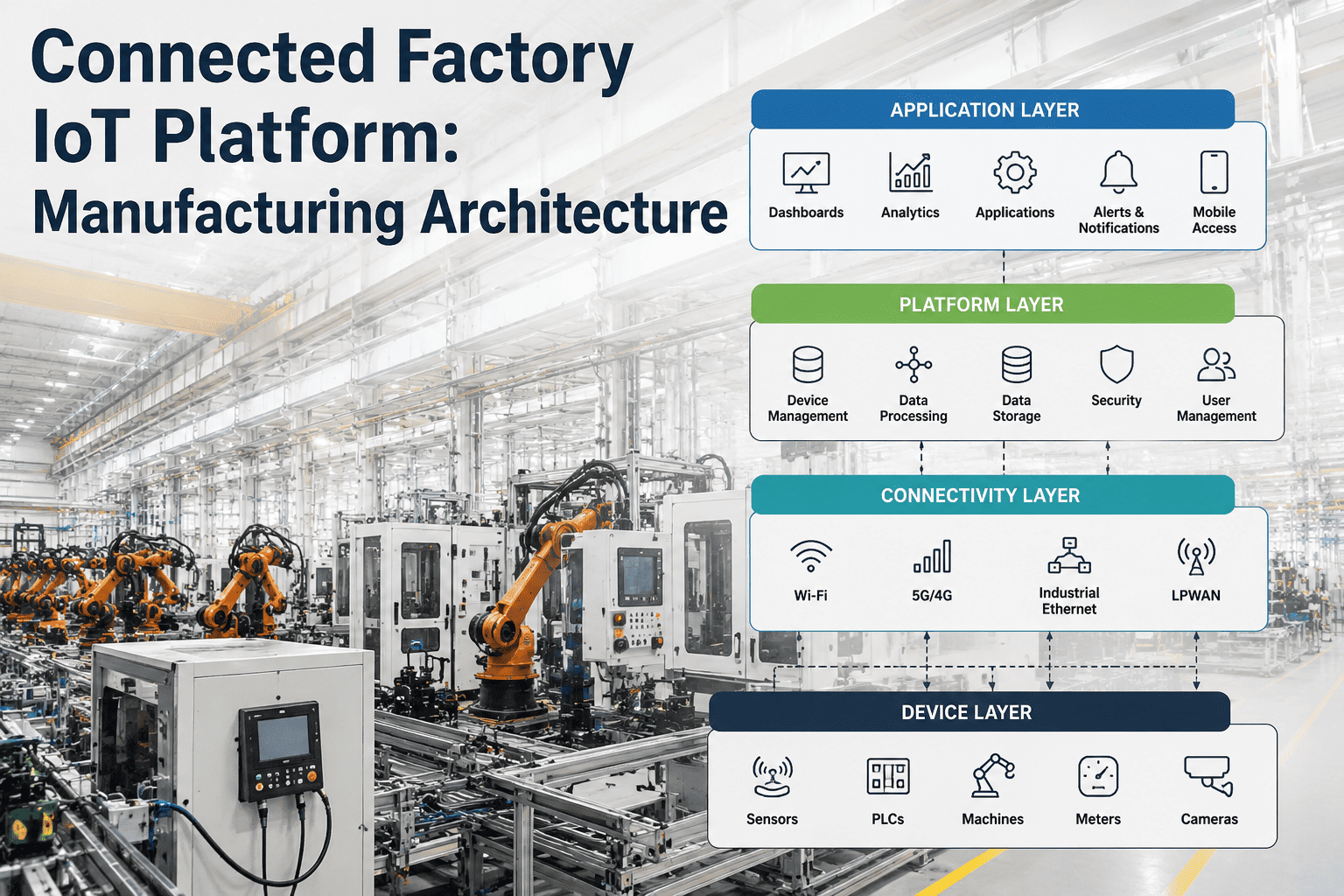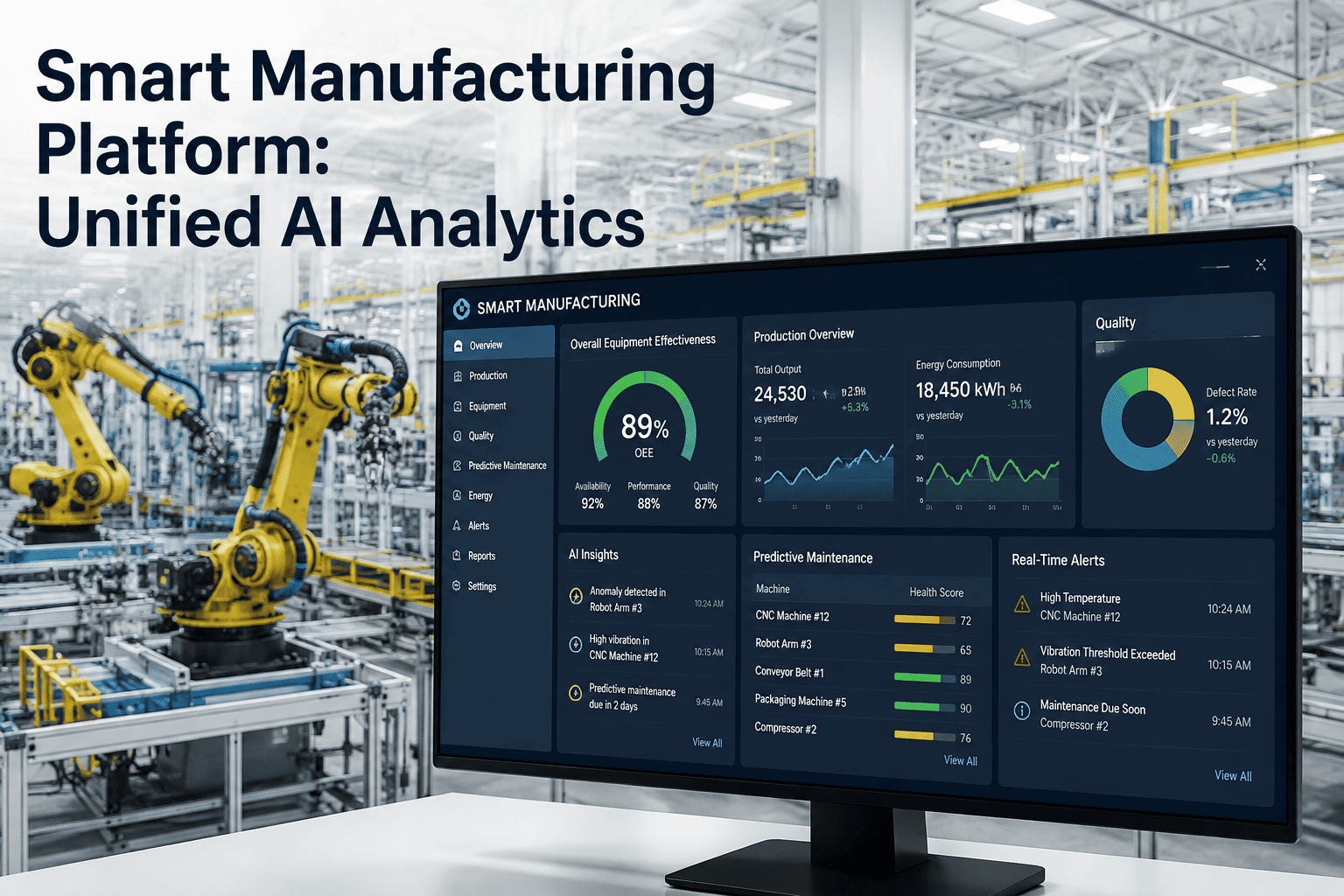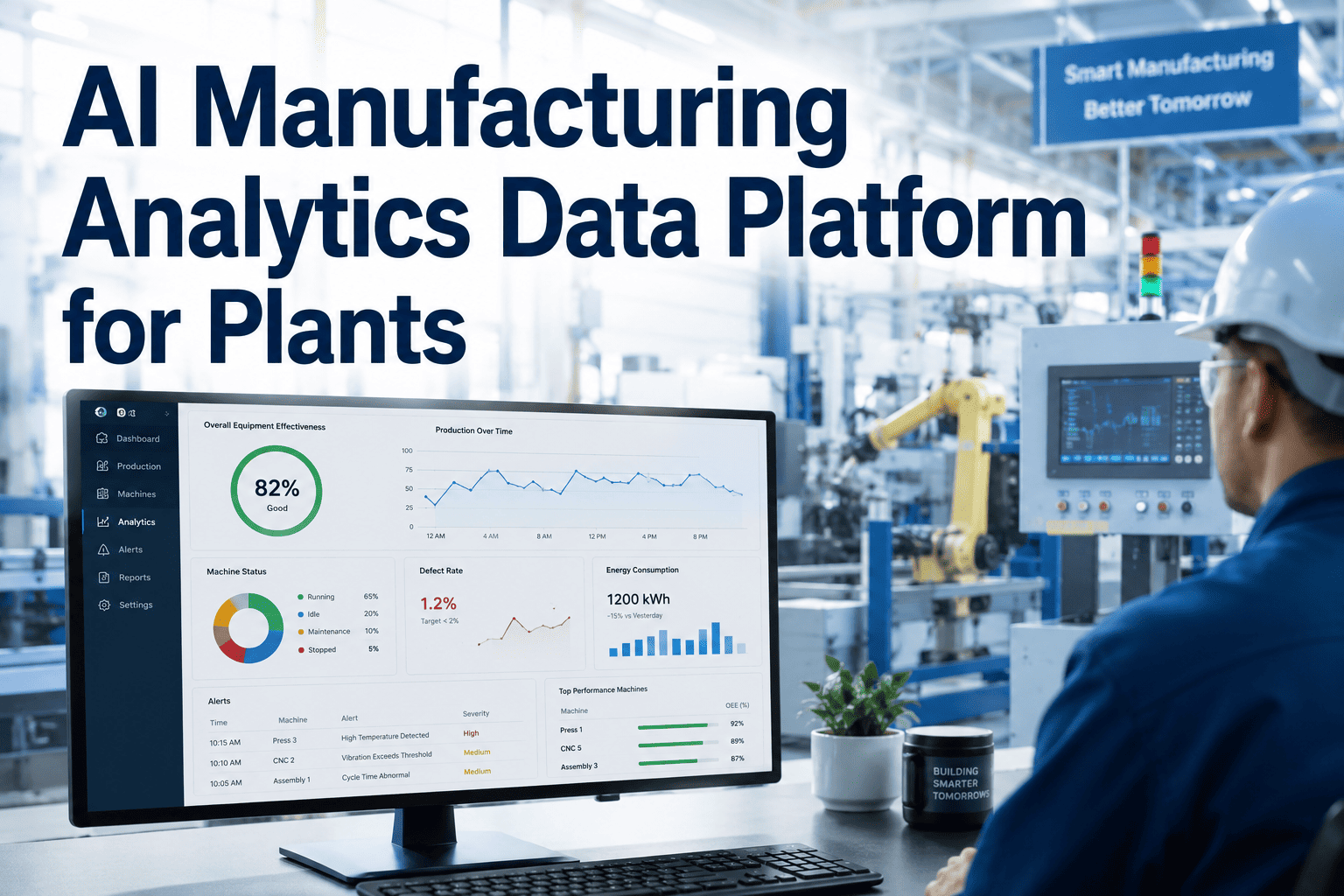
Choosing a business intelligence platform for manufacturing analytics usually comes down to two names on most shortlists: SAP Analytics Cloud and Microsoft Power BI. Both can build a respectable OEE dashboard, but they diverge sharply once you get into native ERP connectivity, predictive modeling depth, licensing cost, and how quickly a plant-floor team can actually build and adopt reports without a dedicated BI developer. Picking the wrong one means either paying for capability your team never uses or hitting a wall exactly when you need deeper predictive analytics. This comparison walks through the tradeoffs that matter specifically for manufacturing environments, and if you want a second opinion on your specific stack, you can book a demo with our team.
SAP Analytics Cloud vs. Power BI for Manufacturing
Connectivity, real-time dashboards, predictive features, and adoption ease, compared specifically for plant floor and production analytics use cases.
Why This Decision Matters More in Manufacturing
Manufacturing analytics has requirements that generic corporate reporting doesn't share, near real-time machine data, tight coupling to ERP production orders, and dashboards that need to be usable by shift supervisors, not just corporate analysts. The right platform choice depends heavily on which of these needs weighs heaviest for your specific plant.
Head-to-Head Comparison
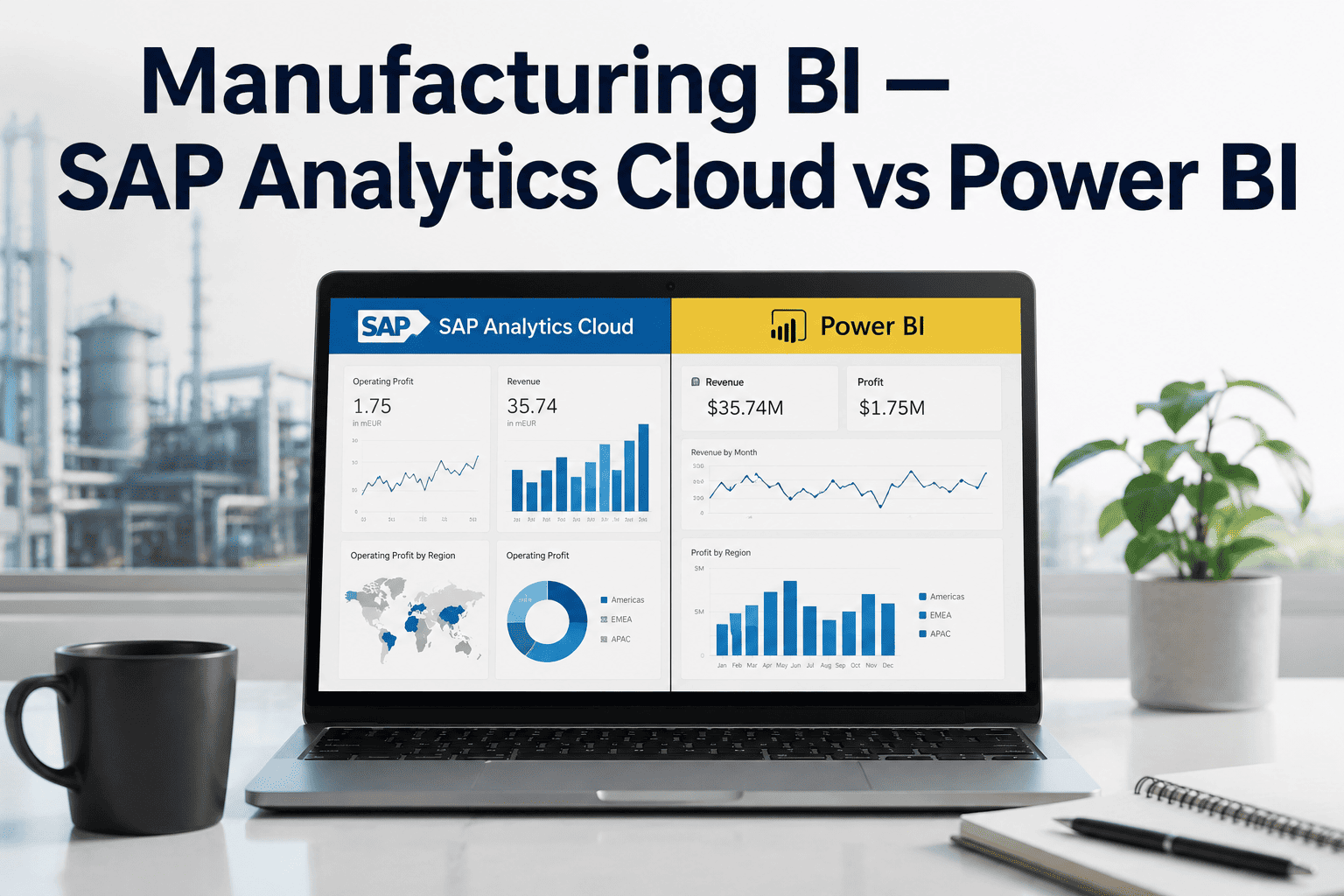
| Factor | SAP Analytics Cloud | Power BI |
|---|---|---|
| Native SAP ERP connectivity | Deep, real-time | Requires connector, some latency |
| Predictive/planning features | Strong, built-in | Requires add-ons or Azure ML |
| Non-SAP data source flexibility | Moderate | Extensive |
| Licensing cost for plant-wide rollout | Higher | Lower |
| Learning curve for shift supervisors | Moderate | Low to moderate |
| Mobile dashboard experience | Good | Very strong |
When SAP Analytics Cloud Is the Better Fit
If your plant runs primarily on SAP S/4HANA and your analytics needs are tightly coupled to production orders, planning data, and predictive scheduling scenarios, SAC's native integration avoids the connector maintenance and latency that a third-party BI tool introduces.
SAP-Centric Data Landscape
When the vast majority of your reporting data lives inside SAP modules, native connectivity avoids building and maintaining separate extraction pipelines.
Built-In Predictive Planning
SAC's predictive forecasting and what-if scenario modeling come built in, useful for demand planning and capacity scenario work without additional licensing.
Unified Governance With SAP Security
Role-based access inherits directly from your existing SAP authorization structure, simplifying governance for organizations already standardized on SAP security models.
Not Sure Which Platform Fits Your Data Landscape?
The right choice depends on your specific mix of SAP and non-SAP data sources, and how your teams actually consume reports today.
When Power BI Is the Better Fit
Plants running a mixed technology stack, or those prioritizing lower licensing cost and faster report-building by non-specialist users, often find Power BI's broader connector ecosystem and gentler learning curve a better match.
Mixed or Non-SAP Data Sources
Plants pulling from MES, historians, and multiple ERP systems benefit from Power BI's much larger library of pre-built connectors.
Budget-Conscious Plant-Wide Rollout
Lower per-user licensing costs make it more feasible to put dashboard access in front of every shift supervisor rather than restricting it to a small analyst group.
Self-Service Report Building
A gentler learning curve means production and quality teams can build their own dashboards without waiting in a queue for a dedicated BI developer.
Frequently Asked Questions
Can we use both platforms for different purposes?
Some organizations do run both, using SAC for SAP-native planning and predictive scenarios while Power BI handles broader operational dashboards pulling from MES and other non-SAP sources. This adds licensing and maintenance overhead, so it's worth confirming the use cases are genuinely distinct enough to justify running two platforms rather than consolidating on one. Contact support to discuss your specific data landscape.
How does OEE dashboard performance compare between the two?
Both platforms can build effective real-time OEE dashboards once connected to a live machine data feed, so the meaningful difference is less about dashboard capability and more about how quickly and reliably each platform ingests your specific data sources. The underlying data pipeline quality matters more than the visualization layer for OEE accuracy.
Does switching platforms later require rebuilding all our dashboards?
Yes, dashboards are generally not portable between SAC and Power BI, since the underlying data modeling and visualization frameworks differ significantly. This is a strong argument for evaluating both platforms carefully against your actual requirements before committing, rather than switching after a significant investment in dashboard development.
How does iFactory fit alongside either BI platform?
iFactory feeds clean, structured production and machine data into either platform through standard connectors, so the BI tool you choose is working from validated, real-time data rather than raw or inconsistent source feeds. Book a demo to see the data connections for your preferred BI platform.
Which platform is better for a multi-plant, multi-ERP environment?
Power BI's broader connector library generally makes it easier to unify reporting across plants running different ERP systems, while SAC's strength is most pronounced when every plant is standardized on SAP. Organizations mid-way through an ERP consolidation often start with Power BI and reassess once the SAP rollout completes.
Get a Platform Recommendation for Your Data Landscape
We'll help you map your current data sources against both platforms so the choice is based on your actual environment, not a generic comparison.