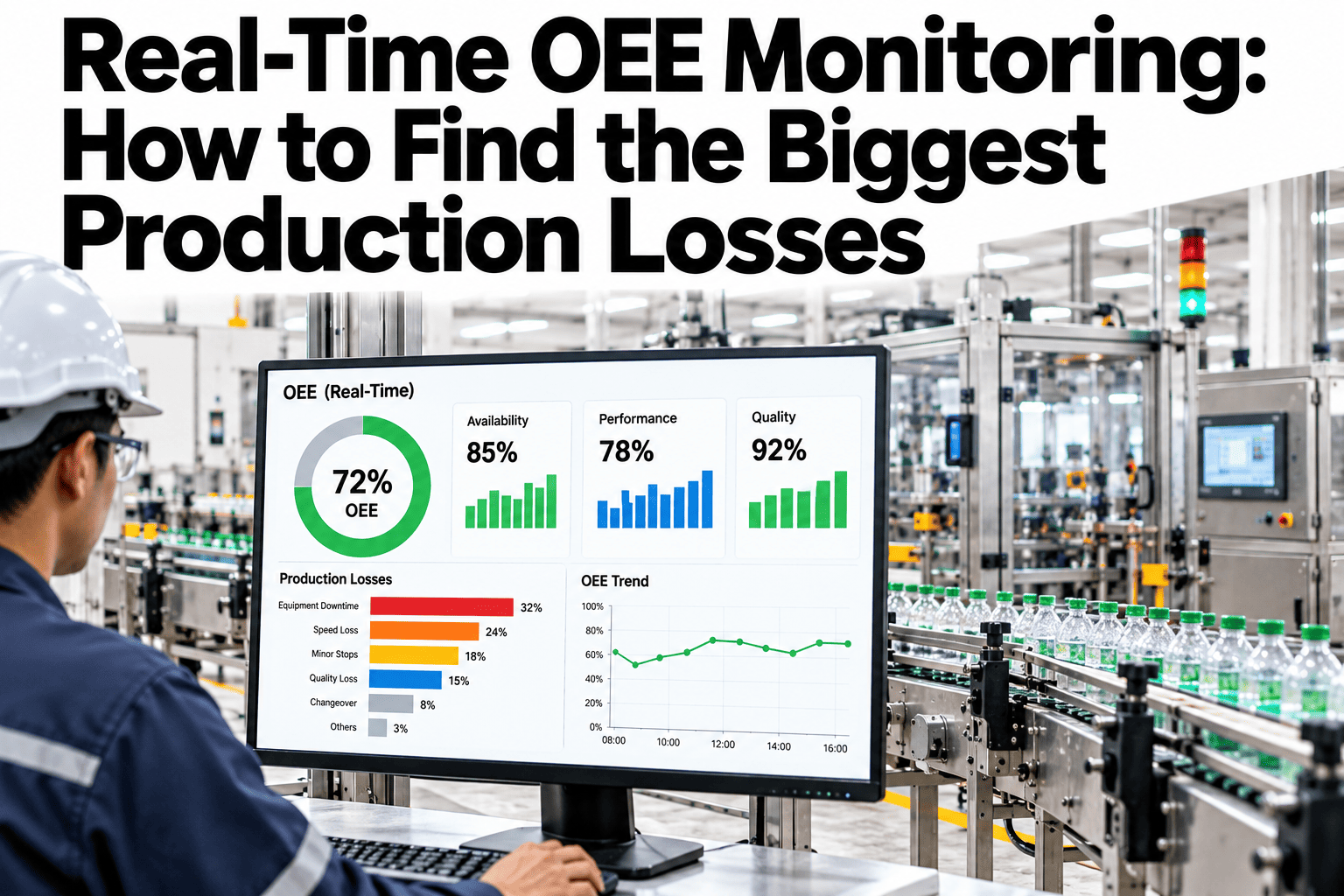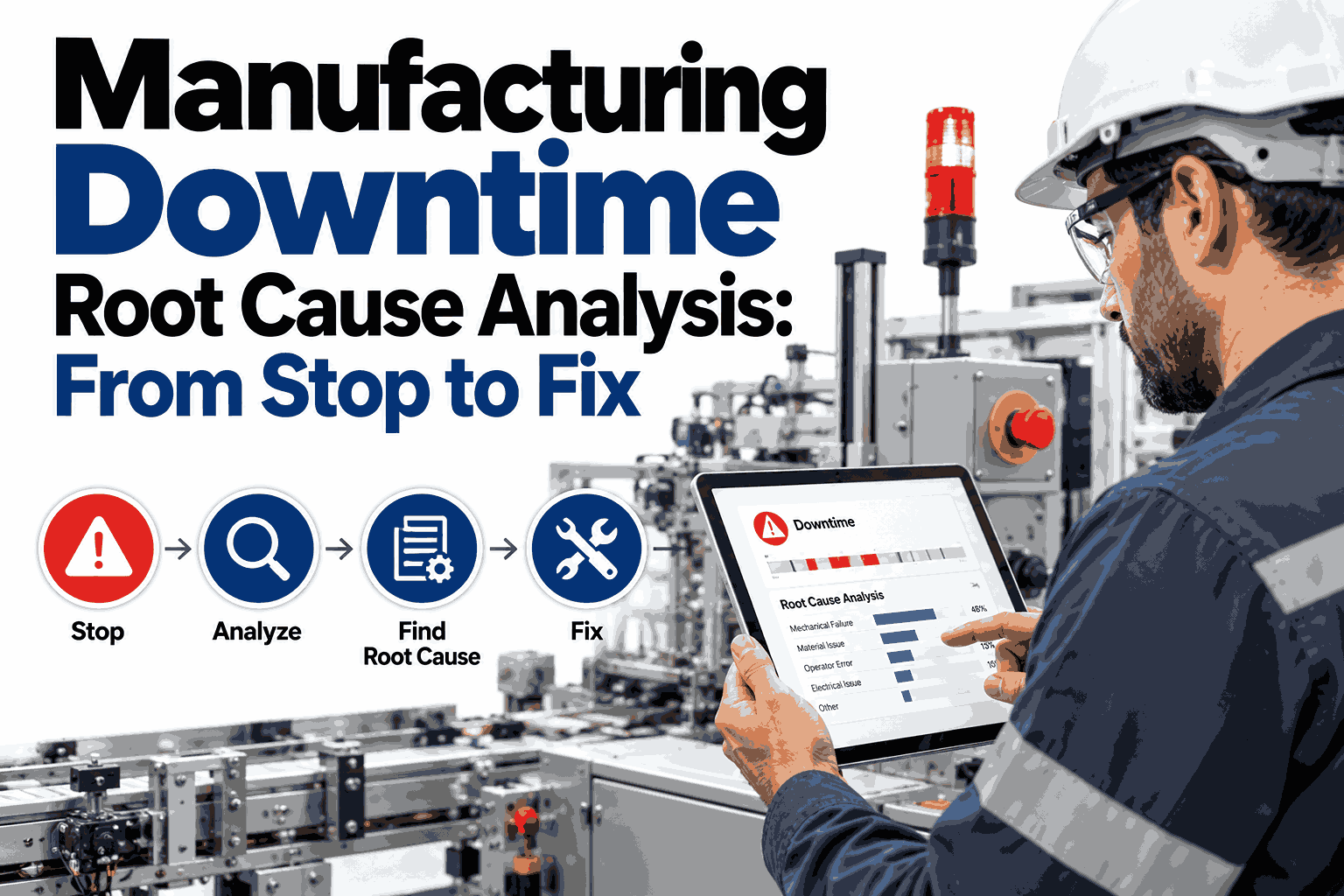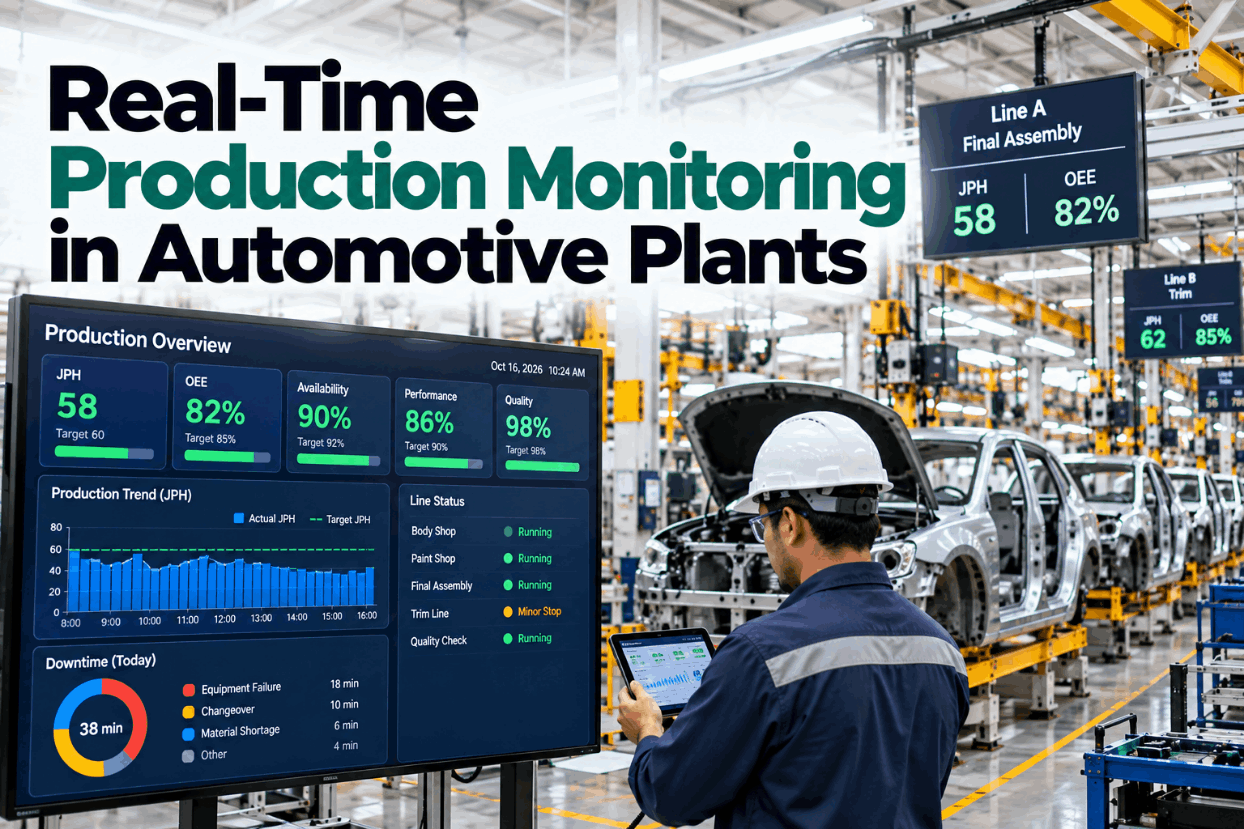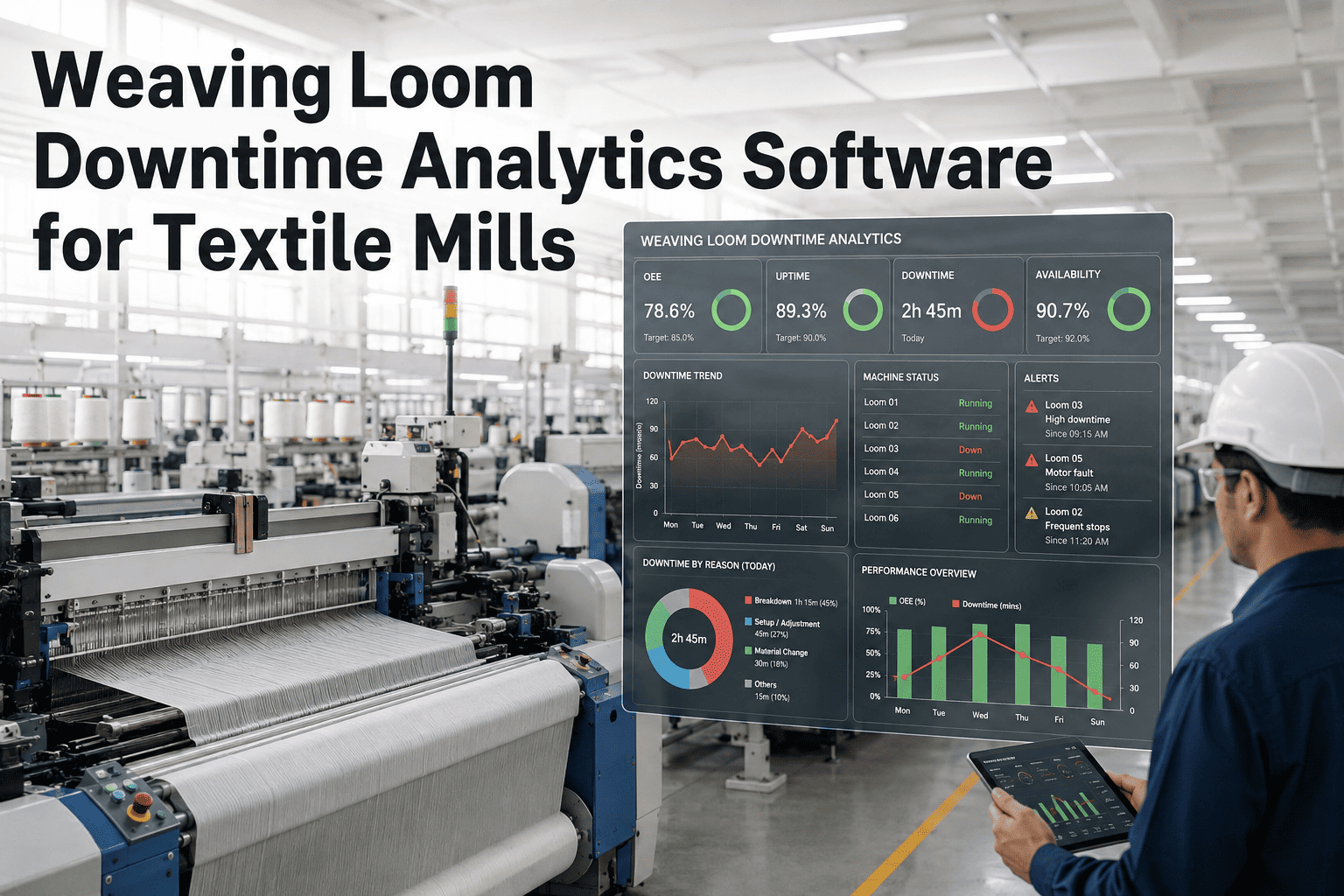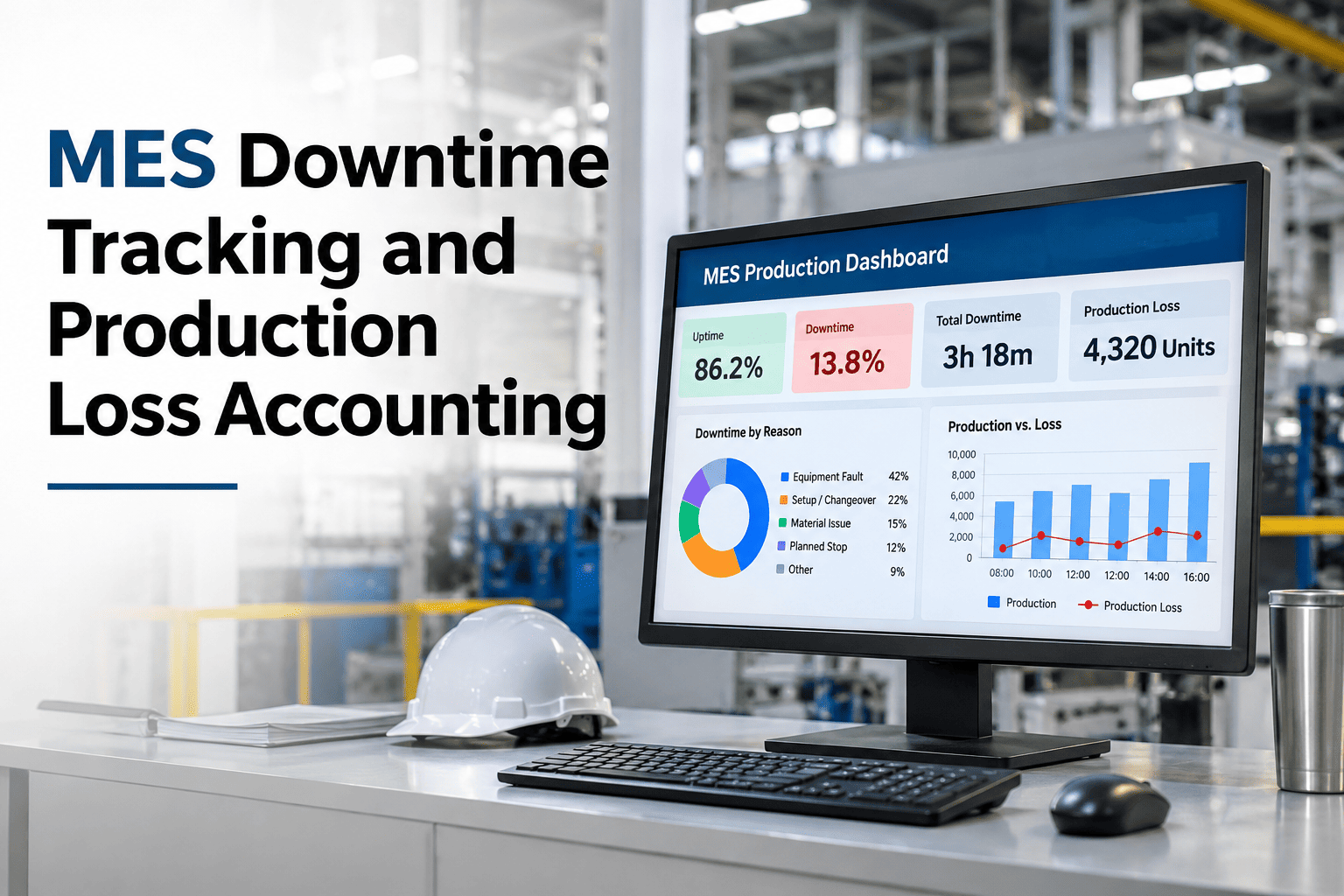
Knowing a line was down for ten minutes is easy. Knowing why, and having a defensible trail from that stop back to a reason code, a production order and a maintenance action, is the part most spreadsheet-based tracking never manages. MES downtime tracking captures the exact start time, end time and cause of every stoppage, then connects it to the order it affected and the loss it produced, so production loss accounting stops being an argument and starts being a number everyone trusts. Plants still reconstructing downtime from paper logs can see downtime tracking and loss accounting run against their own line data before the next OEE review turns into a debate.
Every Stop Tagged With a Reason, Every Reason Tied to a Loss
iFactory AI tracks production orders, output, downtime reasons and quality records in one connected system, so OEE and loss accounting are calculated, not reconstructed.
What Is MES Downtime Tracking?
MES downtime tracking is the capture of every production stoppage, start to end, with a defined reason code and a link to the order, asset and shift it affected. iFactory, an on-premise AI platform for manufacturing execution, logs this continuously as production runs rather than relying on an operator to reconstruct it at shift end, which is where most unplanned downtime record keeping breaks down.
The Six Big Losses, Classified
| OEE Component | Loss Category | What It Looks Like |
|---|---|---|
| Availability | Unplanned downtime | Equipment failure, breakdown, unplanned stop |
| Availability | Setup and changeover | Planned stop to switch product or tooling |
| Performance | Minor stops | Short interruptions under a defined threshold |
| Performance | Reduced speed | Running below the rated cycle time |
| Quality | Startup rejects | Defects produced before the process stabilizes |
| Quality | Production rejects | Defects produced during stable running |
Spreadsheet Tracking vs MES Tracking
Map Your Current Downtime Codes Onto a Connected Model
Bring your current downtime codes and production structure to a short session and see how MES-level tracking would classify them.
From a Stop to a Closed Loss Record
Checklist for a Loss Accounting Program That Holds Up
Frequently Asked Questions About Downtime Tracking and Loss Accounting
How is downtime tracking different from a basic OEE dashboard?
An OEE dashboard often shows a single blended percentage, while downtime tracking captures every individual stop with its cause, duration and affected order, which is the detail an OEE figure is calculated from. Without that detail, an OEE number cannot be traced back to what actually caused it. See both views compared on your own line during a short call.
Does this require new sensors on our existing machines?
Not always. Many lines already generate a run or stop signal through an existing PLC that can feed a downtime tracking layer directly, though older equipment sometimes needs a simple add-on sensor to capture state reliably. Ask support what your specific line already provides before planning hardware.
How do we stop operators from picking the wrong reason code under pressure?
A short, well-organized reason code list with the most common causes easiest to find reduces mis-tagging, and reviewing a sample of tagged events each week catches patterns of miscoding before they distort the loss data. Discuss reason code design for your specific process.
Can downtime data feed directly into maintenance work orders?
Yes, when the MES and maintenance system share a connected data model, a recurring downtime pattern tied to a specific asset can trigger a work order automatically rather than waiting for someone to notice the trend manually. Ask support how this connects to your CMMS if you already run one.
How does production loss accounting connect to ERP cost reporting?
Lost output tied to a specific order can feed ERP for cost accounting and planning purposes rather than being re-entered or reconciled by hand, though the specific connection depends on which ERP system a plant runs. Confirm your ERP integration path on a walkthrough.
Turn Every Stop Into a Number Everyone Trusts
iFactory AI tracks downtime, order and quality data in one connected system so OEE and loss accounting stop being disputed. Book a walkthrough on your own line.