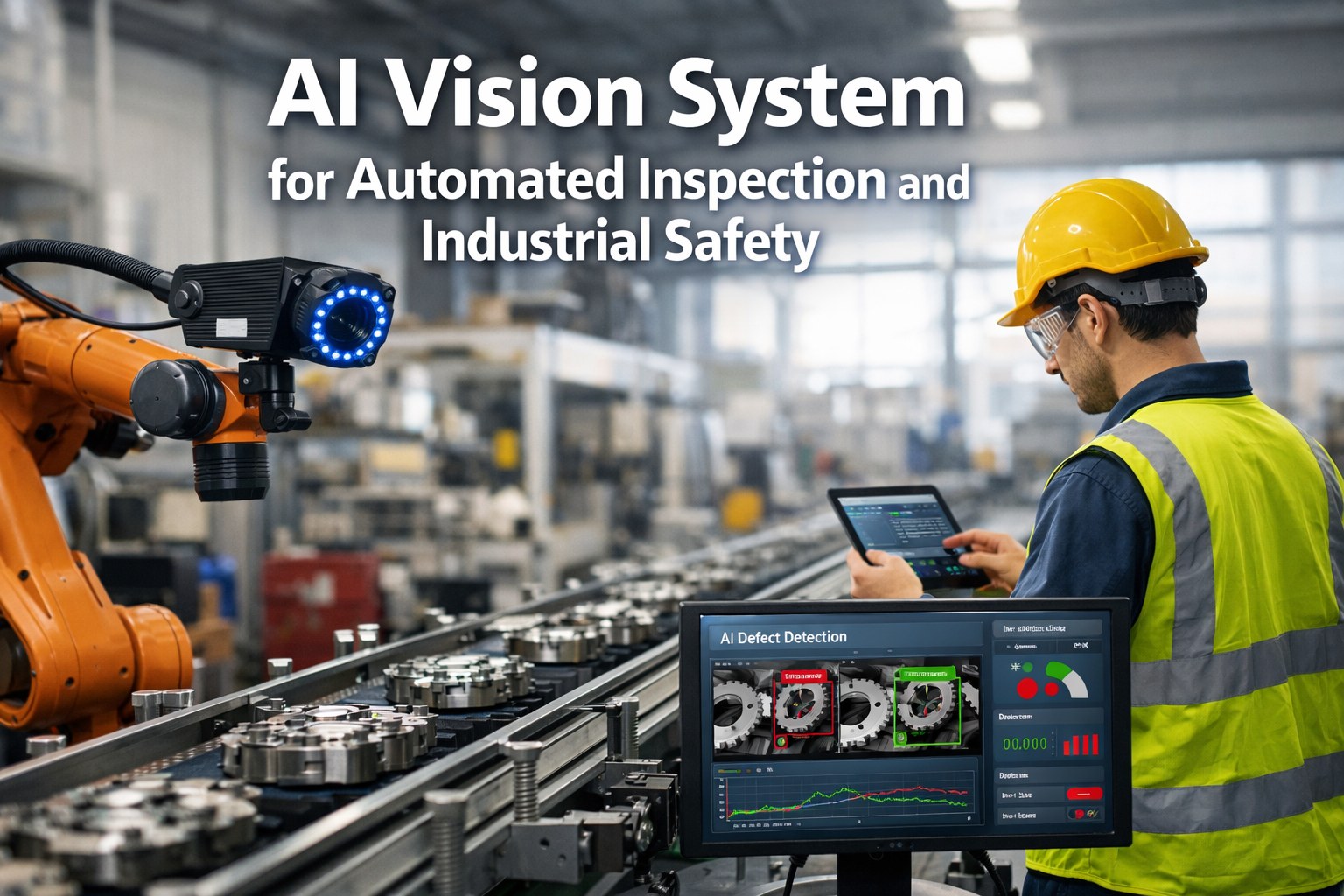
Most plant IT teams size an AI server the same way they'd size any other rack unit, by budget first and workload second, and then spend the next six months discovering the GPU cannot hold the vision model in memory or the CPU chokes the moment three inspection stations run concurrently. Factory AI workloads are not one thing. A vision inference pipeline watching a bottling line, an NLP agent parsing maintenance logs, and a time-series model forecasting pump failure each have completely different memory, bandwidth, and throughput requirements, and matching hardware to the actual workload is what separates a server that runs for years from one that is obsolete before the warranty starts.
iFactory helps plant IT teams match on-prem AI hardware to vision, NLP, and time-series workloads before procurement.
Why Cloud Defaults Don't Translate to the Plant Floor
Cloud AI economics assume elastic, bursty demand, spin up compute when needed, pay only for what you use. A factory floor running continuous vision inspection, predictive maintenance analytics, and shift-report NLP agents around the clock is the opposite workload pattern. If GPUs stay busy more than roughly four to five hours a day on average over a multi-year horizon, on-prem infrastructure typically breaks even against equivalent cloud GPU rental within four to eight months, which is exactly the utilization profile most 24/7 manufacturing operations already have.
Three Workload Profiles, Three Hardware Tiers
Not every plant needs the same server. The right tier depends on which AI workloads are actually running on the floor, and how many of them need to run concurrently.
| Workload | Typical GPU Requirement | System RAM |
|---|---|---|
| Vision inference (single line) | Single mid-tier GPU, 24–48GB VRAM | 64–128GB |
| Vision inference (multi-line, plant-wide) | Multi-GPU, 48GB+ VRAM per card | 256GB+ |
| NLP agents (maintenance logs, shift reports) | 24–48GB VRAM, quantized models | 128–256GB |
| Time-series analytics (predictive maintenance) | CPU-viable for lower-traffic workloads | 128–256GB |
The Sizing Checklist Before You Order Hardware
Getting server sizing wrong is expensive twice, once in the underpowered hardware sitting idle waiting for a fix, and again in the emergency upgrade that follows. Book a demo to walk through sizing against your specific inspection stations and analytics workload.
Count concurrent vision inference stations, since each active camera feed adds VRAM and throughput demand that stacks rather than shares cleanly across a single GPU.
Separate latency-sensitive workloads, like reject-gate vision inspection, from batch workloads like overnight analytics, since they have very different tolerance for queuing delay.
Plan system RAM 24 to 36 months ahead rather than for day-one load, since model sizes and context windows have grown consistently and DRAM prices remain elevated.
Confirm network bandwidth between camera feeds, edge inference nodes, and the central server, since a vision pipeline is only as fast as its slowest data hop.
Size storage IOPS for the actual data pattern, continuous video ingestion for vision workloads behaves very differently from the smaller, bursty writes of a time-series analytics pipeline.
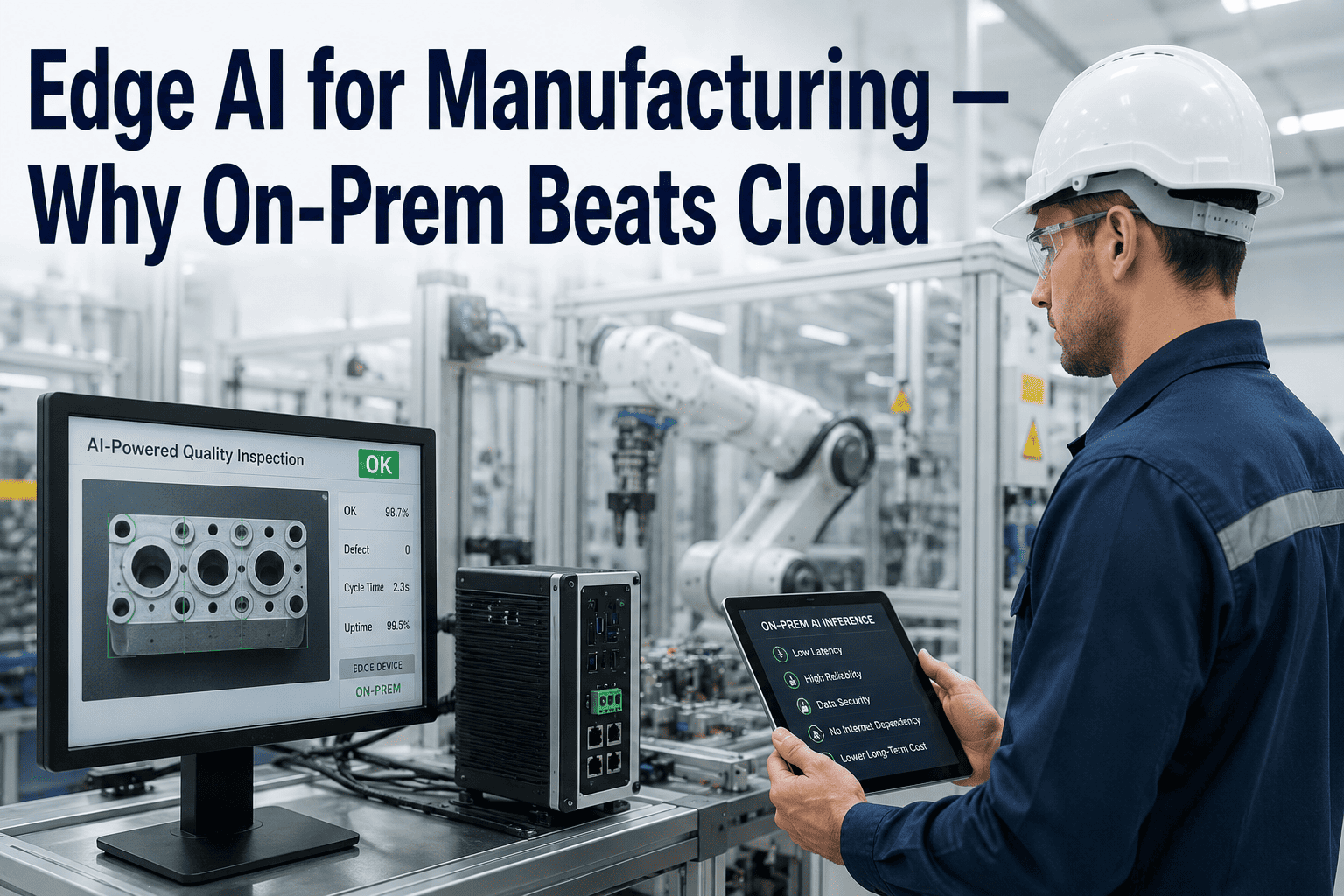
iFactory's on-prem inference runs inside your plant network, with no frame drops and no dependency on external connectivity.
On-Prem vs. Cloud for Factory AI Workloads
- Network round-trip adds latency to reject decisions
- Recurring per-inference cost scales with volume
- Best fit for bursty, low-utilization workloads
- Data leaves the plant network by default
- Sub-100ms decisions with no network dependency
- Fixed hardware cost, breaks even in 4–8 months at high utilization
- Best fit for continuous, 24/7 plant floor workloads
- Inspection and process data stays inside your network
Frequently Asked Questions
How much GPU memory do we actually need for plant floor vision inspection?
Most single-line vision inspection deployments run comfortably on a mid-tier GPU with 24 to 48GB of VRAM, especially when models are quantized for inference rather than run at full precision. Plant-wide deployments covering multiple lines simultaneously typically need a multi-GPU configuration, since each concurrent camera feed adds to the memory and throughput load rather than sharing capacity efficiently.
Is CPU-only hardware ever a viable option for factory AI workloads?
Yes, for specific cases. Modern server-grade CPUs with appropriate instruction support can serve smaller models, embeddings, and many time-series analytics tasks at acceptable latency, particularly for lower-traffic workloads where throughput is not the primary constraint. High-frame-rate vision inspection at production line speed generally still benefits from GPU acceleration.
How do we decide between on-prem hardware and cloud GPU rental?
The utilization pattern is the deciding factor. If GPUs stay busy more than roughly four to five hours a day equivalent over a multi-year horizon, on-prem hardware typically wins on cost. Bursty or unpredictable workloads, or situations requiring frontier-scale models beyond what a plant would reasonably own, tend to favor cloud or a hybrid approach instead. Book a demo to model this against your own workload pattern.
How much should we budget for system RAM, and does it matter as much as GPU VRAM?
Both matter, but for different reasons. GPU VRAM holds model parameters and activations during inference, while system RAM feeds the data pipelines and orchestration layer around it. Most serious AI servers deployed in 2026 start at 256GB of system RAM and scale to 512GB or more, since underprovisioning here causes GPUs to sit idle waiting on data rather than the GPU itself being the bottleneck.
Can we start smaller and scale the server infrastructure over time?
Yes, and phased deployment is usually the more capital-efficient path. Many plants begin with a single inference server covering their highest-priority line or workload, validate the model and integration, and then extend the same platform to additional lines and analytics workloads as usage and confidence grow, rather than over-provisioning for plant-wide scale on day one.
Stop guessing GPU and RAM requirements. Size your on-prem AI server against your real inspection and analytics load.