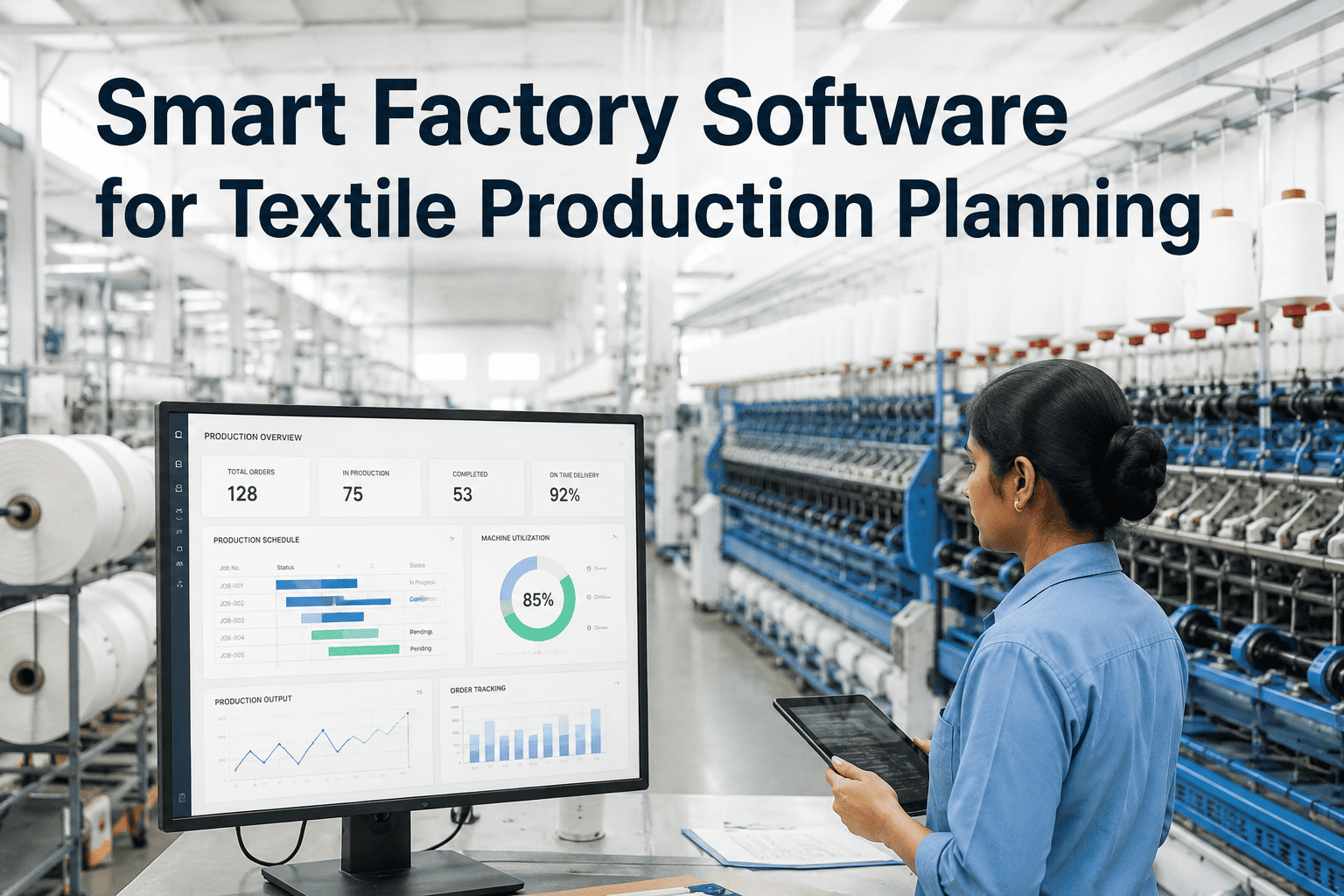
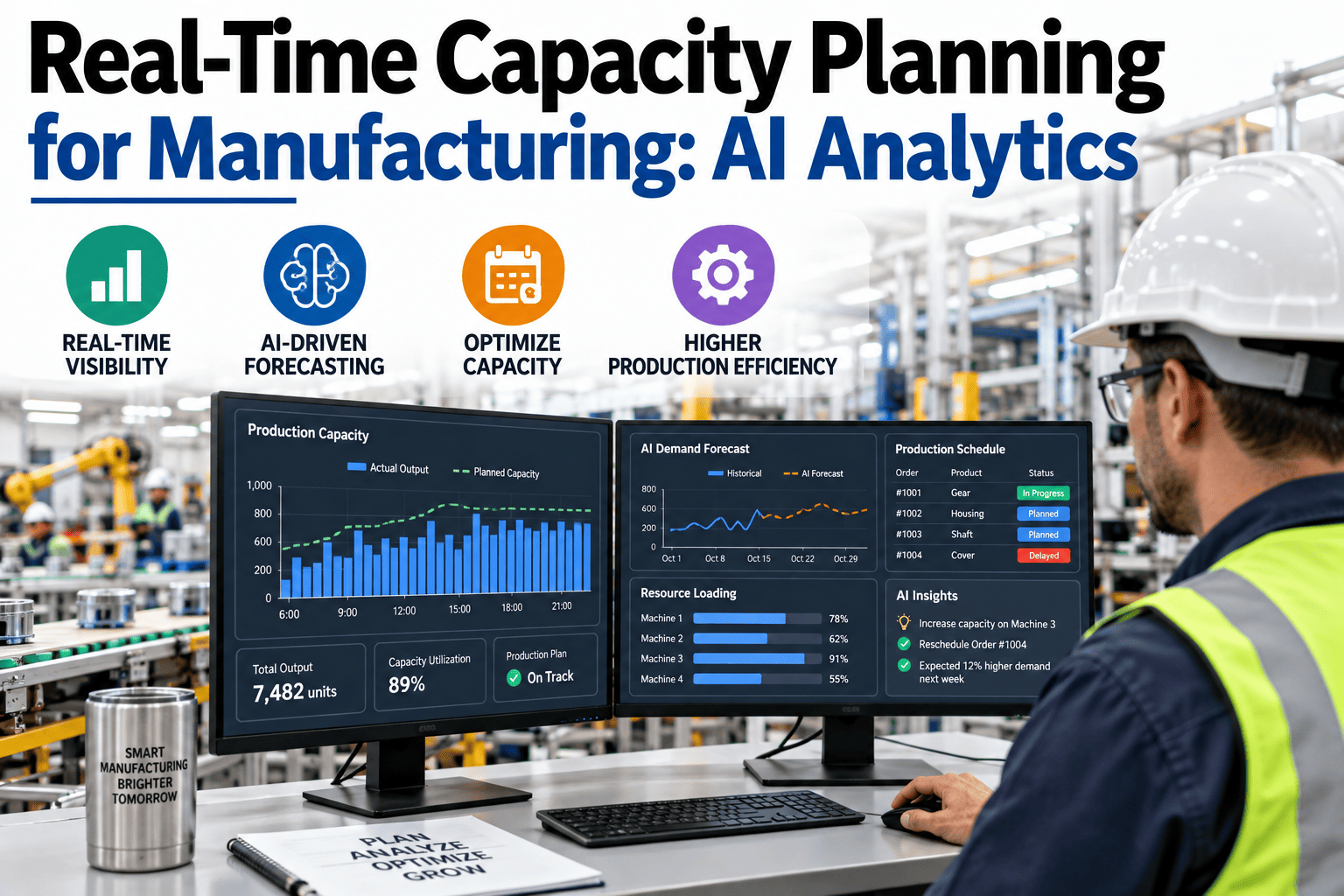
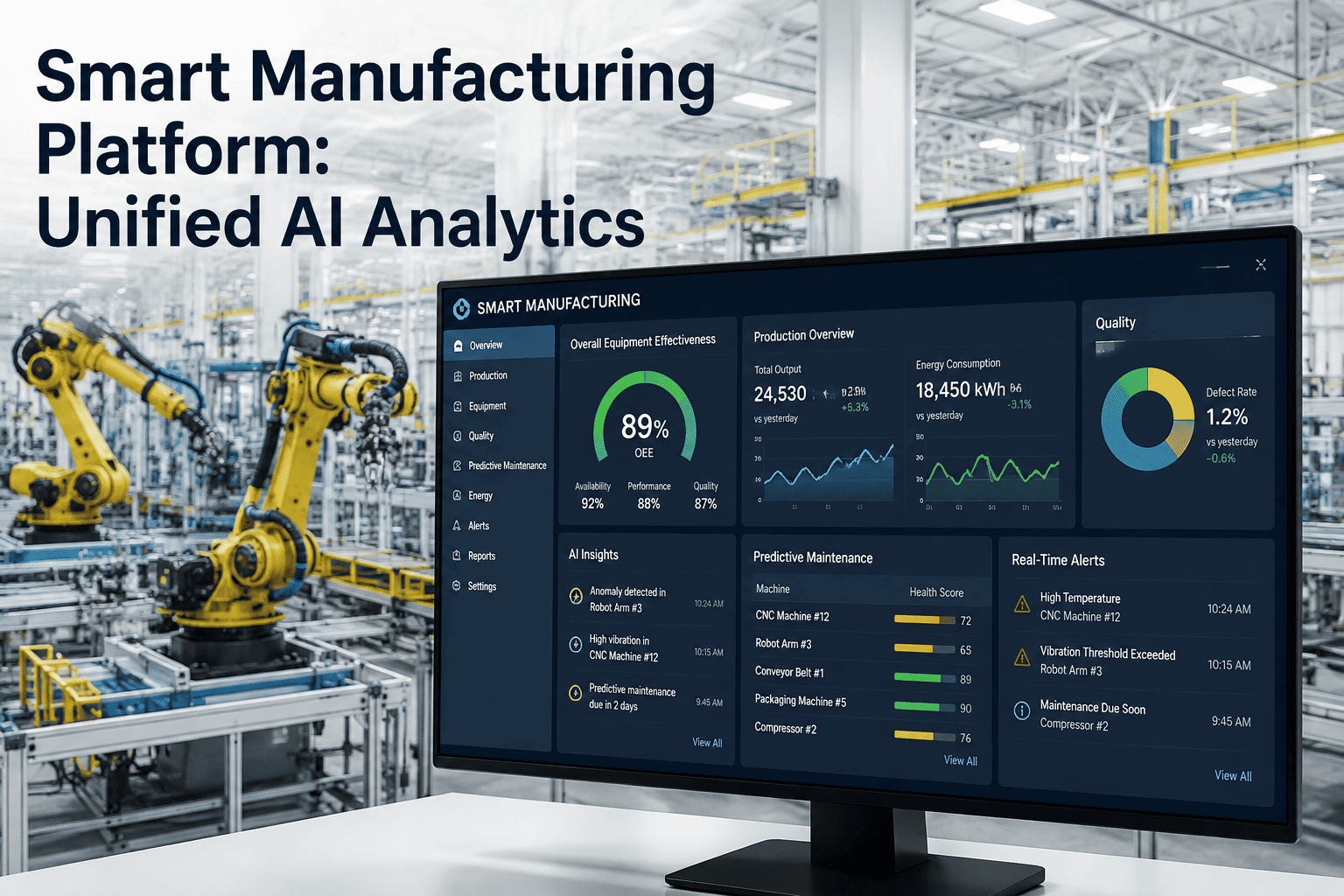
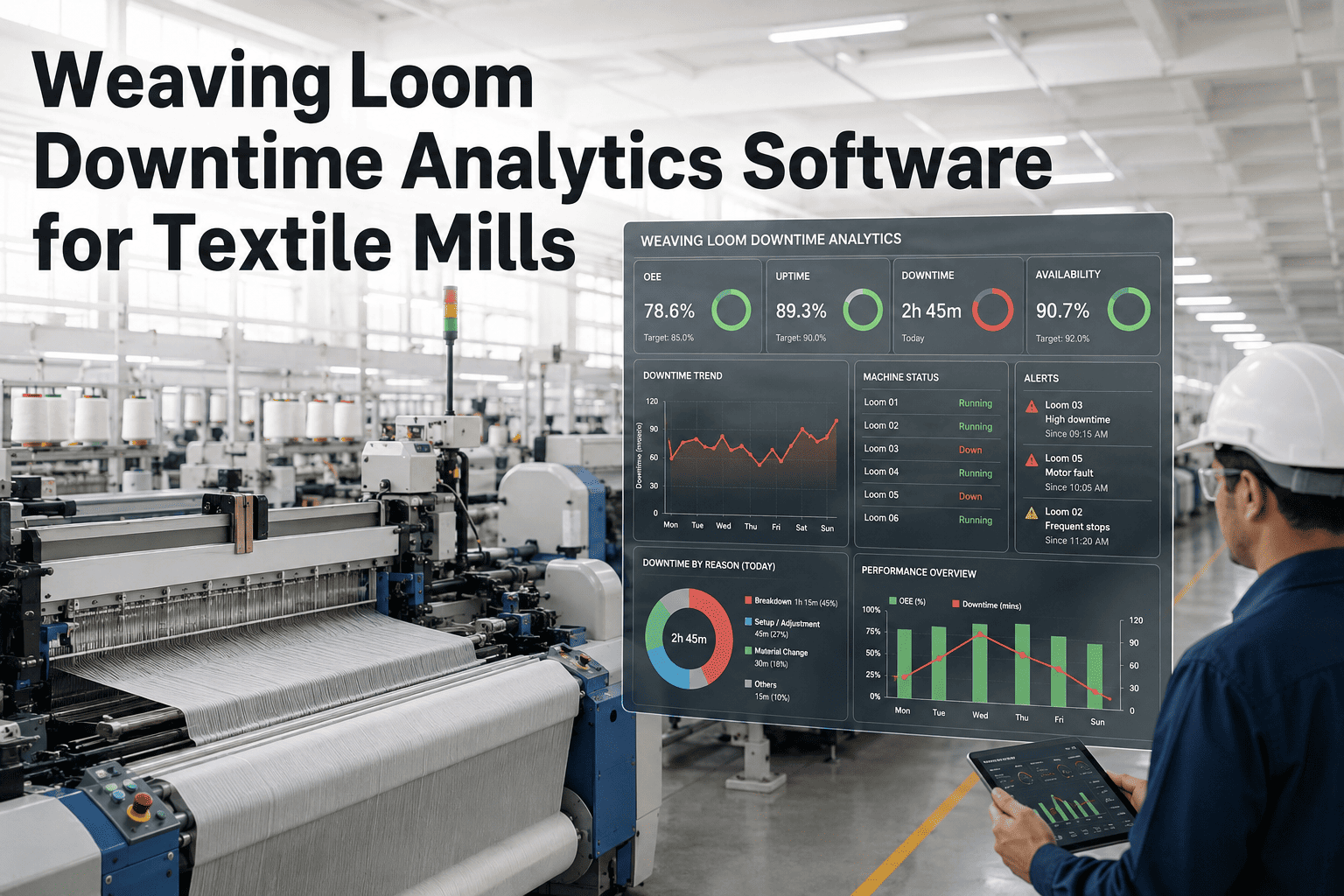
The production plan for next week gets built off a spreadsheet that assumes every loom runs at 85% efficiency, every dye batch finishes on schedule, and no machine goes down for an unplanned repair. Reality rarely cooperates — a beam change runs long, a dye lot fails shade matching and has to be rerun, and by Wednesday the plan is already fiction. Planners then spend the rest of the week firefighting order priorities instead of actually planning, and buyers start asking why delivery dates keep slipping. iFactory replaces the static spreadsheet with a live capacity model that reflects what your lines are actually doing right now, so the plan for next week is built on this week's real performance, not last quarter's average. Book a free planning workflow demo.
Quick Answer
iFactory builds textile production plans from live machine efficiency, real-time order status, and actual capacity utilization instead of static assumptions, automatically re-sequencing when a line runs behind. Mills using iFactory typically cut planning rework by 40% and improve on-time delivery by 20-25%.
Plan vs Reality: Where the Spreadsheet Breaks Down
A weekly production plan looks solid on Monday morning. Here is how a typical planned week compares to what actually happens on the floor when the plan doesn't account for live conditions.
A common gap between planned and delivered capacity in mills running on static weekly spreadsheets, driven by unplanned downtime, rework, and sequencing delays.
Build Next Week's Plan on This Week's Real Numbers
iFactory's live capacity model updates every shift, so your planning team is never scheduling against an assumption that was already wrong by Tuesday.
What Live Production Planning Actually Includes
iFactory's planning engine pulls from the same real-time data your shop floor already generates, turning it into a plan your team can trust and adjust without rebuilding the entire spreadsheet. See the planning dashboard built for your product mix.
✓Live Line Efficiency FeedsActual loom, ring frame, and dye jet efficiency from the last shift updates the capacity model automatically, replacing a fixed efficiency assumption that hasn't been re-verified in months.
✓Automatic Order Re-SequencingWhen a line runs behind or a dye batch needs a rerun, iFactory recalculates downstream order priorities against delivery dates instead of leaving planners to manually re-juggle a spreadsheet under pressure.
✓Bottleneck Line IdentificationThe planning dashboard flags which department — spinning, weaving, or finishing — is the true constraint on delivery for a given order, so capacity investment decisions target the actual bottleneck rather than a guess.
✓Delivery Risk AlertsOrders trending toward a missed delivery date are flagged days in advance, giving your team time to expedite, re-sequence, or proactively communicate with the buyer instead of discovering the delay on the ship date.
iFactory vs Traditional Planning Approaches
Spreadsheets, generic ERP planning modules, and standalone APS tools each handle part of production planning. iFactory is built specifically to plan against live textile shop floor conditions. Compare against your current planning process.
| Capability | iFactory | Spreadsheet Planning | Generic ERP APS Module | Standalone APS Tool |
|---|
| Plan Accuracy |
| Plan built on live efficiency, not fixed assumptions | Live shop floor feed | Static assumptions | Requires manual updates | Depends on data integration |
| Automatic re-sequencing on disruption | Automatic | Fully manual | Configurable, complex setup | Available |
| Textile-Specific Logic |
| Dye batch and shade-match rework handling | Built in | Not modeled | Not modeled | Custom build required |
| Visibility & Alerts |
| Delivery risk flagged days in advance | Automatic alerts | Discovered manually | Requires configuration | Available |
Based on publicly available product documentation as of Q2 2026. Verify current capability with each vendor before procurement decisions.
Our Numbers
40%
Less Planning Rework Per Week
20-25%
Improvement in On-Time Delivery
5 wks
To Live Planning Across Core Lines
Days
Advance Warning on Delivery Risk
Stop Planning Against a Number That Was Already Wrong by Tuesday
See how iFactory rebuilds your production plan automatically the moment shop floor conditions change.
What Our Clients Say
"Our planning team used to spend every Wednesday rebuilding the week's schedule because Monday's plan had already fallen apart. Since we moved to iFactory, the plan updates itself when a line falls behind, and our planners spend their time managing exceptions instead of rebuilding spreadsheets from scratch. We've hit on-time delivery targets for four straight months, which hadn't happened in over a year before this."
Production Planning Head
Vertically Integrated Textile Group, Ludhiana
Frequently Asked Questions
QHow does iFactory get live efficiency data without our planners having to manually update the system every shift?
iFactory reads production and downtime data directly from your machine PLCs and existing shop floor systems, the same way it feeds verified data into your ERP, so the capacity model updates automatically without any manual entry from planners or supervisors. This is the same data pipeline used for shop floor to ERP integration, giving planning, costing, and MRP all a single consistent source of truth.
Ask how this connects to your existing machine data.
QCan the system handle the specific complexity of dye batch rework and shade-match reruns in our planning cycle?
Yes, textile-specific disruptions like a failed shade match or a fabric quality hold are modeled explicitly in iFactory's planning logic, rather than being treated as generic unplanned downtime. When a batch requires a rerun, the plan automatically accounts for the additional dye jet time and re-sequences downstream cutting and sewing orders that depend on that fabric, rather than requiring a planner to manually work out the ripple effect.
QWill this replace our existing ERP's planning module, or does it work alongside it?
iFactory is designed to work alongside your existing ERP rather than replace its core order management and financial functions. iFactory handles the live capacity and sequencing logic specific to shop floor reality, while confirmed schedules and material requirements continue to flow into your ERP's standard planning tables, so your finance and procurement teams see no disruption to their existing processes.
QHow far in advance does the system flag an order that is at risk of missing its delivery date?
Delivery risk alerts typically surface three to seven days before the projected delivery date, depending on how much slack exists in the remaining production steps for that order. This window is calculated dynamically from current line performance rather than a fixed buffer, so a high-priority order with tight timing gets flagged earlier than one with more schedule cushion.
See a sample delivery risk alert during your demo.
QHow long does it take to get the full planning dashboard running across spinning, weaving, and finishing?
Most mills start with their highest-priority department, typically weaving or dyeing, and see a working live plan within two to three weeks. Extending the same live capacity model across spinning, weaving, dyeing, and finishing departments usually completes within five weeks total, phased so your planning team can adapt to live scheduling in one area before the next department goes live.
A Plan That Adjusts Itself When Reality Doesn't Match the Spreadsheet
iFactory builds textile production plans from live shop floor conditions, cutting rework and improving on-time delivery without adding headcount to your planning team.
Live Capacity Model
Automatic Re-Sequencing
Delivery Risk Alerts
Dye Batch Rework Logic