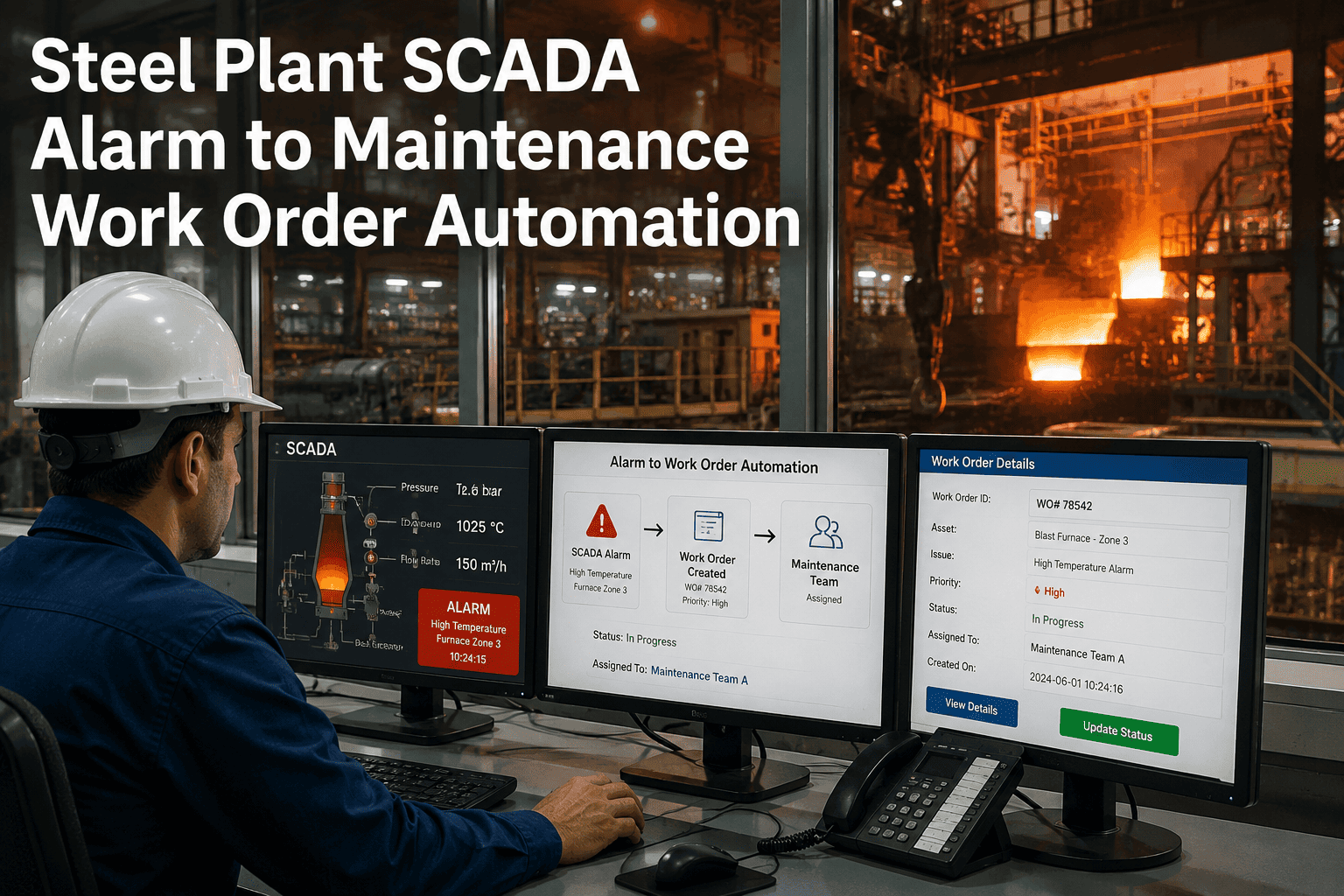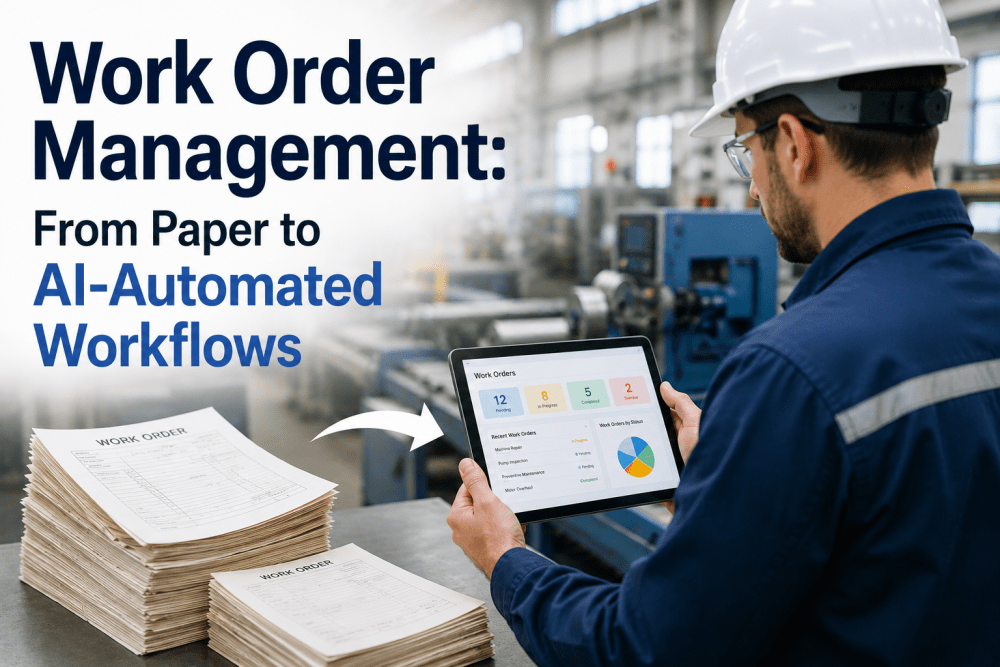
Maintenance teams across U.S. manufacturing plants are quietly losing thousands of productive hours every quarter to a problem nobody puts on a KPI dashboard: the work order itself. The paper carbon-copy form sitting on a clipboard. The Excel sheet that lives on one supervisor's desktop. The email chain that branches into seventeen replies before someone finally walks to the floor to check whether the pump is actually broken. The technician who arrives at the asset without the right part because the parts list was attached to a different version of the document. Each of these small failures adds maybe fifteen minutes here, forty minutes there — but across a 200-technician maintenance organization running 8,000 work orders a month, those minutes compound into millions of dollars of lost wrench time per year. This guide covers what changes when a work order management system moves from paper or spreadsheet workflows to AI-automated digital workflows — specifically, what an AI-powered CMMS delivers in terms of automated routing, predictive scheduling, mobile execution, and closed-loop reliability data that compounds value across every maintenance cycle.
Still Managing Work Orders on Paper, Spreadsheets, or Email Chains?
iFactory's AI-powered CMMS replaces fragmented manual workflows with automated work order routing, mobile technician execution, predictive scheduling, and closed-loop reliability data — eliminating the friction that costs your maintenance organization wrench time every single day.
Why Paper and Spreadsheet Work Order Workflows Quietly Drain Maintenance Productivity
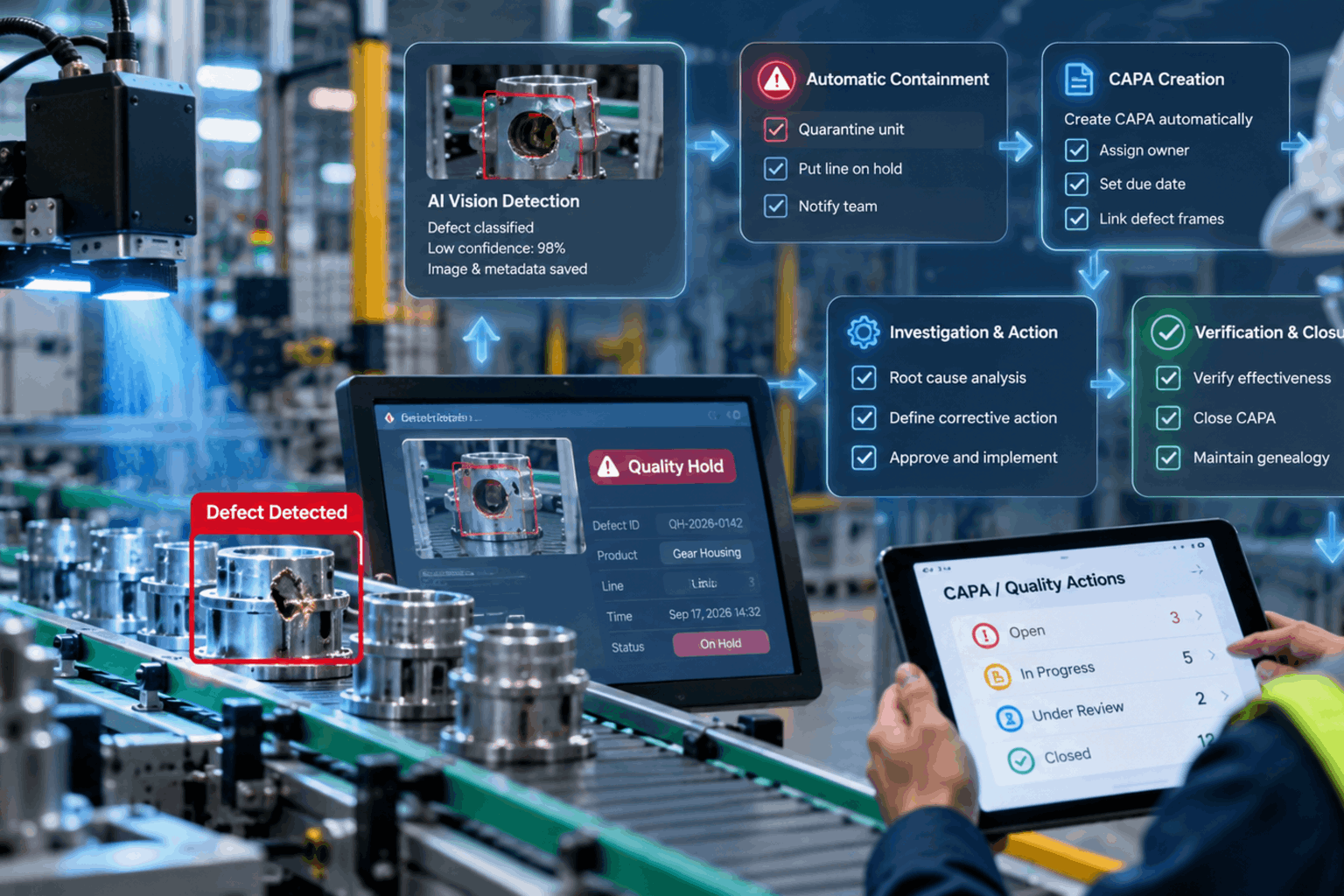
Most maintenance leaders know their work order process has friction. What they often don't know is how much that friction actually costs — because the cost lives in places that don't show up on the maintenance budget line. It lives in the 22 minutes a technician spends every shift figuring out which work order to do next. It lives in the supervisor's morning meeting where the team debates which jobs are actually open, which are closed but not documented, and which got lost when someone went on vacation. It lives in the rework that happens when a job is closed without the as-found condition being recorded, so the same fault recurs on the same asset 90 days later because nobody could find the history. AI-automated work order management eliminates these friction points by treating the work order as a structured data object that flows through routing, scheduling, execution, and closure with each stage capturing the right data at the right time.
Automated Routing and Prioritization
AI evaluates incoming work requests against asset criticality, current backlog, technician availability, and parts on hand — automatically routing each request to the right queue with the right priority instead of relying on a supervisor's manual triage.
Predictive Scheduling and Resource Matching
Work orders are scheduled based on technician qualifications, current location, asset condition data, and forecast workload — moving from reactive dispatch to optimized scheduling that maximizes wrench time per shift.
Mobile Execution with Offline Sync
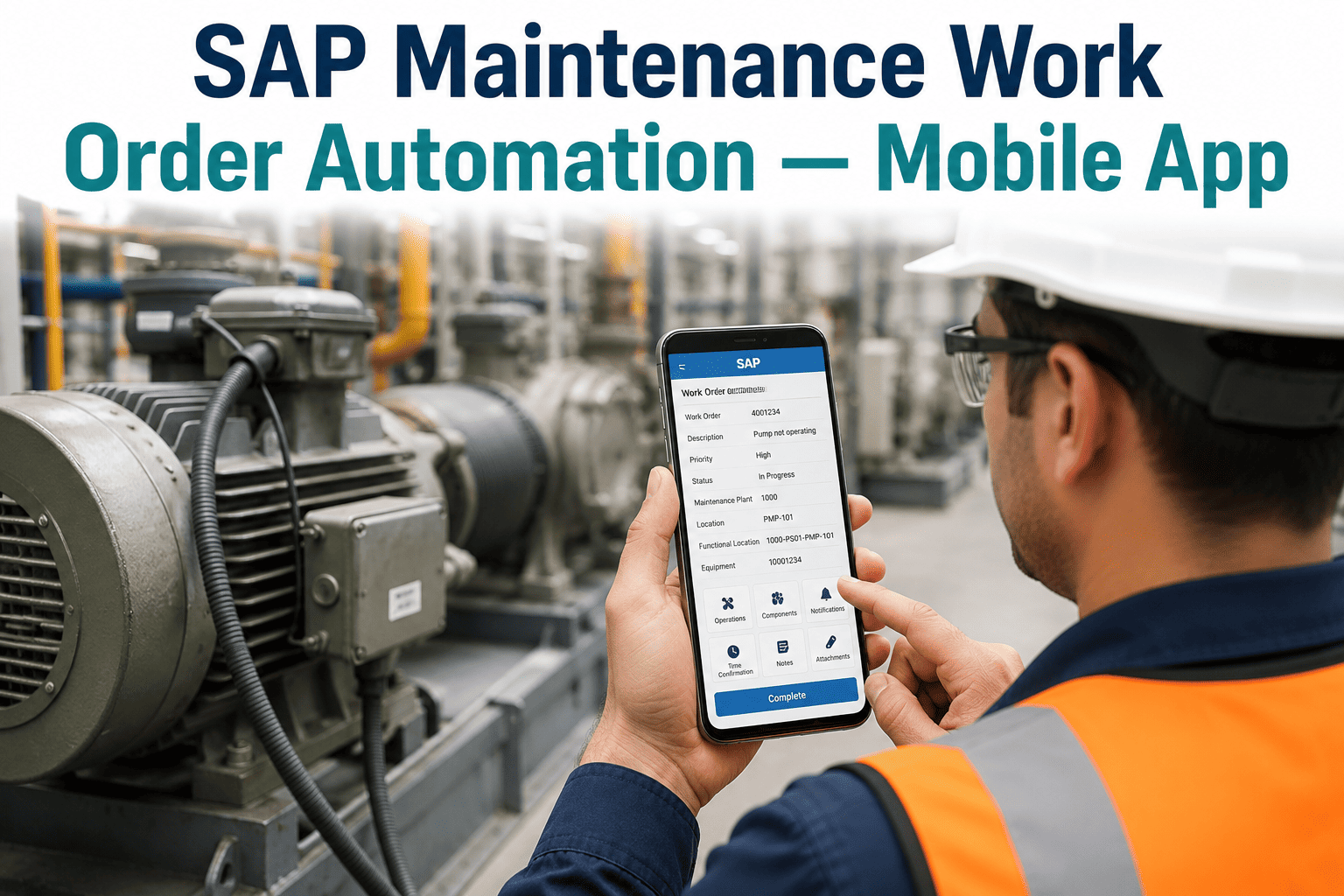
Technicians receive, execute, and close work orders from a mobile app that works offline — capturing photos, readings, parts used, and as-found conditions at the asset rather than transcribing notes hours later at a desk.
Closed-Loop Reliability Data
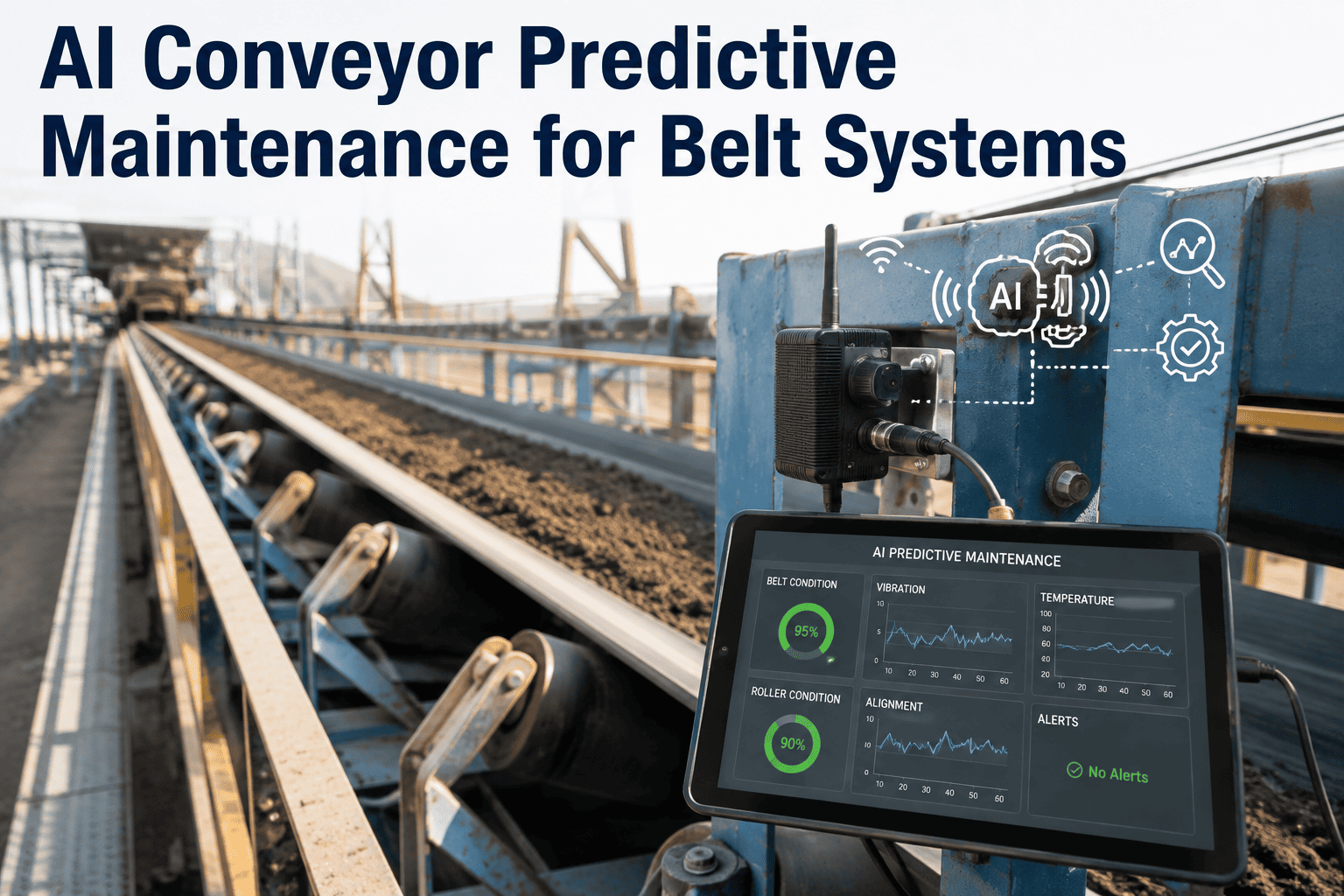
Every completed work order updates the asset's reliability history, feeds the predictive maintenance models, and refines future scheduling decisions — compounding maintenance intelligence across every work order cycle.
Paper, Spreadsheet, and AI-Automated Work Order Workflows: Side-by-Side Reality
The operational differences between manual and AI-automated work order management show up at every stage of the maintenance lifecycle — from how a request enters the system to how a completed job's data flows into the next maintenance decision. The comparison below maps these differences across the stages that determine whether your maintenance team's time is being spent on actual maintenance work or on the administrative overhead around it.
| Workflow Stage | Paper or Spreadsheet | Basic Digital CMMS | AI-Automated Work Orders |
|---|---|---|---|
| Request Intake | Verbal request, paper form, or email — easily lost or duplicated | Web form submission to a queue requiring manual review | Multi-channel intake (mobile, sensor alert, voice) auto-classified and routed by AI |
| Prioritization | Supervisor judgment, often based on whoever shouted loudest | Manual priority field selected at intake | AI scores priority using asset criticality, condition data, and production impact |
| Scheduling and Dispatch | Morning huddle whiteboard, frequent re-shuffling | Calendar view with manual drag-and-drop assignment | Optimized schedule built from skills, location, parts availability, and condition signals |
| Field Execution | Paper instructions, no offline data, late documentation | Desktop CMMS — technicians complete at end of shift | Mobile app with offline sync, photo capture, voice notes, and step-by-step procedures |
| Parts and Inventory | Manual stock check after travel to asset | Inventory module separate from work order context | Parts reserved on creation; auto-reorder triggered when stock drops below threshold |
| Closure and Documentation | Handwritten notes transcribed days later, if at all | Required fields completed at desk after the fact | Closed at the asset with structured data, photos, and failure codes captured live |
| Learning Loop | None — history rarely retrievable | Reports available but rarely drive next decisions | Every closure updates predictive models and improves the next work order's plan |
Want to map this comparison against your current workflow? Book a Demo and walk through your specific intake, scheduling, and closure friction points with iFactory's CMMS team.
The 6-Stage AI-Automated Work Order Lifecycle: From Signal to Closed-Loop Learning
iFactory's CMMS and EAM module connects work order intake, scheduling, mobile execution, parts management, and reliability analytics into a single automated lifecycle. Each stage captures the right data, triggers the right next action, and feeds the next decision — replacing the manual hand-offs that create friction in paper or spreadsheet workflows.
Multi-Channel Intake and AI Classification
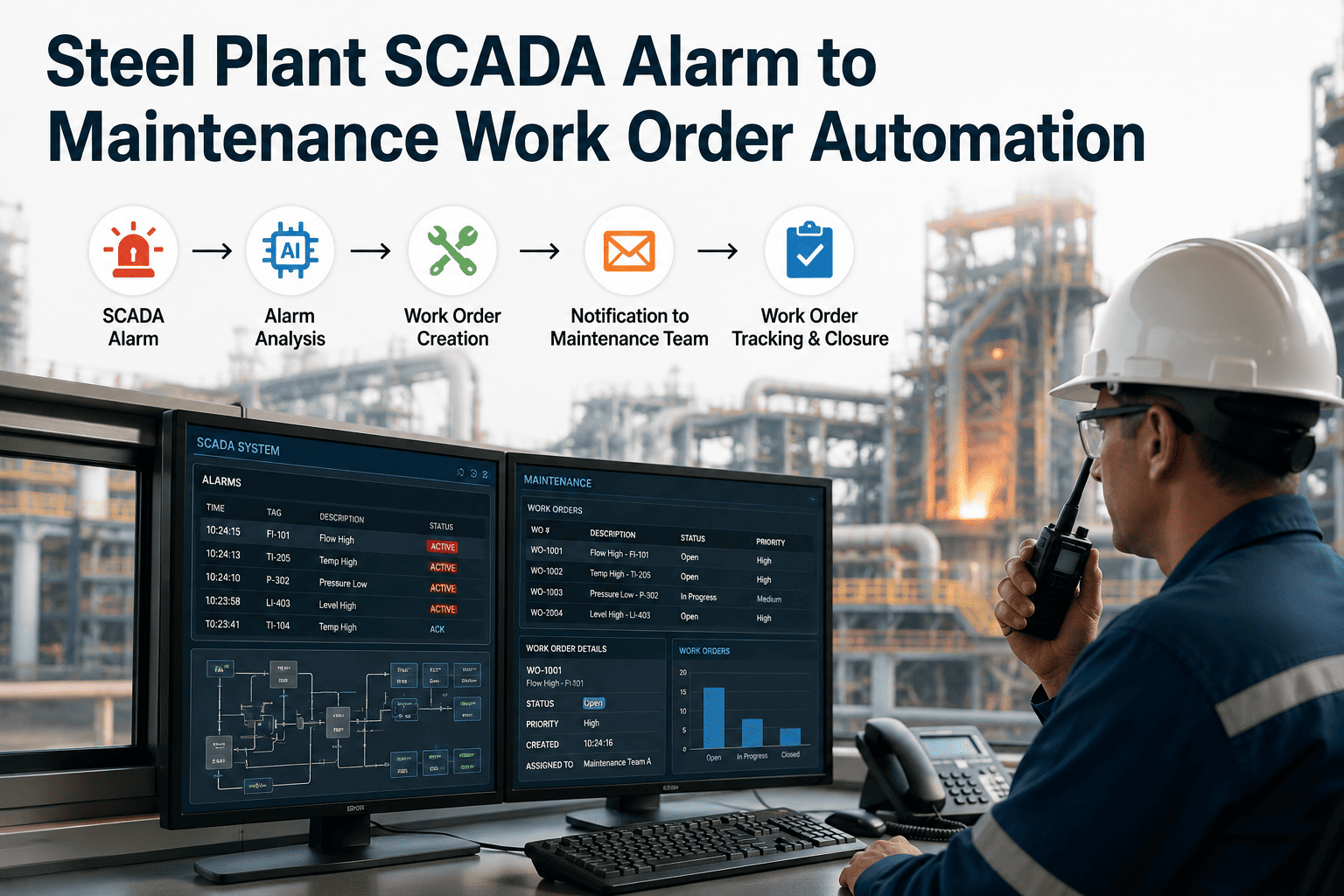
Work requests enter the system through any channel a requester prefers — the mobile app, a QR code scanned at the asset, an email to a dedicated address, a sensor-triggered alert from the predictive maintenance platform, or a voice note transcribed automatically. The AI intake layer classifies each request by failure mode, urgency, and asset, eliminating the manual triage step where a supervisor reads each request and decides where it belongs. Duplicate detection prevents the same fault from generating three parallel work orders from three different shifts.
Automated Prioritization and Routing
Each classified request is scored on priority using a combination of asset criticality (from the EAM hierarchy), current operating condition (from connected sensors and the predictive maintenance models), production impact (from MES integration), and SLA commitments. High-priority items route directly to the planning queue; routine items group into scheduled batches; condition-based items flag against the relevant remaining life projection. Supervisors retain override authority but rarely need to use it because the routing is consistent and visible.
Predictive Scheduling with Resource Optimization
The scheduling engine builds the upcoming shift plan by matching each work order against technician qualifications, current location on the plant footprint, parts already issued or available in the storeroom, asset accessibility windows, and any production lockouts coordinated with operations. The result is a schedule that maximizes wrench time per shift and minimizes travel, parts-runs, and re-work. Schedule changes during the shift propagate in real time so a delayed job doesn't cascade into idle technicians.
Mobile Execution with Structured Data Capture
The technician receives the work order on the mobile app with the asset's full context — recent history, attached procedures, parts list with bin location, safety lockout requirements, and any active condition alerts. Execution happens at the asset: photos uploaded directly from the device, meter readings entered through structured fields, parts consumed scanned via barcode, and as-found and as-left conditions captured against standardized failure codes. The app operates offline in low-signal areas of the plant and syncs when connectivity returns.
Real-Time Parts and Inventory Sync
Parts consumption recorded on the mobile app decrements inventory in real time, triggers reorder workflows when min levels are reached, and updates the asset's bill of materials with actual usage. Critical parts that ran short are flagged for the procurement team with the lead time visible against the next expected demand. Storeroom staff see the upcoming work order parts requirements in advance and can stage materials at the technician's pickup point rather than waiting for walk-ups.
Closed-Loop Reliability Learning
When a work order closes, the captured data — failure mode, as-found condition, parts consumed, repair duration, technician notes — flows back into the asset's reliability record, updates the predictive maintenance baselines, refines the failure code library, and adjusts the priority scoring for similar future requests. Over successive work order cycles, the system's scheduling accuracy, parts forecasting, and condition predictions improve automatically because every completed job has fed the next decision.
Six Recurring Work Order Failures That Drain Wrench Time — and What Eliminates Each
The productivity losses in most maintenance organizations are not random. They originate from a small set of recurring failure modes that show up in the same stages of every work order cycle. Understanding these failures — and the specific platform capability that eliminates each — is the most direct way to build the operational case for AI-automated work order management.
Verbal requests, paper forms, and email chains routinely vanish or generate multiple parallel work orders for the same fault — wasting technician time and creating data quality problems downstream.
Solution: Multi-channel digital intake with AI duplicate detection ensures every request enters the system once, with full traceability from request to closure.
Technicians spend 30 to 45 percent of shift time on travel between assets, parts retrieval, and looking up information — leaving less than half the shift for actual maintenance work.
Solution: Optimized scheduling minimizes travel, pre-stages parts, and delivers asset context to the mobile app at the start of each job.
A job dispatched without confirmed parts availability ends with the technician traveling to the storeroom, discovering the part is out of stock, and returning to dispatch for a different assignment.
Solution: Parts availability is verified and reserved at the moment of scheduling — work orders only dispatch when materials are confirmed on hand or staged.
Completed jobs documented hours or days later — often from memory — produce unreliable records, broken failure history, and audit findings against compliance-driven maintenance programs.
Solution: Mobile closure at the asset with structured failure codes, photos, and required fields enforced before the work order can be marked complete.
The same fault recurs on the same asset because the previous repair's as-found condition and root cause were never captured — leaving the next technician with no history to learn from.
Solution: Structured failure code capture and full work order history are surfaced to the next technician at the start of every job on the same asset.
A documented preventive maintenance program exists on paper but the actual work mix remains 70 to 80 percent reactive because PM work orders fall behind whenever a break-in happens.
Solution: AI scheduling protects PM and condition-based work order slots, surfaces backlog risk early, and rebalances the schedule automatically when reactive demand spikes.
Move Your Maintenance Operation From Paper Workflows to AI-Automated Work Orders
iFactory's CMMS and EAM platform replaces fragmented manual processes with intake automation, optimized scheduling, mobile execution, and closed-loop reliability learning. Book a Demo to see the platform demonstrated against your facility's work order data and shift patterns.
What Maintenance Leaders Say About Moving From Spreadsheets to AI-Automated Work Orders
From Document Workflow to Decision Workflow: What AI-Automated Work Orders Actually Change
The financial case for moving from paper or spreadsheet work orders to an AI-automated CMMS is not primarily about replacing paperwork with screens — it is about converting the work order from a static document into a decision instrument. A paper work order tells you what someone was asked to do. An AI-automated work order tells you what condition the asset was in, what was done, what was found, what should happen next, and how the entire cycle compares to similar work across the rest of the facility. The difference is the difference between maintenance teams that operate reactively against a backlog they can never quite see and maintenance teams that operate proactively against an accurate picture of where reliability risk actually sits.
What an AI-automated work order platform delivers is not a different maintenance philosophy — most maintenance leaders already hold the right philosophy. What they have lacked is the workflow infrastructure that makes the philosophy executable at the scale of thousands of work orders per month, across hundreds of assets, with dozens of technicians whose time is the most expensive variable in the operation. Book a Demo to see how iFactory's CMMS and EAM module connects the data that your maintenance team is already trying to use.
Work Order Management with AI Automation — Frequently Asked Questions
How does iFactory's AI-automated work order system integrate with existing ERP and accounting platforms like SAP, Oracle, or NetSuite?
iFactory's CMMS module connects to major ERP and accounting platforms through a combination of certified API connectors and middleware integration patterns — including direct SAP PM and S/4HANA integration, Oracle EBS and Fusion connectors, NetSuite integration, and a general-purpose REST API for systems without a prebuilt connector. The integration handles bi-directional flow of asset master data, cost center allocations, parts inventory levels, purchase requisitions for parts reorder, and labor cost actuals from completed work orders. For facilities running multiple ERPs across business units, the platform supports a federated integration model where each site connects to its local ERP while the maintenance data is consolidated at the enterprise level. A facility-specific integration assessment during the pre-deployment phase confirms the connectivity scope and timeline for your specific landscape.
What happens when technicians are working in areas of the plant with poor or no wireless connectivity?
The mobile technician app is designed to operate fully offline for as long as needed — typically the entire shift if the technician is working in low-signal areas like underground utilities, large enclosed vessels, or basement equipment rooms. The technician downloads their assigned work orders, asset records, procedures, and reference documents at the start of the shift when connectivity is available, and then executes the work, captures photos, records meter readings, scans parts barcodes, and closes work orders directly on the device without any network dependency. When the device returns to a connected area, the captured data syncs to the server automatically with conflict resolution handling any cases where the same record was updated from a different source while the technician was offline. The offline-first design is critical for U.S. manufacturing environments where Wi-Fi coverage is rarely uniform across the full plant footprint.
How long does deployment typically take and what does the transition from existing manual or spreadsheet workflows look like?
For a single-site facility with a standard equipment population and moderate integration complexity, the typical deployment timeline from contract signing to live production use is 10 to 16 weeks. The deployment follows a phased approach: weeks one through four cover asset master data migration, hierarchy setup, and ERP integration; weeks four through eight cover work order template configuration, failure code library setup, and mobile app rollout to a pilot group of technicians; weeks eight through twelve cover the broader technician rollout, supervisor training, and parallel operation against the existing manual or spreadsheet workflow; and the final weeks cover cutover to production-only operation and the start of the closed-loop analytics phase. Multi-site enterprise deployments follow a similar pattern per site with a typical cadence of one site every four to six weeks once the initial reference site is live.
Can the AI scheduling engine handle the mix of preventive, predictive, corrective, and emergency work that real maintenance operations actually run?
Yes — and handling the real-world work mix is the central design challenge that the scheduling engine is built to solve. The engine treats each work order class with appropriate scheduling rules: preventive maintenance work orders are scheduled against their due-by dates with grace period tolerances configurable per asset class; predictive work orders triggered by condition monitoring are scheduled against their AI-projected remaining useful life with priority increasing as the projection narrows; corrective work orders are scheduled against their priority score and SLA commitments; and emergency work orders preempt the schedule and trigger automatic rebalancing of the remaining day's plan. The engine continuously rebalances as actual conditions change during the shift — so a longer-than-expected job doesn't cascade into idle technicians on subsequent jobs. Supervisors retain override authority at every level and the engine learns from override patterns to improve future scheduling decisions.
What technician adoption challenges should we expect and how does the platform handle resistance from teams that have used paper or spreadsheets for years?
Technician adoption is the single most predictable risk in any CMMS deployment, and it is also the most addressable when handled correctly. The most common resistance pattern is from experienced technicians who have built effective informal workflows over many years and view the mobile app as overhead added to work they already know how to do. The platform addresses this with a deliberately minimal mobile interface — the technician's primary screen is the next assigned job with a single tap to start work, a small set of structured fields to complete at closure, and barcode or voice input for the data that would otherwise require typing. The deployment methodology includes a pilot group of trusted senior technicians who validate the workflow before broader rollout, and most facilities find that adoption inverts within four to six weeks: the technicians who were initially skeptical become the strongest advocates because they see the time savings in their actual shift. Book a Demo to discuss adoption strategy specific to your team composition and existing workflow culture.
Deploy iFactory's AI-Automated CMMS — From Request to Closure to Reliability Learning
iFactory replaces fragmented paper, spreadsheet, and basic CMMS workflows with intelligent intake, predictive scheduling, mobile execution, and closed-loop reliability data — giving your maintenance team the infrastructure to operate proactively at scale.