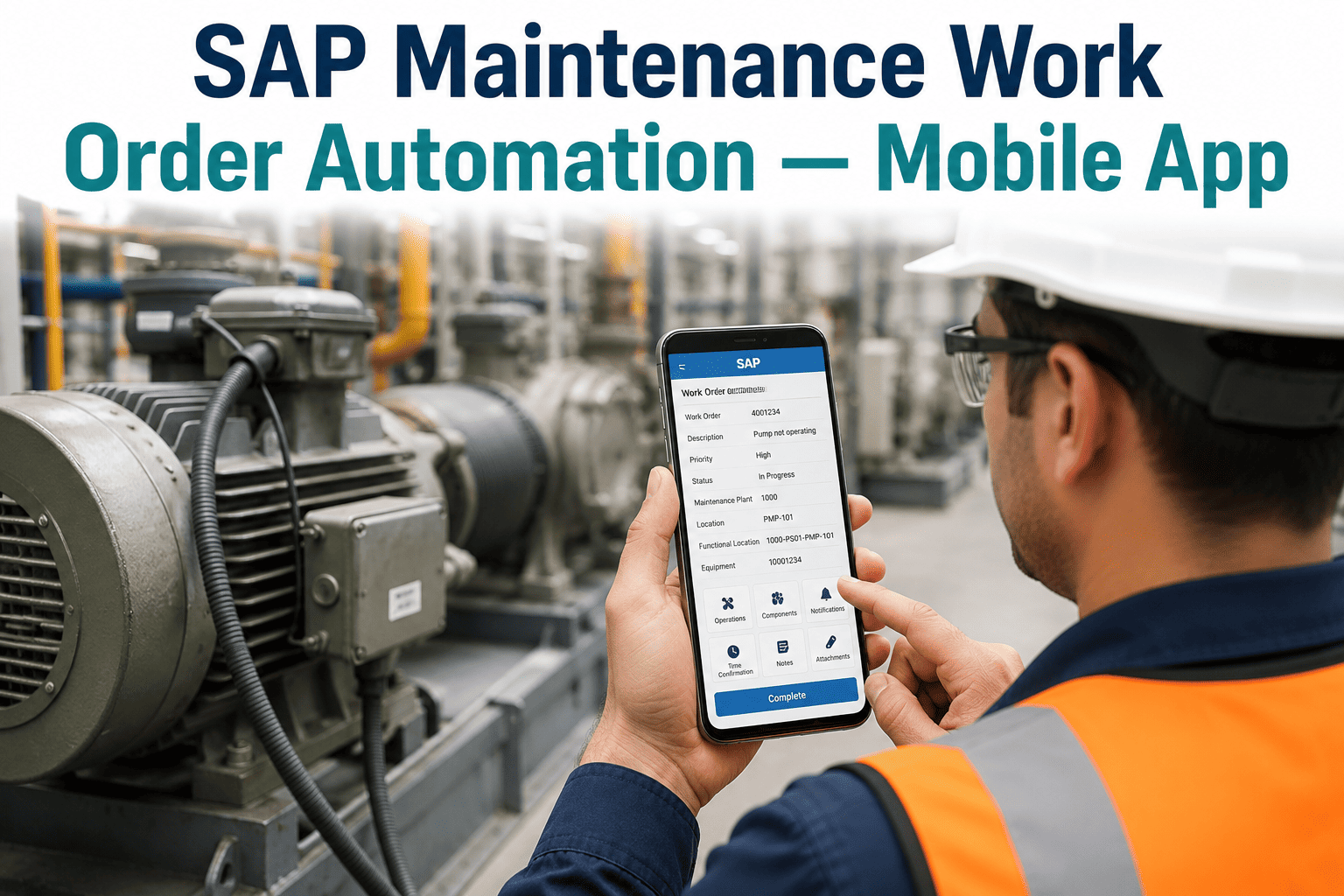
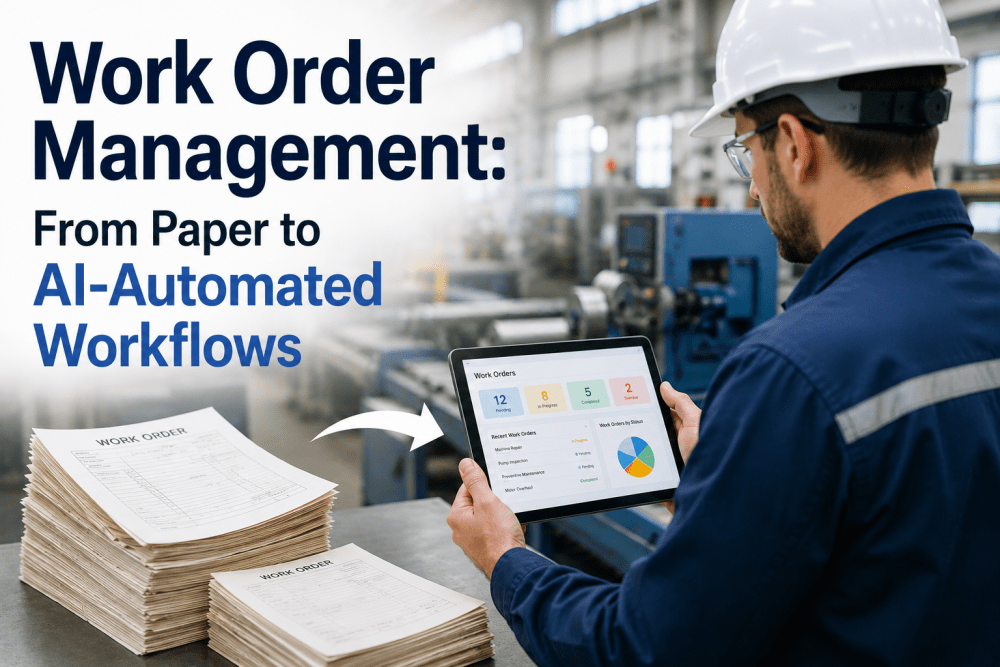
Most SAP PM installations are technically sound and almost never reflect what is actually happening on the plant floor in real time, because the work order sits on a clipboard for hours before anyone keys it into the system. A technician finishes a repair, scribbles the hours, parts, and cause on a paper travel sheet, and hands it to an administrator who transcribes it into SAP at the end of the shift, sometimes the next day. Every one of those handoffs is a place where accuracy drops and delay grows. Manufacturers that move work order creation, approval, and confirmation onto a mobile device report downtime reductions of up to 90% and wrench-time gains of 30-80%, because the data reaches SAP the moment the work happens instead of hours later. This guide breaks down where paper-based SAP PM workflows lose time, what a mobile work order lifecycle actually looks like stage by stage, and how a short demo can show the same workflow running against your own SAP instance.
SAP PM Digitization
Automate SAP Work Orders From Notification to Closeout
Replace paper travel sheets and end-of-shift data entry with mobile notifications, approvals, and confirmations that write directly into SAP PM.
Why Paper-Based Work Order Processes Break Down at Scale
A single work order moving from notification to closeout typically passes through a planner, a technician, a supervisor, and an administrator, and each of those people historically works from a different piece of paper or a different screen. The planner releases the order in SAP, prints it, and hands it to the technician. The technician records hours, parts consumed, and root cause on the printed sheet, often in handwriting that has to be interpreted later. The administrator then re-keys everything into SAP PM, usually in a batch at the end of the day, which means the system's picture of plant maintenance is always somewhat behind reality.
That lag matters more than it looks like on paper. MTTR calculations depend on accurate start and stop times, MTBF depends on consistent failure-cause coding, and OEE depends on maintenance downtime being logged with the right asset and timestamp. When technicians are reconstructing what happened from memory at the end of a shift, all three of those metrics drift, and the drift compounds across every asset and every line the further it goes unmeasured.
The administrative burden is the other cost that rarely gets a line item. Re-keying, chasing illegible handwriting, and reopening work orders because a field was left blank consumes hours of skilled labor every week that could otherwise go toward planning and prevention instead of transcription.
| Work Order Stage | Paper-Based Process | Mobile SAP PM Process |
| Notification |
Written on a form, walked to a planner's desk |
Created from a mobile device at the point of discovery |
| Approval |
Physical sign-off, often delayed a shift |
Routed and approved from a phone or tablet within minutes |
| Execution |
Hours and parts recorded on a travel sheet |
Logged in real time with barcode-scanned parts |
| Confirmation |
Re-keyed into SAP hours or days later |
Written directly into SAP PM at completion |
90%
reduction in unplanned downtime reported by plants after mobile work order adoption
30-80%
improvement in technician wrench time once travel sheets are eliminated
Zero
re-keying steps between field execution and the SAP PM record
See It Against Your Own Data
Watch a Work Order Move From Notification to Closeout Live
A short session shows exactly how the mobile flow writes back into your existing SAP PM configuration.
The Five-Stage Work Order Lifecycle, Reimagined for Mobile
Mobile-enabled SAP PM does not change what a work order is supposed to do; it changes where and when each stage happens. Every stage below moves from a desk or a clipboard onto the device the technician is already carrying, which is the single change responsible for most of the time saved.
1
Notification: a technician or operator flags an issue from the equipment itself, with a photo attached, instead of walking to report it verbally.
2
Planning and scheduling: a planner reviews the notification on a dashboard and releases the order with parts and labor already estimated.
3
Approval: a supervisor approves or reassigns the order from a phone, removing the delay of a physical signature queue.
4
Execution: the technician records hours, scans parts by barcode, and captures cause codes directly on the device while the work is fresh.
5
Confirmation: completion data writes into SAP PM immediately, closing the loop without a second data-entry pass.
What Actually Changes on the Plant Floor
Offline-Capable Access
Technicians keep working in basements, tank farms, and other dead zones, with data syncing to SAP the moment connectivity returns.
Barcode and RFID Scanning
Part reservations and consumption are captured by a scan instead of a manual part-number lookup on a printed sheet.
Real-Time Inventory Visibility
Technicians see stock and reorder status from within the work order screen instead of calling the storeroom to check.
Photo and Signature Capture
Before-and-after photos and digital sign-off attach directly to the SAP notification, strengthening audit and warranty records.
Rolling Out Mobile Work Orders Without Disrupting Live Operations
The rollouts that stall are almost always the ones that try to convert every asset class and every crew in a single week. A phased approach protects both adoption and data quality, and it gives the maintenance team a working example to point to before asking the rest of the plant to change habits.
1
Pilot on one line or one asset class first, and compare closeout time and data completeness against the paper baseline.
2
Standardize cause and resolution menus before wider rollout so MTTR and MTBF stay comparable across teams.
3
Expand shift by shift, keeping a short paper fallback available only until every technician is confirmed comfortable on the device.
Frequently Asked Questions
Does a mobile work order app require replacing our existing SAP PM configuration?
No. A well-built mobile layer sits on top of your existing SAP PM or S/4HANA configuration and writes into the same notification and order structures your planners already use. Master data, cost centers, and approval hierarchies stay exactly as configured.
Support can review your current SAP PM setup to confirm compatibility before any pilot begins.
What happens to a work order if a technician loses signal mid-repair?
Offline-capable mobile apps continue recording hours, parts, and notes locally on the device, and the record syncs automatically to SAP PM the moment connectivity returns. Technicians in basements, tank farms, or remote yard equipment are not blocked from completing a confirmation just because a signal drops.
How long does a typical pilot take before wider rollout?
Most plants run a four to six week pilot on a single line or asset class, long enough to compare closeout time, data completeness, and technician adoption against the paper baseline before committing to a wider schedule.
A demo can walk through a realistic pilot timeline based on your current shift structure.
Will this change how MTTR and MTBF are calculated?
The formulas stay the same, but the inputs get more accurate. Because start, pause, and completion times are captured at the point of execution rather than reconstructed at shift end, MTTR reflects real repair time and MTBF reflects consistent, standardized failure coding instead of memory-based entries.
Do technicians need extensive training to adopt a mobile work order app?
Most technicians reach comfortable working speed within the first week, since the app mirrors the same notification and confirmation fields they already use on paper, just presented as guided screens with barcode scanning instead of blank lines to fill in by hand. Structured onboarding and a short reference guide typically cover the rest.
Ready When You Are
Bring Your SAP PM Work Orders Into Real Time
See a live walkthrough of notification, approval, execution, and confirmation on a single mobile screen.