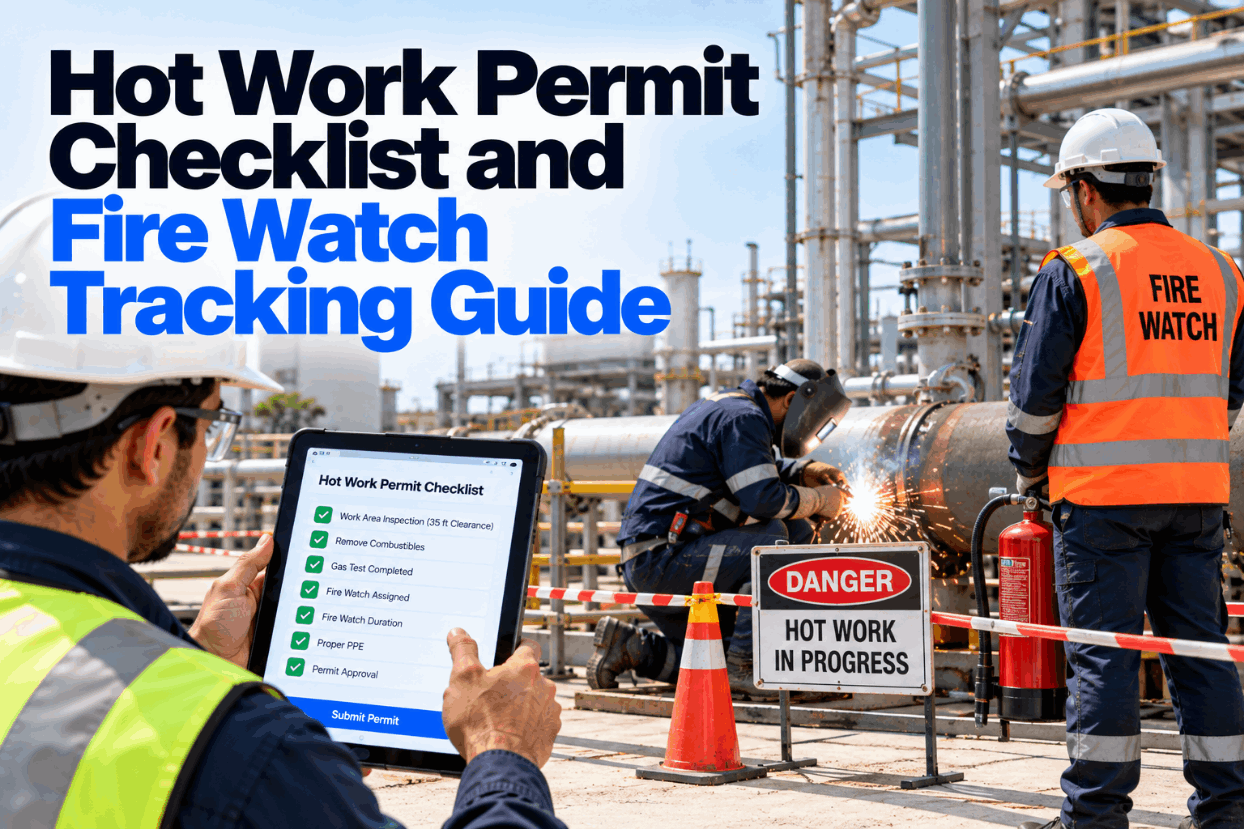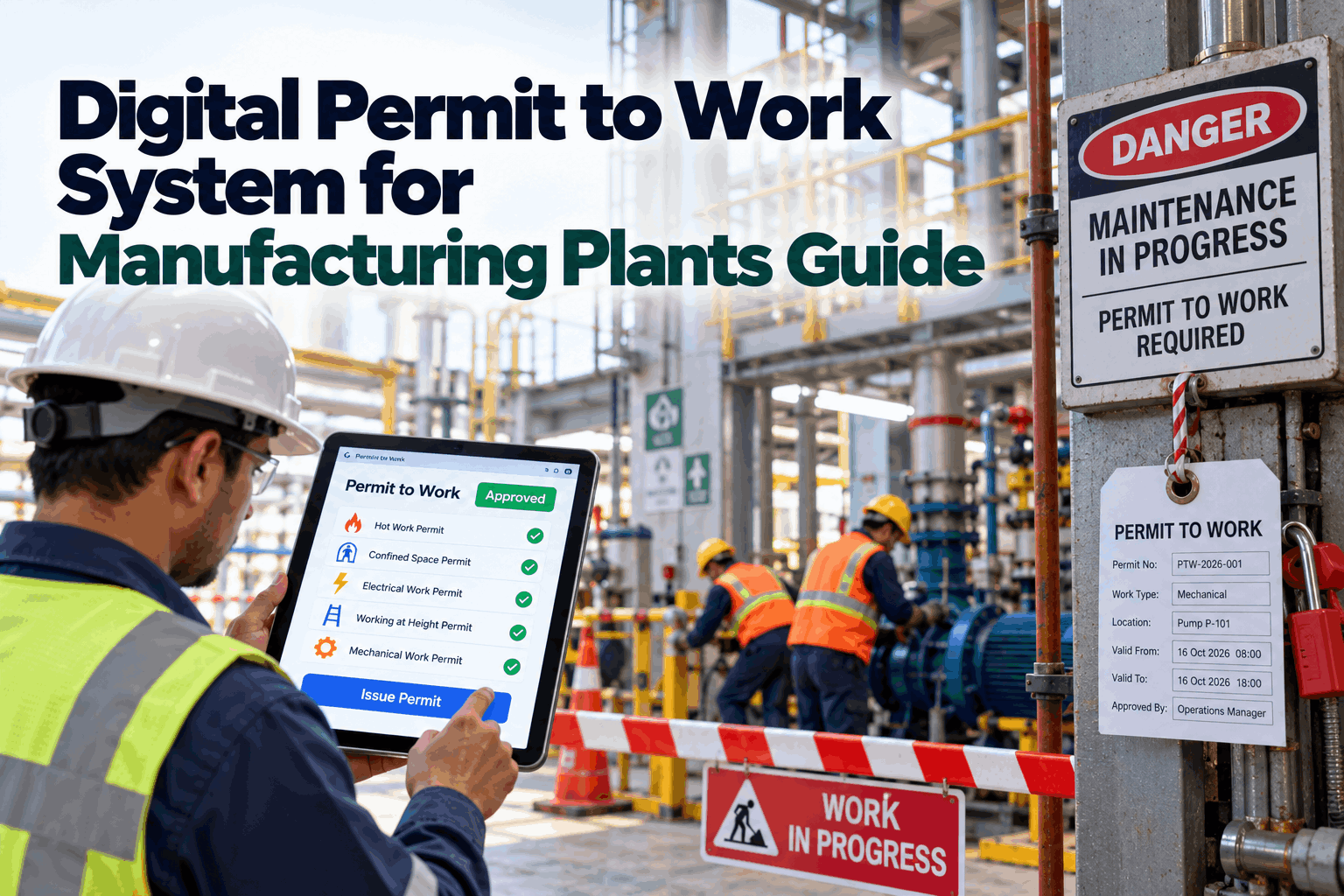
At 7 a.m. a welder starts hot work on a pipe rack while, three meters below, a fitter opens a flange on the same line under a separate permit. Both permits were signed. Nobody saw them side by side. This guide shows how a digital permit to work system links permits to isolations, gas tests and live job status. Book a permit walkthrough.
Digital Permit to Work System for Manufacturing Plants Guide
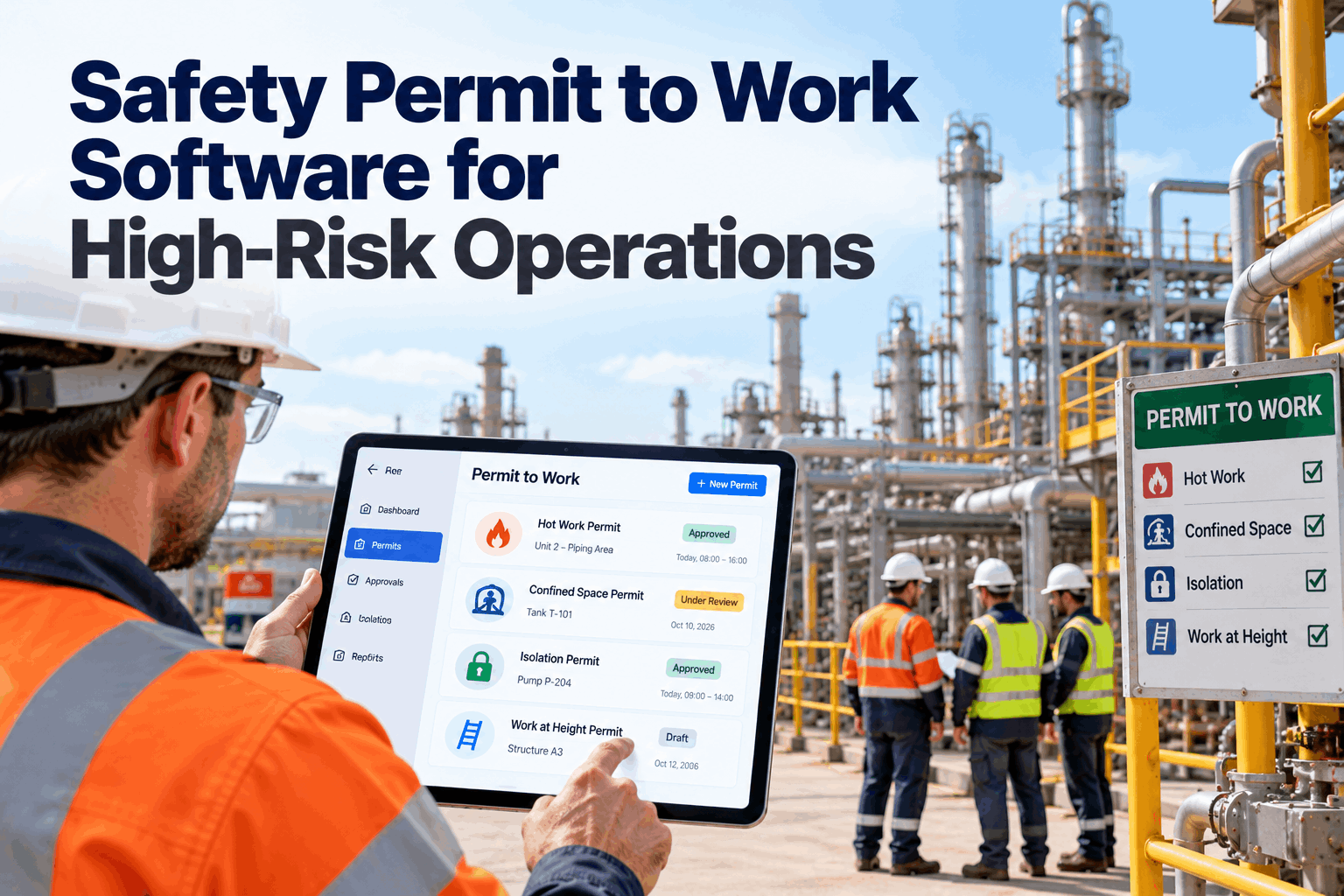
Permit templates by work type, SIMOPS conflict checks on a plant map, gas test entries by voice and every permit tied to its work order and kanban card. Supervisors see what is live, where it is and who is working.
- Why paper permits fail at the overlaps
- What each permit type must prove
- How conflict checks work before issue
Why Paper Permits Fail
Each permit is right. The overlaps are wrong.
There is no single OSHA permit to work standard, but several rules require permits or written authorization, including 1910.146 for confined spaces, 1910.252 and NFPA 51B for hot work, 1910.119(k) for hot work in process safety areas and 1910.147 for energy control. The UK HSE’s HSG250 guidance remains a widely used reference for permit systems. Investigations of major accidents, such as Piper Alpha in 1988, found permits that were signed correctly but not seen by the next shift. Our permit team can review where your process leaks.
Invisible overlaps
Two permits on one system, signed by different people.
Shift handover
The next shift does not see what is still open.
Isolation not linked
The permit says isolated, but which valves?
Permits left open
Jobs finish, permits do not close.
Permit Types and What Each Must Prove
Different work, different checks.
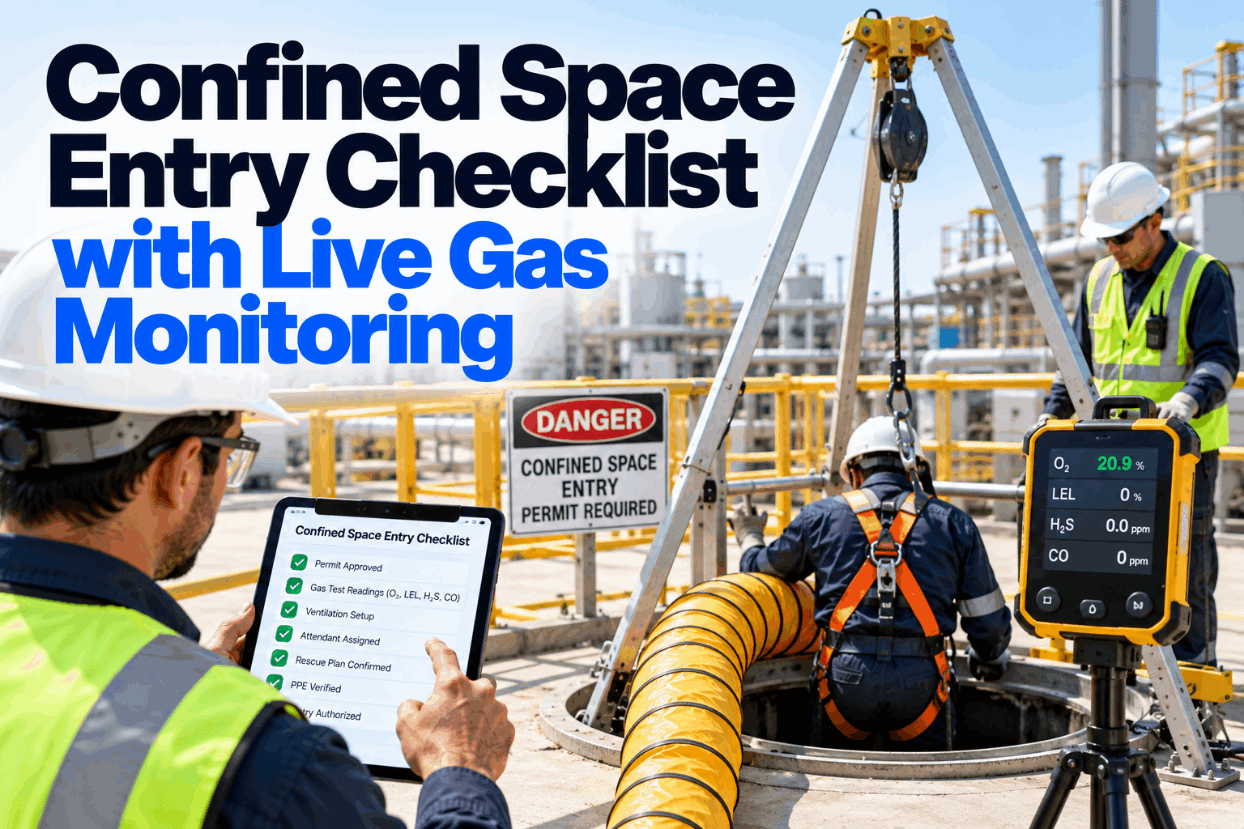
Each permit type has its own hazards and its own evidence. A digital template asks for the right checks for the work type, so nothing is skipped and nothing irrelevant slows the job down. Review your permit set in a template session.
Changing a valve inside a tank can need a confined space permit, a line break permit and a hot work permit at once. Linking them under one job stops one being closed while another is still live.
The Permit Lifecycle
Close is as important as issue.
Every permit moves through the same five stages. The risk sits at the edges: before issue, when isolations and tests must be confirmed, and at hand back, when the area must be safe to return to operations. Ask our support desk how this maps to your current forms.
Request
Job, location and permit type from the work order.
Plan and isolate
Isolations listed and locked.
Test and issue
Gas tests, conflict check and sign-off.
Work and monitor
Live status, readings and check-ins.
Hand back
Area checked, isolations removed, permit closed.
See Every Live Permit on One Map
Start with one area and two permit types. Supervisors see overlaps on the first day.
SIMOPS Conflict Checks
Find the overlap before the work starts.
Simultaneous operations, or SIMOPS, are jobs that are safe alone but dangerous together. A digital system checks each new permit against everything already live on the same system, area or isolation, and holds it for review if they clash. Set your conflict rules in a SIMOPS workshop.
Same system
Two jobs on one line or vessel.
Same area
Work in the same zone or one above the other.
Shared isolation
One job relies on a valve another job will open.
Hot work near breaks
Sparks near a line that may release vapor.
Work at height above
Dropped objects onto people below.
Vehicle movement
Lifts or forklifts crossing a permit zone.
Linking Permits to Work Orders and Isolations
One job, one record.
When a permit hangs off the work order, the planner sees permit status before scheduling, the technician sees the isolations on the same screen, and the permit cannot be closed until the job is. Our planning team can show how this joins up with your CMMS.
The permit holds
- Hazards and controls for the work type
- Isolation points and lock numbers
- Gas test readings with time stamps
- Signatures and hand back
The work order holds
- Job steps and parts
- Planned date and crew
- Link to every live permit
- Completion and test results
Measuring Permit Quality
Three numbers that show the system works.
Permit audits often check that boxes are ticked. Better measures show whether the system is catching overlaps and closing properly. Agree them in a pilot planning call.
Overlaps caught before issue
Conflicts held for review before work started, by area and permit type.
Permits open past shift end
Permits left open after work finished. The target is zero.
Field audit score
Share of live permits where field conditions matched the permit.
Permit to Work Mistakes to Avoid
Digital forms can copy bad habits.
Moving paper forms onto a tablet without changing the process gives you faster paperwork, not safer work. These are the patterns to avoid. A short readiness check covers them.
What works
- Templates by work type
- Overlap checks on a map
- Permits tied to work orders
- Hand back checked in the field
What fails
- One generic form for all work
- Permits signed away from the job
- Isolations described in free text
- Closing permits in bulk at shift end
How iFactory Runs Digital Permit to Work
Permits, map and kanban on one platform.
iFactory’s Digital PTW gives you permit templates by work type, SIMOPS conflict checks on a plant map, gas test entries by voice and permits tied to the work order and kanban card, on an on-prem server inside your plant. Fit questions go to our solutions team.
Permit templates
Checks set by work type, from hot work to excavation.
Plant map
Live permits and overlaps shown by area.
Conflict checks
New permits checked against live work before issue.
Voice gas tests
Readings logged hands-free with time stamps.
Work order link
Permit status visible on the job and kanban card.
Hand back
Permits close only after field checks are done.
Results depend on your permit process and area mapping. We measure overlaps caught and closure discipline on your own permits during the pilot.
Turnkey AI: Delivered, Connected and Live in 6–12 Weeks
You do not build this. It arrives ready.
iFactory ships as a pre-configured NVIDIA AI server with the software pre-loaded, racked and ready. Rack it, plug in power and Ethernet, and the AI is live on your network. Our team handles cabling, network setup, PLC, SCADA and CMMS integration, permit template set-up and plant map, operator training and 24×7 remote monitoring. Data stays on your network. For a scope matched to your plant, request a turnkey quote.
Ship, network and data
Server installed. Areas, systems, isolations and permit types loaded.
Templates and pilot
Permit templates and overlap rules run in one area.
Go-live and training
Live across agreed areas. Issuers and holders trained. 24×7 monitoring begins.
Frequently Asked Questions
What is a digital permit to work system?
It is software that issues, tracks and closes work permits electronically, linking each permit to its isolations, gas tests, work order and live status on a plant map.
Is there an OSHA permit to work standard?
There is no single one. Permits are required under several rules, including confined spaces, hot work and process safety, and many plants follow HSE HSG250 guidance for the overall system.
What is SIMOPS?
Simultaneous operations: jobs that are safe on their own but dangerous when done at the same time or place.
Can permits be signed on a phone?
Yes, with role checks so only authorized people can issue, accept or close each permit type.
Does it work without Wi-Fi?
Yes. Forms and readings are stored on the device and sync when it reconnects.
Can a permit close before the job?
No. The permit is tied to the work order and needs a field hand back before it closes.
How do we start?
Pick one area and two permit types, load the area map and run a short pilot. To plan it, contact our team.
Run Permits Without the Clipboard
In thirty minutes we look at your permit types, where overlaps happen and how permits link to maintenance today. You keep the notes either way.
- 1Your current permit forms
- 2A plant map with areas
- 3Your isolation procedure
- 4Last shutdown’s permit log
- 5One overlap that nearly went wrong