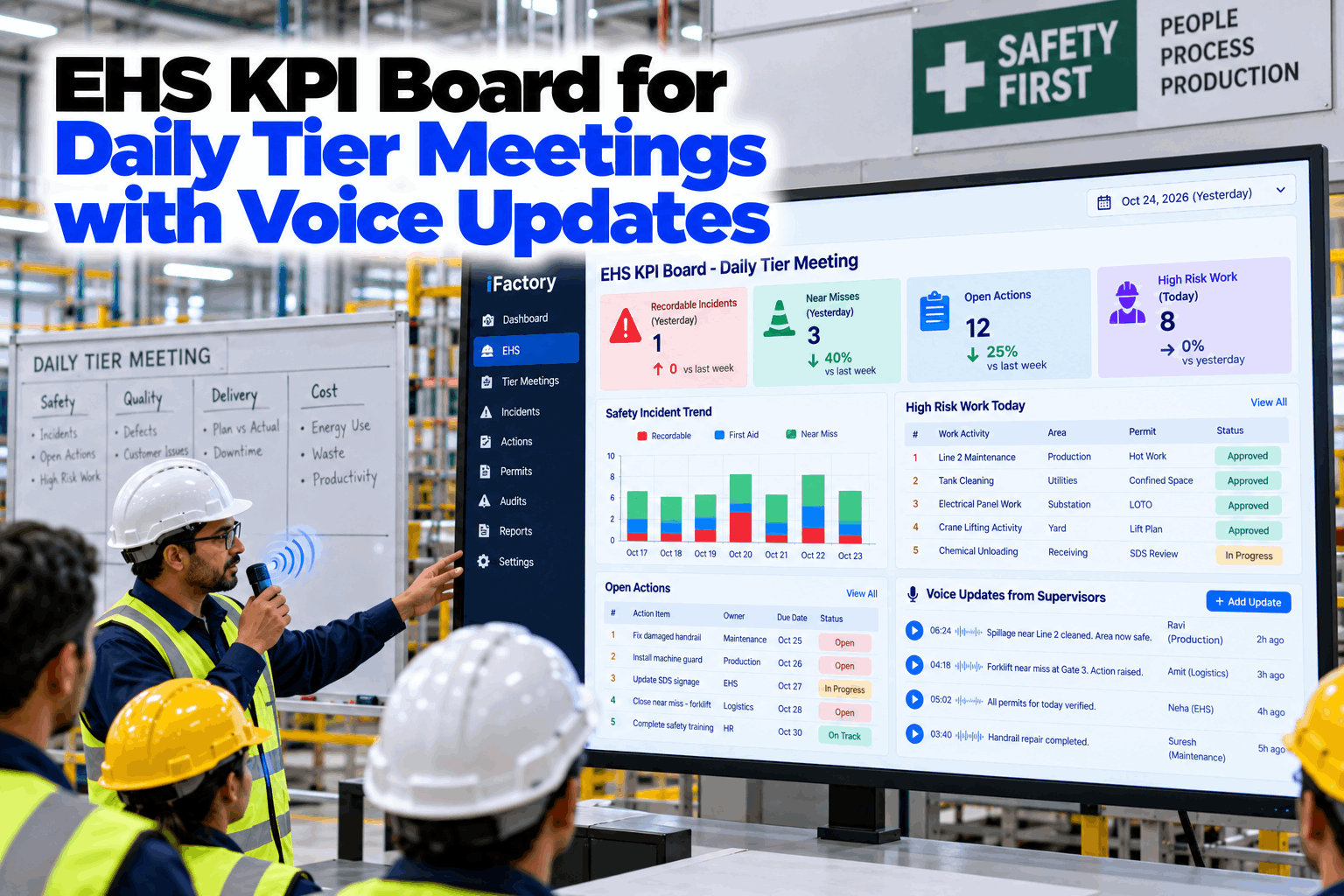
Walk past a Tier 1 safety board at shift start and you will often see last week's numbers, a safety cross that nobody has coloured in since Tuesday, and a list of actions in someone's handwriting that no one can trace. The huddle then runs on memory. An EHS KPI board for daily tier meetings fixes the inputs: yesterday's incidents, open actions and today's high-risk work fill in on their own, and supervisors update the board by speaking, so the ten minutes are spent deciding, not copying. Plant managers can see it in a tier board demo.
EHS KPI Board for Daily Tier Meetings with Voice Updates
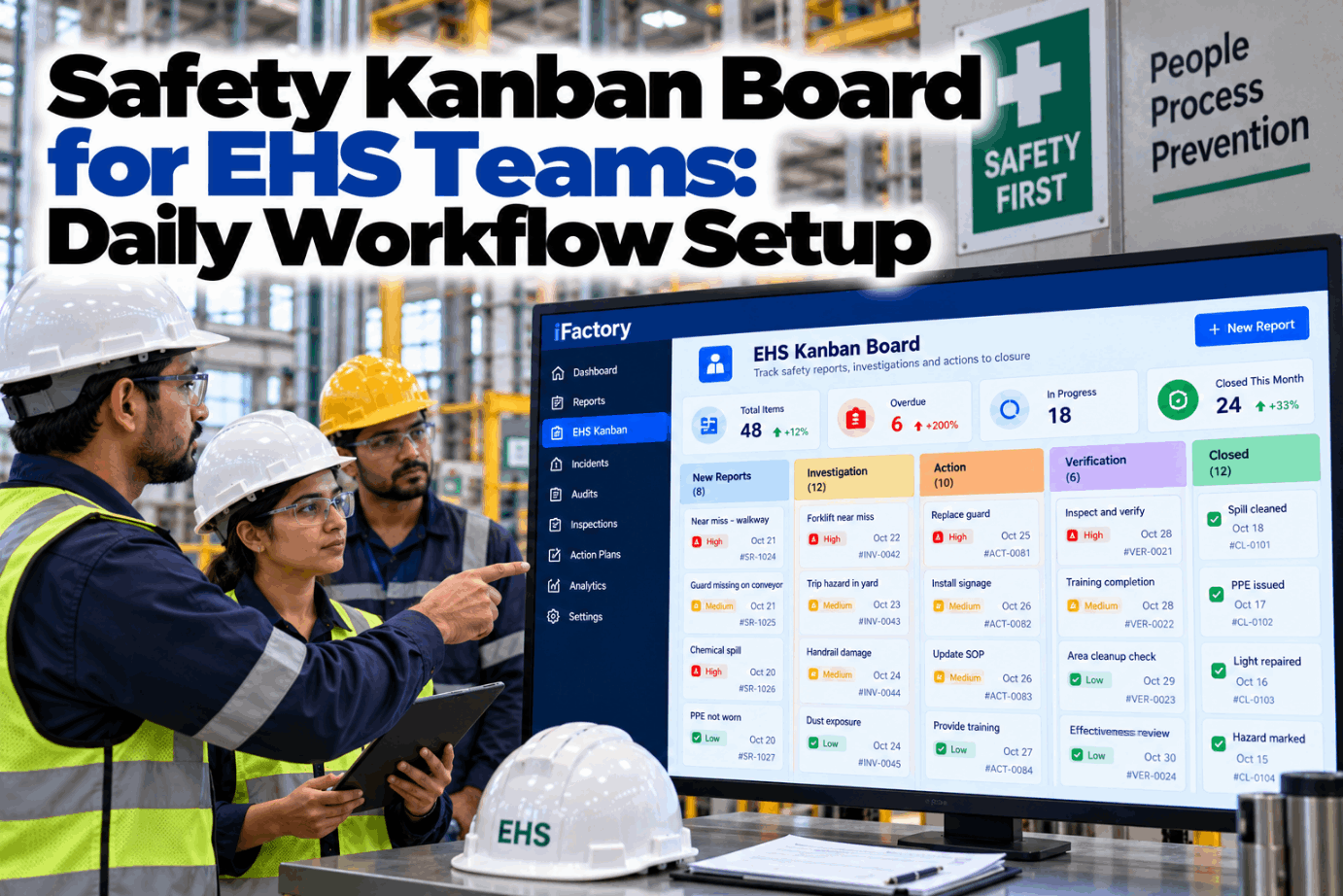
A live Tier 1 safety board that shows yesterday's incidents, the safety cross calendar, open actions and the high-risk work planned for today. Supervisors speak their updates and every spoken action becomes an owned card with a due date.
- What belongs on a Tier 1 safety board, tile by tile
- How spoken updates become owned kanban cards
- A ten-minute huddle that rolls up to Tier 2 and Tier 3
Why Tier 1 Safety Huddles Lose Their Edge
A board is only useful if it is current and the actions on it get done.
Tier meetings work when the board is trusted. Most boards stop being trusted for the same few reasons: the numbers are stale, the updates are typed after the meeting, and the actions live in notebooks. Within a month the huddle becomes a ritual and the board becomes wallpaper. Our EHS specialists can review how your boards run today.
Stale tiles
Numbers from last week or last month.
Typed late
Updates entered hours after the huddle.
Lost actions
Agreed in the huddle, gone by the afternoon.
Risk not on the board
Today's permits and high-risk jobs missing.
What Goes on a Tier 1 Safety Board
Six tiles, all current at shift start.
A Tier 1 board is a one-screen view of the first S in SQDC. It answers three questions: what happened since the last huddle, what is still open, and what could hurt someone today. Each tile below fills from a source, so no one has to build the board before the meeting. This is the template we start from, and your team can change any tile. Review your own tile list in a working session.
If the team has to scroll or flip a page, the huddle runs past ten minutes. Put the six tiles above the fold and link each one to its detail for the follow-up conversation after the huddle.
The Safety Cross Calendar, Kept Honest
Colour comes from the record, not from whoever is holding the marker.
A safety cross is a calendar of the month with each day coloured by what happened. It only builds trust if the colours cannot drift from the facts. When the cross is drawn from the incident and near miss records, a red day appears the moment a recordable is logged, and nobody has to argue about it at the board. Supervisors can still add a note to a day by voice. See how it fits your site with our implementation team.
Voice Updates at the Board
Speak the update. The board does the typing.
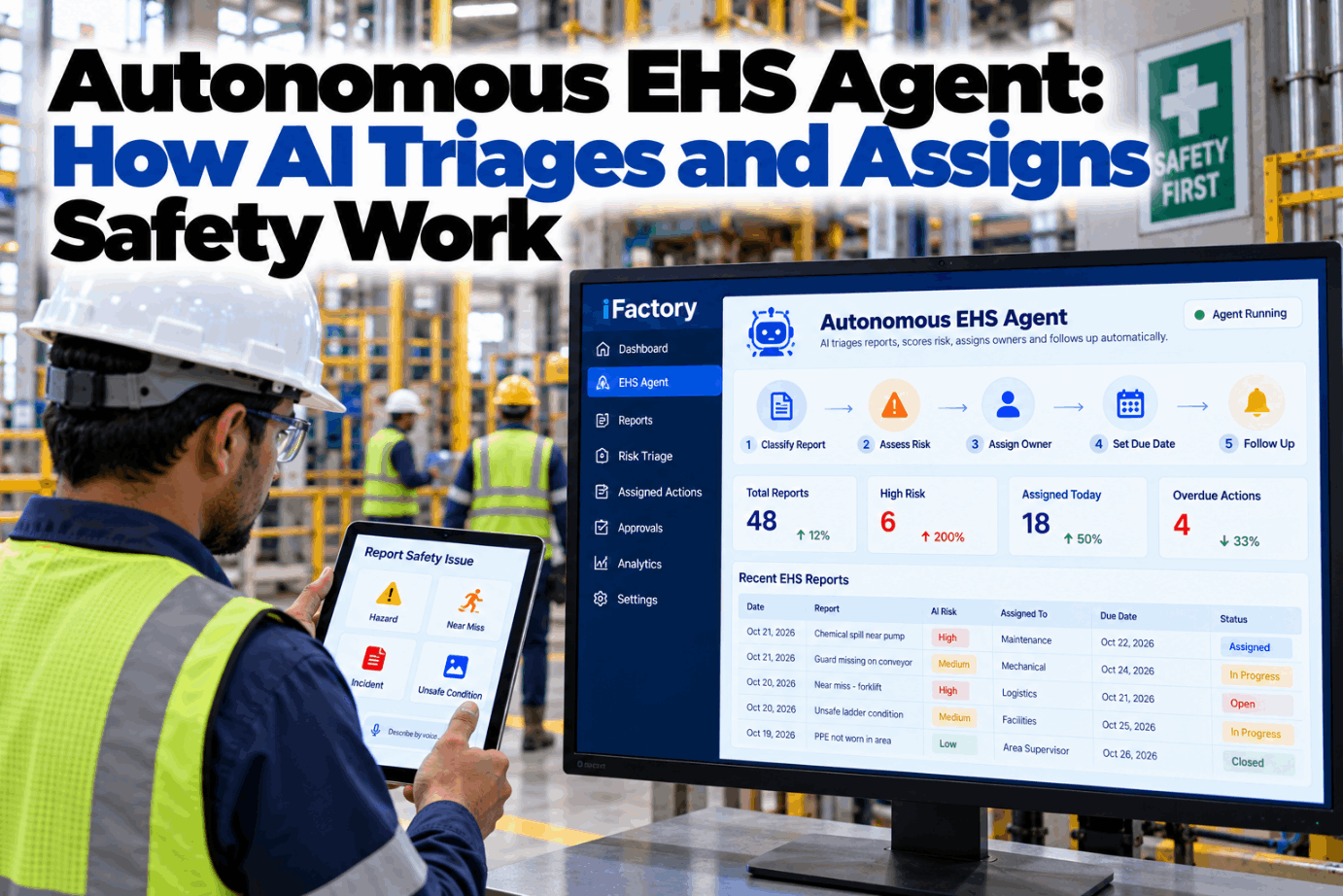
Supervisors usually stand at the board with gloves on and a radio in one hand. Typing is the last thing they want to do. With voice updates they say what was found, who owns it and when it is due, and the board turns it into a card. They can also ask the board for the status of an item by name. Hear it with your own wording in a live walk-through.
Run the Tier 1 Huddle from a Board That Is Already Current
Safety tiles, today's permits and open actions in one view, updated by voice and ready before the team gathers.
From Spoken Words to Owned Kanban Cards
An action is only real when it has a name and a date.
Every action raised in the huddle follows the same path. It is spoken once, captured with its context, given an owner and a due date, and then it stays on the board until it is closed. Nothing is carried in memory and nothing depends on someone copying notes into a register later. Plan the flow with our EHS workflow team.
Spoken
Supervisor states the action at the board.
Captured
Card created with area, hazard and source.
Owned
Owner and due date set and confirmed.
Tracked
Card moves across the kanban lanes as work happens.
Closed or raised
Closed with evidence, or raised to Tier 2 if blocked.
Today's High-Risk Work, Before the Huddle Starts
The most useful thing on the board is what could go wrong in the next eight hours.
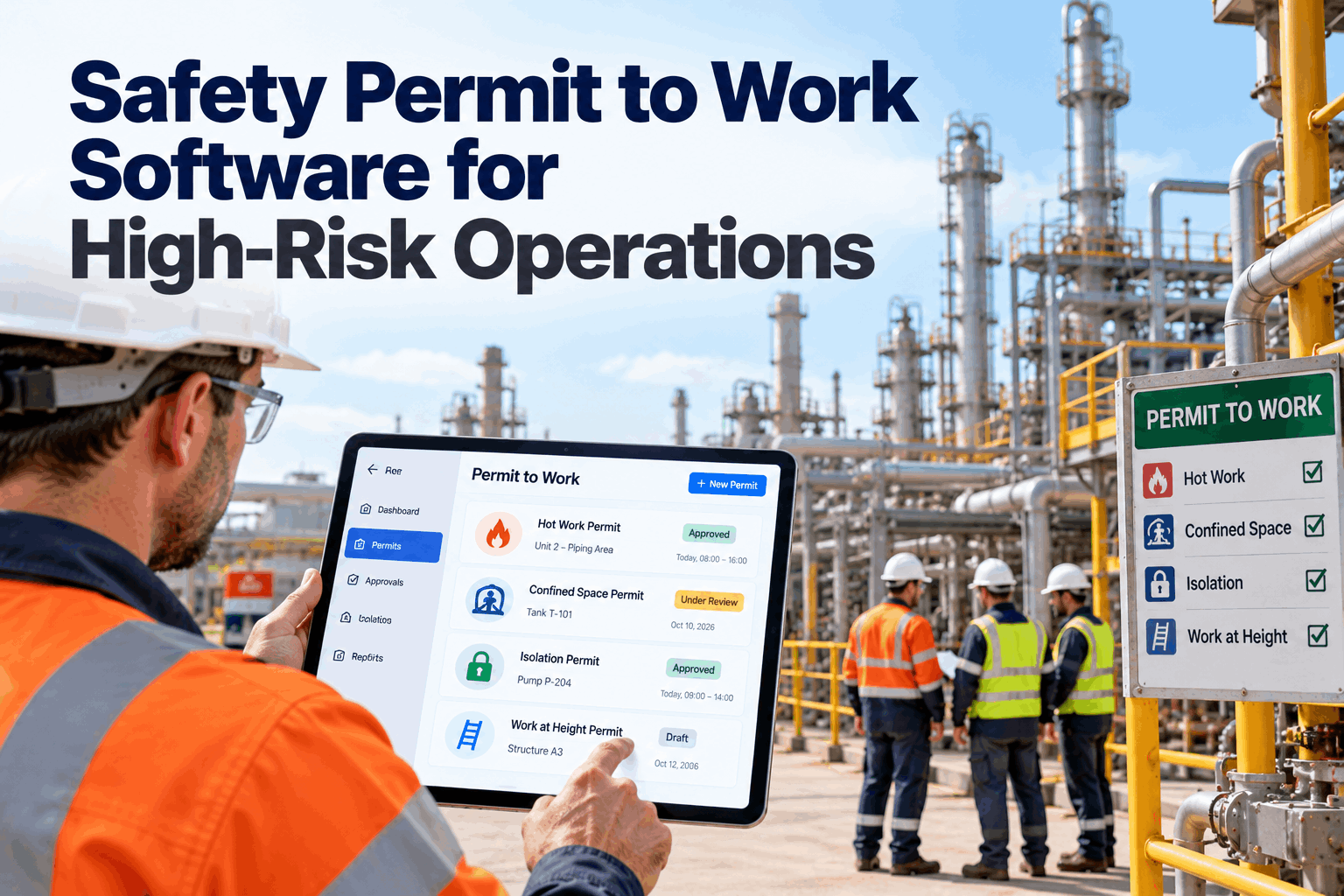
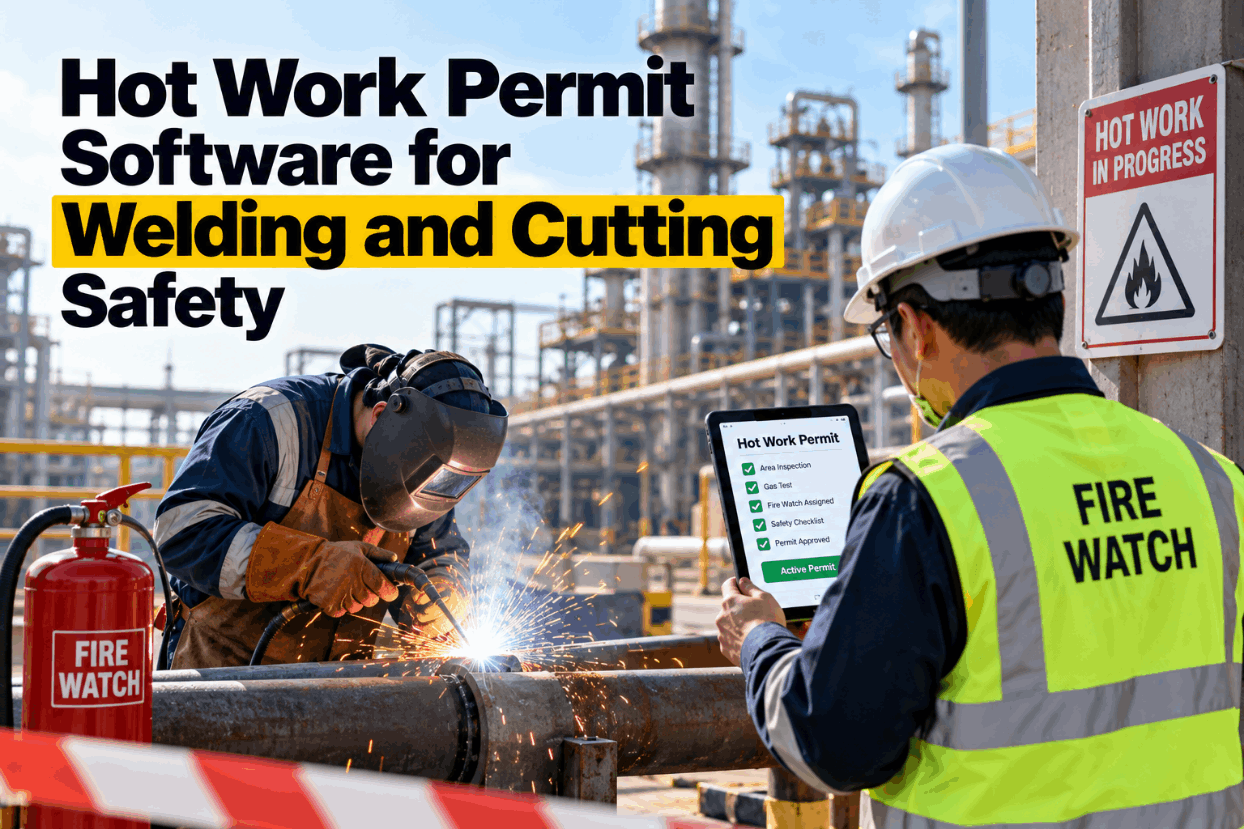
Hot work, confined space entry, working at height, lockout and lifting all need a conversation before they start. The board lists them from the permit system and the maintenance schedule, grouped by area, with the permit holder and the time window. If two high-risk jobs overlap in the same bay, the board flags it so the team can resequence the work in the huddle. Ask about permit links with our controls team.
Welding and cutting
Fire watch and area clearance confirmed.
Space entry
Atmosphere test and standby person named.
Working at height
Access method and fall protection checked.
Lockout jobs
Isolation points and lock owners listed.
Tier 1, Tier 2 and Tier 3: One Board, Three Levels
Issues move up the tiers, and answers come back down.
The same data feeds every tier, so each level looks at the same facts at a different scale. Tier 1 handles what the team can fix today. Tier 2 picks up what the area cannot close, and Tier 3 sees the patterns across areas. When an action is raised to a higher tier, the card moves with its history, so no one has to explain it again. Map your tiers with our operations team.
Team and area
Daily huddle at the board. Fix what can be fixed this shift.
Department
Review blocked and overdue actions across areas.
Plant leadership
See repeat issues, resource needs and safety trends.
A Ten-Minute Huddle Agenda
The board sets the order. The team does the talking.
A fixed running order keeps the huddle short and makes it easy for a new supervisor to lead. The board is already filled in, so every minute goes to the conversation. Use this as a template for your plant managers and area leads, and adjust the time boxes to suit your shift pattern.
What the board shows before the huddle
- Incidents and near misses since the last huddle
- Safety cross updated to yesterday
- Open actions sorted by age
- High-risk work planned for the shift
What the team does in the huddle
- Agree what happened and why, in two minutes
- Review overdue actions and unblock them
- Confirm controls for today's high-risk jobs
- Speak any new actions and name the owners
Tier Board Mistakes to Avoid
Most boards fail slowly, and then all at once.
These are the patterns we see when plants roll out tier boards. A short readiness review can catch them early.
What works
- Tiles filled from the record
- One owner and one date per action
- High-risk work shown every morning
- Blocked actions raised to the next tier
What fails
- Boards built by hand before each huddle
- Actions with a team name instead of a person
- Too many tiles for one screen
- Numbers shown without the open actions behind them
How iFactory Runs the EHS Tier Board
A tier board that runs on your own network.
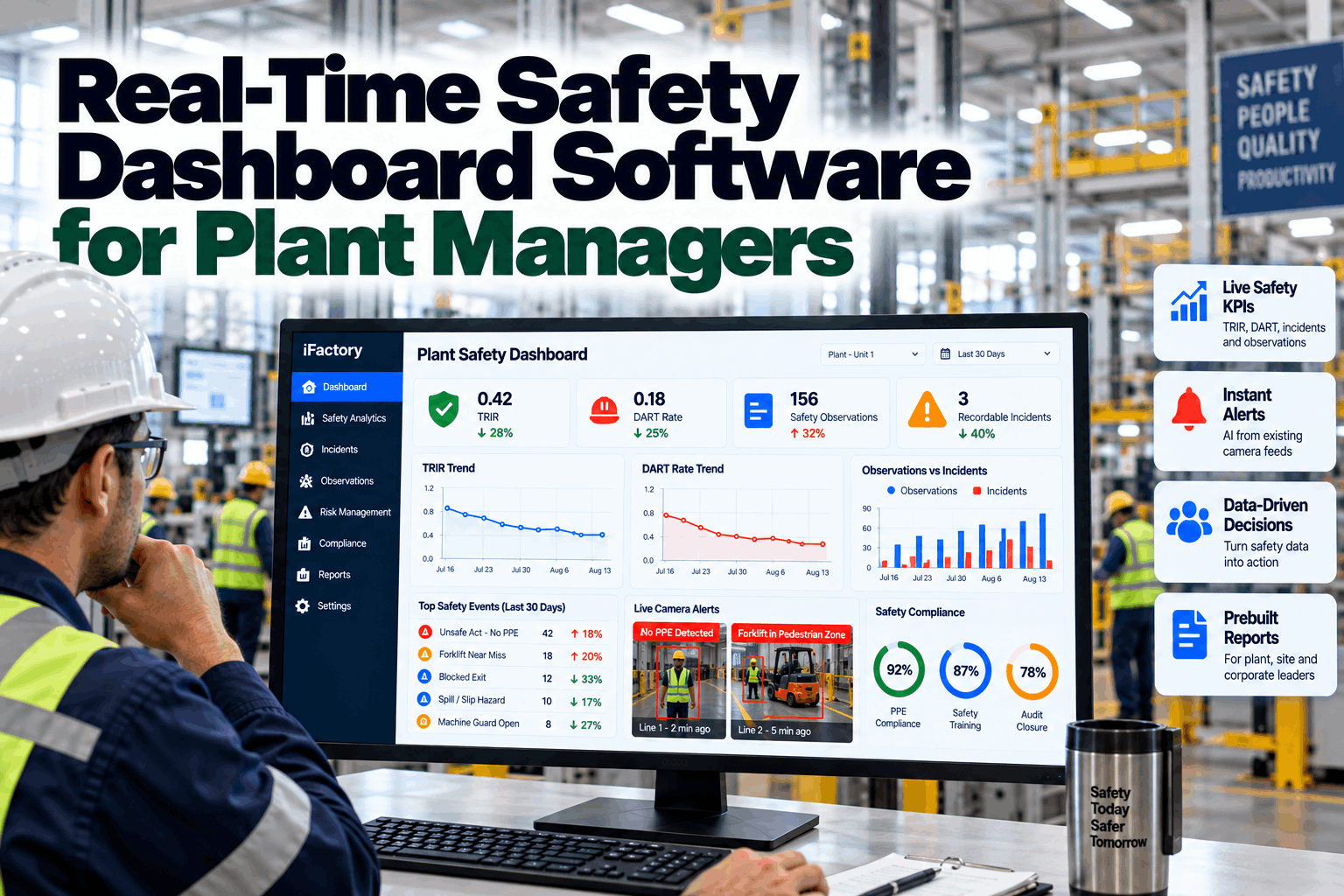
iFactory fills the safety tiles from your incident, permit, training and maintenance records, draws the safety cross, lists the day's high-risk work and turns spoken actions into owned kanban cards. It runs on an on-prem AI server inside your plant and shows the board on floor displays at each area. Fit questions go to our solutions team.
Auto-filled tiles
Safety tiles current at shift start.
Voice updates
Spoken actions and notes at the board.
Owned kanban cards
Every action has a person and a date.
High-risk work view
Today's permits grouped by area.
Tier roll-up
Blocked items rise from Tier 1 to Tier 3.
On-prem
Safety data stays in the plant.
The figures and exchanges on this page are illustrative. Your own results depend on your areas, permits, reporting culture and practices, and we measure them on your data during the pilot.
Turnkey AI: Delivered, Connected and Live in 6–12 Weeks
You do not build this. It arrives ready.
iFactory ships as a pre-configured NVIDIA AI server with the software pre-loaded, racked and ready. Rack it, plug in power and Ethernet, and the AI is live on your network. Our team handles cabling, network setup, PLC, SCADA, DCS and CMMS integration, permit and incident record links, operator training and 24×7 remote monitoring. Data stays on your network. For an implementation guide matched to your plant, request a turnkey quote.
Ship, network and data
Server installed. Incident, permit, training and action records connected.
Board design and pilot
Tiles, safety cross and voice commands set up. Live board runs in a few areas.
Go-live and training
Boards live across the plant with floor displays. Teams trained. 24×7 monitoring begins.
Frequently Asked Questions
What is an EHS KPI board for tier meetings?
It is the visual board used in the daily Tier 1 safety huddle. It shows the safety measures for the area, the safety cross calendar, open actions and the high-risk work planned for the day.
What should a Tier 1 safety board include?
Yesterday's incidents, a safety cross, near misses, open actions with owners and due dates, today's high-risk work and items that are about to expire, such as permits or training.
Is there a template for the board and the huddle?
Yes. The six-tile layout and ten-minute agenda on this page are the starting template, and your team can change the tiles, the order and the time boxes.
How do voice updates work at the board?
A supervisor speaks the action, owner and due date. The board creates a card, confirms the details and links it to the related incident, near miss or permit.
How does it connect to SQDC boards?
Safety is one lane of an SQDC board. The same approach can fill the quality, delivery and cost lanes from their own records, so a single huddle board can serve all four.
What does it cost and what is the return?
Cost depends on the number of areas, displays and integrations. The return comes from actions closed on time, fewer missed controls for high-risk work and less time spent building boards. We scope both during the pilot and keep the numbers specific to your plant.
Can plant managers see all the boards?
Yes. Plant managers see every area's board and the actions raised to Tier 2 and Tier 3, with the same data the supervisors see.
Where is the data stored?
On the on-prem server inside your plant, shown on floor displays and dashboards.
How do we start?
Start with a few areas. A 6-week pilot connects your records, sets up the tiles and runs live boards with voice updates. To plan it, contact our team.
Fix the Safety Huddle Before the Next Shift Starts
In thirty minutes we look at your current tier board and action tracking, and show what a live board with voice updates would look like for your areas. You keep the notes either way.
- 1A photo of your current board
- 2Your incident and near miss log
- 3The open actions register
- 4Your permit to work types
- 5The area where the huddle runs longest