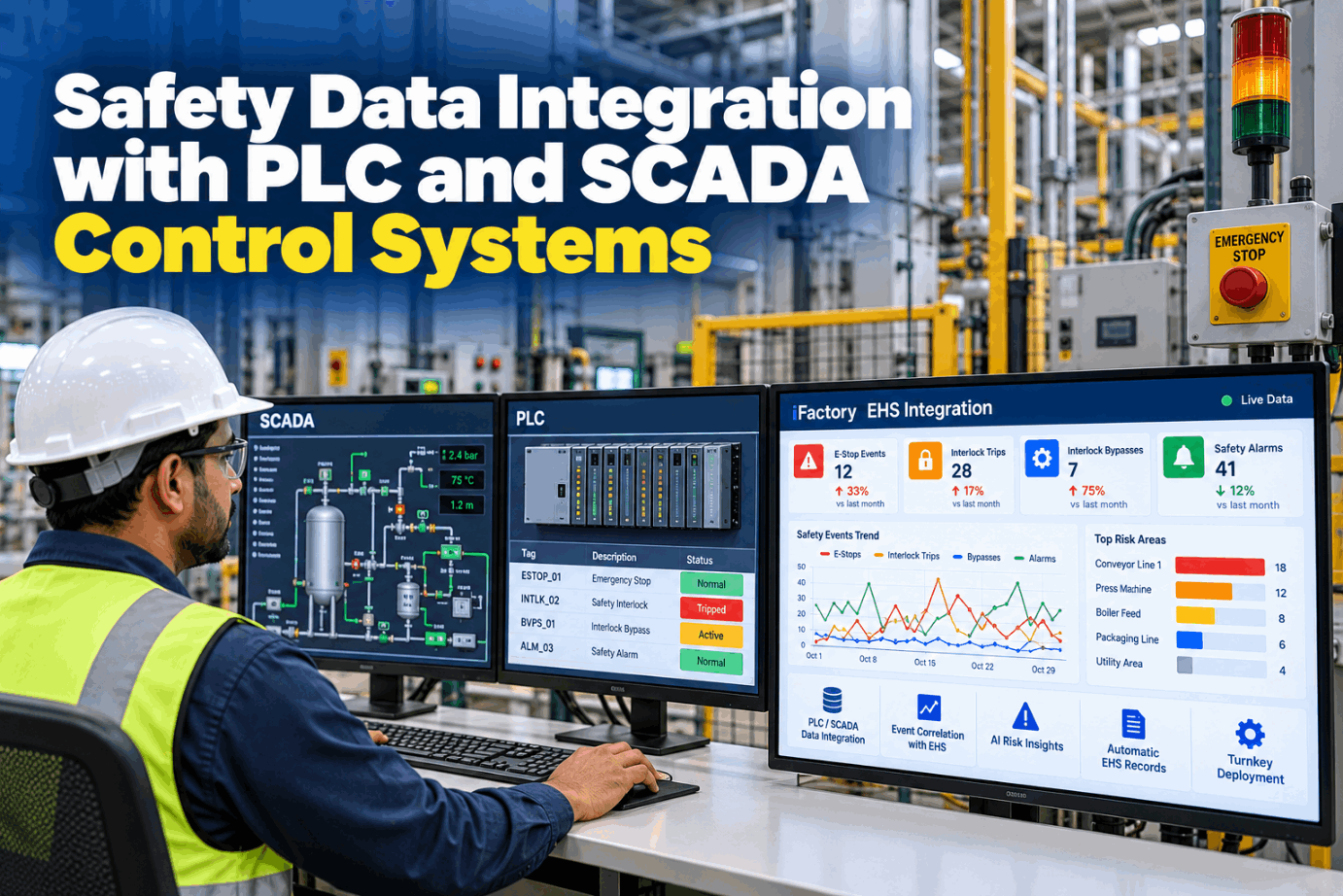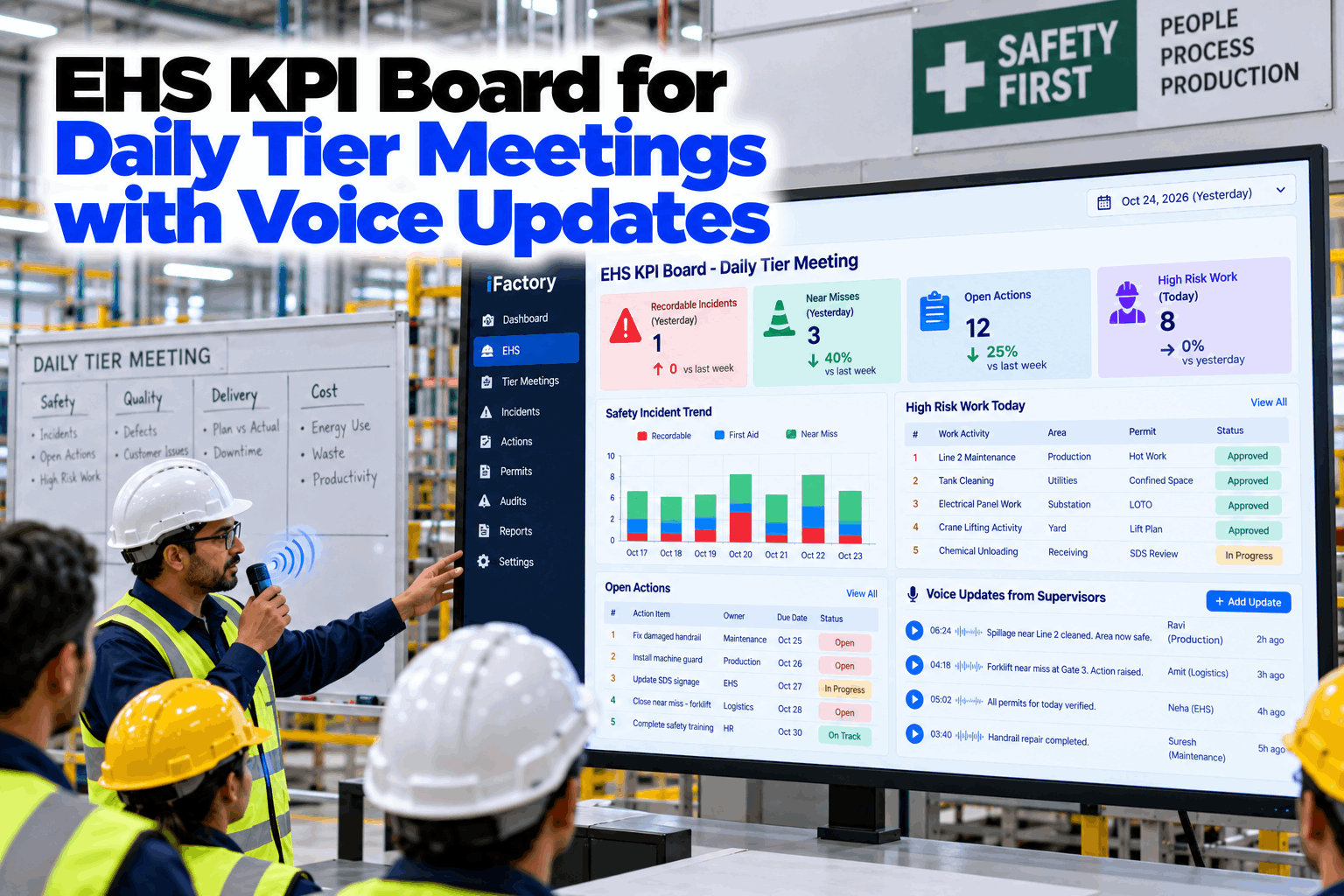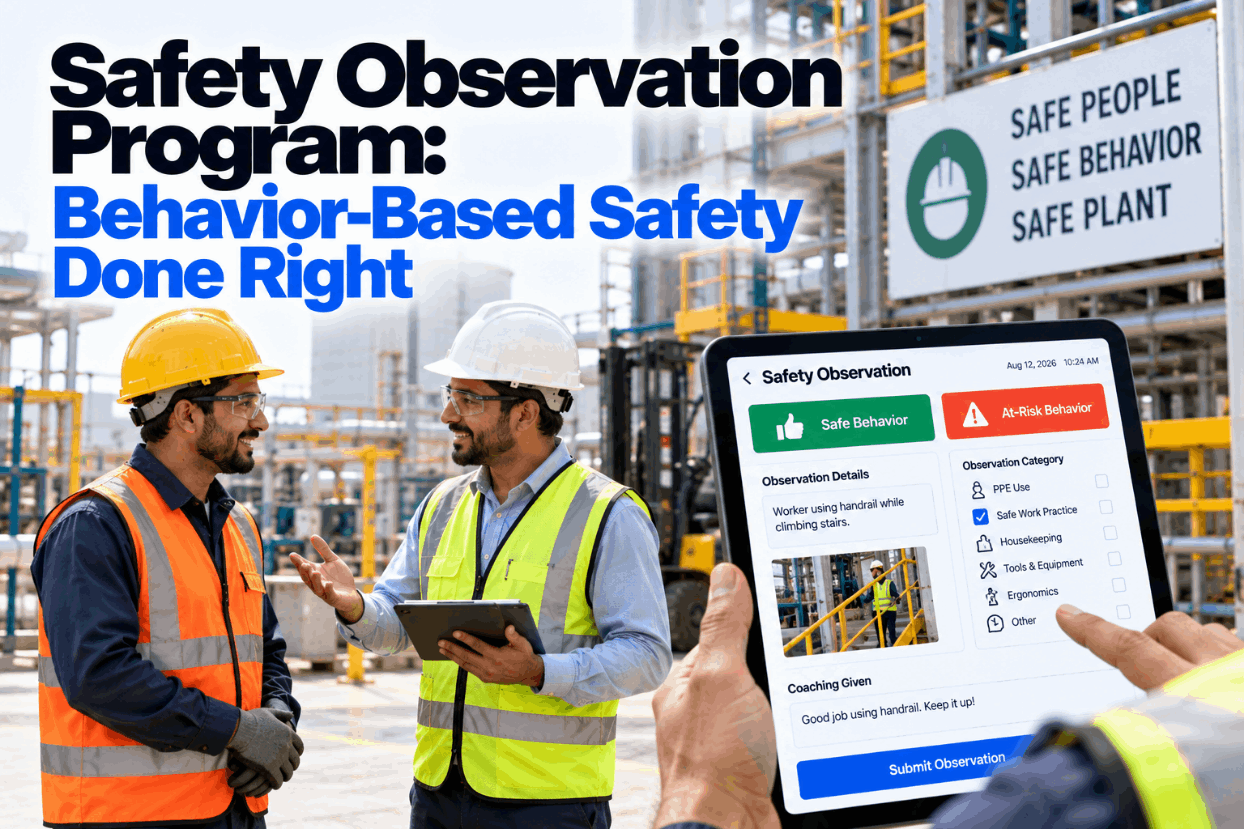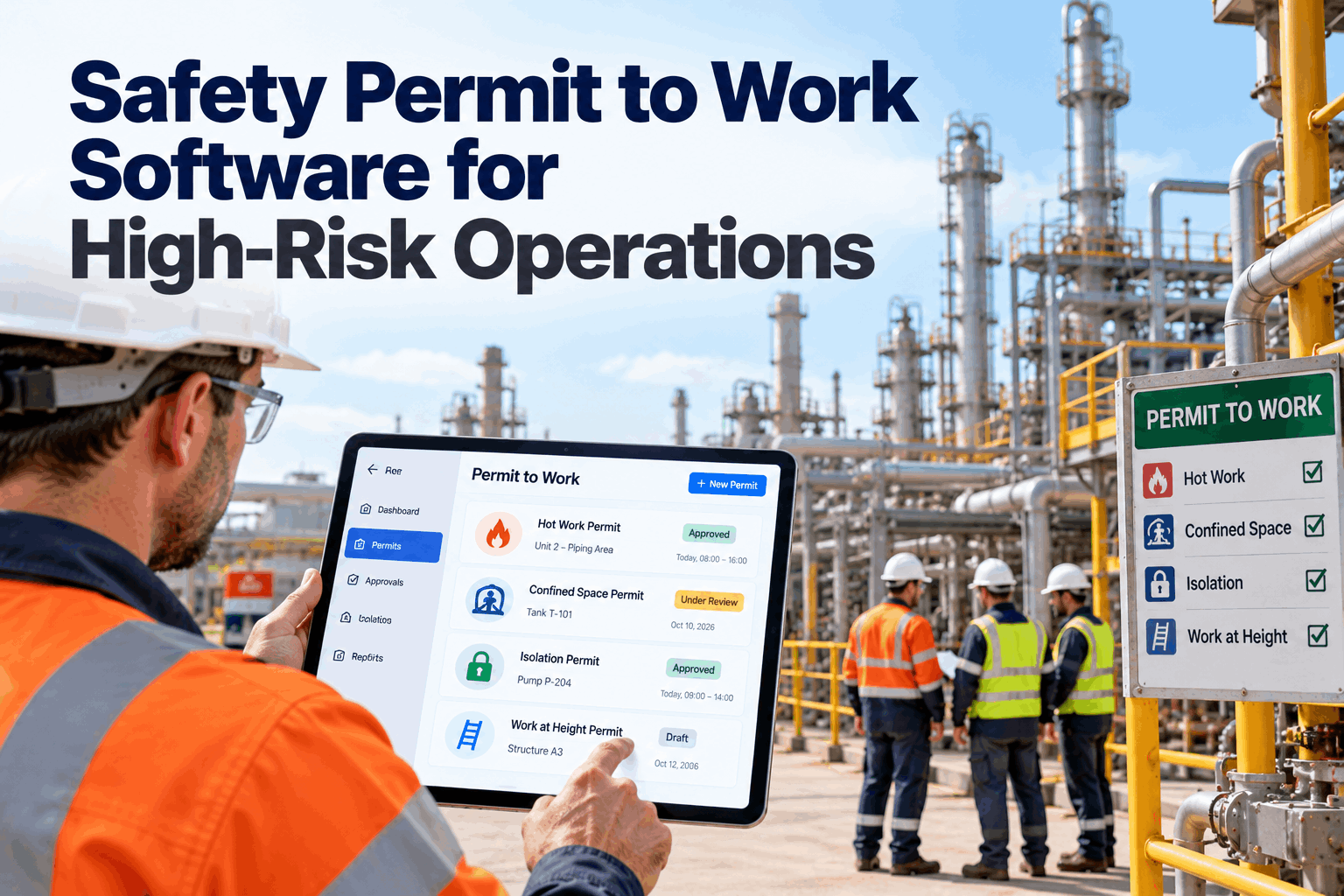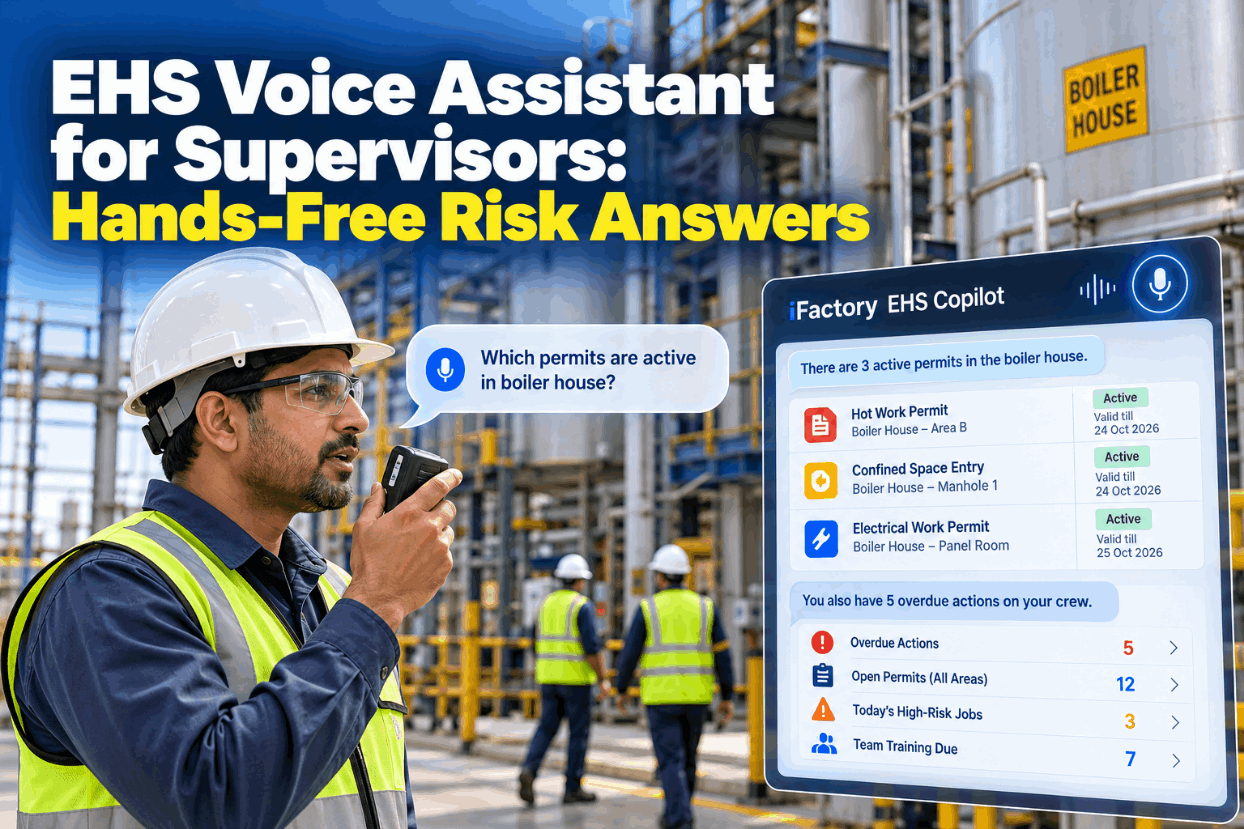
A supervisor walking the boiler house has three safety questions that matter more than the rest: what work is live around me right now, what has my crew left open, and which of today's jobs could seriously hurt someone. The answers sit in the permit log, the action tracker and the job plan, and none of those travel with the supervisor. An EHS voice assistant answers those questions out loud from live records, and never pretends to be the permit itself. Hear it answer permit and action questions in a short EHS copilot demo.
Ask About Live Permits and Overdue Actions, Hear the Answer on the Move
iFactory EHS Copilot answers supervisors aloud from live EHS data. Ask which permits are active in the boiler house, or what actions are overdue on your crew, and get a short, time-stamped reply in seconds.
Three Questions Worth Asking Out Loud
Supervisors don't need a voice assistant for everything. They need it for the few questions where the answer changes during the shift and getting it wrong has a cost. Those questions fall into three families, each answered from a different record, and the copilot is tuned for these first before anything else is switched on. Map your own question families with our support team.
What a Spoken Permit Answer Includes, by Permit Type
Each permit type carries different facts that matter on the floor. For hot work, OSHA 1910.252 expects the person who authorizes the work to inspect the area and set precautions, preferably on a written permit, with a fire watch kept at least half an hour after the work ends. For confined spaces, 1910.146 requires the signed entry permit at the portal before entry. For lockout, 1910.147 requires documented energy control procedures and an inspection of each one at least once a year. See how answers are built for each permit type in a permit query walkthrough.
Flag Work With SIF Potential Before the Crew Starts
Not every job on today's list deserves the same attention. Serious injury and fatality (SIF) prevention focuses on work that involves high energy, which energy-based safety research puts at roughly 1,500 joules or more, and on whether a direct control is in place that works even if someone makes a mistake. The copilot reads today's job plan and tells the supervisor which jobs to visit first. The tiers below are an example. Agree your own rules with our support team.
Ask Follow-Ups Without Stopping the Walk
The EHS Copilot keeps the context of the last question, so a supervisor can ask who issued a permit or which action is oldest without repeating the area. Anything longer goes to the nearest screen on request.
Six Rules for Spoken Answers People Can Trust
Voice design guides separate implicit confirmation, where the assistant repeats what it understood, from explicit confirmation, where it asks before going further, and advise saving the explicit kind for steps that are hard to undo. Safety queries need both: a quick read-back of area and scope on every answer, and an explicit check before anything leaves the voice channel. Test these rules on your own questions in a voice design session.
Overdue Corrective Actions, Read Oldest First
Corrective actions go overdue quietly. A supervisor who hears the crew's list at the start of each walk can close the easy ones that day and check the barrier on the hard ones. The copilot reads the count, then the oldest items, and always says whether an interim control is recorded. It never moves a due date or closes an action by voice. The items below are illustrations. Ask our support team to connect your action tracker.
What the Copilot Will Not Do, Even When Asked
A spoken "yes, it's active" is not permission to start work. The permit, its signatures and its checks stay where the rules put them: at the job, with the people responsible for it. That is why the copilot answers from the permit record and never writes to it. The limits below are fixed in the setup, not left to judgement on the day. Review them with your EHS team in a permit safeguards review.
- Which permits are open, where, and who issued them
- When the fire watch window closes, as recorded
- Lock count and lock holders on a lockout
- Time and result of the last logged gas test
- Issue, sign, extend or cancel a permit
- Say a space is safe to enter or a job is safe to start
- Read an old gas test as if it were a current reading
- Remove a lock, clear an isolation or close an action
Who Can Hear What, Set by Role and Area
A spoken answer can be overheard, so access rules matter more than they do on a screen. Each answer is filtered by the asker's role and area before it is spoken, and sensitive details stay off the audio channel entirely. OSHA's recordkeeping rule already treats some injury cases as privacy concern cases, with the name kept off the log, and the copilot follows the same instinct. Set your role rules with our support team.
Names of injured people, medical details, disciplinary notes and investigation findings. If asked, the copilot offers to send them to a signed-in screen instead.
Start With One Area and Read-Only Answers
The safest rollout is narrow and read-only. One area, a handful of questions and two supervisors are enough to find the gaps, which are usually in the data, such as permits still closed out on paper or actions with no owner. Widen only when the answers match the permit board every time. Plan your first area in a rollout planning call.
A Question Card for Every Query You Switch On
Each question the copilot answers should be written down before go-live: what it means, where the answer comes from, who may ask it and what it must never say. One card per question keeps EHS, IT and supervisors agreed. Ask our support team for a blank question card.
Time Saved Walking to the Permit Board
The honest value is fewer trips to the permit board and the control room, and fewer radio calls asking the same thing. Count those for a week before you decide. Every input below is assumed, to show the arithmetic only. Build the case with your own counts in a value planning call.
That is time back on the floor with crews. Leave injury cost avoidance out of the sum unless your own incident data supports a figure.
EHS Copilot, Voice Gateway and AI Server in One Delivery
iFactory delivers the EHS Copilot turnkey. A pre-configured NVIDIA AI server ships racked and ready, with on-site speech models and read-only connectors for your permit, action and job planning systems pre-loaded, so audio stays on your own network. You rack it, plug in power and Ethernet, and the AI is live. Ask our support team to scope it for your site.
- Pre-configured NVIDIA AI server, racked and ready
- On-site speech models tuned for plant noise
- Read-only connectors for permits, actions and job plans
- Radio and headset gateway with push-to-talk
- Role and area access rules
- Screen handoff to panels and handhelds
- 24×7 remote monitoring of models and hardware
Server installed, permit and action feeds linked, question cards written with EHS.
Two supervisors use it daily while answers are checked against the permit board.
More areas and roles added, SIF flags switched on, all supervisors trained.
Hands-Free EHS Answers That Stay Inside the Rules
Built for supervisors who spend the shift on the floor, not at a desk. Hear it answer from your own permit log in a live copilot session.
What Plant Managers Ask About an EHS Voice Assistant
Put Live Permit and Action Answers in Every Supervisor's Ear
Ask about active permits, overdue actions and today's high-risk jobs while walking the floor, and hear a short, time-stamped answer. Delivered turnkey and live in 6 to 12 weeks.