Every January someone opens a spreadsheet, scrolls back through a year of injury emails and tries to decide which cases were recordable. Then the 300A has to be posted by February 1 and the electronic file is due by March 2. This guide shows how OSHA 300 log automation keeps the log right all year. Start with a records check.
OSHA 300 Log Automation: Recordkeeping Without Spreadsheets
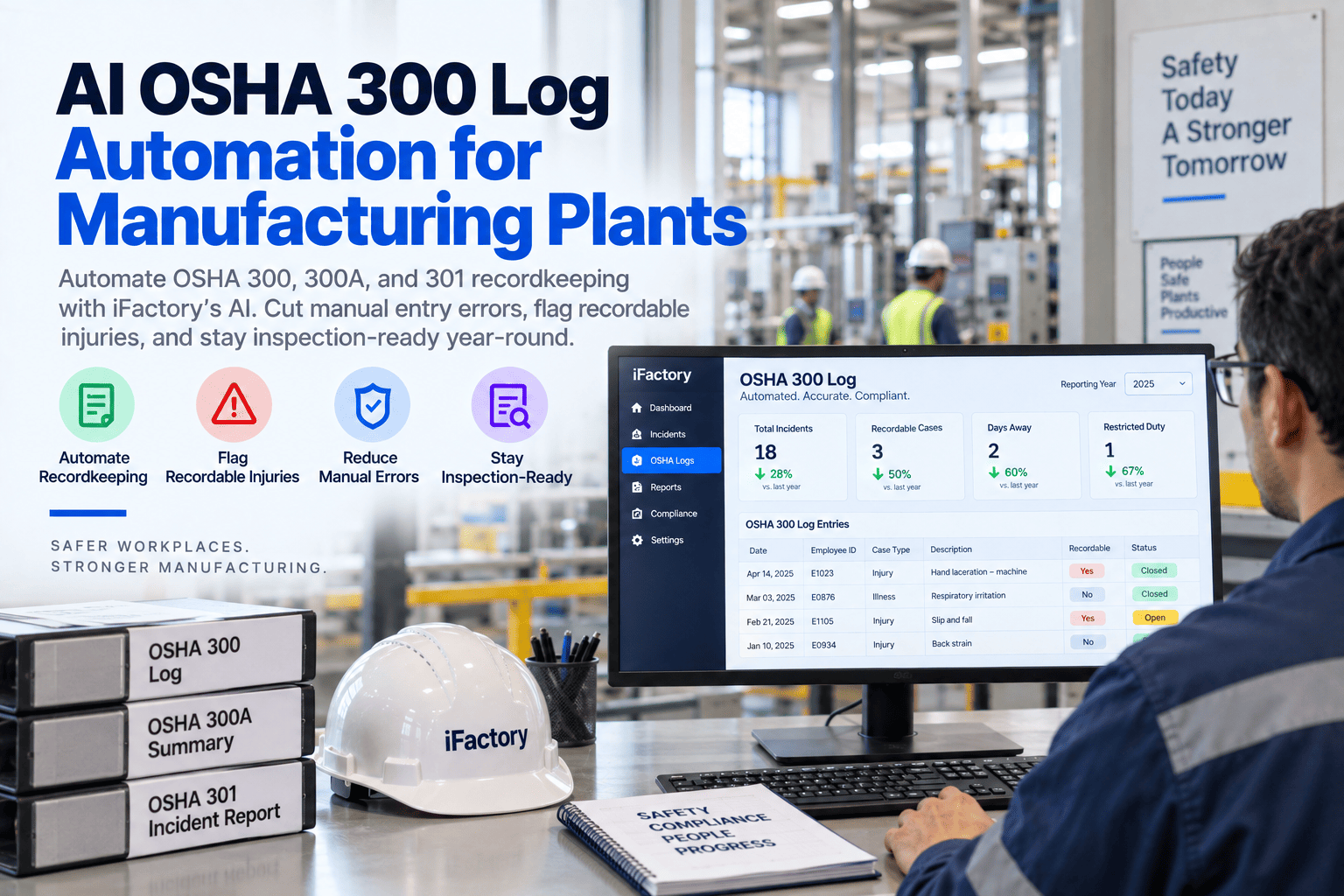
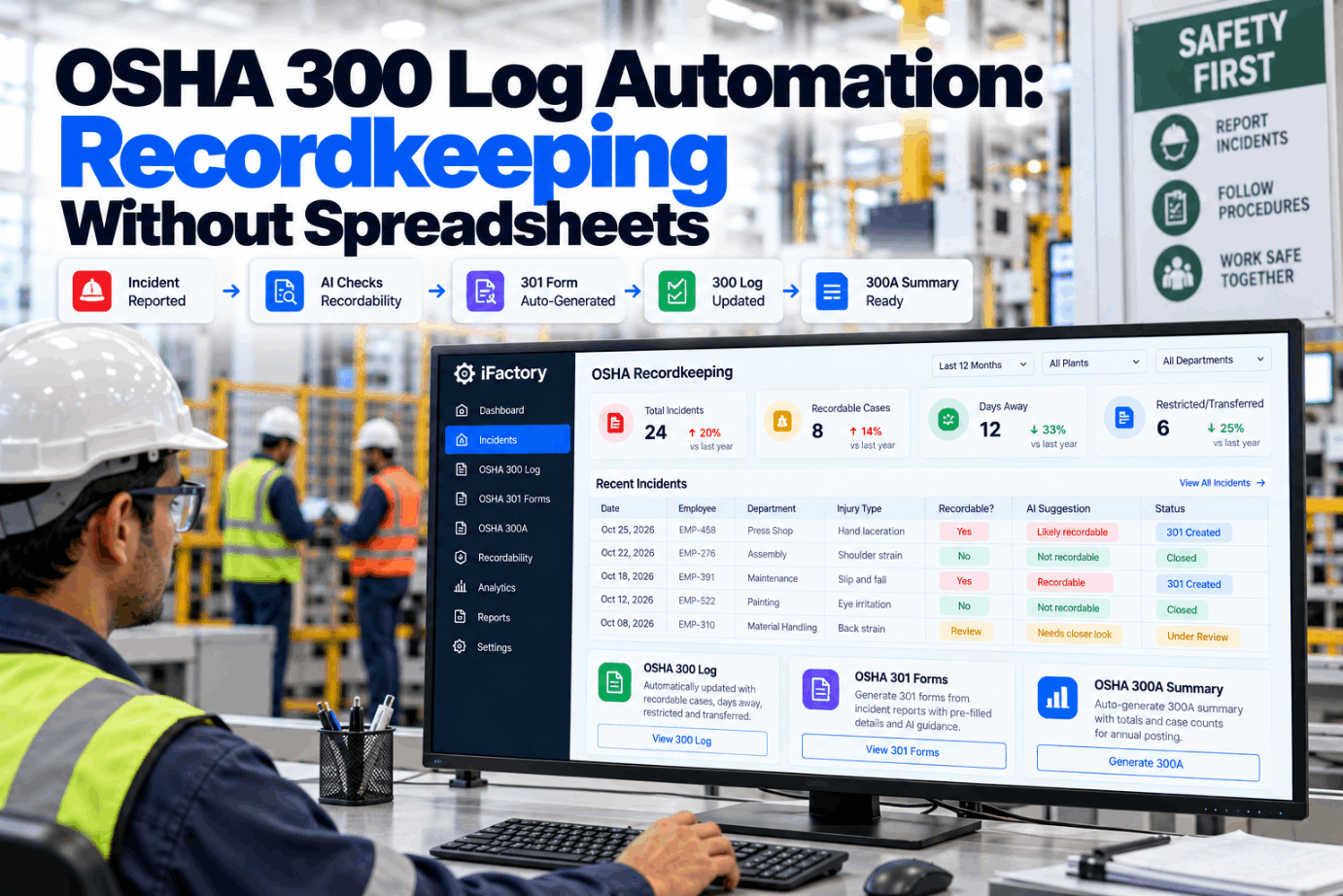
Incident reports flow into guided recordability questions. The 301 builds itself, the 300 log stays current and the 300A summary and ITA file are ready when the dates arrive. AI flags cases that need a closer look.
- Where spreadsheet recordkeeping goes wrong
- The recordability decision, step by step
- Who must submit 300, 300A and 301 data to OSHA
Why Recordkeeping Breaks in Spreadsheets
The rules are clear. Applying them case by case is not.
Under 29 CFR 1904.7 a work-related case is recordable if it leads to death, days away, restricted work or transfer, medical treatment beyond first aid, loss of consciousness or a significant diagnosed injury or illness. The first aid list is a closed list, day counts use calendar days and some cases need privacy handling. A spreadsheet does not ask any of those questions. See how guided questions work in a recordkeeping demo.
Late entries
Cases logged weeks after the 7-day window.
First aid mix-ups
A prescription-strength dose treated as first aid.
Day counts
Shifts counted instead of calendar days.
Privacy cases
Names left on the log where 1904.29 says to withhold them.
The Recordability Decision, Step by Step
Five questions decide most cases.
Each incident report is walked through the same questions in the same order, with the regulation section shown beside each one. The reviewer answers, the system records the reasoning and the forms follow. Ask our compliance team about edge cases you see often.
Work-related?
Event or exposure in the work environment, 1904.5.
New case?
Not a recurrence of an existing case, 1904.6.
General criteria?
Treatment, days away, restriction and more, 1904.7.
Classify
Death, days away, restricted or other.
Record
300 line and 301 within 7 calendar days.
Days away and restricted days are counted in calendar days, starting the day after the injury, including weekends and holidays the worker would not have worked. The count stops at 180 days. Automation keeps the counter running so nobody has to reconstruct it in January.
From Incident Report to 300, 300A and 301
One record, every form.
Each form draws on the same incident record, so nothing is typed twice and the numbers always agree. Reviewers see what was filled in automatically and what still needs a decision. Walk through the forms with us in a records session.
Close the Year Without the Spreadsheet Scramble
Keep the log right as cases happen, and the year-end summary takes minutes instead of days.
Who Must Submit Data Through the ITA
Size and industry decide the forms.
Electronic submission under 1904.41 depends on establishment size and industry code. Data for each calendar year is due by March 2 of the following year, and OSHA does not collect worker names. Check your NAICS code against the appendices, or ask our support desk.
250 or more employees
Submit 300A data if your industry routinely keeps OSHA records.
20 to 249 employees
Submit 300A data if your industry is listed in Appendix A to Subpart E.
100 or more employees
Submit 300, 301 and 300A data if your industry is listed in Appendix B.
Check your establishment’s NAICS code each year. A site that crossed 100 employees at any time in the previous year may now owe case-level data from the 300 and 301, not just the summary.
Rates Leaders Ask For: TRIR and DART
Two formulas, one hours number.
Both rates normalize cases to 200,000 hours, roughly 100 full-time workers for a year, so sites of different sizes can be compared. For context, BLS put the 2024 US private industry total recordable rate at 2.3. The dashboard recalculates as cases and hours change. Review your own rates in a rates review.
TRIR
Recordable cases × 200,000 ÷ hours worked. Example: 19 cases and 950,000 hours gives 4.0.
DART
Days away, restricted or transfer cases × 200,000 ÷ hours. Example: 11 cases gives 2.32.
Hours data
Hours come from payroll or time and attendance, not headcount estimates.
Where AI Helps, and Where People Decide
Prompts and drafts, not verdicts.
Recordability calls can carry legal weight, so the AI never makes them. It reads the incident text, points out facts that change the answer, such as a prescription or a restriction note, and drafts the forms. A trained reviewer decides. Our compliance team can walk through difficult cases with you.
The AI handles
- Reading reports and treatment notes
- Spotting facts that change recordability
- Drafting the 301 and 300 entries
- Counting days and recalculating rates
The reviewer decides
- Whether the case is work-related
- Whether it is recordable
- Privacy concern handling
- Certification of the 300A
Recordkeeping Mistakes to Avoid
Most citations come from habits, not hard cases.
Recordkeeping errors are rarely about complex medical questions. They come from late entries, missing hours data and nobody owning the log. A short records check usually finds them.
What works
- One named owner for the log
- Cases reviewed within 7 days
- Hours data pulled from payroll
- Reasoning stored with each decision
What fails
- Year-end reconstruction from email
- Treating prescriptions as first aid
- Counting shifts instead of calendar days
- Posting the 300A without executive certification
How iFactory Runs the Recordkeeping Engine
Guided questions, built forms, ready exports.
iFactory’s Recordkeeping Engine sits on the same on-prem platform as incidents and investigations. It asks the recordability questions, builds the 300, 300A and 301, shows DART and TRIR live and exports files formatted for OSHA’s Injury Tracking Application. Fit questions go to our solutions team.
Guided questions
Part 1904 logic shown step by step for each case.
Built forms
300, 300A and 301 kept current from one record.
Day counter
Calendar days counted automatically, capped at 180.
Rate dashboard
TRIR and DART by site, month and department.
ITA export
Files ready for the March 2 submission.
Audit trail
Every decision, change and reviewer recorded.
Automation supports your recordkeeping process. Decisions remain with trained reviewers, and we check outputs against your own past logs during the pilot.
Turnkey AI: Delivered, Connected and Live in 6–12 Weeks
You do not build this. It arrives ready.
iFactory ships as a pre-configured NVIDIA AI server with the software pre-loaded, racked and ready. Rack it, plug in power and Ethernet, and the AI is live on your network. Our team handles cabling, network setup, PLC, SCADA and CMMS integration, migration of past OSHA logs, operator training and 24×7 remote monitoring. Data stays on your network. For a scope matched to your plant, request a turnkey quote.
Ship, network and data
Server installed. Incident forms, past logs and hours data loaded.
Rules and pilot
Recordability questions and forms checked against last year’s cases.
Go-live and training
Live for all sites in scope. Reviewers trained. 24×7 monitoring begins.
Frequently Asked Questions
What is OSHA 300 log automation?
It is software that turns incident reports into recordability decisions and keeps the OSHA 300, 300A and 301 forms current, so the log does not have to be rebuilt by hand at year end.
Does the software decide if a case is recordable?
No. It asks the Part 1904 questions and highlights the facts that matter. A trained reviewer makes and signs the decision.
How fast must a case be recorded?
Within 7 calendar days of receiving information that a recordable case occurred.
When is the 300A posted?
From February 1 to April 30, after certification by a company executive.
Who submits 300 and 301 data electronically?
Establishments with 100 or more employees in industries listed in Appendix B to Subpart E, in addition to 300A data.
How long must records be kept?
Five years following the end of the calendar year the records cover, with the 300 log kept current during that period.
Can it handle privacy concern cases?
Yes. The AI flags likely privacy concern cases and keeps names off the log as 1904.29 requires.
Keep Your OSHA Log Right All Year
In thirty minutes we walk through how cases reach your log today and where decisions get stuck. You keep the notes either way.
- 1Last year’s OSHA 300 log
- 2Your posted 300A summary
- 3Hours worked by month
- 4Your incident report form
- 5One case you found hard to call