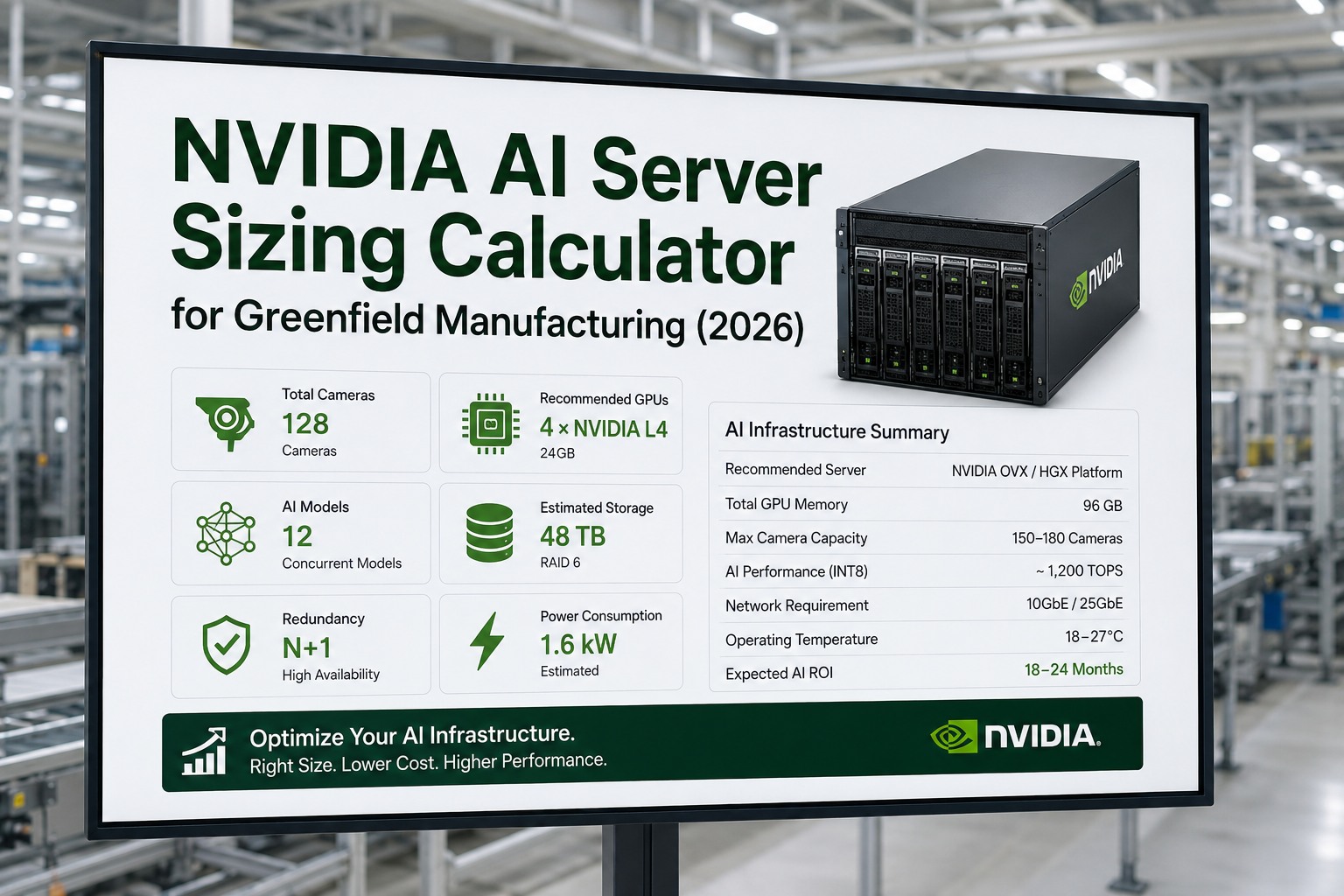
Sizing the AI server for a greenfield plant is where many vision projects quietly go wrong. Undersize the GPUs and cameras drop frames and miss detections; oversize them and you burn capital that should have funded more coverage. The right configuration comes down to four things: how many cameras you run, how many models each one drives, your latency target, and the redundancy your operation needs. This template walks through how to size an NVIDIA AI server for manufacturing vision, maps camera counts to recommended hardware, and works a full example — so you can spec the build with confidence before you place an order.
Speccing the AI infrastructure for a new plant? Book a 30-minute sizing consultation and we will match GPUs, camera capacity, and redundancy to your line.
The NVIDIA AI Platform Ladder
How to Size Your NVIDIA AI Server
Sizing is a load calculation, not a guess. The key insight is that one camera can drive several models at once — defect detection, PPE, and thermal can all run on the same feed — so the real unit of load is camera-streams multiplied by models. Work through these five steps to land on a configuration that fits today and grows with you. If you would rather we size it against your real camera plan, you can review the build with an infrastructure specialist.
-
1
Total the inference load
Multiply camera streams by models per camera. Twenty cameras running three models each is sixty inference graphs, not twenty.
-
2
Map load to a platform
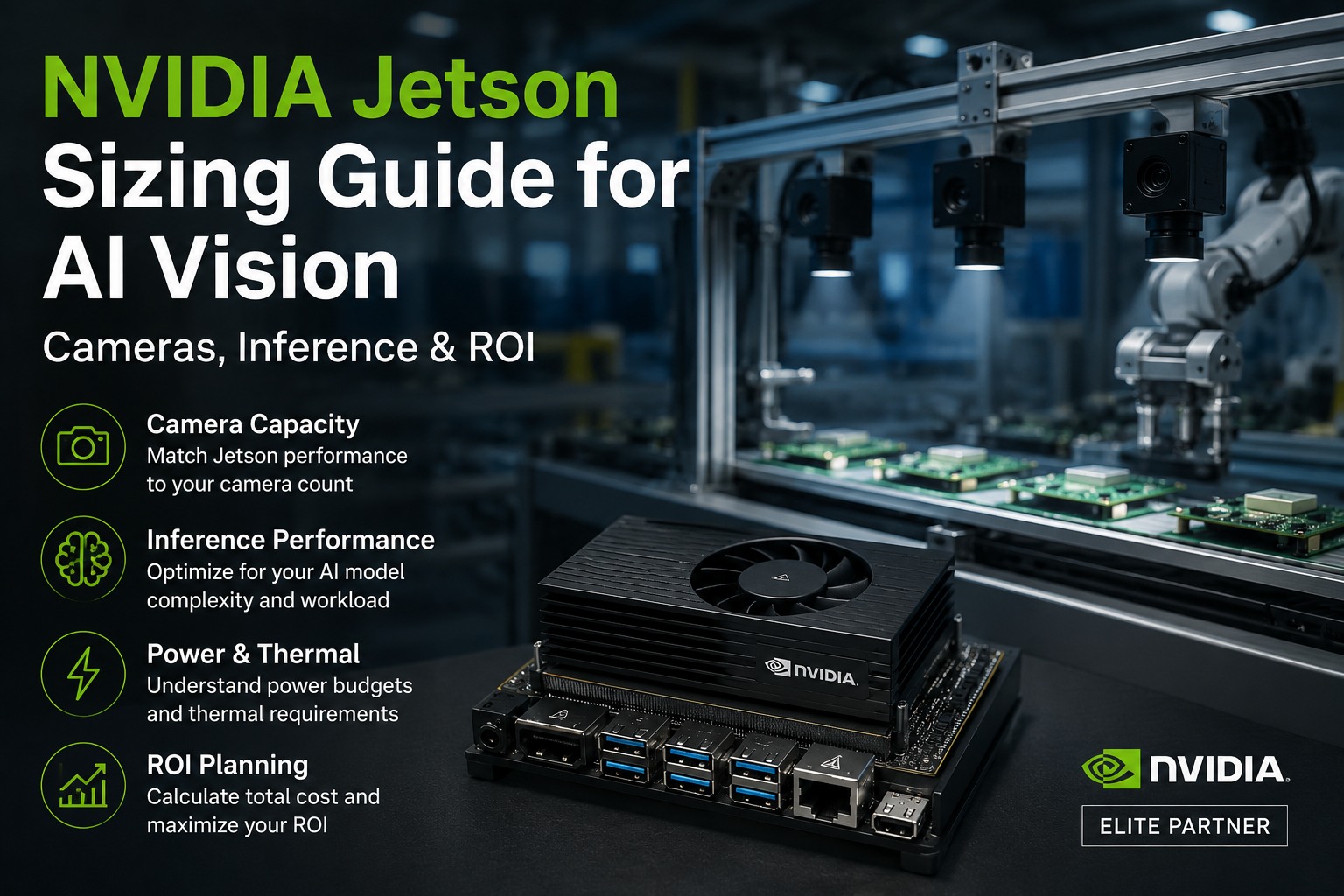
Match that load to streams a platform sustains at sub-100ms — roughly 8 cameras per AGX Orin, or 12–16 per L4 GPU.
-
3
Choose edge or centralized
Edge Jetson modules give the lowest latency and simplest cabling; a centralized L4 server is easier to manage at scale.
-
4
Add redundancy and headroom
Plan N+1 spare capacity for production uptime, and size in 20–30% headroom for new models added later on the same hardware.
-
5
Sum the power budget
Total platform wattage plus server-room overhead so your electrical and cooling design is right from day one.
Camera Count to Configuration: The Sizing Matrix
Use this as a starting template. Find your camera count, read across for the recommended NVIDIA platform, approximate power draw, and redundancy approach. Figures assume a mix of vision models at sub-100ms and vary with model size and resolution.
Not sure which row fits your line? Book an AI infrastructure sizing workshop and we will place your camera plan on the matrix and size the redundancy.
Worked Example: Sizing 24 Cameras for a Greenfield Line
Take a greenfield line with 24 cameras, each running three models — defect detection, PPE, and thermal — at sub-100ms. That is 72 inference graphs. Two valid builds meet it; the choice comes down to latency and management preference.
3× Jetson AGX Orin + spare
1× L4 server (2× L4)
For most greenfield lines, the edge-first build wins on latency and cabling simplicity, while the centralized server is easier to manage once you cross roughly 30 cameras. Either way, every detection routes into the CMMS as a work order.
Want this sized for your exact camera count and models? Book a custom sizing session and leave with a spec sheet you can hand to procurement.
Get a Right-Sized AI Server Spec for Your Plant
iFactory sizes the GPUs, camera capacity, redundancy, and power budget to your greenfield vision plan — then deploys on Jetson or L4 with every detection wired into your CMMS. No overspend, no dropped frames.
Expert Perspective
The trap in a greenfield build is sizing for the camera count on the drawings instead of the models you will run a year later. Teams buy exactly enough compute for defect detection, then want PPE and thermal on the same feeds and have no headroom left. We always size to camera-streams times models, add N+1, and leave 20 to 30 percent spare — because the second and third model are nearly free to run, but only if the GPU had room reserved for them from the start.
— AI Infrastructure Practice, iFactory Engineering Team
camera streams a single AGX Orin handles, each running ~5 models
redundancy standard to keep inspection live during a failure
spare headroom to size in for models added later
The Bottom Line
Right-sizing an NVIDIA AI server is a load calculation built on one honest number: camera streams times models, not raw camera count. Map that load to the platform that sustains it at sub-100ms, decide edge versus centralized on latency and management, then add N+1 redundancy and 20–30% headroom. Do that and you avoid both the overspend of an oversized cluster and the dropped frames of an undersized one. For a greenfield plant, locking the configuration in at the design stage means your electrical, cooling, and network plans are right the first time.
Spec Your AI Infrastructure Before You Build
From camera-to-GPU mapping to redundancy and power budgets, iFactory helps greenfield teams size NVIDIA AI servers that fit today and scale tomorrow — and deploy them the moment the design is locked.
Frequently Asked Questions
How do I size an NVIDIA AI server for manufacturing vision?
Start by multiplying camera streams by the models each runs to get total inference load, then match that to a platform that sustains it at sub-100ms. Decide between edge Jetson modules and a centralized L4 server based on latency and management needs, then add N+1 redundancy and 20–30% headroom for models you add later.
How many cameras can one NVIDIA GPU handle?
It depends on model size and resolution, but a useful rule is around 8 camera streams on a Jetson AGX Orin, each running several models, and roughly 12 to 16 streams per NVIDIA L4 in a server. Entry-level Orin Nano modules suit 2 to 4 cameras at a single station. Always confirm against your actual models.
Should I use edge Jetson modules or a centralized GPU server?
Edge Jetson modules give the lowest latency, keep data on-premise, and simplify cabling because compute sits near the cameras. A centralized L4 server is easier to manage and update once you pass roughly 30 cameras. Many greenfield plants start edge-first per line and add a central node as coverage grows.
How much power does an AI vision server draw?
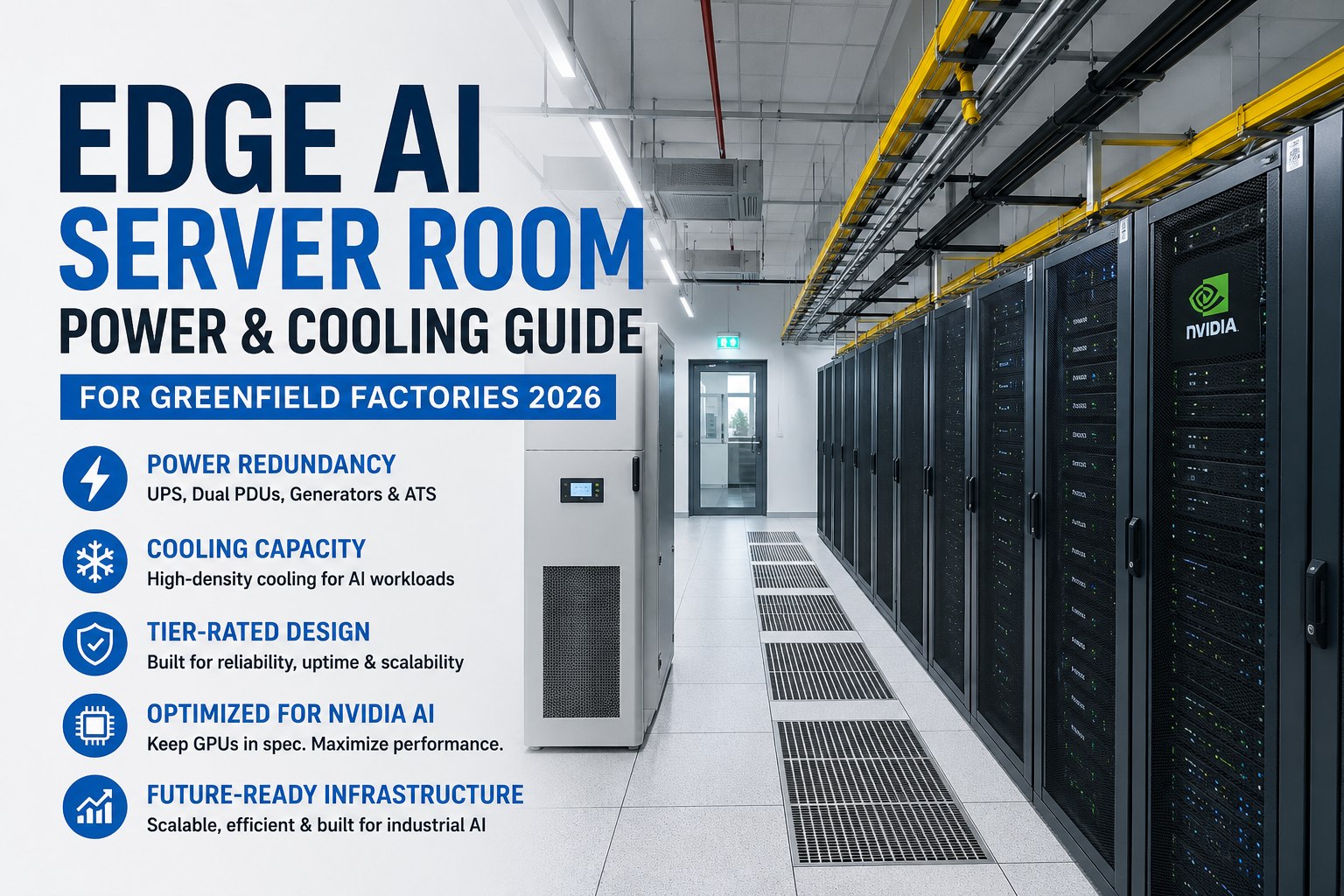
Edge modules are efficient — Jetson Orin runs in a 7 to 60 watt envelope depending on the model. A centralized L4 GPU draws about 72 watts, with a full two-GPU server node landing near 500 to 700 watts including CPU and overhead. Size your electrical and cooling design from the total platform wattage plus server-room overhead.
How do I get a sizing recommendation for my plant?
The most reliable spec starts from your camera plan, the models per feed, and your latency and uptime targets, then maps those to specific NVIDIA hardware with redundancy and power budgeted in. That replaces rough rules with a build you can hand to procurement. You can book a custom sizing session to build it for your facility.