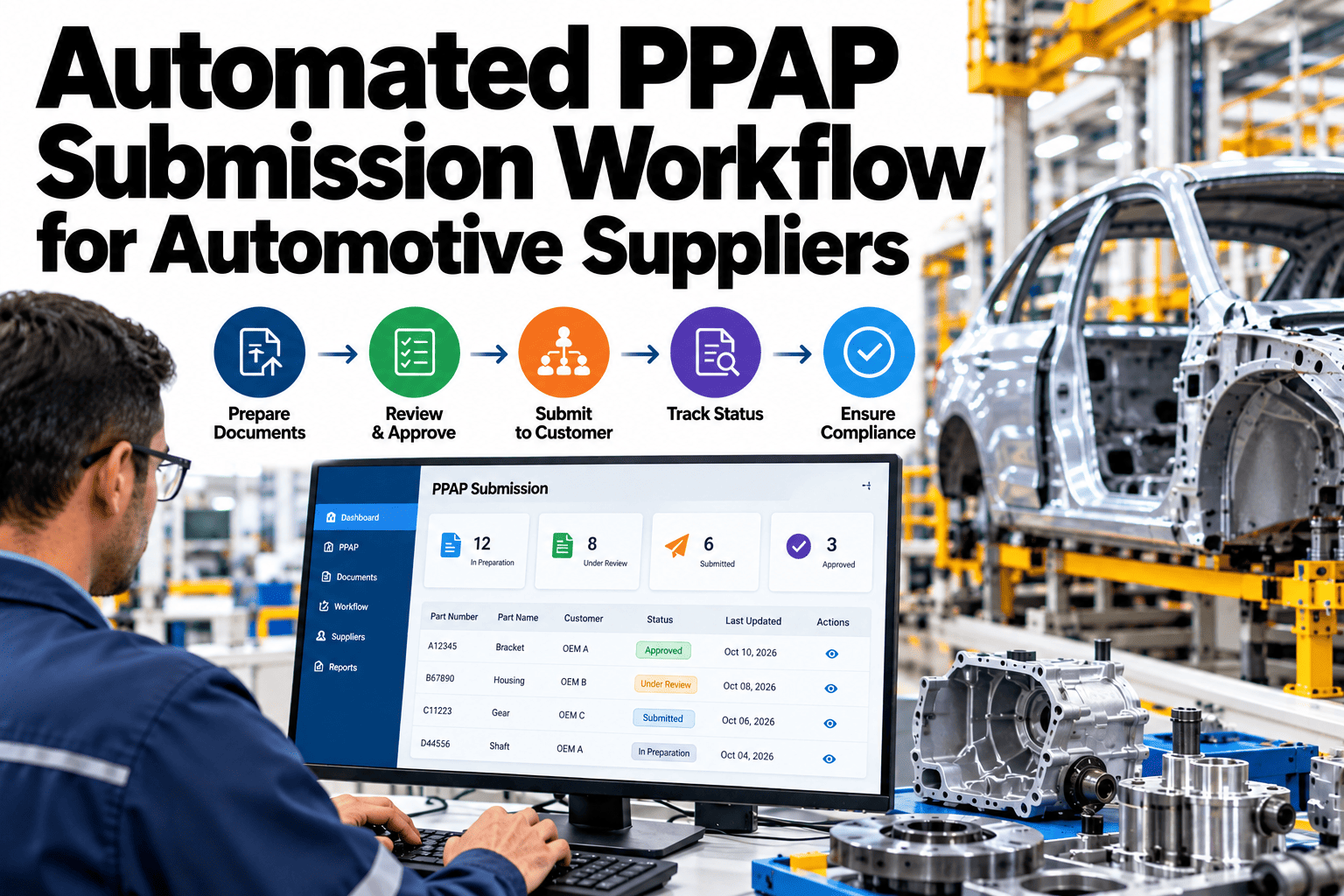
A PPAP submission pulls together dozens of documents from different systems and people, and getting any single piece wrong sends the whole package back to the start of the queue. Quality engineers often spend days chasing down a missing control plan or a capability study that lives in someone's inbox rather than the quality system, while the OEM waits on a submission deadline that does not move. The packaging rules change by level, from a simple part submission warrant at level 1 to the full documentation set at level 5, and each OEM portal has its own quirks for how the package needs to be formatted. Automating assembly and portal submission turns a multi-day scramble into a workflow the quality team can trust. Suppliers looking to cut PPAP cycle time can see automated PPAP assembly running on a real part number before the next submission deadline.
Automated PPAP Submission Workflow for Automotive Suppliers
Document assembly, level-1-to-5 packaging and OEM portal submission that shrink PPAP cycle time by 60 to 80 percent.
Where PPAP Cycle Time Actually Goes
Most delay in a PPAP submission has nothing to do with the part itself. It comes from three recurring bottlenecks.
Control plans, capability studies and drawings live across different systems and inboxes.
Someone manually compiles and formats the package to match the OEM's exact requirements.
A format mismatch on an OEM portal sends the whole submission back for correction.
None of these delays are about part quality. They are about document logistics, which is exactly what automation is built to remove.
Before and After: A Typical Submission
The time difference shows up most clearly when the same submission is compared manual versus automated.
Time Your Next Submission Against This Benchmark
Book a 30-minute session and bring a real part number. iFactory AI will show an automated PPAP package assembled live.
What Changes by PPAP Level
The documentation set grows significantly between level 1 and level 5, which is exactly where manual assembly struggles most.
| Level | Documentation Scope | Typical Use |
|---|---|---|
| Level 1 | Part submission warrant only | Low-risk, well-established parts |
| Level 2 | Warrant plus sample parts and limited data | Routine production parts |
| Level 3 | Warrant plus full supporting data and samples | Most standard OEM submissions |
| Level 4 | Warrant plus data as defined by the customer | Customer-specific requirements |
| Level 5 | Full documentation reviewed at the supplier's facility | High-risk or new critical parts |
What iFactory AI Supports
The workflow pulls from existing quality systems and assembles the exact package each OEM portal expects.
Automatic Document Pull
Control plans, capability studies and drawings are pulled from existing systems automatically.
Level-Aware Packaging
The package is assembled to match the documentation scope required for the submission level.
Portal-Ready Formatting
Output is formatted to match common OEM portal requirements before submission.
Pre-Submission Validation
Missing or outdated documents are flagged before the package is submitted, not after rejection.
iFactory AI connects to existing quality and document systems. Scope covers document source mapping, OEM portal format setup, team training and ongoing support.
Expert Review
Most PPAP delay we see is not a documentation gap, it is a logistics gap. The control plan and capability study usually already exist somewhere; the time gets lost finding, formatting and resubmitting them, not creating them from scratch.
The sixty to eighty percent cycle time reduction holds up consistently once document sources are mapped correctly in the first two weeks. Skipping that mapping step is the most common reason an automated workflow underperforms its first few submissions.
Frequently Asked Questions
Does this work with our existing quality management system?
Yes, the workflow connects to existing quality and document systems rather than requiring a replacement. Document sources are mapped during setup so the automation pulls from where the data already lives. This avoids duplicating records in a separate system. See an integration example in a live session.
Can it handle different OEM portal formats?
Each OEM portal has its own formatting quirks, and the workflow is configured per portal during setup so submissions match what that specific portal expects. Adding a new OEM portal later is a configuration step rather than a rebuild. Ask support about the OEM portals you currently submit to.
What happens if a required document is missing or outdated?
The pre-submission validation step flags missing or outdated documents before the package is assembled, rather than after the OEM rejects it. This gives the quality team time to resolve the gap without burning a submission attempt. Request a demo of the validation step.
Can we still review the package before it submits?
Yes, the assembled package is presented for review before submission rather than sent automatically, so the quality team retains final sign-off. This keeps a human check in the loop while removing the manual assembly work. Contact support to see the review step in your workflow.
How long does setup take for a first OEM portal?
Most suppliers are live on their first OEM portal within five to eight weeks, covering document source mapping and portal format configuration. Additional portals are typically faster to add once the first integration is validated. Book a setup planning session for your specific OEM portals.
Cut PPAP Cycle Time Without Cutting Corners
iFactory AI assembles, validates and formats PPAP packages automatically, level by level. Book a walkthrough on a real part number.




.png)