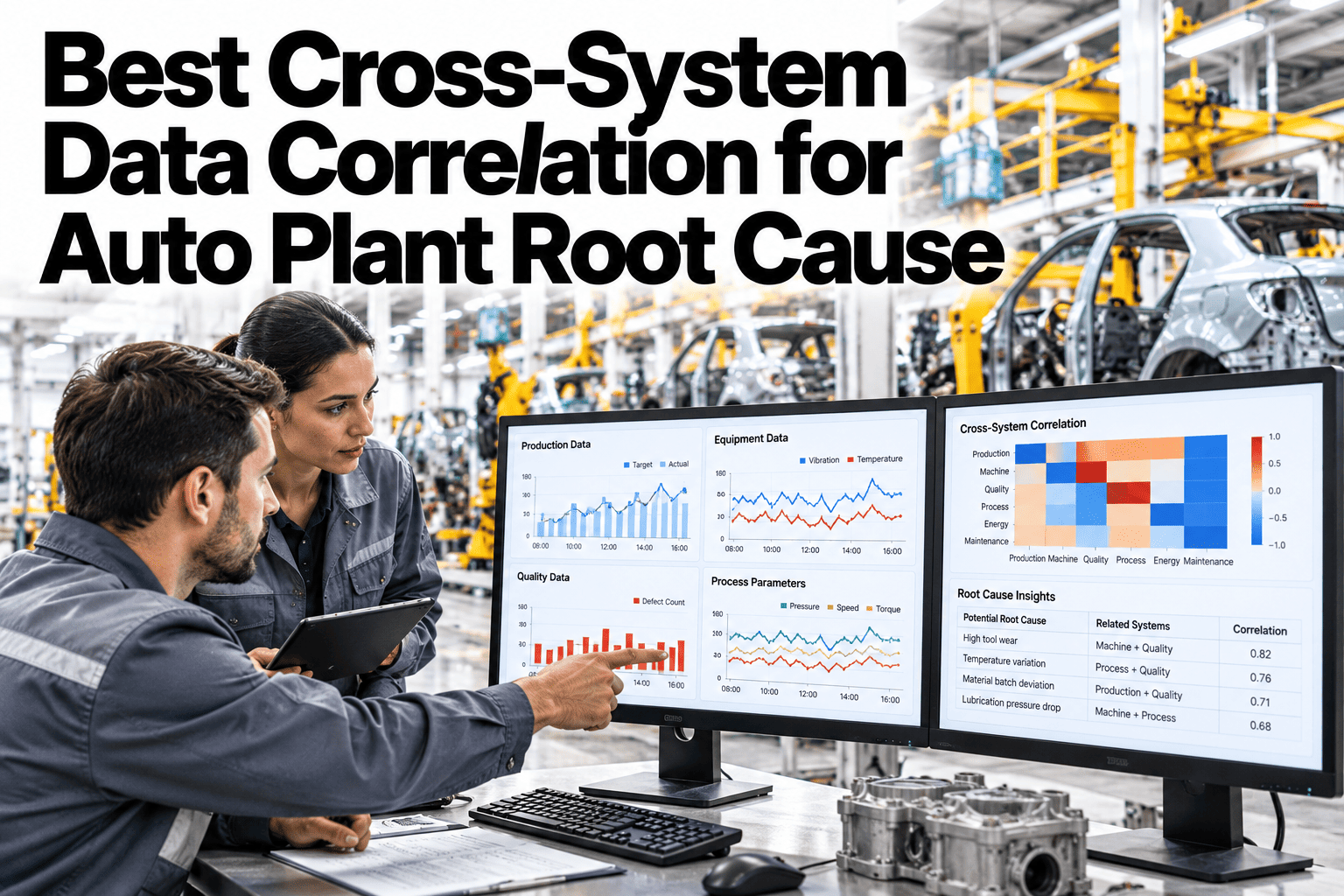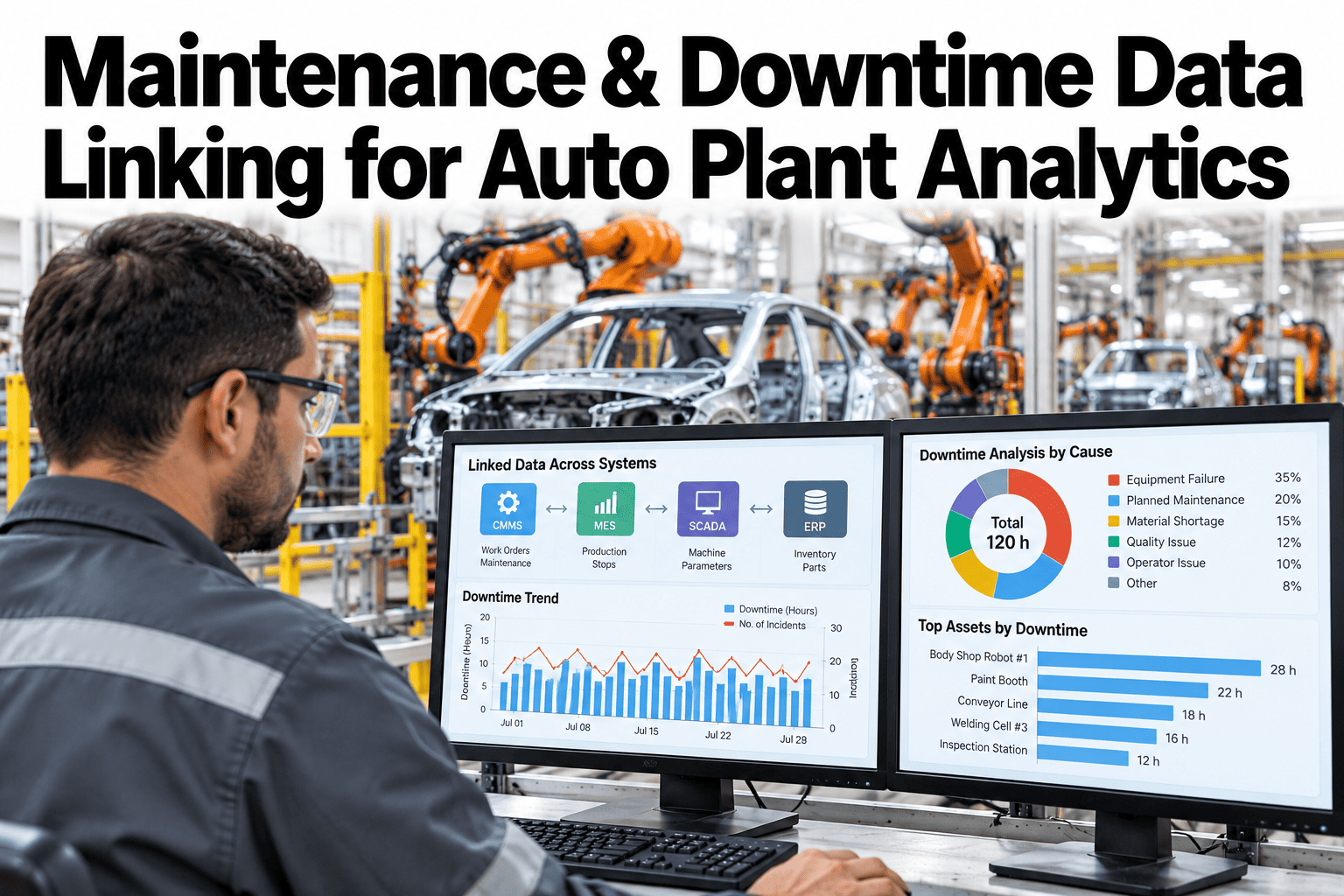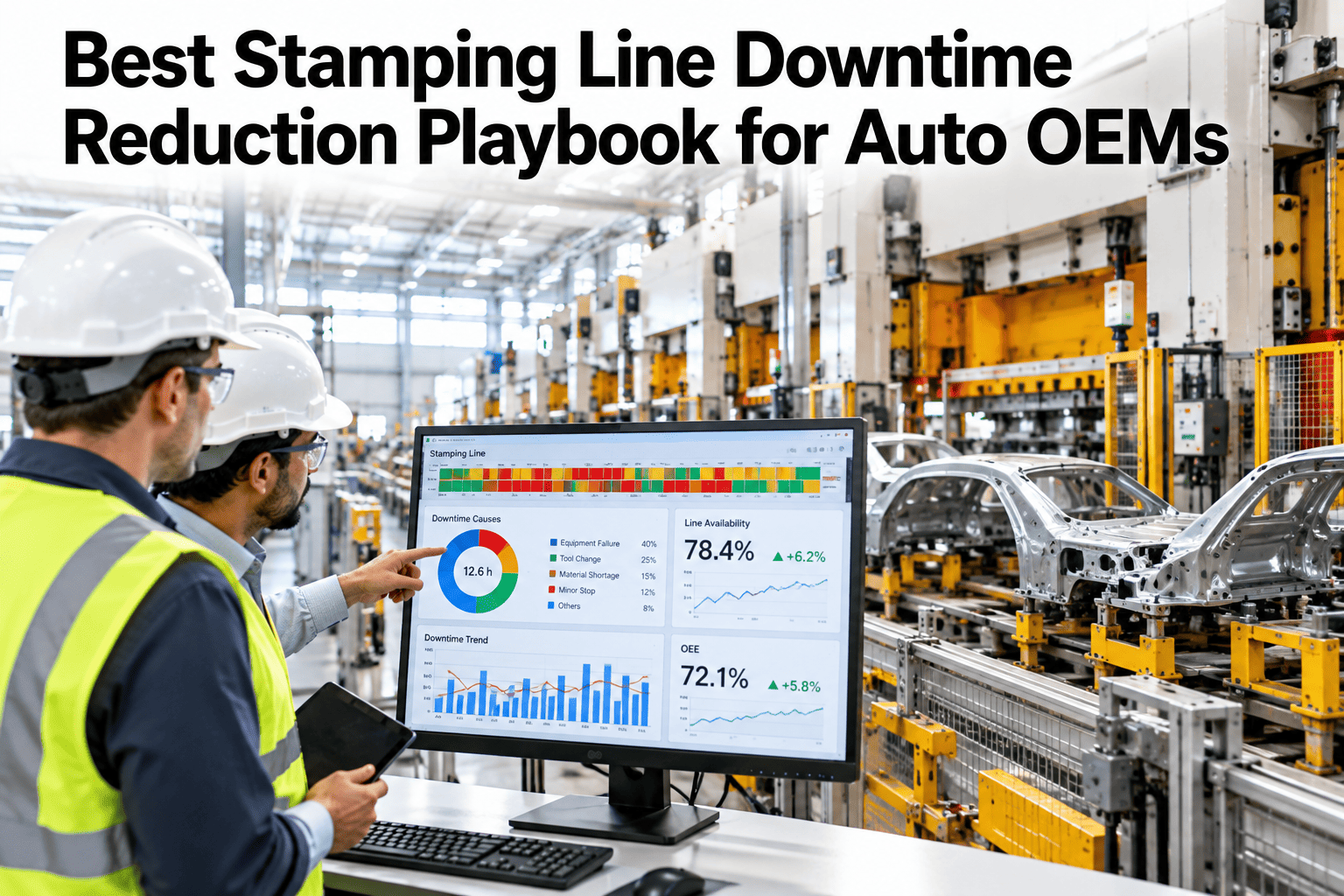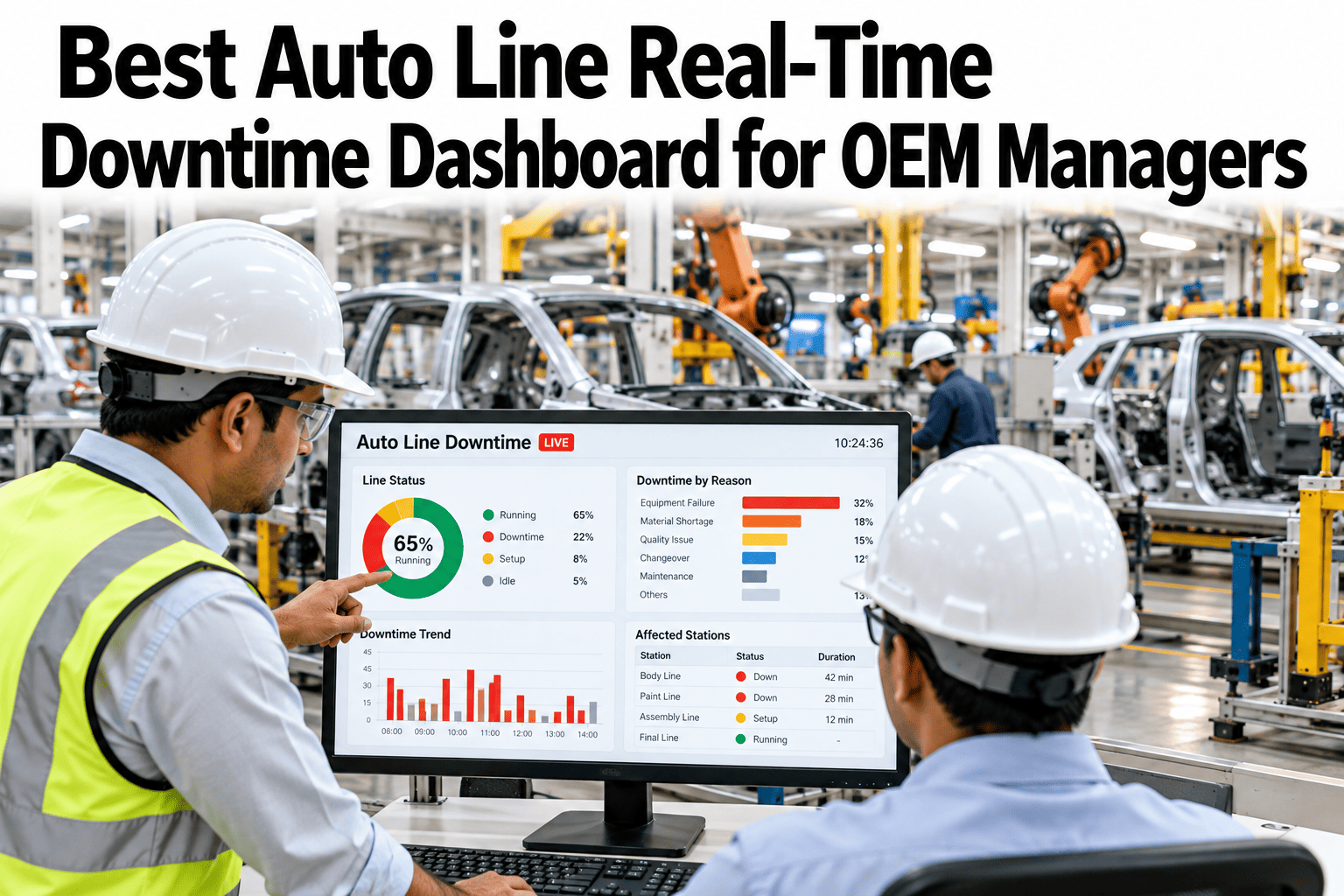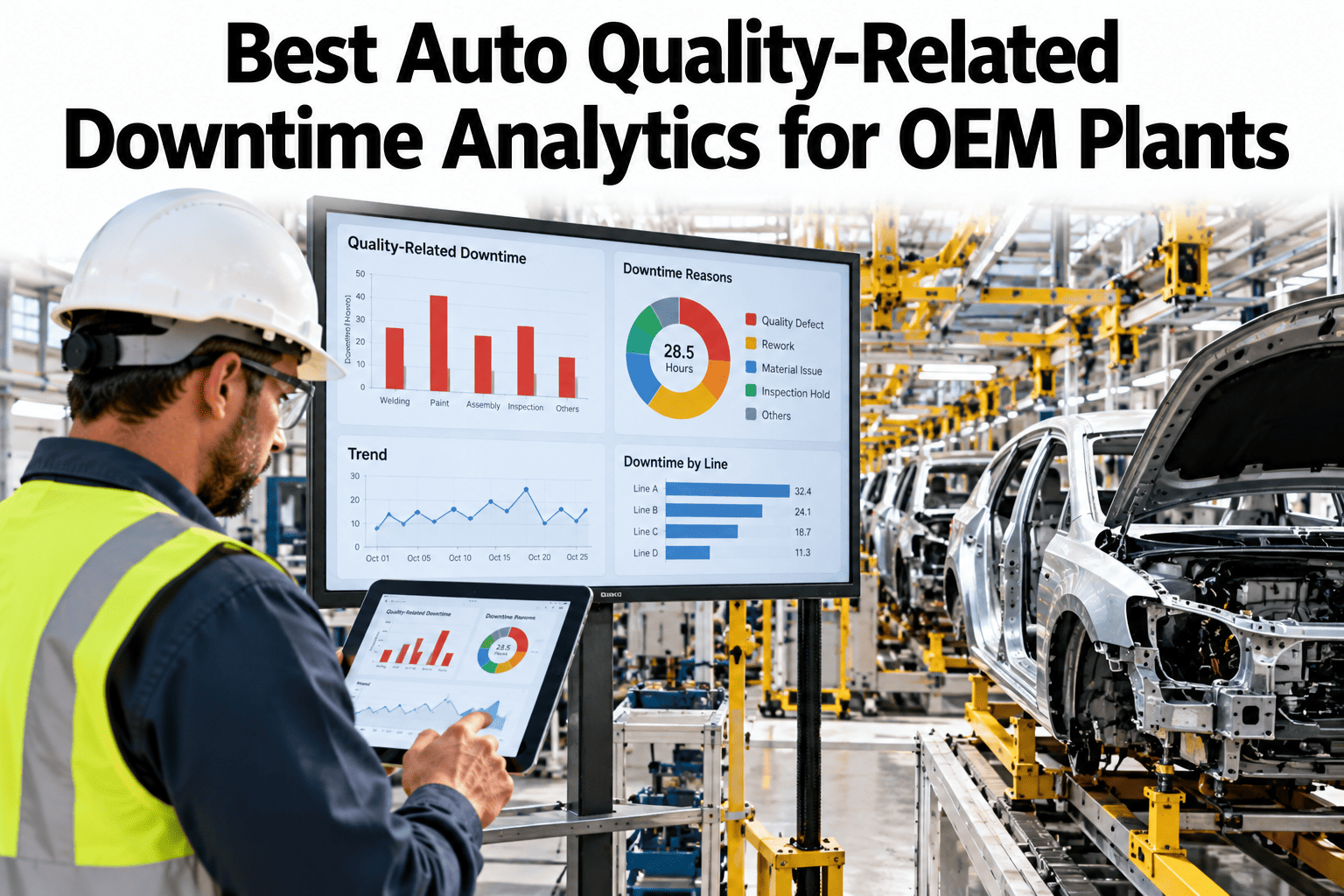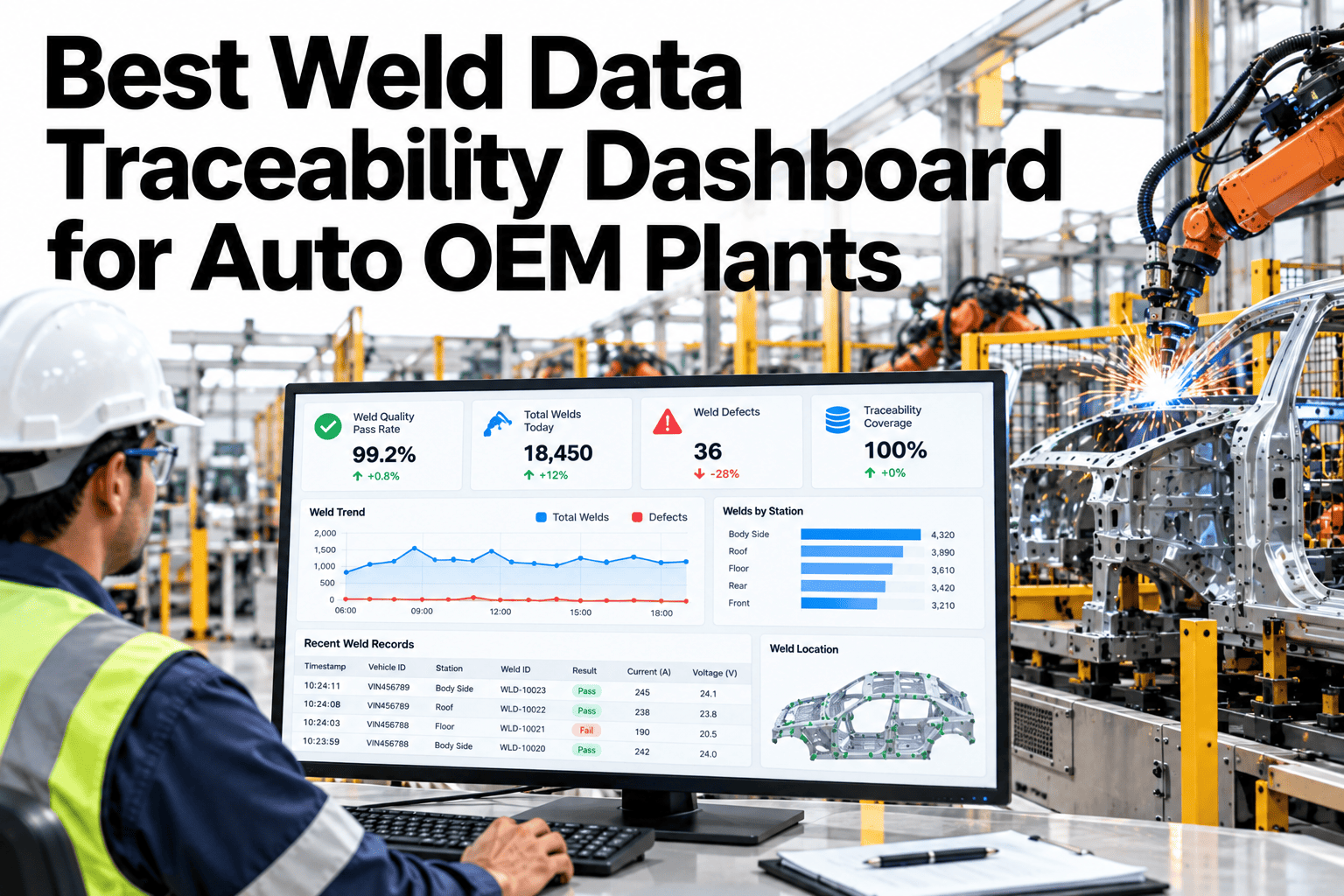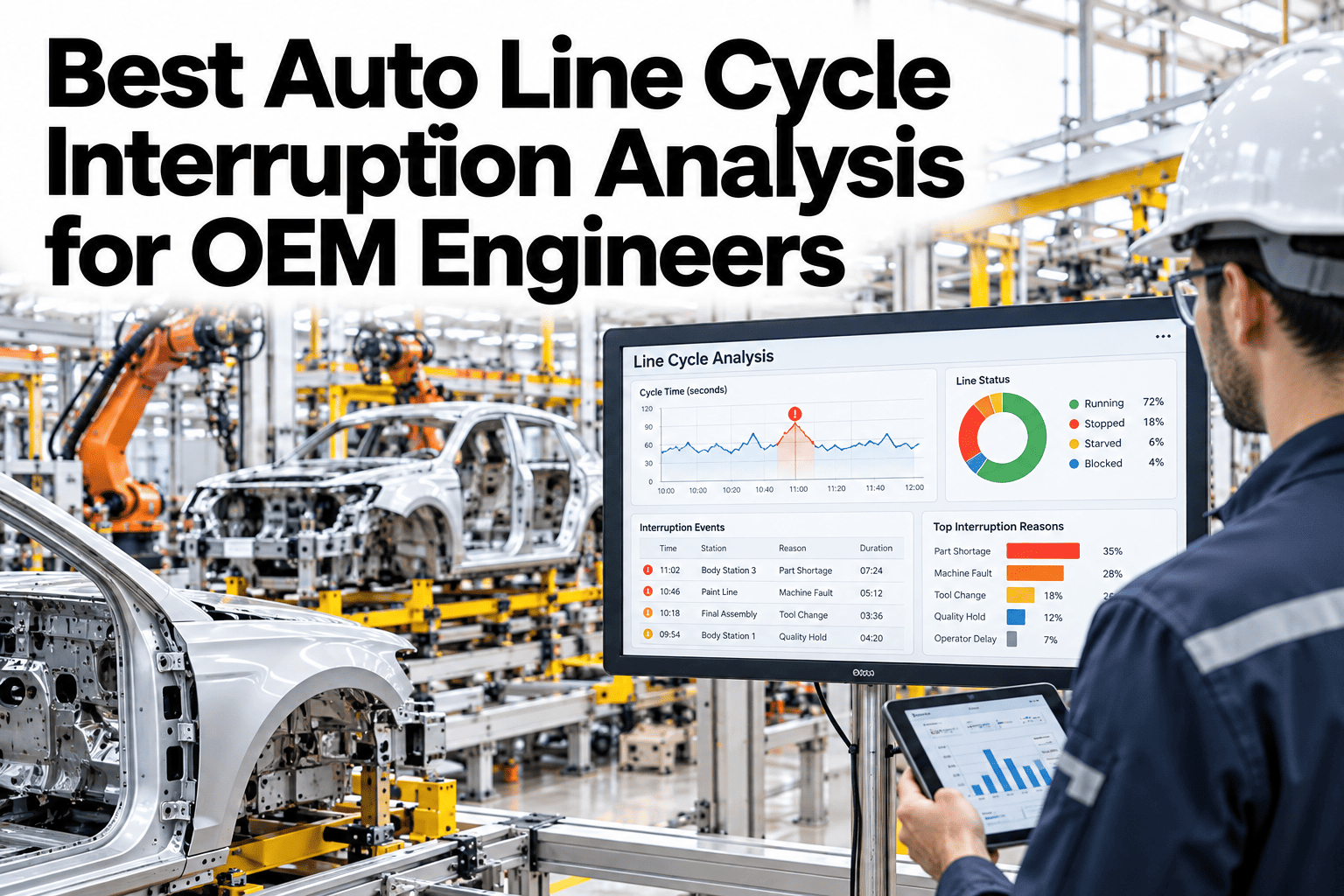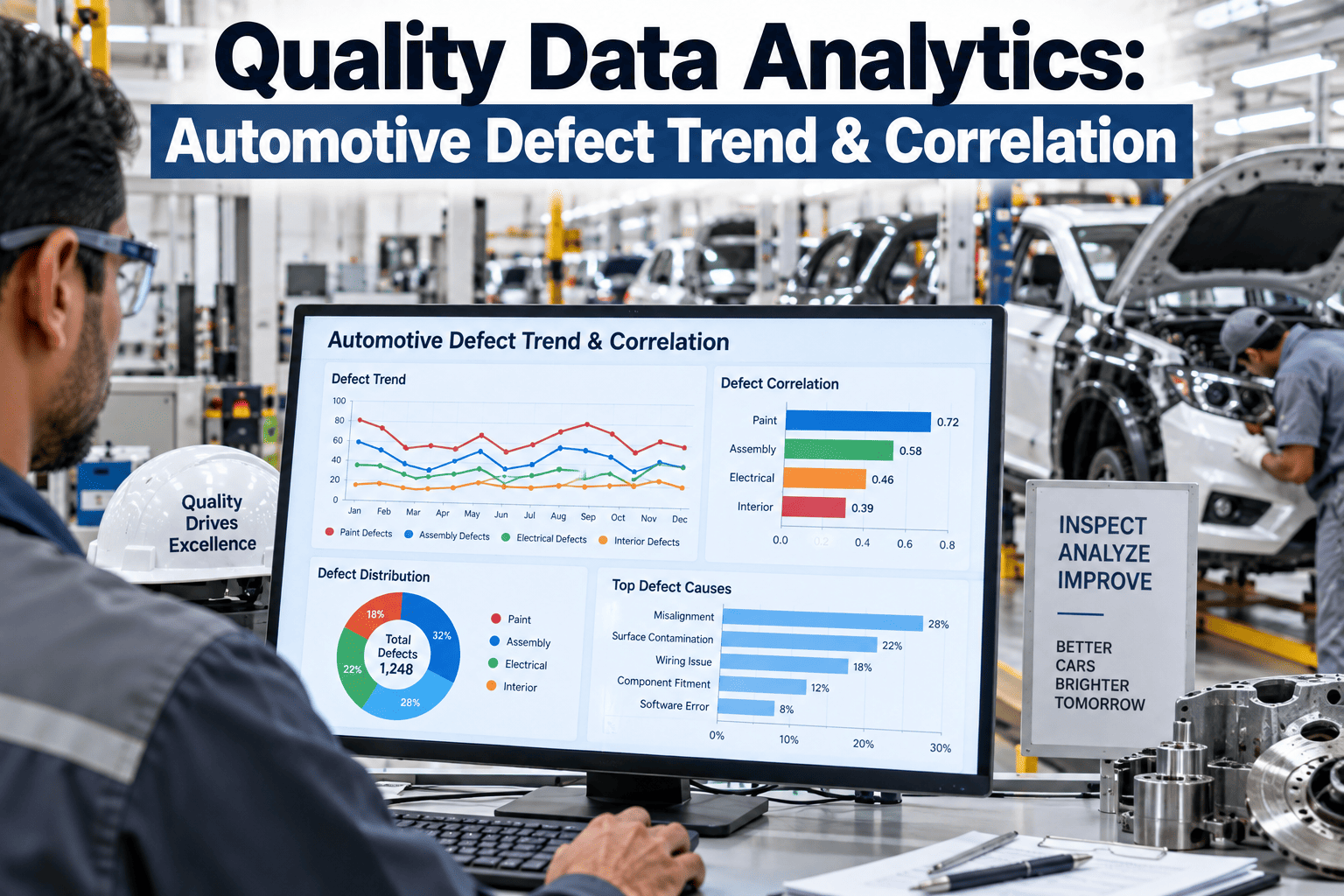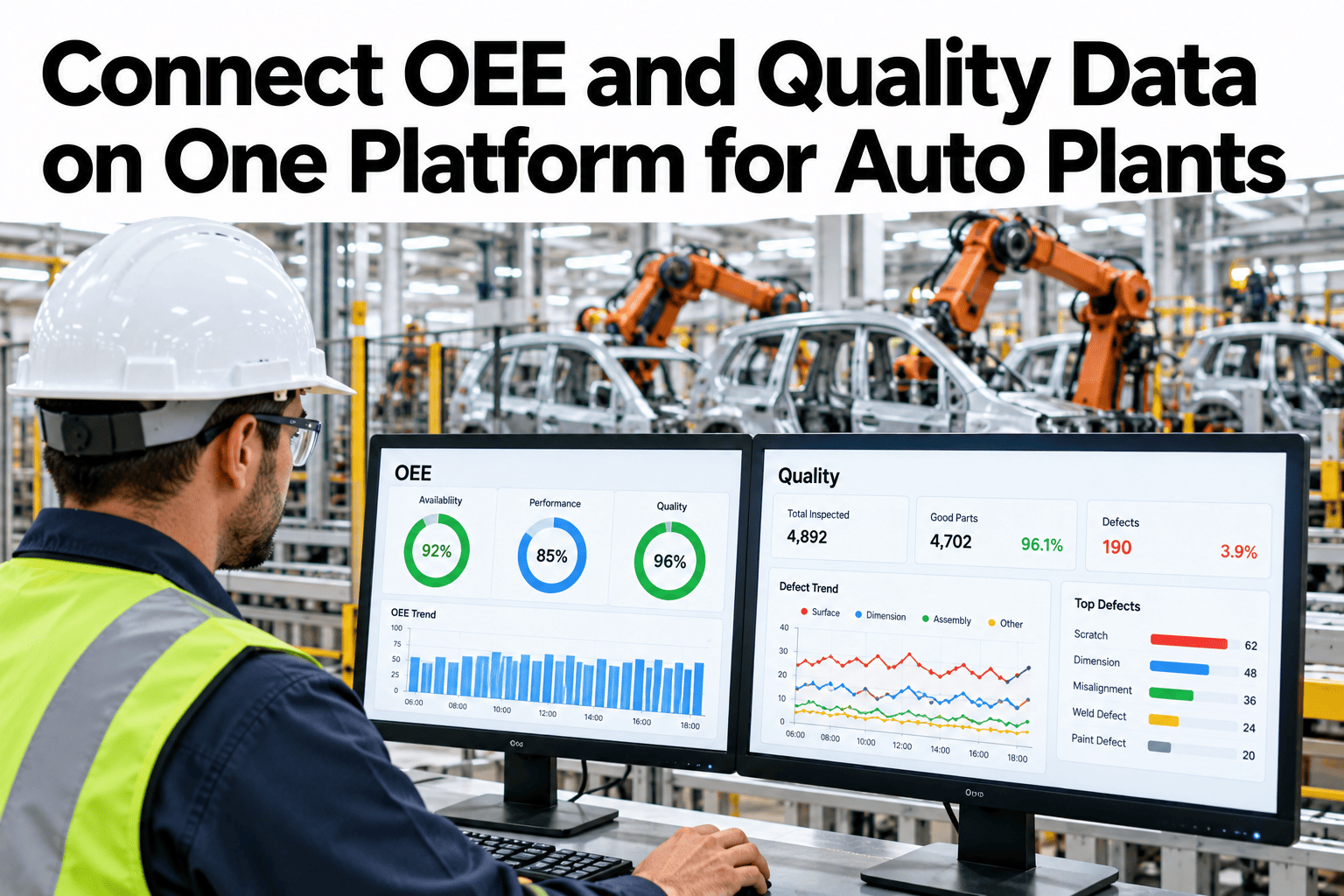
Most auto plants already have an OEE system, a quality system and a maintenance system, and each one tells a complete story on its own. The trouble starts when a line goes down, a defect spikes and a work order closes within the same hour, and nobody can see all three in one place. This guide covers what it takes to connect OEE, quality and maintenance data on one platform, so a single event tells its whole story instead of three separate ones. Teams ready to stop switching between tools can book a demo with the iFactory AI team.
Connect OEE and Quality Data on One Platform for Auto Plants
Three systems, one timeline. OEE, quality and maintenance events merge into a single correlated record, so an engineer sees the full picture without opening a second tool.
Why Three Systems Rarely Agree
An OEE system logs a stop. A quality system logs a defect. A maintenance system logs a work order. Each was built to answer its own question well, and none of them was built to answer the question an engineer actually has after a bad shift: what happened, in what order, and why.
Three timelines, three logins
An engineer reconstructs a sequence of events by hand, cross-referencing timestamps across tools that were never designed to talk to each other.
One timeline, one view
The same events appear together automatically, already aligned by time, station and line, with the reconstruction work done for the engineer.
Event Correlation in Practice
Correlation means tying events from different systems to the same underlying moment, not just the same rough time window. A defect flagged at a station needs to be tied to the specific downtime event, work order and shift that surround it.
| Event Type | Source System | Correlation Key |
|---|---|---|
| Line stop | OEE/MES | Station, timestamp, line |
| Defect flagged | Quality system | VIN, station, timestamp |
| Work order opened | CMMS | Asset ID, timestamp |
| Shift and crew | MES or scheduling | Line, time window |
Defect-vs-Downtime Linking
The chart below shows an illustrative view of defects by station for one shift, with downtime minutes at the same station layered alongside. Stations with both high defect counts and high downtime are the ones worth investigating first.
Station 12 in this illustrative view is the clear priority, since it carries both problems at once. Without the link between defect and downtime data, that station might simply look like a quality problem in one report and a reliability problem in another, with nobody connecting the two.
Stop Switching Between Three Tools
iFactory AI connects OEE, quality and maintenance data into one correlated view for your auto plant. Book a 30-minute walkthrough.
Cross-Domain Drill-Down
A connected platform is only useful if it lets someone move from a summary number down to the specific event behind it, without switching tools at any step along the way.
What Ending the Tool Switch Actually Saves
The cost of disconnected systems is rarely dramatic in any single incident. It shows up as accumulated minutes, across every investigation, every week, for every engineer who has to manually cross-reference three logins before writing a report.
Plain-Language Glossary
A shared vocabulary keeps production, quality and maintenance teams reading the same connected data the same way.
Expert Review
Analytics leads who have connected OEE, quality and maintenance data across auto plants keep returning to the same two notes.
Start with the correlation keys
Agreeing on station, time and VIN as shared keys across systems matters more at the start than any dashboard design choice that comes later.
Keep the drill-down path short
Three levels, from plant trend to a single linked event, is usually enough. Adding more layers tends to slow investigations rather than clarify them.
Frequently Asked Questions
Does this replace our existing OEE, quality or CMMS systems?
No, it connects them. Each system keeps doing its specialized job while a correlated layer sits above them for cross-domain analysis. Ask support which systems are commonly connected.
How long does it take to connect three systems?
It depends on how standardized your existing data already is, though most plants see a working correlated view for one line within a few weeks. Book a demo to scope a timeline for your plant.
What if our systems use different identifiers for the same station?
A mapping layer translates between naming conventions, which is a common first step in any connection project and worth doing once, carefully.
Can this work for a single line before rolling out plant-wide?
Yes, most plants start with one line to validate the correlation keys and drill-down paths before expanding further. Book a demo to scope a single-line pilot.
Who typically uses the connected view day to day?
Process engineers and quality engineers use it most during investigations, while plant leadership tends to use the summary level for weekly reviews.
Give Every Investigation One Connected Starting Point
iFactory AI joins OEE, quality and maintenance data into one correlated platform for your auto plant. Book a walkthrough built around your own systems.