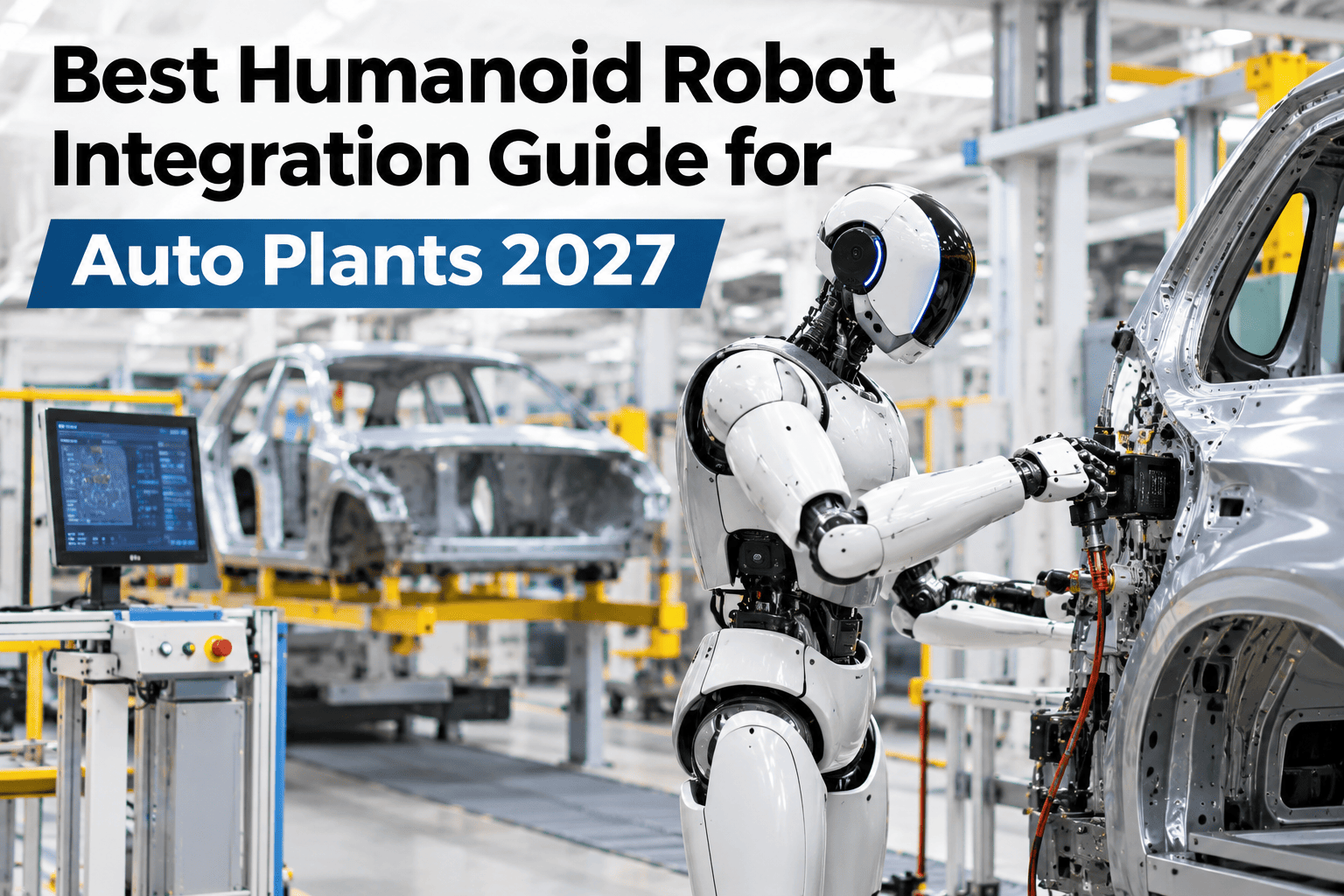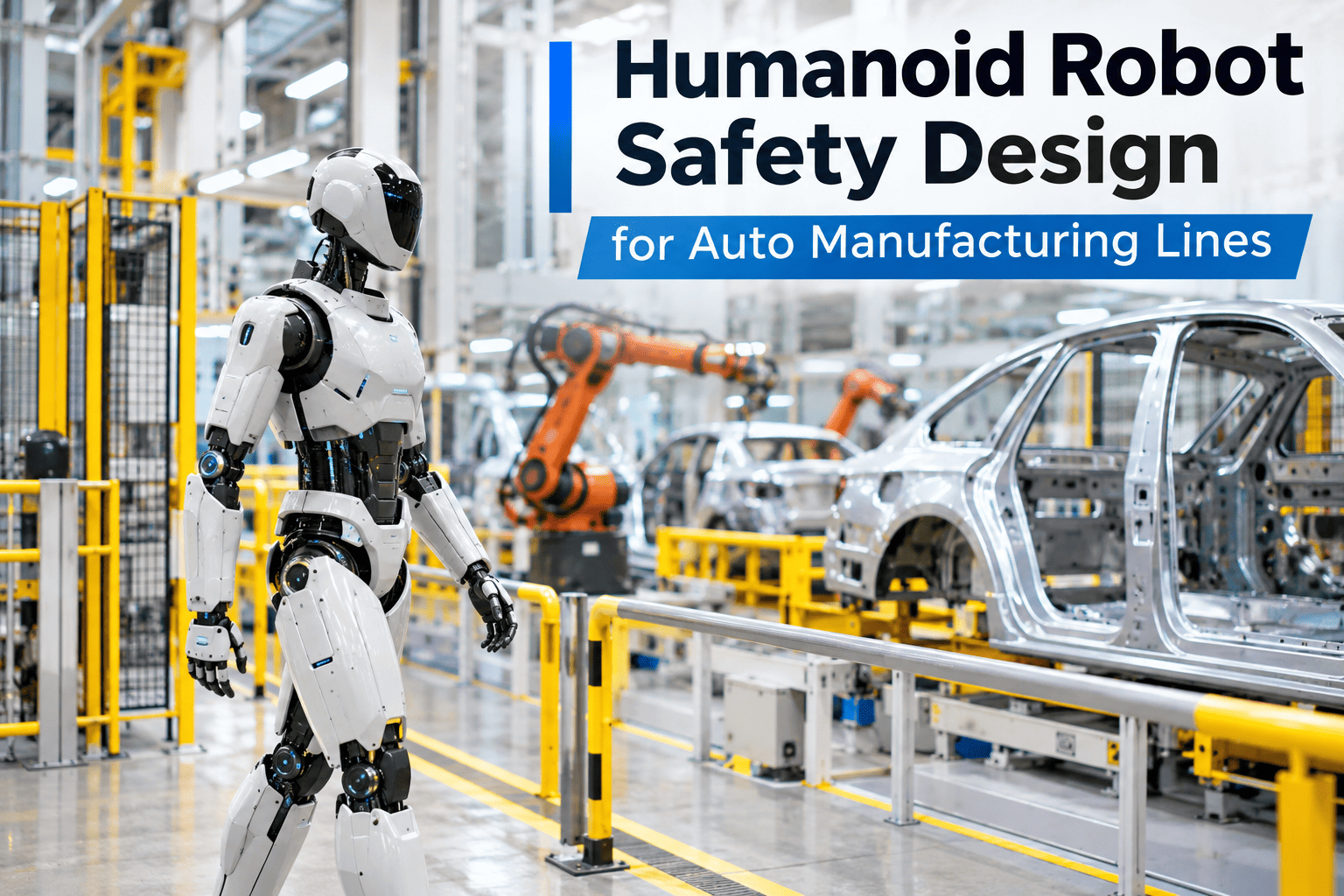
A humanoid robot working in open space beside people is a fundamentally different safety problem than a caged industrial arm, because the whole point of deploying one is proximity — it is meant to work in the same space people already occupy, not behind a fence. That proximity only stays safe if collaborative zones, force limits and human-in-the-loop supervision are designed before the robot ever shares a station with a person, not patched in afterward. Auto manufacturing safety and engineering teams planning their own deployment can review a safety design against a specific station layout with iFactory AI.
Proximity Is the Point — So Safety Has to Be Designed In From Day One
iFactory AI designs collaborative-zone boundaries, force-limiting parameters and human-in-the-loop supervision before a humanoid ever shares a station with a person.
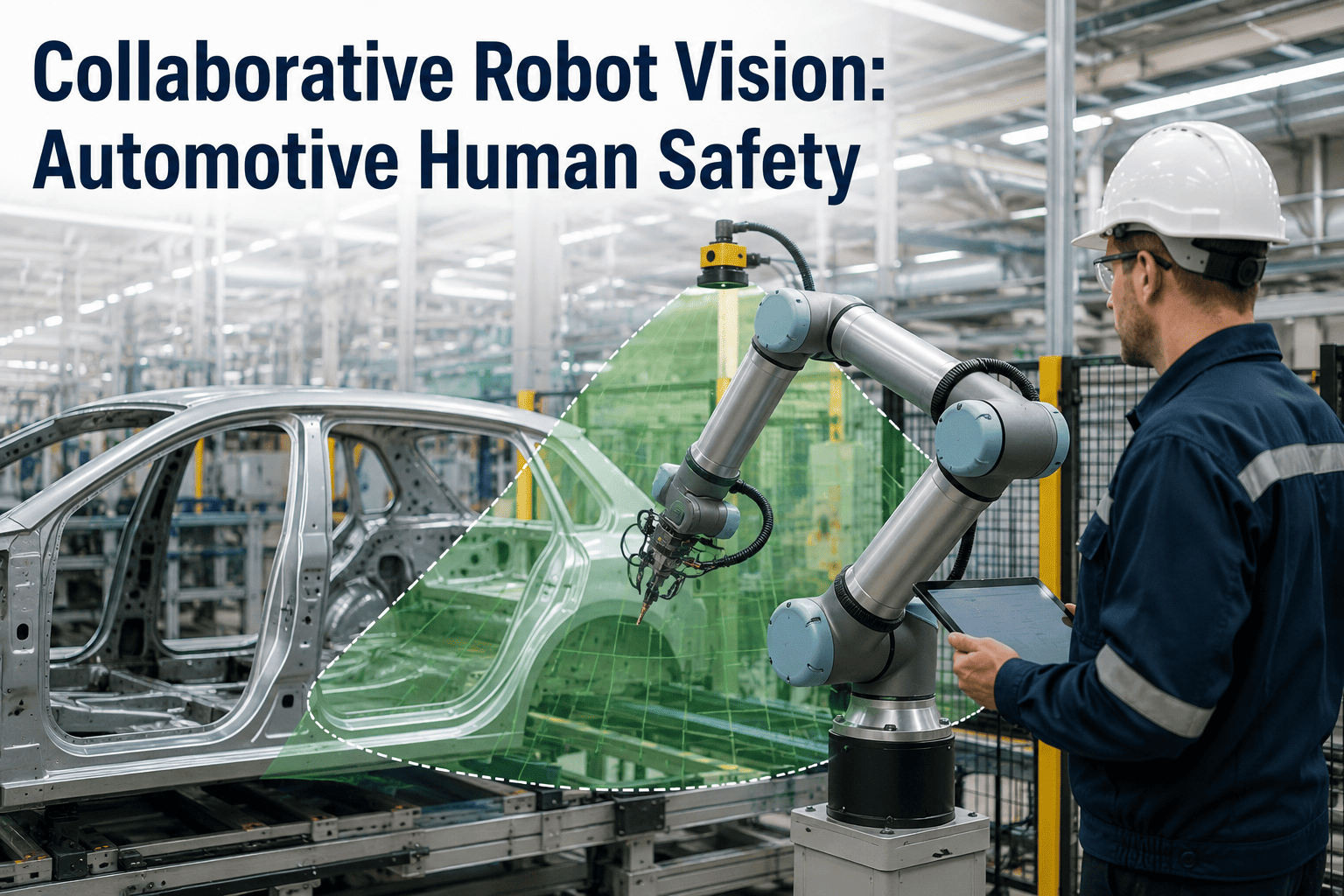
Three Zones Around Every Collaborative Station
A well-designed collaborative station is not a single safety boundary — it is a graduated set of zones, each with a different expected robot behavior as a person moves closer.
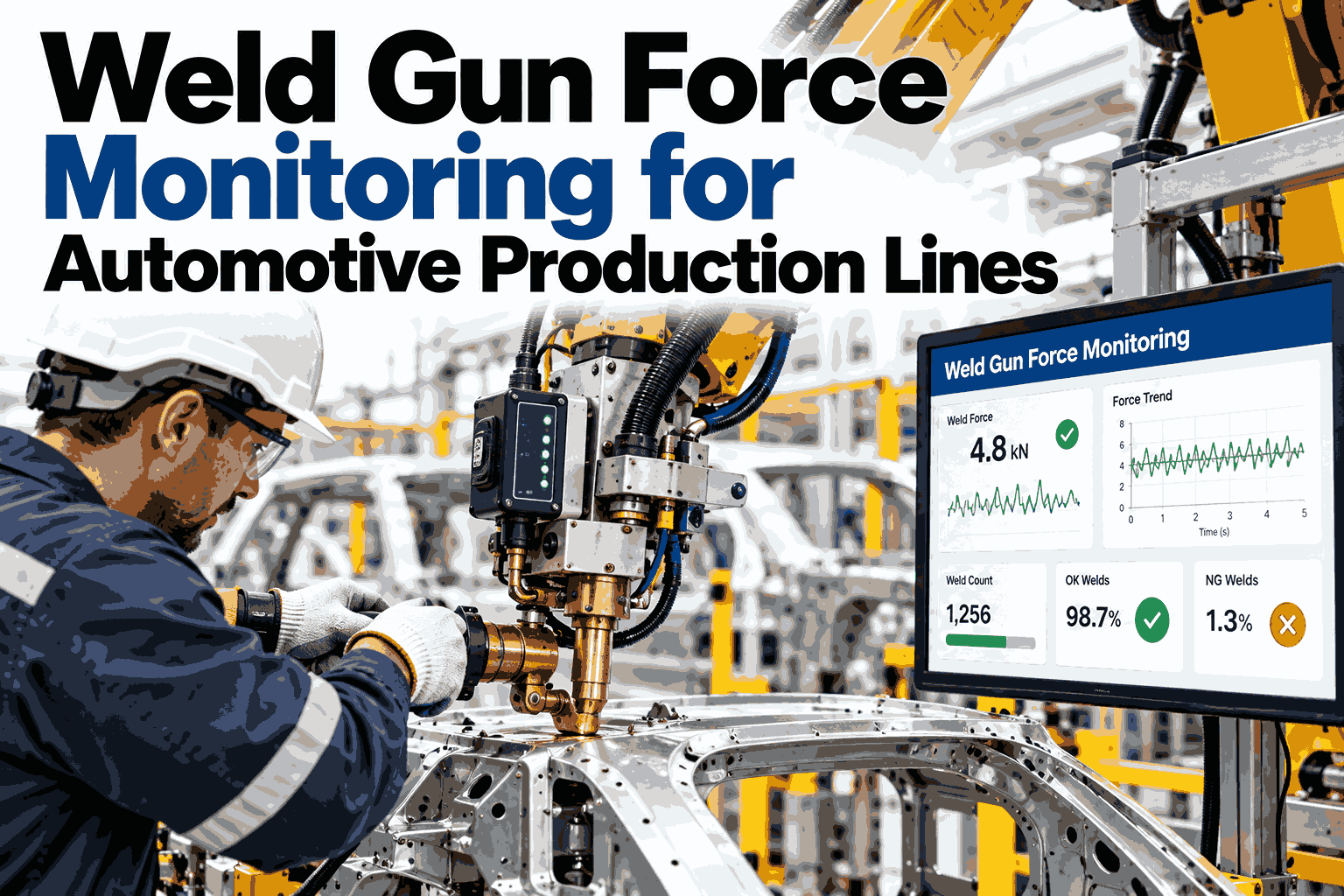
Force Limiting: What It Actually Controls
| Parameter | What it limits |
|---|---|
| Contact force | Maximum force the robot can apply on accidental contact |
| Joint torque | Maximum torque any joint can exert near a person |
| Approach speed | How quickly the robot moves as proximity decreases |
| Stop response time | How fast motion halts once contact or proximity is detected |
Check Whether Your Planned Layout Actually Supports Safe Proximity
Walk through your station layout and task design against collaborative-zone and force-limiting requirements before deployment.
Why Human-in-the-Loop Supervision Still Matters With Good Sensors
Reliable proximity sensing and force limiting reduce risk, but they do not replace the judgment of a supervisor who can recognize a situation the system was not designed for — an unusual object near the robot, a person behaving unpredictably, or a task variation nobody anticipated. The safest deployments treat sensing and limiting as the baseline, with a person still positioned to intervene.
A Composite Scenario: The Near-Miss That Changed the Layout
A plant's early humanoid pilot used a single proximity boundary with one speed setting, rather than the graduated zones a mature design calls for. A near-miss occurred when a worker reached into the robot's workspace from an angle the single sensor zone did not cover well, triggering a late stop rather than an early speed reduction. Redesigning the layout with graduated zones and additional sensor coverage for that approach angle eliminated the blind spot, turning what had been a single binary stop-or-go boundary into a layered response that slowed the robot well before any contact risk, a redesign iFactory AI's team can help plan around your own station geometry.
Frequently Asked Questions
Design Safety In Before the Robot Shares a Station With Anyone
iFactory AI designs collaborative zones, force limits and supervision protocols around your actual station layout. Book a walkthrough before deployment.