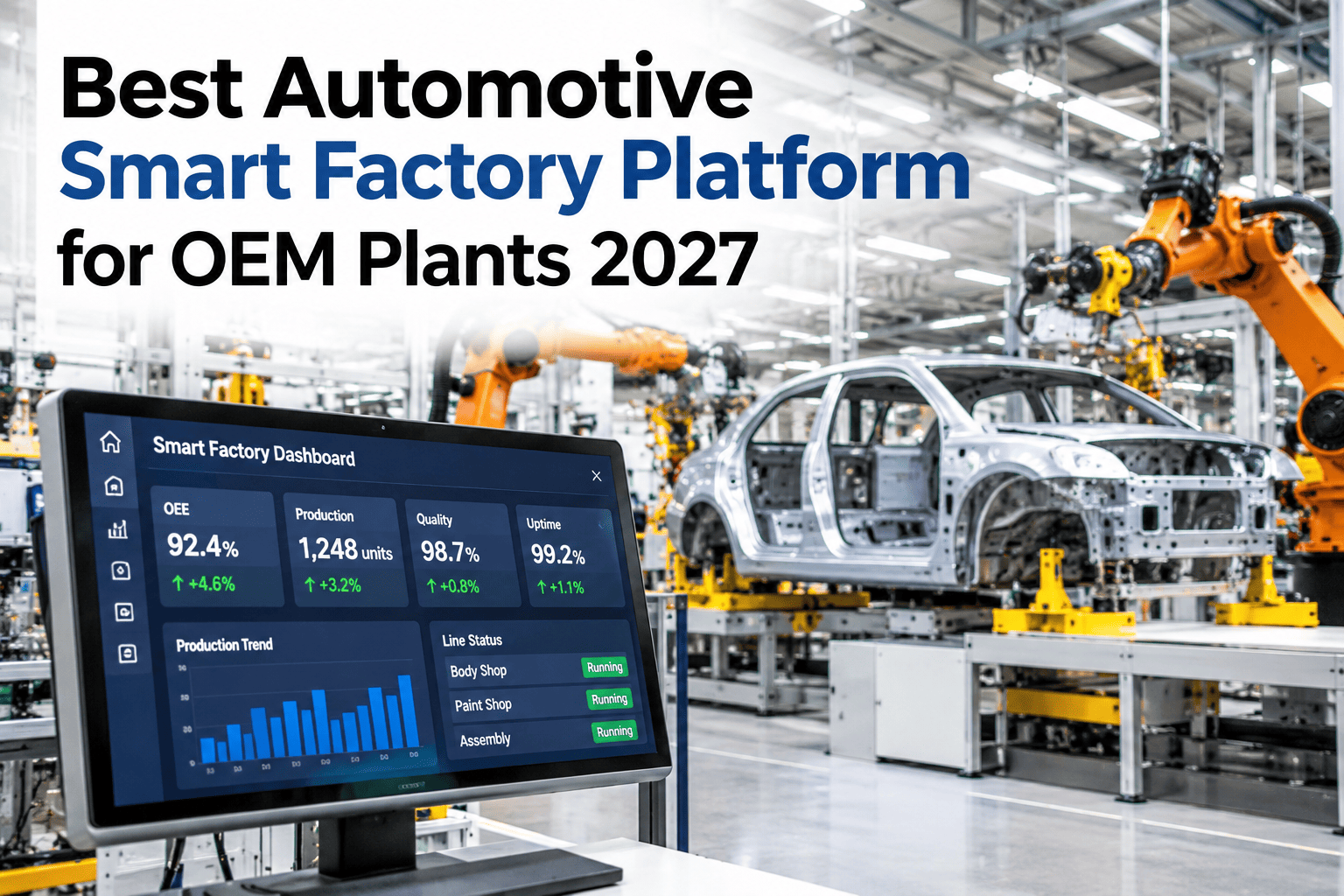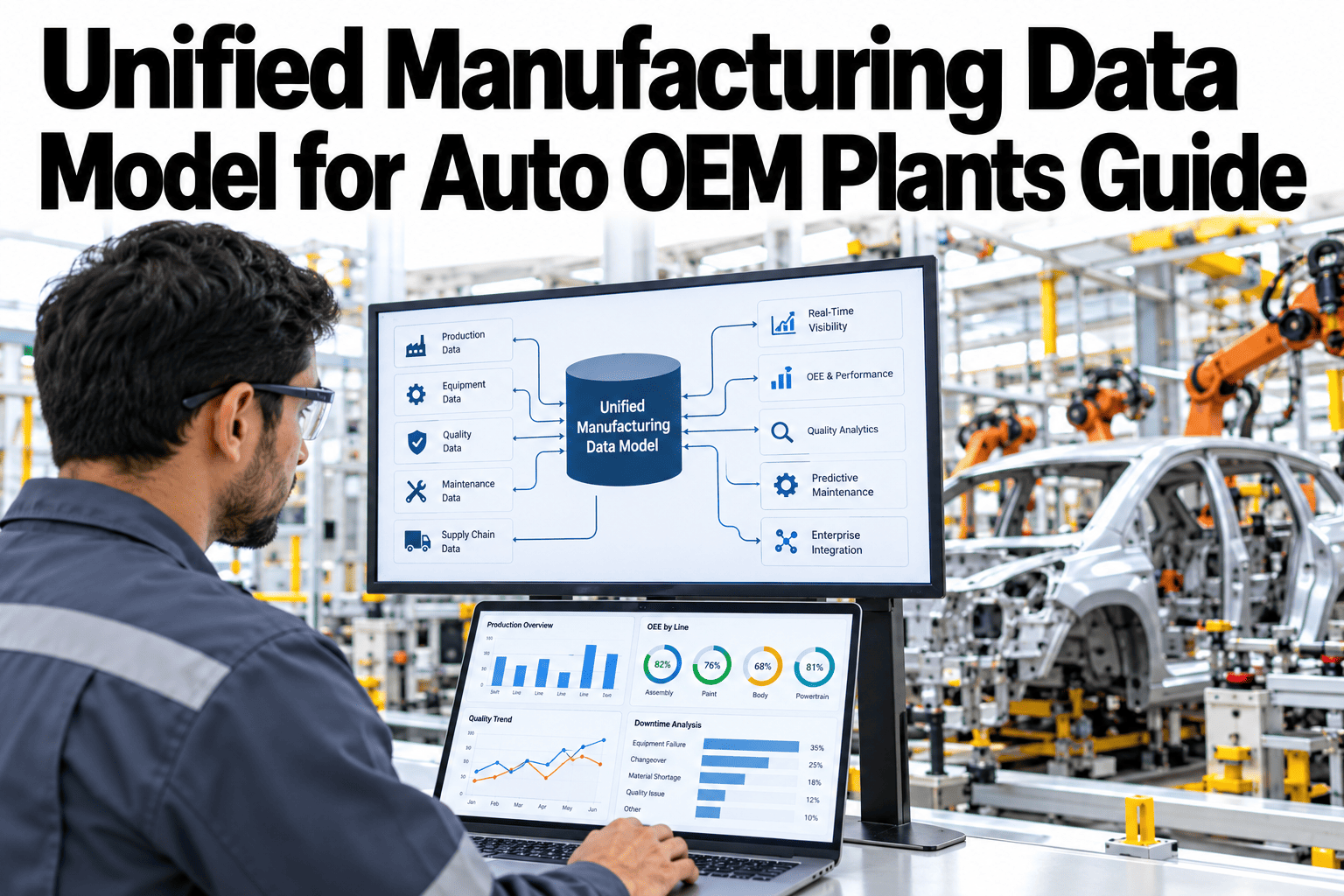
An auto plant that tracks OEE in one system, quality in another, maintenance in a third and downtime reasons in a fourth is really running four separate stories about the same shift, and reconciling them after the fact is where most root-cause investigations lose their first few hours. A unified data platform puts OEE, quality, maintenance and downtime on one shared intelligence layer, so a question that spans all four stops requiring four separate logins and starts requiring one query. iFactory AI, an on-premise AI platform for manufacturing, builds this layer around a plant's existing systems rather than replacing them, and operations leaders can see their own four data sources mapped onto one unified layer with our team.
OEE, Quality, Maintenance and Downtime, One Layer
A unified auto manufacturing data platform connects OEE, quality, maintenance and downtime data onto one plant intelligence layer, so cross-system questions get answered in one query.
Why Four Correct Systems Still Produce a Wrong Answer
Each of the four systems, OEE, quality, maintenance and downtime, usually works fine on its own terms, logging exactly what it was built to log. The failure is not in any one system, it's in the fact that none of them were built to talk to the others, so a question like "did the quality dip on Tuesday correlate with a specific maintenance event" requires someone to manually pull data from two or three places and line up timestamps by hand, a process slow enough that most plants simply stop asking the question.
What Each System Already Knows on Its Own
A Defect Spike That Took a Day to Explain, Then Took Minutes
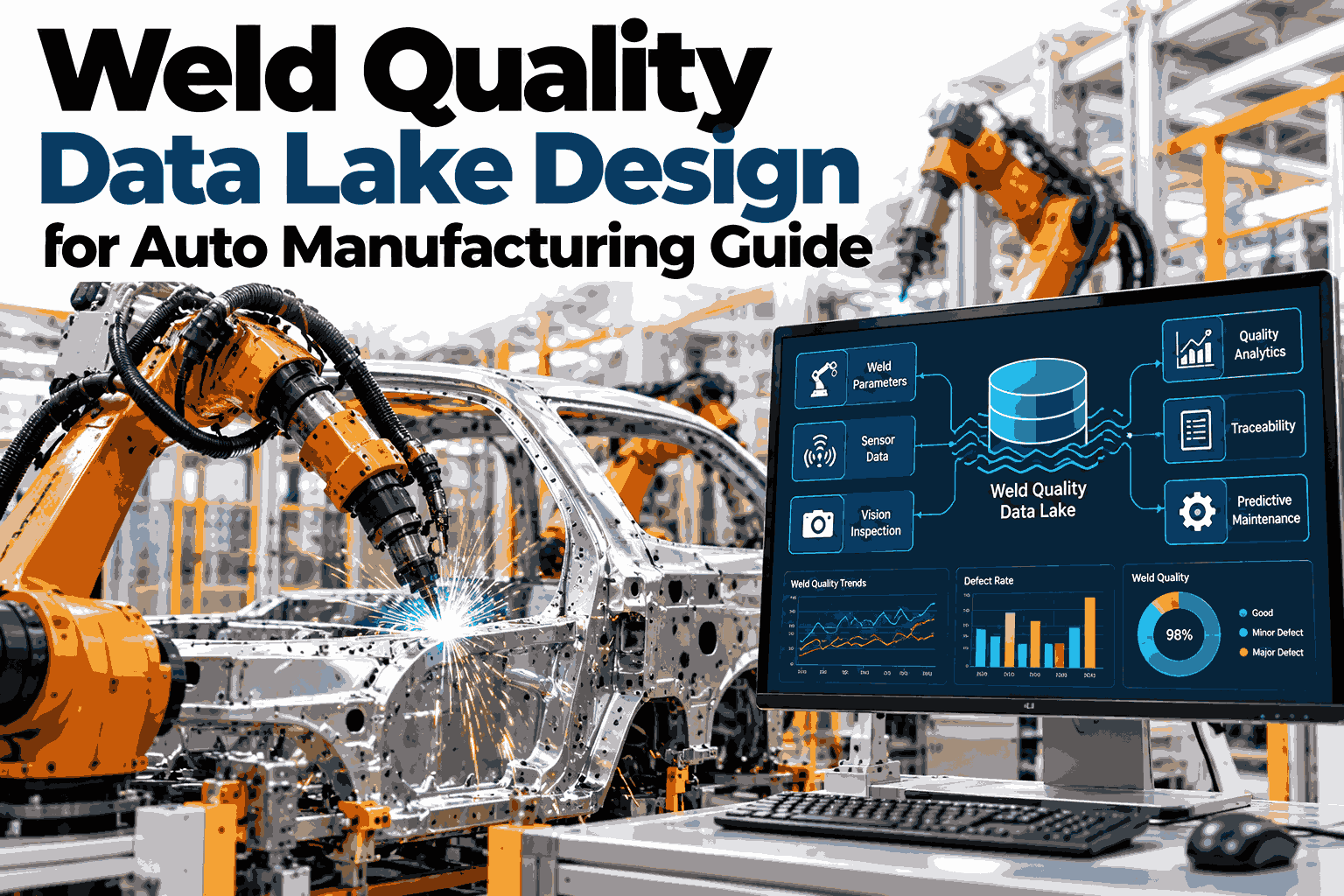
Picture an assembly line where a quality system flagged a sudden rise in a specific weld defect over a two-hour window. Explaining why took a full day the first time it happened, an analyst pulled the quality export, cross-referenced it against the downtime log by hand to find any stops in that window, then separately checked the maintenance system for any work orders on the affected station, eventually tracing the spike back to a sensor recalibration performed mid-shift that the OEE system had logged as a brief stop but nobody had connected to the defect pattern.
The second time a similar spike occurred, with all four systems already aligned on one timeline, the same correlation took minutes: the unified layer already showed the recalibration event sitting inside the same window as the defect spike, because both were already time-aligned on the same shared record rather than living in systems that had never been asked to agree on a clock.
From Four Separate Logs to One Shared Timeline
See Your Own Four Systems Aligned on One Timeline
Share which OEE, quality, maintenance and downtime systems your plant runs, and iFactory AI will show how they would connect.
The Same Question, Answered Two Ways
Why This Doesn't Mean Replacing Any Existing System
The point of a unified layer is to sit above the four systems a plant already trusts and already has trained staff running, not to replace any of them. The OEE system keeps calculating OEE the way it always has, the quality system keeps managing inspections the way it always has, and the unified layer's job is only to read from all four and make their combined story queryable, which is a much lower-risk project than migrating any one of them to something new.
The Same Unified Layer, Used by Three Roles
What a Plant Needs Before the First Layer Connects
Most of the early work is simply listing which systems the plant actually runs today for each of the four categories and confirming each one has some form of data export or API access, since nearly every modern OEE, quality, maintenance and downtime system supports at least one standard way to read its data out. A plant with especially old or isolated systems may need a small bridging step for one or two of them, but this rarely blocks the overall project.
What a History of Aligned Data Makes Possible
A single resolved correlation proves the unified layer works. A history of them, built up over months, starts revealing patterns nobody would think to go looking for on their own, such as a specific station's maintenance schedule consistently preceding a particular quality drift, or a downtime cause that correlates with a defect type far more often than chance would suggest. Those patterns only surface because the data already sits aligned, ready to be queried, rather than requiring someone to guess the right cross-system question to even go looking.
Mistakes That Undercut a Unification Project
What a Plant IT Director Would Check First
What Plants Ask About Unified Data Platforms
Stop Reconciling Four Logins by Hand
Book a session with iFactory AI to see your own OEE, quality, maintenance and downtime data connected on one unified layer.