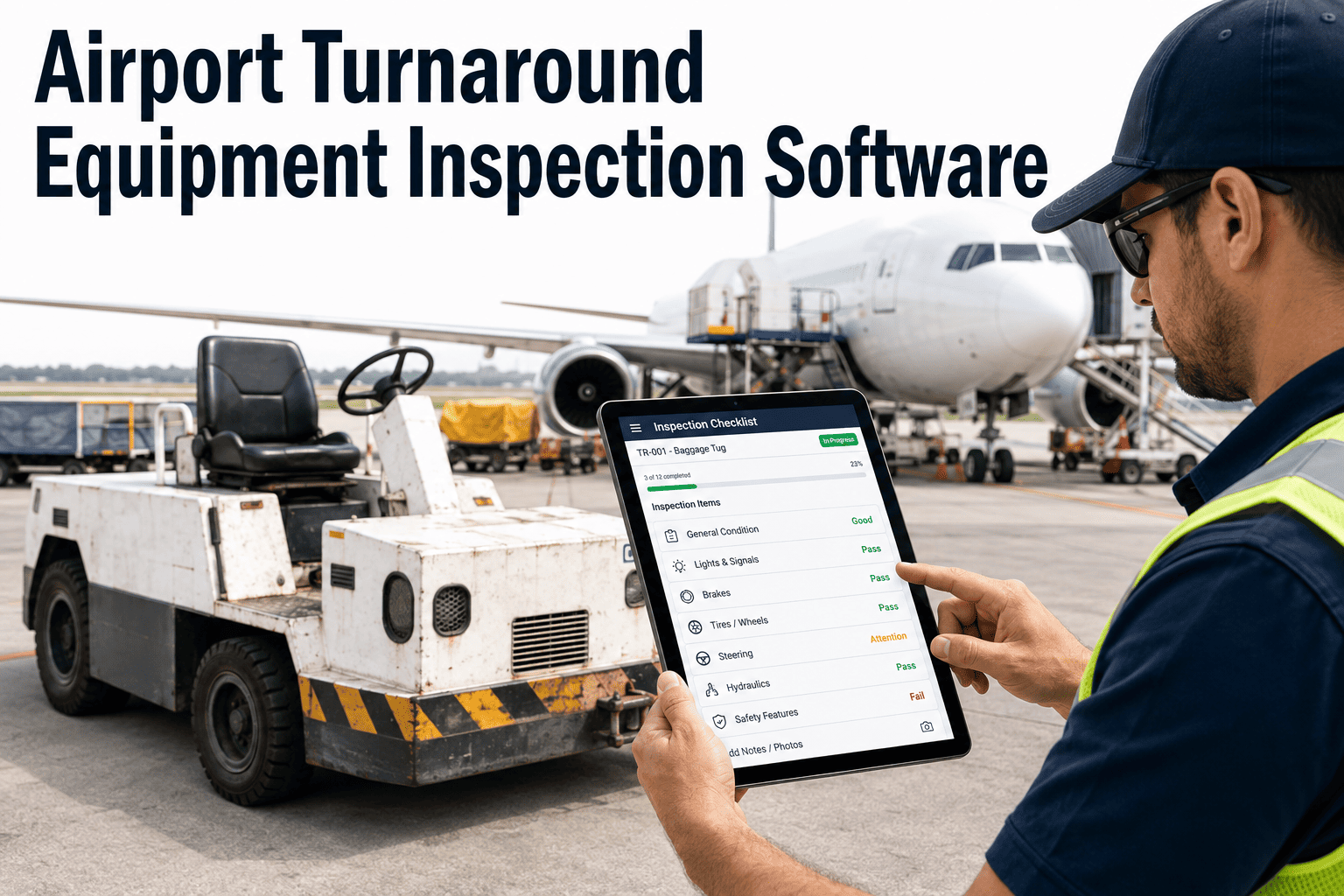
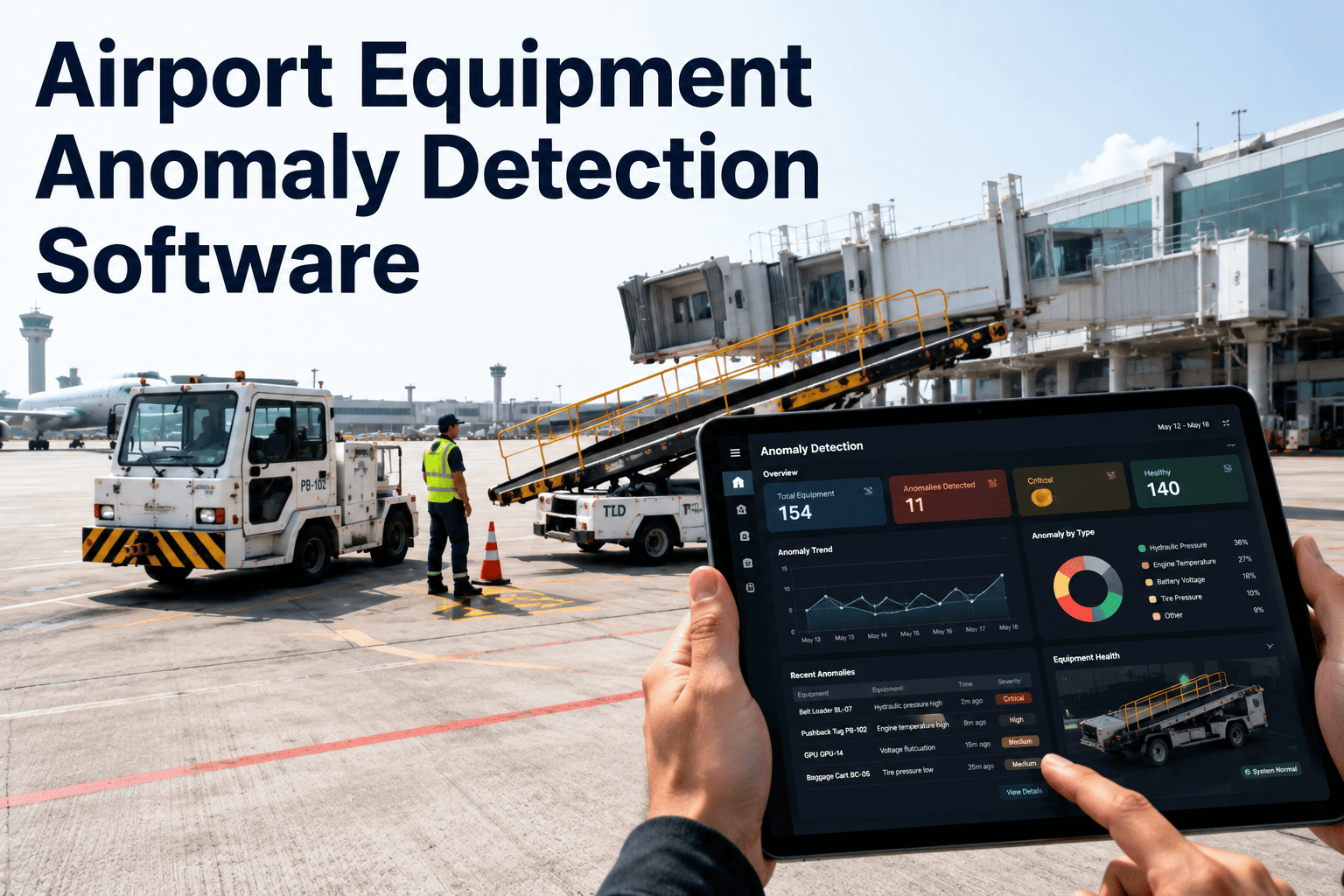
Every aircraft turnaround at a commercial airport requires between eight and fifteen pieces of ground support equipment to arrive at the gate in working condition within a compressed window, and the only thing standing between an on-time departure and a ground-handling delay is whether someone actually completed a pre-use inspection on each piece of equipment before it left the staging area. Most airports still rely on paper checklists that get signed without being thoroughly completed, clipboards that go missing between shifts, and defect reports that never reach the maintenance shop because there is no structured path from the inspection point to the work order system. iFactory replaces the paper process with mobile digital checklists that capture every inspection response, automatically escalate defects by severity, and give your operations team a real-time view of which equipment is turnaround-ready and which unit needs to be pulled from service immediately, and you can book a demo to see how your current inspection process would translate into a digital workflow.
GROUND HANDLING · GSE INSPECTIONS · TURNAROUND READINESS
Know Which Equipment Is Ready Before It Reaches the Gate
A real-time readiness view across your entire GSE fleet, updated as each pre-use inspection is completed on a mobile device at the staging area.
THE EQUIPMENT UNIVERSE
What Gets Inspected Before Every Turnaround Cycle
Ground support equipment at a typical mid-size to large airport spans dozens of equipment types across five functional categories. Each category has its own inspection requirements, failure modes, and consequences when a defective unit reaches the gate. The first step in building an effective inspection program is understanding the full scope of what needs to be checked and how often.
Pushback and Towing
Pre-Use Every Shift
Pushback Tractor
Tow Tractor
Tow Bar
If Deferred
Aircraft cannot push back from gate, causing departure delay that cascades through the bank
Passenger Boarding
Pre-Use Every Shift
Stair Truck
Passenger Boarding Bridge
Crew Bus
If Deferred
Passengers cannot deplane or board, holding the gate and delaying subsequent arrivals
Cargo and Baggage
Pre-Use Every Shift
Baggage Belt Loader
Cargo Loader
Baggage Cart and Dolly
If Deferred
Bags cannot be loaded or unloaded, delaying bag pull and passenger connection times
Aircraft Servicing
Pre-Use Every Shift
Ground Power Unit
Air Start Unit
Water Service Truck
Lavatory Service Truck
If Deferred
Aircraft systems cannot be serviced, forcing APU burn or delayed cabin readiness
Special Operations
Pre-Use / Seasonal
Deicing Truck
Catering Truck
Heating / Cooling Unit
If Deferred
Seasonal or carrier-specific service failure causing route-specific delays or cancellations
PAPER VS DIGITAL
Where the Paper Inspection Process Breaks Down at Every Step
A paper-based pre-use inspection looks simple on the surface: grab a clipboard, walk to the equipment, check the boxes, sign the form, and move on. In practice, the process fails at multiple points because there is no enforcement, no immediate routing of defects, and no audit trail that connects an inspection result to an actual maintenance action. The comparison below shows the same inspection event processed through both methods.
1
Operator picks up clipboard from staging area, hopes the correct form is attached
2
Walks to equipment, checks boxes from memory, skips items that are hard to access
3
Signs form, drops clipboard back in rack, defect noted in handwriting that may be illegible
4
Form sits in rack until someone collects it, which may be end of shift or next day
5
Defect may or may not reach maintenance. No confirmation it was actioned. Form filed or discarded.
1
Operator opens app, selects equipment type and unit number from the staging area list
2
Checklist loads with mandatory items that cannot be skipped, photos required for flagged defects
3
Submits inspection with timestamp, GPS location, and operator ID recorded automatically
4
Any flagged defect is instantly routed to maintenance based on severity classification rules
5
Work order created automatically. Equipment readiness updated. Full audit trail stored and searchable.
THE DIGITAL CHECKLIST
What a Structured Pre-Use Inspection Actually Covers
A well-designed digital checklist goes beyond a simple list of items to check. It organizes the inspection into logical zones of the equipment, uses response types that match the nature of each check, and enforces completion so that critical safety items cannot be bypassed. The example below shows how a typical pushback tractor pre-use inspection is structured inside the platform.
Zone 1: Undercarriage and Running Gear
Tire condition and tread depth within limits
Wheel nuts visible and secure, no missing fasteners
No visible fluid leaks from axles or hubs
Zone 2: Powertrain and Hydraulics
Engine oil level within operating range
Hydraulic fluid level adequate, no visible line damage
Hydraulic lift function slow to respond on raise cycle
Defect Flagged and Escalated
Zone 3: Operator Cabin and Controls
All indicator lights and gauges functional at startup
Horn, backup alarm, and strobe lights operational
Seat belt present and functional, mirrors adjusted
Zone 4: Coupling and Tow Hardware
Tow bar head and shear pins present and undamaged
Coupling latch mechanism locks and releases smoothly
Communication headset jack functional, clear audio
The key difference between this digital structure and a paper form is not just the format. It is the enforcement: Zone 2, Item 3 has been flagged as a defect, which means the operator cannot submit the inspection as "pass" without that defect being classified by severity and routed to the appropriate maintenance queue. The equipment readiness status is immediately updated to reflect that this unit has an open defect, preventing it from being assigned to the next turnaround without explicit acknowledgment of the known issue.
Replace Paper Checklists With a Mobile Inspection Workflow in Days
iFactory converts your existing paper inspection forms into structured mobile checklists that capture every response, timestamp each submission, and route defects to maintenance automatically. Book a demo and bring your current inspection forms.
DEFECT ESCALATION
Not Every Defect Is Equal: Four Severity Levels That Determine the Response
A crack in a stair truck handrail and a seized pushback tractor brake are both defects, but they require completely different response speeds and authorization levels. The inspection platform classifies each flagged defect into one of four severity levels at the point of capture, and each level triggers a different routing and response workflow automatically.
Equipment is inoperable or poses an immediate safety risk. Cannot be used under any circumstances.
Grounded immediately. Emergency maintenance dispatch. Operations notified to find replacement unit.
Equipment can operate but with significant functional limitation or degraded safety margin.
Complete current turnaround if already at gate, then ground. High-priority work order created for same-shift or next-shift repair.
Equipment is functional but a component is showing wear or degradation that will worsen with continued use.
Remains in service with defect logged. Scheduled work order created within 48-72 hours based on parts availability.
Cosmetic damage, label wear, or non-critical accessory issue that does not affect equipment function or safety.
Logged in defect history. Batched into next scheduled PM or addressed during downtime window.
COMPLIANCE DASHBOARD
Five Metrics That Show Whether Your Inspection Program Is Actually Working
Launching a digital inspection program is only valuable if the data it generates is used to drive accountability and improvement. The following metrics provide a balanced view of inspection completion, defect capture, equipment readiness, and maintenance response, each tracked by equipment type, by shift, by contractor, and across the entire GSE fleet.
Pre-Use Inspection Completion Rate
87%
Target: 98%
Percentage of scheduled pre-use inspections completed before equipment leaves staging area
Defect Capture Rate
3.2 per 100
Benchmark: 2.5-4.0
Defects flagged per 100 inspections, indicating thoroughness. Too low suggests inspectors are not checking carefully.
Fleet Readiness at Peak
91%
Target: 95%
Percentage of GSE fleet with no open L3 or L4 defects at the start of the peak turnaround bank
Defect-to-Work-Order Conversion
94%
Target: 100%
Percentage of flagged defects that resulted in a tracked work order, confirming no defects were dropped
Avg Time to L3 Work Order
2.1 Hours
Target: Under 4 Hours
Average time from L3 defect flag to work order creation and technician assignment
FREQUENTLY ASKED QUESTIONS
Questions Ground Handling and Maintenance Teams Ask First
Can the inspection checklists be customized per equipment type, or are we limited to generic templates?
Every checklist is built to match your specific equipment types, OEM requirements, and regulatory obligations, so a pushback tractor checklist covers different items than a baggage loader or a deicing truck. You can also maintain multiple checklist versions for the same equipment type if different operators or terminals have different requirements, and each version is tracked separately in the compliance data.
Book a demo to see how your current paper forms would convert to structured digital checklists.
Our ground handling is performed by three different contractors. Can each contractor use the same platform with their own inspection teams?
Each contractor team operates within their own assigned queue and sees only the equipment and checklists relevant to their contract scope, but airport management sees consolidated compliance data across all contractors on a single dashboard. This eliminates the problem of comparing PDF reports in different formats from different contractors and creates a level playing field for performance accountability.
Contact our support team to discuss multi-contractor configuration.
What happens if there is no cellular or Wi-Fi coverage in the GSE staging area where inspections happen?
The mobile app operates in offline mode and stores all inspection responses locally on the device, then synchronizes automatically when the device reconnects to the network. The timestamp and location data are captured at the time of inspection, not the time of sync, so the audit trail remains accurate even when connectivity is intermittent in remote staging areas.
Book a demo to see the offline workflow in action.
How does this integrate with our existing maintenance work order system or CMMS?
Defect escalations from the inspection module push directly into the maintenance module within iFactory, or can be sent to an external CMMS via standard API integration if you prefer to keep your existing work order system. The key requirement is that the defect data flows from inspection to work order without manual re-entry, which is where most paper-based processes lose defects and break the accountability chain.
Contact our support team to discuss integration with your current CMMS.
Can inspection data be used to support IATA AHM or regulatory audit requirements for ground handling operations?
Every inspection submission is stored with the operator identity, timestamp, equipment identifier, GPS location, and full item-level responses, producing a complete audit trail that can be filtered by date range, equipment type, contractor, or shift for export in standard report formats. This data structure aligns with IATA AHM documentation requirements and provides the evidence trail that auditors expect to see for ground handling quality management systems.
Book a demo to review the audit and export capabilities.
Stop Relying on Clipboards to Protect Your Turnaround Operations
iFactory converts your paper inspection process into mobile digital checklists with enforced completion, automatic defect escalation, and a real-time readiness dashboard for your entire GSE fleet. Book a demo and bring your current inspection forms.