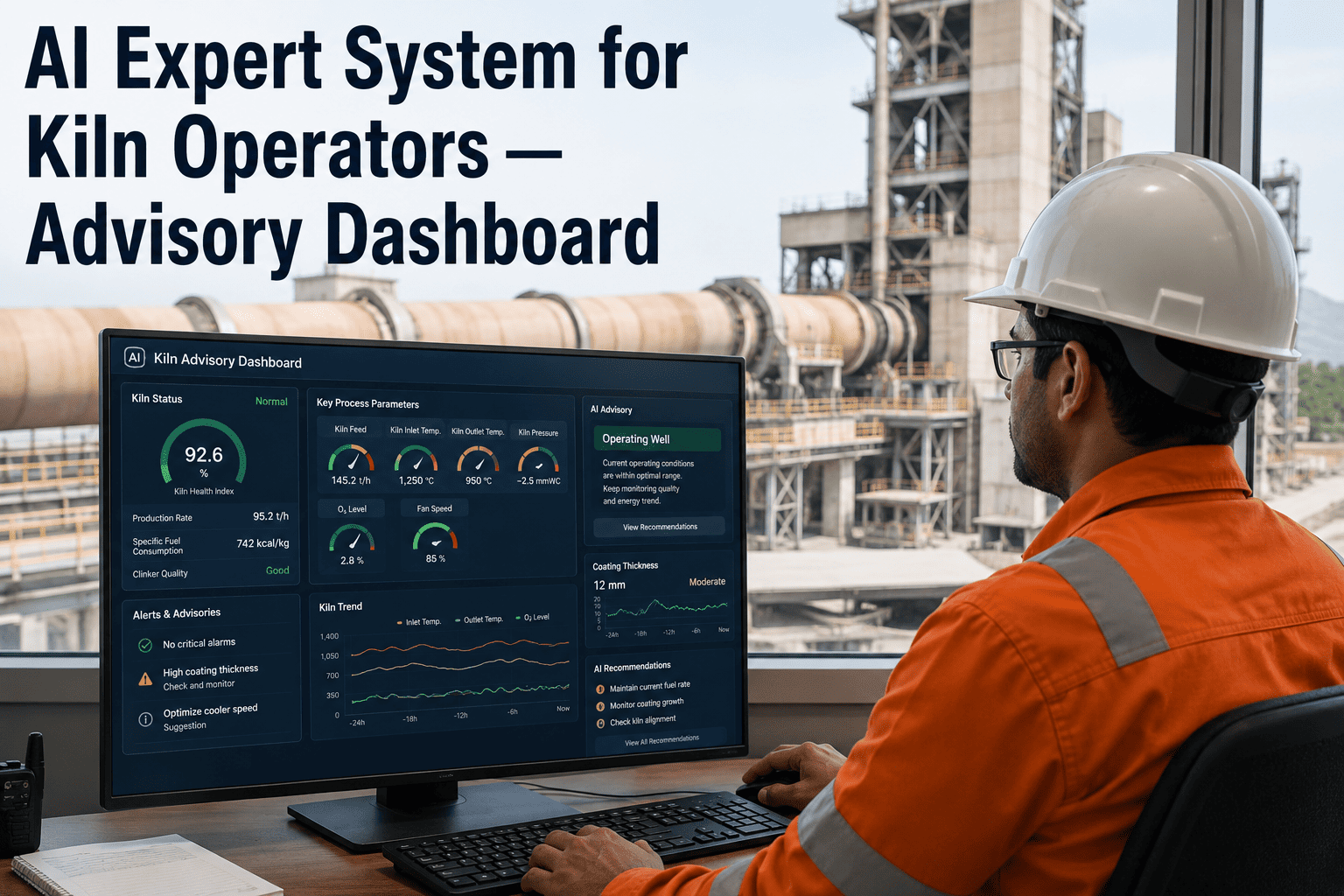
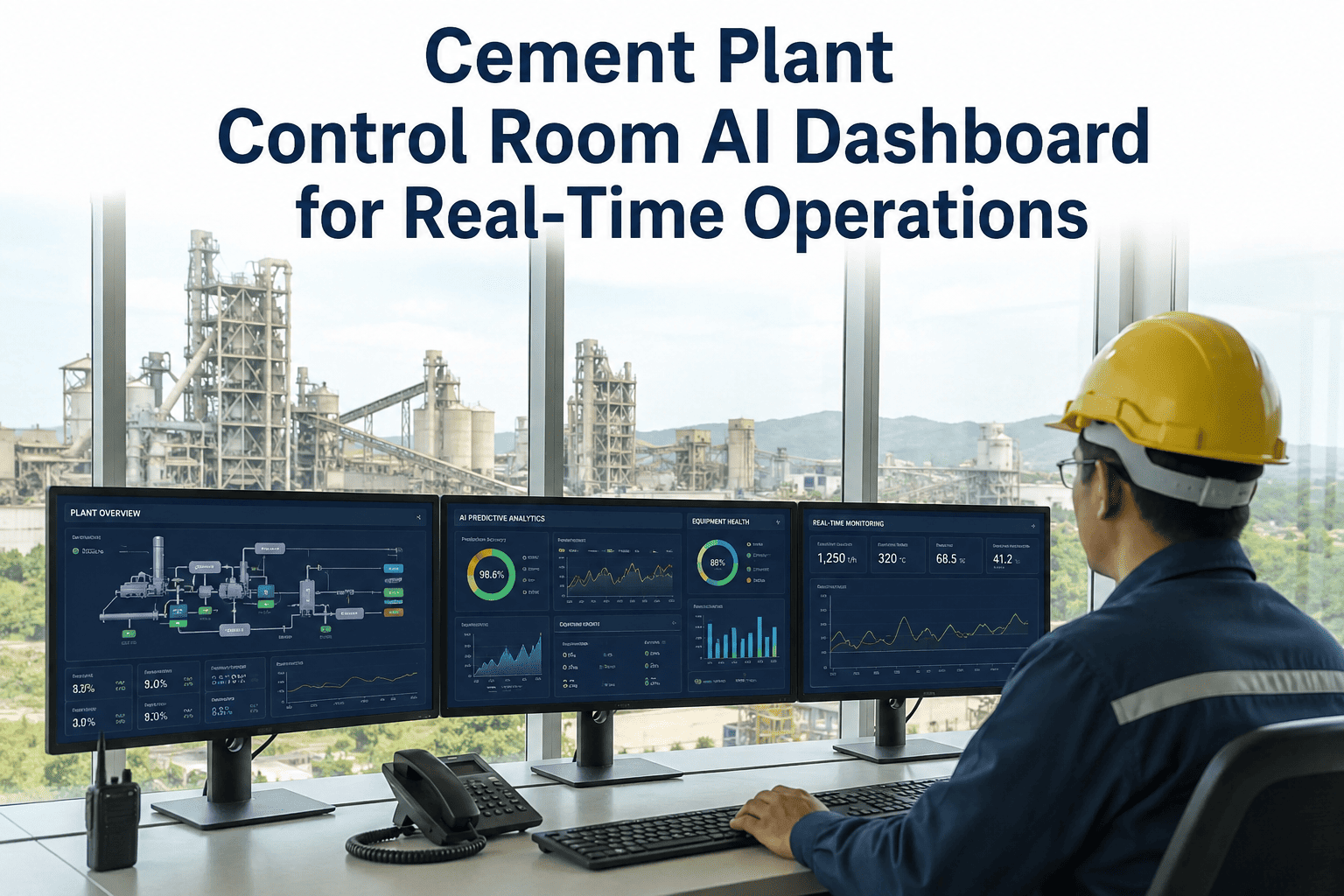
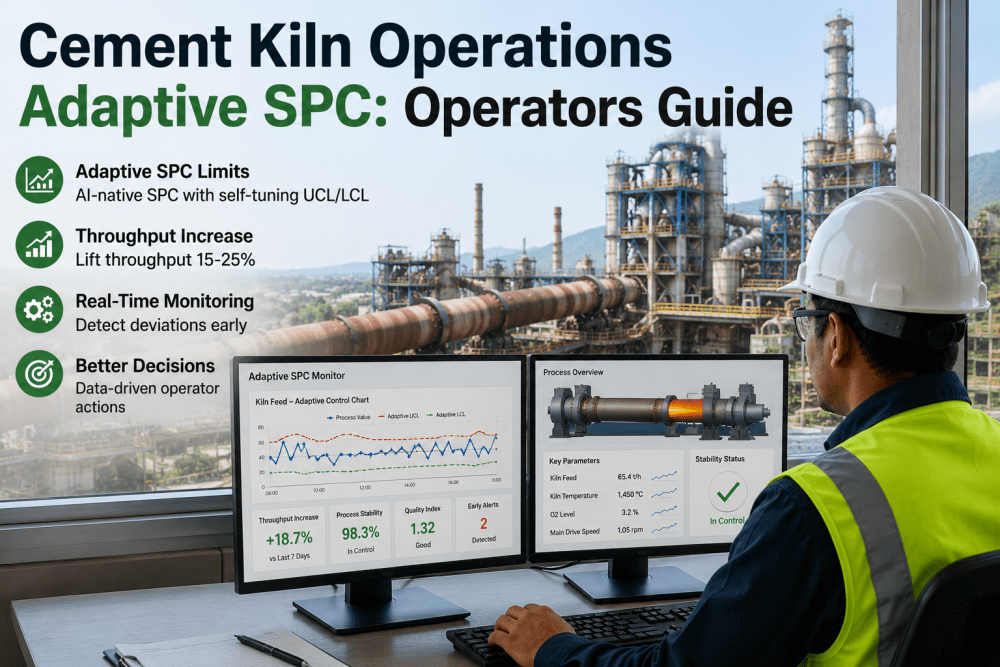
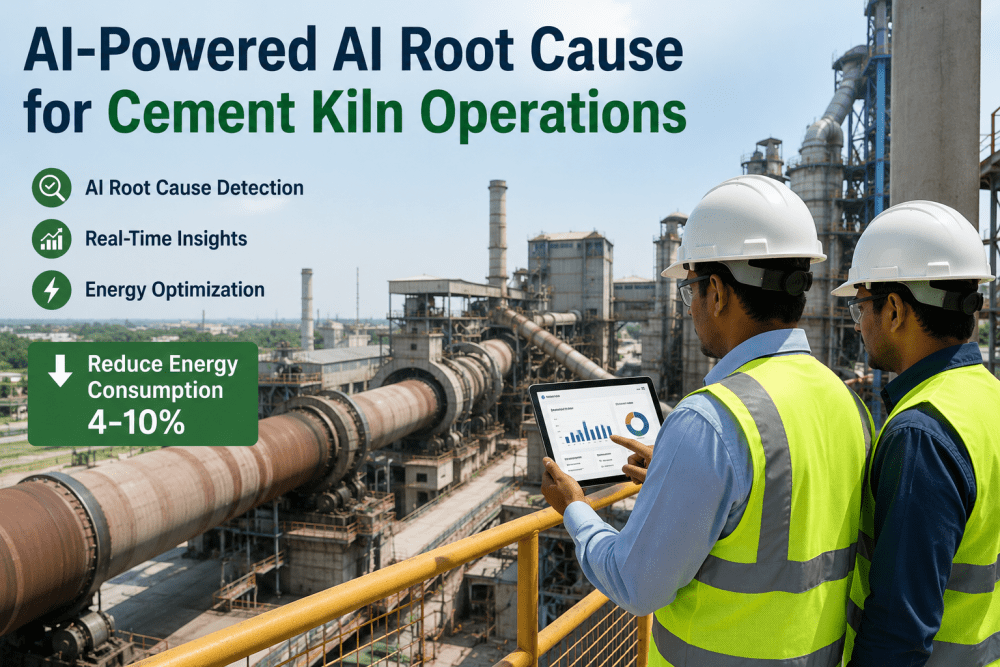
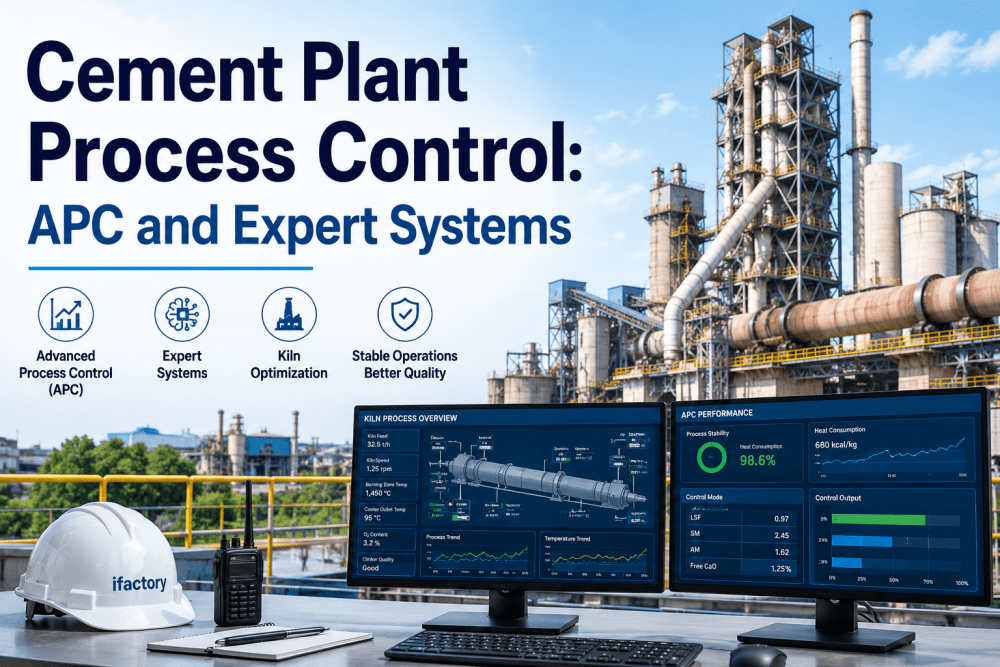
A 5,500 TPD kiln line makes a control decision roughly every 90 seconds — burning zone temperature, ID fan speed, secondary air damper position, fuel split between conveying lines. Your veteran operator, eighteen years on the console, makes these calls on instinct built from thousands of shifts. Your newest operator, six months in, faces the exact same 200-plus interacting variables with none of that instinct yet — and the gap between them shows up every month as measurable swings in specific energy consumption, free lime variability, and refractory wear from one shift to the next. iFactory's kiln AI expert system closes that gap by turning veteran operator judgment into a standardized, real-time advisory dashboard that every operator on every shift can follow. Book a free advisory system walkthrough for your kiln control room.
Quick Answer
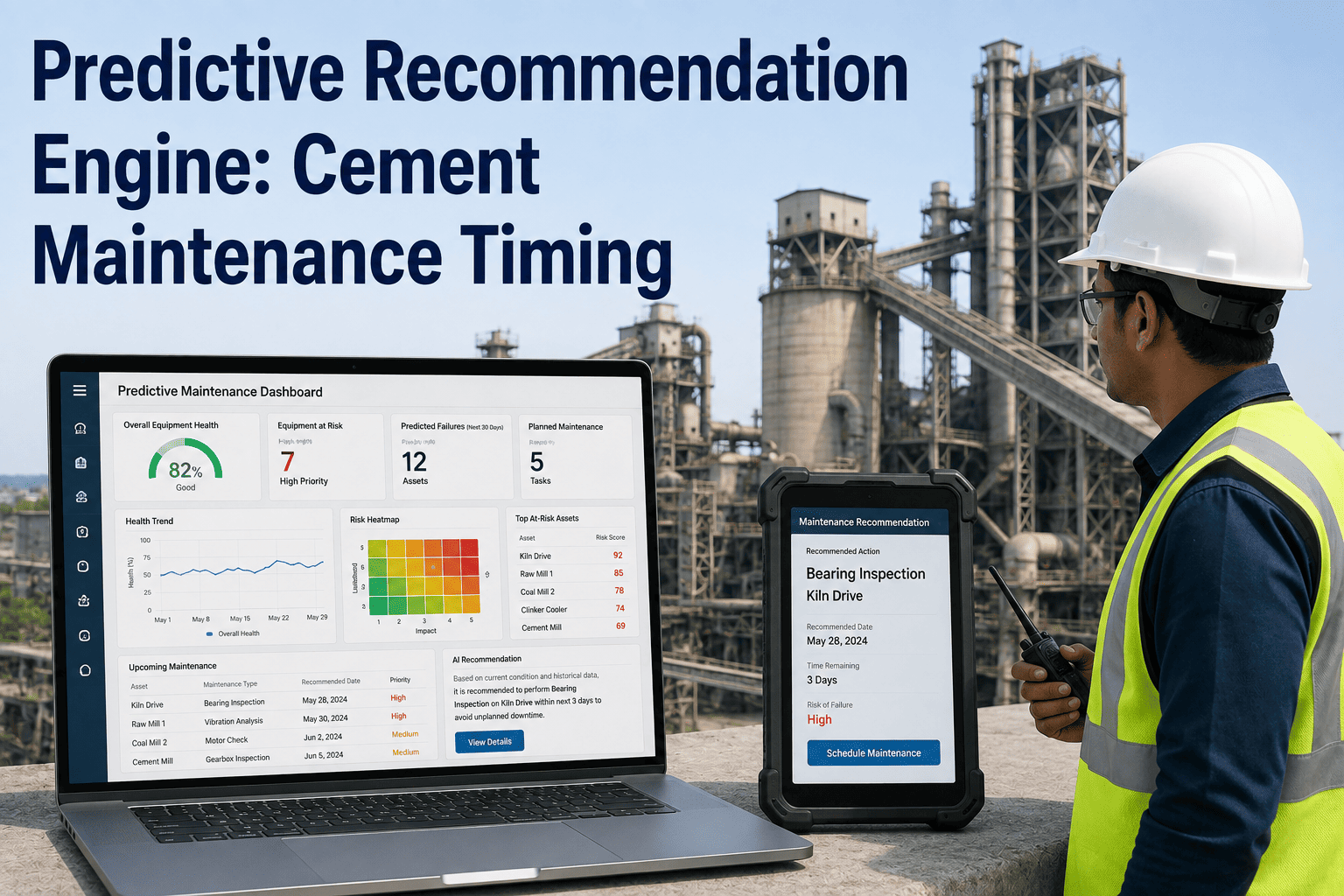
iFactory's kiln AI expert system layer converts decades of operator heuristics and live process-model output into a single real-time advisory dashboard that tells operators what to adjust, why, and in what order — not a raw setpoint number. Average result: shift-to-shift specific energy consumption variability cut by more than half, and new operators reaching independent console competency in a fraction of the traditional timeline.
Bridge the Experience Gap Before Your Best Operators Retire
Every retirement takes years of unwritten kiln knowledge out the door with it. iFactory captures that judgment into a rule library that runs on every console, every shift, permanently.
Why Your Best Kiln Operators Can't Scale Across Every Shift
The gap between your strongest shift and your weakest shift is rarely a training problem in the way most plants treat it. It is an information problem — the operator who runs the kiln closest to optimal is carrying knowledge in their head that never makes it onto a console screen for the next shift to use.
01
The workforce gap is wideningExperienced kiln operators are retiring faster than plants can replace their instinct, leaving control rooms staffed by teams still climbing the learning curve on live production equipment.
02
Humans track 8–12 variables. The kiln has 200+Fuel feed, burning zone temperature, oxygen profile, kiln speed, raw meal composition, and cooler grate speed all shift at once. A skilled operator manages a handful of these consciously; the rest drift unmanaged between shifts.
03
Every shift change resets the standardDamper positions, fuel-air ratios, and feed rate trims are set by shift-specific habit rather than a documented standard, so free lime and specific heat consumption swing measurably depending on who is on console.
04
Alarm floods drown out the signal that mattersFixed-threshold DCS alarms fire on normal process turbulence as often as on genuine deviation, so operators learn to tune them out — including the rare alarm that actually mattered.
How the Kiln AI Expert System Builds the Advisory Layer
Building the advisory layer is a five-stage process that moves from raw historian data to a live recommendation engine your control room trusts enough to act on, without ever removing the operator from the decision.
1
Digital Twin Built From Your Historical Data
iFactory trains a process model on 4–6 weeks of your kiln's historian data — temperature profiles, fuel composition, raw meal chemistry, and kiln speed — learning the specific relationships between your equipment configuration and your clinker outcomes, not a generic industry template.
2
Expert Rule Library Encodes Operator Judgment
Veteran operator heuristics — the response sequence when free lime trends high, the pre-adjustment made when raw mix LSF shifts, the priority order that protects refractory during a quality excursion — are structured into five scenario categories: normal production, transition management, quality excursion response, equipment constraint management, and startup or shutdown sequencing.
3
Plain-Language Recommendations, Not Raw Model Output
Instead of a setpoint number buried in a trend chart, the dashboard tells the operator what changed, what it means, and what to do next — in the same prioritized sequence a senior operator would apply, displayed on the console in real time.
4
Operators Validate in Advisory Mode
The system recommends; the operator approves and executes. This builds trust with the control room team, surfaces edge cases the model hasn't seen yet, and gives less experienced operators a running commentary from an AI trained on your most experienced shift's decisions.
5
Authority Expands as Confidence Builds
Low-risk micro-adjustments — fuel-air ratio trims, small feed rate corrections — can move to autonomous execution within operator-defined limits once validation history supports it, while critical equipment adjustments stay in advisory mode with operator sign-off.
See Your Kiln's Rule Library Built From Your Own Historian Data
iFactory's pre-deployment review shows which operator decisions in your control room are already documented, which live only in one shift lead's head, and how the advisory dashboard would have called your last quality excursion.
Expert Advisory vs Raw APC Output vs Standard DCS Alarms
Most control rooms already have some combination of APC setpoint recommendations and DCS alarm thresholds. Neither was built to explain reasoning to a newer operator, and neither adapts its sensitivity to the natural variation of the specific variable it is watching. The table below shows where the expert advisory layer fills that gap.
| Capability |
iFactory Expert Advisory |
Raw APC / MPC Setpoint Output |
Standard Fixed-Threshold DCS Alarms |
| Plain-language "what to do next" guidance |
Prioritized action sequence |
Numeric setpoint only |
Not available |
| Encodes qualitative operator judgment |
Five scenario rule categories |
Cost-function optimization only |
Not available |
| Cross-shift standardization |
Same guidance every shift |
Consistent setpoints, no context |
Threshold does not vary by context |
| New operator decision support |
Explains reasoning, not just value |
Assumes operator interprets output |
Alarm without context |
| Self-tuning alarm sensitivity per variable |
Adapts to natural process variation |
Not applicable |
Fixed limits, frequent false alarms |
| Root cause context on quality excursions |
Causal chain across process variables |
Model-internal, not operator-facing |
Not available |
Rollout Timeline: From Historian Data to Full Advisory Coverage
Deployment follows a fixed thirteen-week structure so your operations team knows exactly what to expect at each stage, and so the decision to expand beyond advisory mode is always backed by documented results from your own plant rather than a vendor projection.
Weeks 1–3
Integration & Data Collection
Historian connection, tag mapping, and baseline data quality review across the pyroprocessing line.
Weeks 4–6
Model & Rule Library Training
Digital twin trained on your historical data; expert rule library configured against your equipment and quality targets.
Weeks 7–10
Advisory Mode Validation
Recommendations displayed live to operators for review and approval; every accepted and rejected recommendation refines the model.
Weeks 11–13
Results Review & Scale Decision
Documented variability reduction and onboarding impact reviewed before any decision to expand autonomous authority.
Our Numbers
200+
Interacting Variables Covered Per Kiln Line
5
Expert Rule Scenario Categories
6–15%
Typical Specific Heat Consumption Reduction
60–80%
Fewer False Alarms With Self-Tuning Limits
4–6 wks
To First Trained Advisory Recommendations
13 wks
Full Pilot to Documented Scale Decision
Our biggest risk wasn't the kiln — it was that three of our most experienced operators were within five years of retirement, and none of what they knew was written down anywhere. The advisory dashboard forced that knowledge into a rule library the first month it ran in shadow mode, because every recommendation had to match what our best shift lead would actually do. Six months in, our newest operators are making calls the veterans would recognize as correct, and the gap between our best shift and our worst shift on specific energy consumption has closed by more than half.
Head of Kiln Operations
6,000 TPD Cement Line — Southeast Asia
Frequently Asked Questions
QDoes the AI expert system replace kiln operators or take control away from them?
No. The system runs in advisory mode by default, meaning it displays a recommended action and the reasoning behind it, while the operator retains full authority to accept, modify, or reject it. Even as low-risk micro-adjustments move to autonomous execution within operator-defined boundaries, critical equipment changes, upset management, and shutdown or startup sequencing remain operator-led. The goal is amplifying what an experienced operator already does well, not replacing their judgment.
Book a demo to see advisory mode running on a live kiln dashboard.
QHow does the expert rule library actually capture what an experienced operator knows?
During deployment, iFactory's team works with your senior operators and shift leads to document the response sequences they already apply instinctively — how they handle a free lime excursion, how they pre-adjust fuel and feed rate when raw mix chemistry shifts, and how they prioritize refractory protection during a quality upset. Those sequences are structured into the five scenario categories and validated against your historian data before going live, so the rule library reflects your plant's actual operating history rather than a generic industry template.
QHow is this different from the alarms and setpoint recommendations our existing DCS or APC already provides?
Standard DCS alarms fire on fixed thresholds regardless of context, which is why operators tune them out during normal process turbulence. Raw APC or MPC output optimizes a cost function and returns a setpoint number, but leaves the operator to interpret why that number matters and what to do if it can't be reached safely. iFactory's expert advisory layer sits on top of both, translating model output and rule-based judgment into a prioritized, plain-language recommendation with self-tuning alarm sensitivity per variable, cutting false alarms significantly compared to fixed-threshold systems.
QHow long does it take for a new operator to become productive with the advisory dashboard?
Plants running the advisory dashboard report new operators reaching independent console competency in a fraction of the traditional onboarding timeline, because every recommendation comes with the reasoning a senior operator would give — not just a value to enter. Instead of learning kiln behavior purely through on-the-job trial and error during live upsets, new operators see the same decision logic surfaced consistently across every shift, which shortens the gap between initial training and confident independent operation.
QWhat data and integration work is required before we see our first advisory recommendations?
iFactory connects to your existing historian and DCS — no control system replacement is required. The first phase covers tag mapping and data quality review, typically completing within three weeks, followed by four to six weeks of model and rule library training on your historical data. Most plants see their first live advisory recommendations within six weeks of kickoff, moving into a validation period where every accepted or rejected recommendation continues refining the model.
Talk to an expert about your specific DCS and historian configuration.
Standardize Every Shift Around Your Best Operator's Judgment
iFactory's kiln AI expert system turns decades of operator instinct into a real-time advisory dashboard every operator can follow — trained on your data, validated by your team, running on-premise.
200+ Variables Monitored
Five Expert Rule Categories
Advisory to Autonomous Path
Self-Tuning Alarm Limits