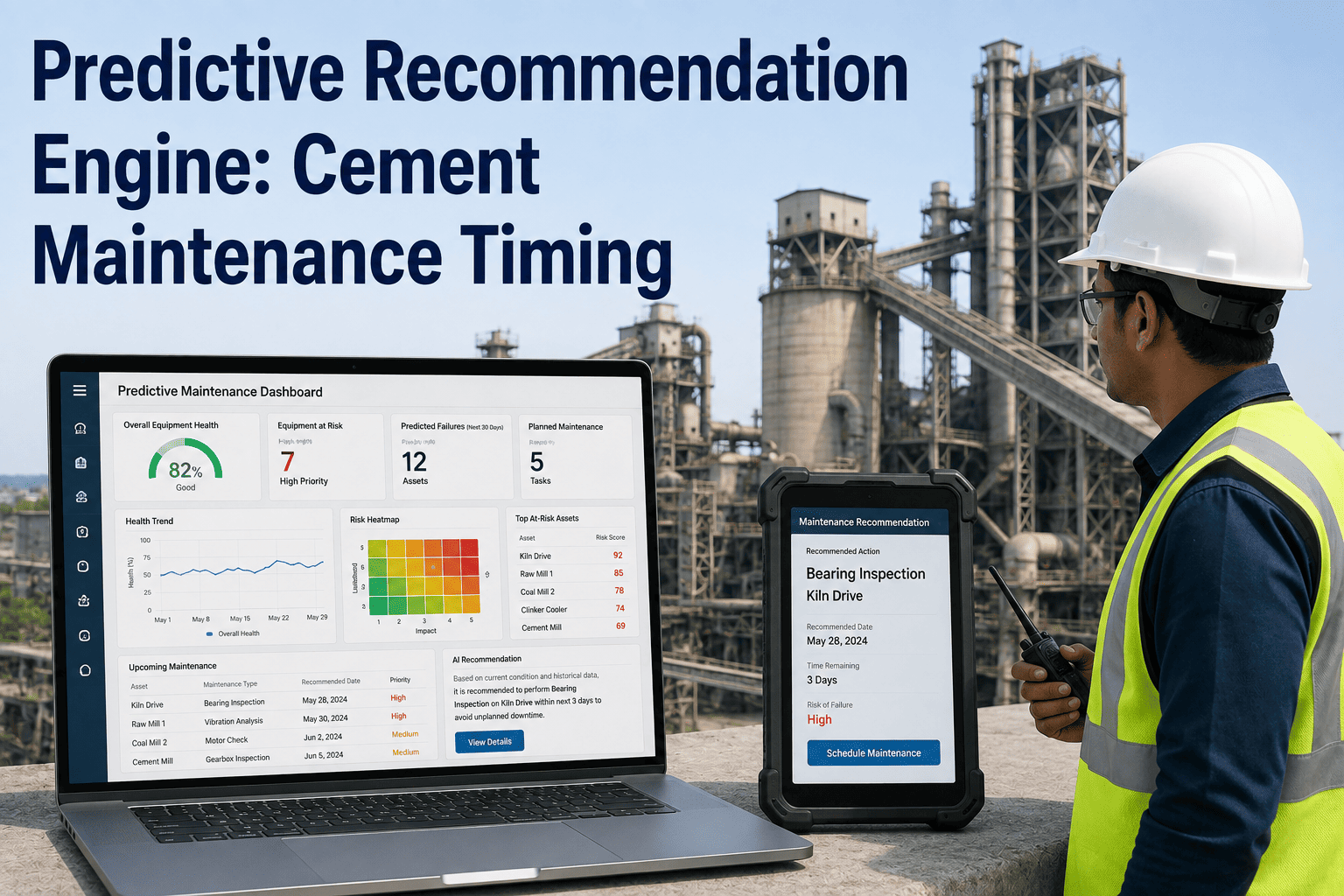
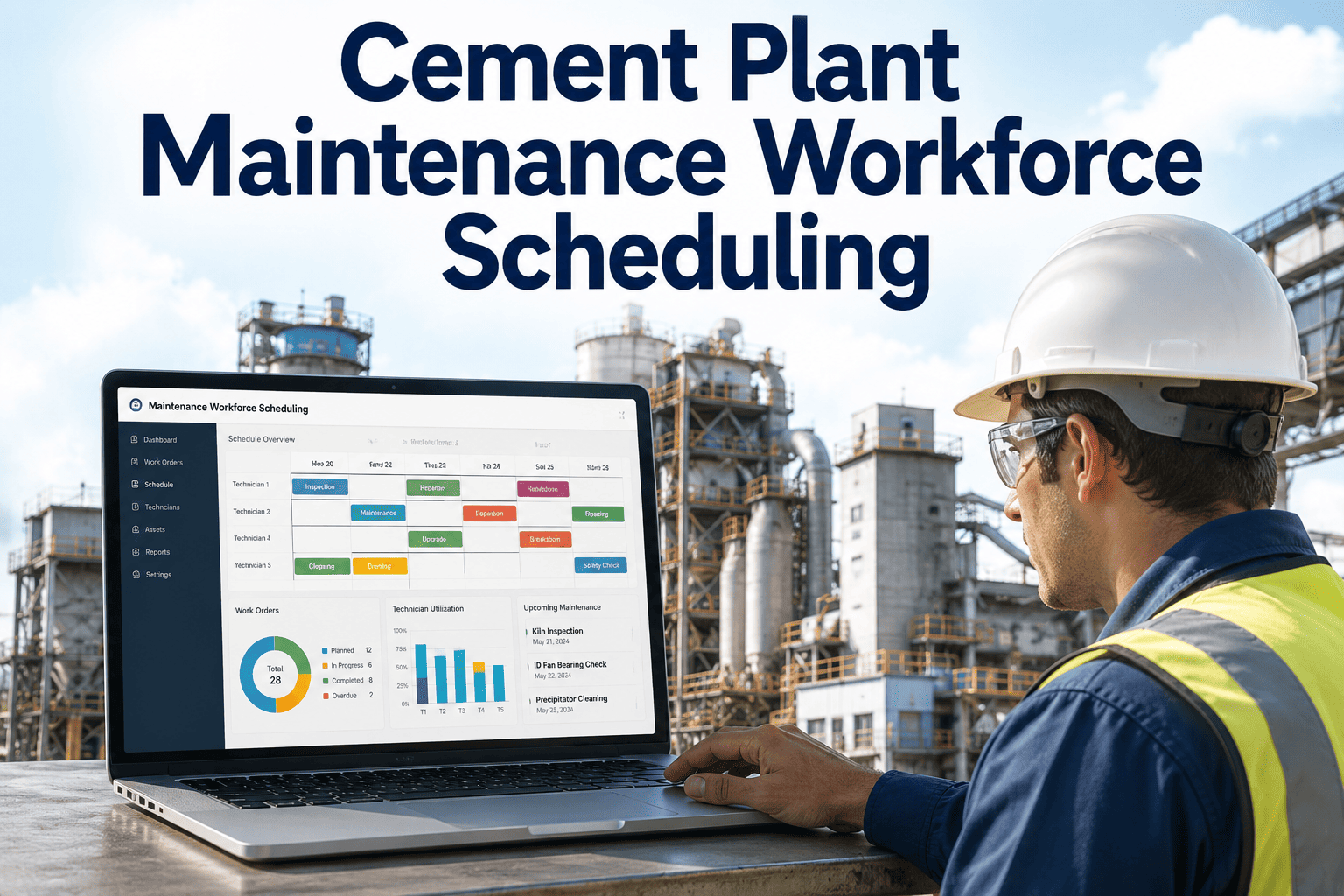
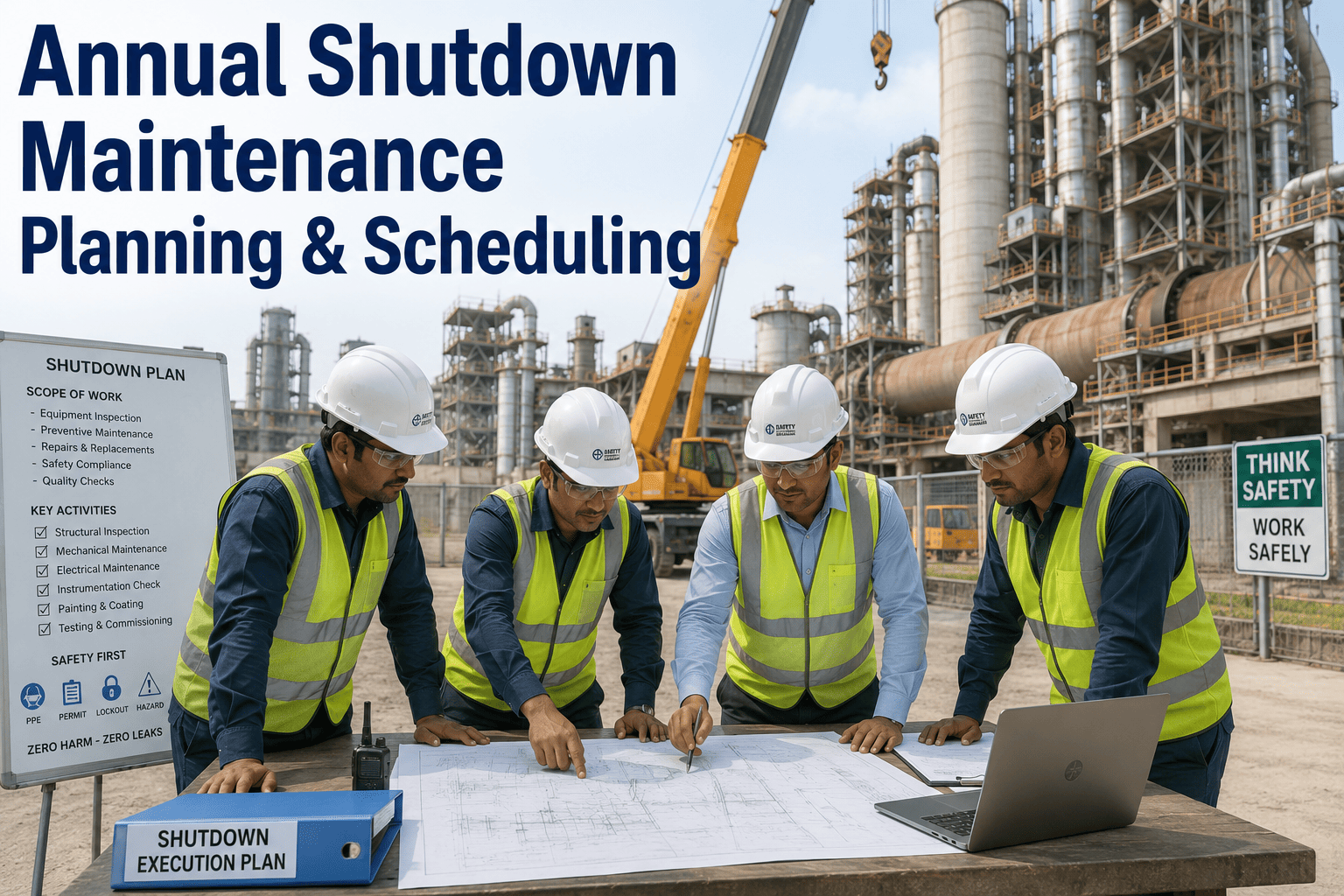
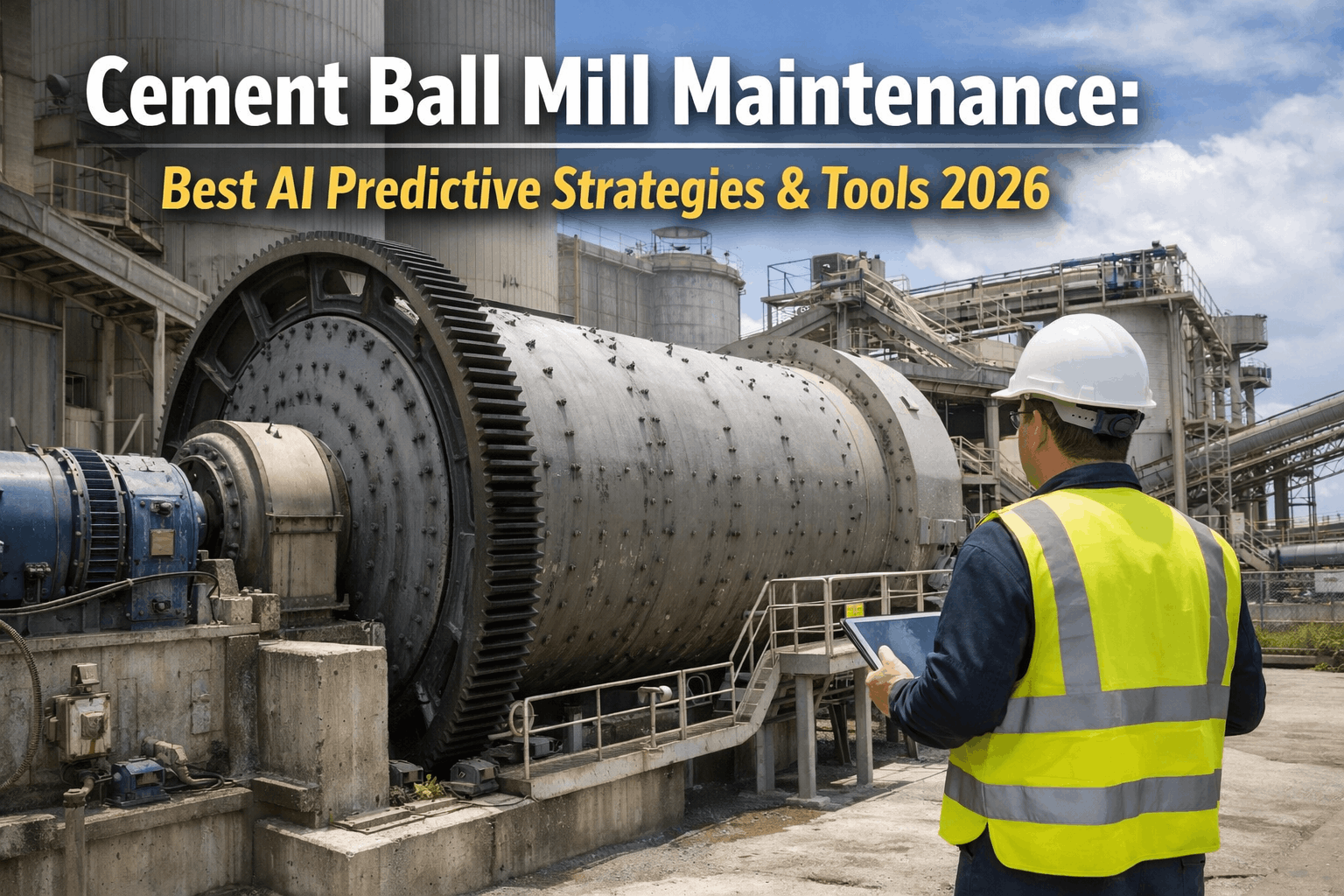
A vibration trend on a kiln ID fan can mean two very different things: replace the bearing this week, or it's fine to run another month and bundle the job with the planned shutdown. Most condition monitoring systems stop at the alert and leave that judgment call to whoever's desk it lands on, who then has to weigh failure risk against parts lead time, crew availability, and production schedule almost entirely from memory. A recommendation engine closes that gap by turning the same condition data into an actual answer — not just a warning, but a specific window to act in. iFactory builds that layer on top of the condition data your plant already collects, and you can book a demo to see a live recommendation generated against your own equipment.
AI Copilot · Predictive Recommendation Engine
Predictive Recommendation Engine for Cement Maintenance Timing
Condition monitoring tells you something is changing. A recommendation engine tells you what to actually do about it — and exactly when — by weighing failure risk against cost, parts, crew, and the production schedule together.
Kiln ID Fan Bearing — DE Side
Schedule Within 12 Days
Failure Risk Window
18-26 days
Reasoning: vibration trend crossed alert threshold 6 days ago, aligns with a planned kiln stop in 11 days — bundling avoids a second unplanned outage.
Days, Not Hunches
A defined action window instead of a vague warning
Parts + Crew
Checked automatically before a timing suggestion is made
Cost-Weighted
Every recommendation compares the cost of now versus later
Why the Alert Isn't the Answer
What Gets Lost Between a Condition Reading and a Decision
Fixed PM Intervals Waste Good Life
A calendar-based interval replaces a bearing on schedule whether it needs it or not, spending labor and parts budget on components that still had months of usable life left.
Condition Alerts Without a Timeline
A vibration or temperature alert tells you something changed, but not how urgently, so the same alert gets treated as an emergency by one shift and ignored by the next.
Resource Reality Ignored
A model can flag the right asset at the right time and still be useless if the part is six weeks out or the only qualified technician is already committed to another job.
No Link to the Production Schedule
A repair that could wait eleven days to align with a planned kiln stop instead gets pulled forward into an unplanned stop, because nothing connected the maintenance signal to the operations calendar.
See a Recommendation Built From Your Own Data
Run a Live Example Against a Real Asset on Your Plant
Bring a current condition alert or open work order and we'll walk through exactly how the engine would weigh it and where it would land on the calendar.
How a Recommendation Gets Built
From a Raw Sensor Reading to a Scheduled Window
1
Condition Data Monitored Continuously
Vibration, temperature, and other condition signals are tracked against the asset's own baseline, not a generic threshold, so a real shift in behavior gets caught early.
2
Failure Progression Modeled
The trend is compared against how this failure mode has historically progressed on similar equipment, producing an estimated window before the fault becomes a failure.
3
Cost of Now vs. Later Compared
The engine weighs the cost of acting immediately against the cost of deferring, accounting for how much a delayed repair typically escalates for this failure type.
4
Parts, Crew, and Schedule Checked
Parts availability, technician skill and schedule, and any upcoming planned downtime are checked automatically before a window is proposed, so the suggestion is actually workable.
5
Recommendation Issued With Reasoning
A specific action window is issued along with the reasoning behind it, so the planner can see exactly why the engine landed where it did, not just the final answer.
How This Differs From What Most Plants Run Today
Calendar PM vs. Condition Alerts vs. Recommendation Engine
| Dimension | Calendar-Based PM | Condition Alerts Alone | Recommendation Engine |
| Timing basis |
Fixed interval |
Threshold crossed |
Modeled failure window |
| Accounts for resource availability |
No |
No |
Yes |
| Aligns with production schedule |
Rarely |
No |
Yes |
| Weighs cost of waiting |
No |
No |
Yes |
| Risk of unnecessary early replacement |
High |
Low |
Low |
| Risk of missed failure window |
Moderate |
Moderate to high |
Low |
What a Recommendation Actually Looks Like
Four Kinds of Answers the Engine Can Return
Act Now
Schedule Within Days
The failure window is close enough, and the cost of deferring rises fast enough, that the engine recommends addressing it before the next planned opportunity.
Safe to Wait
Monitor, Revisit in X Weeks
The trend is real but slow-moving, and there's enough runway that acting immediately would waste usable equipment life without meaningfully raising risk.
Bundle Opportunity
Align With Planned Downtime
The failure window comfortably overlaps an already-scheduled shutdown, so the repair gets bundled in rather than triggering a separate unplanned stop.
Watch Closely
Escalating Trend, Not Yet Urgent
The signal is still early, but the rate of change is enough to flag for closer monitoring, with the recommendation set to update automatically as new data comes in.
Where Rollouts Go Wrong
Common Mistakes When Adopting a Recommendation Engine
Treating It as a Black Box
A recommendation without visible reasoning gets ignored the first time a planner disagrees with it — the reasoning behind the window matters as much as the window itself.
Skipping the Resource Data Feed
Recommendations built only from condition data, without live parts and crew availability, end up suggesting windows that look great on paper and fall apart in practice.
No Feedback Loop From Planners
When a technician overrides a recommendation, that outcome needs to feed back into the model — otherwise the same mismatch keeps repeating instead of getting corrected.
Rolling Out to Every Asset at Once
Starting with every piece of rotating equipment on day one makes it hard to build trust in the recommendations — a focused pilot on high-value assets proves the concept faster.
A Composite Scenario
Kiln ID Fan Bearing, Planned Stop Eleven Days Out
Before
A vibration alert fired on the ID fan drive-end bearing. Without a defined timeline, the reliability team debated whether it warranted an unplanned stop or could wait, ultimately pulling the trigger on an emergency repair two days later — three weeks before the already-scheduled kiln stop.
After
The same alert now generates a recommendation showing an 18-26 day failure window, parts already in stock, and a planned kiln stop in 11 days. The repair gets bundled into the planned stop, avoiding a second unplanned outage and the overtime and rush-freight costs that came with it.
Before You Start
Getting Ready to Deploy a Recommendation Engine
Confirm which assets already have reliable condition monitoring data to build recommendations from
Connect parts inventory and crew scheduling data so recommendations reflect what's actually feasible
Pull the planned shutdown and production calendar so bundling opportunities can be identified automatically
Pick a small set of high-value assets for an initial pilot before expanding coverage plant-wide
Common Questions
Predictive Recommendation Engine — FAQ
How is this different from the alerts our condition monitoring system already sends?
A condition monitoring alert tells you a threshold was crossed. A recommendation engine goes further, modeling how the underlying fault typically progresses to failure, checking whether parts and crew are actually available, comparing that against the production schedule, and returning a specific window to act in along with the reasoning behind it.
Talk to our team about how it layers on top of the condition monitoring you already have.
Does it replace the judgment of our reliability engineers?
No. The engine surfaces a recommended window and the reasoning behind it, but a planner or reliability engineer still reviews and approves the final call, especially early on. What changes is how much guesswork goes into that review — the resource and cost factors are already weighed before it reaches them.
What happens if we override a recommendation?
Overrides are expected, especially in the first weeks of a rollout, and the outcome of that override feeds back into the model so future recommendations for that asset type keep getting more accurate rather than repeating the same mismatch.
Does this work for equipment without much failure history?
Yes, though the confidence level on early recommendations will reflect the limited history. The engine can draw on failure patterns from similar equipment types elsewhere in the plant or across sites while it builds up asset-specific history over time.
How long does it take to see useful recommendations?
Most plants start seeing workable recommendations within the first few weeks on assets that already have solid condition data, since the engine draws on existing failure-mode patterns rather than waiting to learn from scratch.
Book a demo to see a recommendation generated against a real asset from your plant.
Stop Guessing at Timing
Turn Condition Data Into a Specific Action Window
iFactory's recommendation engine weighs failure risk, cost, parts, crew, and your production schedule together, so every maintenance call comes with a window and a reason, not just an alert.