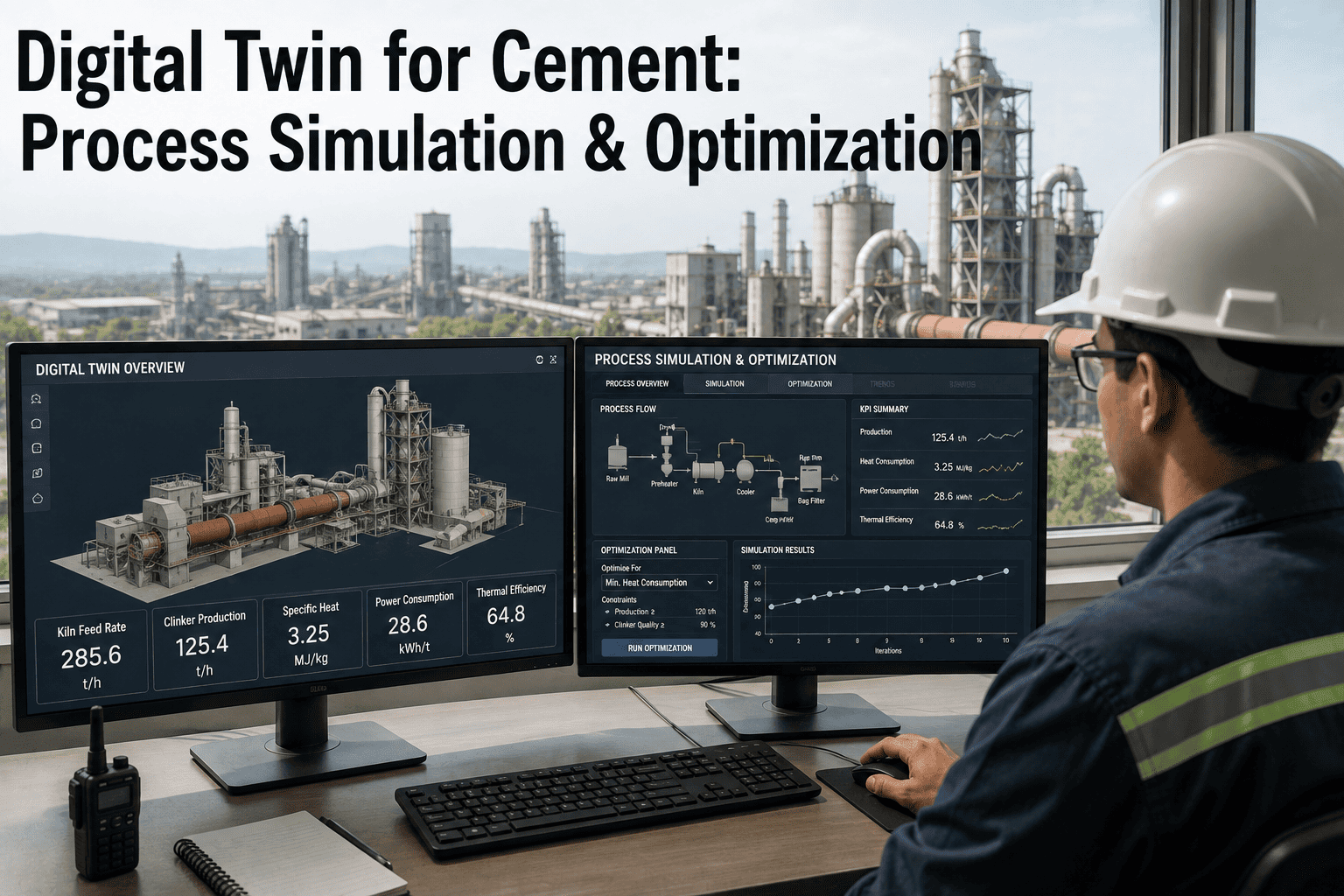
A production planner weighing whether to run an extra kiln campaign, shift a maintenance window, or change product mix for the month is usually making that call on a spreadsheet and a lot of informed guesswork, because testing the real option on the real plant is not something anyone can afford to do casually. A what-if simulation lets that same question be asked of a model instead — same constraints, same asset availability, same assumptions made explicit — and answered in minutes rather than by waiting to see what actually happens. The value is not the software itself, it is the ability to compare options before committing a month's production schedule to one of them. Production planners who want to test their own next scenario on a model can walk through a what-if simulation built from their own plan with our team.
Test the Plan Before You Commit the Month to It
iFactory, an on-premise AI platform for cement production planning, runs what-if scenarios against your actual constraints and asset availability, with every assumption documented and every result versioned.
Why Does a Spreadsheet Scenario Fall Apart Under Scrutiny?
A quick spreadsheet comparison usually leaves out at least one real constraint — a maintenance window that overlaps the proposed change, a packing line that cannot actually absorb the extra output, a product mix assumption nobody wrote down. A simulation built against the plant's actual constraints and asset availability surfaces those conflicts before the plan is approved, not after it is already running behind. Ask our team how your current planning process handles constraint conflicts.
Every Input Documented, Not Assumed Shared Knowledge
The biggest source of disagreement over a simulation result is rarely the output — it is a hidden assumption someone made differently from someone else. Managing assumptions explicitly, as a visible part of the scenario, means a reviewer can challenge a specific number instead of the result as a whole.
| Assumption type | Example | Why it needs to be explicit |
|---|---|---|
| Demand assumption | Expected order volume for the period | Changes which scenario even makes sense to test |
| Rate assumption | Expected kiln or mill rate under the scenario | Directly drives the output tonnage estimate |
| Availability assumption | Planned downtime excluded or included | A missed maintenance window invalidates the comparison |
| Cost assumption | Fuel, power or material cost used | Changes which option looks cheaper on paper |
Test Your Next Planning Decision Before You Commit to It
Share the scenario you are currently weighing, and we will show how it plays out against your actual constraints.
Result Comparison, Approval and Versioning
The scenario and its assumptions are set and documented.
The model produces a result against actual constraints and availability.
Multiple scenarios are placed side by side against the same baseline.
A chosen scenario is signed off, with the rejected ones kept on record.
The approved scenario becomes a dated, traceable version of the plan.
The Extra Kiln Campaign That Looked Good Until the Packing Line Said No
A proposal to add an extra kiln campaign to meet a demand spike looked straightforward on a spreadsheet. Running it as a simulation against actual packing line capacity showed the extra clinker output would exceed what packing could bag within the same window, creating a finished-goods bottleneck the spreadsheet comparison had never surfaced.
Scenarios Tested Against Your Real Plant, Not a Spreadsheet Approximation
Constraint-Aware Simulation
Scenarios run against actual kiln, mill and packing constraints, not idealized capacity.
Explicit Assumption Log
Every input is documented and visible, so a result can be challenged on a specific number.
Side-by-Side Comparison
Multiple scenarios are compared against the same baseline before a decision is made.
Turnkey On-Premise Deployment
Planning and scenario data stay on your own server, with no outside cloud dependency.
What Production Planners Ask About What-If Simulation
How is this different from a spreadsheet comparison?
A spreadsheet comparison typically uses simplified, often idealized capacity figures, while a simulation runs the scenario against actual kiln, mill and packing constraints and current asset availability, which is what surfaces conflicts a spreadsheet misses. See the difference on your own scenario.
How many scenarios can be compared at once?
There is no fixed limit, though most planning decisions are clarified well with two to four meaningfully different options rather than an exhaustive list of minor variations. Ask support about scenario comparison for your planning process.
Who should be able to approve a scenario?
That typically follows your existing production planning approval chain — the tool changes how the comparison is built and documented, not who ultimately signs off on the plan. Discuss your approval workflow with our team.
Why does versioning matter if the decision is already made?
A versioned record lets a team revisit why a decision was made weeks or months later, with the actual assumptions in place at the time, rather than relying on memory of what seemed reasonable then. Ask how version history is kept.
Can this connect to our existing ERP and scheduling tools?
Yes, constraint and availability data typically already exists in ERP and scheduling systems, so the simulation pulls from those records rather than requiring duplicate data entry. Ask about your specific integration.
Compare the Options Before You Commit the Month
See your next production planning decision tested against your real constraints, with every assumption on record.