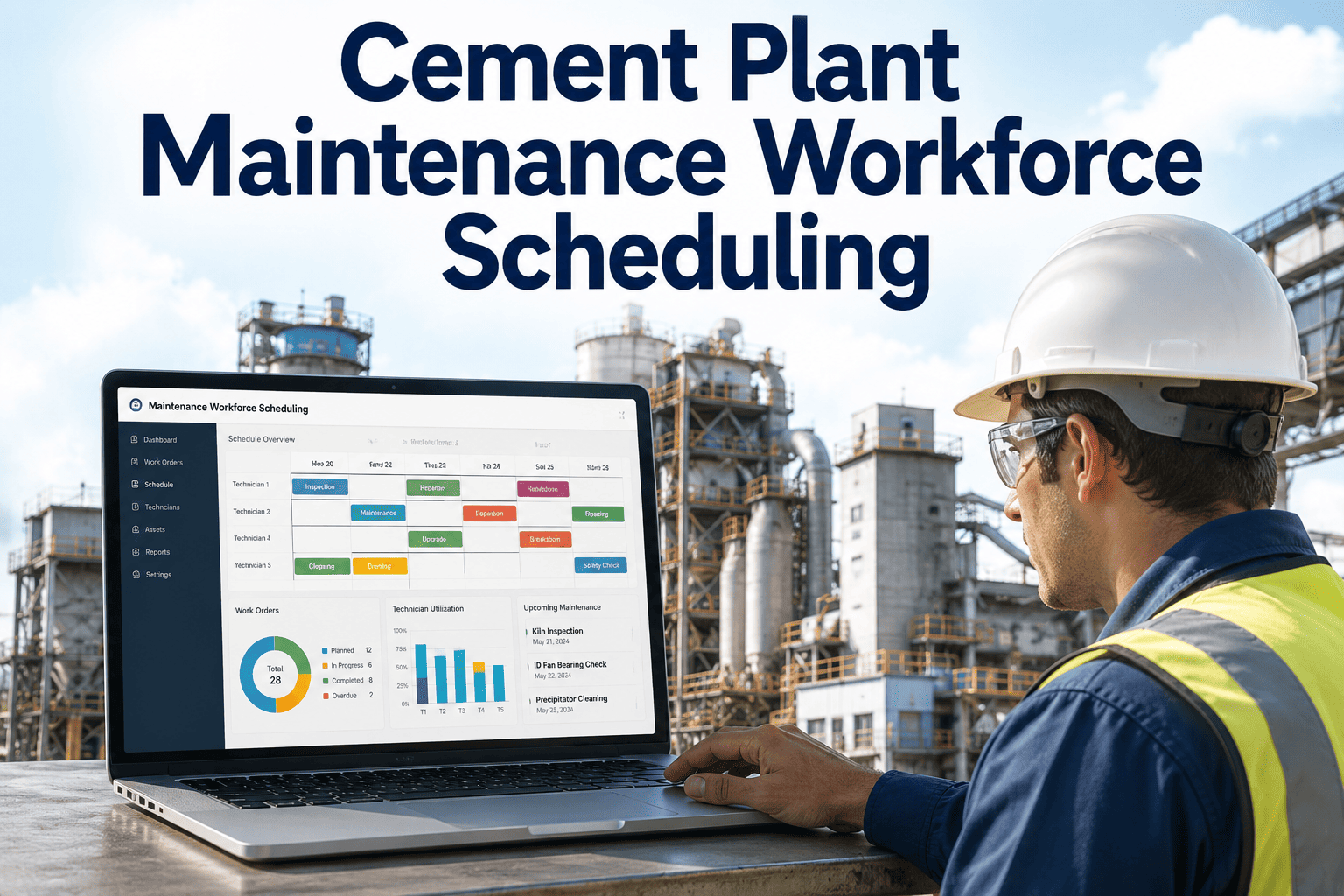
Every cement plant treats its annual shutdown as a fixed date on the calendar, but very few treat the planning that leads up to it with the same discipline. Scope keeps growing after the freeze date, spare parts arrive late because nobody cross-checked the bill of materials against the warehouse, and contractor crews stand idle waiting on a permit that could have been issued a week earlier. A single day of extended downtime on a kiln line can cost a mid-size plant well into six figures, and most of that cost traces back to planning gaps rather than execution problems on the day itself. iFactory brings AI-driven scheduling, resource allocation, and maintenance optimization into the shutdown planning process so the days on the ground go exactly the way the plan said they would, and our team can walk you through it on your own turnaround calendar.
Turnaround Scheduling
Resource Allocation
Critical Path AI
Scope Control
Cement Plant Shutdown Planning Software Built Around Critical Path, Not Spreadsheets
iFactory replaces the shutdown binder and scattered spreadsheets with a single AI-scheduled plan that sequences work orders, allocates crews and spares against real constraints, and flags scope creep before it extends your outage window.
15–25%
Typical shutdown duration reduction with AI-sequenced critical path planning
30%+
Share of shutdown scope commonly added after the planning freeze date
6–9 Months
Recommended lead time for a major kiln line turnaround plan
Why Cement Shutdowns Slip: The Planning Gaps Nobody Budgets For
Shutdown overruns rarely come from one dramatic failure. They accumulate from dozens of small planning gaps that individually look manageable and collectively add days to the critical path. Understanding where those gaps actually live is the starting point for closing them before the freeze date rather than discovering them mid-outage.
01
Late-Added Scope
Inspection findings from early shutdown days get bolted onto the plan without re-sequencing the critical path, pushing completion later with no corresponding resource increase
02
Spare Parts Mismatches
Bill of materials built from memory rather than the current work order list, leading to parts arriving after the window they were needed in has already closed
03
Crew and Contractor Overlap
Multiple work orders competing for the same specialized crew or the same crane on the same day because the plan was built in silos by different area owners
04
Permit and Isolation Delays
Lockout, confined space, and hot work permits requested the morning work is due to start instead of pre-staged against the sequence they gate
05
No Live Critical Path View
The plan exists as a static document, so nobody on site can see in real time which delayed task is actually pushing the finish date and which ones have float to spare
The Shutdown Lifecycle: Where iFactory Fits at Every Phase
A successful turnaround is decided long before the plant goes down. iFactory structures the process into four phases, each with its own tooling, so the work done six months out and the work done on shutdown day itself are pulling from the same live plan instead of separate documents that drift apart over time.
Phase 1
Scope Consolidation (6–4 Months Out)
Work orders from condition monitoring, inspection backlogs, and statutory requirements are pulled into a single scope list with duplicate and conflicting entries automatically flagged for review
Phase 2
AI Critical Path Scheduling (4–2 Months Out)
Work orders are sequenced against crew availability, crane and equipment constraints, and spare parts lead times, generating a critical path that updates automatically as inputs change
Phase 3
Resource and Contractor Allocation (2 Months–Freeze)
Specialized crews, rental equipment, and contractor crews are booked against the confirmed sequence, with overlap conflicts surfaced before contracts are signed rather than after
Phase 4
Live Execution Tracking (Shutdown Window)
Daily progress against each work order updates the critical path in real time, showing planners exactly which delays are eating into the finish date and which have slack to absorb
Traditional Shutdown Planning vs AI-Scheduled Planning: A Direct Comparison
The gap between a spreadsheet-driven shutdown plan and an AI-sequenced one is not a matter of polish. It shows up directly in how much of the outage window gets consumed by avoidable delay rather than actual maintenance work.
Scroll to compare planning approaches
See Your Own Turnaround Sequenced Before You Commit to It
iFactory imports your existing shutdown scope list and shows you a critical path built around your actual crew, crane, and spare parts constraints, not a generic template.
What Resource Allocation Actually Covers in a Shutdown Plan
Resource allocation is often treated as a single line item, but a cement shutdown draws on several distinct pools of resources that each have their own constraints, lead times, and failure modes when planning falls short.
Specialized Labor
Refractory bricklayers, girth gear alignment specialists, and NDE technicians booked far enough ahead that their calendars are not already committed to another plant's outage
Heavy Equipment
Mobile cranes, man-lifts, and rigging equipment scheduled against the specific days they are needed rather than for the full shutdown duration at premium rental rates
Spare Parts and Materials
Long-lead items like girth gear segments or preheater refractory brick ordered against the confirmed scope early enough to arrive before the work order that needs them
Permits and Isolations
Lockout, confined space, and hot work permits pre-staged against the sequence so crews are never standing on site waiting for paperwork to clear
Internal Crew Capacity
In-house maintenance staff allocated across concurrent work fronts without overloading any single crew beyond what a realistic shift schedule can sustain
Contractor Coordination
Multiple contractor firms working the same outage window sequenced so their crews are not competing for the same access points or lifting equipment
Shutdown Types and How the Plan Needs to Differ
Not every cement plant outage is the same event scaled up or down, and treating a kiln reline and a routine preventive shutdown with the same planning template is one of the quieter reasons scope estimates come in wrong. Each shutdown type carries its own dominant constraint, and the plan needs to be built around whichever one actually governs the timeline.
Kiln Relining Outage
Dominated by refractory crew availability and brick delivery lead time, where the critical path almost always runs through cooldown, demolition, and bricklaying rather than any other work stream on site
Preheater and Cyclone Overhaul
Governed by confined space access sequencing and refractory ductwork repair, where multiple crews competing for the same tower access points is the most common source of schedule slippage
Mill and Girth Gear Overhaul
Constrained by crane capacity and alignment specialist availability, since gear replacement and alignment work cannot be parallelized across a shift the way smaller mechanical tasks can
Routine Preventive Shutdown
Typically constrained by internal crew capacity rather than specialist labor, making the plan more about balancing dozens of concurrent smaller tasks than sequencing a single critical chain
What a Complete Shutdown Scope List Actually Needs to Include
A scope list that looks complete on paper often turns out to be missing categories of work that only become obvious once the plant is already down. Building the list against a consistent checklist rather than area-by-area memory is one of the simplest ways to reduce late scope additions.
Condition-based work orders generated by vibration, thermography, and oil analysis programs in the months leading up to the shutdown
Inspection findings carried forward from the previous shutdown that were deferred rather than completed
Statutory and regulatory inspection requirements with fixed compliance deadlines that must fall within the outage window
Capital project tie-ins that require the same equipment downtime the maintenance shutdown already provides
Spare parts and long-lead materials cross-checked against warehouse stock rather than assumed to be on hand
Contingency time built into the critical path for findings that will only be confirmed once equipment is opened up
Expert Perspective: What Changes When Planning Moves Off the Spreadsheet
For years our shutdown plan lived in a master spreadsheet that one planner maintained almost by memory, and every scope addition after the freeze meant manually checking a dozen dependencies to see what it actually pushed. The turning point was realizing how much float we were losing to guesswork rather than real constraints. Once the plan moved to a system that recalculated the critical path automatically, we could tell within an hour whether a new inspection finding actually threatened the finish date or had enough slack to absorb without any schedule impact. Our last major turnaround came in nineteen hours under the planned window, and the honest answer for why is that we stopped discovering resource conflicts on the day they happened and started catching them six weeks earlier when they were still cheap to fix.
— Turnaround Planning Manager, Integrated Cement Manufacturing Facility · 11 Years Shutdown and Outage Planning Experience
Frequently Asked Questions
Q: Can iFactory integrate with the CMMS we already use for work order management?
Yes, iFactory's shutdown planning module is designed to work alongside your existing work order management system rather than replace it, pulling scope directly from your open work orders and inspection findings so the shutdown plan reflects what your maintenance team has already flagged. Integration typically connects through standard data exchange methods without requiring a parallel data entry process for planners.
Contact our team to confirm compatibility with your specific CMMS platform and version before your next planning cycle begins.
Q: How does the system handle scope that gets added after the shutdown has already started?
New scope discovered during execution, such as findings from an inspection opened mid-shutdown, is entered against the live plan and automatically evaluated for its effect on the critical path, crew availability, and any resource already committed to other tasks that day. Planners see immediately whether the addition fits within existing float or genuinely extends the finish date, which replaces the manual guesswork that typically happens when a new finding surfaces on day three of an outage. This turns what used to be a reactive scramble into a documented decision with visible trade-offs.
Q: Does this replace our shutdown planning team, or work alongside them?
iFactory is built to support planners rather than replace the judgment they bring to a turnaround, handling the sequencing calculations, constraint checking, and conflict detection that are tedious and error-prone to do manually while leaving scope decisions and prioritization with the people who understand the plant. Most planning teams report that the tool frees up time previously spent reconciling spreadsheets, which gets redirected toward scope review and contractor coordination instead.
Book a demo to see how the workflow fits into your existing planning team's process.
Q: How far in advance do we need to start using the tool before our next shutdown?
Plants generally get the most benefit when scope consolidation begins in the tool four to six months before the outage, since long-lead spare parts and specialized contractor bookings need that runway regardless of what planning system is used. That said, the tool can also be adopted mid-cycle for plants closer to their freeze date, where it still adds value by catching resource conflicts and sequencing issues in whatever scope has already been defined. Earlier adoption simply means more of the plan benefits from AI-driven sequencing rather than being locked in before the tool was in use.
Q: What kind of resource conflicts does the system typically catch that manual planning misses?
The most common conflicts involve two work orders independently booking the same crane or the same specialized crew for overlapping windows because they were planned by different area owners without visibility into each other's schedules. The system also frequently catches spare parts with lead times that do not actually fit the current schedule, and permit dependencies where a hot work permit was never requested against the isolation it depends on. These are exactly the kind of gaps that are easy to miss across a scope list running into hundreds of individual work orders.
Turn Your Next Shutdown Into a Sequenced Plan, Not a Spreadsheet
iFactory brings AI-driven critical path scheduling, resource allocation, and live execution tracking to your cement plant's turnaround so the days on the ground match the plan you built months in advance.