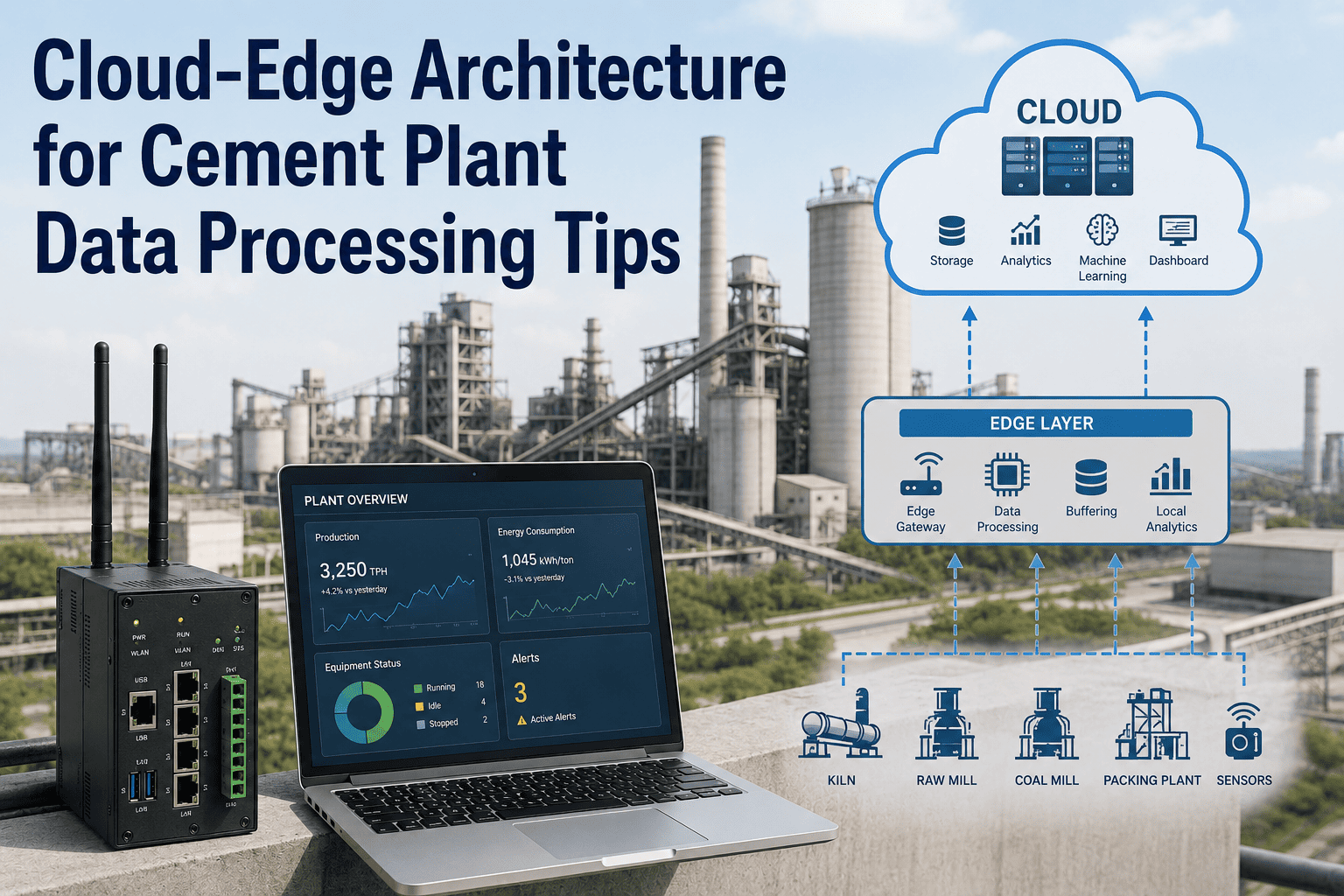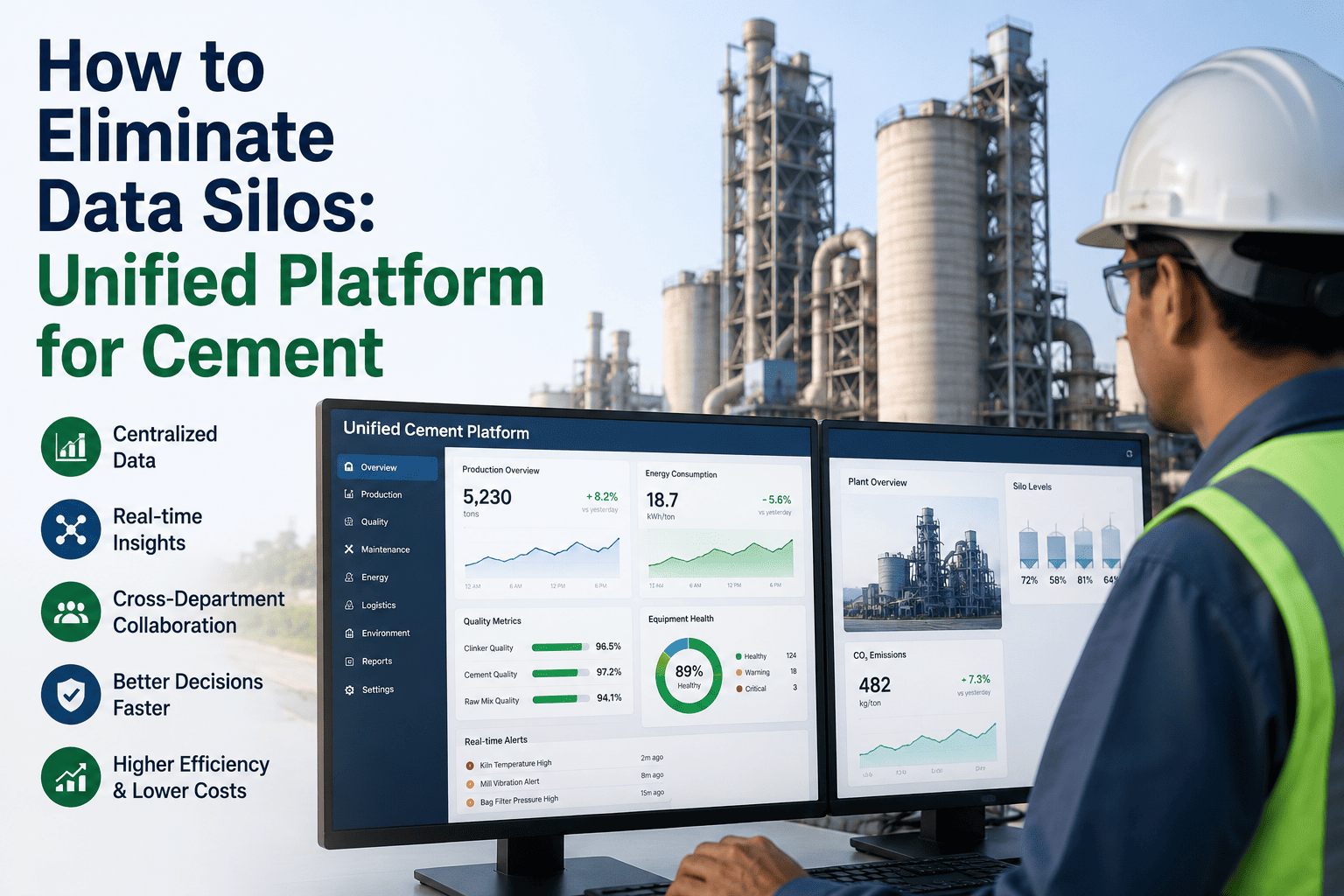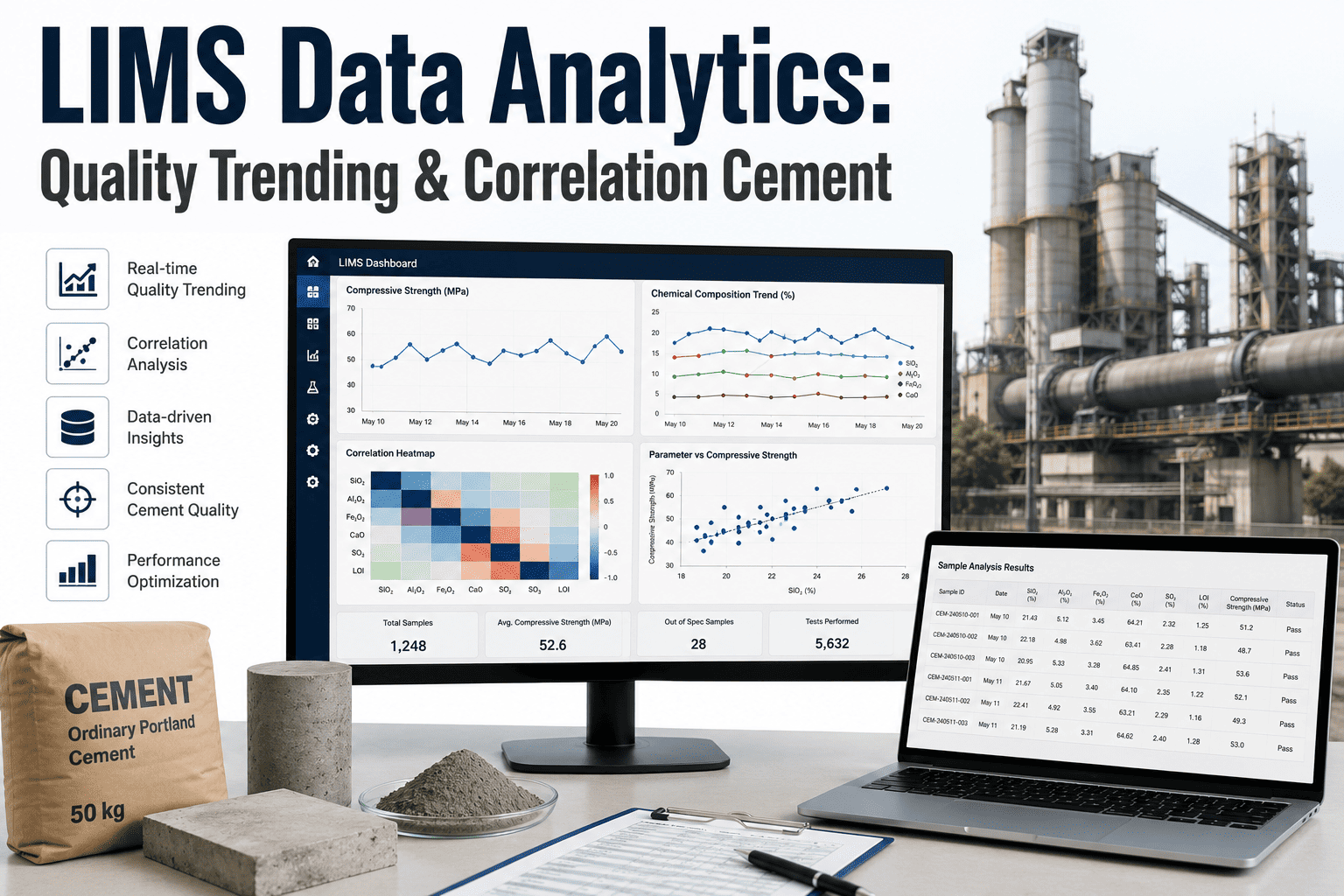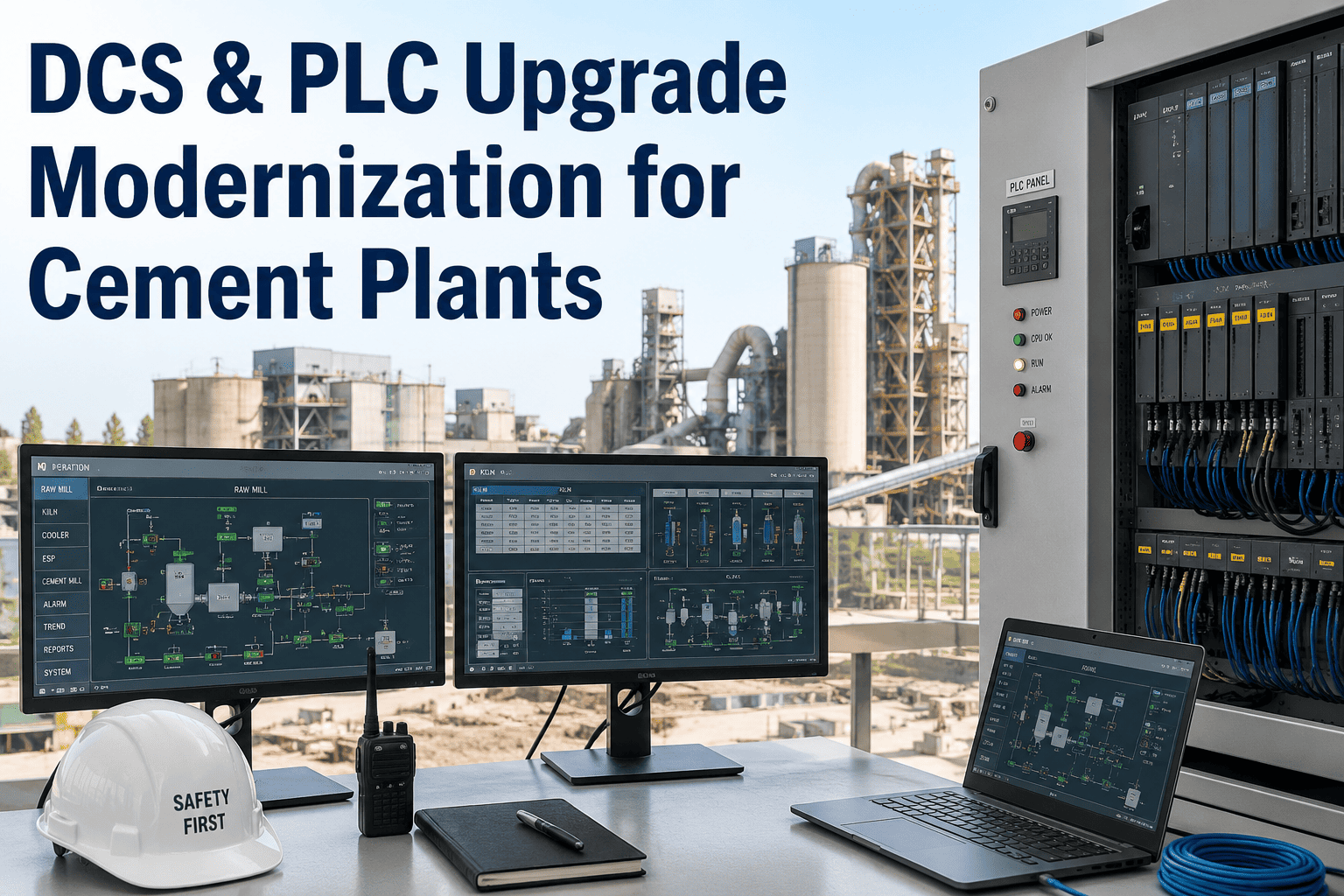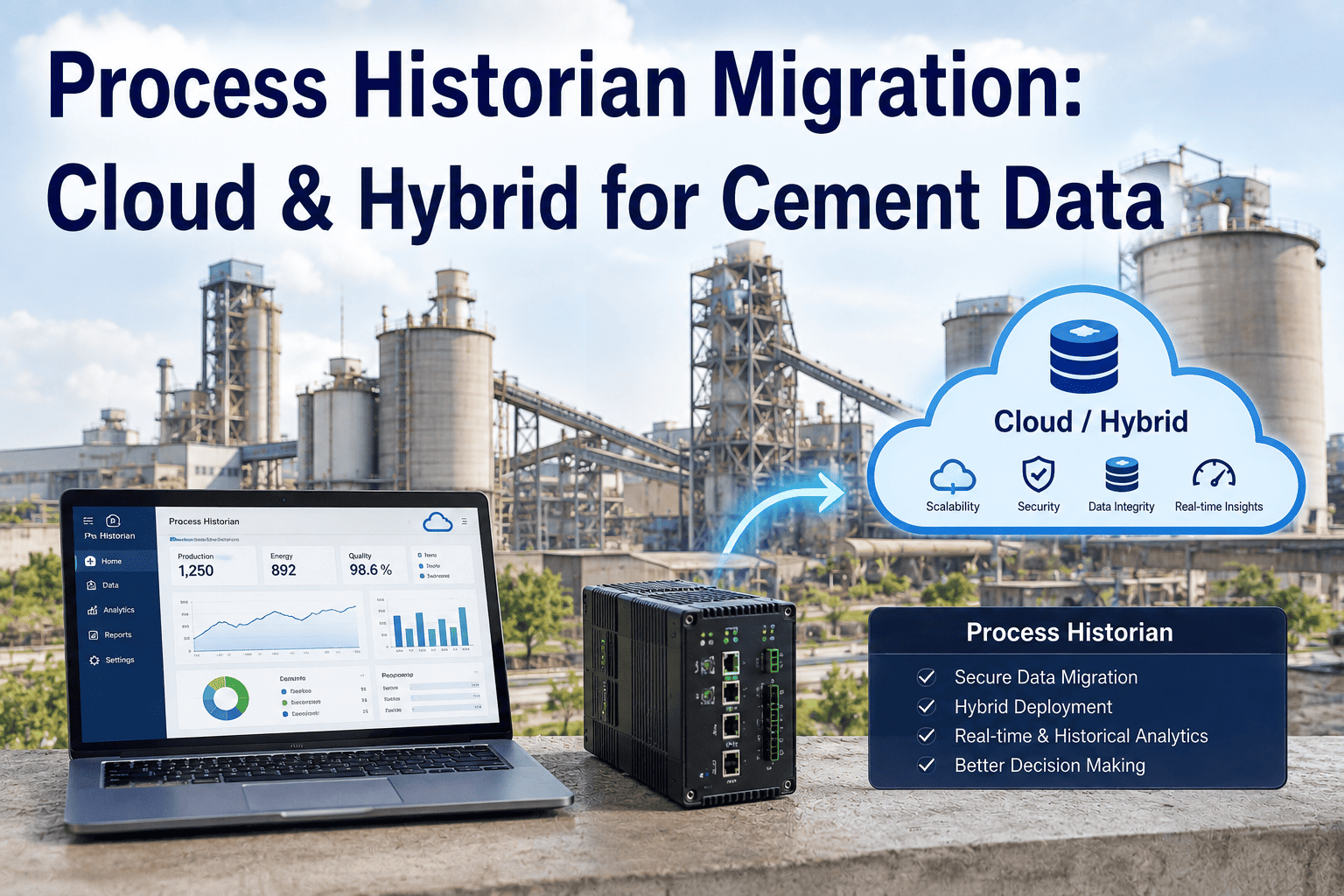
Most cement plants are still sitting on a process historian that was installed well over a decade ago, quietly holding every kiln temperature, mill amp draw, and quality reading the plant has ever recorded. That archive is an asset, but the platform underneath it is often out of vendor support, licensed per-tag in a way that makes expansion expensive, and accessible only from a handful of desks on-site. Migrating it without losing a single year of history, or a single day of production, is the part most teams get nervous about. iFactory's migration approach keeps real-time access on-site while moving the long-term archive and analytics layer to the cloud, and you can book a demo to see how that split works against your own historian.
Digital Transformation · Historian Modernization
Process Historian Migration: Cloud and Hybrid Paths for Cement Plant Data
Fifteen years of kiln data doesn't need to sit at risk on hardware nobody makes parts for anymore. A structured migration to a cloud or hybrid platform preserves every tag while opening the door to analytics your current historian was never built to run.
Legacy On-Prem
Hybrid
Cloud-Native
10-20 yrs
Of tag history sitting on most plant historians today
Per-Tag
Licensing model that makes adding sensors costly over time
Zero-Loss
The one non-negotiable requirement of any migration plan
Why This Keeps Coming Up
The Pressure Points Pushing Plants Toward Migration
Aging Hardware and Sunset Support
Servers running the historian are approaching or past end-of-life, and the vendor's support window for the installed version is closing, leaving the plant one hard drive failure away from a real problem.
Licensing Costs That Punish Growth
Per-tag licensing made sense with a few thousand points. Adding vibration sensors, vision systems, and new PLCs now means every new data source comes with a new line item on the renewal invoice.
Access Limited to a Few Desks
Pulling a trend often means walking to the control room or VPNing into a specific client machine, which quietly discourages the process engineers and reliability team from using the data at all.
No Real Analytics Layer
A historian is built to store and trend time-series data, not to run predictive models or cross-plant benchmarking — that work has to happen somewhere else, usually by exporting to a spreadsheet.
Choosing a Path
Three Ways to Modernize a Process Historian
| Approach | What Moves | Best Fit |
|---|---|---|
| Lift-and-Shift to Cloud | Entire historian, same structure, hosted remotely | Plants wanting fast off-prem hosting with minimal redesign |
| Hybrid Architecture | Live/recent data stays local, long-term archive and analytics move to cloud | Plants with real-time control loops that can't depend on connectivity |
| Cloud-Native Rebuild | Full platform replacement with cloud-first tag structure and analytics | Plants ready to standardize tag naming and reporting across multiple sites |
Not Sure Which Path Fits
Walk Through Your Historian's Tag Count and Architecture With Us
Bring your current tag count, retention policy, and control-loop dependencies to the call and we'll map out which migration path actually fits your plant.
What Actually Has to Move
The Data Categories a Migration Plan Needs to Account For
Raw Time-Series Tags
Every uncompressed sensor reading at its original scan rate — the foundation the historian was built to store, and the largest volume by far.
Compressed Historical Archive
Years of older data typically stored in a compressed or down-sampled form to save space, which needs a validated decompression step during migration so nothing gets silently altered.
Batch and Event Records
Kiln campaign logs, batch start/stop markers, and quality-hold events that give the raw tag data its operational context.
Alarm and Event History
Alarm logs and operator acknowledgments, often stored separately from process tags but essential for incident investigation and compliance review.
Calculated and Derived Tags
Formulas and calculated points built on top of raw tags over the years — these need their logic carried over, not just their output values.
How the Migration Actually Runs
A Structured Path From Legacy Historian to Live Platform
1
Tag Inventory and Assessment
Every tag, calculation, and archive segment on the current historian is cataloged, including which ones are actually still in use and which have been dead weight for years.
2
Tag Mapping to the New Platform
Each legacy tag is mapped to its destination in the new structure, with naming conventions standardized where the old system had grown inconsistent over time.
3
Historical Archive Transfer and Validation
Compressed archive data is decompressed, transferred, and spot-checked against the source system to confirm values, timestamps, and units all landed correctly.
4
Parallel Run Alongside the Legacy System
The new platform runs side by side with the old historian, collecting live data in parallel so any gap or mismatch surfaces before the legacy system is ever switched off.
5
Cutover and Decommission
Once the parallel run confirms a clean match, live collection cuts over to the new platform and the legacy historian is retired, with its final archive preserved as a cold backup.
The Hybrid Model, Explained
What Stays On-Site and What Moves to the Cloud
Stays On-Site
Live and recent tag data feeding control loops, operator displays, and any logic that needs a response measured in milliseconds, with no dependency on a cloud connection to function.
Moves to the Cloud
The long-term archive, cross-plant benchmarking, predictive model training, and any dashboard or report that pulls from months or years of history rather than the last few minutes.
Where Migrations Go Wrong
Common Pitfalls to Plan Around
Skipping the Tag Cleanup Step
Migrating every tag as-is, including years of dead or duplicate points, just carries the old system's clutter into the new one instead of fixing it.
No Real Parallel-Run Period
Cutting over before the new platform has proven it collects a full, clean set of live data creates a real risk of a gap nobody notices until it's needed.
Losing Calculated Tag Logic
Copying over a calculated tag's output values without its underlying formula means the number stops updating correctly the moment an input changes.
Treating It as an IT-Only Project
Process engineers and operators know which tags actually matter — leaving them out of tag mapping decisions is how important context gets lost in translation.
A Composite Scenario
Single-Kiln Plant, Eighteen Years of Historian Data
Before
The historian ran on a server two versions behind vendor support, holding eighteen years of kiln, mill, and quality data accessible only from two control-room workstations. Adding a new set of vibration sensors meant a licensing conversation nobody wanted to have.
After
A hybrid migration kept live kiln control data on-site with zero added latency, while the full eighteen-year archive moved to the cloud layer, now accessible to the reliability and process teams from any device, with new sensors added without a per-tag license negotiation.
Before You Start
Getting Ready to Plan Your Migration
Pull a full tag count and confirm which points are still actively used versus historically dead weight
Identify every calculated tag and document the formula behind it, not just its current output
List which control loops and displays require local, real-time access with no cloud dependency
Set a parallel-run window long enough to catch seasonal or campaign-specific data patterns
Common Questions
Process Historian Migration — FAQ
Is there a risk of losing historical data during migration?
The risk exists if the migration skips validation, which is why a structured plan treats the parallel-run and spot-check steps as mandatory rather than optional. Every archived value is decompressed, transferred, and compared against the source system before the legacy historian is ever taken offline, so nothing gets retired until the new archive has been proven to match it exactly. Talk to our team about how validation is handled for large archives specifically.
Do we have to choose between cloud and staying on-site?
No, and for most cement plants a full cloud-only move isn't the right fit anyway. A hybrid architecture keeps real-time control data local, where it needs to be for millisecond response, while moving the long-term archive and analytics workload to the cloud where it can actually be put to use.
What happens to our current historian during the transition?
It keeps running. The new platform collects live data in parallel with the existing historian for a defined period, so operations continue on the familiar system while the migration is validated in the background, with cutover only happening once that parallel data has been confirmed clean.
How long does a typical historian migration take?
It depends heavily on tag count and archive depth, but most plants move through tag inventory, mapping, and archive transfer over several weeks, followed by a parallel-run period before cutover. Plants with heavier customization or multiple historian instances typically plan a longer runway.
Can this reduce our current licensing costs?
Often, yes. Moving away from a strict per-tag licensing model is one of the more immediate benefits plants see, since it removes the cost penalty for adding new sensors, vision systems, or PLC points down the line. Book a demo to see how the licensing model compares against your current historian contract.
Your History Shouldn't Be a Liability
Move Your Process Historian Without Losing a Single Tag
iFactory migrates your archive to a cloud or hybrid platform built for analytics, while keeping real-time control exactly where it needs to stay — on-site, and always responsive.