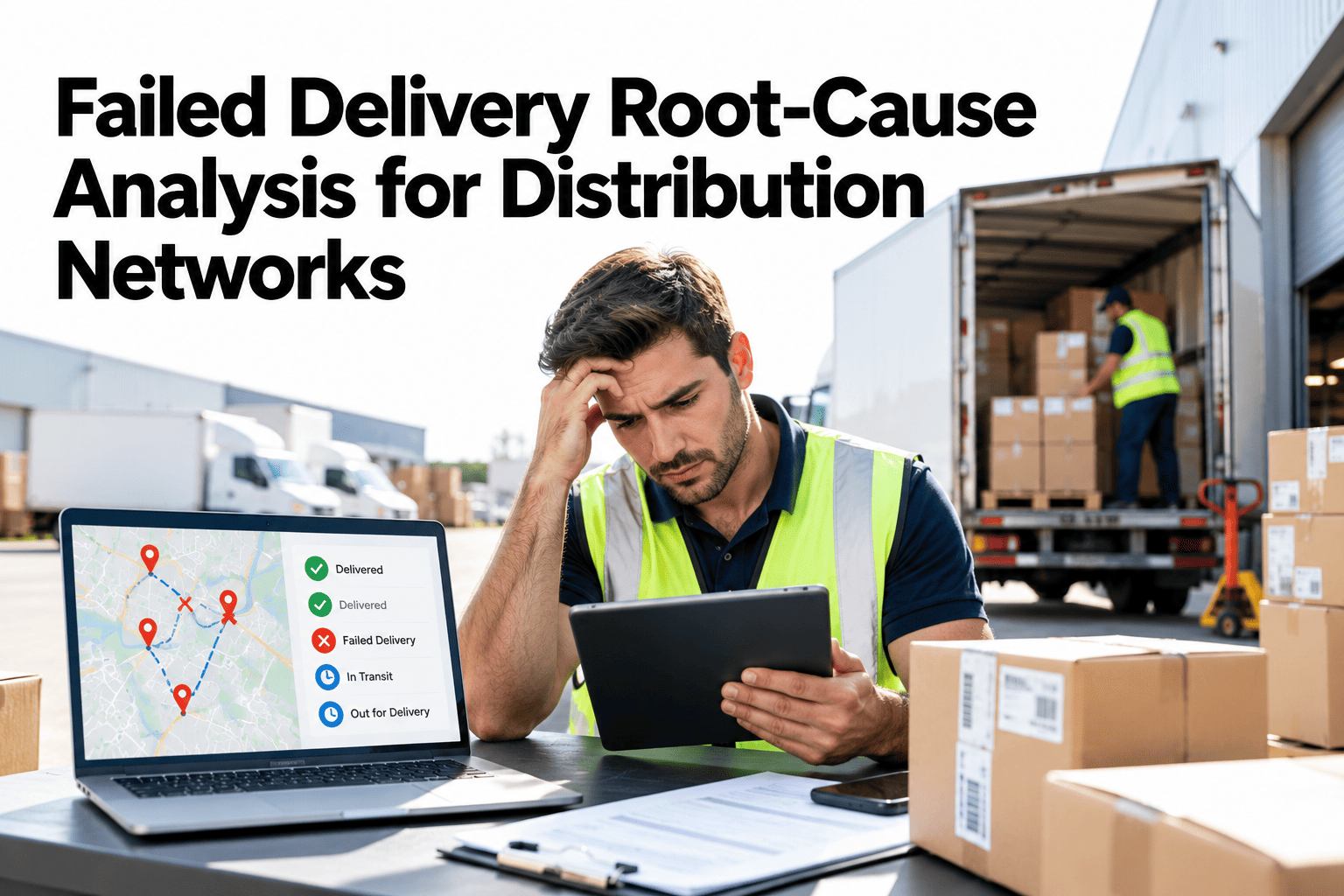
A failed delivery costs a truck trip, a driver hour, a customer's patience and usually a second attempt. Most networks record the failure but not the reason in a form they can analyze, so the same causes return every week. Reasons such as nobody home, wrong address or closed dock sit in free text, and patterns stay hidden. A root cause approach starts with a clean reason taxonomy and ends with corrective actions that remove the cause. Distribution teams can sort their recent failed deliveries into a structured reason view and see which causes are fixable.
Stop Treating Failed Deliveries as Bad Luck
iFactory helps distribution networks classify failed deliveries, find repeat patterns and turn the causes into corrective actions.
Three Families of Failure Reasons
Almost every failed delivery belongs to one of three families. The family shows who can fix it.
Customer-side
Nobody available, site closed, access refused or goods rejected
Route and carrier side
Late arrival, vehicle problems, driver issues or no time left in the day
Order and data side
Wrong address, wrong window, missing contact or incorrect order details
A Failure Reason Taxonomy That Works
Short, mutually exclusive codes beat long free-text notes. Each code should suggest an action.
| Reason Code | What It Means | Typical Action |
|---|---|---|
| Consignee unavailable | Nobody to receive at the time | Confirm windows before dispatch |
| Site closed or restricted | Dock closed, gate rules or cut-off passed | Record access rules per site |
| Address incorrect | Location wrong or hard to find | Validate and enrich addresses |
| Window missed | Arrived outside the agreed window | Review route and loading plans |
| Goods refused | Customer rejected the delivery | Check order accuracy and condition |
| Vehicle or driver issue | Breakdown, shortage of time or capacity | Review planning and maintenance |
A Pareto View of Failure Reasons
A few reasons usually cause most of the failures. Fixing the biggest bar first gives the largest gain.
Illustrative Pareto shape. Your own failure data decides the real distribution.
Address, Time Window and Consignee Availability
Three causes deserve their own look, because each has its own prevention.
Address problems
Incomplete, outdated or ambiguous addresses send drivers to the wrong place
Time-window mismatch
Windows that do not fit the route or the customer's opening hours
Consignee availability
Nobody to receive, especially for deliveries needing signature or inspection
Access restrictions
Gates, security rules, dock appointments and unloading limits
A Five-Step Root Cause Process
Keep the process short enough to run every week.
Find Out Which Failure Reason to Fix First
Share a month of failed deliveries with whatever reasons you record. We will sort them into a structured view and show the biggest causes.
Free-Text Notes vs Structured Reason Codes
The reason field is where analysis succeeds or fails.
Handling Repeat Failures
A repeat is a signal that the first fix did not reach the cause. Escalate in steps.
Corrective Actions and Likely Payoff
Some fixes are cheap and effective. Rank actions to pick where to start.
Illustrative payoff. Your own failure data will rank the actions differently.
What Experienced Distribution Leaders Look For in Failure Analysis
Frequently Asked Questions
How many failure reason codes do we need?
Six to ten covers most operations. Fewer codes get picked quickly and consistently, while many codes lead to guessing and an overused other category. You can add a code when a reason keeps appearing as other. Review a starter code list with our team against your own failure history.
Who should record the failure reason?
The driver or the person closest to the event should pick the code at the time of failure. Later coding from memory is less accurate. A short dropdown on the driver app or a simple entry at the depot works well. Supervisors review unclear cases weekly to keep the list reliable.
How do we separate customer fault from our own fault?
The code family helps. Customer-side reasons point to access and availability, while route and data reasons are within your control. Be honest about which share is yours, since that is where fixes are fastest. Look at your own split between customer-side and internal causes in a short session.
Can analysis reduce repeat deliveries?
Yes. Many repeats follow from avoidable causes such as unconfirmed windows or poor address data. Confirming windows before dispatch and recording access rules per site are common first steps. The size of the benefit depends on how much of your failure volume is preventable.
What data do we need to begin?
Delivery attempts with date, site, route and a reason, plus customer and lane identifiers. Even a spreadsheet export is enough for a first analysis. Position data and driver notes help later. Check whether your current data supports a first analysis with our team.
Turn Failed Deliveries Into a List of Fixes
Bring a month of failed deliveries and your current reason notes. We will show the patterns and the first corrective actions.