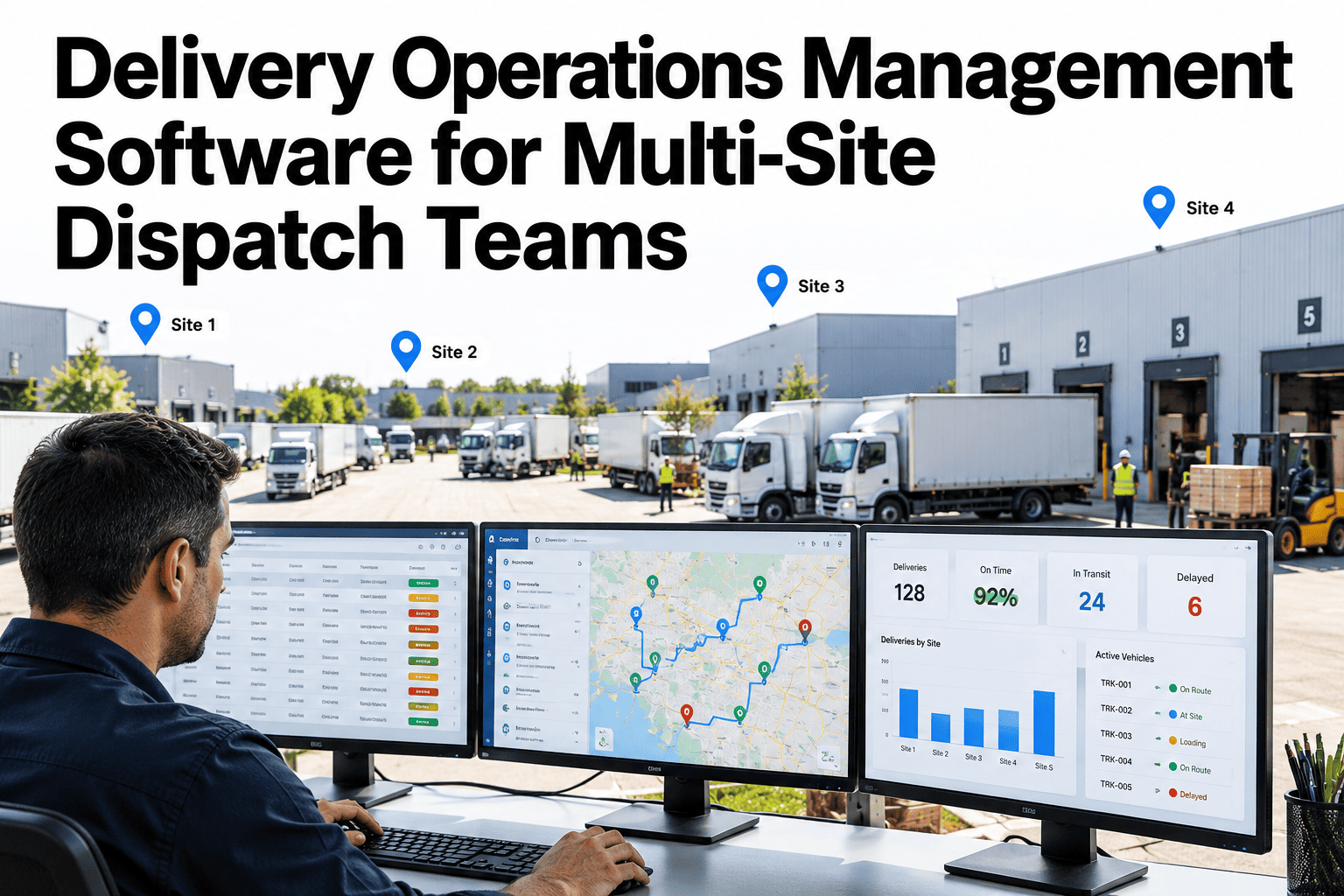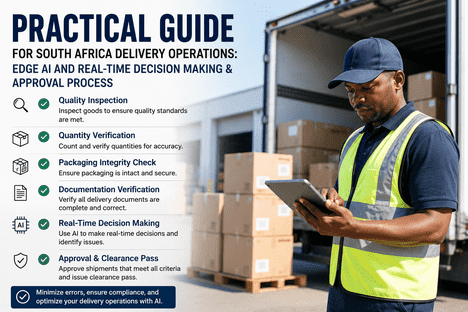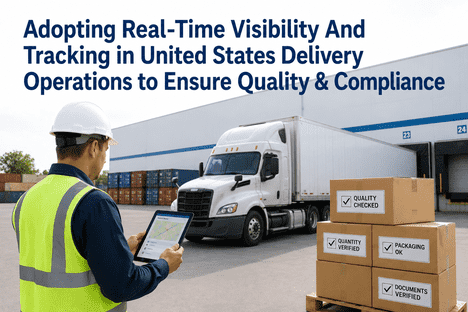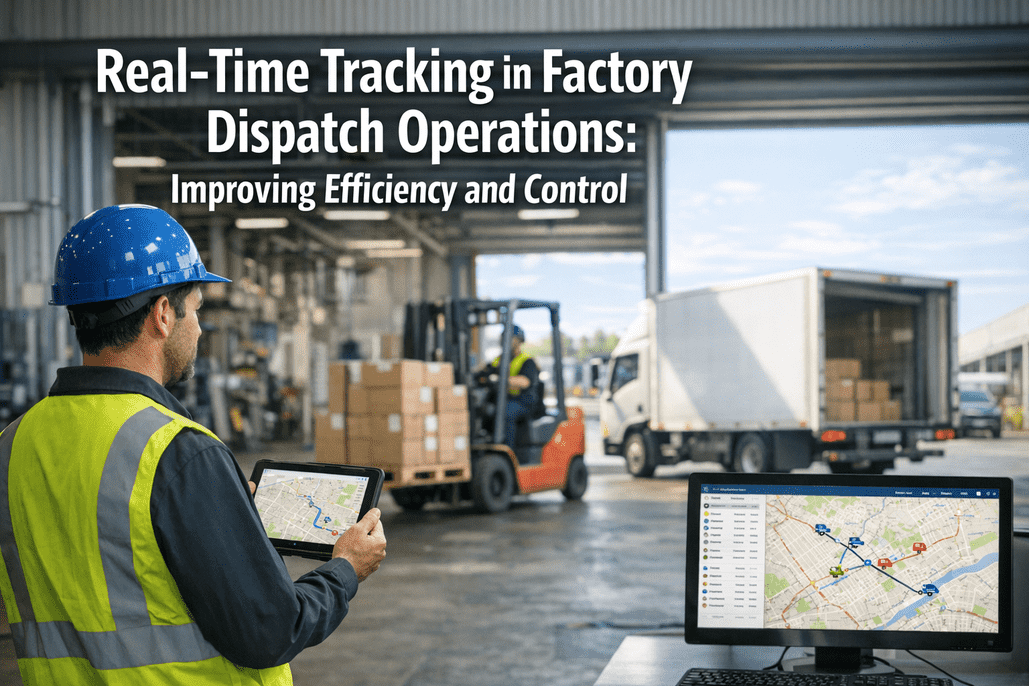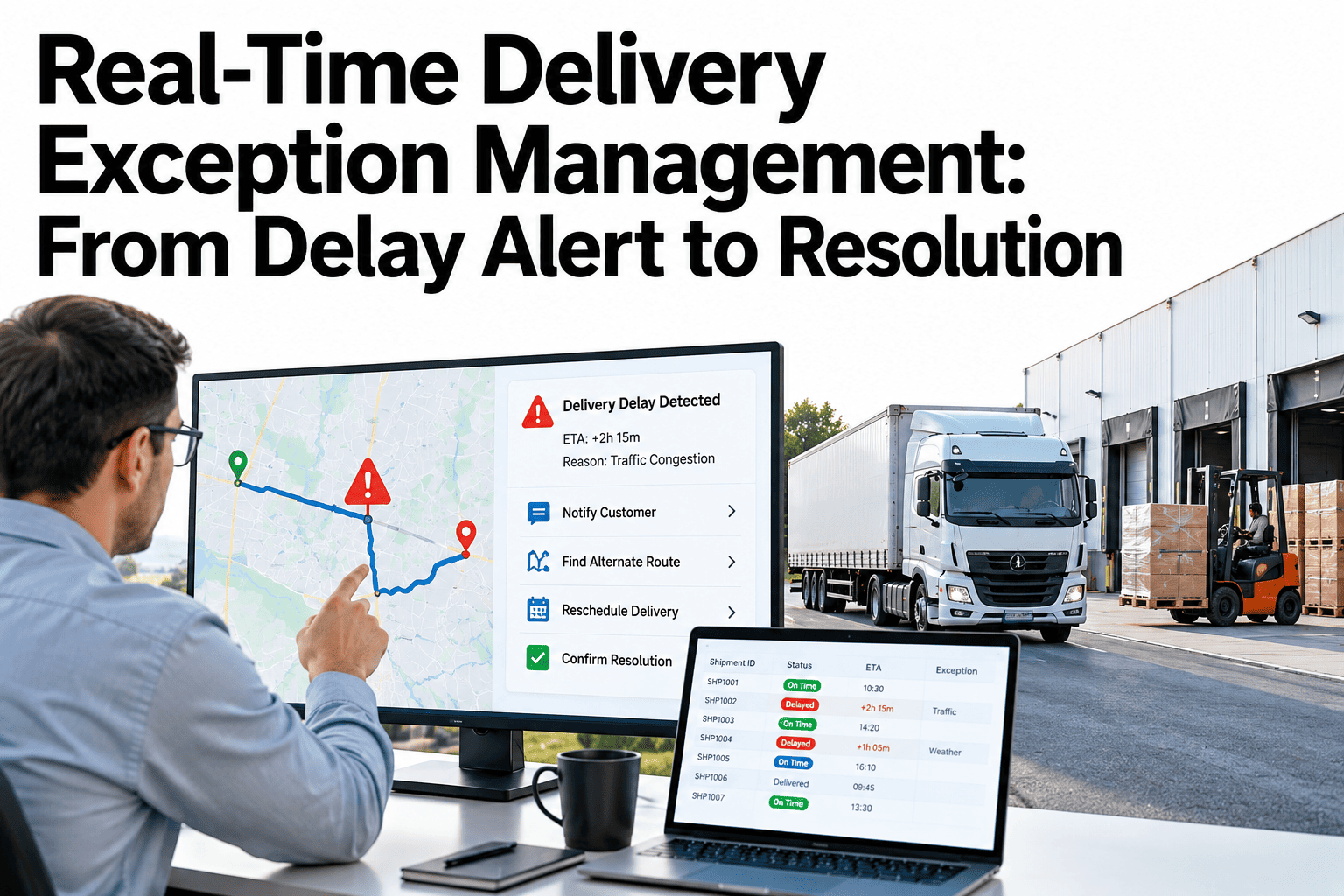
Every delivery team has a delay story where the warning came too late. A truck stalled, a load was short or a customer site closed early, and the first sign was an angry call. Exception management is the discipline of catching these events early, deciding who acts and keeping the customer informed until the delivery is resolved. The software helps, but the real work lies in categories, thresholds and ownership agreed in advance. Operations teams can replay a recent delivery delay through an alert-to-resolution workflow and see what could have been caught sooner.
From Delay Alert to Resolution Without Losing the Customer
iFactory helps teams categorize delivery exceptions, set alert thresholds, assign owners and keep a full resolution trail.
Five Exception Categories Worth Separating
Treating every problem as a generic delay hides the cause and the owner. Separate categories drive the right response.
Where Alert Thresholds Sit on a Delivery Timeline
An early warning gives time to act. A breach marks the point where the promise is lost.
Conceptual timeline. Real thresholds depend on distance, window and customer.
Alert Thresholds by Type of Delivery
One threshold for every delivery is either too noisy or too late. Set them by delivery type.
| Delivery Type | Threshold Logic | Why |
|---|---|---|
| Standard delivery | Alert when the estimated arrival passes the window start | Allows rework without false alarms |
| Time-window delivery | Alert earlier, based on remaining stops and distance | Missed windows usually mean a failed delivery |
| Critical customer | Alert on any variance from plan | Relationship value justifies closer watching |
| Multi-drop route | Alert on cumulative delay across stops | Small delays stack up along the route |
Alert to Resolution in Four Moves
A simple path keeps everyone on the same page, and it is easy to audit afterward.
Replay One Late Delivery as an Alert-to-Resolution Case
Bring a recent delay and the timeline of what happened. We will show where an alert would have fired and who would have owned it.
Ownership and Escalation Without Ping-Pong
Clear rules stop exceptions from bouncing between teams.
First owner
The role that can fix the cause acts first and has a time limit
Escalation timer
If the exception is not progressing, the next level is alerted
Handover record
Any change of owner is logged with a reason
Customer-impact flag
Exceptions that affect a key customer move up faster
Silent Delays vs Communicated Delays
Customers forgive a delay they hear about early. They rarely forgive one they discover themselves.
Where Delivery Exceptions Commonly Start
Frequency differs by operation. Rank yours to decide where to prevent, not just respond.
Illustrative frequency. Your own exception log gives the real ranking.
What a Resolution Audit Trail Should Capture
A trail turns each exception into a lesson and settles disputes with evidence.
| Field | Why It Matters | Example |
|---|---|---|
| Category and cause | Enables pattern analysis | Delay: late loading |
| Owner and timestamps | Shows response speed | Alert, acknowledged, resolved |
| Action taken | Records the decision | Reroute and new window |
| Customer communication | Proves the customer was informed | Message time and content |
| Final outcome | Closes the loop | Delivered, late by agreed margin |
What Experienced Delivery Leaders Look For in Exception Management
Frequently Asked Questions
How many exception categories should we use?
Start with five or six that map to who can act, such as delay, failed attempt, goods problem, access problem and resource gap. More categories make coding slow and inconsistent. You can split a category later once it grows large enough to need it. Review a starter category list with our team against your own history.
How do we avoid alert fatigue?
Set thresholds by delivery type, route alerts only to the owner and escalate only when an exception stalls. Review which alerts led to action each month and retire the ones that did not. A short alert list that people trust beats a long one they have learned to ignore.
Who should talk to the customer about a delay?
Agree this per customer type. Customer service often owns routine updates, while an account manager handles key customers. The system should show the owner what to say, the new expected time and the options available. Draft your customer message rules in a working session before go-live.
What data do we need to start?
You need planned delivery windows, dispatch and delivery events, and a way to record exception reasons. Position or ETA data improves early warnings but is not required for a first version. Many teams begin with event data they already collect and add tracking later.
How do we prove that exception management is working?
Track time to detect, time to resolve, repeat exceptions and on-time delivery against a pre-launch baseline. Review the closed cases with site leads each week, since their explanations show what the numbers cannot. Choose your first three measures with our team on a short call.
Turn Every Delivery Delay Into a Managed Case
Bring your last ten delivery exceptions. We will show how categories, thresholds and owners would have handled them.