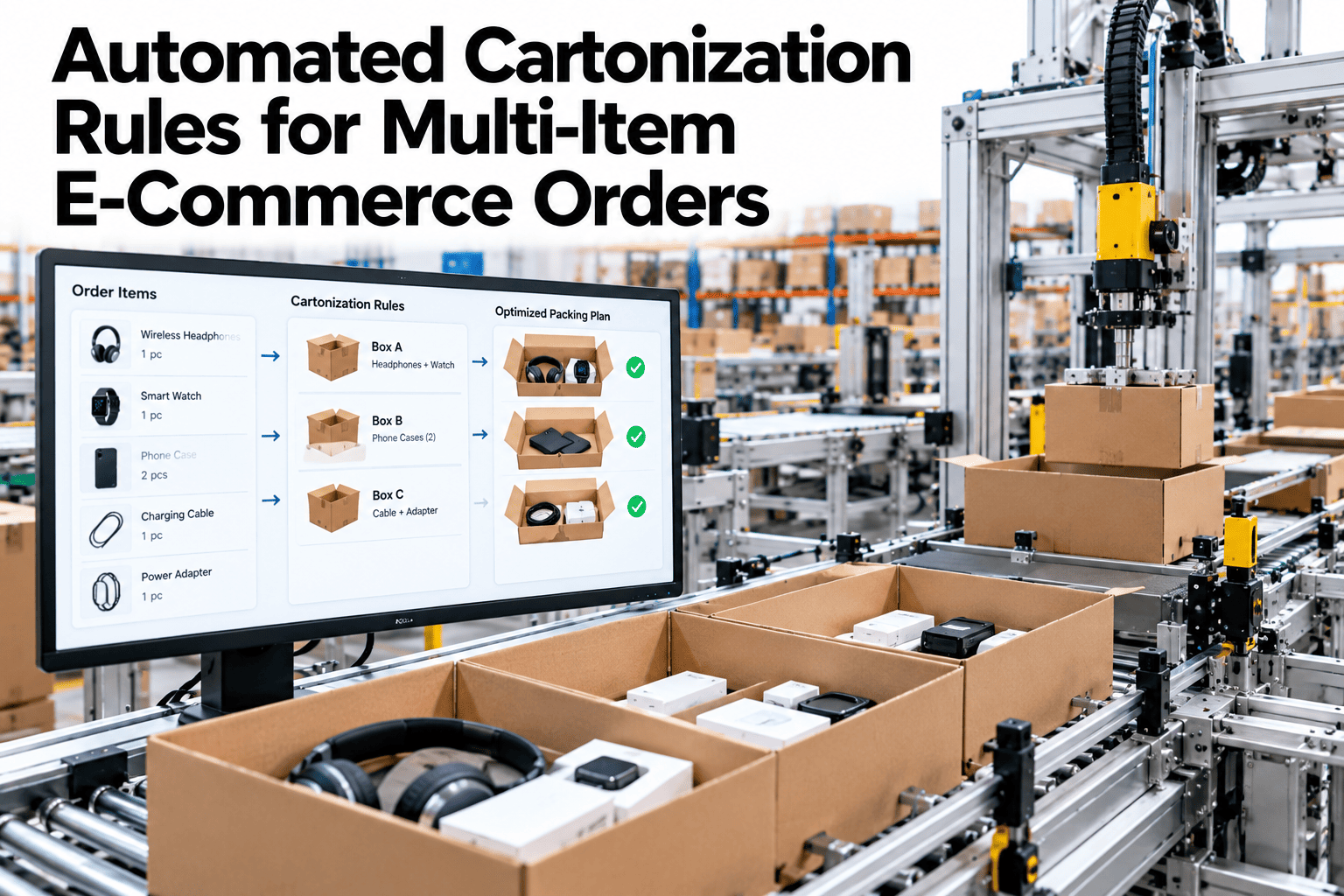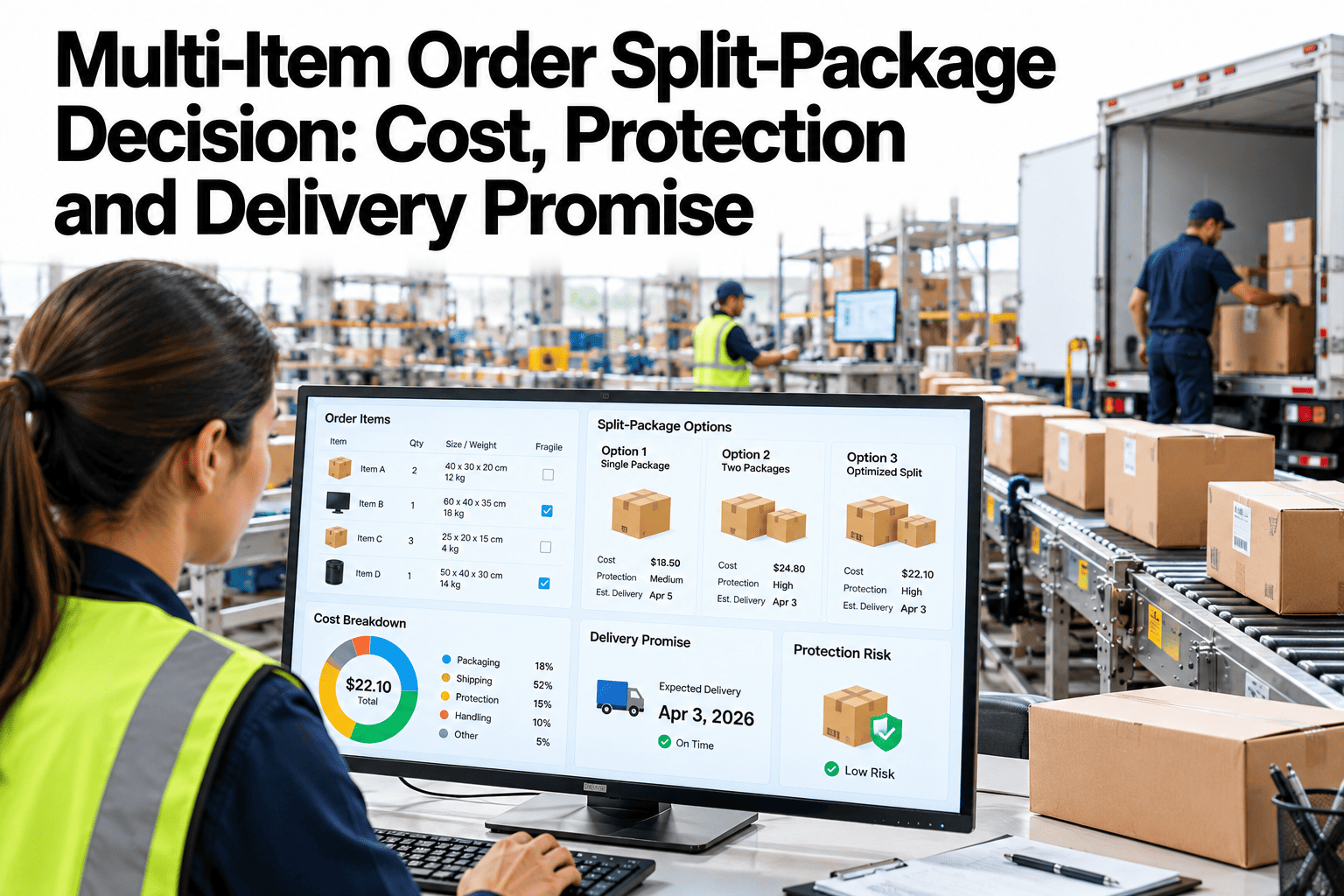
When an order holds items that sit in different places, need different protection or fit badly together, someone has to decide whether it ships as one parcel or several. That choice trades cost against protection and the promised date, and it shapes how the customer feels about the order. Too often it is made by habit at the pack bench or by a system setting, so two similar orders can leave the building in very different ways. See how iFactory AI scores every split decision against your own rules.
Ship Together or Split? Decide With Six Clear Checks
iFactory AI weighs compatibility, stock location, carrier cost, protection, delivery date and customer experience, then recommends one parcel, a split, or a review for each multi-item order.
The Split Decision Is Six Questions
Most teams argue about splits case by case. A short, fixed set of questions makes the answer consistent, and it shows why a particular order shipped the way it did.
Can they share a box?
Package compatibility sets hard limits on what may travel together.
Which site holds the stock?
Items in different locations make a split the only fast choice.
What will it cost?
Carrier cost for one parcel against several, in full landed terms.
Is it safe together?
Protection needs can argue for separation, or for combining.
What date can we keep?
The delivery promise sets how long an order can wait.
How will it feel?
The customer's view of one box or several matters to repeat orders.
Check 1 · Package Compatibility
Compatibility has two layers. Hard blockers forbid a pairing, and soft preferences only nudge the score. Keep them in separate lists, so a blocker is never traded away for a small saving.
Check 2 · Stock Location
Item location often decides the question before cost does. A split can be a choice, or it can be forced because no single place holds the whole order.
| Stock situation | What it means | Usual options | Watch for |
|---|---|---|---|
| All items in one place | A single parcel is possible | Ship together unless another check blocks it | Pack time and carton fit |
| Items in two nearby places | Moving stock first may be quick | Consolidate with a short transfer, or split | Transfer time against the promise |
| Items in two distant places | A transfer would add days | Split, or hold for the slower item | Date gap between parcels |
| One item short | Part of the order cannot ship yet | Ship ready items, or wait and ship together | Customer choice and refund rules |
| Supplier-direct item | Item ships out of a supplier site | Split by default | Separate tracking and returns |
Replay Last Month's Splits Against New Rules
Book a 30-minute session and iFactory AI will rerun a sample of your multi-item orders and show which orders a different choice would have helped.
Check 3 · Carrier Cost in Full Landed Terms
Looking only at the label price misleads. Count every cost that changes when an order becomes two parcels, and compare totals, not single lines.
Carrier charges
Base fee per parcel, billed size and weight, and any surcharges the parcel triggers.
Packaging
Cartons, fill and labels for each parcel, which often rise with the count.
Labor
Pick, pack and scan time for each extra parcel.
Service cost
Extra tracking questions and contacts when one order arrives in pieces.
Returns
More return labels and handling when items come back separately.
Risk cost
Expected cost of damage, loss and late delivery on each option.
A Worked Comparison in Cost Units
The figures below are invented units for illustration only. They show how a lower label price can still lose once the other costs are counted.
| Cost line | One large parcel | Two parcels |
|---|---|---|
| Carrier charges | 10 units | 13 units |
| Packaging | 3 units | 3 units |
| Labor | 2 units | 3 units |
| Service and returns | 1 unit | 3 units |
| Risk cost | 4 units (mixed load) | 1 unit |
| Total | 20 units | 23 units |
Check 4 · Protection Needs
Protection can argue either way. Keeping a fragile item clear of heavy goods lowers risk, while combining small items into one well-padded box can reduce handling damage.
Fragile with heavy
A split or a divider is usually safer. Score the extra parcel against the damage risk.
Many small items
One parcel with proper fill often protects better than several loose pieces in transit.
High value items
Separate tracked parcels reduce exposure, but the value limit may call for insurance rules.
Tested pack-outs
If a pack-out has passed your own transit tests, prefer it over a new mix.
Check 5 · Delivery Date and the Promise
A split usually saves time for part of the order and costs time for the rest. Set a plain rule for how much delay an order may carry before it must ship in pieces.
| Date gap | Default rule | Customer message |
|---|---|---|
| Same day or next day | Ship together if other checks pass | One tracking link |
| A few days | Review the order or offer a choice | Both dates shown at checkout |
| A week or more | Split, and tell the customer early | Proactive note with each tracking link |
Check 6 · Customer Experience
Two vendor surveys give a hint of how shoppers feel about split orders. Both are marketing-led, so use them as signals and test with your own customers.
Turn the Six Checks Into a Score
After the hard blockers, a weighted score ranks the remaining options. Keep weights simple and visible, so teams can discuss them and change them with evidence.
| Factor | Example weight | Scored by | Owner |
|---|---|---|---|
| Compatibility | Gate, then 10% | Pair list and blockers | Compliance lead |
| Stock location | 20% | Transfer time and node distance | Inventory planner |
| Carrier cost | 25% | Full landed cost per option | Logistics planner |
| Protection | 20% | Claim history and tested pack-outs | Packaging engineer |
| Delivery date | 15% | Date gap against the promise | Delivery operations |
| Customer experience | 10% | Contact rate by parcel count | Customer service lead |
Five Gates, in Order
Hard blockers
Remove any option that breaks a compatibility or regulation rule.
Stock reality
Remove options the stock position cannot support.
Promise date
Remove options that miss the promise without approval.
Score the rest
Rank cost, protection and customer effect with the weights.
Notify and learn
Send the right message, then log the outcome for the next review.
Edge Cases That Break Simple Rules
Real order books are messy. Plan for these cases early, because they decide whether the rules survive contact with the pack floor.
Partial availability
One item is short. Decide whether to ship ready items now, or wait and ship together.
Gift orders
Gifts often need one neat parcel and a hidden price, so they favor consolidation.
Multiple addresses
Each address is its own shipment, so the split question applies within each address only.
Pre-orders and backorders
Dates differ by item. Show them early and let the customer pick the path.
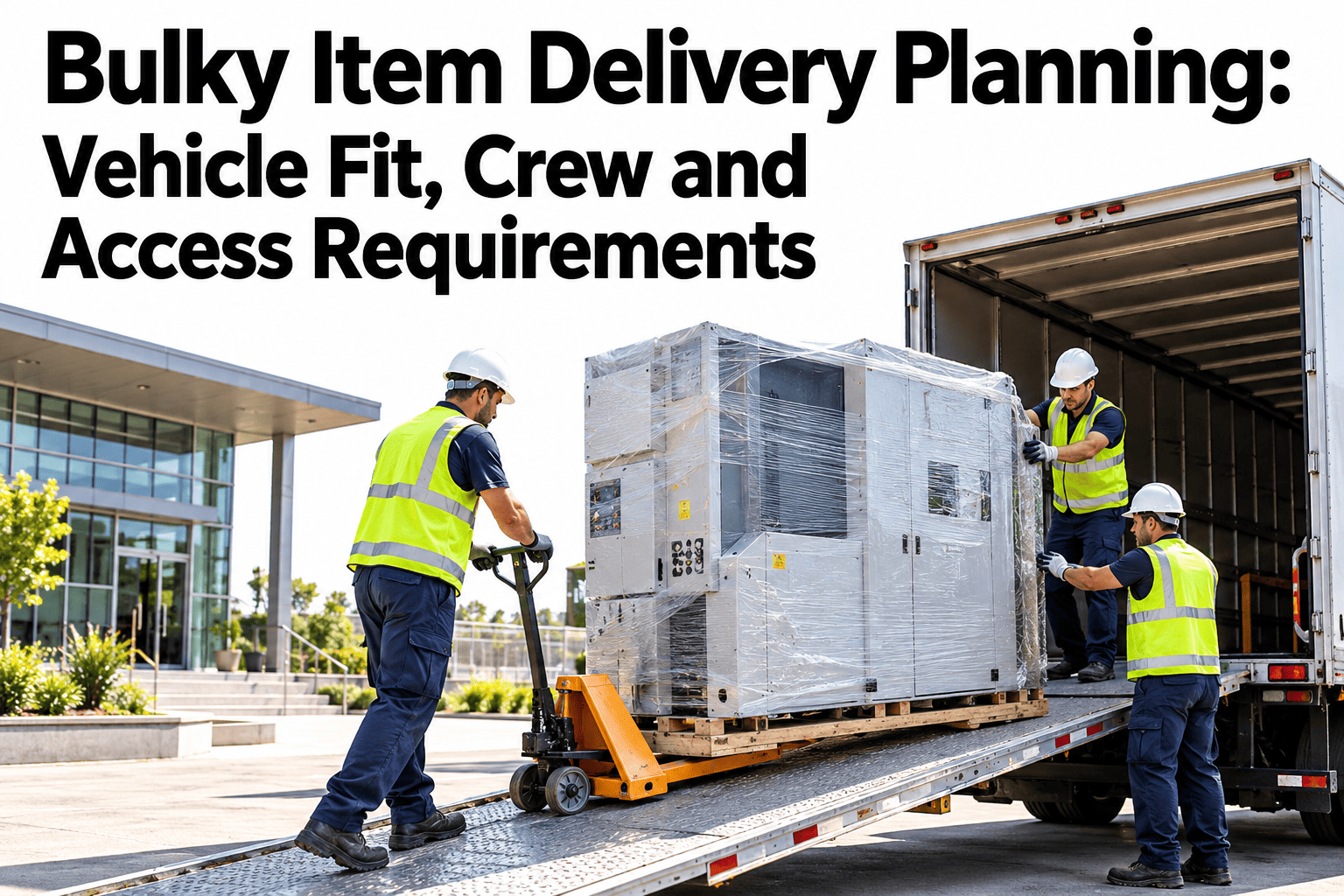
Oversize items
Large items ship on their own path, so the rest of the order splits off by default.
Time-sensitive goods
Cold or short-life items ship fast and alone, and never wait for other items.
Messages That Keep Customers Informed
Good rules still fail if customers are surprised. Write the messages once, test them, and attach them to each outcome.
Who Owns What
| Role | Owns | Reviews | Gives back |
|---|---|---|---|
| Compliance lead | Hard blockers | Forced splits and overrides | Rule changes |
| Packaging engineer | Protection and pack-out rules | Claims by pack-out | Tested mixes |
| Logistics planner | Cost lines and carrier terms | Landed cost per order | Rate and zone changes |
| Inventory planner | Stock position and transfer times | Forced splits by site | Stock placement changes |
| Delivery operations lead | Promise dates and gap rules | On-time performance | Threshold changes |
| Customer service lead | Messages and choice options | Contacts per split order | Wording and offer changes |
Hold a short monthly review with all six owners. Look at the ten most expensive splits, the ten most contacted orders and any rule that was overridden more than a few times, and agree one change for each pattern.
Begin with data you already hold. Order history shows how often each combination of items splits today, carrier invoices show the real cost of each parcel, and claim records show which mixes break. Lining these up by order number gives the first honest picture of what splits cost and why they happen.
Then pick one or two high-volume patterns, such as a fragile item with heavy goods, or an order with one slow-moving line, and write rules for just those. Prove the result on a small flow before widening the rule set. A short list of trusted rules beats a long list that nobody follows.
Finally, keep the human in the loop. Packers, planners and service agents see cases the data misses, and a simple way to flag a doubtful recommendation, with a reason, is the cheapest source of improvement a team can have.
Capture a baseline before go-live: split rate, landed cost per order, on-time rate to promise, claims by parcel count and contacts per split order. Record each for the last three months, so the pilot can be compared with real history and not with memory. Without that record, a good result cannot be proved and a bad one cannot be explained.
Governance Checklist
How to Judge the Results
| Measure | How to count it | What good looks like |
|---|---|---|
| Split rate | Orders shipped in more than one parcel | Explained by reasons, not by habit |
| Forced against chosen splits | Splits caused by rules or stock, against choice | Choice splits backed by a score |
| Landed cost per order | All six cost lines per shipped order | Down, with no rise in damage |
| On-time to promise | Orders whose last parcel met the date | Steady or better |
| Contacts per split order | Customer contacts divided by split orders | Falling after better messages |
How iFactory AI Supports Split Decisions
iFactory AI holds the rules, the stock view and the cost lines in one place, and recommends an option for each multi-item order.
Blocker engine
Applies hard compatibility rules before any cost comparison.
Stock-aware routing
Reads stock by location and flags forced splits.
Landed cost view
Totals carrier, packaging, labor, service, returns and risk.
Promise guard
Checks every option against the date shown at checkout.
Explain screen
Shows why an order split, in plain words.
Outcome tracker
Links each decision to claims, contacts and cost.
A 90-Day Starting Plan
Map today's splits
List why orders split now, and who decides.
Write rules and weights
Agree blockers, thresholds and cost lines with each owner.
Replay and compare
Run past orders through the rules and compare with what shipped.
Go live on one flow
Start with one site or channel and review the outcomes weekly.
Frequently Asked Questions
Is a single parcel always cheaper than a split?
Not always. Once risk, labor and service costs are counted, a split can cost less, especially with mixed fragile and heavy goods. Book a demo to compare landed costs on your own orders.
How do we set the date gap threshold?
Start with the dates your promise allows, then check contact and complaint data for each gap size. Tune it every quarter. Book a demo to model date gaps, or ask support about promise rules.
Should customers be able to choose one box?
Offering a hold-for-one-box choice can suit customers who are not in a hurry, and surveys suggest many would wait for fewer boxes. Book a demo to see a consolidation option in the order flow.
Who owns the rules?
Your compliance, packaging, logistics and service teams own them, and iFactory AI applies and tracks them. Book a demo to build a first rule set with your owners.
How long does a pilot take?
The turnkey build runs 6–12 weeks, with replay of past orders before any flow goes live. Book a demo to plan your pilot around your peak calendar.
Make Every Split a Decision You Can Explain
iFactory AI scores each multi-item order on six checks and shows why it shipped as it did. Book a walkthrough on your own order mix.