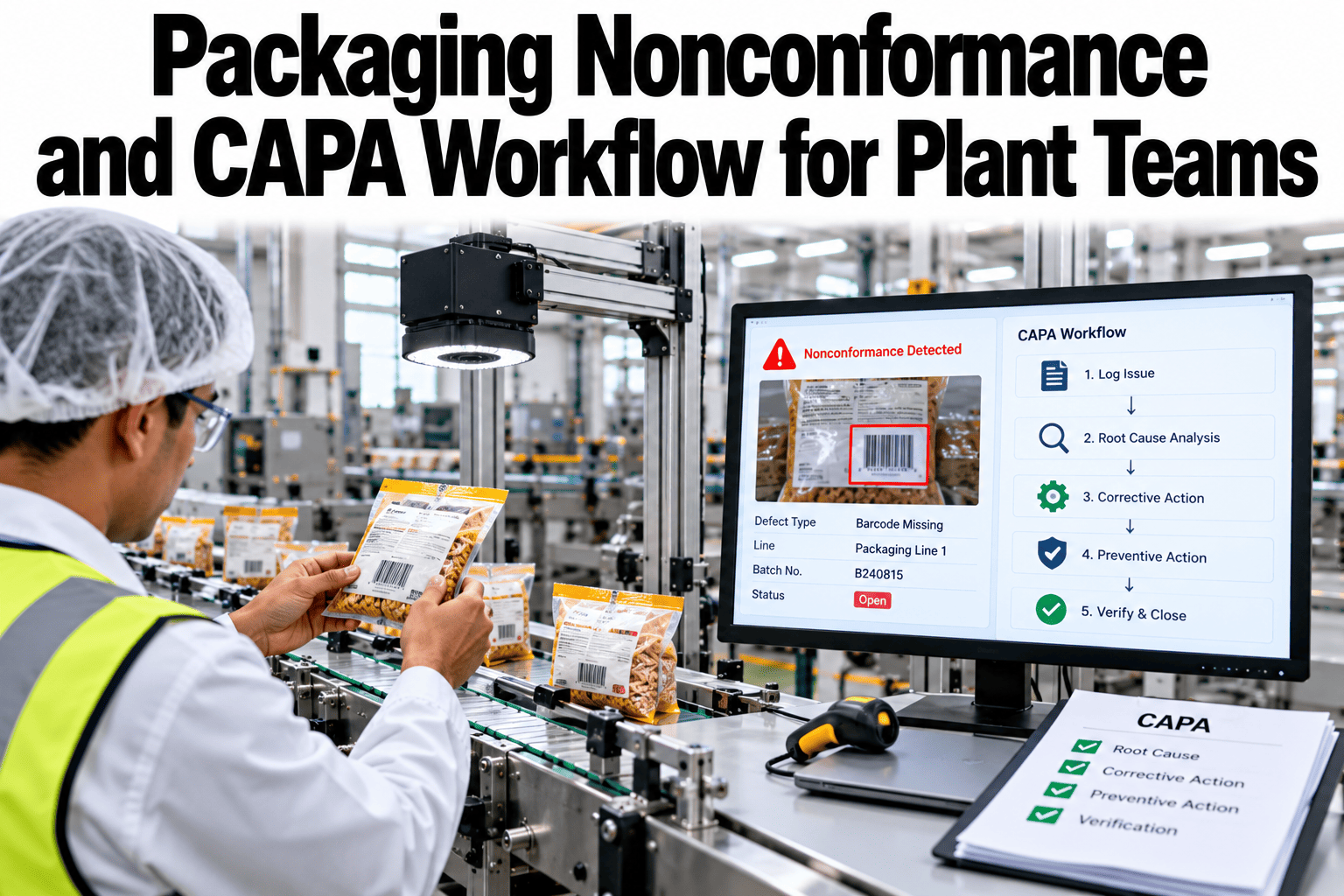
A packaging defect that is fixed once but never understood will come back. Many plants contain the problem, shuffle the product and move on, and the same nonconformance returns a few weeks later under a new date. A structured nonconformance and CAPA workflow gives every problem the same path, intake, containment, root cause, corrective action and a check that the fix actually worked. Plant teams who want that path can ask iFactory AI how nonconformances and corrective actions are tracked end to end.
Give Every Packaging Nonconformance a Path From Report to Proven Fix
iFactory AI tracks each nonconformance through intake, containment, root cause, corrective action and effectiveness review, so problems are closed for good and not just for the week.
The Five Stages of a Nonconformance Workflow
Every nonconformance travels the same path. Each stage has an owner, a time limit and an output.
Correction, Corrective Action and Preventive Action
The three terms are often mixed up. Separating them makes workflows clearer.
Correction
Fixes the immediate problem, such as reworking or quarantining affected product.
Corrective action
Removes the root cause so the same problem does not recur.
Preventive action
Removes the cause of a problem that has not happened yet.
What Each Stage Needs to Record
A short, consistent record at each stage keeps the whole file auditable.
| Stage | Record to Keep | Typical Owner |
|---|---|---|
| Intake | What, where, when, how many, and which batches | Operator or line supervisor |
| Containment | Product held, sorted or recalled and the decision made | Quality lead |
| Root cause | Method used, evidence and the cause confirmed | Cross-functional team |
| Corrective action | Action, owner, due date and the change made | Process owner |
| Effectiveness review | Evidence the problem has not returned over a defined period | Quality lead |
Why CAPAs Fail
Most failures are about discipline, not method. The chart shows an illustrative ranking.
Make Sure Every Packaging Problem Stays Fixed
Book a 30-minute session and iFactory AI will review your nonconformance records to show how many problems repeat and where the workflow breaks.
Choosing a Root Cause Method
Different problems suit different methods. Match the method to the problem.
| Method | Best For | Watch Out For |
|---|---|---|
| Five whys | Simple problems with a single chain of causes | Stopping too early at an easy answer |
| Cause-and-effect diagram | Problems with many possible causes | Listing causes without testing them |
| Structured team problem solving | Serious or recurring problems needing a team | Skipping verification of the cause |
| Data correlation | Problems visible in line and quality data | Mistaking correlation for cause |
Paper Files or a Tracked Workflow
Paper CAPA files age quickly. A tracked workflow keeps every action visible until the end.
Severity and Escalation
Not every problem needs the same response. A clear ladder links severity to escalation.
Minor
Contained locally and logged for trends.
Moderate
Quality lead reviews and a corrective action is assigned.
Major
Cross-functional team, customer notification considered.
Critical
Immediate hold, management and customer involvement.
Building a CAPA Workflow in Five Steps
A first workflow works best on one product family or line.
Agree what counts as a nonconformance and the severity levels.
Make reporting quick and consistent.
Write down containment steps for common cases.
Choose methods and require evidence.
Schedule effectiveness reviews before closing.
Nonconformance and CAPA Checklist
Use this list on every nonconformance. Each box should be answerable from the record.
A Composite Scenario: The Defect That Returned Three Times
This is a composite example, not a named plant. It shows how a proper workflow stops repeats.
Mistakes in Nonconformance Management
These habits let problems return.
Closing after containment
The cause is still there.
Retraining as the only action
People are rarely the root cause.
Skipping the effectiveness check
Nobody knows if the fix worked.
Treating CAPAs as paperwork
The workflow loses meaning and speed.
What iFactory AI Adds to CAPA Management
iFactory AI is smart manufacturing and industrial software that supports packaging and quality workflows. Capabilities described here should be confirmed against your specific setup. Explore CAPA tracking in a live product tour on realistic data.
A 30-Day Plan to Start
A month is enough to run one product family through a tracked workflow.
Review of Packaging Nonconformance and CAPA Workflows
A practical review of what makes CAPA work, written as editorial guidance rather than a named expert quote.
Separate correction from cause
Fixing the pack is not the same as fixing the problem.
Demand evidence
A root cause without evidence is only a guess.
Prove the fix
An action is closed only after the problem is shown not to return.
Frequently Asked Questions
What is the difference between correction and corrective action?
A correction fixes the immediate problem, such as reworking affected product, while a corrective action removes the root cause so it does not recur. See both tracked in a live demo with realistic data. Both belong in the record.
How do I find the real root cause?
Use a method suited to the problem, collect evidence at each step and test the cause by checking that removing it stops the problem. Stopping at the first plausible answer is the most common mistake. Include why the defect escaped detection.
Is retraining a good corrective action?
Rarely on its own. Stronger actions such as design changes, controls or maintenance usually last longer. Ask support how action strength is recorded and reviewed in the workflow. Training can support, but not replace, a real fix.
How long should an effectiveness review last?
Long enough for the problem to have reappeared if the fix had failed, which depends on how often it occurred. Define the period in advance and record the evidence. Closing too early defeats the purpose.
How soon can we start?
Many plants run one product family through a tracked workflow within a month. Book time to scope a CAPA pilot with your quality team. A closed repeat problem is the clearest proof.
Close Packaging Problems for Good, Not Just for the Week
iFactory AI tracks every nonconformance from intake to a proven fix. Book a walkthrough to see it on your own packaging records.