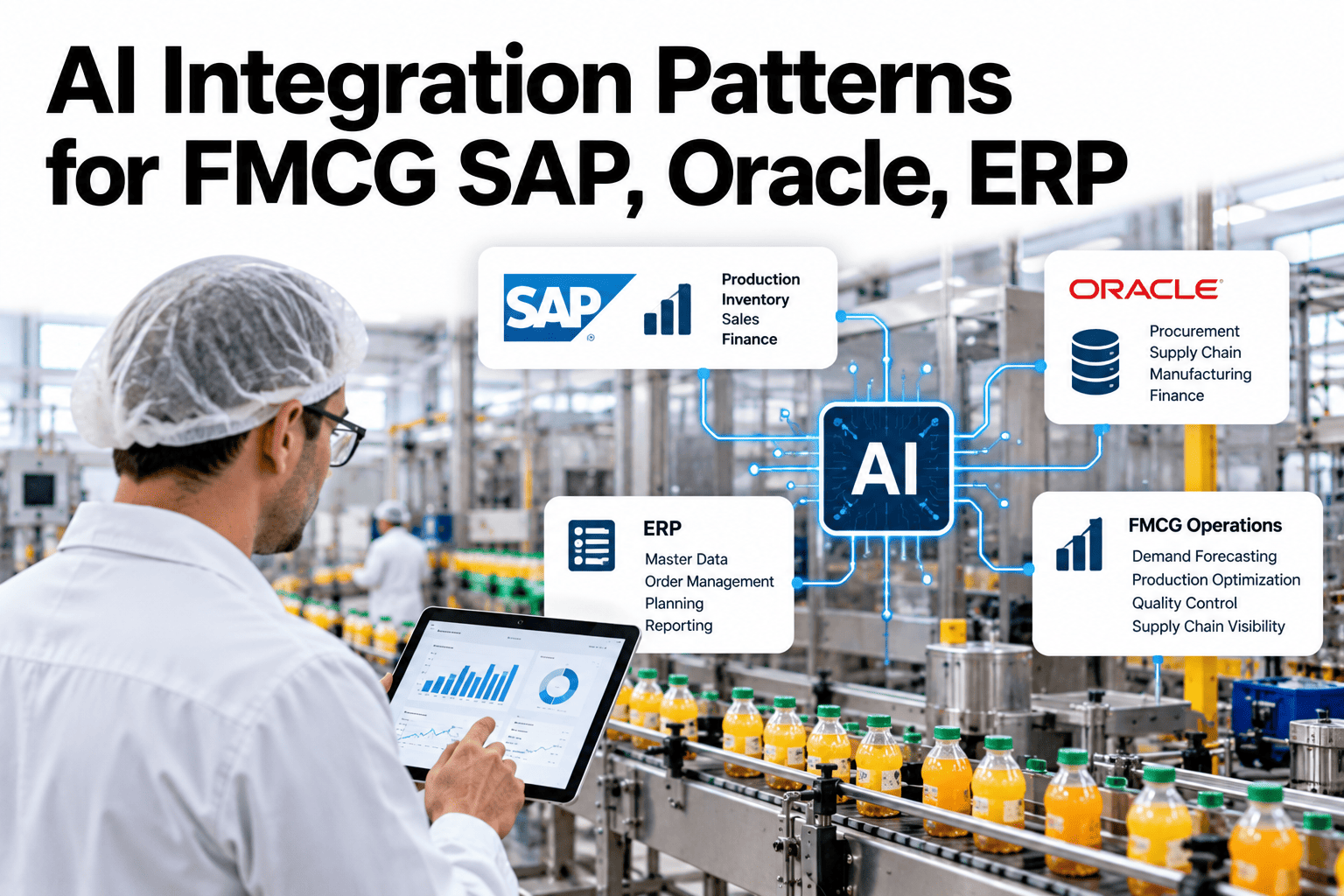
AI models can spot a problem or recommend an action, but the value is lost if the recommendation never reaches the ERP where orders, stock and maintenance are managed. Integration with SAP, Oracle and other ERP systems needs patterns that are safe, traceable and fit the way those systems work. Three patterns cover most needs: events, batches and API calls. Choosing the right one for each use case keeps integrations simple and reliable. To review the right pattern for your landscape, you can discuss ERP integration options with our team.
AI foundation and IT/OT convergence
Push AI Recommendations Into SAP, Oracle and Other ERP Systems Safely
iFactory AI supports event, batch and API integration patterns so recommendations reach the transactions where plant decisions are recorded.
Three integration patterns
Event-drivenBatchAPI request
Why integration mattersA Recommendation Nobody Records Is Just an Opinion
Plants run on transactions: production orders, goods movements, quality notifications and maintenance orders.
AI finds an issue
Model spots scrap rising on a line
Insight stays in a dashboard
Someone must re-key it into ERP
Delay and errors creep in
Manual entry is slow and inconsistent
Value is lost
The action is late or never happens
Integration closes that loop, so the recommendation becomes a transaction people can approve and track.
Three patternsEvent, Batch and API Integration Each Fit Different Jobs
Event-driven
The AI system publishes an event when something happens, and the ERP side reacts. Good for alerts, quality holds and urgent maintenance requests.
Batch
Data moves on a schedule, such as hourly or nightly. Good for forecasts, planning inputs and bulk updates.
API request
One system asks another for data or sends a single update. Good for lookups, validation and creating individual records.
Most plants use all three, each for what it does best.
Choosing a patternMatch the Pattern to the Use Case
| Use case | Best pattern | Why | Example result in ERP |
|---|
| Raise a quality hold on a batch | Event-driven | Needs to be immediate | Quality notification created |
| Create a maintenance request | Event-driven or API | Needs a record with details | Maintenance notification or order |
| Update demand or yield forecasts | Batch | Changes slowly, large volume | Planning parameters refreshed |
| Check order or material details | API request | Needs a quick answer | Data returned to the AI system |
| Report scrap and output | Batch or event | Depends on required timeliness | Confirmations posted |
Exact interfaces differ between SAP, Oracle and other systems. Confirm options with your ERP team and the system vendor.
Map Your First AI-to-ERP Use Case
Share your ERP landscape and a use case or two and see how iFactory AI would connect them using the right pattern.
Safe write-backFour Layers Between a Model and Your Transactions
Writing directly into ERP from a model is risky. Layers add control and traceability.
Validate
Check the recommendation against business rules and master data.
Stage
Place it in a holding area rather than posting immediately.
Approve
A responsible person confirms where the risk requires it.
Post and log
Create the transaction and record who and what triggered it.
The amount of approval can match the risk. A routine information update may flow automatically, while a stock adjustment needs sign-off.
Request and replyHow a Single API Call Should Work
1
Request
The AI service sends a clear request with identifiers.
2
Check
The ERP side authenticates and validates the request.
3
Respond
A result or error is returned quickly.
4
Retry safely
Retries do not create duplicates.
Duplicate prevention is essential. Without it, one network hiccup can create two maintenance orders or double-post a quantity.
The integration layerUse a Middle Layer Instead of Connecting Everything Directly
A shared integration layer avoids a tangle of one-to-one links between systems.
AI platformPlant systemsQuality and maintenance tools
Integration layer
SAPOracleOther ERP and planning tools
A middle layer lets you change one system without rebuilding every connection.
Approval levelsMatch Human Review to the Risk of the Action
Inform
Read-only insights and reports, no approval needed.
Propose
A draft transaction awaits human approval.
Auto-post
Low-risk, rule-bound updates post automatically with logging.
Start with proposals and widen auto-posting only after results are proven. To design approval levels, ask our team about ERP approval rules.
PitfallsFragile Integrations Versus Robust Ones
Fragile
Direct, undocumented point-to-point links
No duplicate protection
Free-text values and unchecked data
No monitoring of failures
Robust
Documented interfaces through a shared layer
Unique IDs and safe retries
Validation against master data
Alerts for failed or delayed messages
Monitor integrations like production equipment. A silent failure at night can show up as a stock error next week.
RolloutFive Steps From First Use Case to Standard Practice
1
Choose one use case
Pick a clear, valuable and low-risk transaction.
2
Map the data
Agree fields, master data and ownership.
3
Build and test
Use a test ERP system with realistic data.
4
Pilot with approval
Run proposals with human review.
5
Scale
Add use cases and widen automation as results are proven.
Use case and owner agreed
ERP interface options confirmed with the system team
Master data and fields mapped
Validation rules written
Duplicate prevention in design
Monitoring and alerts for failures
Approval rules by risk level
Test plan and sign-off steps
Expert reviewWhat an ERP Integration Architect Would Check First
Expert review
Most integration problems come from unclear data ownership and weak error handling. Settle those first, then pick technology.
VerdictStrong when write-back is staged, validated and logged.
Watch forDirect writes into ERP tables or unmonitored batch jobs.
Do nextPick one low-risk use case and prove the pattern end to end.
Frequently asked questionsWhat IT Teams Ask About AI and ERP Integration
Should AI write directly into SAP or Oracle?
Usually not at first. Recommendations should be validated and staged, with approval where risk warrants it, then posted through supported interfaces. This protects data quality and gives you a clear record of what triggered each transaction.
Discuss safe write-back.
Which pattern should we choose first?
Choose the pattern that matches the timing need of your first use case. Urgent actions such as quality holds suit events, while forecasts suit batches. Start with one clear use case and prove the pattern before widening scope.
Ask about pattern selection.
How do we avoid creating duplicate records?
Include a unique identifier with each request and design the receiving side to ignore repeats. Combine this with careful retry rules and monitoring, so network problems do not turn into double postings.
See duplicate protection options.
How do we keep master data consistent?
Agree which system owns each data item, validate incoming values against it and reject unknown codes. Regular checks help catch drift between plant systems and ERP. Treat master data quality as part of the project.
Ask about master data checks.
What should we monitor after go-live?
Watch message delays, failures, duplicate attempts and the share of proposals approved or rejected. Alerts for stalled interfaces prevent silent errors. Review these measures weekly at first.
Plan integration monitoring.
From insight to transaction
Turn AI Insight Into ERP Action
Book a session with iFactory AI to map your SAP or Oracle landscape, choose integration patterns and design safe, traceable write-back.