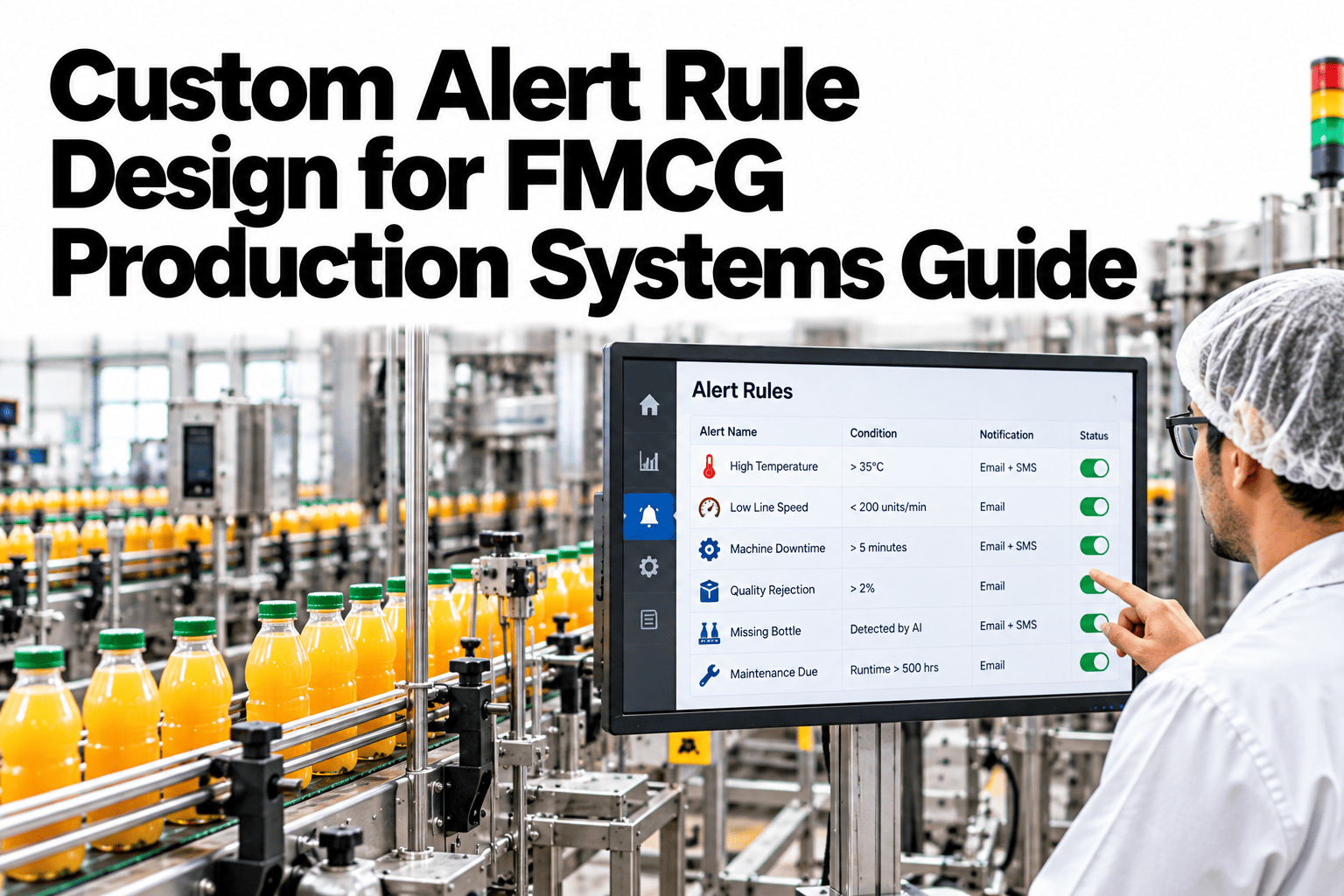
A production alert is only useful if the person who receives it trusts it and knows what to do next. Many FMCG plants flood supervisors with alerts from simple thresholds, so real problems hide among false alarms and people start ignoring their phones. Good rule design uses the right type of rule for each problem: threshold, rate-of-change, ratio or pattern. If you want to see how a rule library could look for your lines, you can review a sample rule library with our team.
Real-time reporting and supervisor alerts
Design Alert Rules That Catch Real Problems and Respect Supervisors' Attention
iFactory AI helps FMCG plants build alert rules that fire when something truly needs action, so supervisors respond faster and alarm fatigue falls.
Four rule types, one library
ThresholdRate of changeRatioPattern
The fatigue problemWhen Every Alert Matters, None of Them Do
Supervisors on FMCG lines already juggle people, materials and targets. Every unnecessary alert takes a little attention away from the real problems.
Noise
Alerts that never need action
Delay
Supervisors respond late to genuine issues
Ignored
Phones muted and screens dismissed
Missed
Real faults hidden in the flood
The fix is not fewer alerts for the sake of it. It is better rules, so each alert earns the attention it asks for.
Four rule typesMatch the Rule Type to the Problem
A single threshold cannot describe every kind of production problem. Four rule types cover most needs.
1
Threshold
Fires when a value crosses a limit, such as fill weight below minimum. Simple and clear, but prone to noise if limits are tight.
2
Rate of change
Fires when a value moves too fast, such as reject rate tripling in ten minutes. Catches problems before limits are reached.
3
Ratio
Fires when one measure is out of proportion to another, such as rejects per thousand units. Fair across different speeds.
4
Pattern
Fires on a combination or repeat, such as the same stop code three times in an hour. Reveals hidden causes.
Start simple and add the more advanced types where thresholds alone cause noise.
Choosing a ruleWhich Rule Fits Which Production Problem
| Problem | Best rule type | Why it fits | Example |
|---|
| Under-filled packs | Threshold | Hard limit with clear action | Net weight below minimum |
| Reject spike after a changeover | Rate of change | Shows sudden movement | Rejects triple in ten minutes |
| Quality varies with line speed | Ratio | Normalises for volume | Rejects per thousand packs |
| Repeating micro-stops | Pattern | Counts repeats over time | Same stop code three times per hour |
| Slow drift in a process value | Rate of change | Catches trends early | Temperature rising each cycle |
See Your Own Alerts Cut Down to the Ones That Matter
Share a week of alert history and see how iFactory AI would reshape it into a smaller set of rules supervisors can trust.
Anatomy of an alertFour Things Every Alert Message Must Say
A good alert saves the supervisor from searching. The message should carry the answer to the first four questions.
What happened
A plain statement such as fill weight trending low.
Where
Line, machine and zone, so the right person goes to the right place.
How bad
Severity and how long the condition has lasted.
What to do
The first action or a link to the playbook entry.
Test every alert by reading it on a phone. If you cannot act on it from the screen alone, rewrite it.
TuningFour Steps to Set Limits That Do Not Cry Wolf
Limits set from guesswork are the main cause of noise. Real data gives better starting points.
1
Measure normal
Review a few weeks of data to see typical variation.
2
Set the limit
Place the limit outside normal variation but inside real risk.
3
Add delay or deadband
Require the condition to last or move a set amount.
4
Test and adjust
Run the rule quietly first and tune before it notifies.
Rules that run silently for a week before going live save weeks of complaints afterwards.
RoutingSend Each Alert to the Right Person in the Right Way
Severity should decide who is told and how. A low-level note should not buzz a manager at night.
Information
Shown on the zone screen. No notification.
Warning
Pushed to the line supervisor with a short delay.
Critical
Immediate notification with escalation if not acknowledged.
Acknowledgement and escalation rules matter as much as the alert itself. To design routing for your shifts, ask our team about escalation setups.
Proving it worksWhat Better Rules Do to Alert Volume
Track alert counts and the share that led to action. This illustrative chart shows volume falling as rules improve.
Alert counts alone are not enough. Also measure how many alerts led to a real action, since that shows whether trust is growing.
Rule reviewA Monthly Routine to Keep the Library Healthy
1
Review the top ten alerts
Find which rules fire most often.
2
Retire dead rules
Remove alerts that never lead to action.
3
Tune noisy rules
Adjust limits, delays or types.
4
Add missing rules
Cover problems that were found late.
5
Share the changes
Tell every shift what changed and why.
List of current alert rules with owners
Alert history for the last quarter
Severity levels and routing agreed
Acknowledgement and escalation rules
Monthly review date set
Feedback route for supervisors
Expert reviewWhat a Production Systems Engineer Would Check First
Expert review
Rule design is a trust problem as much as a technical one. Supervisors accept alerts that are rare, accurate and clear, and drop those that are not.
VerdictStrong when each rule has an owner, a clear action and a regular review.
Watch forRules added after every incident and never removed.
Do nextStart with the ten loudest alerts and fix or retire half of them.
Frequently asked questionsWhat Plant Teams Ask About Alert Rule Design
How many alert rules should a line have?
Fewer than most plants expect. Start with a small set that covers your biggest losses, such as stops, rejects and under-fills, then add a rule only when a real problem was missed. Every rule needs an owner and a clear action.
See a starter rule set.
Should supervisors be able to change rules?
Supervisors know which alerts help and which waste time, so they should be able to suggest changes easily. A named owner should approve each change, which keeps rules consistent across shifts and stops quiet drift. Record every change with a date and reason.
Ask about rule approval settings.
What is the difference between a threshold and a ratio rule?
A threshold watches one value against a fixed limit, such as net weight below a minimum. A ratio compares two measures, such as rejects per thousand packs, which stays fair when line speed or volume changes. Ratios usually produce fewer false alarms on lines that run at varying rates.
Compare both rule types in a session.
How do we know a rule is working?
Look at two numbers for every rule: how often it fires and how often someone takes action because of it. A rule that fires often with no action needs tuning or removal, while a rule that fires rarely but always leads to action is doing its job. Review both monthly.
Ask about alert reports.
Can alerts include suggested actions?
Yes. An alert can carry a short instruction or a link to a checklist, so the first response is clear even for newer staff on a night shift. The wording should be agreed with operations and quality so that it stays accurate and practical.
See alerts that include actions.
Fewer alerts, faster action
Give Supervisors Alerts They Believe
Book a session with iFactory AI to review your alert history, redesign rules by type and set routing that matches your shifts.