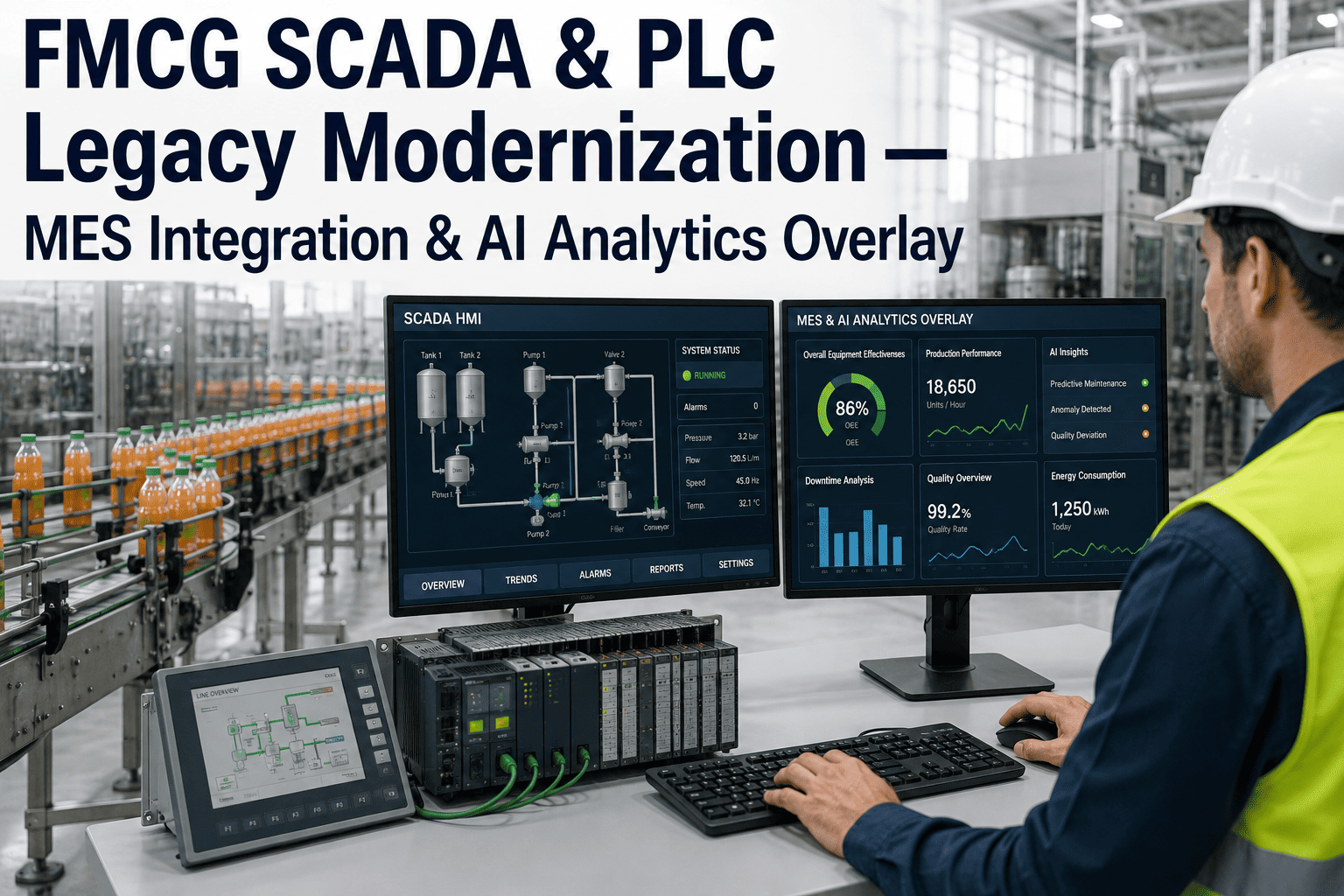
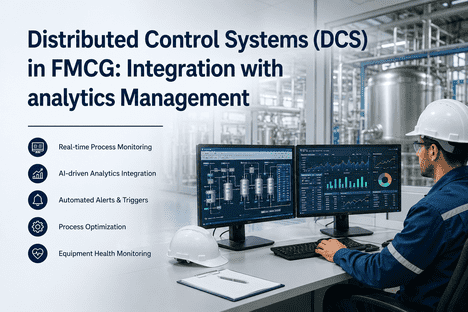
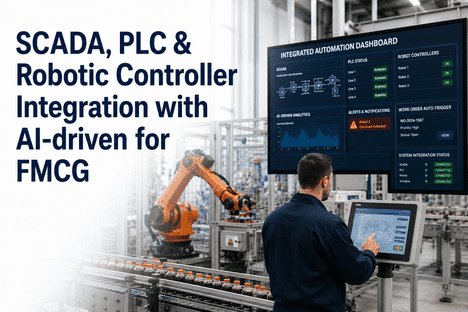
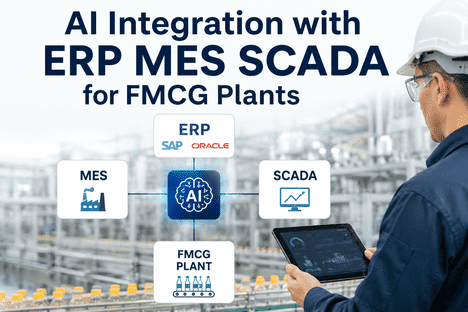
Somewhere on most FMCG production floors there's a PLC that's been running since before half the current maintenance team started, connected to a SCADA screen nobody has redesigned in a decade, quietly doing exactly what it was programmed to do. The instinct when a modernization budget finally appears is to rip it out and replace it with something new — but that instinct is usually wrong, expensive, and slower than the alternative. Read on to see how an analytics overlay connects legacy Rockwell, Siemens, and Schneider PLCs into unified production intelligence without touching the control logic underneath.
Digital & Smart Factory · Operations
Your Legacy PLCs Don't Need to Be Replaced. They Need to Be Heard.
AI analytics overlay and MES integration that reads directly from legacy Rockwell, Siemens, and Schneider control systems, turning decades of disconnected control logic into a single production intelligence view.
Why Rip-and-Replace Keeps Getting Delayed
The Real Reason Legacy PLCs Never Get Modernized
Every operations director inherits the same argument in favor of a full control system replacement: the PLCs are old, the SCADA screens look dated, and a clean-sheet architecture would be easier to maintain going forward. Every operations director also inherits the same reason that argument keeps losing to budget committees — a full replacement means production downtime measured in weeks, requalification of every control loop the old system was already running reliably, and a capital number that rarely survives a single planning cycle intact. The PLCs that look outdated on paper are often the most reliable equipment on the floor precisely because they've had decades to have every edge case worked out of them.
The Replacement Path
Full downtime for cutover, control logic requalification, operator retraining, and a capital request that competes with every other plant priority for the same budget cycle.
The Overlay Path
Read-only connections into existing PLC and SCADA data, no changes to control logic, no requalification, and a phased rollout that starts delivering visibility within weeks rather than after a multi-year capital project.
How the Overlay Connects
Three Layers, One Unified View
Layer 1 — Legacy Control
Existing Rockwell, Siemens, and Schneider PLCs continue running exactly as configured, with read-only protocol connections pulling tag data without interrupting control loops.
↓
Layer 2 — Analytics Overlay
Tag data from every connected PLC is normalized into a common structure, regardless of vendor protocol, and correlated across production lines for a plant-wide view no single vendor's software provides on its own.
↓
Layer 3 — MES & Production Intelligence
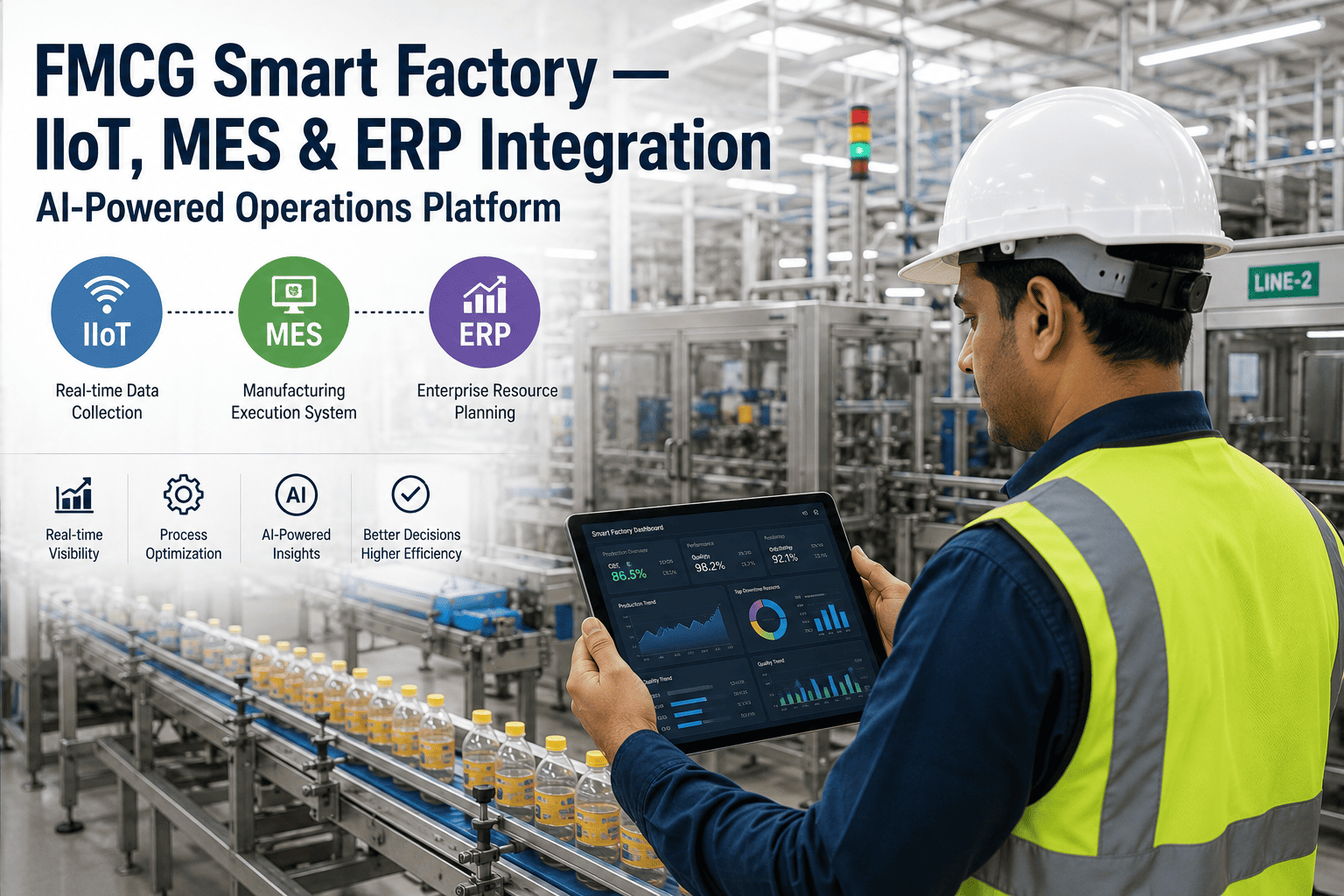
Normalized data feeds into MES workflows and production dashboards, giving operations directors OEE, downtime, and throughput visibility across lines that previously reported through incompatible systems.
Modernize Without the Downtime
Get Unified Production Intelligence Without Touching Control Logic
iFactory connects legacy PLC and SCADA systems into one analytics view, phased in without the downtime or requalification a full replacement demands.
Vendor Coverage
Connecting Across Mixed-Vendor Control Environments
| Control Platform | Common FMCG Deployment | Integration Approach |
|---|
| Rockwell (Allen-Bradley) | Packaging lines, filling systems | Native EtherNet/IP tag read |
| Siemens (S7 Series) | Process control, batching systems | S7 protocol read via OPC layer |
| Schneider (Modicon) | Utilities, material handling | Modbus/TCP tag polling |
| Mixed Multi-Vendor Lines | Plants with phased equipment history | Unified overlay across all protocols |
What Operations Directors Get
What Changes Once the Overlay Is Live
01
Cross-Line Visibility
Lines running different PLC vendors finally report into the same dashboard, ending the practice of walking between separate HMI screens to piece together plant-wide performance.
02
Phased Capital Planning
Modernization becomes a rolling process rather than a single high-risk capital event, letting operations directors prioritize the lines that need attention first without a plant-wide shutdown.
03
No Control Logic Risk
Because the overlay reads data without writing to control logic, there's no risk of introducing a new fault into a control loop that's been running reliably for years.
04
A Foundation for Later Upgrades
When individual PLCs eventually do reach end of life and get replaced, the overlay's data model doesn't need to be rebuilt — the new equipment simply plugs into the same unified view.
Rollout Approach
How a Typical Overlay Rollout Is Sequenced
Most plants start the overlay rollout on the lines where visibility gaps are causing the most operational pain — often a packaging line reporting through one PLC vendor and a batching process reporting through another, with no shared view between them. Read-only connections are established to pull tag data from each system's existing historian or direct PLC connection, mapped to a common naming convention that resolves the tag and unit differences that inevitably exist between a Rockwell-programmed line and a Siemens-programmed one.
Once the first lines are connected and validated against known production numbers, the rollout typically extends line by line rather than attempting a plant-wide cutover at once. This phased approach means operations directors get value from the first connected lines while the rest of the rollout continues, rather than waiting for a single big-bang go-live that carries far more risk and requires far more coordinated downtime than a line-by-line connection process.
Common Questions
Frequently Asked Questions
Does this require any changes to our existing PLC programs?
No — the overlay connects as a read-only data consumer, pulling tag values from existing PLCs and historians without writing back to control logic or requiring any reprogramming of the equipment already running on the floor.
Talk to support about your specific PLC models and firmware versions.
Can this connect PLCs from different vendors into one dashboard?
Yes — connecting mixed-vendor environments is the core use case, since most FMCG plants accumulate Rockwell, Siemens, and Schneider equipment over years of phased purchases, and the overlay normalizes tag data from each protocol into one common structure for unified reporting.
How long does a typical line take to connect?
A single line with existing historian access can often be connected and validated within a few weeks, while a line requiring a new direct PLC connection without an existing historian takes somewhat longer to establish and confirm tag mapping accuracy against known production data.
Does this replace our MES system?
No — the overlay is designed to feed normalized, cross-vendor production data into an existing MES rather than replace it, giving the MES a more complete and consistent data stream from lines that previously reported through incompatible legacy systems.
Book a demo to see how it integrates with your current MES.
What happens when we eventually replace an old PLC?
When a PLC is eventually replaced as part of normal equipment lifecycle planning, the new controller connects into the same overlay data model, meaning historical trends and dashboards continue without a gap and without requiring the analytics layer to be rebuilt around the new hardware.
Modernize on Your Timeline
Connect Legacy Control Systems Into One Production View
iFactory's analytics overlay reads directly from existing Rockwell, Siemens, and Schneider PLCs, giving operations directors unified production intelligence without a rip-and-replace project.