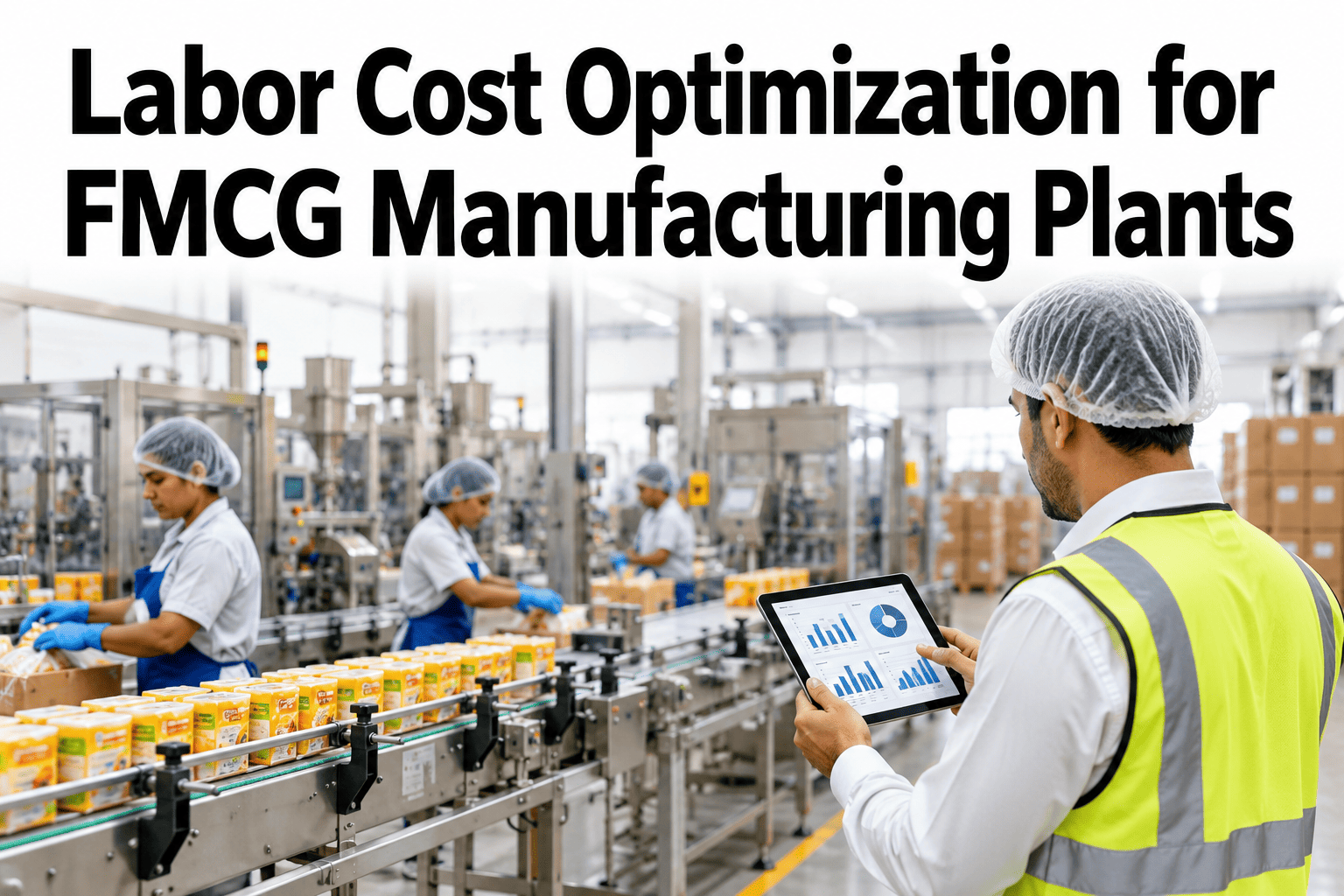
Labor is the one FMCG cost that moves every shift. A line short two operators runs slow, a surprise absence means overtime, and a plant staffed for peak pays for idle hours in quiet blocks. Cutting headcount rarely fixes this. Brands that hold labor cost steady plan hours around demand, build skill cover and ration overtime. Plant leaders can review labor hours against line output in a short session.
Put the Right People on the Right Line at the Right Hour
iFactory AI joins roster, attendance, line output and overtime data, so labor cost follows demand instead of habit.
What Overtime Really Costs a Food Plant
US Bureau of Labor Statistics data, reported by Food Industry Executive in September 2026, shows food manufacturing production workers averaged 4.0 overtime hours a week in 2025. That was up from 3.6 hours in 2023 and 2024, and above the 3.8-hour average for all manufacturing.
Average weekly overtime per food production worker, 2025
Average hourly pay for production workers, August 2026
Extra cost per overtime hour at time and a half
Overtime premium per worker per year at that pace
Where the Extra Hours Come From
Overtime has four usual sources. Plants that rank them by hours find that one or two drive most of the premium. The bars show an illustrative split to rank against your own roster.
Absence Is the Biggest Single Driver
BLS figures show a manufacturing absence rate of 2.9 percent in 2025, and about three-quarters of it was illness or injury. Food manufacturing also logged 3.3 injury and illness cases per 100 full-time workers in 2024, against 2.3 across private industry.
Schedule to Demand, Not to Habit
A fixed block of eight hours for everyone matches demand only by luck. Staggered starts, short peak shifts and a small flex pool move labor to where the line needs it. Operations managers can compare roster patterns on real output before changing a rota.
Demand-Based Rosters
Build the roster from the production plan, line by line and hour by hour.
Short Peak Shifts
Cover known peaks with four-hour blocks instead of long overtime days.
Flex Pool
A small trained group covers absence without paying the premium.
Shift Handover
Clear notes cut the ramp-up minutes lost at every crew change.
See Your Overtime by Line, Shift and Cause
Book a 30-minute session and iFactory AI will show hours, output and overtime premium for your own plant.
Cross-Training: Cover Every Station Three Deep
When only one person can run a station, every absence becomes overtime or a line stop. A skill grid shows the thin stations at a glance. Aim for three qualified people on every critical station.
Watches the station and knows the safety rules.
Runs it with a buddy and a sign-off sheet.
Runs it alone and clears routine faults.
Trains others and leads changeovers.
Automation Candidates: Automate the Strain, Keep the Judgment
Not every task is worth a robot. The best first candidates are repetitive, physically heavy and fixed in format. Tasks full of variation and judgment stay with people, who also move into more skilled roles.
High repetition, low variation
Palletizing, case erecting and stretch wrapping fit here.
High repetition, some variation
Case packing and tray loading work when formats are limited.
Low repetition, high strain
Lift assists and carts help without a full robot.
Low repetition, high judgment
Quality calls, troubleshooting and changeover leadership.
| Task | Repetition | Physical strain | Format variation | Verdict |
|---|---|---|---|---|
| Palletizing finished cases | Very high | High | Low | Strong first candidate |
| Case packing | High | Medium | Medium | Pilot on one line |
| Label and carton checks | High | Low | Medium | Vision inspection candidate |
| Line changeovers | Low | Medium | High | Standardize with people |
| Fault clearing | Low | Low | High | Keep with skilled operators |
A Lipton tea packaging plant automated palletizing with six collaborative robots after a labor shortage in 2019. Packaging Digest reports a one-year payback and a 30 percent labor reduction on that task.
Idle Hours: The Cost Nobody Counts
Overtime gets noticed because it shows on payroll. Idle paid hours do not. A worker waiting for materials, a repair or a changeover is paid the same as one packing cases. The bar shows an illustrative split of paid line hours.
Waiting for Material
Late ingredient or pack supply leaves a full crew with nothing to run.
Waiting for Repair
A slow fix turns every operator on the line into idle cost.
Long Changeovers
Without a standard, each crew changes over in its own way and its own time.
Crew Imbalance
Some stations wait on others because staffing does not match the line speed.
Turnover and Onboarding: The Slow Ramp
Every new hire starts below full speed. In a plant with high turnover, a large share of the crew is always in the ramp. Structured training shortens that curve. The columns show an illustrative productivity path for a new operator.
Buddy System
Pair each new hire with a trained operator for the first two weeks.
Short Sign-Off Steps
Break each station into small skills with a clear pass check.
Fixed Rotas
Steady schedules and fair overtime help people stay.
Clear Career Path
Skill levels tied to pay give operators a reason to grow with you.
Overtime Discipline: Rules That Hold
Overtime without rules becomes the default way to run. Six clear guardrails keep it for the moments that justify it. Plant managers can ask support about overtime approval reports to see how teams track them.
Labor Pressure Points by FMCG Category
Labor cost shows up in different places depending on what the plant makes. Seasonal food lines feel peaks hardest. Home and personal care lines often carry more manual packing. The grid shows an illustrative read.
Six Mistakes That Waste Labor Savings
Most labor programs lose value for the same few reasons. Each one has a plain fix.
A Composite Scenario: Four Lines, One Quarter
A plant tracked weekly overtime hours on four lines before and after a roster and cross-training change. The paired bars show illustrative results.
Ergonomics and Safety Are Labor Cost Levers
Injuries pull people off the line, and every missing operator becomes cover hours. BLS data puts food manufacturing at 2.3 days-away cases per 100 workers in 2024, against 1.4 across private industry. Fewer injuries mean fewer gaps to fill.
Walk each line and ask where the body works hardest. Lift assists, better station height and rotation between tasks lower strain without slowing output. These fixes often cost little and pay back in fewer absence hours.
A Weekly Rhythm That Keeps Labor Cost Steady
Cost control is a habit, not a project. One short review per day keeps the plan honest.
Share last week's overtime by cause.
Check the skill grid for thin stations.
Match next week's roster to the plan.
Review automation and safety ideas.
Confirm flex pool cover for the weekend.
The Labor Cost Dashboard: What to Track
Six measures cover cost, output and fairness. Keep each with a named owner.
| Measure | How it is calculated | Owner | Review rhythm |
|---|---|---|---|
| Labor cost per unit | Total labor spend divided by good units shipped | Finance | Weekly |
| Overtime share | Overtime hours divided by total paid hours | Plant manager | Weekly |
| Units per labor hour | Good output divided by hours worked, by line | Operations | Daily |
| Unplanned absence rate | Unplanned hours lost divided by scheduled hours | HR and supervisors | Weekly |
| Skill coverage | Stations with three or more qualified people | Training lead | Monthly |
| Idle labor hours | Paid hours with no line output or planned task | Operations | Daily |
Build the Business Case Finance Will Trust
A labor saving that finance cannot trace will not survive the next budget round. Four steps turn a plant idea into a number that holds up. Finance and plant leads can ask support for a baseline template to start with.
Baseline
Record paid hours, overtime and output for twelve weeks, by line.
Scenario
Model the change, such as a new rota or a cobot, with your own wages.
Pilot
Run it on one line for one quarter, with a control line beside it.
Ledger
Log each saving against baseline and let finance sign it off.
A Worked Example With Illustrative Numbers
Say a rota change removes 10 overtime hours a week on one line, and the average premium cost per overtime hour is $12.35 on top of base pay.
Where iFactory AI Fits
Roster data sits in HR systems, output sits in MES and downtime sits in line records. iFactory AI joins them in its Cost Reduction Platform and Margin Analytics views, so labor cost reads as one number.
Hours-to-Output View
Compare paid hours with good output by line, shift and week.
Overtime Cause Tracker
Tag and rank overtime by absence, peak, stoppage and skill gap.
Roster What-If
Test staggered starts and flex pool sizes against the production plan.
Skill Coverage Grid
Show thin stations and training progress for every crew.
Automation Case Builder
Model payback for a task using your own volumes, wages and shifts.
Verified Savings Ledger
Check each labor saving against a baseline so finance can sign off.
Frequently Asked Questions
Does labor cost optimization mean cutting jobs?
Not necessarily. The aim is to match hours to demand, cut premium overtime and build skills. Many plants redeploy people into higher-skill roles as repetitive tasks are automated. Any change to roles or hours should follow local law, labor agreements and open talks with the workforce. Support can share how teams frame these changes with staff.
How much overtime is normal in a food plant?
BLS data shows food manufacturing production workers averaged 4.0 overtime hours a week in 2025. That is a benchmark, not a target. The useful question is how much of your overtime is planned and how much is driven by absence or stoppages, because the second kind can be reduced.
Which tasks should we automate first?
Start with repetitive, heavy and fixed-format tasks such as palletizing and case handling. Score each task on repetition, strain and format variation, then model payback with your own wages and volumes. See an automation case modeled on your lines in a short walkthrough.
Can iFactory AI set our rosters automatically?
It proposes and explains, and your planners decide. Rosters must respect labor rules, agreements, safety limits and fatigue. iFactory AI shows how a pattern would affect output and overtime, so planners compare options with numbers instead of guesses.
What data do we need to start?
Paid hours, overtime records, attendance, line output and downtime logs are the core. Skill records and production plans add depth. Most plants already hold these in HR, MES and ERP systems. The first weeks of rollout match records by line, shift and date.
Turn Labor Hours Into Output You Can Measure
iFactory AI links roster, skills, output and overtime so each labor saving reaches the margin line. Book a walkthrough to see it on your own plant.