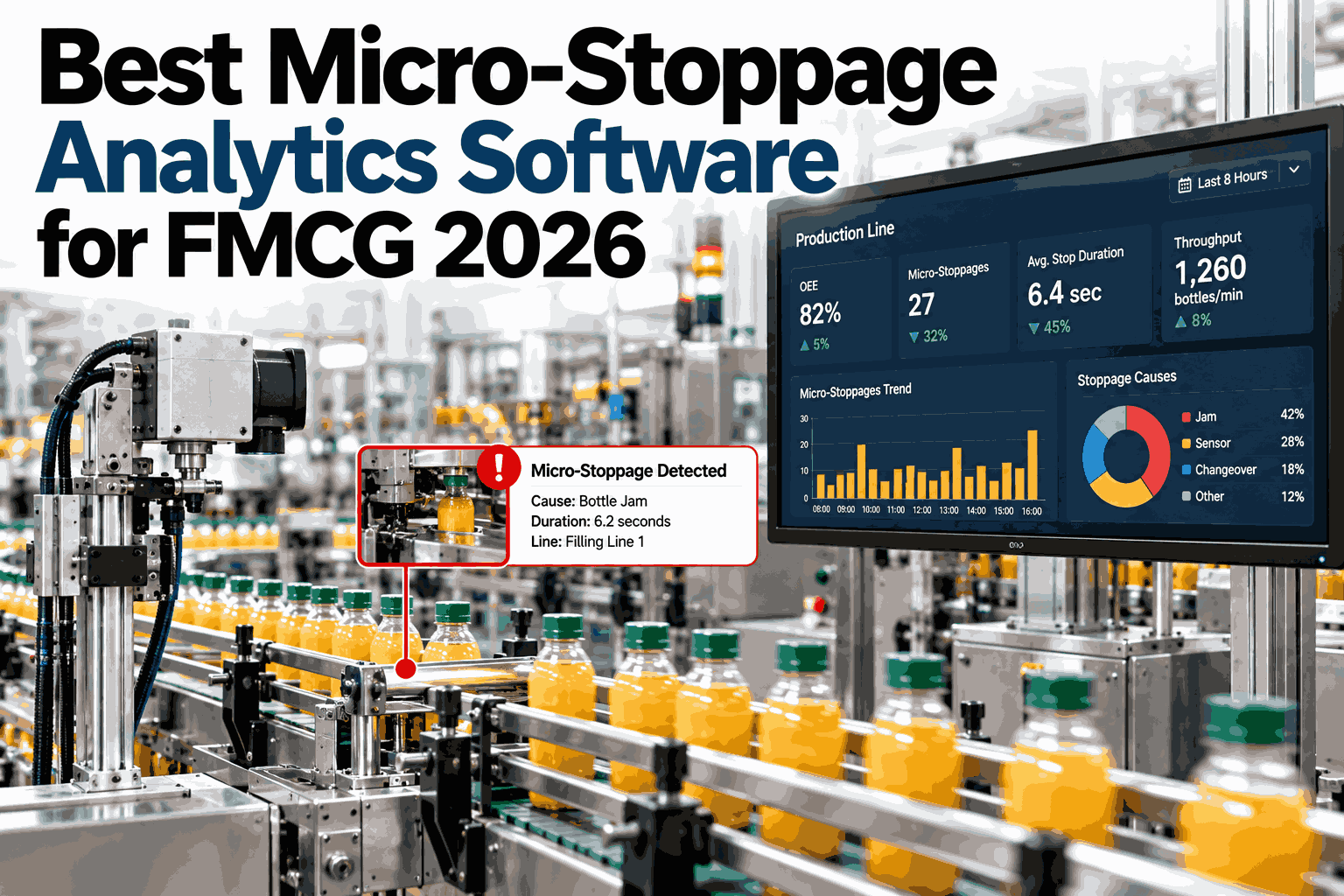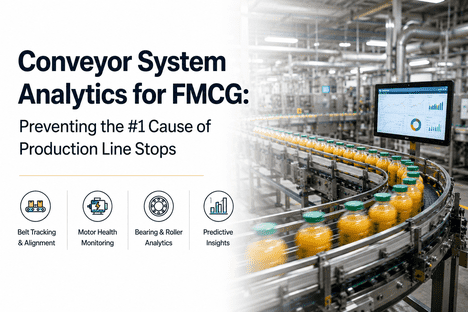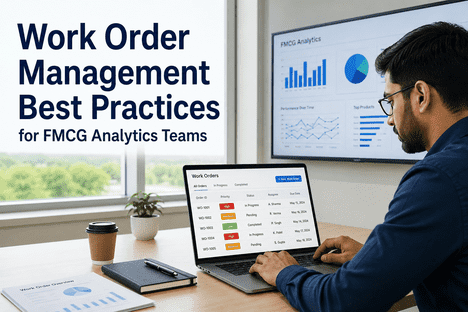
On a packaging line, a micro-stop lasts a minute or two and is cleared by an operator before anyone thinks to write it down. One stop is nothing, but forty of them in an hour from the same sensor is a failing component, and the maintenance system never hears about it. The gap sits between the line, which sees every stop, and the CMMS, which only sees work someone remembers to request. Connecting the two lets stop patterns raise work orders by themselves and lets the fix come back as data. Plants that want to see this on their own lines can watch a stop pattern turn into a work order on a live line feed in a short session.
Let the Stop Pattern Raise the Work Order Before the Line Breaks Down
iFactory AI watches every micro-stop, spots the patterns that matter and creates a work order in your CMMS, then tracks whether the fix worked.
Why Stops Never Reach the CMMS
Each link in the chain from stop to work order depends on a person remembering. The chain below shows where the pattern gets lost.
Rules That Turn Patterns Into Work Orders
A good rule describes a pattern that a person would act on if they saw it. The table lists common rules and what each creates.
| Pattern Rule | Trigger Example | Work Order | Priority |
|---|---|---|---|
| Frequency above baseline | Stops per hour above normal for three hours | Inspect and clean the stopping point | Medium |
| Repeat at one sensor | Same sensor three times in a shift | Check alignment and wiring | Medium |
| Duration creep | Average stop length rising across days | Planned inspection of the unit | Low |
| Cluster after changeover | Stops after each change to one format | Review changeover settings and parts | Medium |
| Escalation | Stops nearing a full breakdown rate | Urgent repair | High |
Decide Which Stops Deserve a Work Order
Share a month of stop logs. iFactory AI will test candidate rules on your history and show how many work orders each would have raised, and which failures it would have caught.
The Threshold Trade-Off
A low threshold floods the CMMS with work orders, and a high one misses real problems. The columns show an illustrative week for three threshold settings, and teams can replay a month of stops against different thresholds to find their own balance.
60 orders, 2 missed
24 orders, 6 missed
8 orders, 24 missed
What an Automatic Work Order Should Contain
A work order is only useful if the technician can act on it without a phone call. Eight fields cover most of what they need.
Closing the Loop With the Result
The work order should not end at completion. The fix is only proven when the stops fall, and that proof returns to the maintenance record.
| Resolution Code | Meaning | What Analytics Does |
|---|---|---|
| Fixed, stops fell | Cause found and removed | Closes the pattern, stores the fix |
| Fixed, stops unchanged | Action taken, no effect | Reopens the pattern for review |
| No fault found | Nothing visible on inspection | Flags for deeper monitoring |
| Deferred | Waiting for parts or a window | Tracks the cost of waiting |
A Composite Scenario: A Sensor Caught at Hour Three
A filler product sensor drifted out of alignment on the night shift. The figures below are illustrative.
Where iFactory AI Fits
Line signals, stop codes and the maintenance system each hold a piece. iFactory AI joins them and writes back to the CMMS you run.
Stop Pattern Detection
Every micro-stop is captured, classified and compared with baseline.
Rule Library
Frequency, repeat, creep and cluster rules are tested on your history first.
CMMS Work Orders
Orders are created with asset, pattern, cause and suggested check filled in.
Fix Verification
Stop rates before and after each fix are recorded against the work order.
Expert Review: Automating Work Orders Wisely
Automatic work orders help only when the maintenance team trusts them. This review sets out how experienced maintenance leaders judge the idea.
Frequently Asked Questions
Which CMMS systems can it connect to?
Most modern CMMS and EAM platforms expose interfaces for creating and updating work orders, and iFactory AI connects through them. The first step is to confirm fields, asset codes and permissions. Our integration team can review your CMMS and confirm what the connection will look like before rollout starts.
Will it create too many work orders?
Not if the rules are tuned on your own history first. Thresholds are tested against past stops, and the output shows how many orders each setting would have raised. Most plants start strict and relax later. Orders are also grouped by asset, so a single failing sensor produces one order and not dozens.
Who approves automatic work orders?
You decide. Many plants begin with orders created as drafts that a planner confirms, then move to full automation for low-risk types. Safety-related work usually stays with people. See a draft-and-approve flow in a short walkthrough using your own asset list.
What if our stop codes are poor?
Pattern detection works from timing and signals, so it does not need perfect codes. Poor codes limit the cause suggestions, and the resolution codes technicians record gradually improve them. A short clean-up of the code list during rollout pays back quickly, because every later analysis uses it.
How do we know the integration is working?
Track three numbers: the share of orders that led to a confirmed fix, the stop rate change after each fix and the time from pattern to technician. All three come from the same records. Ask for a sample integration scorecard to use in your reviews.
Stop Finding Out About Failures After the Line Stops
See stop patterns become work orders, and fixes become proof, on your own lines. Book a working session with an FMCG maintenance specialist.