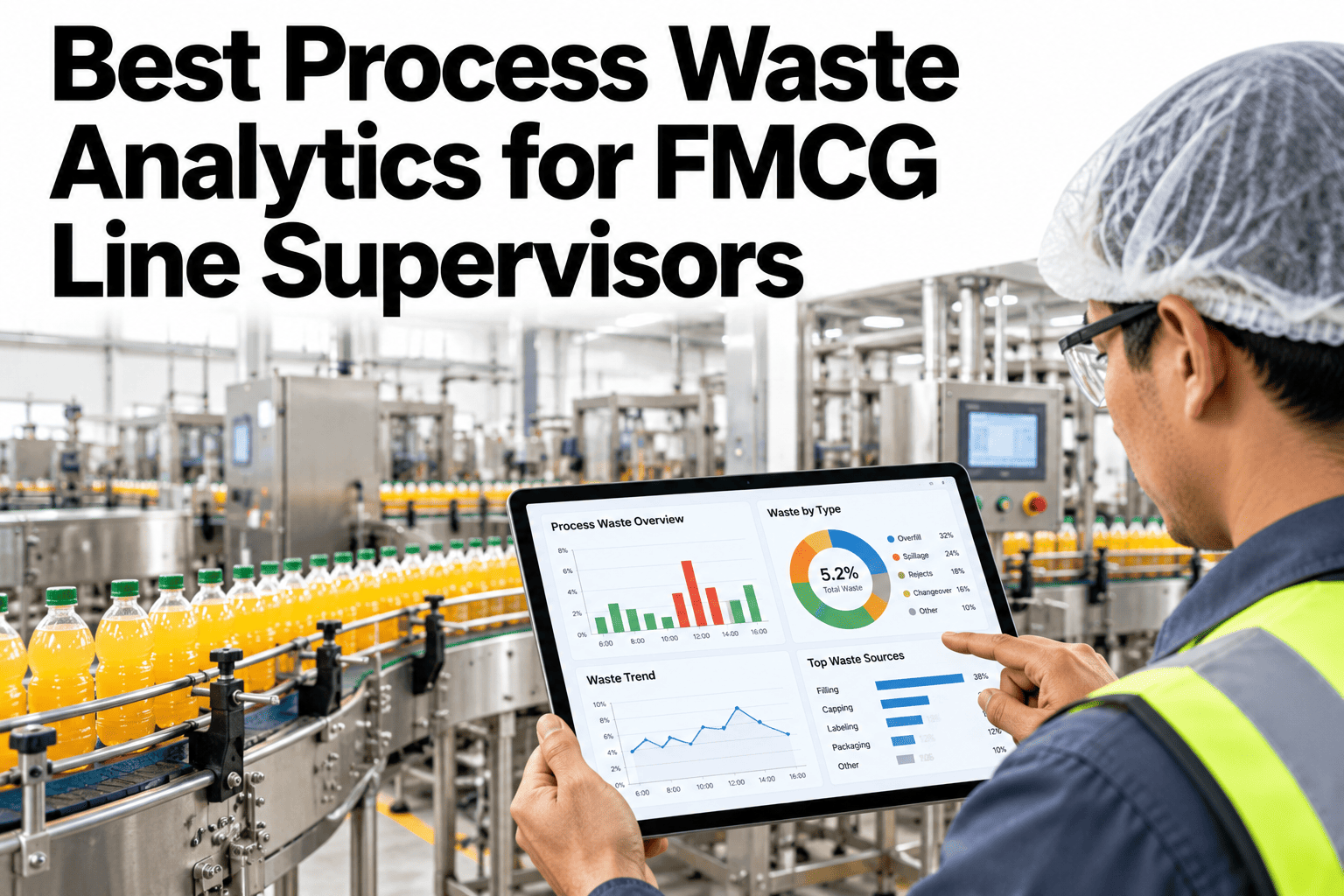
Line supervisors are expected to fight waste, but most of the information they get describes it too late and too broadly. A month-end report says waste was high, not where it is trending today or which kind it is. Sorting waste into the seven lean categories and showing each one live turns a vague target into something a supervisor can act on in the current shift. Plants that want that view can ask iFactory AI how process waste is categorised and trended for line supervisors.
Show Line Supervisors Where Each Kind of Waste Is Trending, Live
iFactory AI sorts losses into the seven waste categories with real-time dashboards, so supervisors see which waste is rising and act in the same shift.
The Seven Wastes and What They Look Like on an FMCG Line
The seven categories give a shared language. Here is how each one shows up on a packing or processing line.
Overproduction
Running more than the plan needs, or building stock nobody ordered.
Waiting
Line idle for material, people, approvals or maintenance.
Transport
Moving materials and product further or more often than necessary.
Over-processing
Doing more than required, such as excess giveaway or rework loops.
Inventory
Excess packaging, ingredients and work in progress that tie up space and cash.
Motion
Unnecessary walking, searching and reaching by operators.
Defects
Scrap, rework and rejects that consume material and time.
Mapping Waste to Data You Already Have
Most categories can be measured from data that already exists. The table shows typical sources.
| Waste Category | Typical Measure | Typical Data Source |
|---|---|---|
| Waiting | Minutes stopped by reason | Line stop records |
| Defects | Scrap and rework quantities | Quality and reject records |
| Over-processing | Giveaway and repeated operations | Checkweigher and rework logs |
| Overproduction | Output above plan | Plan versus production data |
| Inventory | Packaging and WIP stock levels | Stores and line stock records |
| Transport and motion | Moves and walking time | Observation and layout studies |
Where Waste Tends to Concentrate
Waste is rarely spread evenly across categories. The chart shows an illustrative ranking for a typical packing line.
Which Waste Shows Up Where on the Line
The matrix, shown as an illustration, ranks typical waste categories by line area.
| Line Area | Waiting | Defects | Over-Processing |
|---|---|---|---|
| Processing and mixing | Moderate | Moderate | Moderate |
| Filling and sealing | High | High | High |
| Labelling and coding | Moderate | High | Low |
| Case packing and palletising | High | Moderate | Low |
| Changeover and cleaning | High | Low | Moderate |
Show Every Supervisor Which Waste to Fight Today
Book a 30-minute session and iFactory AI will review your line data and loss records to show how the seven wastes can be tracked live for your supervisors.
Monthly Report or Live Dashboard
Timing decides whether data changes behaviour.
What a Supervisor Dashboard Should Show
A good dashboard answers four questions in seconds, without scrolling.
A ranked view of the seven categories right now.
A short trend against the last few shifts.
The line area or machine contributing most.
The open action, owner and due time.
Maturity of Waste Management
Plants move through clear stages. Knowing yours shows what to build next.
Supervisor Shift Routine Checklist
Run this list at the start and end of every shift. Each box should be answerable from the dashboard.
A Composite Scenario: The Waste Nobody Counted
This is a composite example, not a named plant. It shows how categories change the conversation.
Mistakes That Make Waste Dashboards Useless
These habits turn a dashboard into wallpaper.
Too many charts on the screen
Supervisors cannot see what matters.
No link to action
A number without an owner changes nothing.
Mixing categories together
Total waste hides which kind to fight.
Showing only month-end data
Behaviour changes with live feedback.
What iFactory AI Adds to Process Waste Analytics
iFactory AI is smart manufacturing and industrial software for FMCG and process plants. Explore waste analytics in a live product tour on realistic line data.
A 30-Day Plan to Start
A month is enough to put live waste categories in front of one set of supervisors.
Review of Process Waste Analytics for Supervisors
A practical review of what makes waste data useful to supervisors, written as editorial guidance rather than a named expert quote.
Categorise before you chase
Total waste hides which kind to fight, while categories point to actions.
Keep the view short
A supervisor needs four answers in seconds, not forty charts.
Tie every number to an owner
A trend with no owner will not change.
Frequently Asked Questions
What are the seven wastes in manufacturing?
Overproduction, waiting, transport, over-processing, inventory, motion and defects. See each one tracked on a live dashboard in a short demo. A shared vocabulary helps teams agree on what to fix first.
Which waste categories can be measured from existing data?
Waiting, defects and over-processing are usually the easiest, from stop, quality and checkweigher records. Others may need simple counts or observations. Start with the categories your data already supports.
How should a supervisor use the dashboard?
At shift start, review the largest category and its trend, then check open actions. During the shift, investigate rising categories. Ask support how shift routines are supported in the dashboard for handovers. Short habits work better than long reviews.
Is a live dashboard better than a weekly report?
For action, yes, because supervisors can respond in the same shift. Weekly reports remain useful for management and trends. Both can come from the same underlying data.
How soon can we see results?
Many plants see a clearer picture of their waste within weeks of connecting one line. Book time to scope a waste analytics pilot with your operations team. A falling top category makes the case for wider rollout.
Give Every Supervisor a Live View of Where Waste Is Heading
iFactory AI sorts waste into seven categories and shows each one live, so supervisors act in the same shift. Book a walkthrough to see it on your own line.