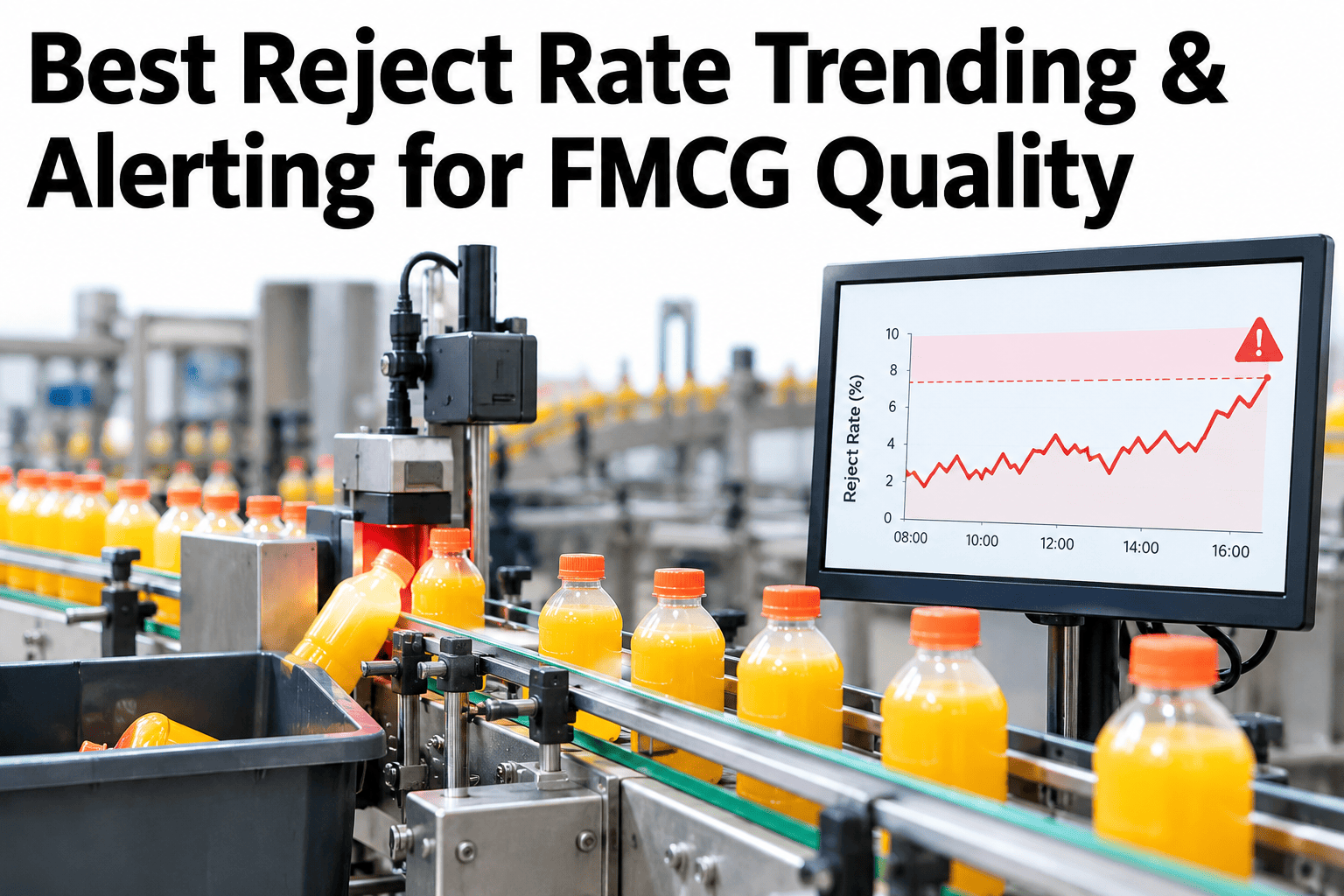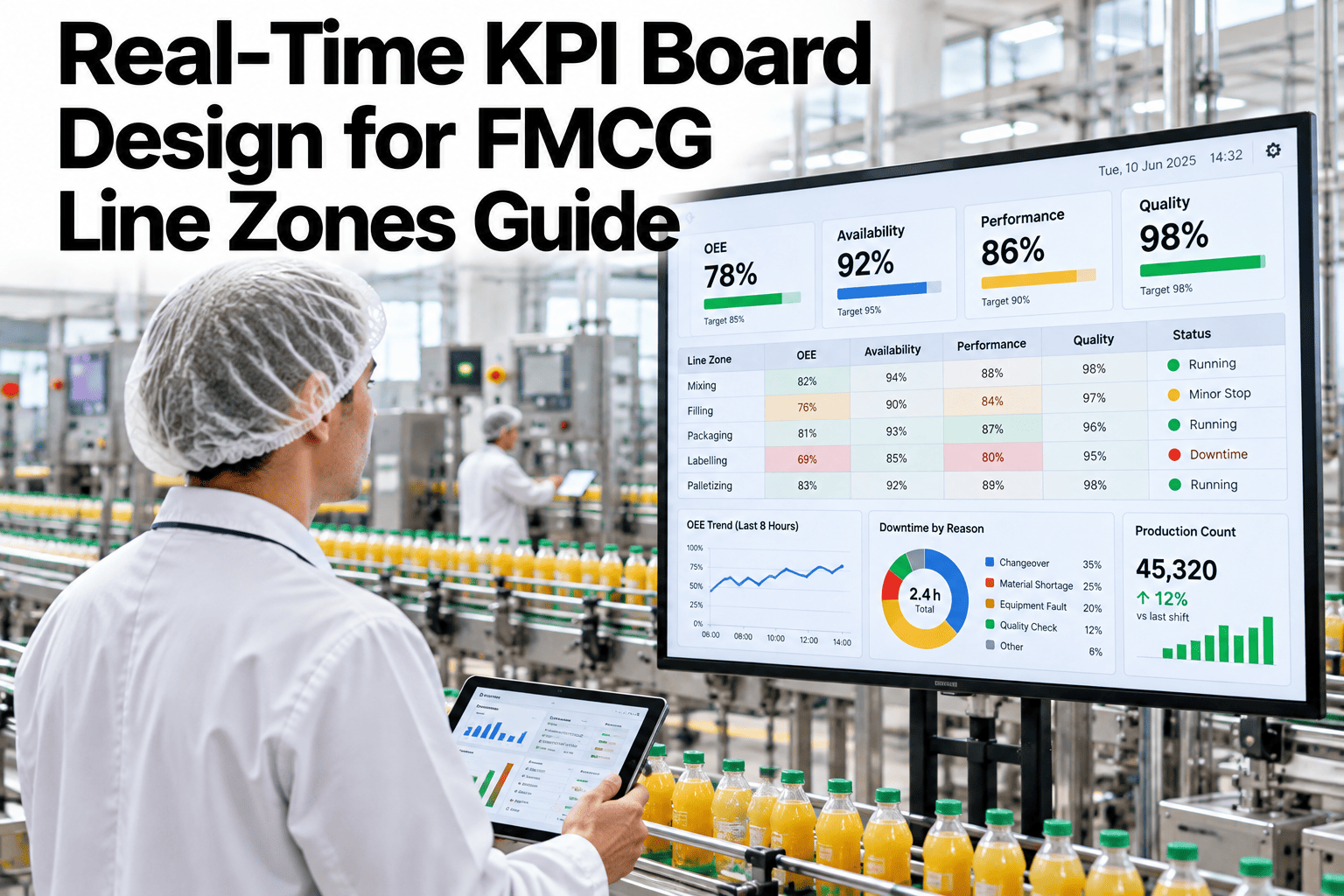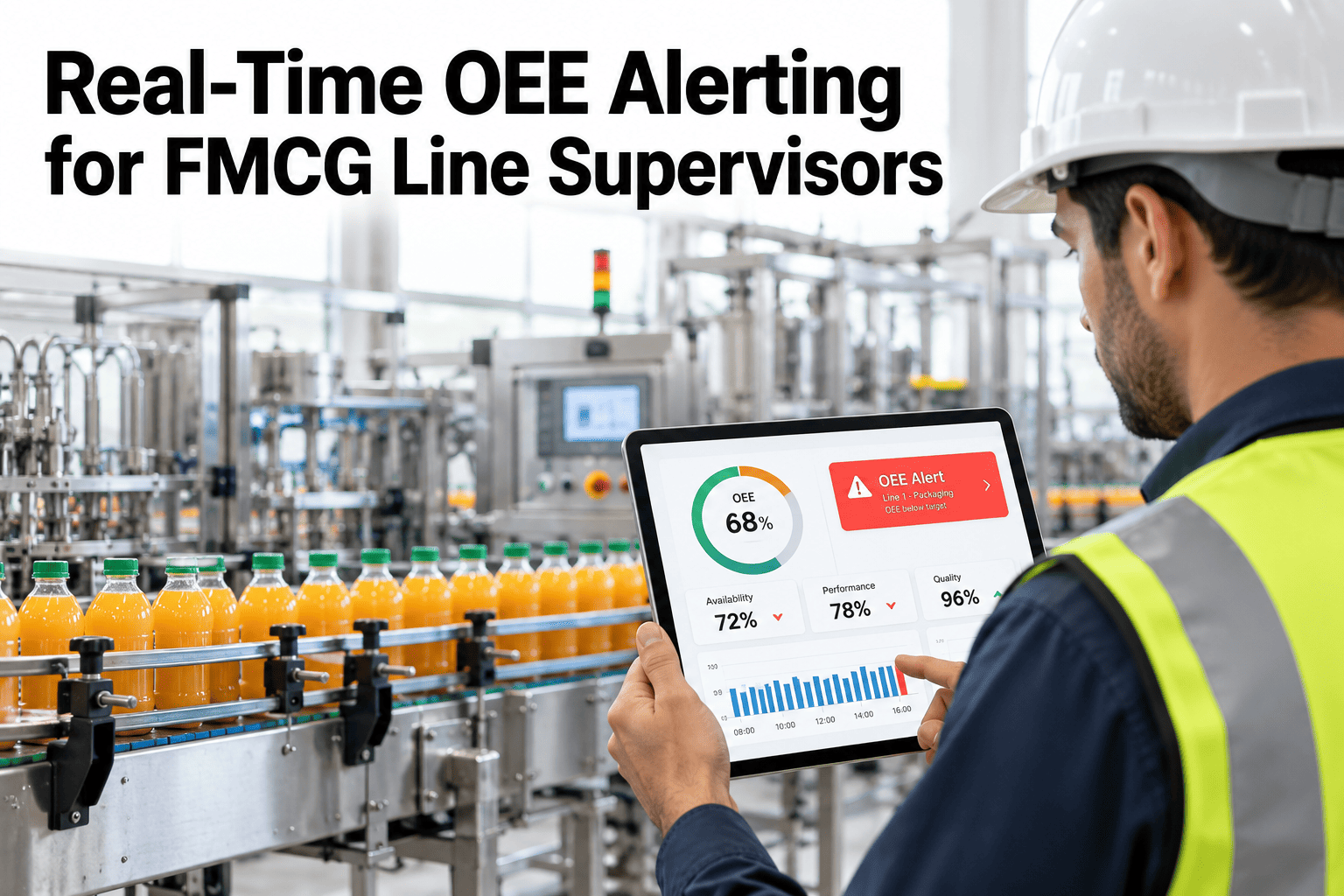
By the time a supervisor reviews yesterday's OEE report, whatever caused the dip is already history, the crew has changed, the SKU has changed, and the window to actually intervene closed hours ago. Real-time alerting exists to close that gap, but it only works if the alerts are built to catch genuine problems early without burying supervisors in noise from normal variation. A threshold alarm that fires on every minor fluctuation gets ignored within a week. One that only fires after the line has been struggling for an hour has already missed the point. Line supervisors and operations managers can see how iFactory AI builds threshold, rate-of-change and trend alerts that actually catch losses in time before the next shift starts.
Real-Time OEE Alerting for FMCG Line Supervisors
Threshold, rate-of-change and trend alarms, with escalation tiers that catch losses while there's still time to act.
Three Alarm Types, Three Different Jobs
A single alarm type cannot catch every kind of developing problem. Each of these three answers a different question about what's happening on the line.
Fires when OEE or a component drops below a defined level, catching an immediate, significant problem.
Fires on a sudden drop, even if the absolute level hasn't crossed a threshold yet.
Fires on a sustained, gradual decline that a single snapshot would miss entirely.
Together, the three cover sudden failures, developing problems and slow drift, each of which would slip past an alert system relying on only one of them.
Tuning Alarms to Avoid the Fatigue Trap
An alert system that cries wolf too often trains supervisors to ignore it, which defeats the entire purpose of building it.
| Alarm Setting | Risk If Too Sensitive | Risk If Too Loose |
|---|---|---|
| Threshold level | Fires on normal shift-to-shift variation, ignored over time | Fires too late to intervene meaningfully |
| Rate-of-change sensitivity | Flags brief, self-correcting dips constantly | Misses a real developing problem until it's severe |
| Trend window length | Short windows trigger on noise, not real decline | Long windows let a real decline run for too long before flagging |
Get Alert Thresholds Tuned to Your Own Lines
Book a 30-minute session and iFactory AI will walk through tuning threshold, rate-of-change and trend alarms against your own line's normal variation.
Escalation Tiers: Matching the Response to the Severity
Not every alert should go to the same person. Escalation tiers keep minor issues local and route serious ones further up before they become bigger problems.
Building an Escalation Path That Actually Gets Used
A good escalation structure matches response urgency to issue severity, with a clear path upward when something isn't resolved in time.
Alert fires
Threshold, rate-of-change or trend condition is detected.
Line supervisor notified
First response, with a defined window to acknowledge and act.
Escalates if unresolved
Shift manager notified automatically if the issue persists.
Plant leadership involved
Only for sustained or severe issues that need broader attention.
The alert systems that actually get acted on are the ones tuned against a line's own normal variation, not a generic threshold copied from another plant or set conservatively low just to be safe. A threshold set without reference to how much a specific line's OEE naturally fluctuates shift to shift will either fire constantly on noise or sit silent through a real problem, and either outcome trains supervisors to stop trusting the system within weeks. Spend the time establishing each line's normal variation range before setting thresholds, and revisit that baseline periodically as equipment and product mix change.
Where iFactory AI Fits
iFactory AI builds threshold, rate-of-change and trend alerts tuned to each line's own normal variation, with escalation tiers that route issues to the right person automatically.
Line-specific tuning
Alert thresholds are set against each line's own historical variation, not a generic default.
Three alarm types
Threshold, rate-of-change and trend alarms work together to catch sudden, developing and gradual losses.
Automatic escalation
Unresolved alerts escalate through tiers automatically, matching response to severity.
Ask in plain language
Ask which lines have active or recently escalated alerts and receive a direct answer.
Frequently Asked Questions
What's the difference between a threshold alarm and a rate-of-change alarm?
A threshold alarm fires when OEE or a component drops below a fixed level, while a rate-of-change alarm fires on a sudden drop even before crossing that level, so the two catch different kinds of problems, a slow decline that settles below the line versus a sharp, abrupt failure. You can watch all three alarm types demonstrated on sample line data in a live session.
How do we avoid alert fatigue without missing real problems?
Tune thresholds against each specific line's own normal shift-to-shift variation rather than a generic setting, since a line with naturally higher variability needs a looser threshold than a very stable one to avoid firing constantly on noise. To tune this for your own lines, request an alert tuning session with the iFactory AI team, or ask support what historical data is needed.
Who should receive each tier of alert escalation?
Typically the line supervisor receives the first alert with a window to respond, a shift manager is notified automatically if it's unresolved, and plant leadership is only brought in for sustained or severe issues, so each recipient sees only what's actually relevant to their role. A short product tour of escalation tier setup shows how this routing is configured.
How long should a trend alarm's observation window be?
Long enough to distinguish a genuine gradual decline from normal noise, but not so long that a real problem is allowed to run unflagged for an extended period, and the right balance depends on how much natural variation that specific line and product combination typically shows. See how trend window length is set in a guided walkthrough.
Should alert thresholds ever be revisited after they're set?
Yes, periodically, since equipment wear, product mix changes and process improvements can all shift what counts as normal variation on a line, and a threshold that was well tuned a year ago may no longer reflect current conditions. Schedule a walkthrough of ongoing threshold review to see how this is maintained.
Catch the Loss While There's Still Time to Act
iFactory AI builds tuned, tiered OEE alerts that supervisors actually trust. Book a walkthrough to see it built around your own lines.