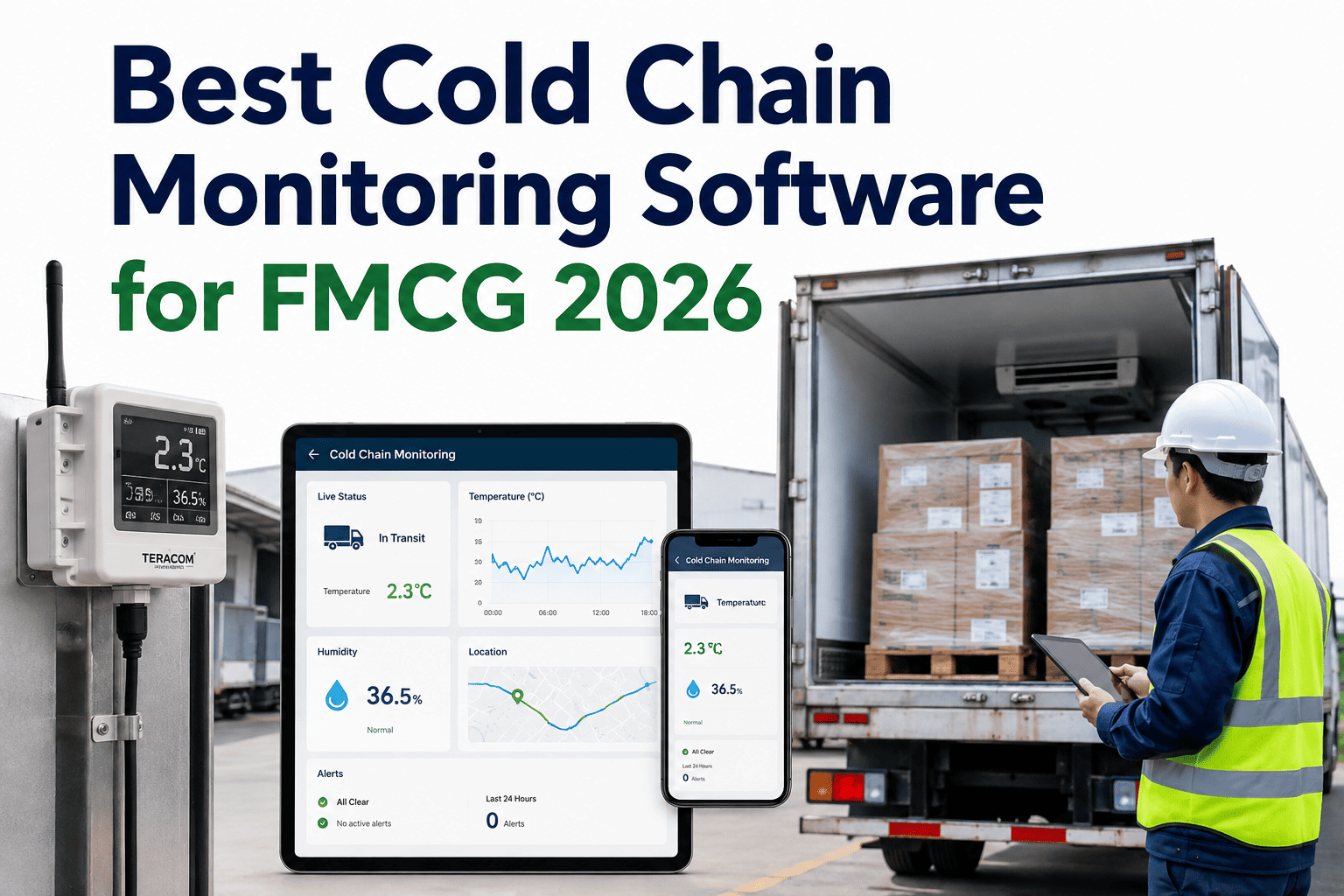
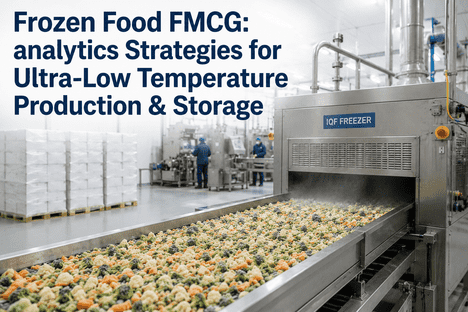
A dairy distributor's overnight shift discovered a walk-in freezer had crossed -18°C into the danger zone only when a supervisor happened to check the display at 6 a.m. — nine hours after the compressor first began failing. By then, 18 tonnes of product had to be destroyed. The freezer's temperature sensor had been logging the entire time, faithfully recording every degree of the excursion. Nobody was watching. That gap between recording data and alerting on it is exactly what separates a data logger from a real-time alerting system, and it's the difference plants are now closing at ifactoryapp.com/support.
A temperature reading nobody sees in time is just a very expensive diary entry
Real-time alerting only earns its name when it reaches the right person before the product is lost — not after. Here's what makes cold storage alerting actually catch spoilage risk in time to act.
Three ways cold storage alerting quietly fails, even with sensors installed
Having a sensor is not the same as having an alerting system. Most cold storage facilities discover the difference the hard way, usually during the exact incident the sensor was supposed to prevent.
The alert exists, but nobody sees it for hours
An email alert sent to a shared inbox that's checked once per shift is functionally the same as no alert at all during the critical first ninety minutes of an excursion, when intervention still has the best chance of saving the product.
Too many low-value alerts train people to ignore all of them
A door-open alert firing every time a warehouse worker restocks a shelf trains the whole team to swipe away notifications on reflex, which means the one alert that actually matters gets swiped away too.
The alert fires only after the threshold is already breached
By the time a fixed threshold alert triggers, the excursion has already started. A system that only reacts to a crossed line will always be several critical minutes behind a system that watches the rate of change leading up to it.
Threshold, rate-of-change, and predicted-excursion alerting
Not all temperature alerts are built the same way, and the type of alert logic your system uses determines how much warning time your team actually gets before product is at risk.
| Alert type | Triggers on | Typical warning time | Best for |
|---|---|---|---|
| Threshold alarm | Reading crosses a fixed limit | Zero — excursion already underway | Baseline compliance monitoring |
| Rate-of-change alert | Temperature rising faster than normal | 15-45 minutes ahead of breach | Catching door seal failures, refrigerant leaks |
| Predicted-excursion alert | Compressor and zone trend modeling | Hours to weeks ahead | Preventing equipment-driven excursions entirely |
A rate-of-change alert catches the problem while it's still small. A predicted-excursion alert stops it before it starts. Book a Demo to see all three alert layers running on your own cold storage data.
How a real-time alert should escalate from sensor to action
The difference between an alert that saves product and one that gets logged after the fact usually comes down to escalation design — what happens in the seconds and minutes after the sensor first detects a deviation.
Detection
Sensor reading deviates from the expected pattern for that zone, based on both fixed thresholds and learned rate-of-change baselines specific to that refrigeration asset.
Filtering
The system checks whether this is a known low-risk event — a routine door-open cycle, a defrost cycle — before deciding whether the deviation warrants a human notification at all.
Routing
A genuine deviation routes to the on-shift technician directly, not a shared inbox, with the specific zone, asset, and severity clearly identified so no time is lost figuring out where to go.
Escalation
If the first alert isn't acknowledged within a defined window, it escalates automatically to a supervisor — closing the exact gap that let the freezer in this guide's opening story go unwatched for nine hours.
What faster alerting is actually worth in cold storage operations
Why alert fatigue is the silent killer of cold storage monitoring
Plants that deploy sensors without disciplined alert filtering often see engagement collapse within weeks. A facility running door sensors, temperature probes, and humidity monitors across a dozen zones can easily generate hundreds of notifications a day if every deviation — however routine — triggers a message. Within a month, most staff have muted the notification channel entirely, and the system that was meant to prevent the next incident becomes background noise nobody trusts. Reversing this requires treating alert design as its own discipline: separating expected operational events like defrost cycles and restocking from genuine anomalies, and making sure every alert that does fire carries enough context — zone, asset, severity, recommended action — that a technician can act on it in seconds rather than investigating from scratch.
If your team has started ignoring cold storage alerts, that's not a training problem — it's a signal the alert logic itself needs to be redesigned around what actually matters. Book a Demo to see how iFactory AI filters and prioritizes cold storage alerts automatically.
"The facilities that get burned by temperature excursions almost always had a sensor in the room. What they didn't have was a system that made sure the right person saw the right alert at the right moment. I've watched teams go from ignoring 200 alerts a day to acting on 4 or 5 meaningful ones, simply because the alert logic finally distinguished between a routine door cycle and a compressor actually failing. That single change did more for our loss numbers than any hardware upgrade we made that year."
FAQ: Real-time temperature alerting for FMCG cold storage
Give your cold storage team hours of warning, not an alert after the fact
See how iFactory AI layers threshold, rate-of-change, and predictive alerting on your existing cold storage sensors — live in under 30 minutes.