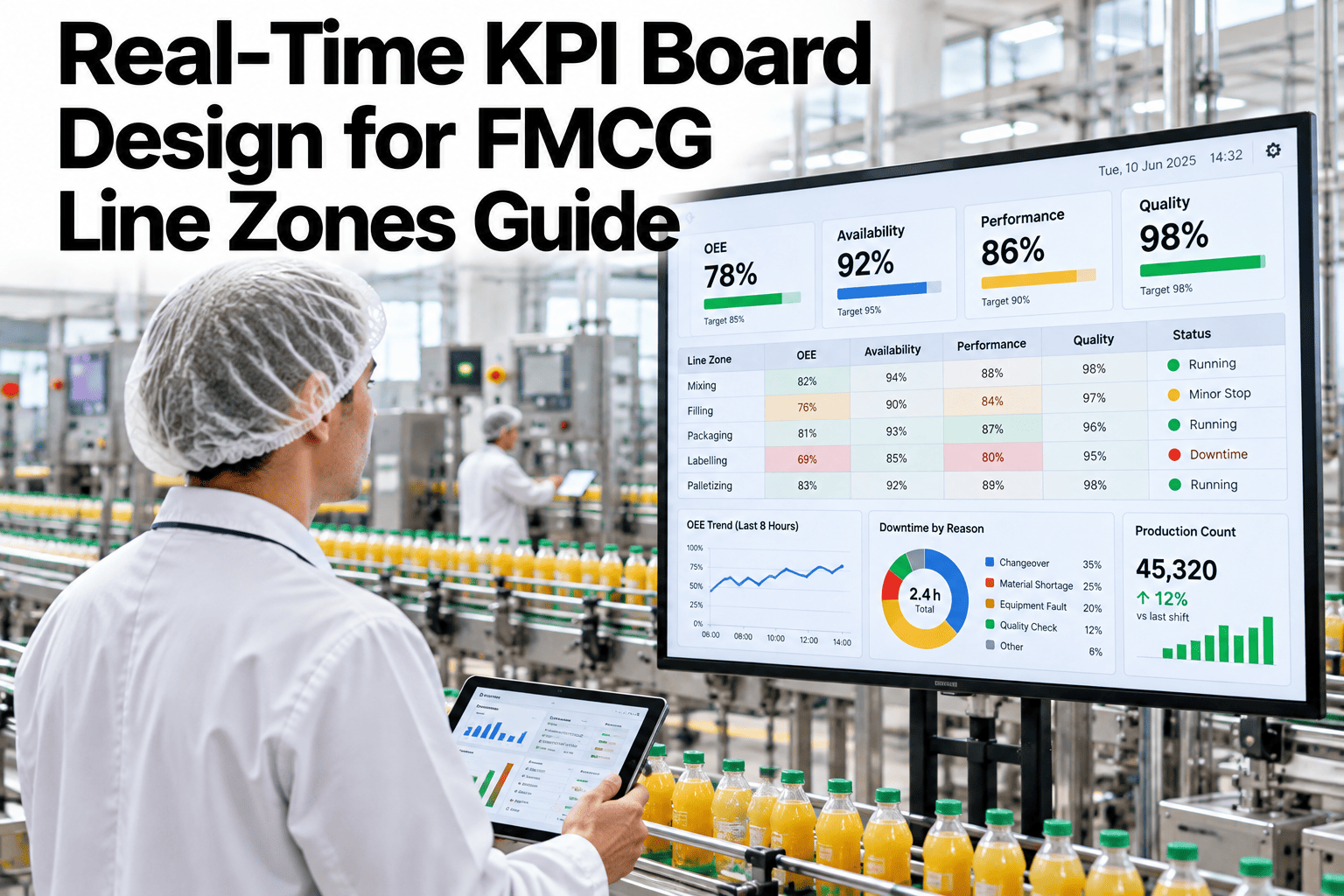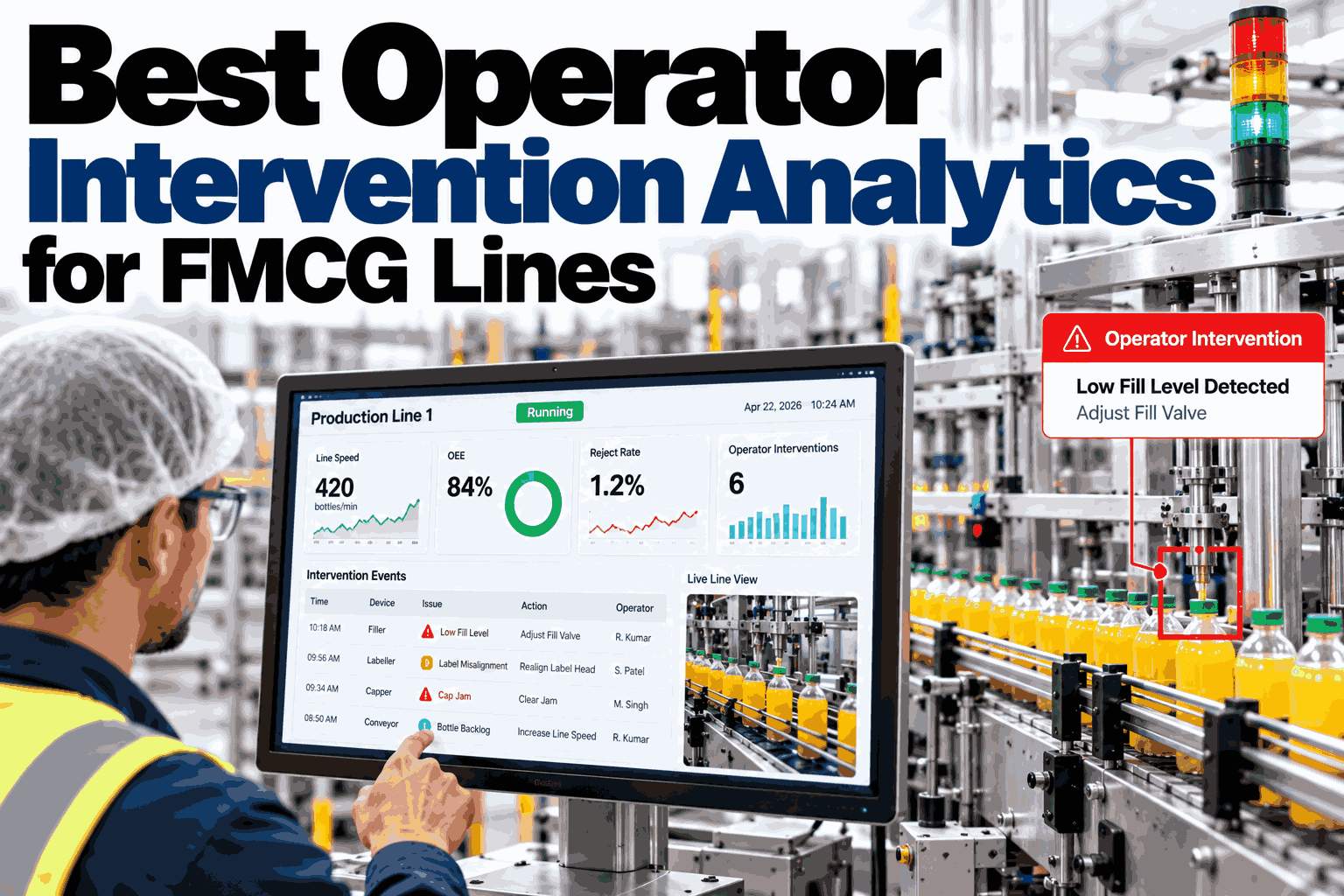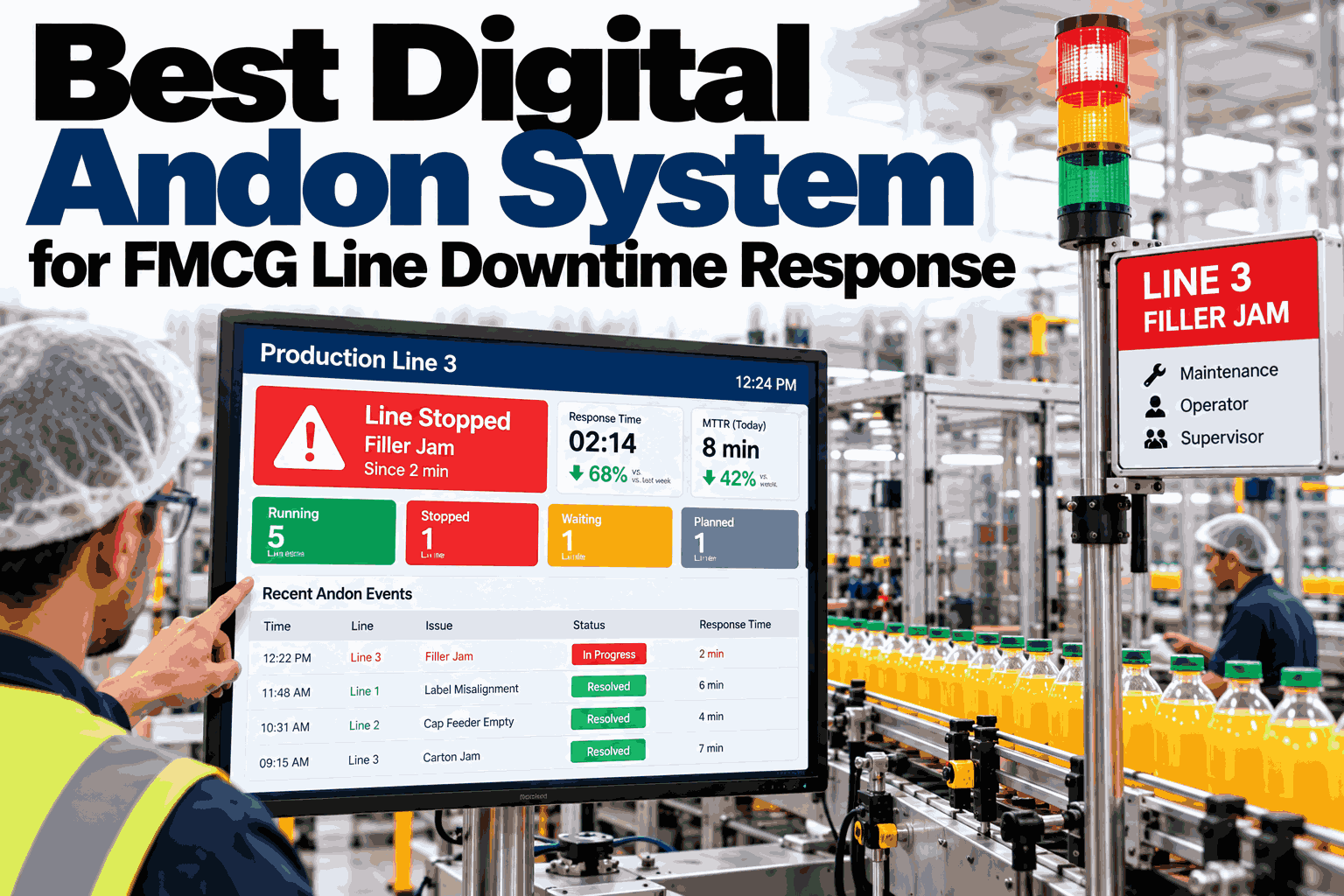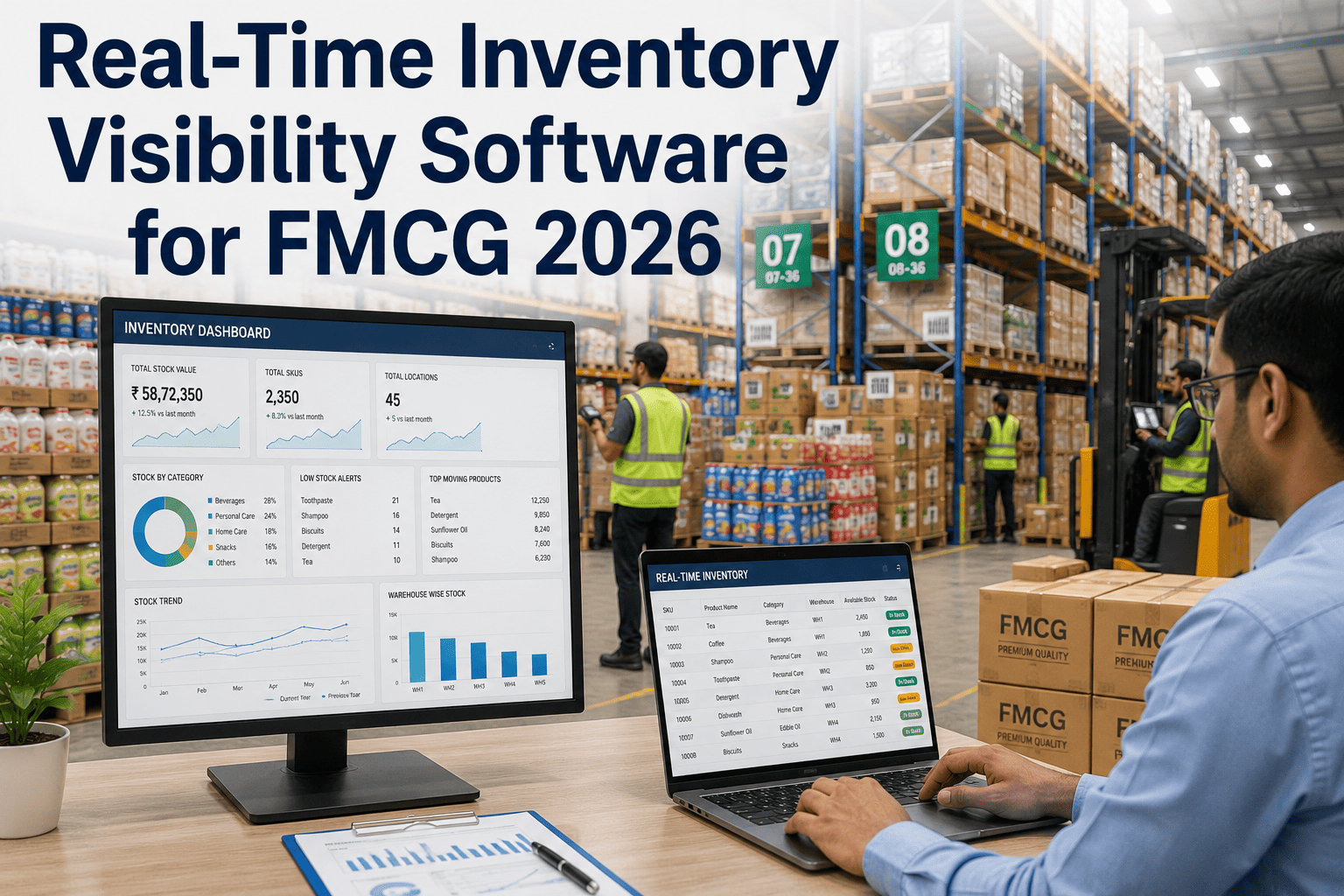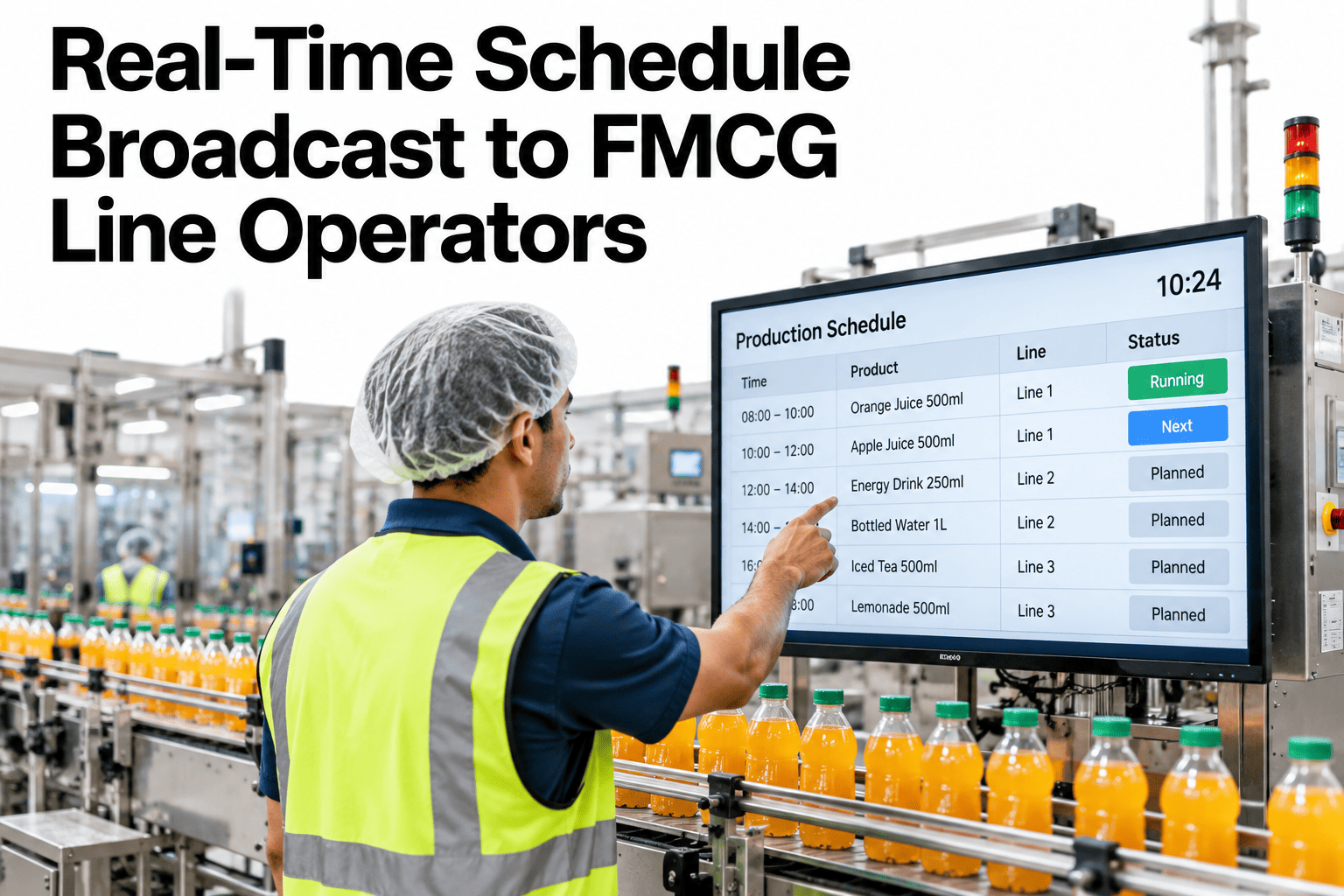
A schedule that only lives in the planner's system is not really a schedule, it is a plan nobody on the floor can see. When the sequence changes, a rush order gets inserted, a changeover moves, an operator running off yesterday's printout keeps building the wrong SKU until someone physically walks over to tell them. The fix is not more meetings, it is getting the current schedule in front of the operator the moment it changes, wherever they happen to be standing. Plants rebuilding that link can see how iFactory AI pushes live schedule updates to the floor before the next shift handover.
Real-Time Schedule Broadcast to FMCG Line Operators
The moment the schedule changes in planning, it should change on the floor, not at the next shift meeting.
The Gap Between the Plan and the Floor
Most of the cost of a stale schedule shows up quietly, as wrong material pulled, a changeover started too early or too late, and time lost sorting out the mismatch.
Accurate at the moment they were printed, stale the moment anything changes after that.
Depend on someone remembering to pass the update along, shift after shift.
The planning tool shows the latest sequence, but nothing connects it to the line.
None of these methods are careless, they are just slower than the plant actually needs them to be once changes happen mid-shift.
Three Ways to Reach the Operator
Different roles and different moments call for different channels. Most plants end up using a mix, not just one.
| Channel | Best For | Watch Out For |
|---|---|---|
| Mobile device | Supervisors and roaming operators who move between lines | Device availability and reliable floor signal |
| Floor display | Fixed-position operators at a specific line or station | Visibility distance and update latency to the screen |
| PLC-integrated | Lines where the schedule should drive machine setpoints directly | Integration complexity and change control on the control system |
Find the Right Mix of Channels for Your Lines
Book a 30-minute session and iFactory AI will show which broadcast channel fits each line in your plant, based on how your operators actually work today.
What Operators Actually Need to See
A broadcast that shows the whole plant's schedule overwhelms an operator who only needs to know what is next at their own line.
Handling a Mid-Shift Change
The real test of a broadcast system is what happens when the sequence changes while a line is already running. Four steps show what a good response looks like.
Change made
Planner adjusts the sequence in response to a new priority or constraint.
Pushed immediately
The update reaches the affected line's channel without manual relay.
Acknowledged
The operator or supervisor confirms the change has been seen.
Logged
The change and its acknowledgement are recorded for traceability.
Confirmation Matters as Much as Delivery
Sending an update is not the same as knowing it was seen. Without acknowledgement, a broadcast failure looks identical to a successful one.
Confirms the device received and displayed the update.
Confirms a person actively confirmed the change, not just a passive display.
If no acknowledgement arrives within a set window, the system flags it for follow-up.
Plants that roll out schedule broadcast and see little change usually stopped at delivery and skipped acknowledgement. Pushing an update to a screen or a phone proves nothing was lost in transit, it does not prove a person actually registered the change before acting on the old sequence. Build the acknowledgement step in from day one, even if it is as simple as a tap to confirm, and treat a missed acknowledgement as seriously as a missed delivery, because from the plant's perspective the two failures look identical until someone checks.
Where iFactory AI Fits
iFactory AI pushes live schedule changes to the right channel for each line, with acknowledgement tracked so a silent update does not go unnoticed.
Multi-channel broadcast
Updates reach mobile devices, floor displays and PLC-integrated lines from a single schedule change.
Line-specific views
Each operator sees only their own line's current and next SKU, not the full plant schedule.
Acknowledgement tracking
Changes are confirmed received, not just sent, with escalation if confirmation does not arrive.
Ask in plain language
Ask which lines have an unacknowledged schedule change right now and receive the list.
Frequently Asked Questions
Which channel should we use for schedule broadcast, mobile, display or PLC?
It depends on the line and the role: mobile suits supervisors and roaming operators, floor displays suit fixed-position operators at a specific line, and PLC integration suits lines where the schedule should drive machine setpoints directly. Most plants use a mix rather than a single channel. You can watch channel selection mapped to sample line layouts in a live session.
How do we know an operator actually saw a schedule change?
A read receipt confirms the device displayed it, but an action acknowledgement confirms a person actively registered the change, and an escalation rule should flag any update with no acknowledgement within a set window. To build this for your lines, request an acknowledgement setup session with the iFactory AI team, or ask support what hardware is supported.
What should an operator's screen actually show?
Current and next SKU at their own line, changeover timing and setup requirements, and a clear flag when something has changed since they last checked, rather than the full plant-wide schedule. A short product tour of operator view design shows how this is simplified.
Can schedule changes integrate directly with line control systems?
Yes, on lines where that level of integration is appropriate, though PLC integration carries more complexity and change-control requirements than a display or mobile push, so it is usually introduced after the simpler channels are working well. See how PLC integration is scoped in a guided walkthrough.
What happens when the floor network or a device is unreliable?
Build a fallback channel for each line so a single point of failure does not leave an operator without the current schedule, and treat repeated connectivity gaps on a line as a signal to fix the underlying infrastructure. Schedule a walkthrough of fallback channel planning to see how this is handled.
Put the Current Schedule in Front of Every Operator
iFactory AI pushes live schedule changes to the floor and confirms they were seen. Book a walkthrough to see it built around your own lines.